Digital Alarm Clock
DOSA AppsContains ads · In-app purchases
- EveryoneAge rating
- ToolsCategory
- Oct 21, 2026Updated
- FreePrice
Links to the official Google Play listing of com.andronicus.ledclock. Last checked on Nov 20, 2026.

Screenshots


About this app
Alarm Clock with talking clock display. Wake to your favorite music.
Digital Alarm Clock is a reliable, stylish and easy to use talking alarm clock & widget that can be customised to your needs.
The alarm clock that wakes you in the morning can have an impact on the rest of your day and we know that most people prefer to be woken with a different alarm on a weekend to that of a working day. Digital Alarm Clock offers you this functionality and much more.
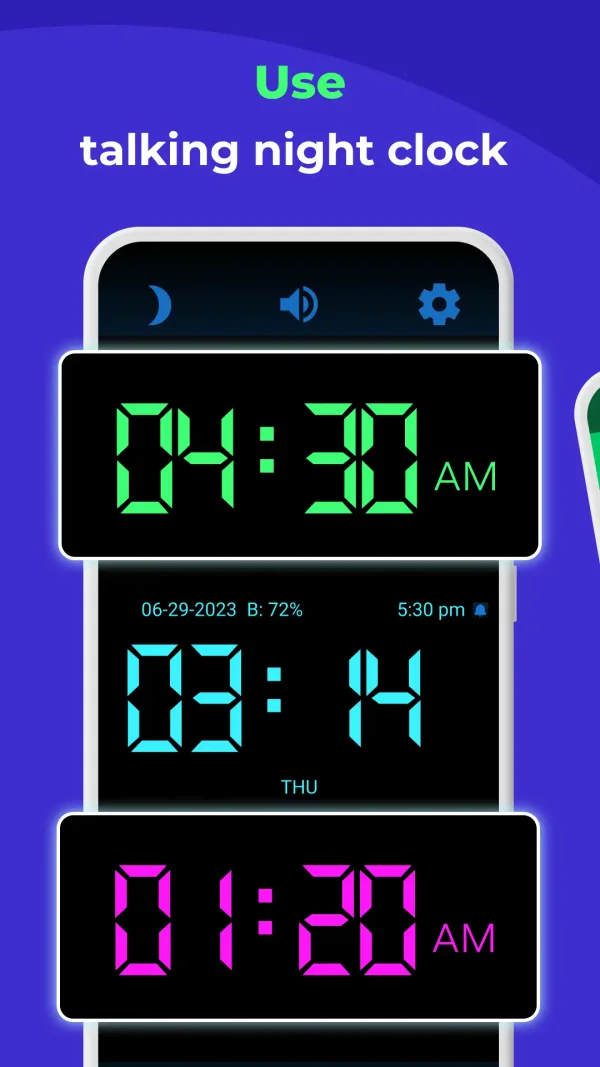
Looking for a talking clock? Look no further. Tapping the bedside clock display announces the time.
Digital Alarm Clock FREE Features
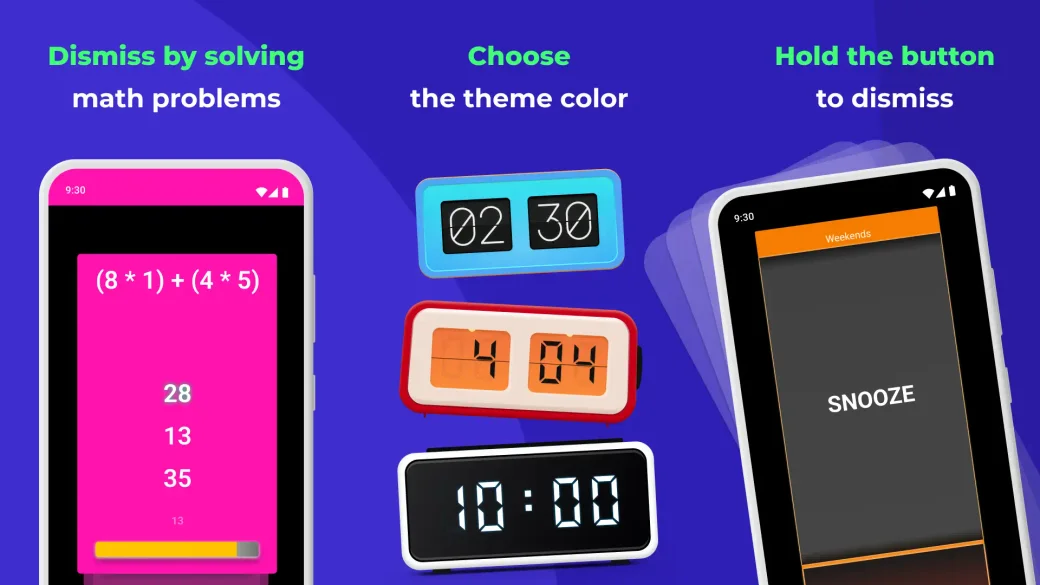
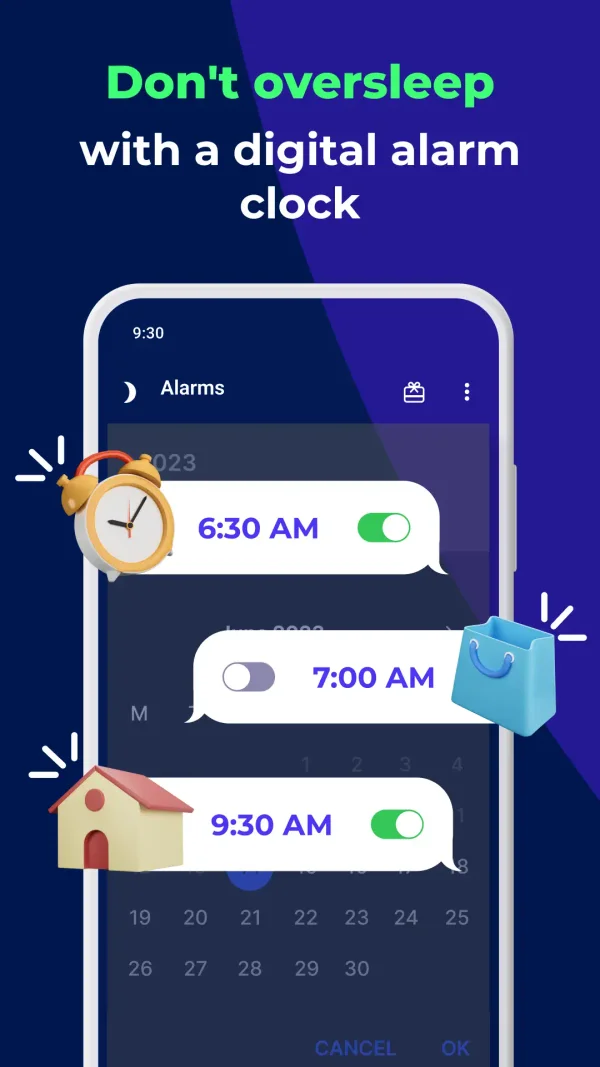
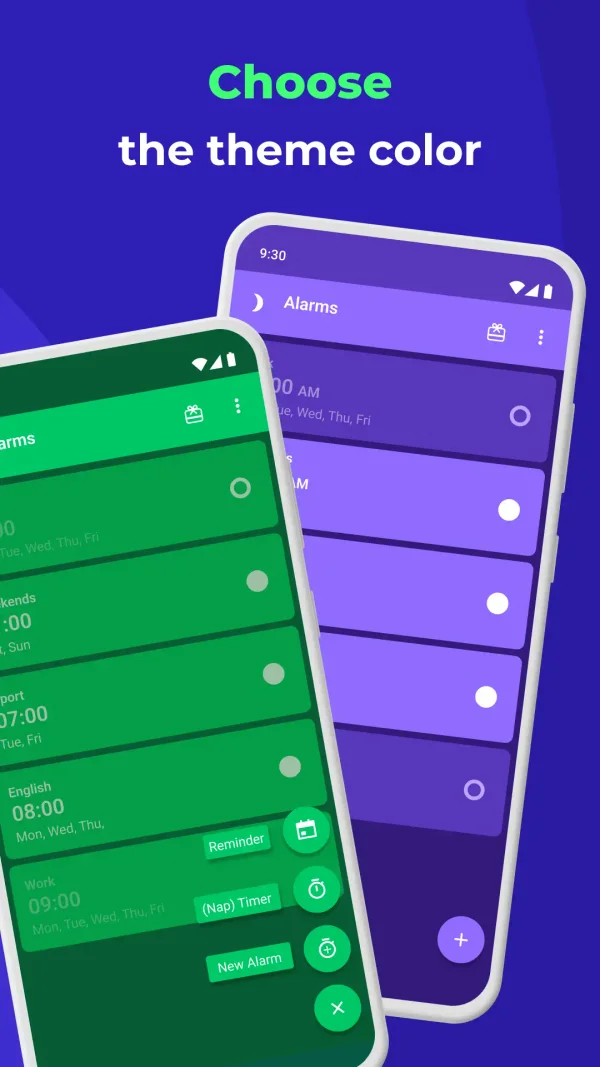
► ALARM OPTIONS – Each alarm can be individually customised
• Built in tones or wake to your own music
• Fade in alarm
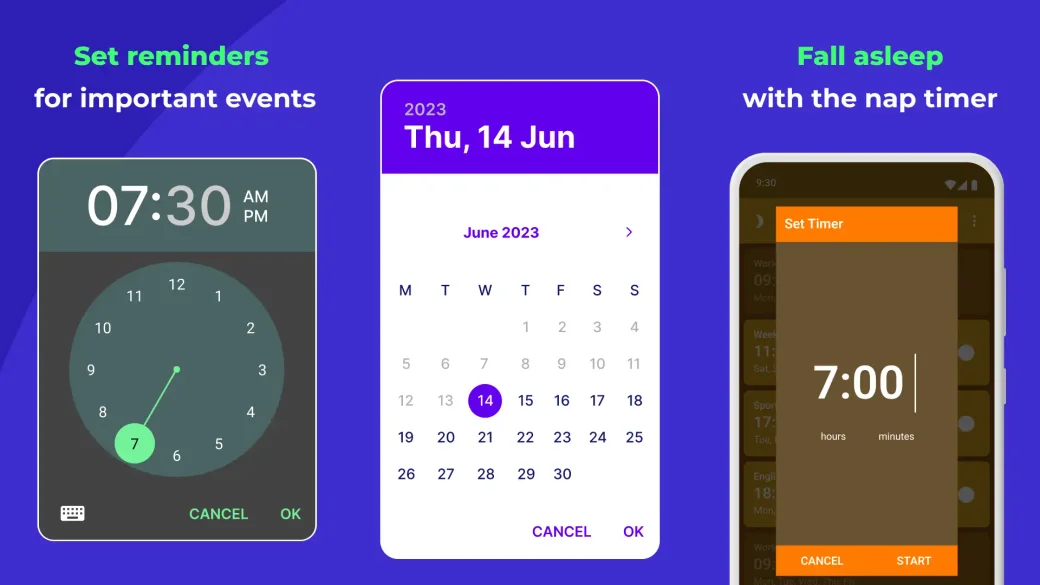
• Nap Timer on bedside display means you can set a quick alarm in just 2 clicks!
• Shake to snooze, custom snooze time
• One off alarm, recurring alarm, date alarm (reminder)
► DISPLAY OPTIONS – Completely customisable
• Day & Night mode with individual brightness and volume settings
• Built in nightlight softly illuminates the whole screen
• Anti Burn moves the clock to look after your display
• Optional day, date, seconds, AM/PM indicator, flashing separator
• Select your preferred date format
• Choose from over 16 million colours & several display fonts
• Fits to the size of your screen or pinch to resize
► EXTRA FUNCTIONALITY – We have thought of everything
• Talking Clock. Simply tap to hear the time (requires TTS engine on device, normally preloaded)
• Silence notifications ensuring a peaceful sleep
• Automatically launches when charging or docked for night time use
• Alarm clock automatically closes when the charger is unplugged or undocked
• Handy widget allows you to see the time in style on your homescreen and quickly access the alarms screen.
Tested on the latest versions of Android for reliability.
Important
Task killer/battery saver applications can interfere with alarm clock applications. If you experience issues with alarms not activating and you use task-killing or battery saving applications then you must add Digital Alarm Clock to the whitelist.
Permissions
All permissions required are requested for legitimate use by the application and further information can be found at https://squarenotch.zendesk.com
Data safety
What DOSA Apps declares on Google Play about the data this app collects and shares.
- This app may share these data types with third partiesApp info and performance and Device or other IDs
- This app may collect these data typesLocation, App info and performance, and Device or other IDs
- Data is encrypted in transit
- Data can’t be deleted
What’s new
Version 11.3.6 · Oct 21, 2026
Fix bugs could not dismiss alarm in some cases.
Developer contact
- Websitedosaapps.com
- Emailsupport.digitalalarmclock@dosaapps.com
- Privacy policydosaapps.com
- Address26 Leshem MEVASSERET ZION, 9077520 Israel
Information
- Offered by
- DOSA Apps
- Category
- Tools
- Version
- 11.3.6
- Updated
- Oct 21, 2026
- Released
- Sep 27, 2011
- Requires
- Android 5.0 or later
- Age rating
- Everyone
- Price
- Free
- In-app purchases
- $0.99 - $99.99 per item
- Package name
- com.andronicus.ledclock
Similar apps
-
 Clock Phone 16, Alarm & Timer
Tools
-
 Multi Timer: Timer + Stopwatch
Tools
-
 Simple Alarm Clock
Productivity
-
 Clock
Tools
-
 Alarmy - Alarm Clock & Sleep
Productivity
-
 Clock
Tools
-
 Alarm Clock - Timer, Stopwatch
Productivity
-
 Simple Alarm Clock
Tools
-
 Interval Timer & Tabata Timer
Health & Fitness
-
 Talking Alarm Clock Beyond
Tools
-
 Notepad, Notebook, Notes app
Productivity
-
 Calendar 2026: Simple Calendar
Productivity