Clock
Samsung Electronics Co., Ltd.- EveryoneAge rating
- ToolsCategory
- Jul 20, 2026Updated
- FreePrice
Links to the official Google Play listing of com.sec.android.app.clockpackage. Last checked on Nov 20, 2026.
Screenshots
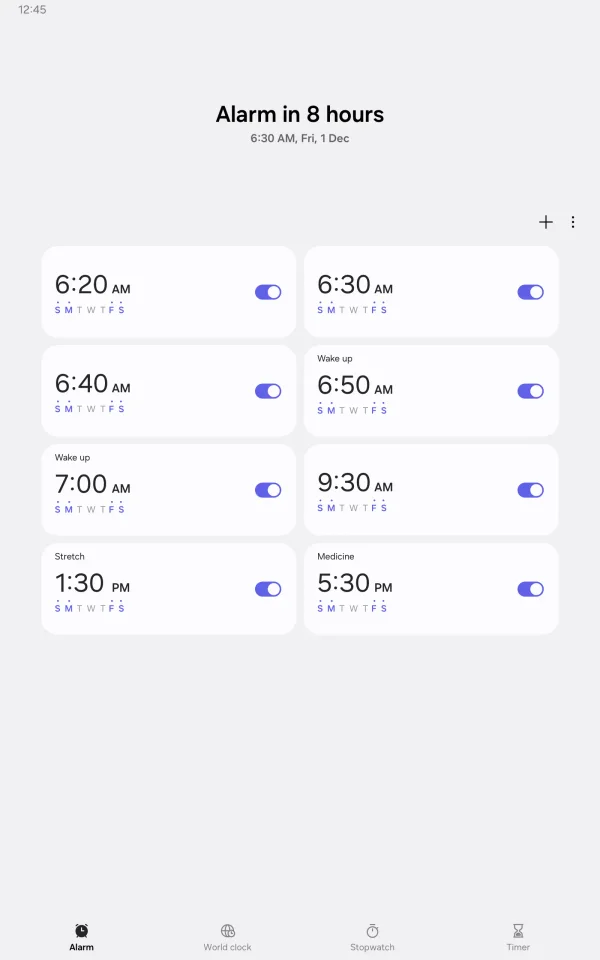
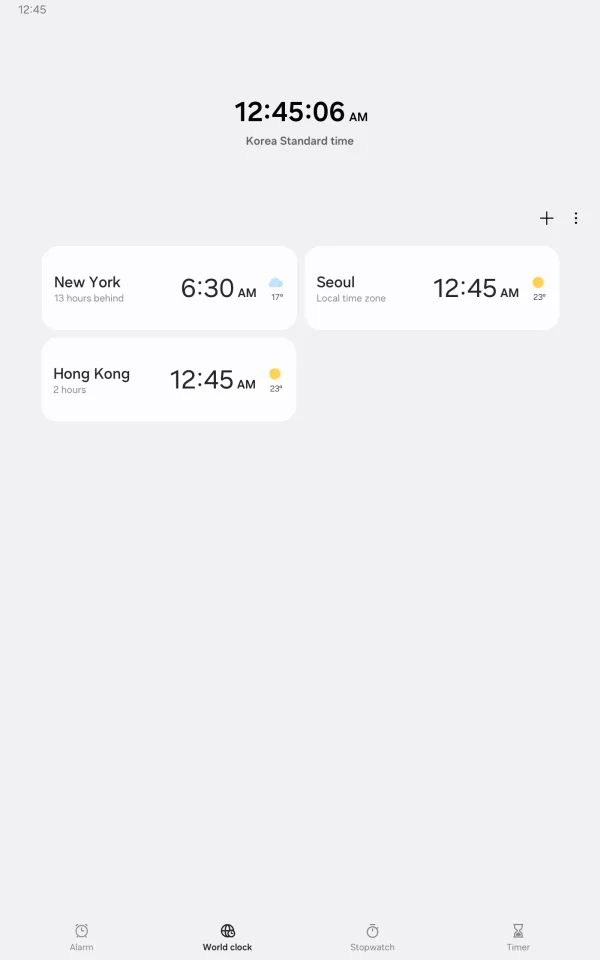
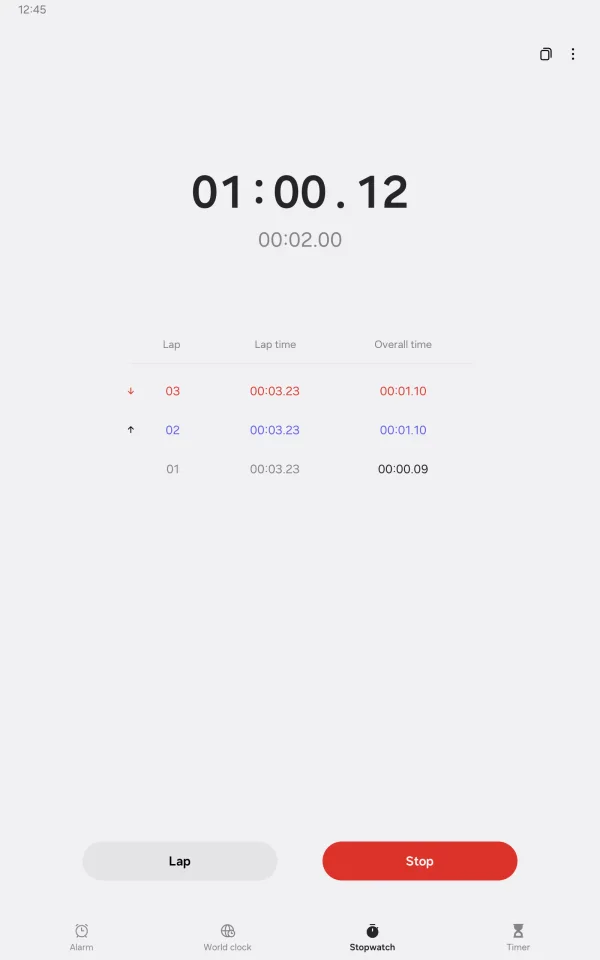
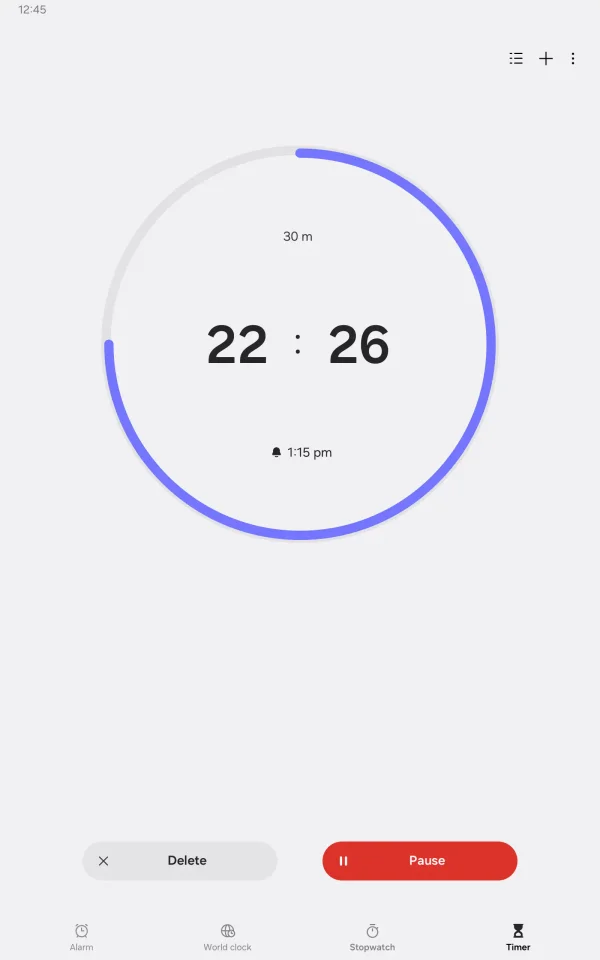
About this app
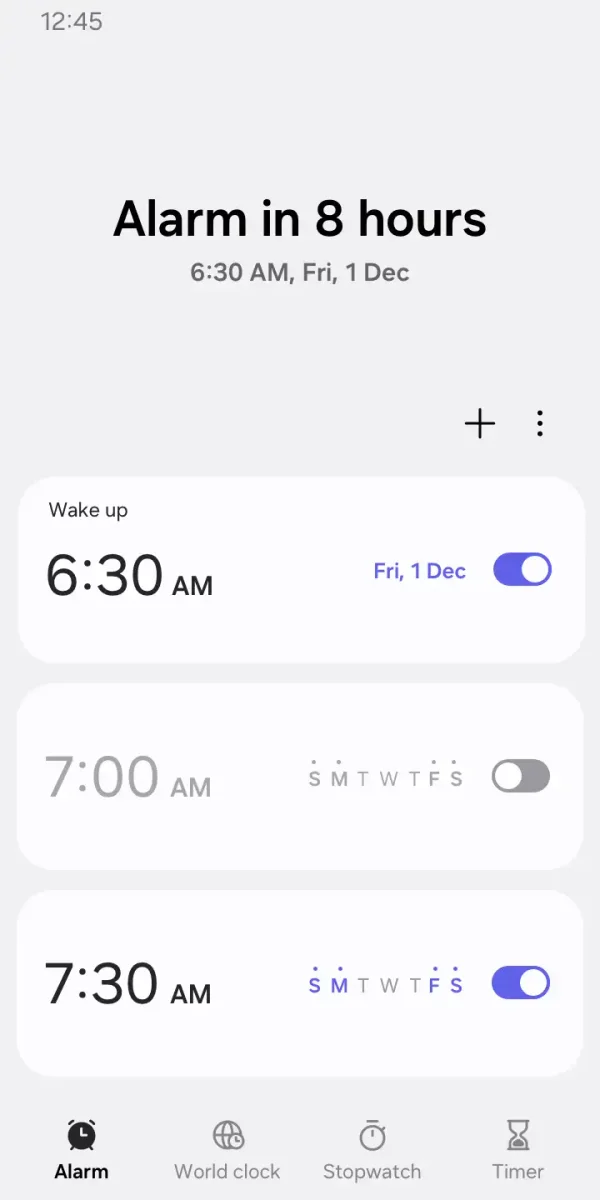
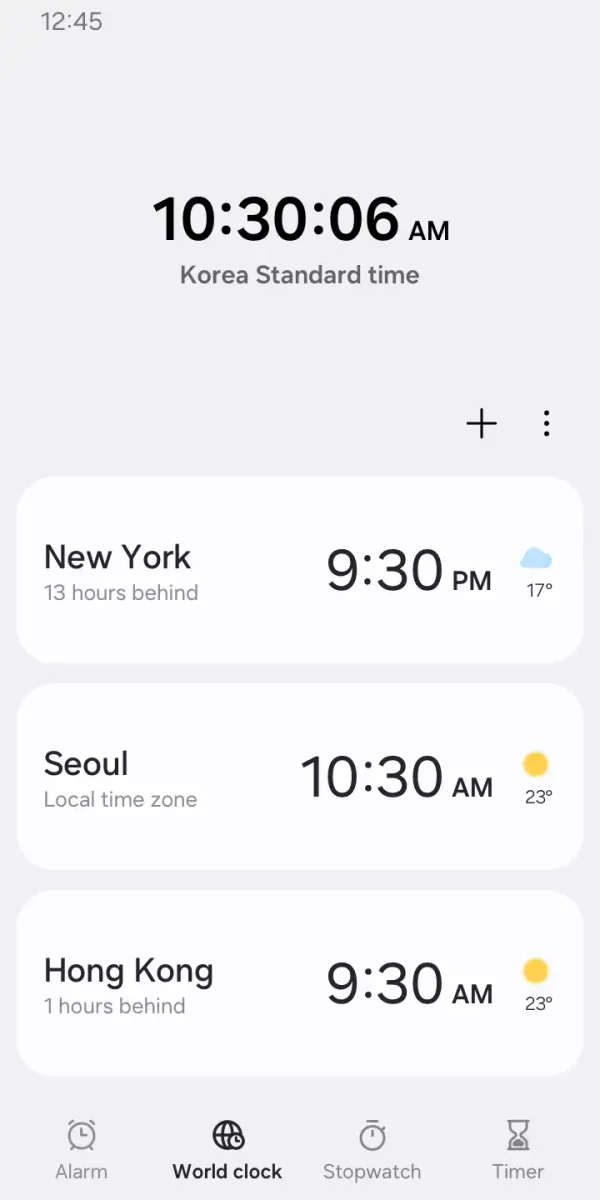
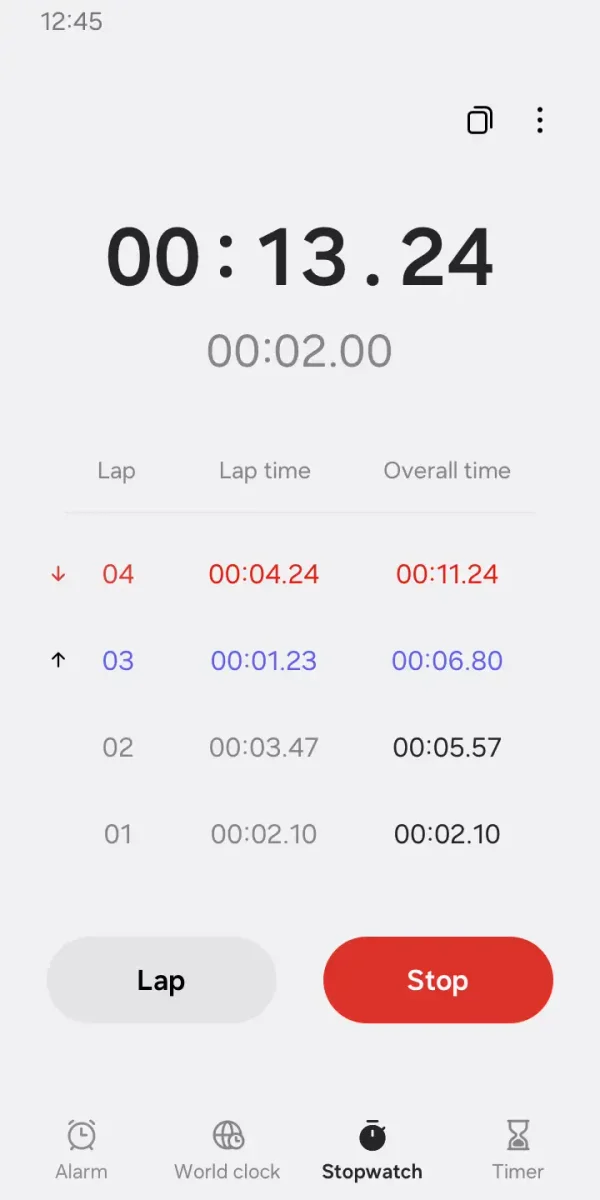
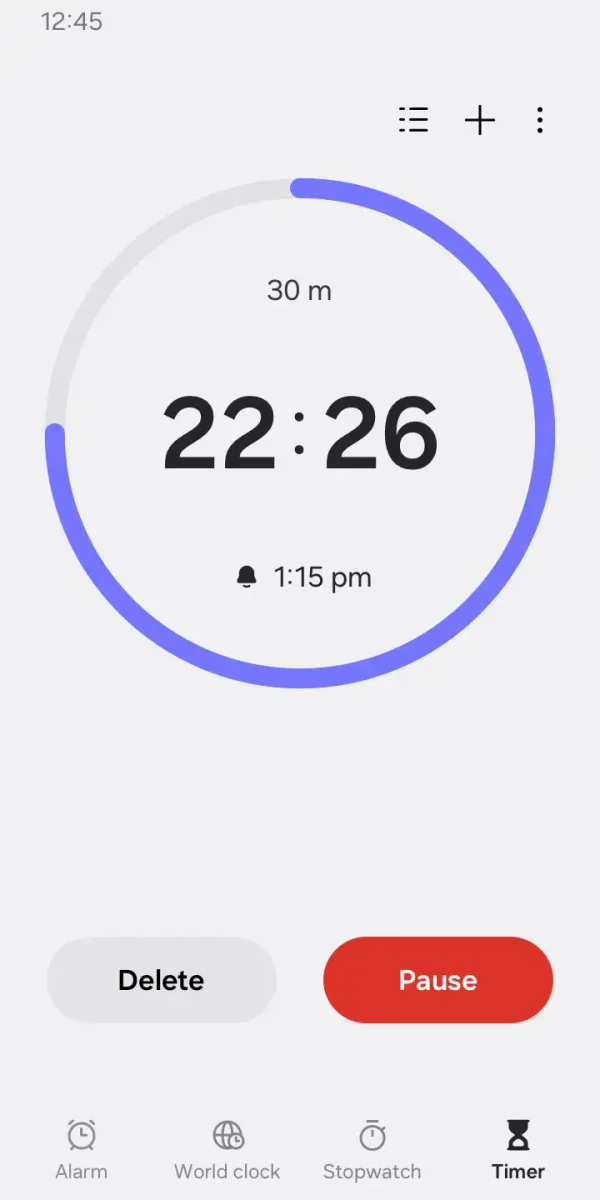
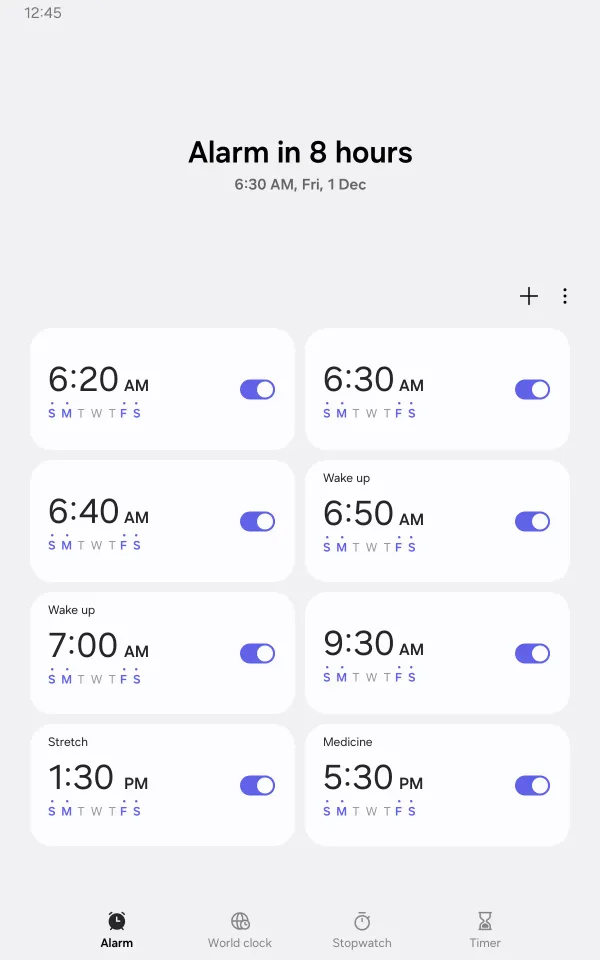
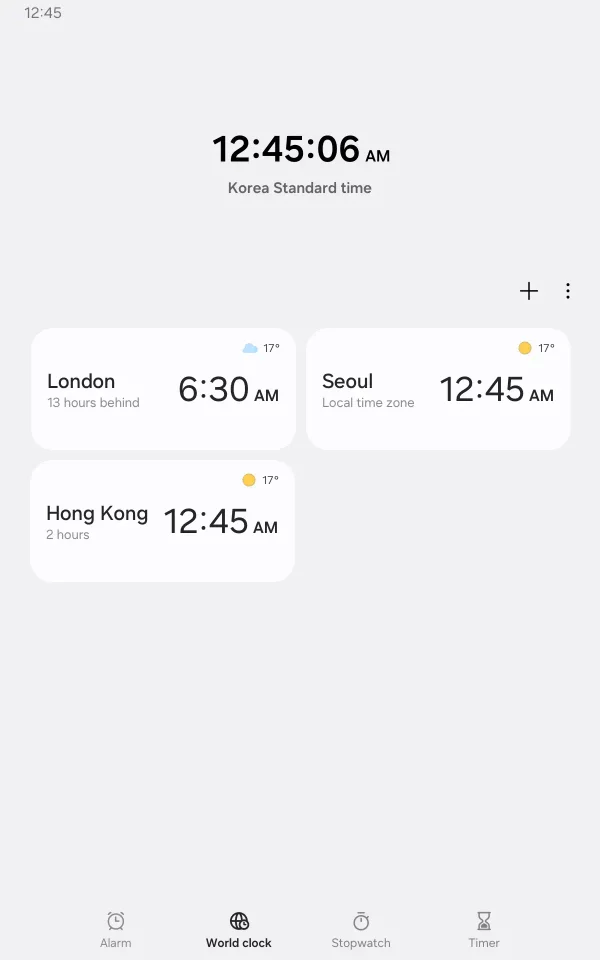
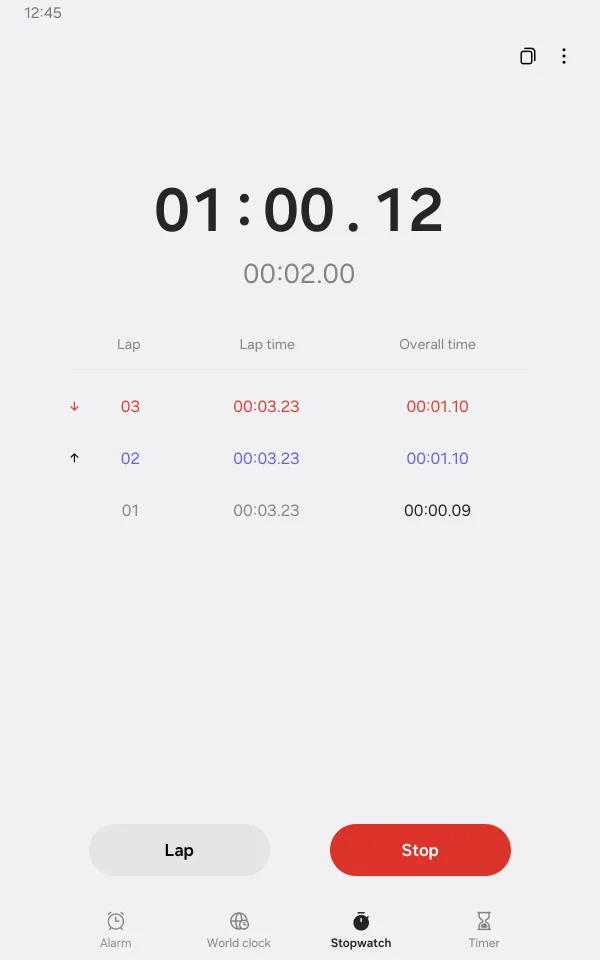
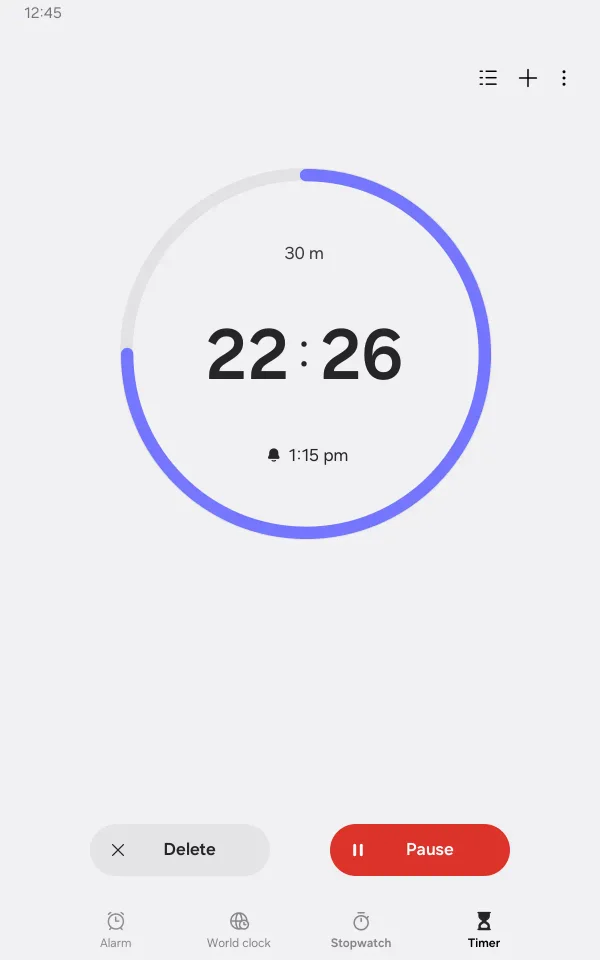
The Clock app provides Alarm, World Clock, Stopwatch, and Timer features.
The Clock app provides Alarm, World Clock, Stopwatch, and Timer features. Use the Clock app to manage your time efficiently, as well as check the weather by city.
• Alarm
This feature allows you to assign dates to alarms, and repeat alarms can skip one day and be turned on again. The Snooze feature allows you to create the same effect as setting multiple alarms.
• World Clock
This feature allows you to check the time and weather by city. Quickly confirm the location of a specific city with the globe.
• Stopwatch
This feature allows you to record the elapsed time for each section and copy the recorded value.
• Timer
This feature allows you to save frequently used timer times as preset timers, as well as run multiple timers simultaneously.
The following permissions are required to use this app, but you can use the basic features of the app without allowing these permissions.
Optional permissions
• Music and audio: Used to open sounds saved on your phone or tablet for alarms and timer alerts
• Notifications: Used to show ongoing timers and notify you about upcoming and missed alarms
• Photos and videos: Used to select images and videos for alarm backgrounds(Android 14 and higher)
• Calendar: Used to show an upcoming event when using the Weather alarm background
Data safety
What Samsung Electronics Co., Ltd. declares on Google Play about the data this app collects and shares.
- No data shared with third partiesLearn more about how developers declare sharing
- No data collectedLearn more about how developers declare collection
Developer contact
- Emailclock.sec@samsung.com
- Privacy policysamsung.com
- Address대한민국 16677 경기도 수원시 영통구 삼성로 129 (매탄동)
Information
- Offered by
- Samsung Electronics Co., Ltd.
- Category
- Tools
- Updated
- Jul 20, 2026
- Released
- Jan 21, 2025
- Age rating
- Everyone
- Price
- Free
- Package name
- com.sec.android.app.clockpackage