Android · Personalization
Get Digital OLED for Android
Digital OLED is published by Silver Sun on Google Play. Download.org hosts no APK file: the button opens the official listing.
Free
Scan with your phone to open the Google Play page.
Links to the official Google Play page
Download.org hosts no file of Digital OLED. The button opens its official Google Play page, published by Silver Sun. Listing last checked on Nov 25, 2026.
How to install Digital OLED
Three steps, all on Google Play.
- Open Google PlayUse the button above, or scan the code with your phone.
- Check the publisherThe page should show Digital OLED by Silver Sun. App ID: com.silversun.digital_oled.
- Install from the storeTap the install button on Google Play. The store handles the download and every update.
Information
- Offered by
- Silver Sun
- Category
- Personalization
- Version
- 1.1.0
- Updated
- Jan 11, 2024
- Released
- Jan 6, 2024
- Requires
- Android 11 or later
- Age rating
- Everyone
- Price
- Free
More for Android
See all: More for Android-
 Nothing Inspired 2A Watch Face
Personalization
-
 GRBL Nothing (2) Watchface
Personalization
-
 Nothing Animated 3 Watch Face
Personalization
-
 Minimal 70 Digital Watch Face
Personalization
-
 ACRO Cube2 Digital Watchface
Personalization
-
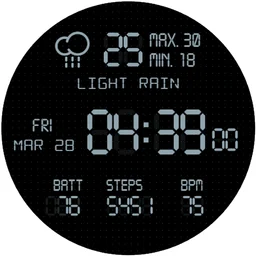 LCD Watch face
Personalization
-
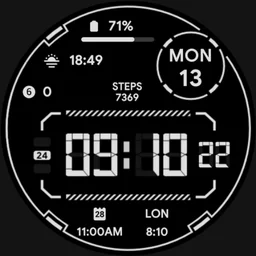 SG-128 Dark
Personalization
-
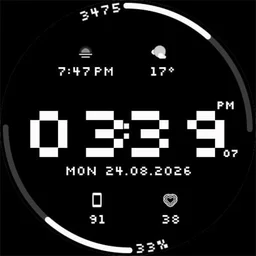 GRBL Retro Pixel
Personalization
-
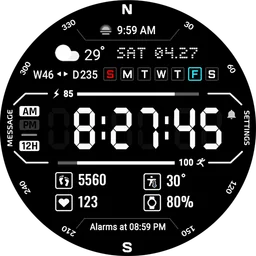 ACRO Perfect BW Watchface
Personalization
-
 HMKWatch Digital 171
Personalization
-
 CELEST5432 Retro Digital Watch
Personalization
-
 AOD minimal
Personalization