DocuFence: Secure PFD App
Darwin Technology L.L.CContains ads · In-app purchases
- EveryoneAge rating
- ToolsCategory
- Nov 18, 2026Updated
- FreePrice
Links to the official Google Play listing of com.docufence.docs.reader.editor. Last checked on Nov 19, 2026.

Screenshots
About this app
Edit, Sign & Share PDFs Safely; One App for Your Entire Legal Docs Workflow
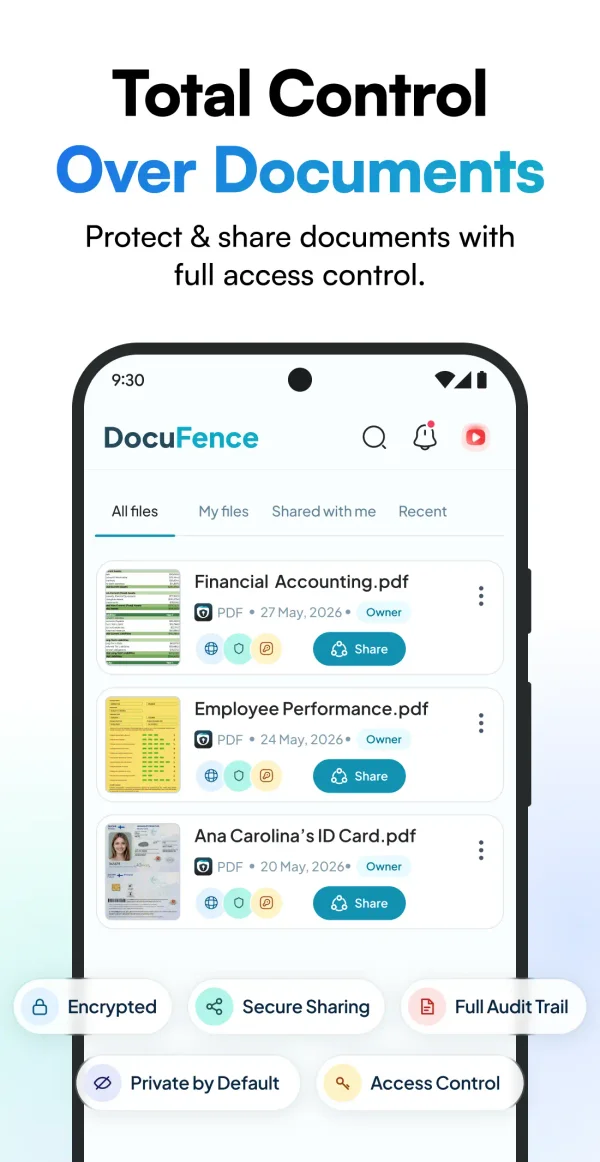
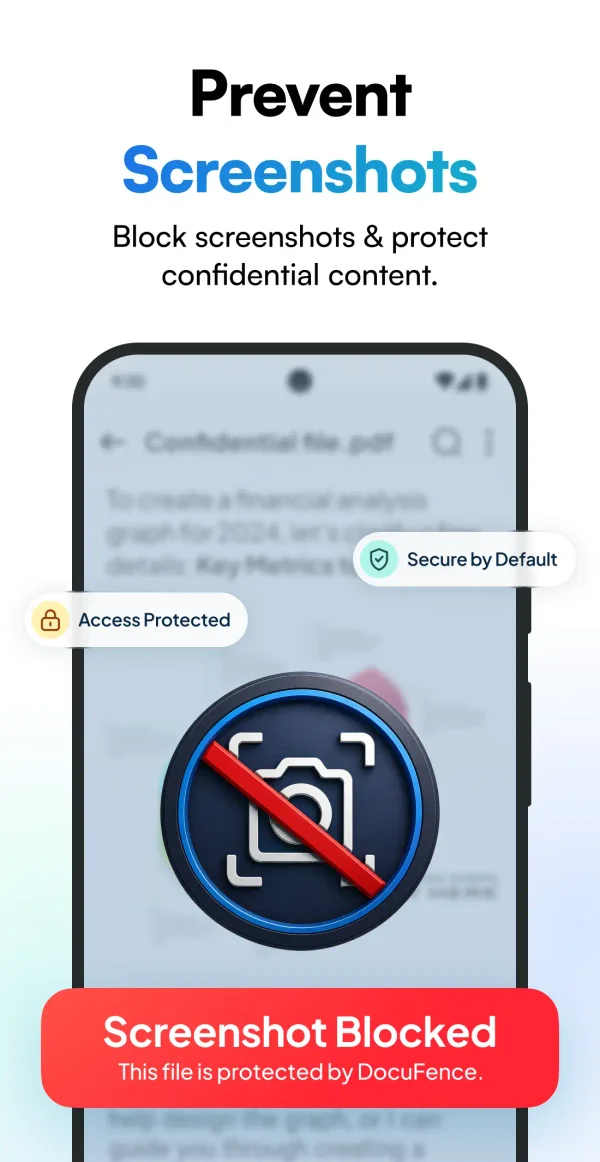
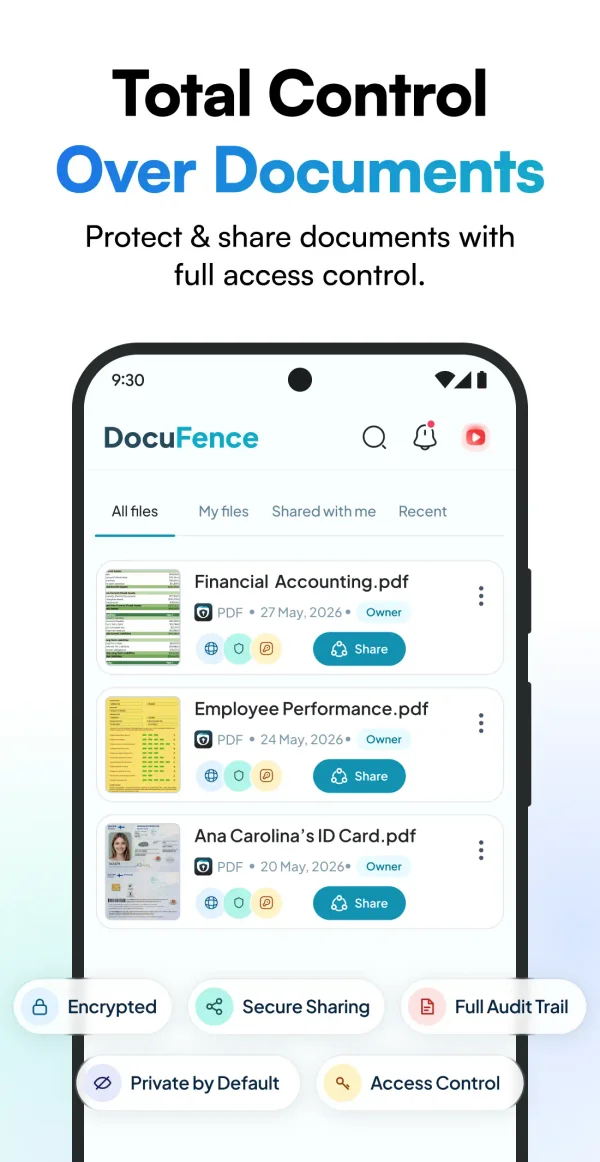
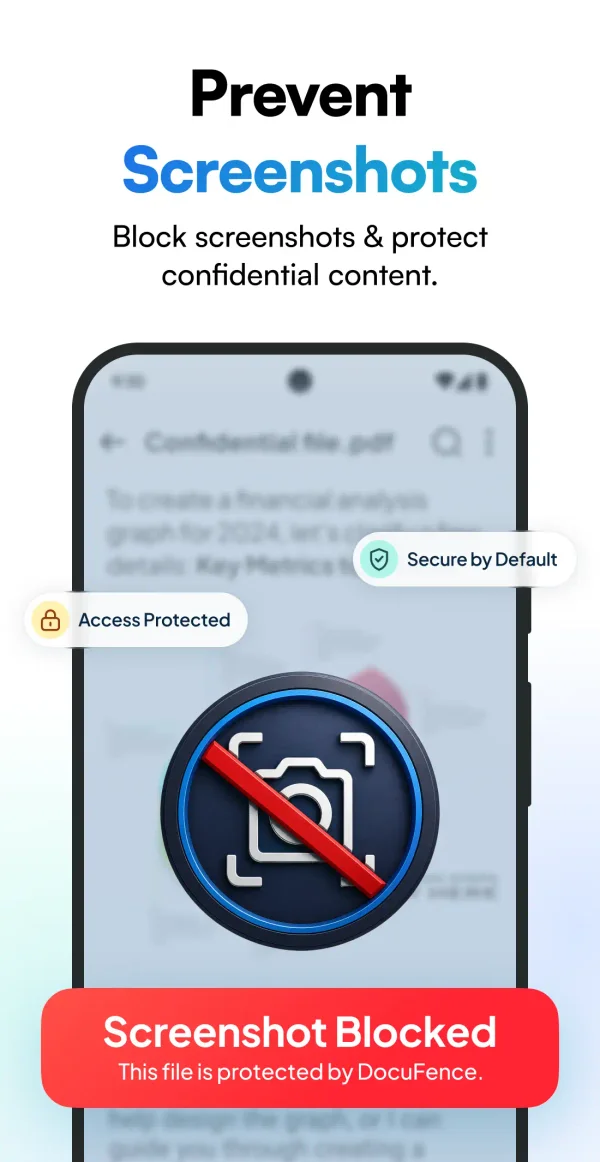
One wrong app is all it takes to compromise a confidential PDF. But with DocuFence, you can edit, sign, and share your legal docs, case files, and other important PDFs in one place, securely.
Everything You Need to Handle Your PDFs:
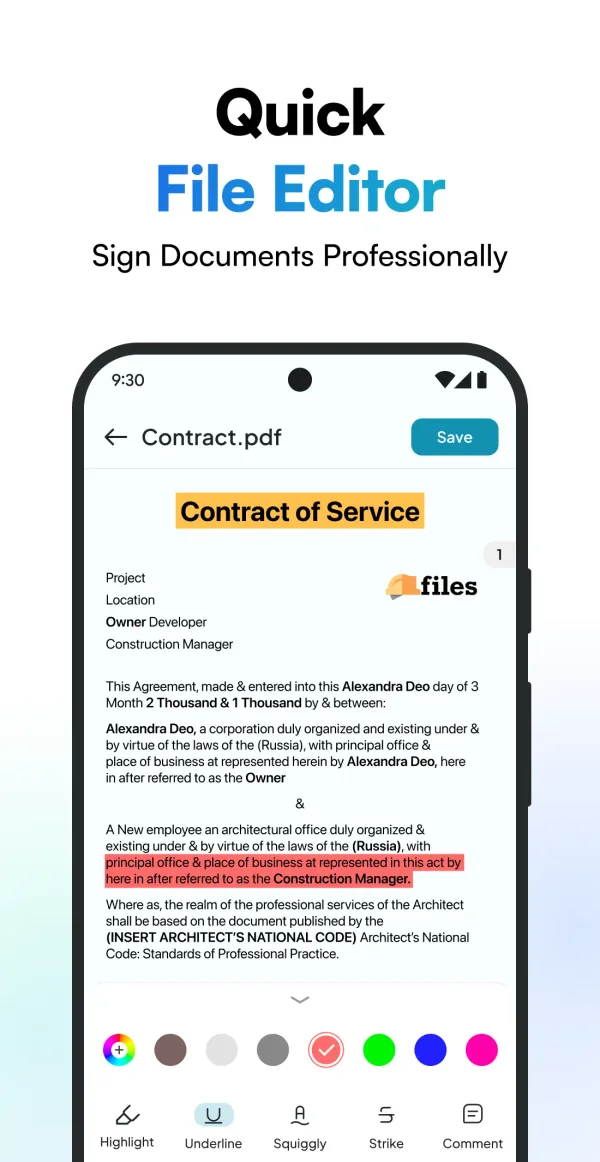
PDF Editor that Keeps Formatting Intact: Fix a line or rewrite a page without losing your layout.
Highlight and Mark Up PDFs: Mark up any part of your document to make the key details stand out.
Comment on any Document: Leave notes where you want for the clients or subordinates, nothing gets lost in translation.
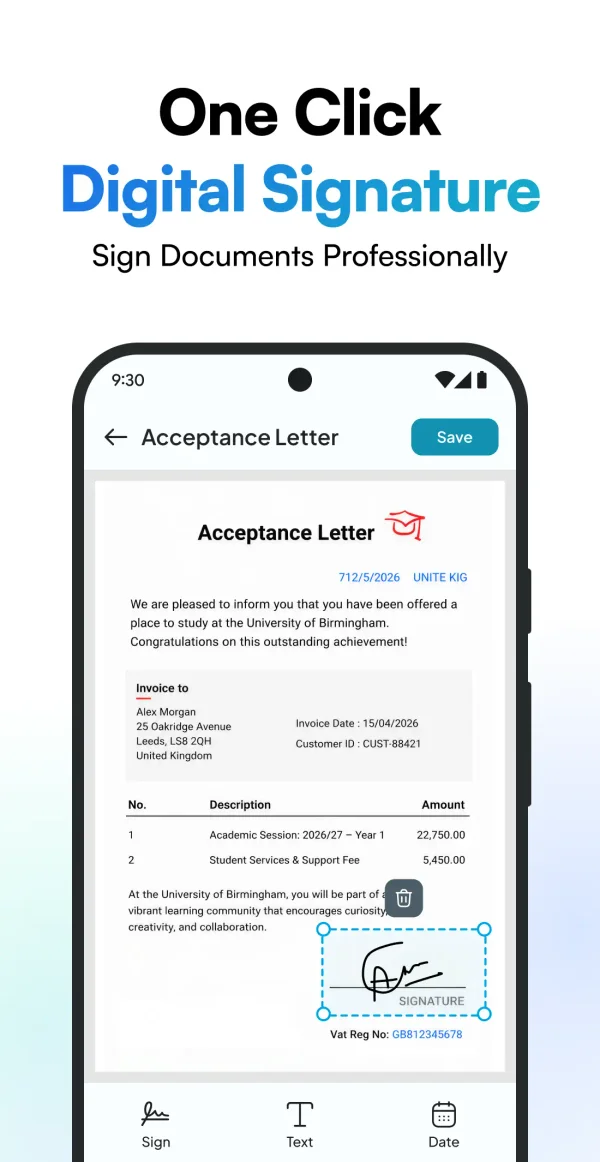
Sign PDF or Request E-Signatures: Add your signature securely in seconds, or send it out to get signed.
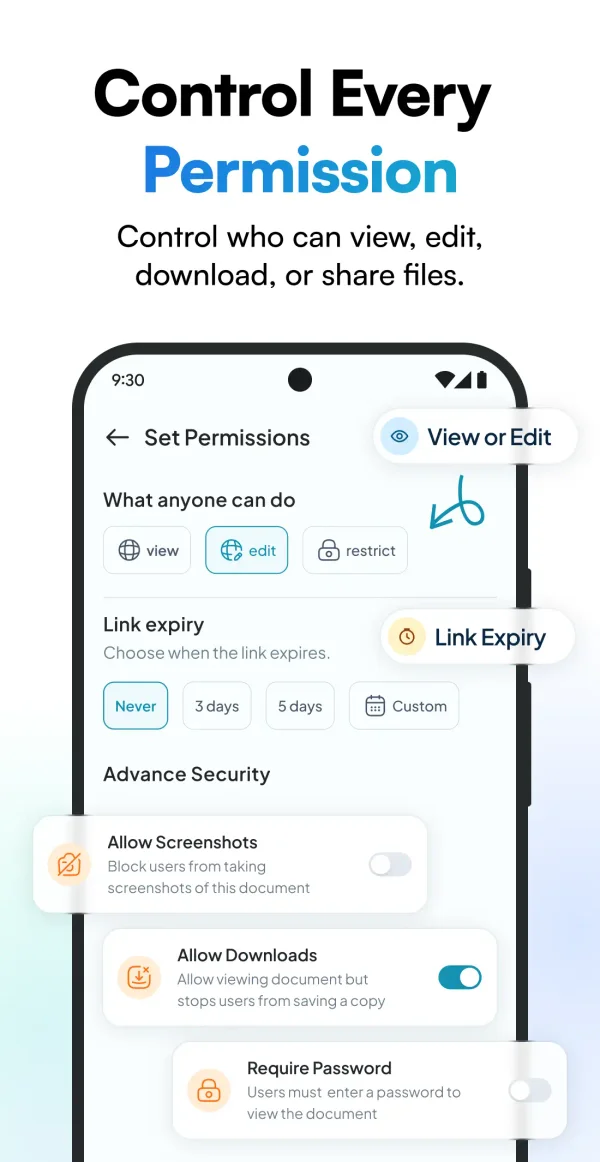
Secure File Sharing with Access Control: Control exactly who sees your file, who can share it, and cut off access anytime.
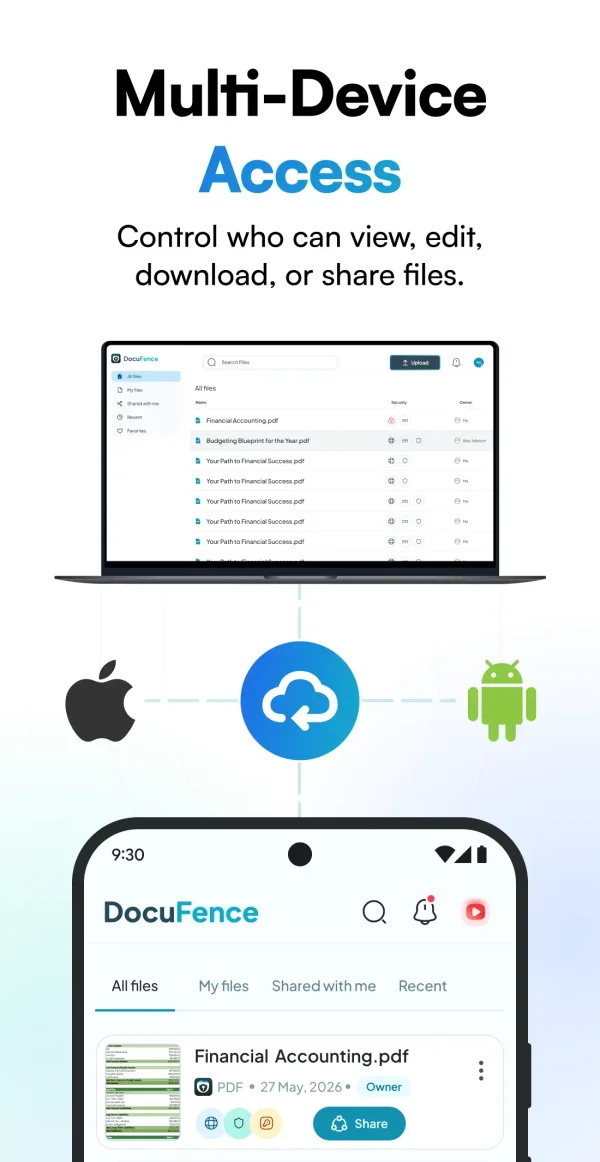
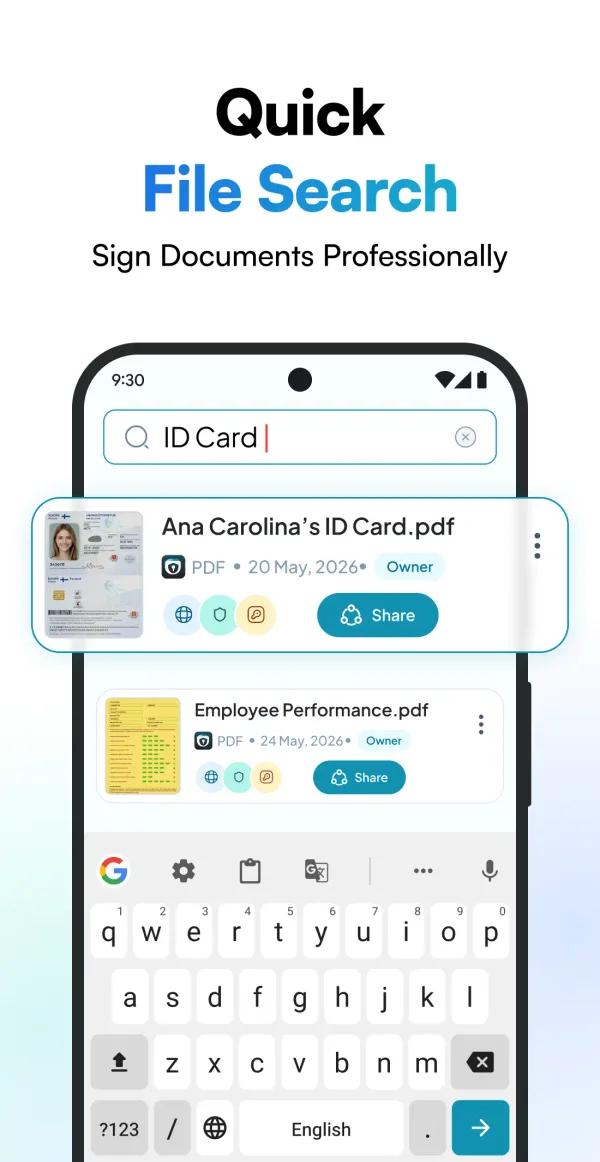
One Place for Every Document: Every file, edit, and signed copy stays organized, secure, and easy to find.
DocuFence is the PDF editor, PDF signer, and e-signature app built for secure file sharing, contract editing, redlining, and document collaboration. Whether you need to edit PDF, sign PDF, scan documents, or manage secure document sharing, DocuFence combines your PDF editor, digital signature app, and file management tool into one simple, secure PDF app.
Get DocuFence and finish your next document start to finish, no switching apps, no wasted time, just one simple, secure PDF workspace.
Data safety
What Darwin Technology L.L.C declares on Google Play about the data this app collects and shares.
- No data shared with third partiesLearn more about how developers declare sharing
- No data collectedLearn more about how developers declare collection
- Data isn’t encrypted
- You can request that data be deleted
What’s new
Version 2.2.3 · Nov 18, 2026
📁 Added Google Drive & Dropbox file import.
👤 Google Contacts sync is now supported.
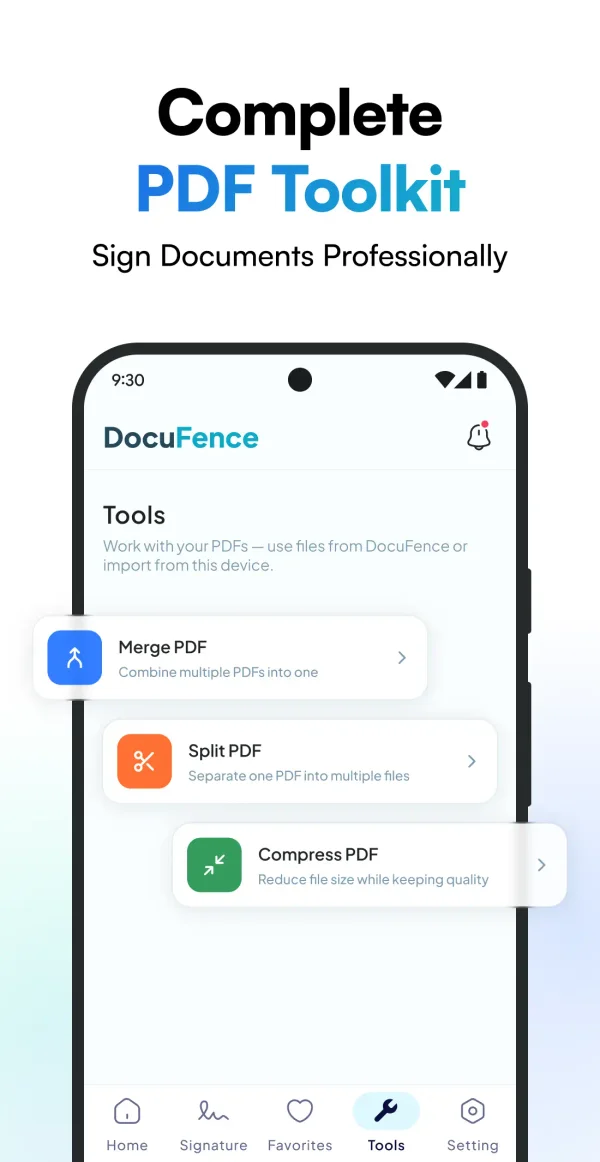
✨ New PDF tools: Merge, Split & Compress.
Developer contact
- Websitedocufence.com
- Emailfeedback@docufence.com
- Privacy policydocufence.com
- AddressOffice M28 Naameh Hamad Abda Hamad Al Badr Al Muhairi - Naif, Deira إمارة دبيّ United Arab Emirates
Information
- Offered by
- Darwin Technology L.L.C
- Category
- Tools
- Version
- 2.2.3
- Updated
- Nov 18, 2026
- Released
- Aug 21, 2026
- Requires
- Android 7.0 or later
- Age rating
- Everyone
- Price
- Free
- In-app purchases
- $9.99 - $119.99 per item
- Package name
- com.docufence.docs.reader.editor