DocuFence: Secure PFD App
Darwin Technology L.L.C広告を含む · アプリ内課金
- 3 歳以上対象年齢
- ツールカテゴリ
- 2026/11/18更新日
- 無料価格
com.docufence.docs.reader.editorのGoogle Play公式ページにリンクしています。最終確認:2026/11/19。

スクリーンショット
このアプリについて
Googleによる英語 (アメリカ合衆国)からの自動翻訳です。
PDFの編集、署名、共有を安全に行えます。法律文書ワークフロー全体を網羅するアプリです。
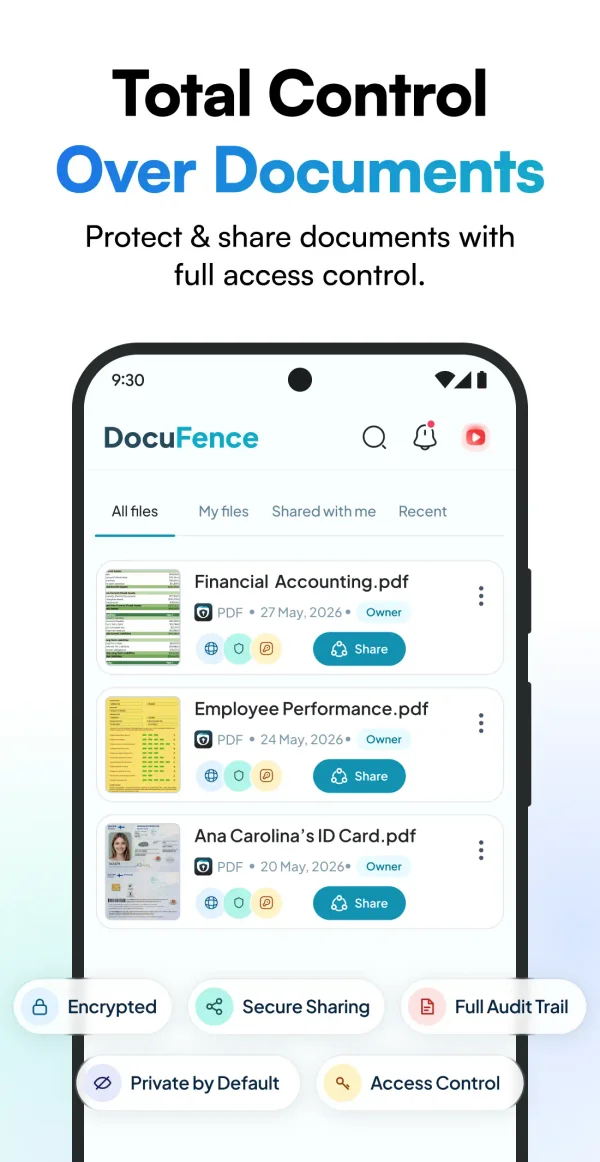
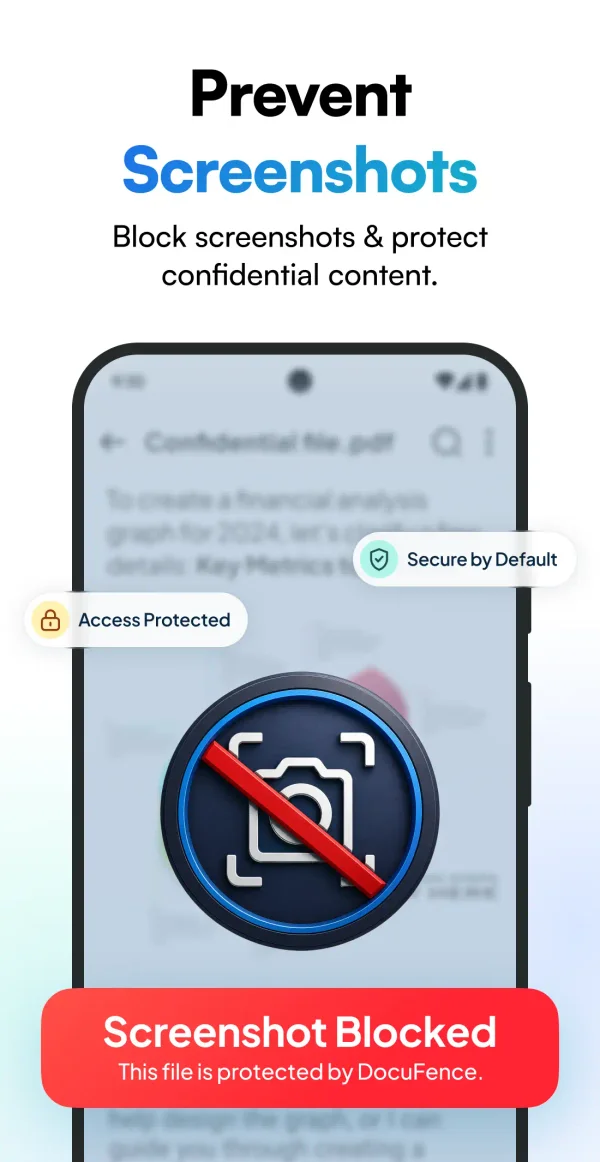
たった1つのアプリの不具合で、機密性の高いPDFファイルが危険にさらされる可能性があります。しかし、DocuFenceなら、法律文書、訴訟ファイル、その他の重要なPDFファイルを、安全に一元管理し、編集、署名、共有できます。
PDFファイルの管理に必要なすべてが揃っています:
書式を維持したままPDFを編集: レイアウトを損なうことなく、行を修正したり、ページ全体を書き換えたりできます。
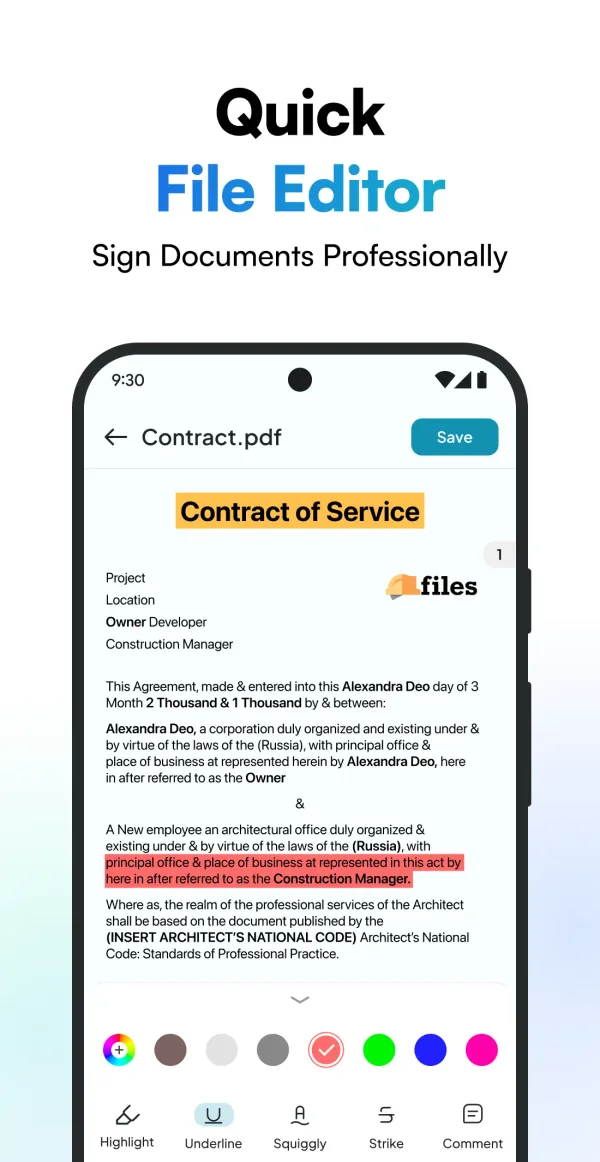
PDFファイルのハイライトとマークアップ: 文書の任意の箇所にマークアップを追加して、重要な情報を際立たせることができます。
文書へのコメント: クライアントや部下向けに、必要な場所にメモを残すことができます。重要な情報が失われることはありません。
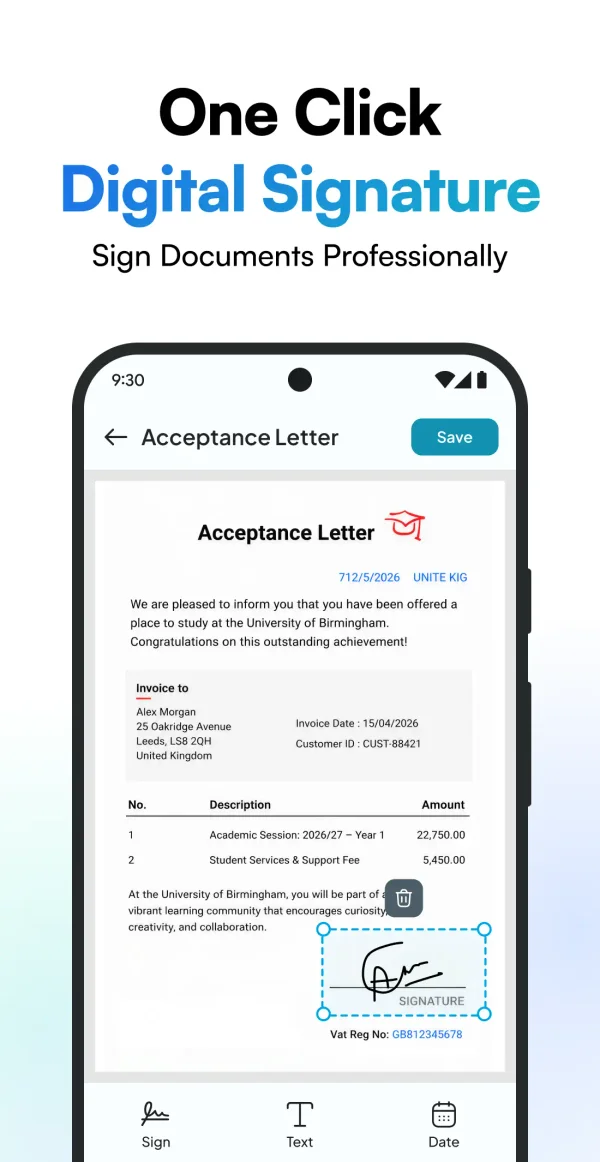
PDFへの署名または電子署名の依頼: 数秒で安全に署名を追加したり、署名依頼を送信したりできます。
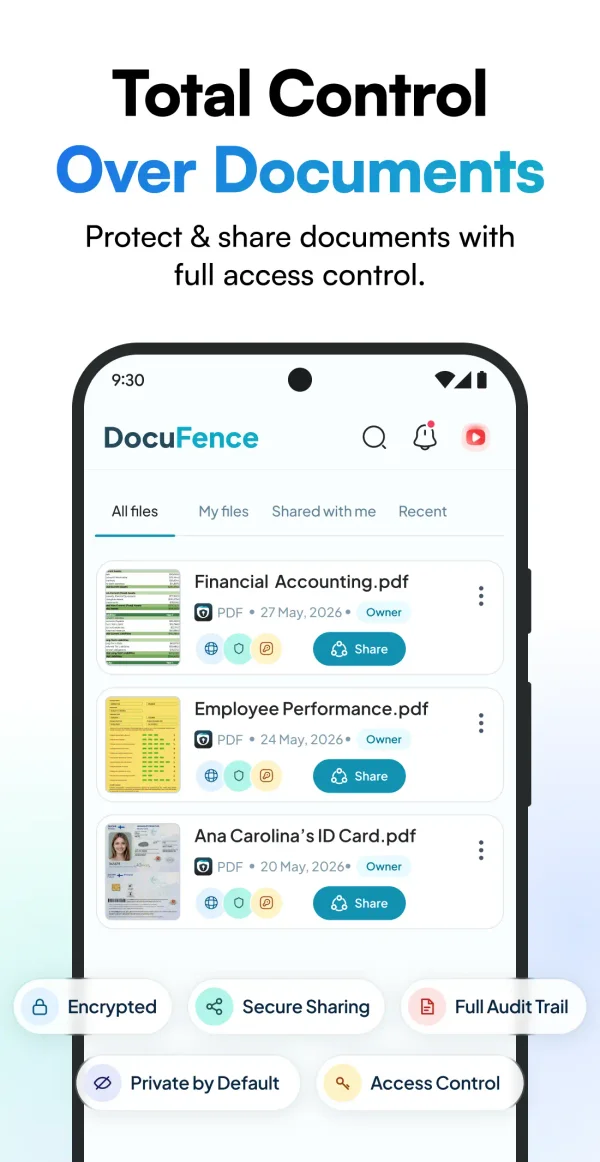
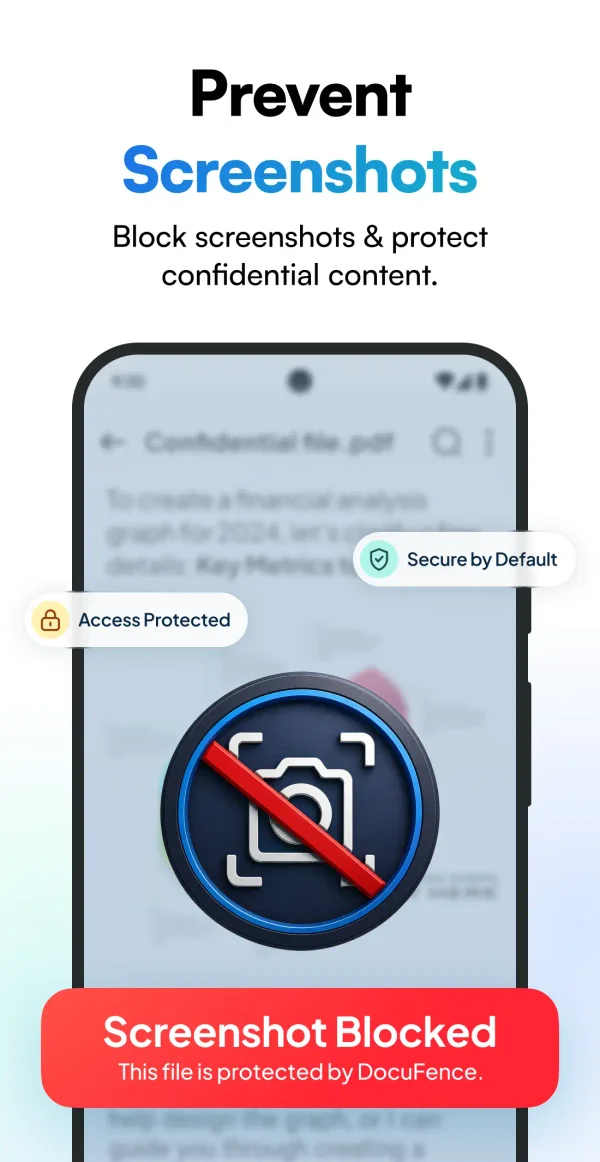
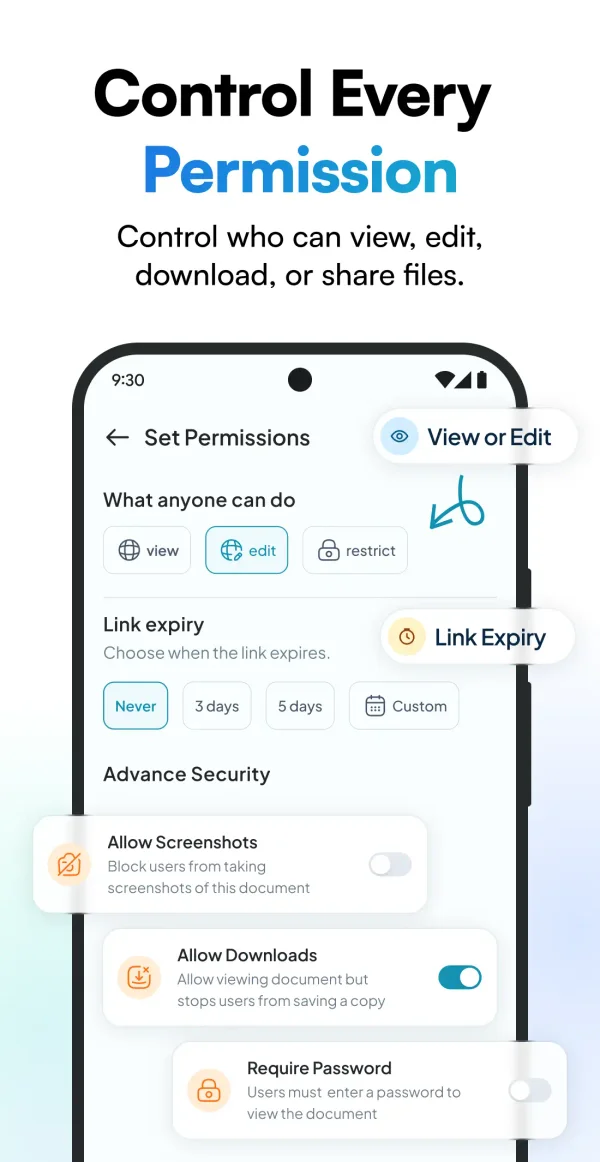
アクセス制御による安全なファイル共有: ファイルの閲覧者、共有者を正確に制御し、いつでもアクセスを遮断できます。
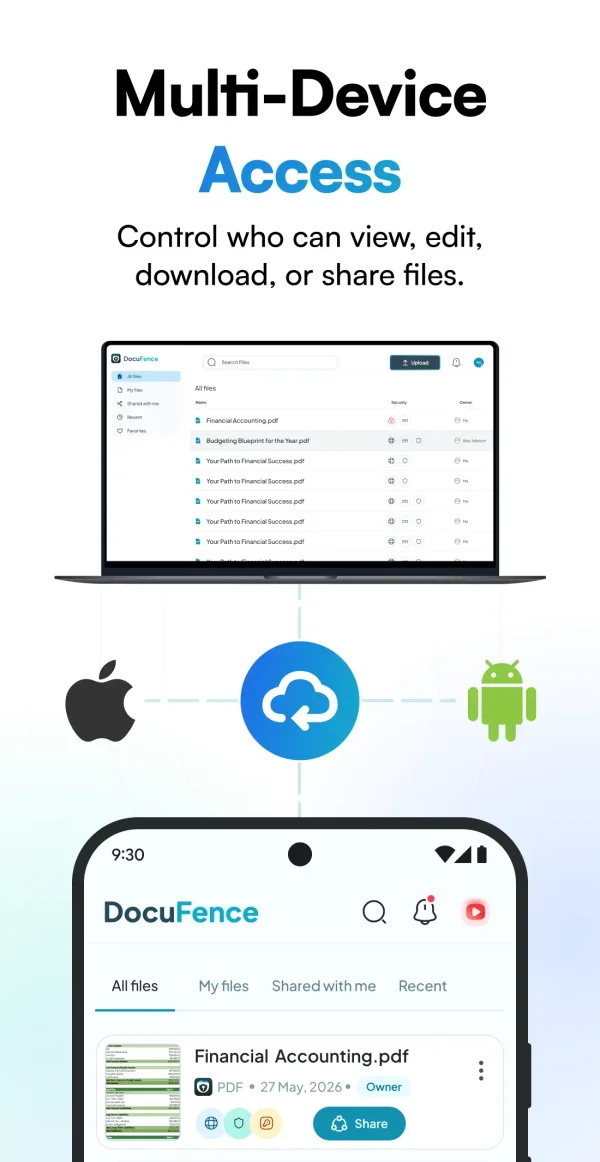
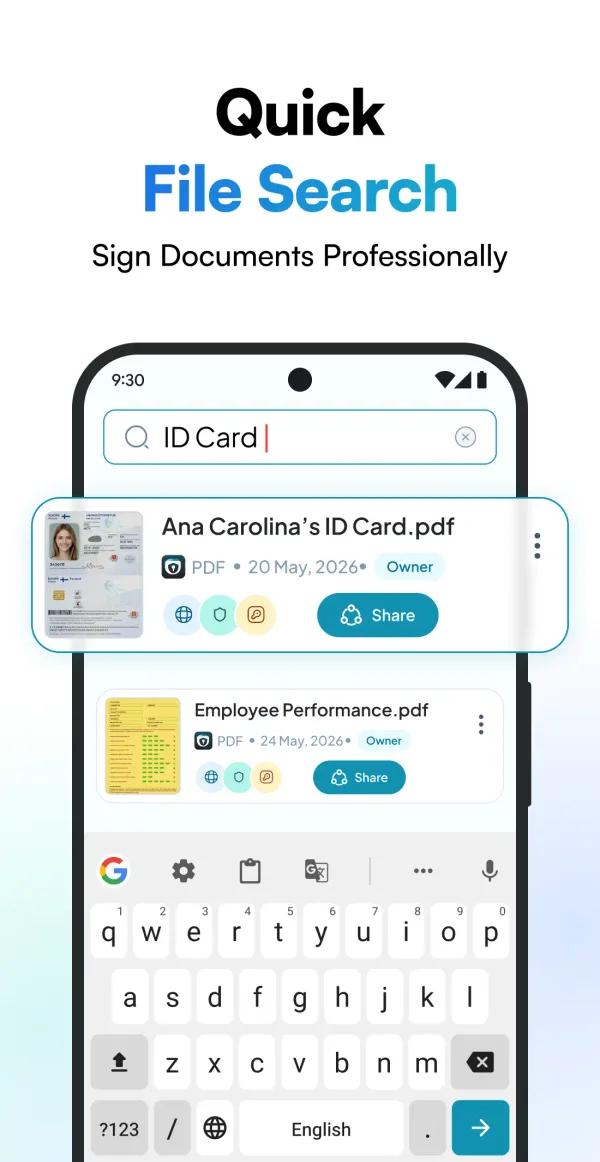
すべてのドキュメントを1か所に集約:すべてのファイル、編集内容、署名済みコピーが整理され、安全に保管され、簡単に見つけることができます。
DocuFenceは、安全なファイル共有、契約書の編集、修正指示、ドキュメントの共同作業のために開発されたPDFエディター、PDF署名ツール、電子署名アプリです。PDFの編集、PDFへの署名、ドキュメントのスキャン、安全なドキュメント共有の管理など、あらゆるニーズに対応します。DocuFenceは、PDFエディター、電子署名アプリ、ファイル管理ツールを1つのシンプルで安全なPDFアプリに統合します。
DocuFenceを導入すれば、アプリを切り替える必要も、時間を無駄にすることもなく、シンプルで安全なPDFワークスペースで、次のドキュメント作成を最初から最後まで完了できます。
原文を表示
One wrong app is all it takes to compromise a confidential PDF. But with DocuFence, you can edit, sign, and share your legal docs, case files, and other important PDFs in one place, securely.
Everything You Need to Handle Your PDFs:
PDF Editor that Keeps Formatting Intact: Fix a line or rewrite a page without losing your layout.
Highlight and Mark Up PDFs: Mark up any part of your document to make the key details stand out.
Comment on any Document: Leave notes where you want for the clients or subordinates, nothing gets lost in translation.
Sign PDF or Request E-Signatures: Add your signature securely in seconds, or send it out to get signed.
Secure File Sharing with Access Control: Control exactly who sees your file, who can share it, and cut off access anytime.
One Place for Every Document: Every file, edit, and signed copy stays organized, secure, and easy to find.
DocuFence is the PDF editor, PDF signer, and e-signature app built for secure file sharing, contract editing, redlining, and document collaboration. Whether you need to edit PDF, sign PDF, scan documents, or manage secure document sharing, DocuFence combines your PDF editor, digital signature app, and file management tool into one simple, secure PDF app.
Get DocuFence and finish your next document start to finish, no switching apps, no wasted time, just one simple, secure PDF workspace.
データ セーフティ
このアプリが収集・共有するデータについて、Darwin Technology L.L.CがGoogle Playで申告している内容です。
- 第三者と共有されるデータはありません詳しくは、デベロッパーが共有を申告する方法についての説明をご覧ください
- データは収集されません詳しくは、デベロッパーが収集を申告する方法についての説明をご覧ください
- データは暗号化されません
- データを削除するようリクエストできます
新機能
バージョン 2.2.3 · 2026/11/18
📁 Added Google Drive & Dropbox file import.
👤 Google Contacts sync is now supported.
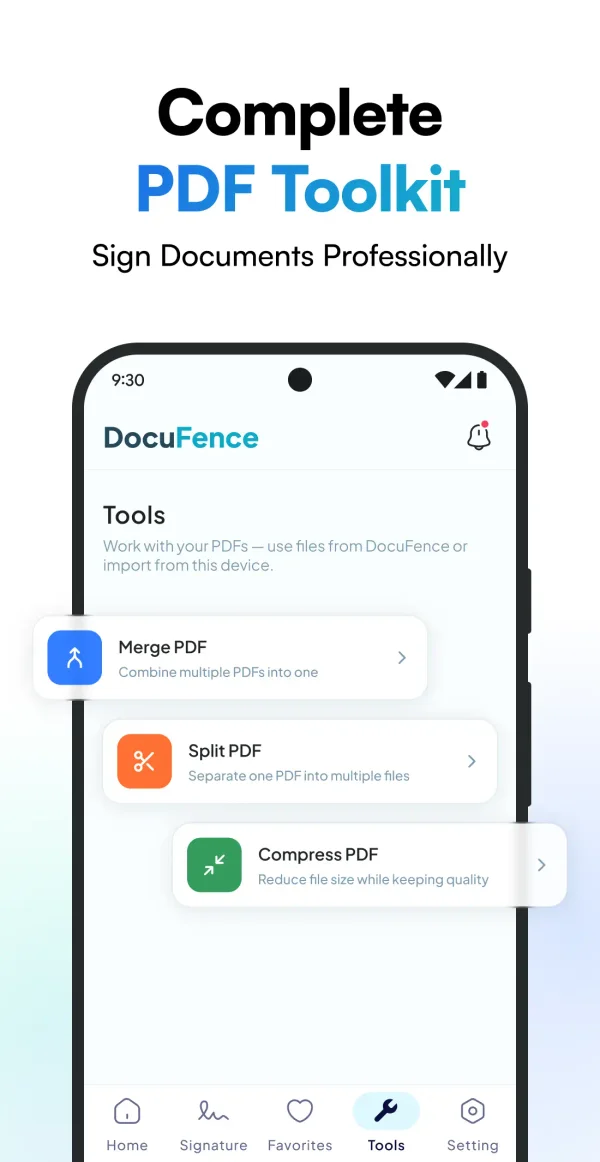
✨ New PDF tools: Merge, Split & Compress.
開発元の連絡先
- ウェブサイトdocufence.com
- メールfeedback@docufence.com
- プライバシーポリシーdocufence.com
- 住所Office M28 Naameh Hamad Abda Hamad Al Badr Al Muhairi - Naif, Deira إمارة دبيّ United Arab Emirates
情報
- 提供元
- Darwin Technology L.L.C
- カテゴリ
- ツール
- バージョン
- 2.2.3
- 更新日
- 2026/11/18
- リリース
- 2026/8/21
- 必要条件
- Android 7.0以降
- 対象年齢
- 3 歳以上
- 価格
- 無料
- アプリ内課金
- ¥1,740~¥20,700/アイテム
- パッケージ名
- com.docufence.docs.reader.editor