Easy-PhotoPrint Editor
Canon Inc.- EveryoneAge rating
- PhotographyCategory
- Aug 25, 2026Updated
- FreePrice
Links to the official Google Play listing of jp.co.canon.bsd.easyphotoprinteditor. Last checked on Nov 20, 2026.

Screenshots



About this app
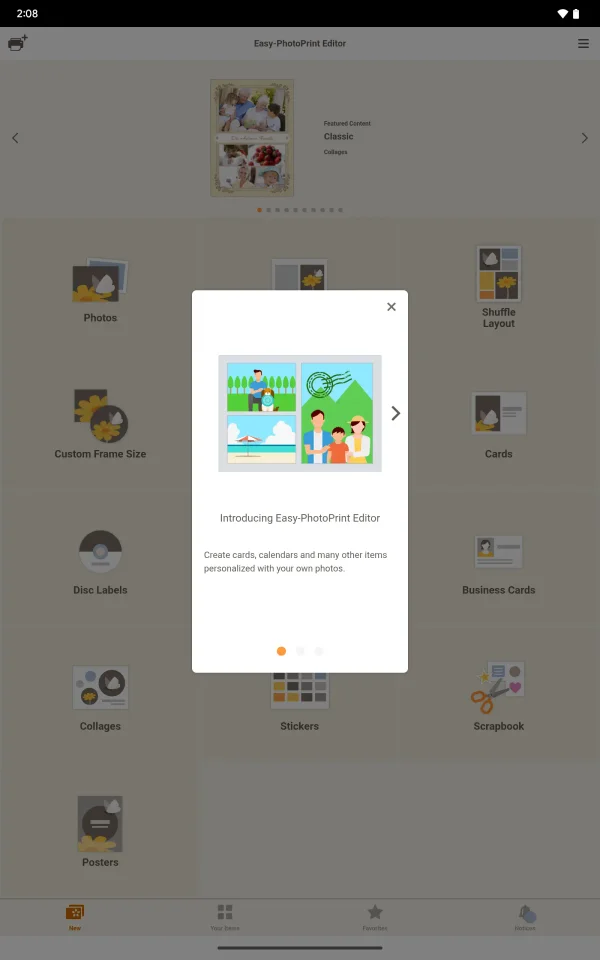
FREE app for PIXMA & MAXIFY by Canon. Print from your smart device easily.
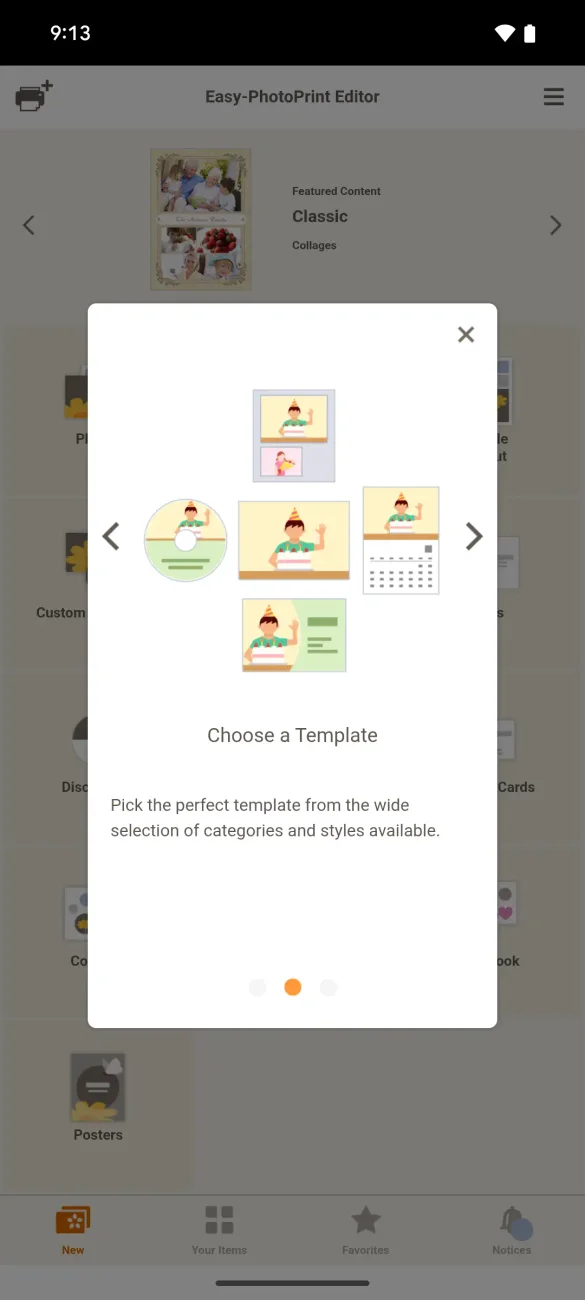
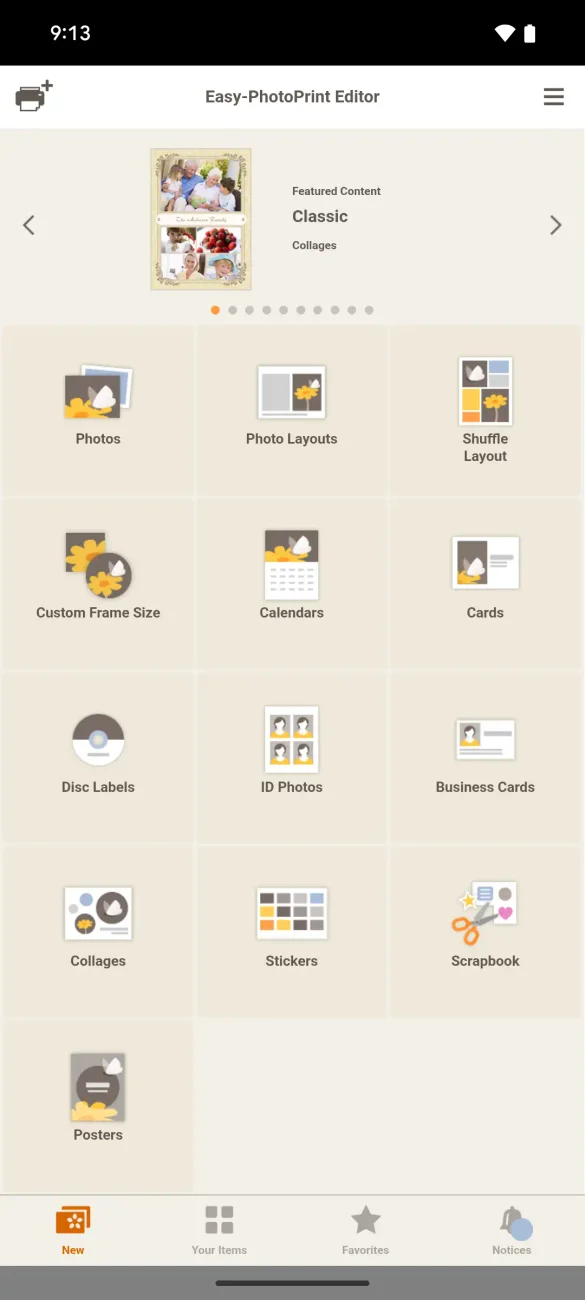
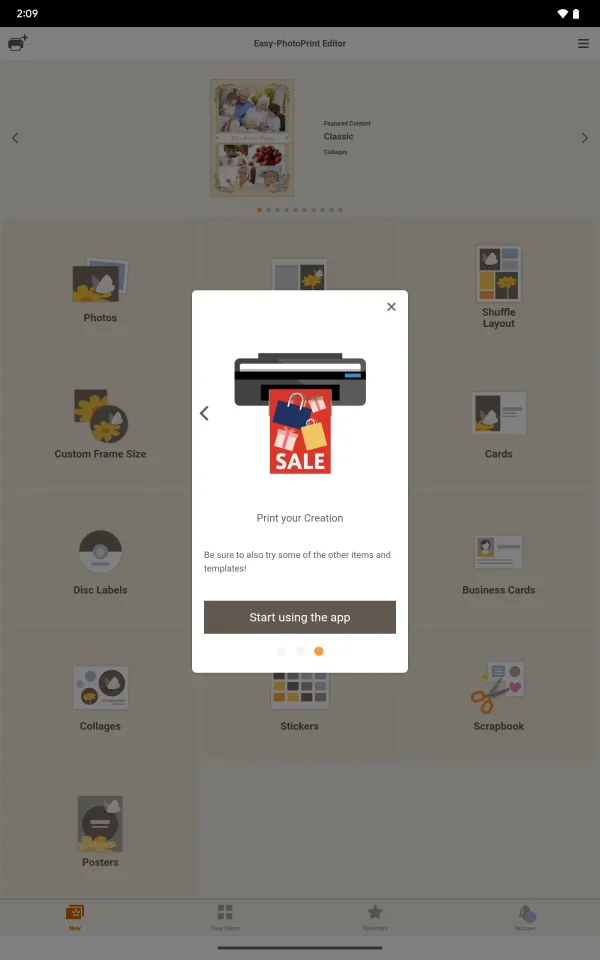
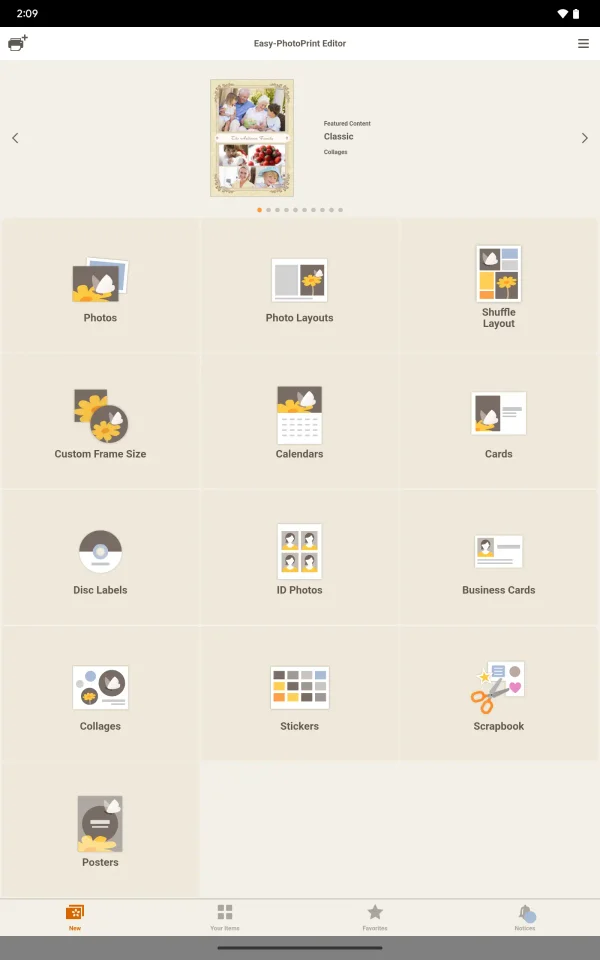
Easy-PhotoPrint Editor is an easy-to-use photo print app. It features many useful templates and a free-layout editor for making all kinds of prints (photo layouts, cards, collages, calendars, disc labels, photo IDs, business cards, stickers, posters).
[Key features]
• Intuitive operation for easy printing of all kinds of prints
Just select the type of print you want to make, edit and decorate your photos, and print.
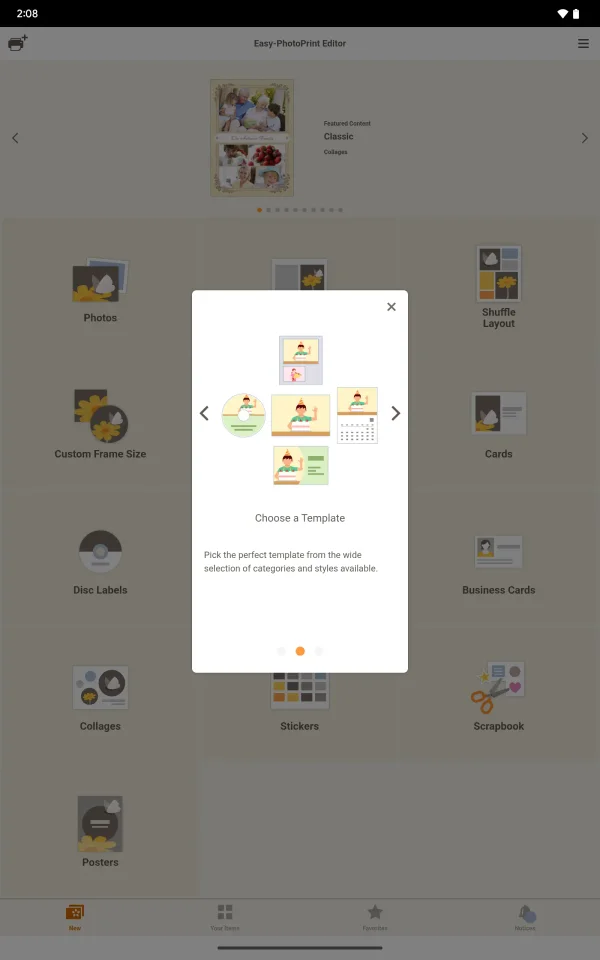
• Comes with plenty of ready-to-use templates
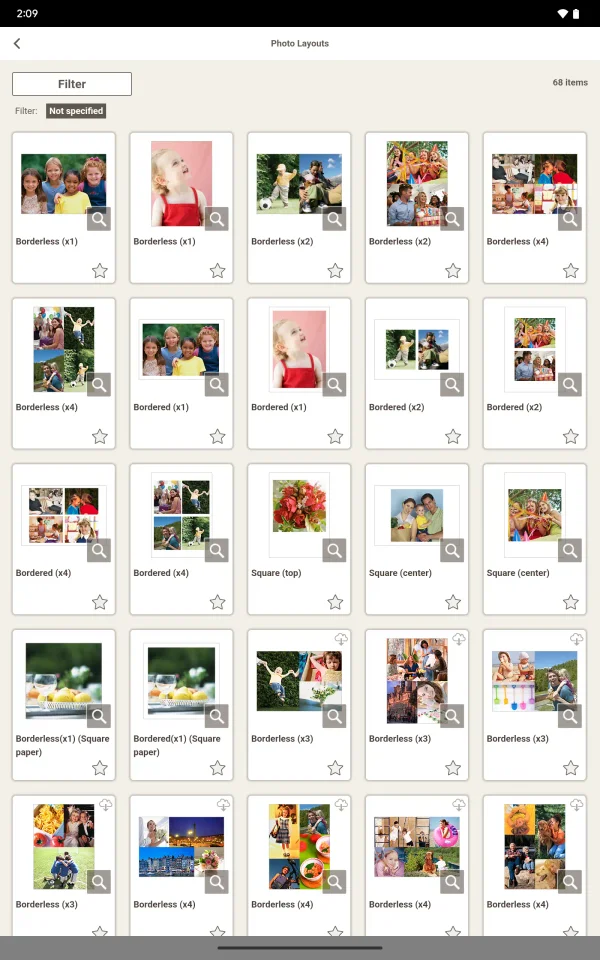
Choose from collages, calendars, and many other templates that use multiple photos in addition to photo prints.
• Make original posters for use in stores and other situations
Just add photos and text to the simple poster template to create original posters you can use in stores or other situations.
• Easy to create other everyday items
The app makes it easy to create business cards, photo IDs, stickers, and other items you use every day.
• Pattern paper for making original art works
The app lets you print pre-designed pattern paper for use in making paper items or scrapbooking.
• Print disk labels so you can see at a glance what’s on your disks
If your printer supports printing disk labels, you can make original disk labels with just your smartphone.
• Slate of editing functions to create just the print you want
Not only can you crop or expand your photos, you can also edit and decorate them with colored edges, text, and stamps.
[Supported printers]
- Canon Inkjet Printers
See the following website for supported printers.
https://ij.start.canon/eppe-model
*Some functions are not supported with the imagePROGRAF series
[When the app cannot find your printer.] Check that your printer is in the supported printers list.
The printer must be connected to your network.
Use the "Canon PRINT" app to connect your printer to the network.
[Supported OS]
Android 8.0 and later
Data safety
What Canon Inc. declares on Google Play about the data this app collects and shares.
- This app may share these data types with third partiesApp activity and Device or other IDs
- This app may collect these data typesApp activity and Device or other IDs
- Data is encrypted in transit
- You can request that data be deleted
What’s new
Version 1.10.8 · Aug 25, 2026
Some functions have been improved.
Developer contact
- Websiteglobal.canon
- Emaileasy-photoprint-editor@mail.canon
- Privacy policymyid.canon
- Address3-30-2, SHIMOMARUKO OTA-KU, 東京都 146-0092 Japan
Information
- Offered by
- Canon Inc.
- Category
- Photography
- Version
- 1.10.8
- Updated
- Aug 25, 2026
- Released
- Sep 3, 2018
- Requires
- Android 8.0 or later
- Age rating
- Everyone
- Price
- Free
- Package name
- jp.co.canon.bsd.easyphotoprinteditor
Similar apps
-
 Collage Maker - Grid & Frames
Photography
-
 Epson iPrint
Tools
-
 Nelko
Tools
-
 Photo Editor - Collage Maker
Photography
-
 AI Home Design: Ideal House
Art & Design
-
 PhotoGrid: Video Collage Maker
Photography
-
 SELPHY Photo Layout
Photography
-
 Collage Maker | Photo Editor
Photography
-
 HerePrint
Tools
-
 Photo Editor:Pic Collage Maker
Photography
-
 MakeupPlus - Makeup Camera
Photography
-
 Sony | Creators' App
Photography