SELPHY Photo Layout
Canon Inc.- EveryoneAge rating
- PhotographyCategory
- Oct 9, 2026Updated
- FreePrice
Links to the official Google Play listing of jp.co.canon.ic.photolayout. Last checked on Nov 19, 2026.
Screenshots

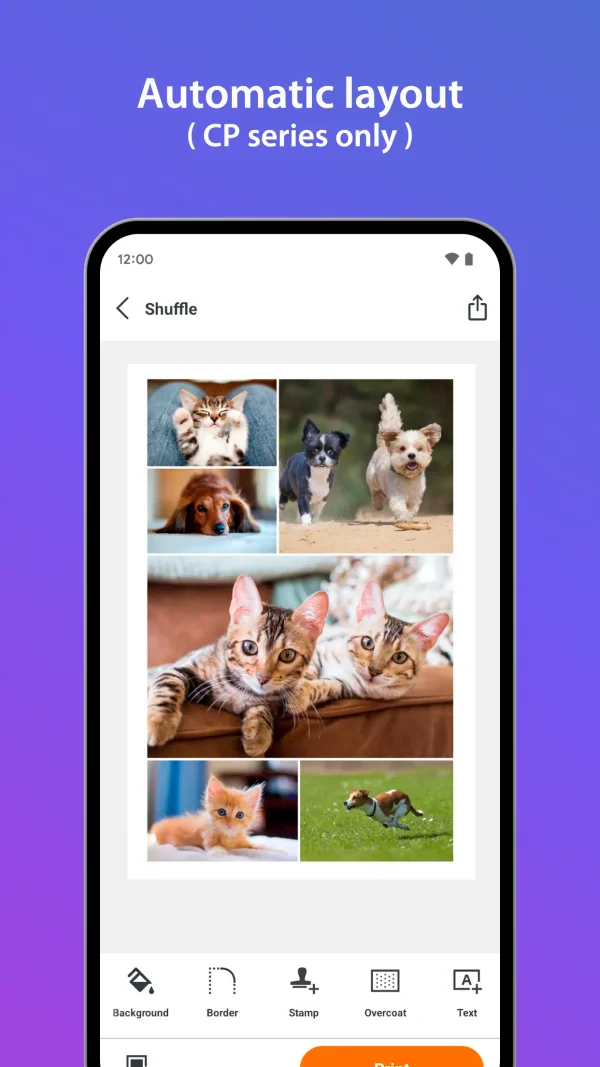
About this app
An application to create/save layouts using images stored on your mobile device.
SELPHY Photo Layout is an application that allows you to create/save layouts of images to be printed with SELPHY using images stored on your smartphone or tablet.
[Key Features]
- Connect your smartphone or tablet wirelessly with SELPHY printers and enjoy high-quality photo printing.
("Canon PRINT" must be installed separately for CP1300, CP1200, CP910, and CP900.)
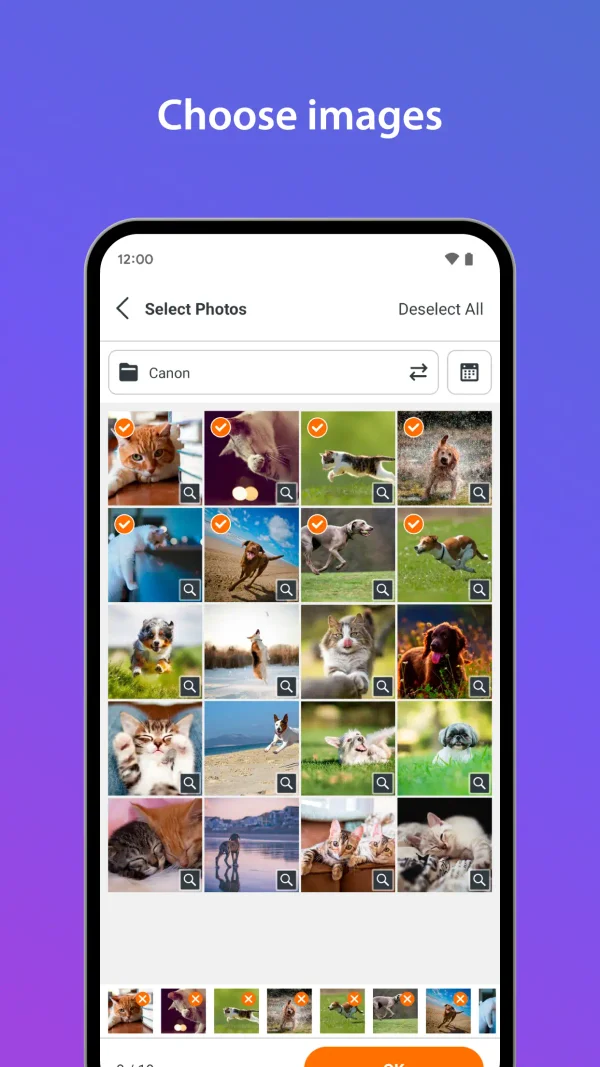
- Easily print photos directly from the ‘Photos’ menu.
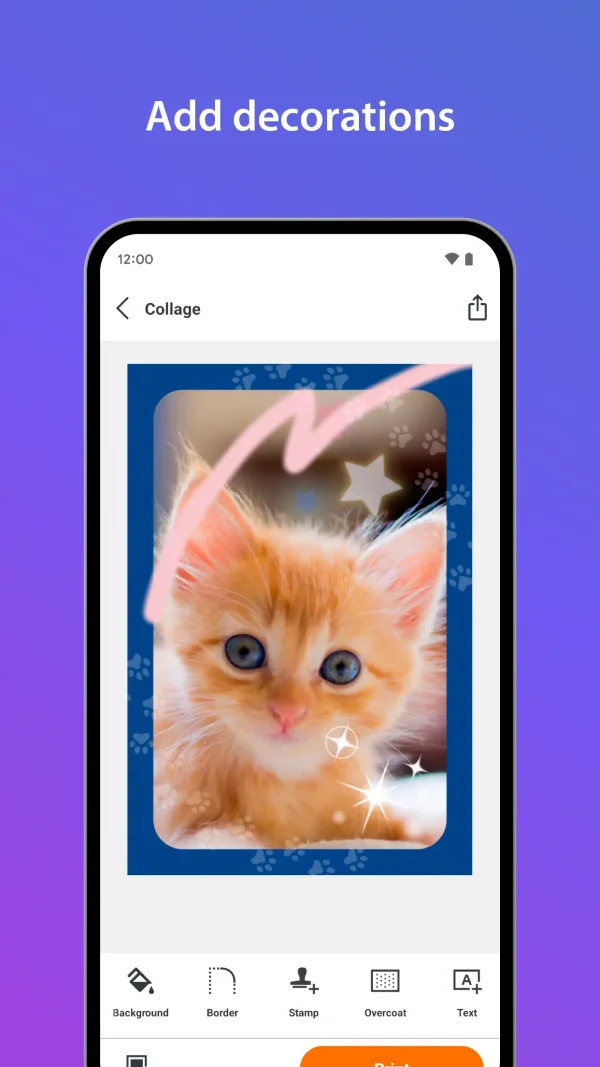
- Decorate and layout your photos freely with the ‘Collage’ menu before printing.
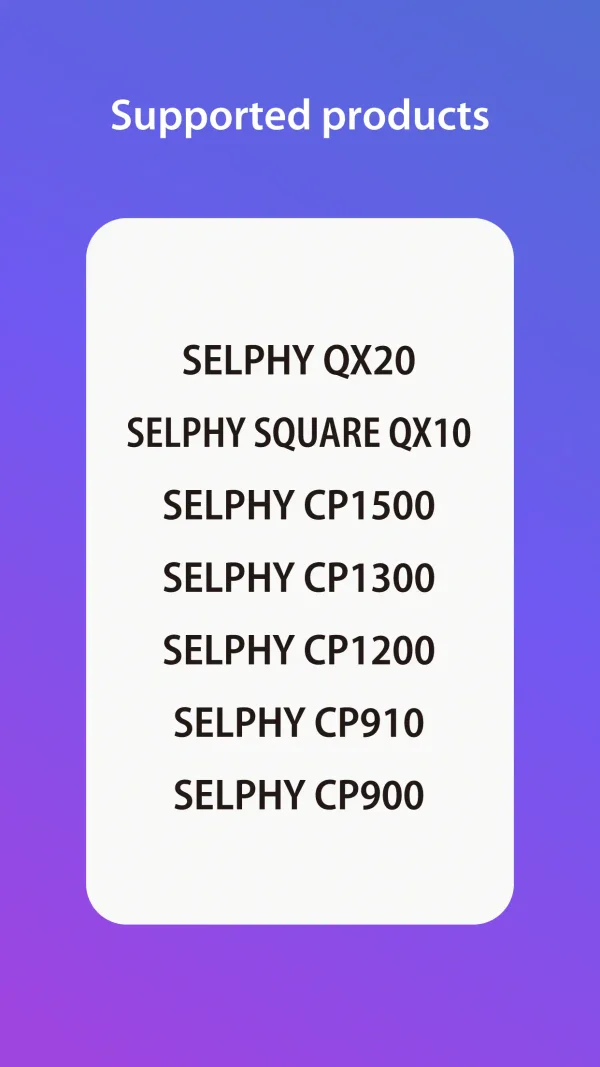
[Supported Products]
< SELPHY CP Series >
- CP1500, CP1300, CP1200, CP910, CP900
< SELPHY QX Series >
- QX20, SQUARE QX10
[System requirement]
- Android 13/14/15/16/17
[Supported Images]
- JPEG, PNG, HEIF
[Supported Layouts / Functions ]
< SELPHY CP Series >
- Photos (Easily print an unmodified original photo.)
- Collage (Have fun decorating or arranging multiple photos before you print.)
- ID Photo (Print ID photos such as passport and driver’s license pictures from selfies.)
- Shuffle (Select up to 20 images, and they will be automatically arranged and printed on one sheet.)
- Custom Size (Print in any photo size)
- Tiling (split the photo into multiple tiles to print large)
- Snap a shot (Take a photo on the spot, decorate, and print)
- Bookmark (Print in a bookmark-style layout)
- Layout (Simply choose a photo to combine with a frame and print)
- Reprint (Print additional copies from your previously printed collection.)
- Collage Decoration Features (Include stamps, frames, text, paint tools, and embedded QR codes.)
- Pattern Overcoat Processing (Only for CP1500).
< SELPHY QX Series >
- Photos (Easily print an unmodified original photo.)
- Collage (Have fun decorating or arranging multiple photos before you print.)
- Custom Size (Print in any photo size)
- Snap a shot (Take a photo on the spot, decorate, and print)
- Layout (Simply choose a photo to combine with a frame and print)
- Reprint (Print additional copies from your previously printed collection.)
- Collage Decoration Features (Include stamps, frames, and text.)
- Pattern Overcoat Processing.
- Card & Square Hybrid Printing / Borderless & Bordered Printing (Only for QX20).
[Supported Paper Size]
- All available SELPHY-specific paper sizes for purchase *2
< SELPHY CP Series >
- Postcard Size
- L (3R) Size
- Card Size
< SELPHY QX Series >
- Square Sticker Paper for QX.
- Card Sticker Paper for QX (Only for QX20).
*1: availability may differ depending on region.
[Important Notes]
- If application does not operate properly, try again after shutting down the application.
- Features and services available in this application may differ depending on the model, country or region, and environment.
- Visit your local Canon Web pages for more details.
Data safety
What Canon Inc. declares on Google Play about the data this app collects and shares.
- No data shared with third partiesLearn more about how developers declare sharing
- This app may collect these data typesPhotos and videos
- Data is encrypted in transit
- You can request that data be deleted
What’s new
Oct 9, 2026
- Added support for downloading additional decorative content (stamps and photo frames).
- You can now save "Filter" and "Adjust Color" settings as presets.
- You can now print photos shared from other apps.
- Improved usability.
[Ver.4.4.0]
Developer contact
- Websiteglobal.canon
- Emailselphyphotolayout@mail.canon
- Privacy policyssw.imaging-saas.canon
- Address3-30-2, SHIMOMARUKO OTA-KU, 東京都 146-0092 Japan
Information
- Offered by
- Google Commerce Ltd
- Category
- Photography
- Updated
- Oct 9, 2026
- Released
- Sep 3, 2018
- Age rating
- Everyone
- Price
- Free
- Package name
- jp.co.canon.ic.photolayout
Similar apps
-
 Teleprompter for Video
Productivity
-
 HomeByMe
Lifestyle
-
 InFrame - Photo Editor & Frame
Photography
-
 Easy-PhotoPrint Editor
Photography
-
 Canon Camera Connect
Photography
-
 Nelko
Tools
-
 Sony | Creators' App
Photography
-
 Photo Editor - Collage Maker
Photography
-
 CEWE: Photobooks & Photo Print
Photography
-
 Sony | Imaging Edge Mobile
Photography
-
 PICNIC: AI Editor & Sky Filter
Photography
-
 OldRoll - Vintage Film Camera
Photography