EdrawMax: AI Flowchart Diagram
SHENZHEN EDRAW SOFTWARE Co., LTD.In-app purchases
- EveryoneAge rating
- ProductivityCategory
- Nov 26, 2026Updated
- FreePrice
Links to the official Google Play listing of com.edrawsoft.edrawmax.oversea.mobile. Last checked on Nov 27, 2026.

Screenshots




About this app
Drawing graphic design app easily view, create, edit Visio, diagram, org charts
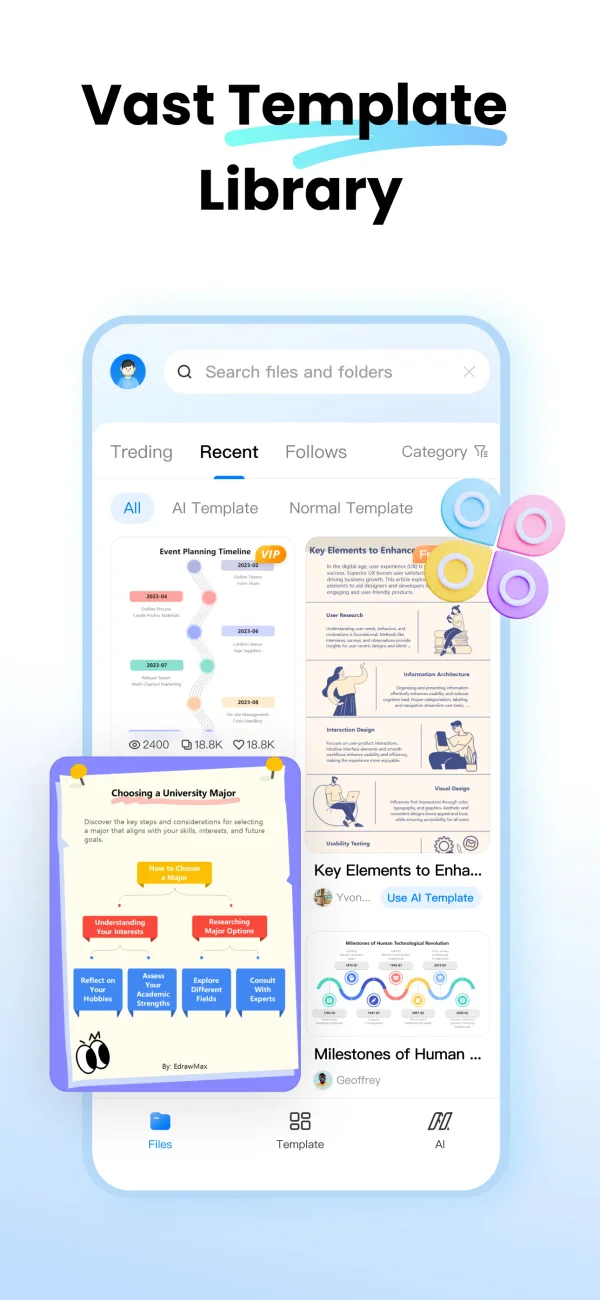
EdrawMax is your all-in-one AI diagramming tool that turns ideas into visuals with ease. Whether you’re sketching out a workflow, mind map, org chart, or technical diagram, EdrawMax empowers you to create professional-level visuals in seconds. Explore 40,000+ built-in templates, covering flowcharts, organizational charts, project plans, and more. Dive into a world of creativity and efficiency.
KEY FEATURES
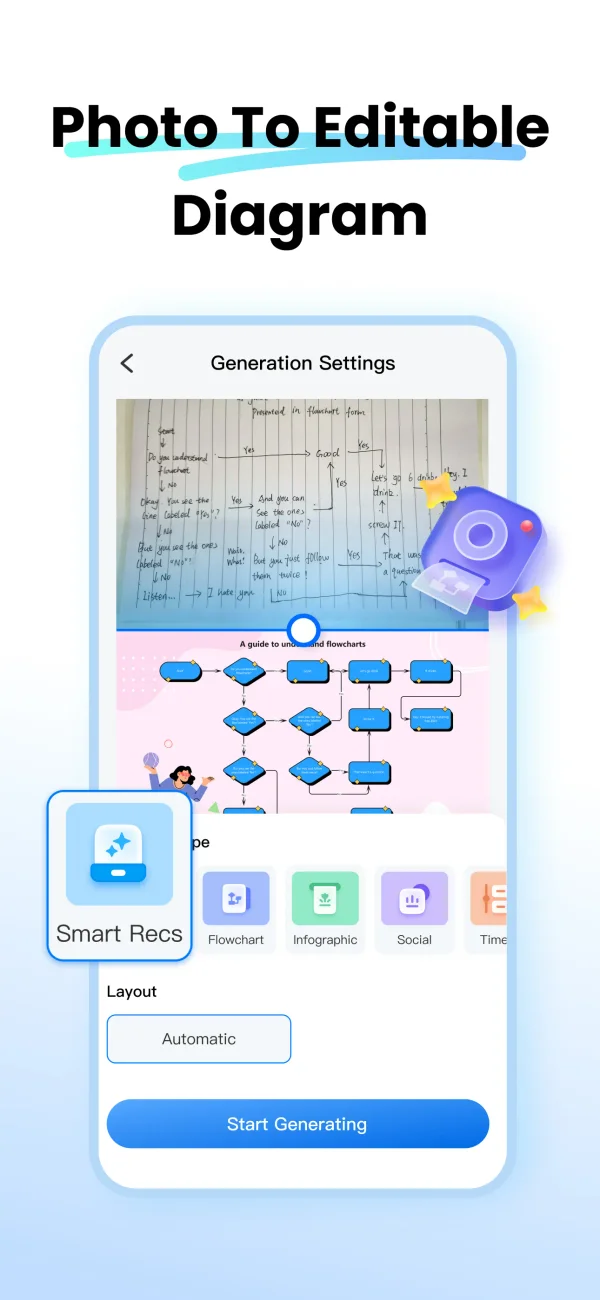
📸 [Photo to Editable Diagram]
Snap and convert: Instantly turn paper notes or whiteboard content into editable diagrams
Auto-detects logic and layout: Preserve structure and clarity
Beautiful templates: Auto-style your content for a clean, modern look
Flexible export: Save as image, PDF, or editable Edraw (.eddx) file
Great for digitizing meeting notes, study cards, paper documents, and more
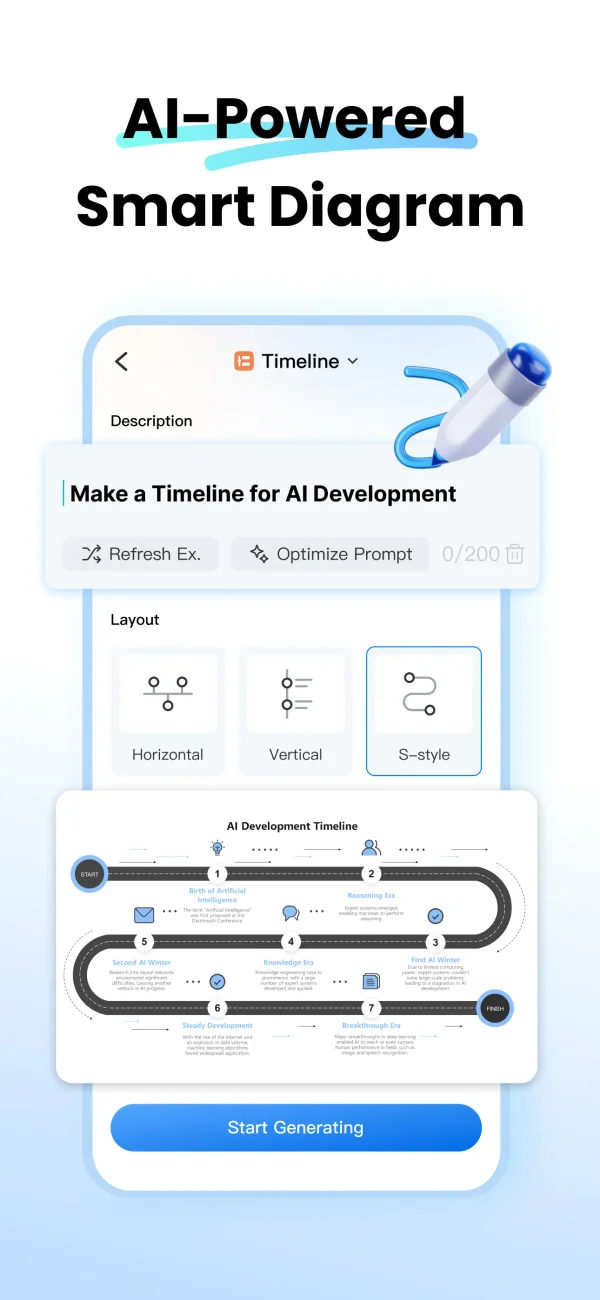
🤖 [Instant Diagrams with AI Templates]
One-tap to clone: Reproduce the look and feel of any popular template
Batch generation: Quickly create multiple diagrams with a unified style
Visual inspiration: Supports timelines, infographics, flowcharts, and socials
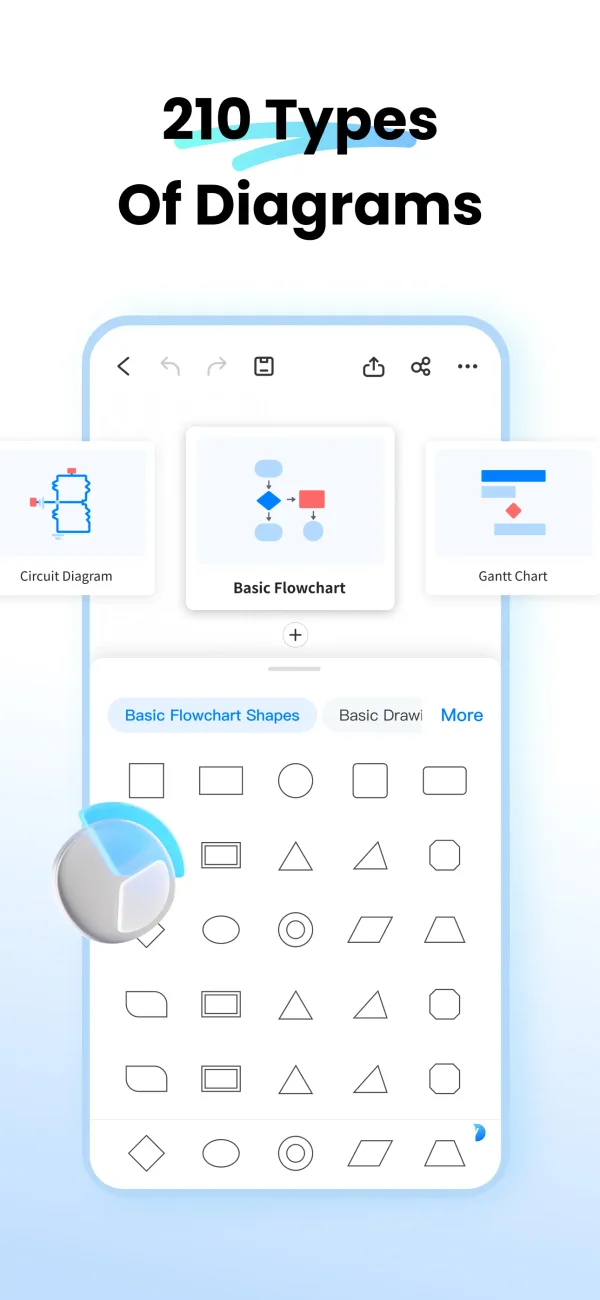
40,000+ templates and 17,000+ symbols at your fingertips
Ideal for office workflows, design layouts, academic diagrams, resumes, and scientific models
💡 [Smarter AI Assistant]
Multiple AI models supported: Chatgpt, Gemini and more
Side-by-side comparison: Easily evaluate answers from different AI models. Smarter answers, faster decisions.
Specialized tools: AI diagram generator, AI translator, brainstorm bot, marketing copywriter, and more
Fully customizable AI scenarios to fit your unique needs
🌐 [Multi-Platform Collaboration & Seamless Sharing]
Import Visio files and edit without compatibility issues
Export to multiple formats: PDF, image, and EDDX
Cloud sync across desktop, mobile, and online
One-tap share to email, Facebook, WhatsApp, and other social channels
Enhanced security with file encryption and share expiration settings
📌 Built for Every Use Case
Professionals: Create org charts, process diagrams, Gantt charts, circuit diagrams, timeline diagrams, and more
Students: Easily create history timeline, family tree, and math Algorithm flowcharts
Designers: Draft home layouts, HVAC plans, office designs, evacuation routes, and even wardrobe blueprints
Educators and Researchers: Visualize lab equipment, physics/biology diagrams, astronomy models, and thesis content with ease
💎 In-App Purchase Information
• Payment charged upon confirmation via iTunes account.
• Subscriptions auto-renew; disable 24hrs before current period ends in Settings > iTunes & App Store.
🛡 Privacy & Terms
• Privacy Policy: https://www.edrawsoft.com/privacy-policy.html
• Terms & Conditions: https://www.edrawsoft.com/terms-conditions.html
💬 Support You Can Rely On
Our dedicated support team is always here to help. Have questions or feedback? We’re committed to providing timely and effective assistance.
• Email: support@edrawsoft.com
• Support Center: https://www.edrawsoft.com/support-center.html
• Website: https://www.edrawsoft.com/
• Twitter: Edraw @edrawsoft
• Facebook: Edraw Software
⭐️ Love EdrawMax?
If EdrawMax makes your work or study easier, please leave us a positive review. Your feedback motivates us to keep improving and innovating!
Data safety
What SHENZHEN EDRAW SOFTWARE Co., LTD. declares on Google Play about the data this app collects and shares.
- This app may share these data types with third partiesFinancial info, App activity and 2 others
- This app may collect these data typesPersonal info
- Data is encrypted in transit
- You can request that data be deleted
Developer contact
- Websiteedrawmax.com
- Emailsupport@edrawsoft.com
- Privacy policywondershare.com
- Address中国 广东省深圳市 南山区粤海街道高新区社区科技南路16号 深圳湾科技生态园11栋A1204 邮政编码: 518000
Information
- Offered by
- SHENZHEN EDRAW SOFTWARE Co., LTD.
- Category
- Productivity
- Version
- 1.5.4
- Updated
- Nov 26, 2026
- Released
- Apr 4, 2023
- Requires
- Android 5.0 or later
- Age rating
- Everyone
- Price
- Free
- In-app purchases
- $1.99 - $99.99 per item
- Package name
- com.edrawsoft.edrawmax.oversea.mobile
Similar apps
-
 Nested Folder Notes - Folino
Productivity
-
 Daypad - Simple Time Tracker
Productivity
-
 IFTTT.ai: Automation made easy
Productivity
-
 Acuity: Appointment Scheduling
Productivity
-
 Wix - Website Builder
Productivity
-
 MeisterTask - Task Management
Productivity
-
 Timesheet - Work Time Tracker
Productivity
-
 UpNote - notes, diary, journal
Productivity
-
 MindMeister - Mind Mapping
Productivity
-
 Envision
Productivity
-
 TrebEdit - Mobile HTML Editor
Tools
-
 touchnotes: Notes & PDF
Productivity