ELM327 Test
Radarbot CompanyContains ads
- EveryoneAge rating
- Auto & VehiclesCategory
- Oct 6, 2023Updated
- FreePrice
Links to the official Google Play listing of com.vialsoft.elm327_test_obd_identifier. Last checked on Nov 27, 2026.
Screenshots

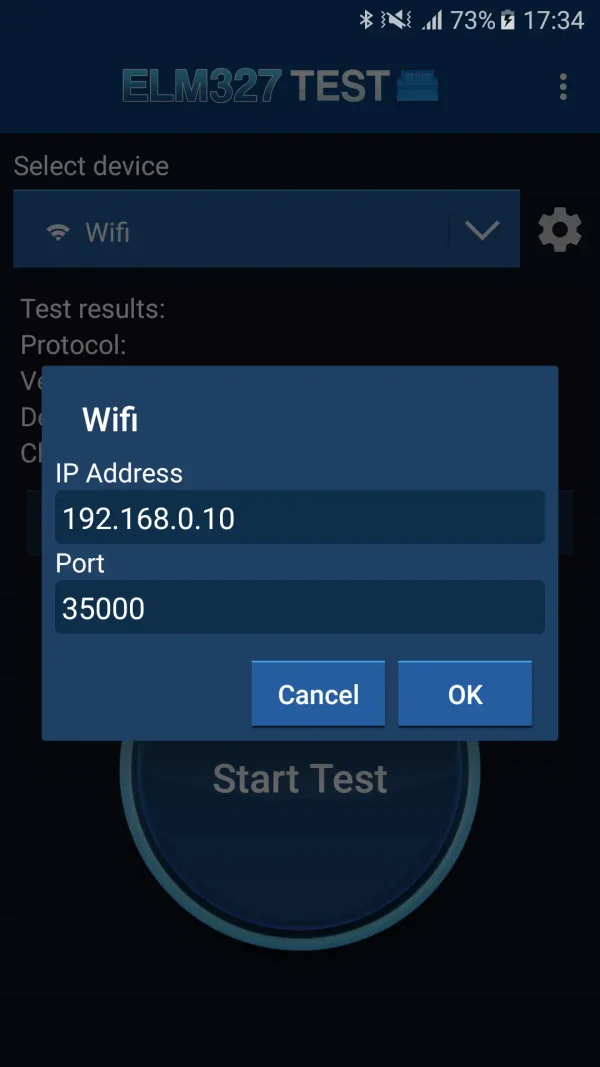
About this app
Check your ELM327 device, identify the current version and supported PIDs
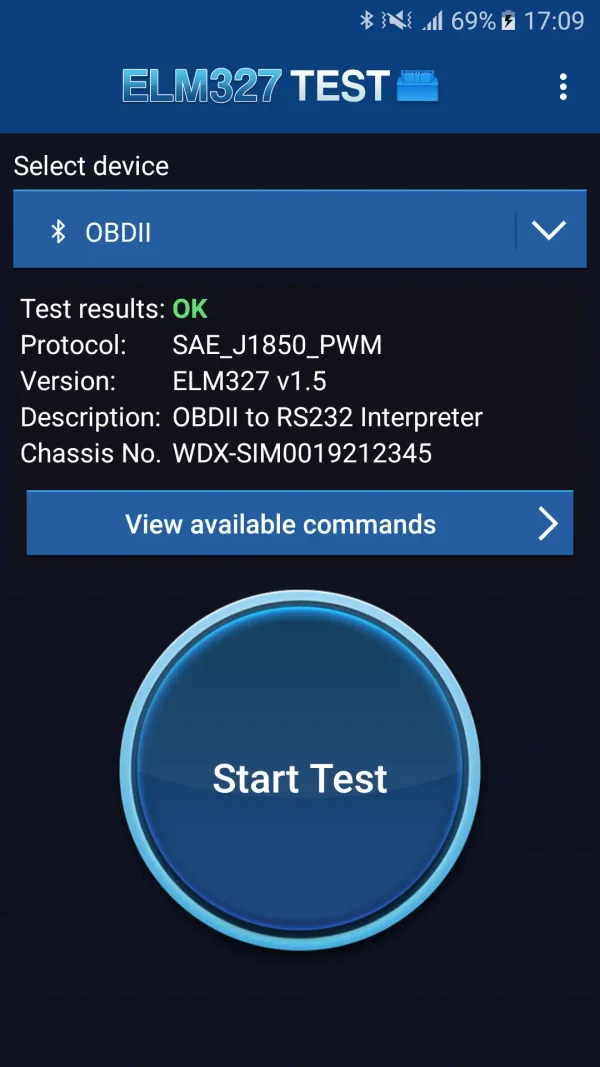
"ELM327 Test" is used to check the operation of devices with an ELM327 diagnosis. If you have a, ELM327 device, with this application you can:
* Check the correct operation of your device or possible connection problems, protocol problems or hardware failures in the device.
* Identify the current version of the device. (ELM327 v1.0, v1.1, v1.2, v1.3, v1.3a, v1.4, v1.4b, v2.0, v2.1, v2.2).
* Detect OBD2 protocol compatible with your vehicle:
- ISO 9141-2
- ISO 14230-4 KWP 2000
- ISO 14230-4 KWP 2000 (FAST)
- ISO 15765-4 CAN-BUS
- SAE J1939 CAN
- SAE J1850 PWM
- SAE J1850 VPW
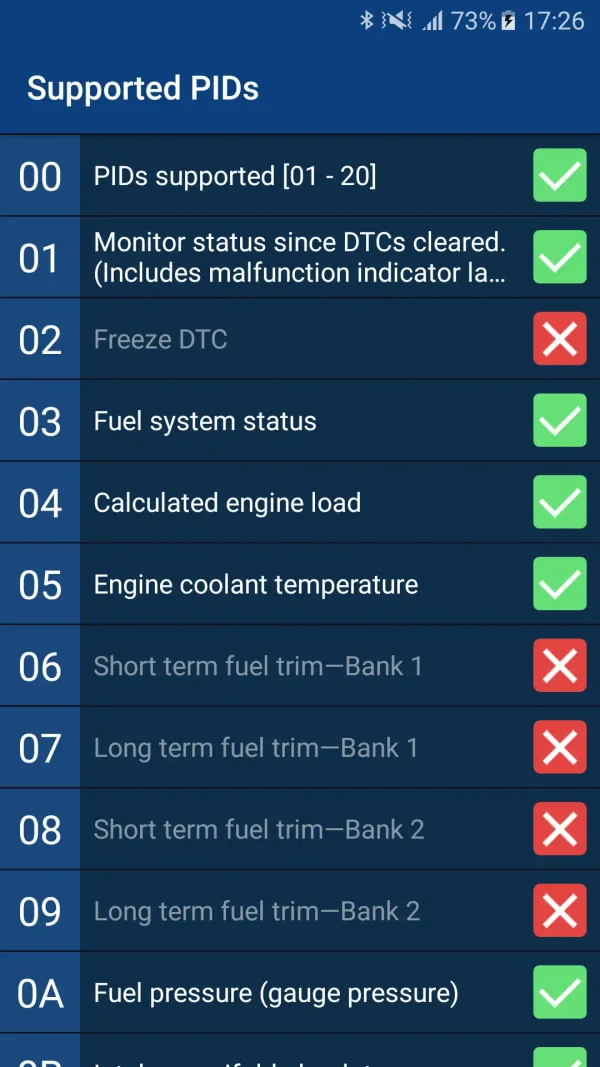
* Show all PID commands supported by the vehicle.
* Display the chassis number of your vehicle.
HOW TO USE THE APPLICATION
1. Connect the ELM327 adapter to your car using the OBD2 socket.
2. Link the adapter from the Bluetooth settings on your Android device or connect your Android device to the device's WiFi.
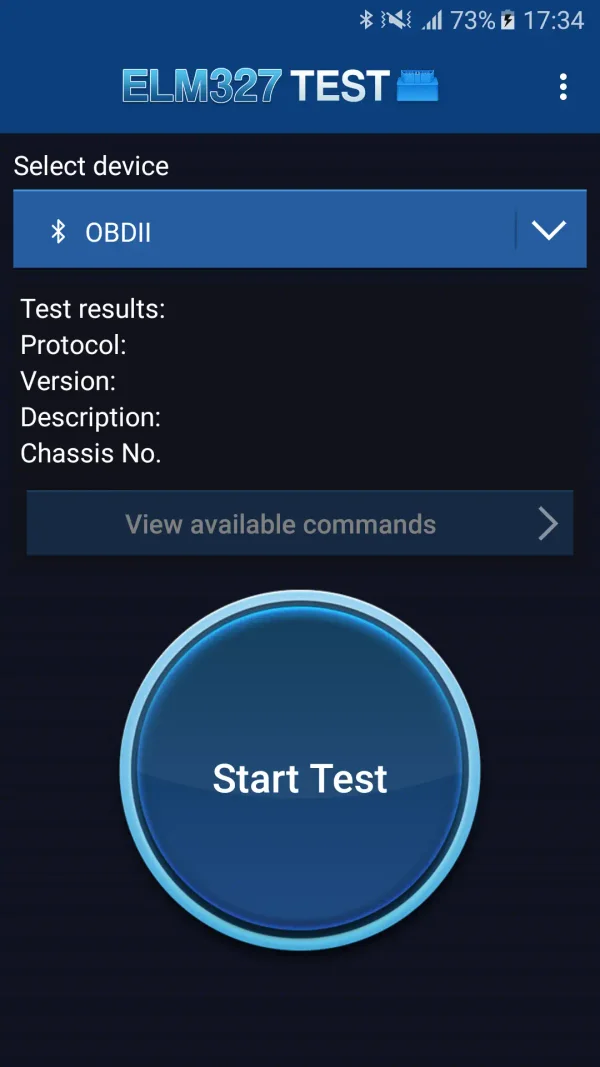
3. Start the application and select the paired device (Bluetooth or WiFi).
4. Press the "Start Test" button.
5. Wait until the end of the test and check the results.
6. Press the button "View available commands" to show all PIDs commands supported by your vehicle.
For inquiries please email us at support@iteration-mobile.com
Data safety
What Radarbot Company declares on Google Play about the data this app collects and shares.
- This app may share these data types with third partiesLocation, Messages and 3 others
- This app may collect these data typesLocation, Messages and 3 others
- Data is encrypted in transit
What’s new
Version 1.6 · Oct 6, 2023
Bug fixes
Developer contact
- Websiteiteration-mobile.com
- Emailsupport@iteration-mobile.com
- Privacy policyiteration-mobile.com
- AddressCALLE VALVERDE, 1 - 4 B 28004 MADRID Spain
Information
- Offered by
- Radarbot Company
- Category
- Auto & Vehicles
- Version
- 1.6
- Updated
- Oct 6, 2023
- Released
- Jun 29, 2018
- Requires
- Android 4.4 or later
- Age rating
- Everyone
- Price
- Free
- Package name
- com.vialsoft.elm327_test_obd_identifier
Similar apps
-
 OBD2 Car Scanner - EOBD Facile
Auto & Vehicles
-
 Emporia Energy
Lifestyle
-
 StarLine 2
Auto & Vehicles
-
 ScanMaster for ELM327 OBD-2
Communication
-
 myChevrolet
Lifestyle
-
 Wahoo: Ride, Run, Train
Health & Fitness
-
 MyHyundai with Bluelink
Productivity
-
 TomTom GO Expert: Truck GPS
Maps & Navigation
-
 Carly — OBD2 car scanner
Auto & Vehicles
-
 CuboAi Smart Baby Monitor
Parenting
-
 Cannondale
Health & Fitness
-
 Sentry Pro for Tesla
Auto & Vehicles