Epson DocumentScan
Seiko Epson Corporation- EveryoneAge rating
- ProductivityCategory
- Sep 3, 2026Updated
- FreePrice
Links to the official Google Play listing of com.epson.documentscan. Last checked on Nov 27, 2026.

Screenshots

About this app
This app is only for Epson scanners. Make sure that your scanner is supported.
This app is only for Epson scanners. Make sure that your scanner is supported.
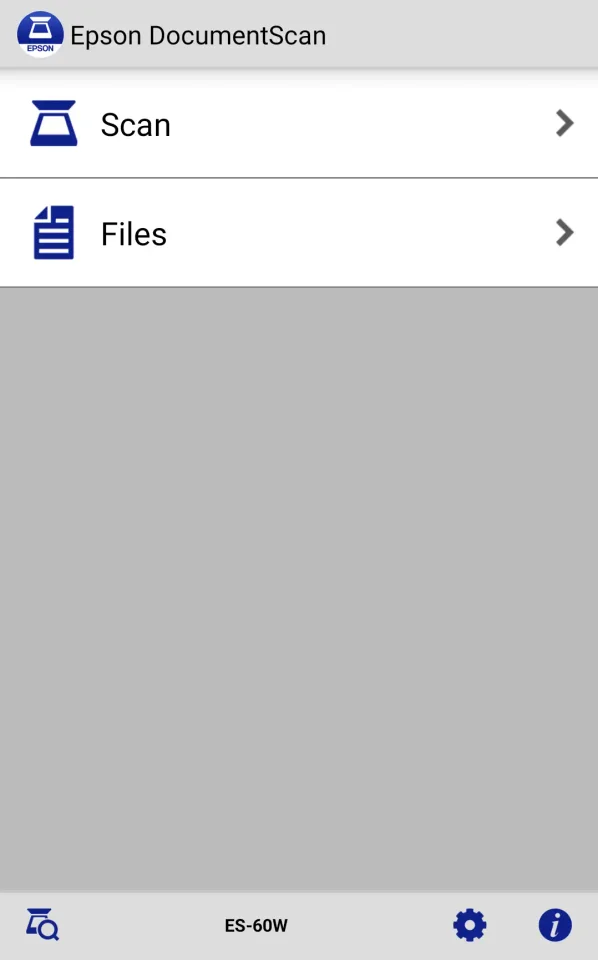
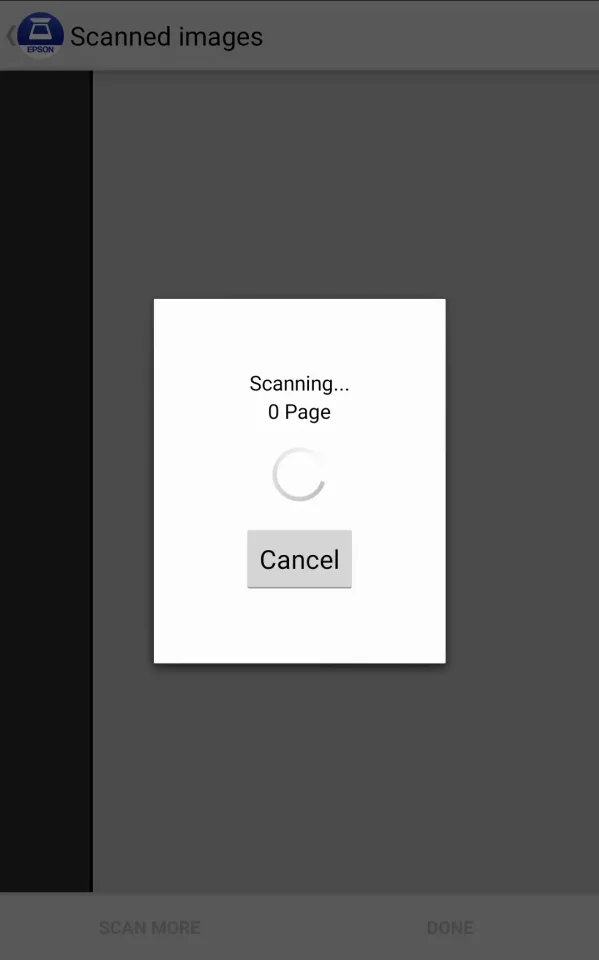
Scan documents directly to your Android™ device. Epson DocumentScan will automatically find your Epson scanner on the same Wi-Fi® network. Even without Wi-Fi network, you can establish one-to-one direct connection between Epson scanner and your Android device. You can preview the scanned data and email it, send it directly to other applications, or to cloud storage services like Box, DropBox™, Evernote®, Google Drive™ and Microsoft® OneDrive
Scanners Supported
https://support.epson.net/appinfo/documentscan/en/index.html
Key Features
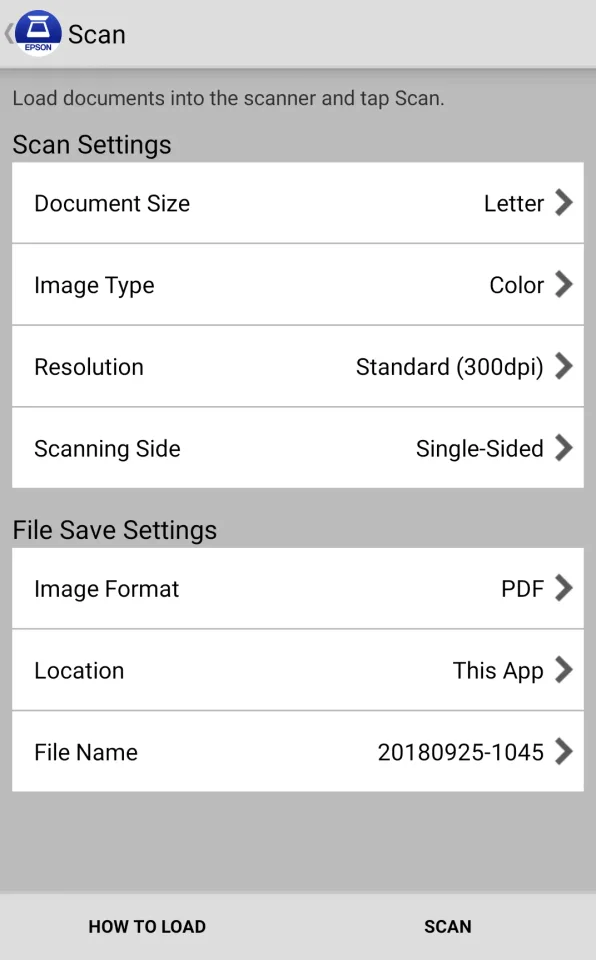
- Directly scan to your Android device with various setting (Document Size, Image type, Resolution, Simplex/Duplex)
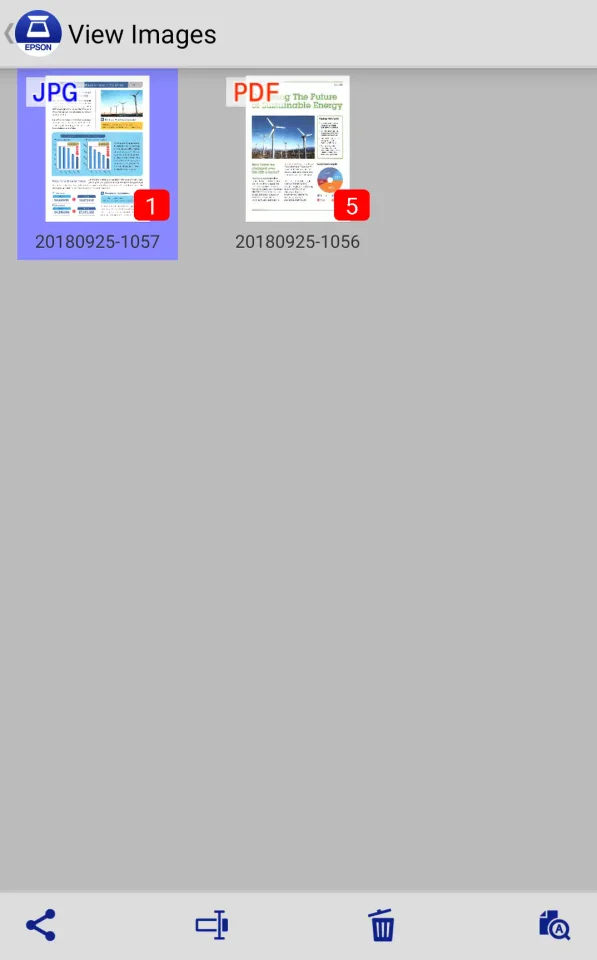
- Edit scanned image data, rotation and order change in multiple page data
- Send scanned files via email
- Send saved data to other applications, or to cloud storage services including Box, DropBox, Evernote, Google Drive and Microsoft OneDrive.
*Installing the applications to your Android device is necessary.
- Get help with a built-in FAQ section
Advanced features
- Auto size recognition, Auto image type recognition is available.
- Multiple page rotation and order change at once is available.
How to Connect
Follow the application guideline to establish the connection with your scanner without your PC.
- Wi-Fi Infrastructure connection(Wi-Fi mode)
Connect your scanner and your Android device via Wi-Fi network.
- Direct Wi-Fi connection (AP mode)
Connect your scanner and your Android device directly without external Wi-Fi network.
Android is a trademark of Google Inc.
Dropbox and the Dropbox logo are trademarks of Dropbox, Inc.
Wi-Fi is a registered mark of the Wi-Fi Alliance
EVERNOTE is a trademarks of Evernote Corporation
Google Drive is a trademark of Google Inc.
OneDrive is a registered trademark of Microsoft Inc.
Visit the following website to check the license agreement regarding the use of this application.
https://support.epson.net/terms/scn/swinfo.php?id=7020
We welcome your feedback.
Unfortunately, we cannot reply to your e-mail.
Data safety
What Seiko Epson Corporation declares on Google Play about the data this app collects and shares.
- No data shared with third partiesLearn more about how developers declare sharing
- This app may collect these data typesApp activity, App info and performance, and Device or other IDs
- Data is encrypted in transit
- Data can’t be deleted
- Committed to follow the Play Families Policy
What’s new
Version 1.9.1 · Sep 3, 2026
This release brings some improvements to make the app more stable.
Developer contact
- Websiteepson.com
- EmailFeedback-AndroidAppsPrn@exc.epson.co.jp
- Privacy policysupport.epson.net
- Address日本 〒160-0022 東京都SHINJUKU-KU 4-1-6, SHINJUKU JR SHINJUKU MIRAI TOWER 29F
Information
- Offered by
- Seiko Epson Corporation
- Category
- Productivity
- Version
- 1.9.1
- Updated
- Sep 3, 2026
- Released
- Mar 6, 2014
- Requires
- Android 10 or later
- Age rating
- Everyone
- Price
- Free
- Package name
- com.epson.documentscan
Similar apps
-
 HP
Productivity
-
 PDF Scanner Plus - Doc Scanner
Productivity
-
 Brother Mobile Connect
Tools
-
 ACE Scanner - PDF Scanner App
Productivity
-
 Easy-PhotoPrint Editor
Photography
-
 FAX App: Faxing from Phone
Business
-
 Mobile Scanner App - Scan PDF
Productivity
-
 Nelko
Tools
-
 Freedom: App & Website Blocker
Productivity
-
 Princh
Productivity
-
 2FA Authenticator (2FAS)
Tools
-
 HP Print Service Plugin
Productivity