eufy Clean(EufyHome)
Anker- EveryoneAge rating
- LifestyleCategory
- Sep 28, 2026Updated
- FreePrice
Links to the official Google Play listing of com.eufylife.smarthome. Last checked on Nov 27, 2026.
Screenshots

About this app
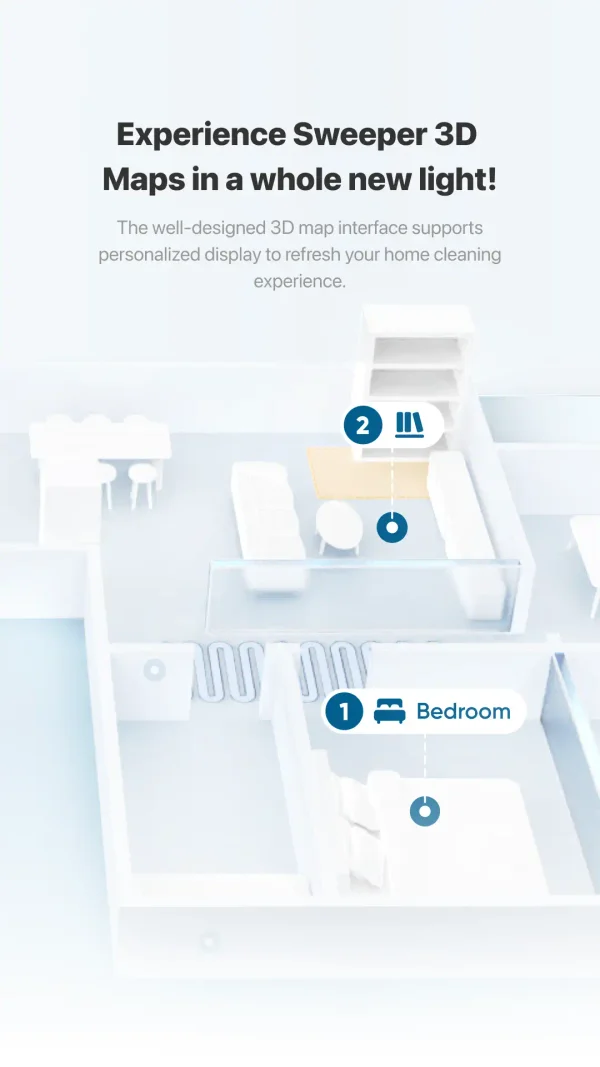
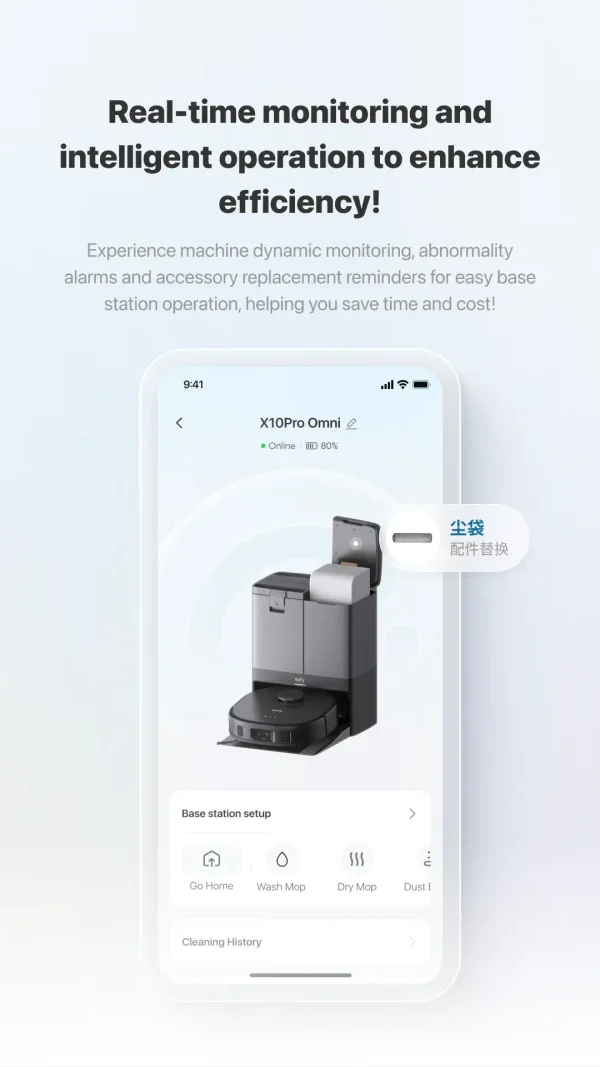
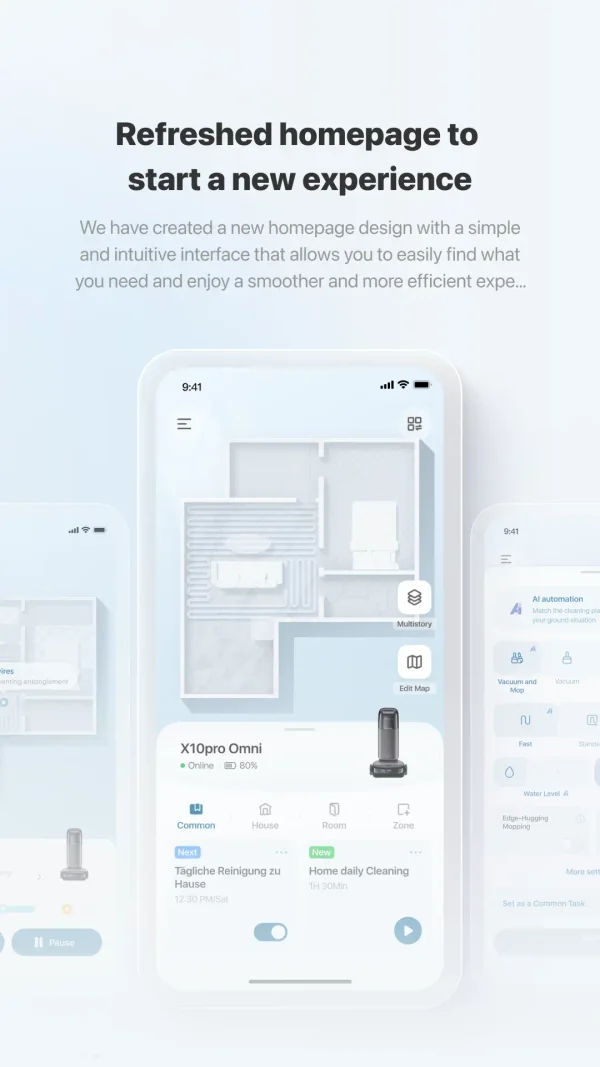
eufy Clean - Live Well. Live Smart.
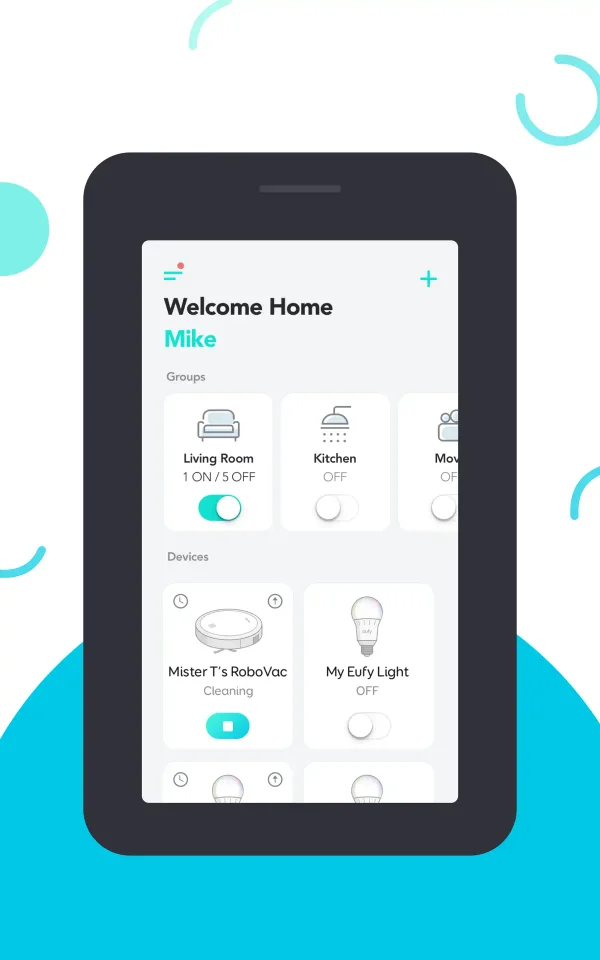
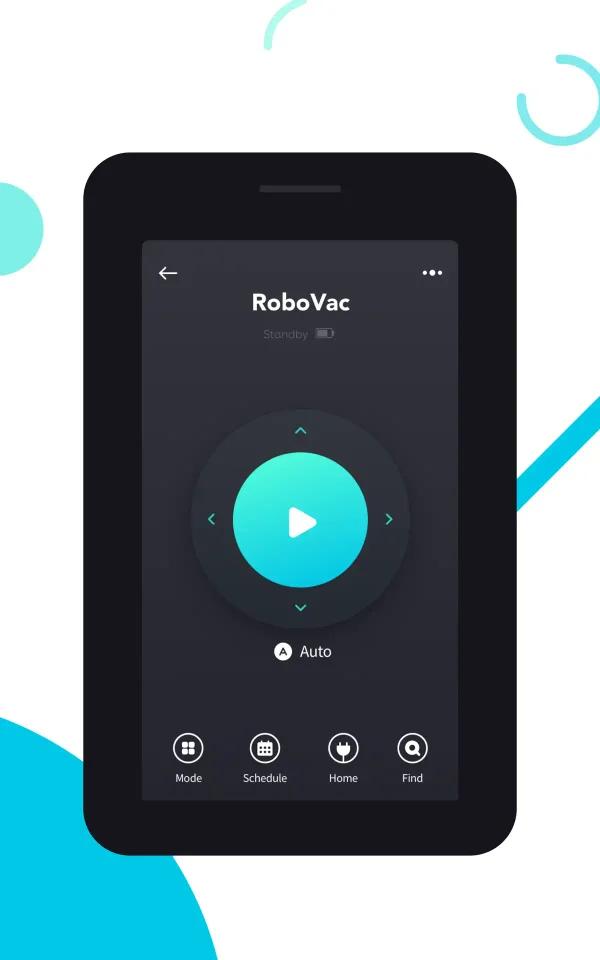
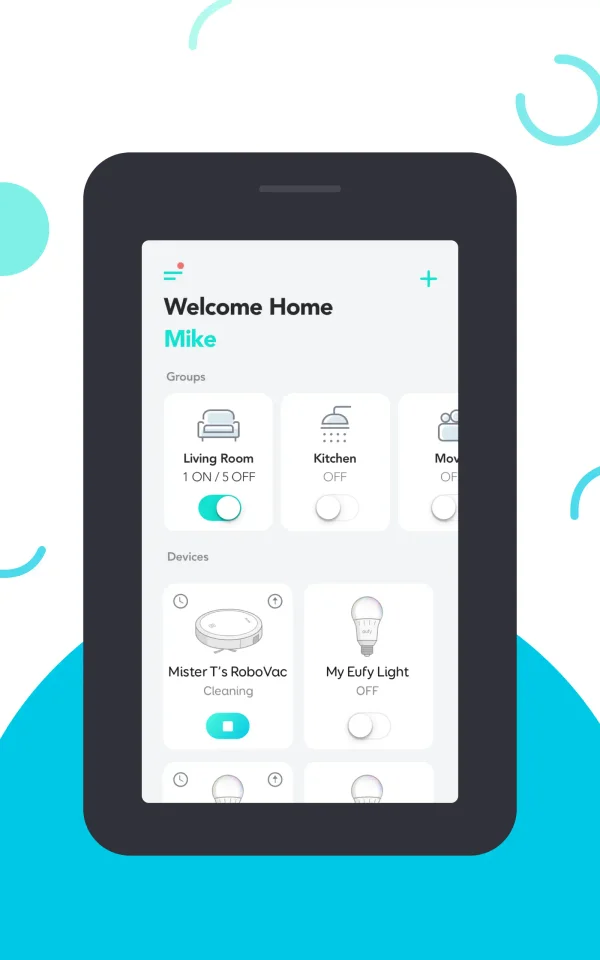
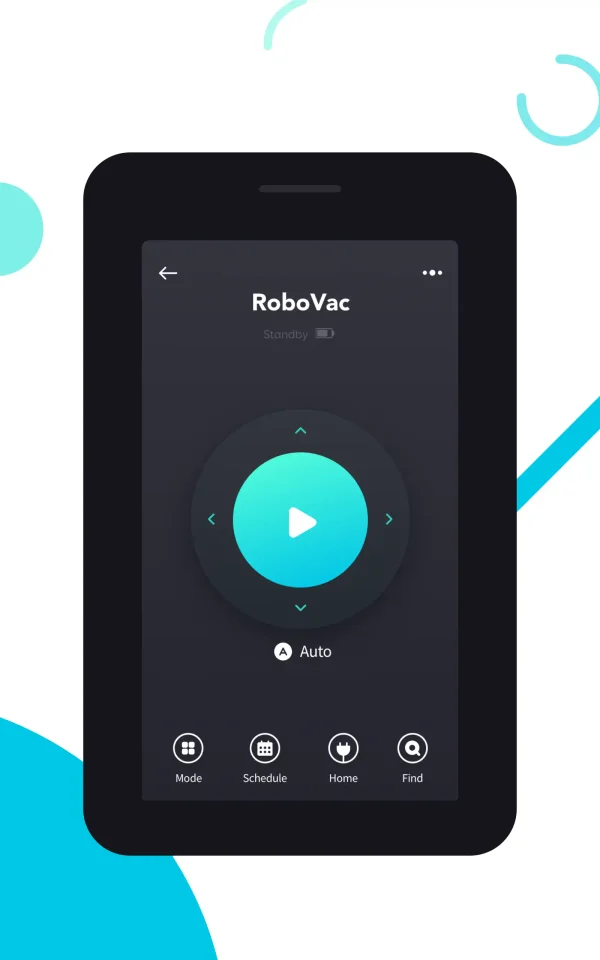
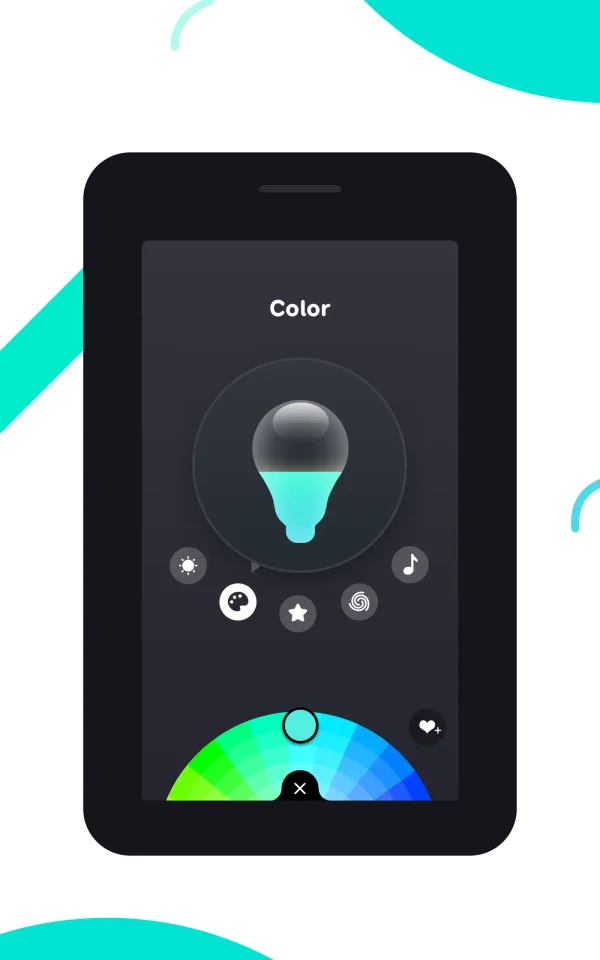
eufy Clean - Live Well. Live Smart. Control your Eufy smart home devices from anywhere.
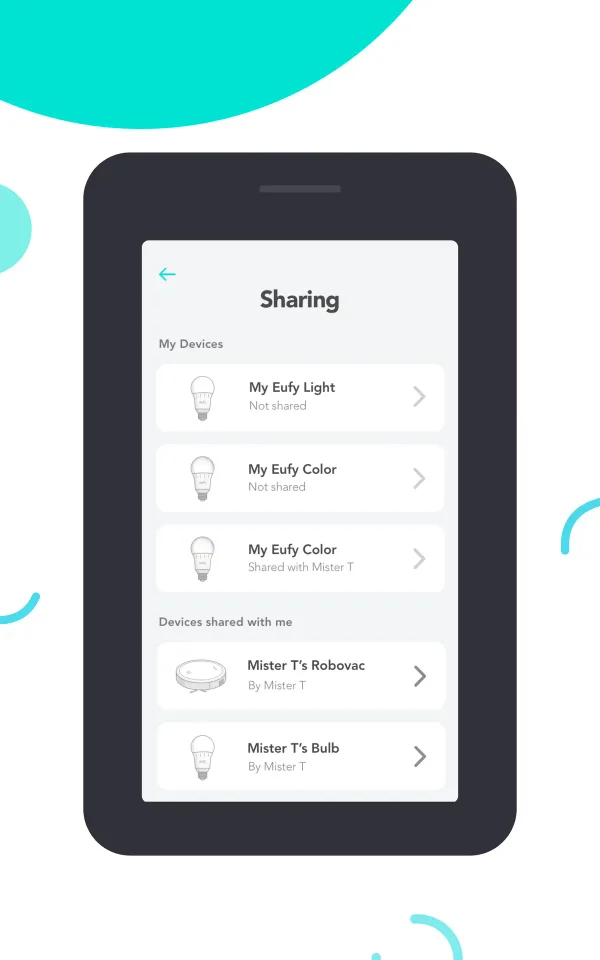
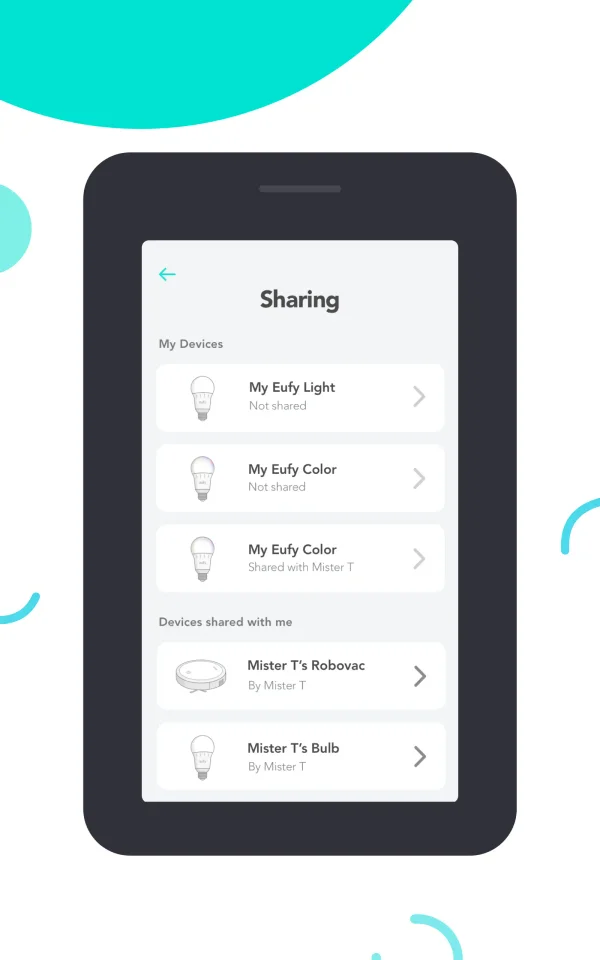
You can also share Eufy smart home devices with family members, so everyone can set their own personal preferences for each device.
How to use eufy Clean:
-Note: For new products released after 2026 (such as C28, S2, etc.), please use the eufy app.
- Registering your account: After downloading the app, create and register an account with your Email address. (Or directly log in with your EufyLife account)
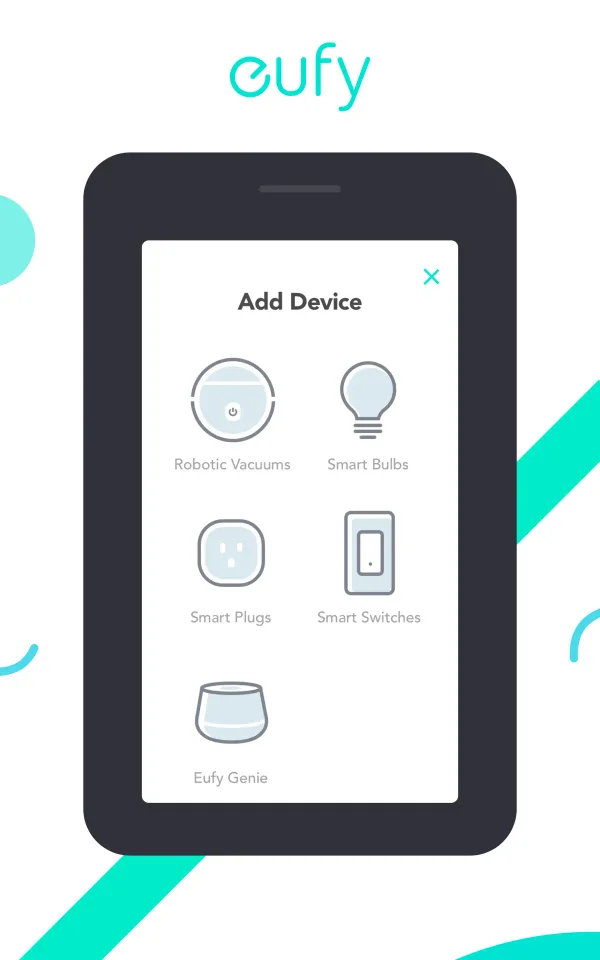
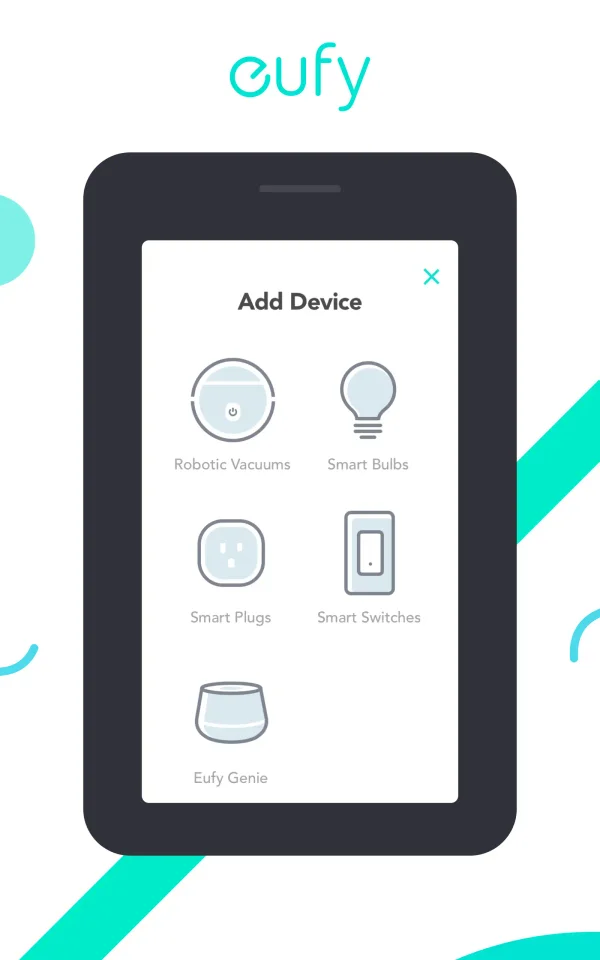
- Adding devices: Open the eufy Clean app and follow the intuitive setup procedure to pair new devices with your smartphone. If a device has already been setup by another family member, you can request control access to operate that device from that family member.
- Using devices: After successfully pairing the new device, it will show up in the device list. Simply tap the icon you wish to use and start enjoying the Eufy smart home experience.
Contact Us:
• Email: support@eufylife.com
• Website: eufylife.com
• Facebook: @EufyOfficial
Data safety
What Anker declares on Google Play about the data this app collects and shares.
- No data shared with third partiesLearn more about how developers declare sharing
- This app may collect these data typesPersonal info, Messages and 2 others
- Data is encrypted in transit
- You can request that data be deleted
What’s new
Version 3.20.0 · Sep 28, 2026
We have updated the EufyHome app to give you a better experience.
Key Updates:
- Fixed bugs and enhanced user experience.
What features would you like to see? Tell us at: support@eufylife.com
Developer contact
- Websiteeufylife.com
- Emailsupport@eufylife.com
- Privacy policyd1h7n5vp3x66nf.cloudfront.net
- Address400 108th Ave NE Ste 400 Bellevue, WA 98004 United States
Information
- Offered by
- Anker
- Category
- Lifestyle
- Version
- 3.20.0
- Updated
- Sep 28, 2026
- Released
- May 27, 2017
- Requires
- Android 7.0 or later
- Age rating
- Everyone
- Price
- Free
- Package name
- com.eufylife.smarthome
Similar apps
-
 Reolink
Communication
-
 MyHyundai with Bluelink
Productivity
-
 VicoHome: Smart Home Camera
Video Players & Editors
-
 ieGeek Cam
Tools
-
 Philips Air+
Lifestyle
-
 OneSoil Scouting: Farming Tool
Productivity
-
 CloudEdge
Lifestyle
-
 Arenti
Tools
-
 ECOVACS HOME
Lifestyle
-
 Kasa Smart
Lifestyle
-
 IPC360 Home
Video Players & Editors
-
 tado°
Lifestyle