Explorer - Digital Watch Face
jigu watchfaceContains ads
- EveryoneAge rating
- Art & DesignCategory
- Aug 19, 2026Updated
- FreePrice
Links to the official Google Play listing of com.watchface.wearos.explorerdigitalwatchface. Last checked on Nov 25, 2026.
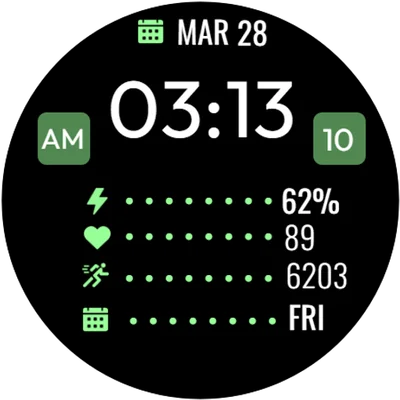
About this app
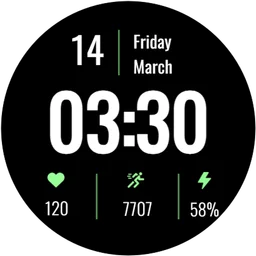
Dynamic digital watch with time, date, steps, heart rate,and battery indicators.
Stay connected and active with the Explorer - Digital Watch Face for Wear OS. This versatile watch face provides real-time information on time, date, steps, heart rate, and battery percentage in a sleek, modern design that fits perfectly on your wrist.
Designed for explorers and adventurers, the Explorer watch face makes it easy to track your fitness metrics and stay organized with just a glance at your smartwatch.
Key Features:
1.Displays time, date, step count, heart rate, and battery percentage.
2.Clear digital layout with bold fonts for easy readability.
3.Stylish and functional design, optimized for both fitness and everyday wear.
4.Supports Ambient Mode and Always-On Display (AOD).
5.Smooth performance on round Wear OS devices.
Installation Instructions:
1.Open the Companion App on your phone.
2.Tap "Install on Watch."
3.Select Explorer - Digital Watch Face from your watch settings or gallery.
Compatibility:
✅ Compatible with all Wear OS devices API 33+ (e.g., Google Pixel Watch, Samsung Galaxy Watch).
❌ Not suitable for rectangular watches.
Enhance your smartwatch experience with the Explorer - Digital Watch Face, offering the perfect balance of functionality and style for every adventure.
Data safety
What jigu watchface declares on Google Play about the data this app collects and shares.
- No data shared with third partiesLearn more about how developers declare sharing
- This app may collect these data typesApp activity, App info and performance, and Device or other IDs
- Data is encrypted in transit
- Data can’t be deleted
Developer contact
- Websitejiguprivacypolicywatchfacewear.blogspot.com
- Emailjigsdevganiya12345@gmail.com
- Privacy policyjiguwatchfaceprivacypolicy.wordpress.com
- AddressIndia
Information
- Offered by
- jigu watchface
- Category
- Art & Design
- Updated
- Aug 19, 2026
- Released
- Mar 20, 2025
- Age rating
- Everyone
- Price
- Free
- Package name
- com.watchface.wearos.explorerdigitalwatchface
Similar apps
-
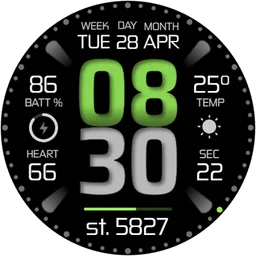 MI21 Watchface
Personalization
-
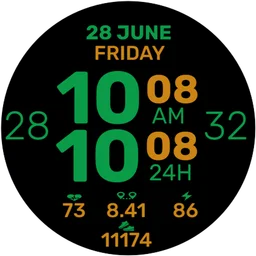 NUMBERS 3
Personalization
-
 ZKin Watch Minimalist Black
Personalization
-
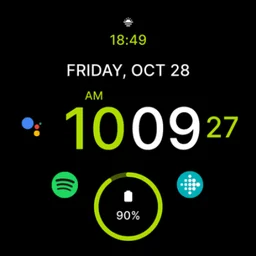 Digital Green Watch Face
Personalization
-
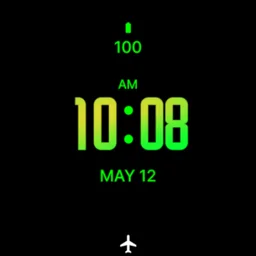 Mango Modern Watch Face
Personalization
-
 Minimal Health Tracking - RE49
Personalization
-
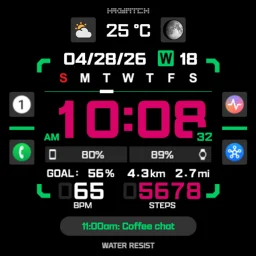 HMK WD026
Personalization
-
 Black Jet Watch Face
Personalization
-
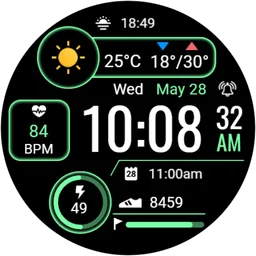 Digital 15
Personalization
-
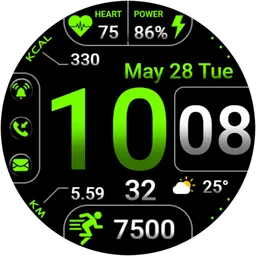 KZY087
Personalization
-
 Minimal BOLD - Watch Face
Art & Design
-
 CELEST5582 Minimalist Watch
Personalization