Explorer - Digital Watch Face
jigu watchface広告を含む
- 3 歳以上対象年齢
- アート&デザインカテゴリ
- 2026/8/19更新日
- 無料価格
com.watchface.wearos.explorerdigitalwatchfaceのGoogle Play公式ページにリンクしています。最終確認:2026/11/26。
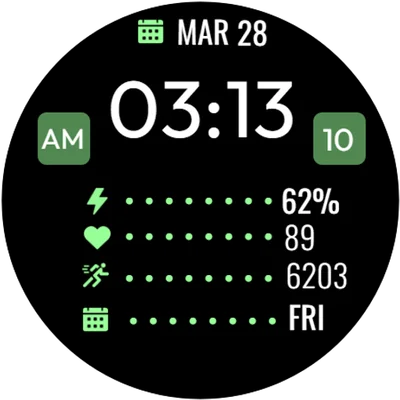
スクリーンショット
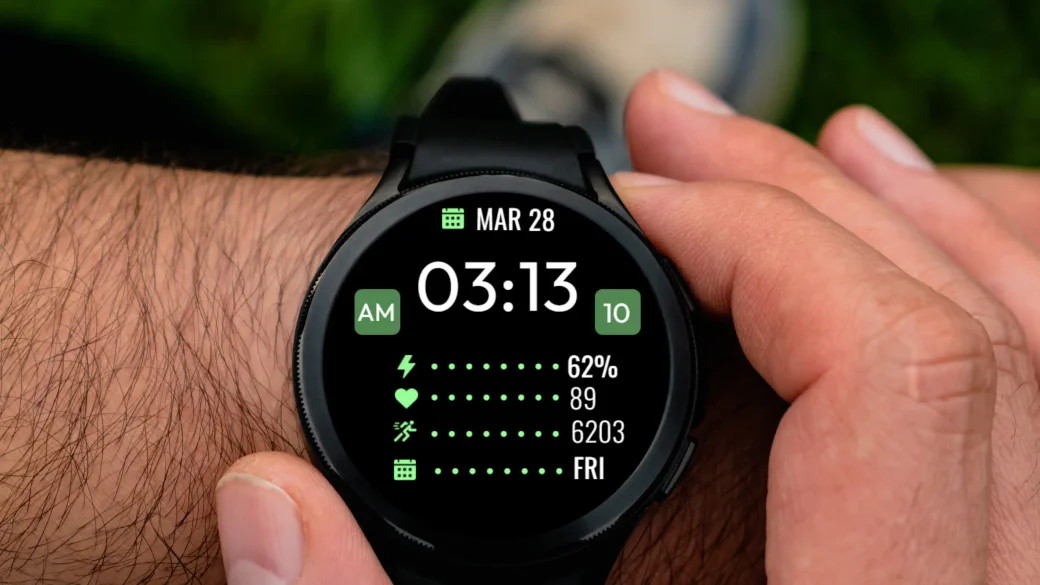

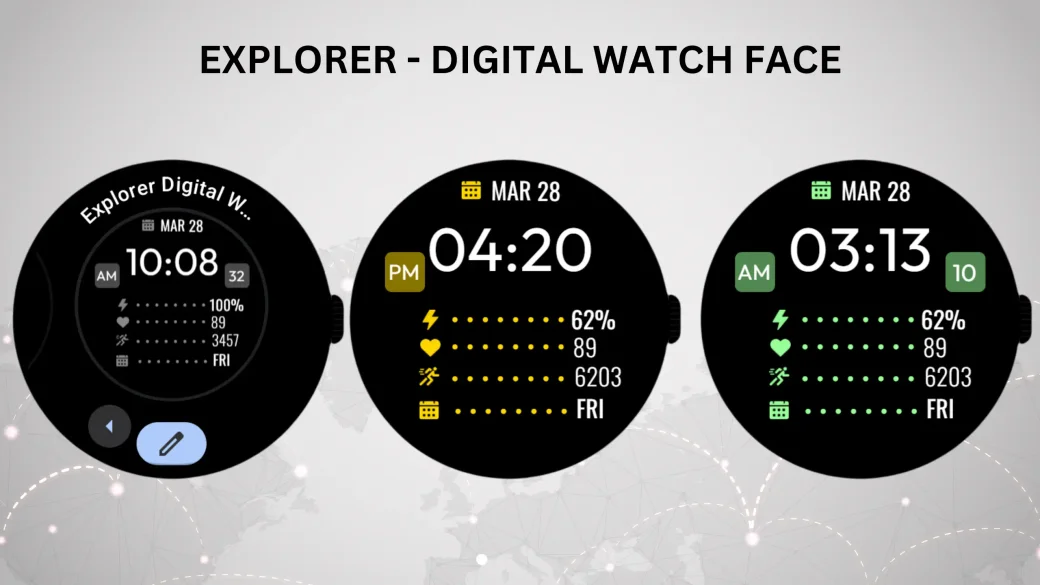

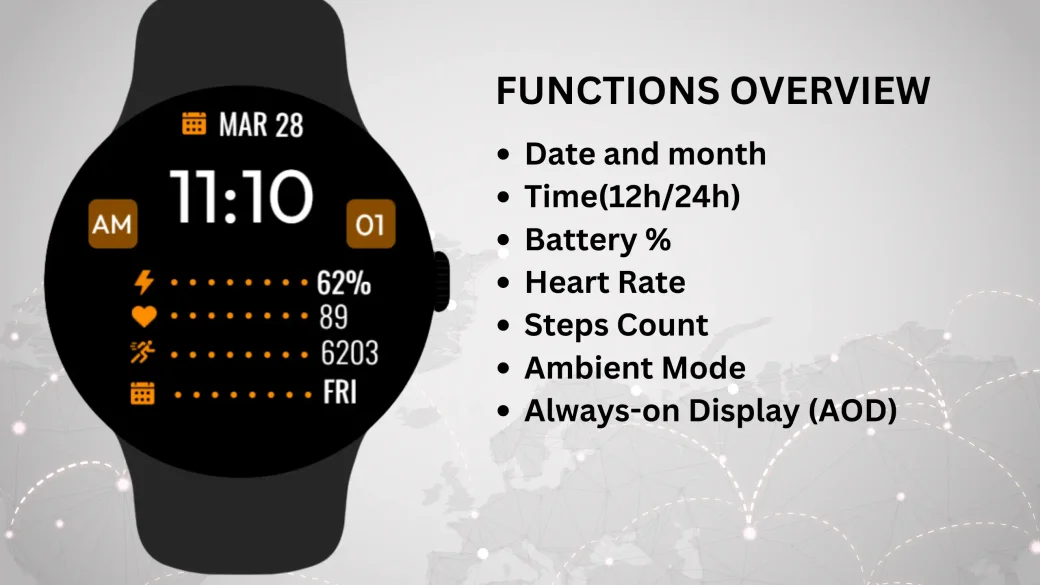


このアプリについて
Googleによる英語 (アメリカ合衆国)からの自動翻訳です。
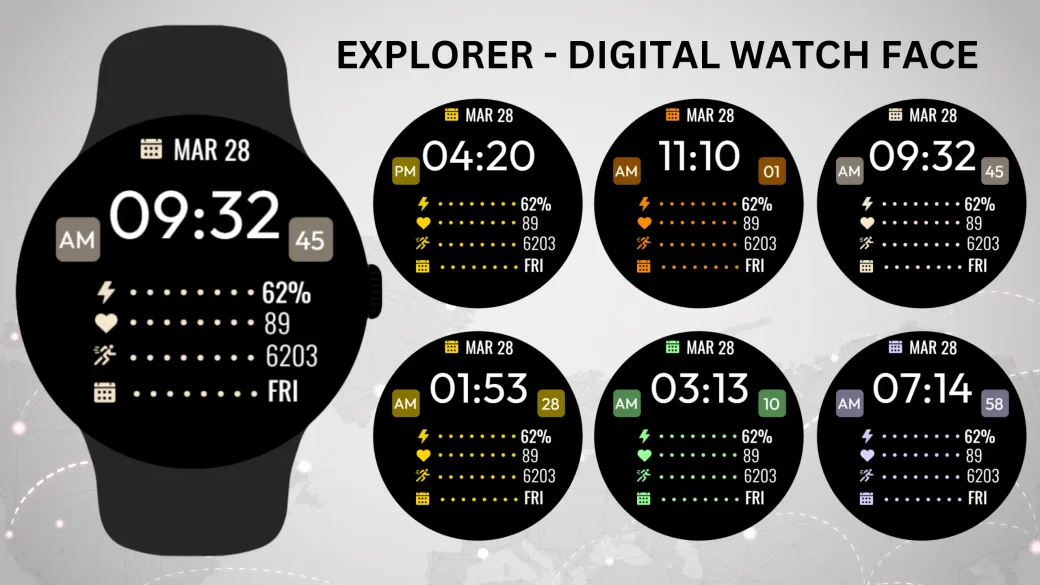
時間、日付、歩数、心拍数、バッテリーインジケーターを備えたダイナミックデジタルウォッチ。
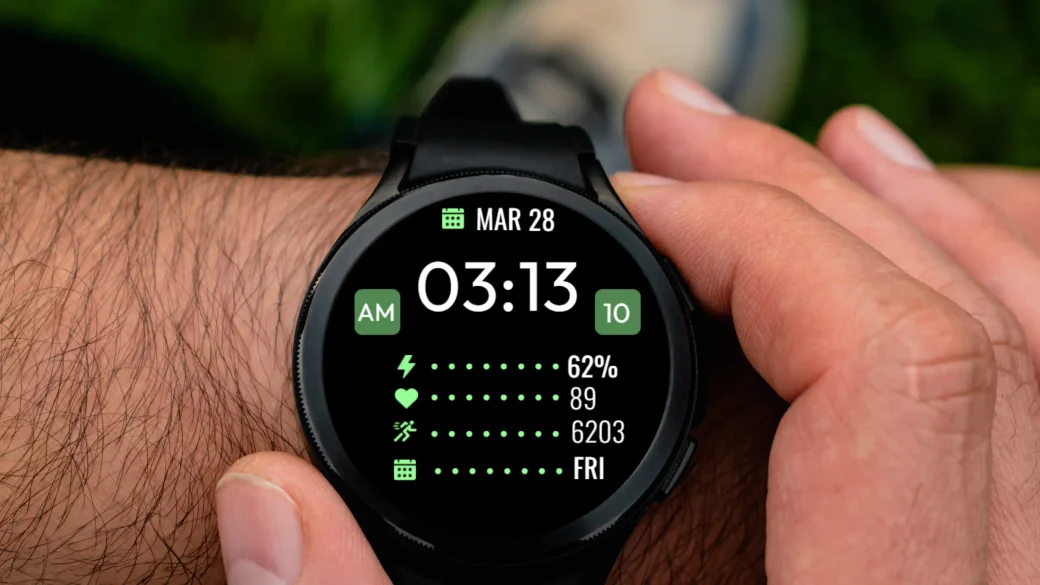
Explorer - Wear OS 用デジタル ウォッチフェイスを使用して、常に接続してアクティブに保ちます。この多用途な文字盤は、手首にぴったりフィットする洗練されたモダンなデザインで、時間、日付、歩数、心拍数、バッテリー残量に関するリアルタイム情報を提供します。
探検家や冒険家向けに設計された Explorer ウォッチフェイスにより、スマートウォッチをひと目見るだけでフィットネス指標を簡単に追跡し、整理整頓することができます。
主な特徴:
1.時刻、日付、歩数、心拍数、バッテリーの割合を表示します。
2.読みやすい太字フォントを使用した明確なデジタルレイアウト。
3.フィットネスにも日常着にも最適化された、スタイリッシュで機能的なデザイン。
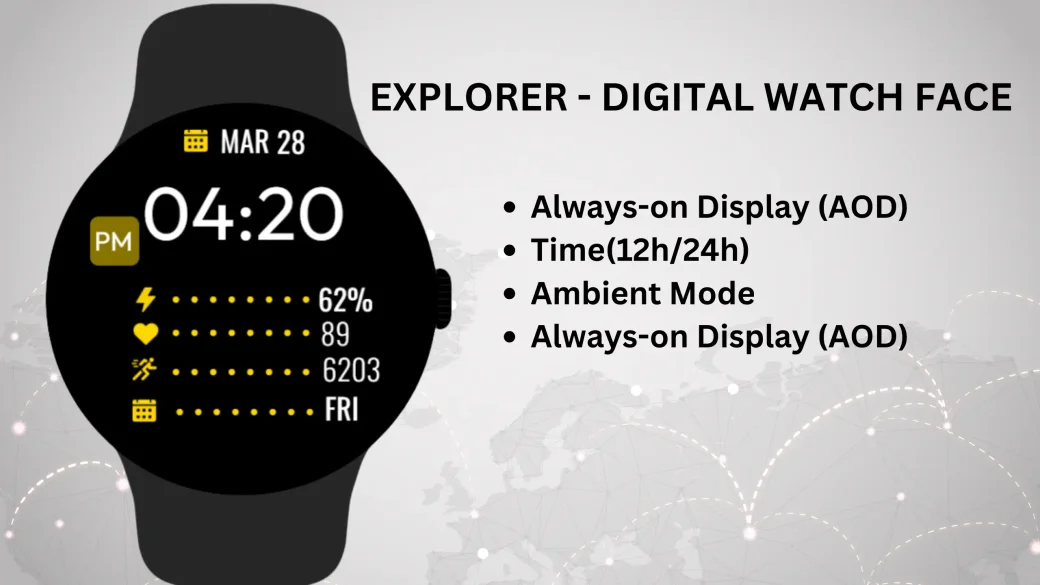
4.アンビエントモードと常時表示(AOD)をサポートします。
5.円形のWear OSデバイスでのスムーズなパフォーマンス。
インストール手順:
1.携帯電話でコンパニオン アプリを開きます。
2.「Watchにインストール」をタップします。
3.ウォッチ設定またはギャラリーからエクスプローラー - デジタルウォッチフェイスを選択します。
互換性:
✅ すべての Wear OS デバイス API 33+ (Google Pixel Watch、Samsung Galaxy Watch など) と互換性があります。
❌ 長方形の時計には適していません。
Explorer - デジタル ウォッチフェイスでスマートウォッチのエクスペリエンスを強化し、あらゆる冒険に最適な機能とスタイルの完璧なバランスを提供します。
原文を表示
Stay connected and active with the Explorer - Digital Watch Face for Wear OS. This versatile watch face provides real-time information on time, date, steps, heart rate, and battery percentage in a sleek, modern design that fits perfectly on your wrist.
Designed for explorers and adventurers, the Explorer watch face makes it easy to track your fitness metrics and stay organized with just a glance at your smartwatch.
Key Features:
1.Displays time, date, step count, heart rate, and battery percentage.
2.Clear digital layout with bold fonts for easy readability.
3.Stylish and functional design, optimized for both fitness and everyday wear.
4.Supports Ambient Mode and Always-On Display (AOD).
5.Smooth performance on round Wear OS devices.
Installation Instructions:
1.Open the Companion App on your phone.
2.Tap "Install on Watch."
3.Select Explorer - Digital Watch Face from your watch settings or gallery.
Compatibility:
✅ Compatible with all Wear OS devices API 33+ (e.g., Google Pixel Watch, Samsung Galaxy Watch).
❌ Not suitable for rectangular watches.
Enhance your smartwatch experience with the Explorer - Digital Watch Face, offering the perfect balance of functionality and style for every adventure.
データ セーフティ
このアプリが収集・共有するデータについて、jigu watchfaceがGoogle Playで申告している内容です。
- 第三者と共有されるデータはありません詳しくは、デベロッパーが共有を申告する方法についての説明をご覧ください
- このアプリは以下の種類のデータを収集することがありますアプリのアクティビティ、アプリの情報、パフォーマンス、デバイスまたはその他の ID
- データは送信中に暗号化されます
- データを削除できません
開発元の連絡先
- ウェブサイトjiguprivacypolicywatchfacewear.blogspot.com
- メールjigsdevganiya12345@gmail.com
- プライバシーポリシーjiguwatchfaceprivacypolicy.wordpress.com
- 住所India
情報
- 提供元
- jigu watchface
- カテゴリ
- アート&デザイン
- 更新日
- 2026/8/19
- リリース
- 2025/3/20
- 対象年齢
- 3 歳以上
- 価格
- 無料
- パッケージ名
- com.watchface.wearos.explorerdigitalwatchface
類似のアプリ
-
 MI21 Watchface
カスタマイズ
-
 Forex Market Hours: Sessions
カスタマイズ
-
 NUMBERS 3
カスタマイズ
-
 ミニマリストブラック
カスタマイズ
-
 Digital Green Watch Face
カスタマイズ
-
 Mango Modern Watch Face
カスタマイズ
-
 Minimal Health Tracking - RE49
カスタマイズ
-
 Sporty Daylight Watch Face
カスタマイズ
-
 HMK WD026
カスタマイズ
-
 Black Jet Watch Face
カスタマイズ
-
 Digital Pixel Plus: Watch face
カスタマイズ
-
 Digital 15
カスタマイズ