PDF Reader & Editor - Falcon
Falcon Software LabsIn-app purchases
- EveryoneAge rating
- ProductivityCategory
- Nov 22, 2026Updated
- FreePrice
Links to the official Google Play listing of com.avrapps.pdfviewer. Last checked on Nov 23, 2026.

Screenshots




About this app
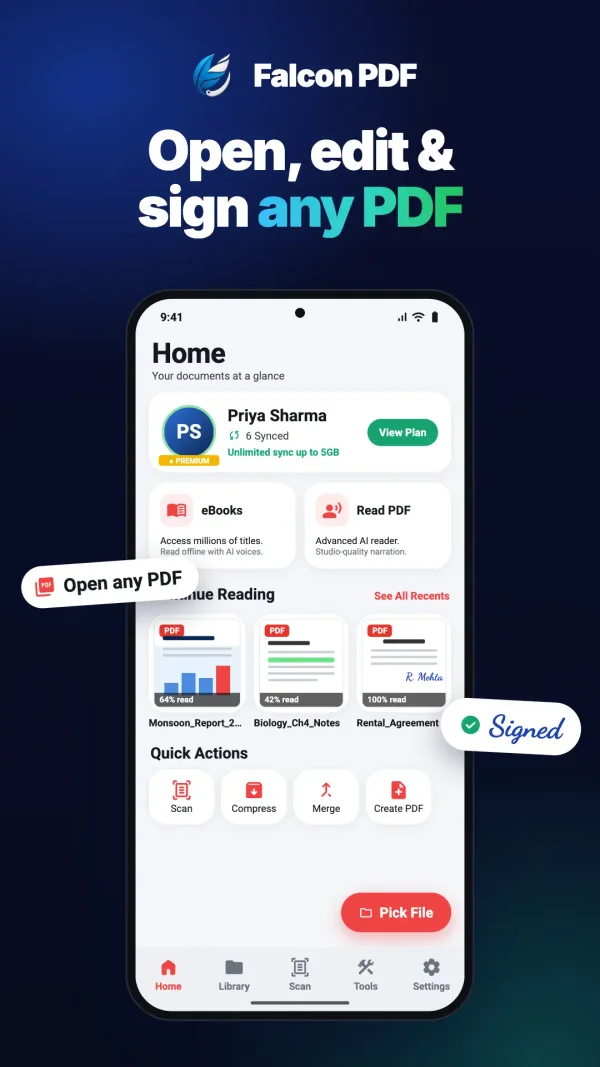
Free PDF reader & editor with no ads. Read, edit, sign, scan & convert PDFs.
📄 Falcon PDF – PDF Reader, Editor, Scanner & eBook Viewer (No Ads)
Looking for a fast, powerful, all-in-one document app without ads?
Falcon PDF is more than just a PDF app — it’s a complete PDF editor, document reader, advanced document scanner, eBook viewer, and file converter in one clean experience.
🚫 No ads
🚫 No interruptions
🚫 No clutter
Just pure productivity.
⚡ WHY FALCON PDF STANDS OUT
✨ Truly Ad-Free Experience
• No popups
• No banners
• No distractions
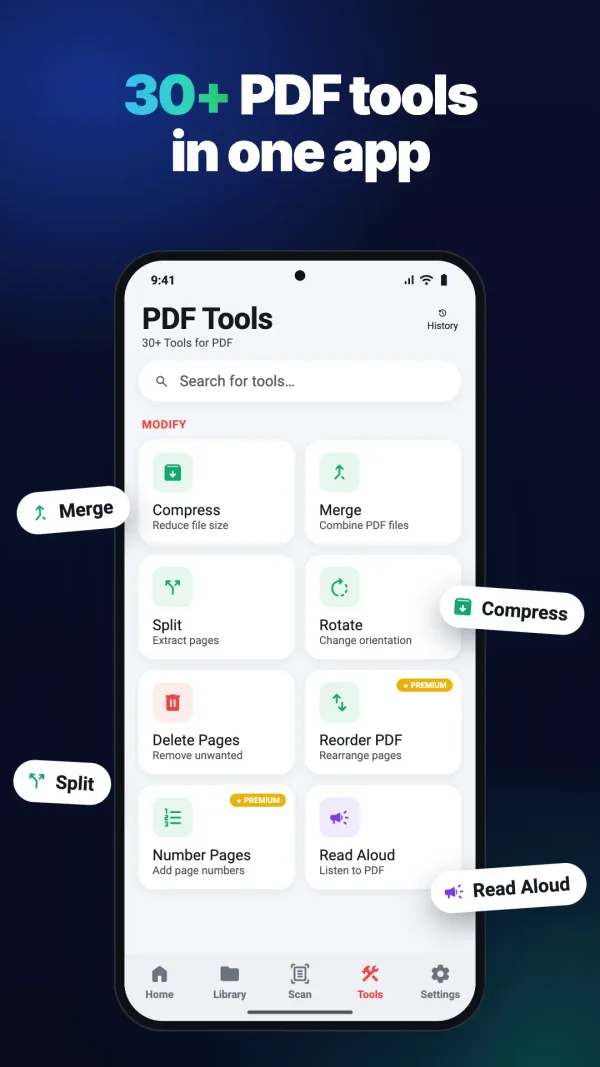
⚡ 30+ Tools in One App
• Everything from reading to editing to converting
📚 Supports 15+ File Formats
• PDF + eBooks + documents in one app
🌐 Seamless Cross-Platform Sync
• Access your files anywhere, anytime
🔒 Secure & Private
• Your documents stay yours
🌐 ACCESS YOUR PDFs ANYWHERE
• Sync PDFs across phone, tablet & web
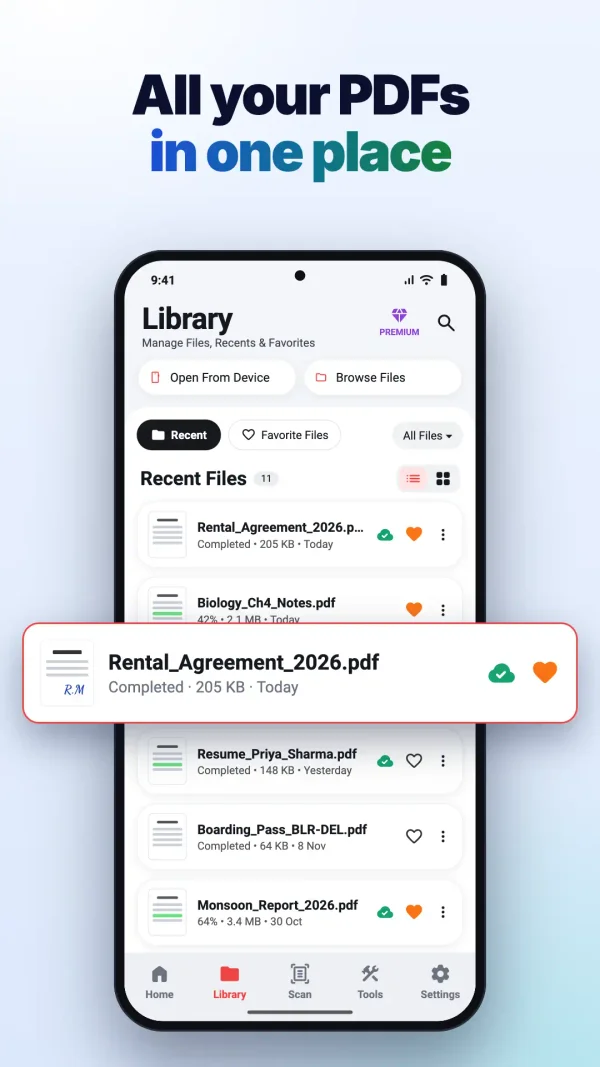
• Continue from where you left off
• Import from cloud storage
• Instant access to recent files
📂 SUPPORTS 15+ FILE FORMATS
📄 Documents
• PDF
• DOC
• TXT
• RTF
• HTML
📚 eBooks
• EPUB
• MOBI
• FB2
• AZW
• AZW3
🖼️ Other Formats
• DjVu
• CBZ (Comics)
• CBR (Comics)
👉 One app for documents, books, and comics
📖 ADVANCED READING EXPERIENCE
• Smooth scrolling (vertical & horizontal)
• Continuous & book reading modes
• Dark mode & eye protection
• Fast search & text selection
• Bookmark & navigation support
🔥 LIQUID / REFLOW MODE
• Reformat PDFs for small screens
• Adjust font size & style
• Change text & background colors
• Read PDFs like eBooks
• Better readability without zooming
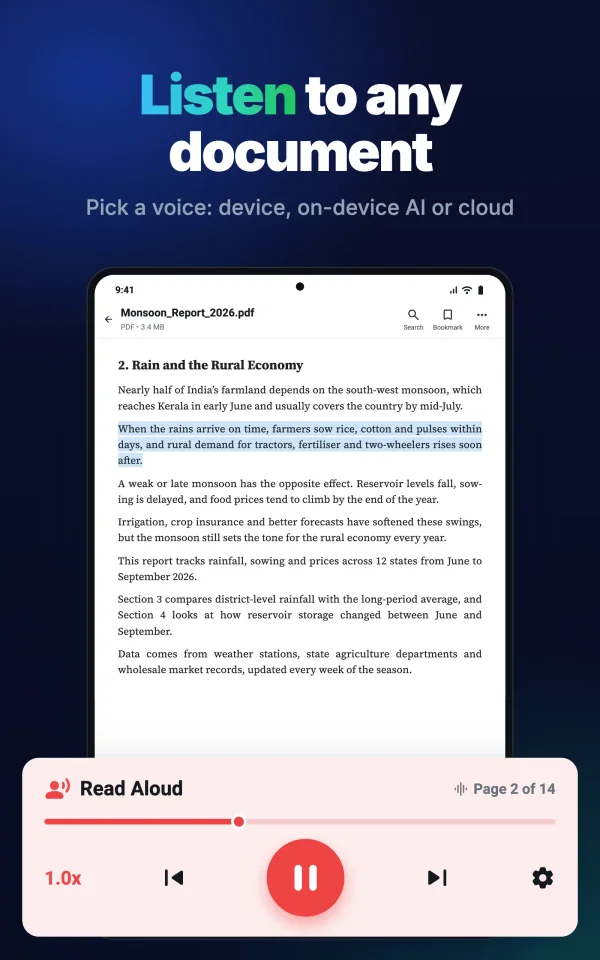
🎧 HANDS-FREE READING
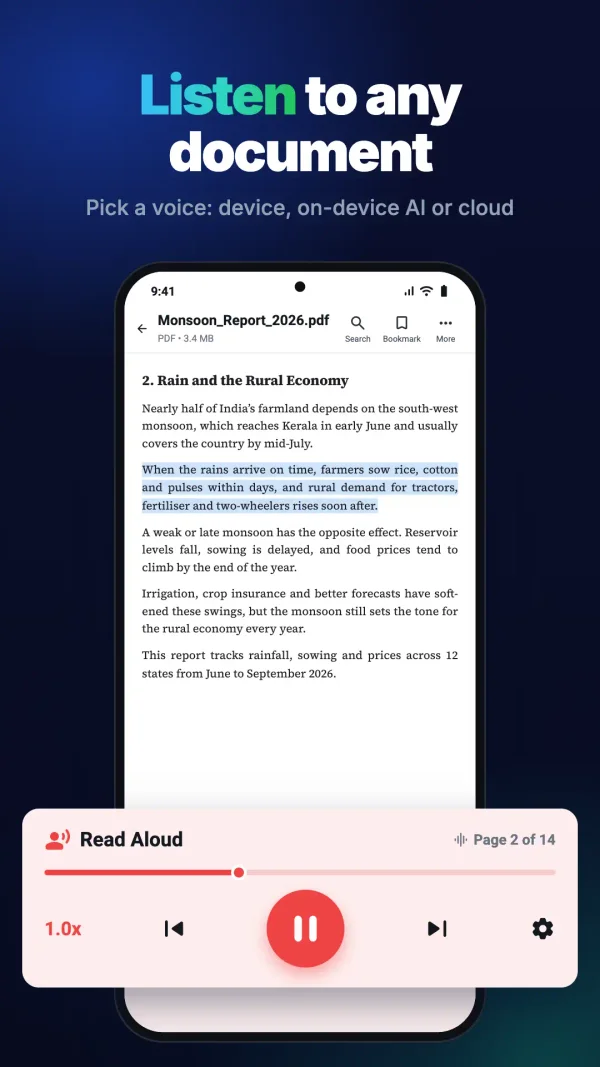
• Read PDFs aloud (text-to-speech)
• Listen while driving, walking, or working
• Great for accessibility
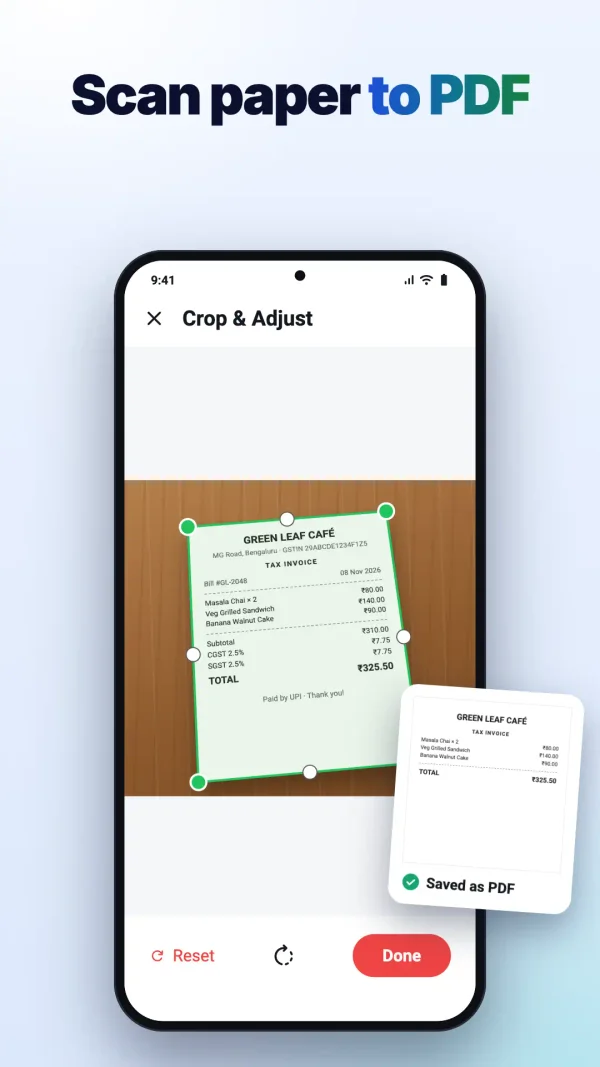
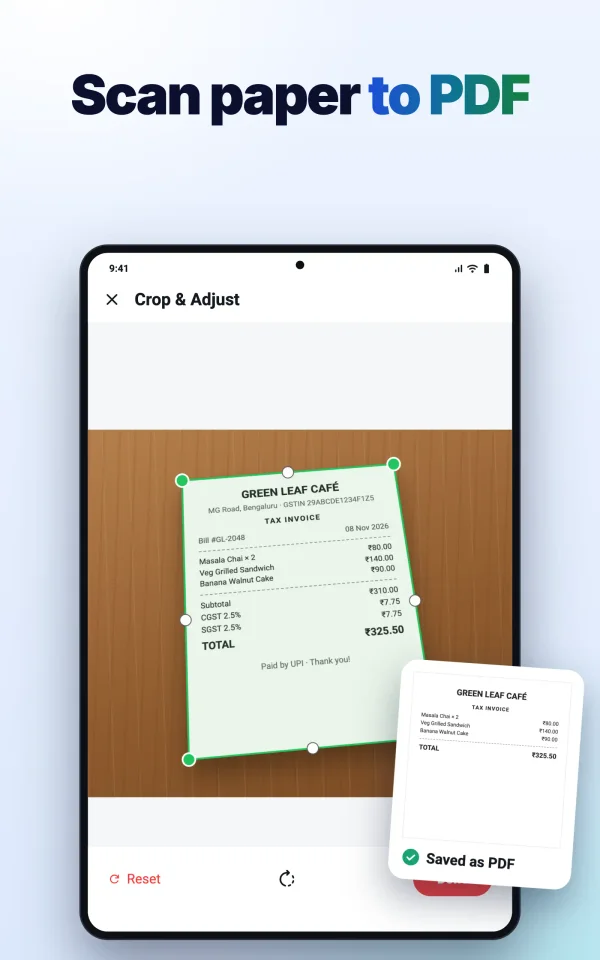
📸 ADVANCED DOCUMENT SCANNER
Turn your phone into a powerful portable scanner
• Scan documents, receipts, notes & invoices
• Auto edge detection & smart cropping
• Perspective correction for perfect alignment
• Enhance scan quality (auto + manual filters)
• Remove shadows & improve clarity
• Convert scans to high-quality PDF
📑 SMART SCANNING FEATURES
• Batch scanning (scan multiple pages)
• Merge scans into a single PDF
• Reorder scanned pages
• Adjust brightness, contrast & sharpness
• Multiple color modes (Color, Grayscale, B&W)
• Export as PDF or image
🧾 OCR (TEXT RECOGNITION) – SMART EXTRACTION
• Extract text from scanned documents
• Copy text from images
• Search within scanned PDFs
• Convert scans into editable content
👉 Perfect for digitizing paperwork and going paperless
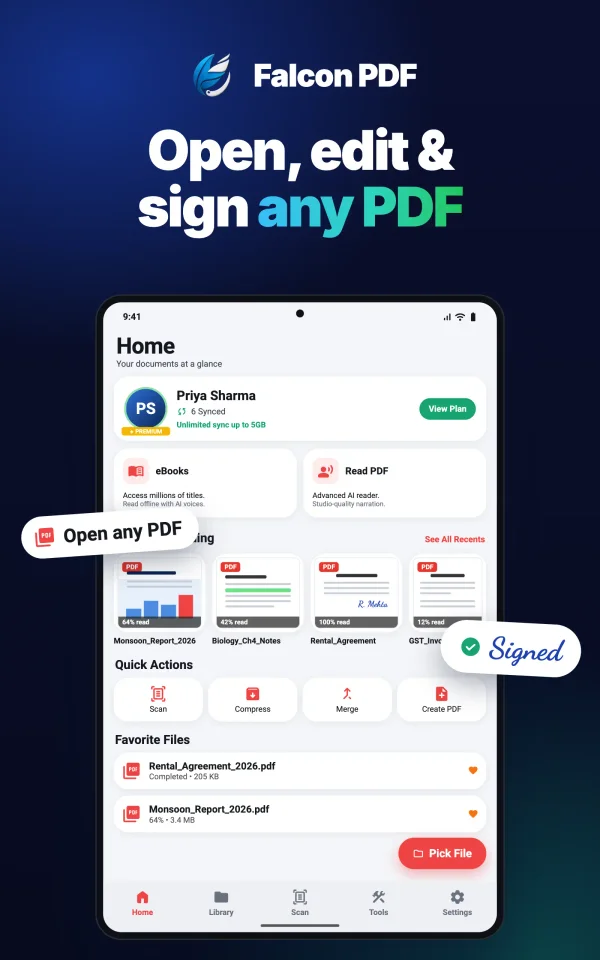
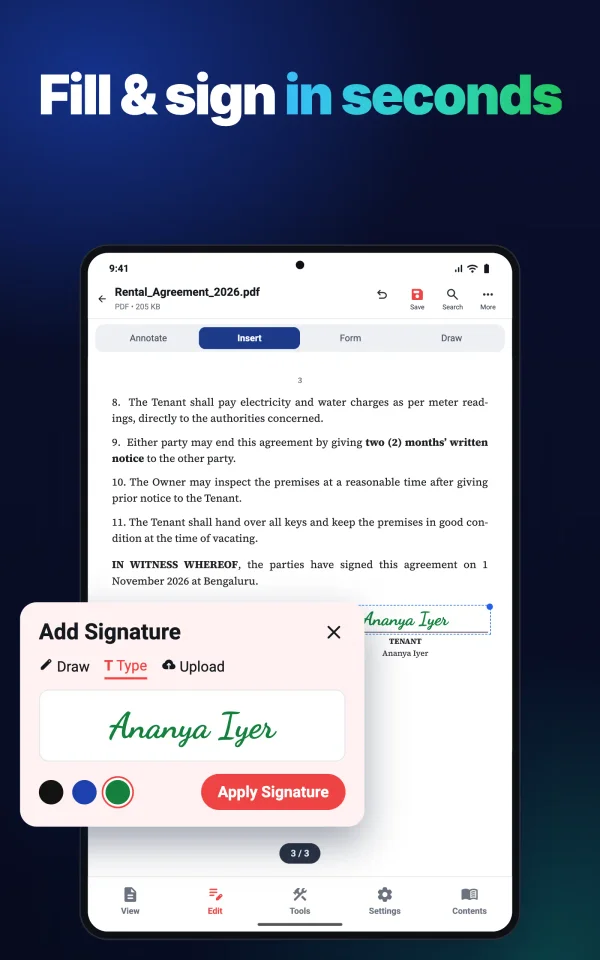
✍️ SIGN & EDIT PDFs
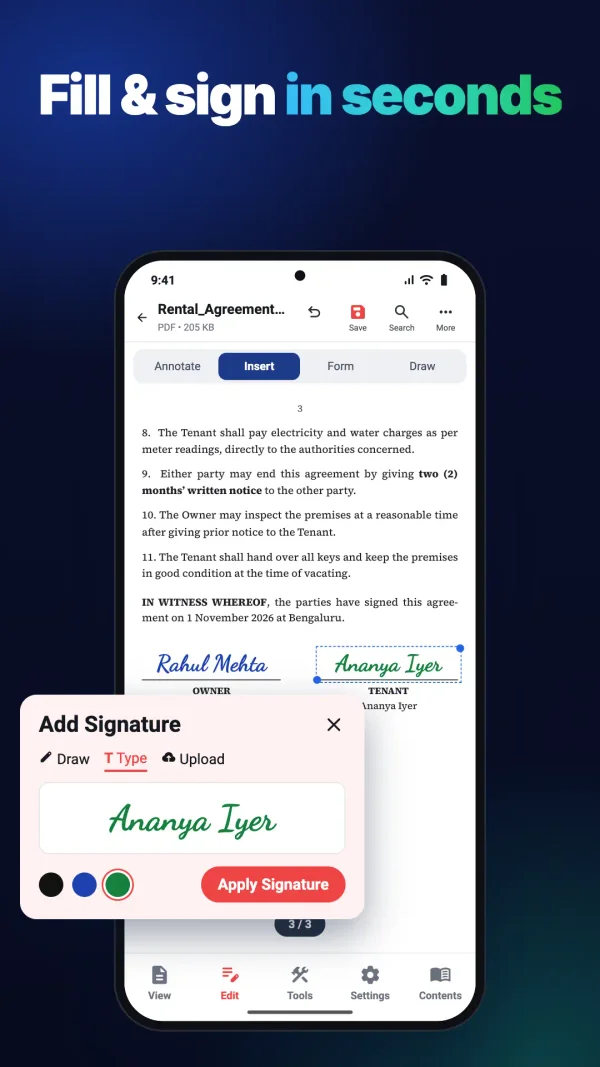
• Draw signature
• Type signature
• Upload signature image
• Fill forms instantly
• Highlight, annotate & comment
• Add text & images
🛠️ ALL PDF TOOLS (30+)
📂 ORGANIZE PDF
• Merge PDF
• Split PDF
• Extract pages
• Delete pages
• Reorder pages
• Rotate PDF
🔄 CONVERT FILES
• PDF to Word
• PDF to Image
• Word to PDF
• Image to PDF
🗜️ OPTIMIZE
• Compress PDF
• Reduce file size
🔐 SECURITY & PROFESSIONAL TOOLS
• Lock PDF (password protect)
• Unlock PDF
• Change password
• eSign documents (digital signature)
• Add watermark
• Remove watermark
• Redact sensitive content
👉 Built for secure, professional workflows
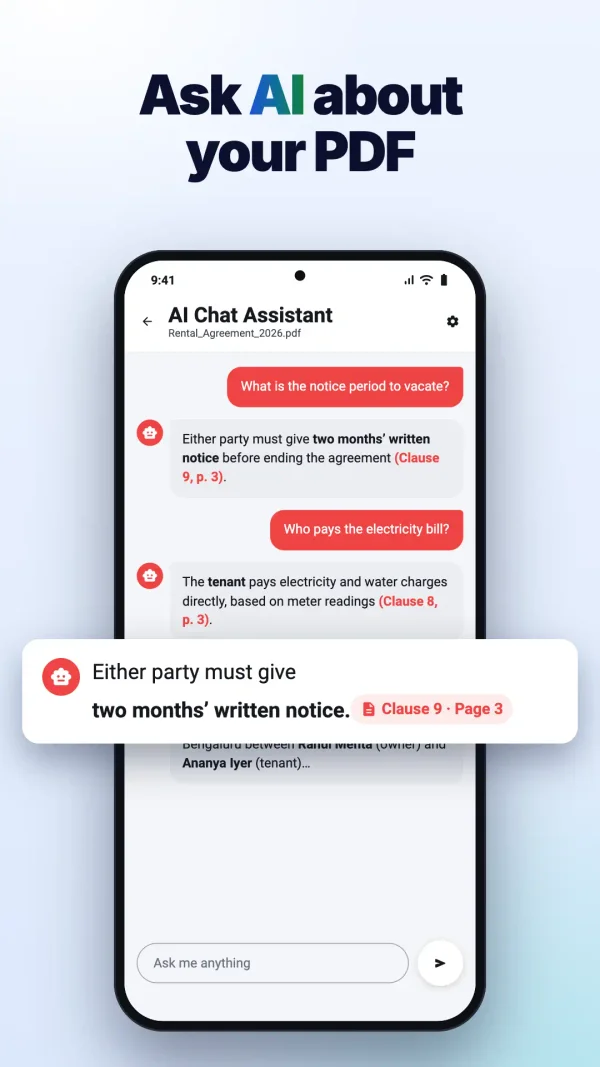
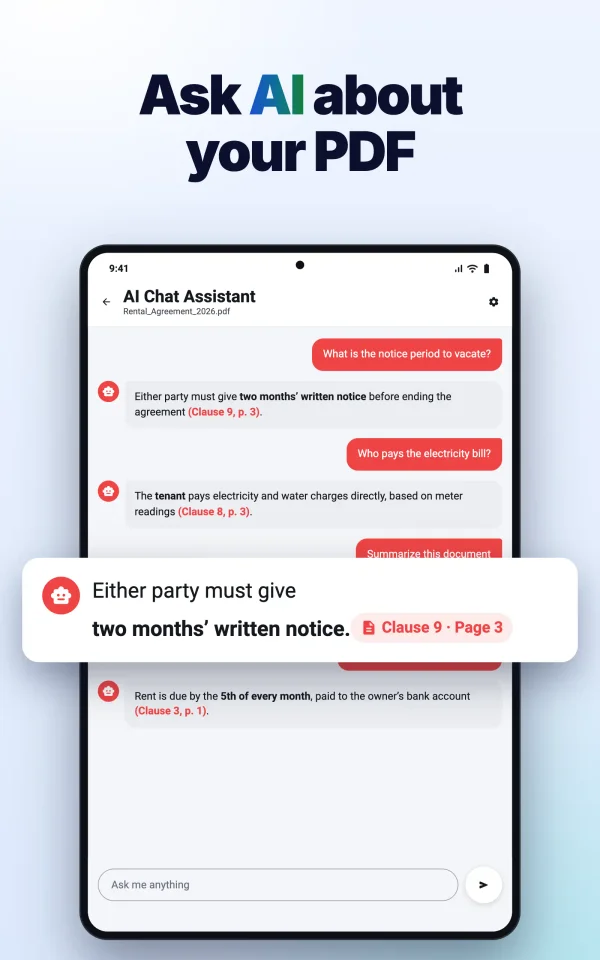
🤖 SMART FEATURES
• AI PDF chat
• Ask questions from documents
• Summarize content
🎯 PERFECT FOR
• Professionals
• Students
• Readers & book lovers
• Everyday users
💡 WHY USERS LOVE FALCON PDF
• No ads (clean experience)
• Advanced document scanner built-in
• Reflow mode for easy reading
• Supports eBooks + documents
• Hands-free reading
• Strong security tools
• All-in-one solution
⭐ DOWNLOAD NOW
• Read
• Scan
• Sign
• Edit
• Convert
• Enjoy
—all in one app
We are committed to a bug-free experience and constant improvement. We value your input!
Feedback & Support: Email: support@falconpdf.com
Data safety
What Falcon Software Labs declares on Google Play about the data this app collects and shares.
- No data shared with third partiesLearn more about how developers declare sharing
- No data collectedLearn more about how developers declare collection
What’s new
Version 2026.11 · Nov 22, 2026
• Request a signature or sign yourself — drop a signature field onto any PDF, then sign it or send it with a share link. Great for rent agreements, company docs, and MCA filings.
• 10 new tools: PDF to Excel, HTML, Text, PDF/A, Webpage to PDF, OCR, Translate, and more.
• Smarter scanner: sharper edge detection, search your pages, and move pages across documents and folders.
• Local AI read aloud, a lighter app, and bug fixes.
• Multiple Bug Fixes & Enhancements
Developer contact
- Websitepdfmadeeasy.com
- Emailavrapps.store@gmail.com
- Privacy policyfalconpdf.com
- Address3-42-1, Bandarupalli, Near Brahmam Gari Temple, Bandarupalle Ponnekallu Guntur, Andhra Pradesh 522018 India
Information
- Offered by
- Falcon Software Labs
- Category
- Productivity
- Version
- 2026.11
- Updated
- Nov 22, 2026
- Released
- May 3, 2019
- Requires
- Android 7.0 or later
- Age rating
- Everyone
- Price
- Free
- In-app purchases
- $1.99 - $39.99 per item
- Package name
- com.avrapps.pdfviewer
Similar apps
-
 myReach - AI Assistant
Productivity
-
 Plaud: AI Work Companion
Tools
-
 Collect by WeTransfer
Productivity
-
 Writecream - AI Content Writer
Productivity
-
 UPDF - AI-Powered PDF Editor
Productivity
-
 Bullet: Habit Tracker, Journal
Productivity
-
 Tasks.org: to-do list & tasks
Productivity
-
 Startpage Private Browser
Communication
-
 MobiDrive Cloud Storage & Sync
Productivity
-
 Sunsational Swim Instructor
Productivity
-
 Skit Premium - apps manager
Tools
-
 PDF Merge: Scan, Sign & Edit
Productivity