UPDF - AI-Powered PDF Editor
Superace Software Technology Co., Ltd.In-app purchases
- EveryoneAge rating
- ProductivityCategory
- Feb 6, 2026Updated
- FreePrice
Links to the official Google Play listing of com.superace.updf. Last checked on Nov 27, 2026.

Screenshots

About this app
Manage PDFs On the Go
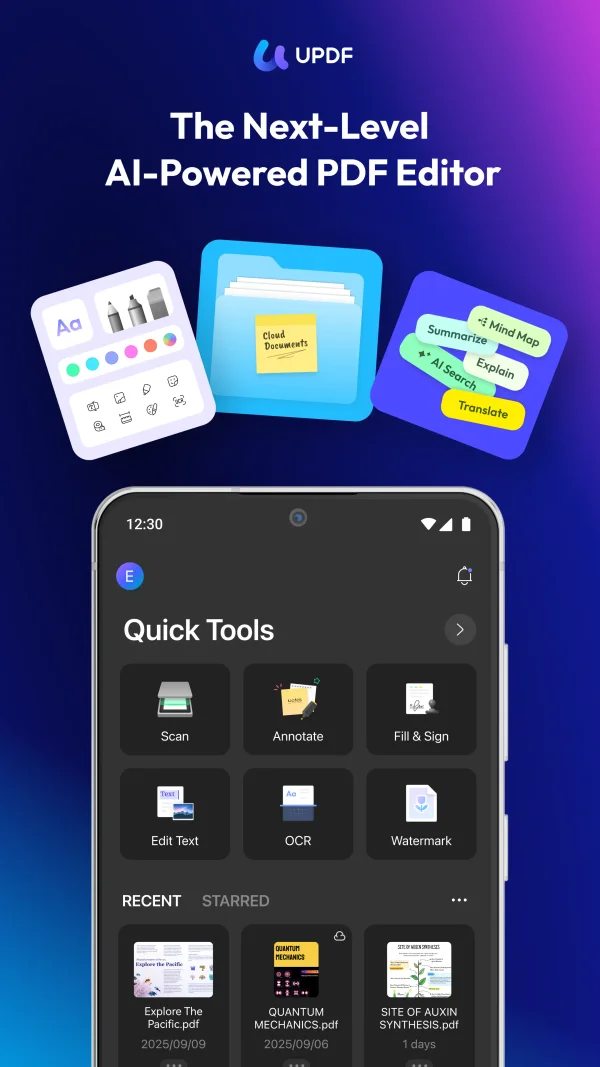
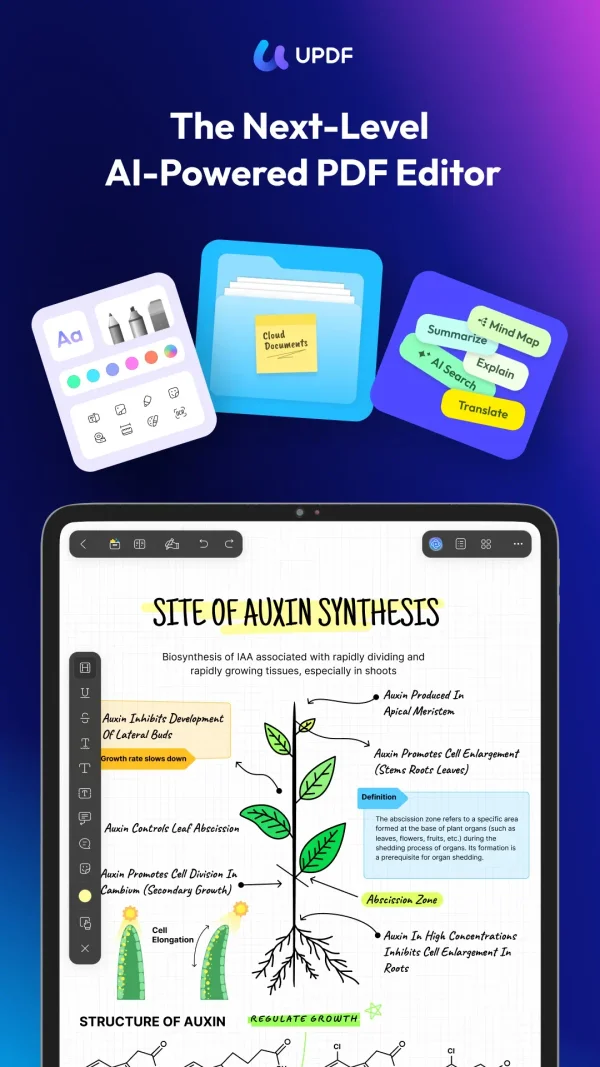
UPDF is an AI-powered PDF editor that streamlines working with PDFs on the go. With UPDF, you can effortlessly view, edit, summarize, translate, explain, annotate, manage, print, and share PDFs, plus chat with AI. In addition to Android, UPDF is also compatible with iOS, Windows, and Mac. Use it on any device as needed.
Key Features:
Read PDF
- Open and view PDF files.
- View the properties of your PDF files.
- Add bookmarks to easily locate specific pages. This feature also supports renaming, reordering, and deleting the added bookmarks.
- Search within lengthy PDFs for specific words or sentences.
- Switch among four page display modes, including single-page view, two-page view, single-page scrolling, and two-page scrolling.
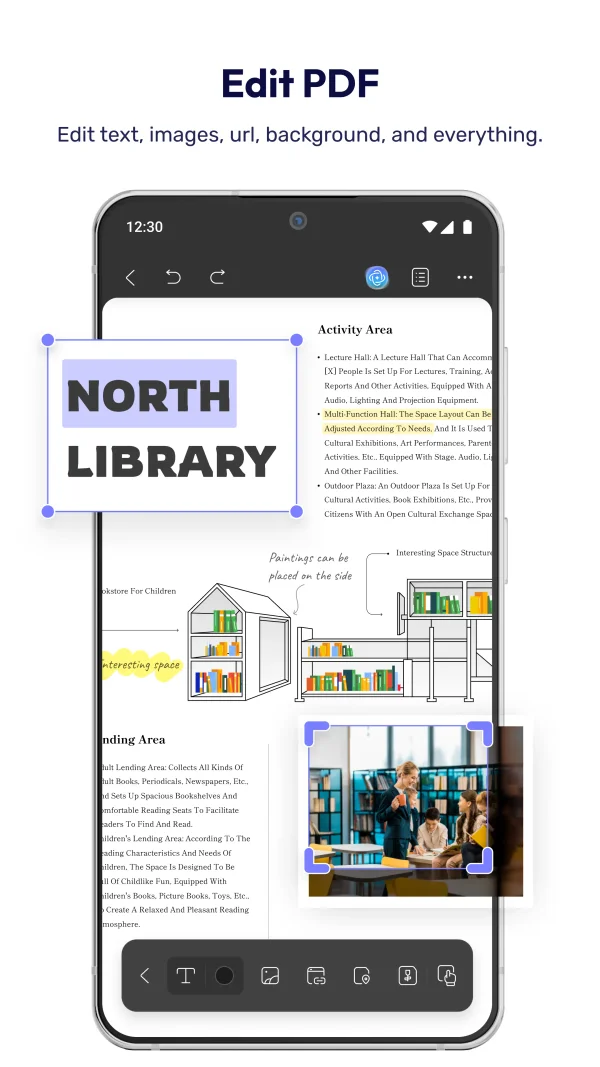
Edit PDFs
- Add/edit the text, and images in PDFs.
AI Assistant
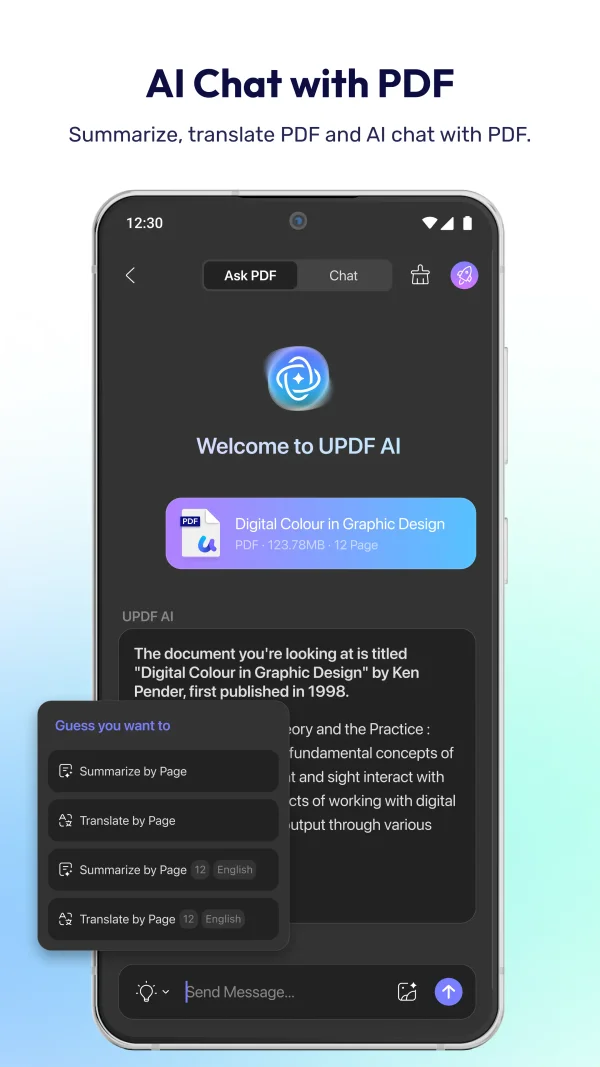
- Summarize, translate, explain, and rephrase lengthy PDFs in just minutes.
- Two methods are available to access the UPDF AI assistant: through chat box or select text to choose.
- Engage in a chat with UPDF AI and ask it any questions you have.
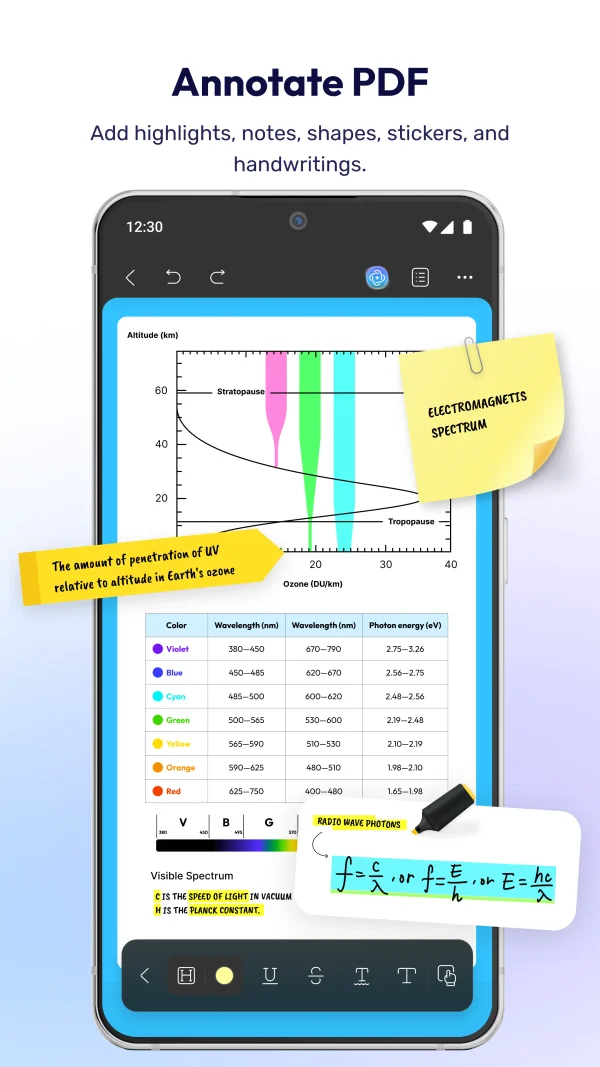
Annotate PDFs
- Annotate PDFs by using markup tools like pencil, highlight, underline, strikethrough, or squiggly line.
- Add comments like text boxes, text comments, callouts, sticky notes, etc.
- Add shapes, stamps and stickers to PDFs.
UPDF Cloud
-Seamlessly access your files across different devices and sync your file across Windows, macOS, iOS and Android platforms in real-time.
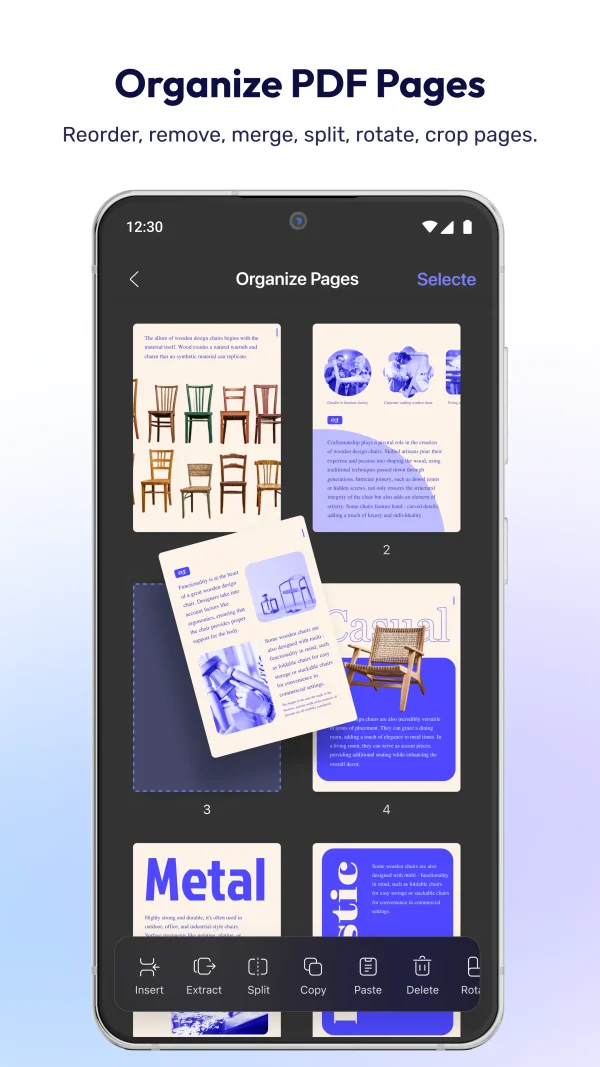
Organize PDF Pages
- Rotate, insert, extract, copy & paste, share, and delete the pages in PDFs.
Sign PDF
- Create handwritten signatures.
- Import and add image signatures.
- Save the created signatures to cloud and use accross platforms.
Manage PDF Files
-In-system & in-app PDF document management (print/copy/share/favorite/move/delete/), -Folder management (create/delete/rename/copy/remove)
Split Screen
-It supports opening two files at the same time in split-screen mode.
Compress PDF Files
-It is available to compress multiple PDF files with ease.
Share PDF
-It supports sharing PDF files with others quickly via email or other platforms.
Pro Features of In-App Purchase
- Use UPDF across all platforms including desktops and mobiles. Check features on different platforms:https://updf.com/tech-spec/
- Free Users will get 1 GB of Cloud Storage; Paid users will get 10 GB of Cloud Storage.
Need help? If you have any questions about this app, please email us at support@superace.com.
You can follow us on
Facebook: @superacesoftware
Twitter: @updfeditor
Youtube: @UPDF
Instagram: @updfeditor
If you feel this app is helpful, please rate us on Google Play. Thank you!
Data safety
What Superace Software Technology Co., Ltd. declares on Google Play about the data this app collects and shares.
- No data shared with third partiesLearn more about how developers declare sharing
- This app may collect these data typesPersonal info, Financial info, and Files and docs
- Data isn’t encrypted
- You can request that data be deleted
What’s new
Version 2.2.11 · Feb 6, 2026
UPDF 2.0, now available!
- All-new Interface: A clean design for easy operation.
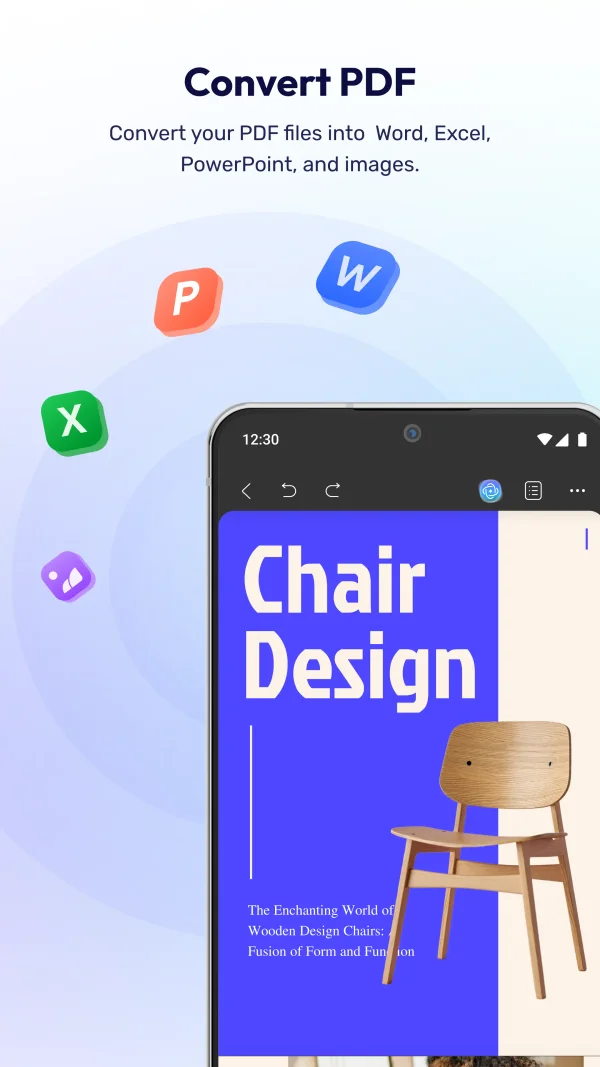
- Convert PDF: Supports a variety of formats including Word, Excel, PPT, and images.
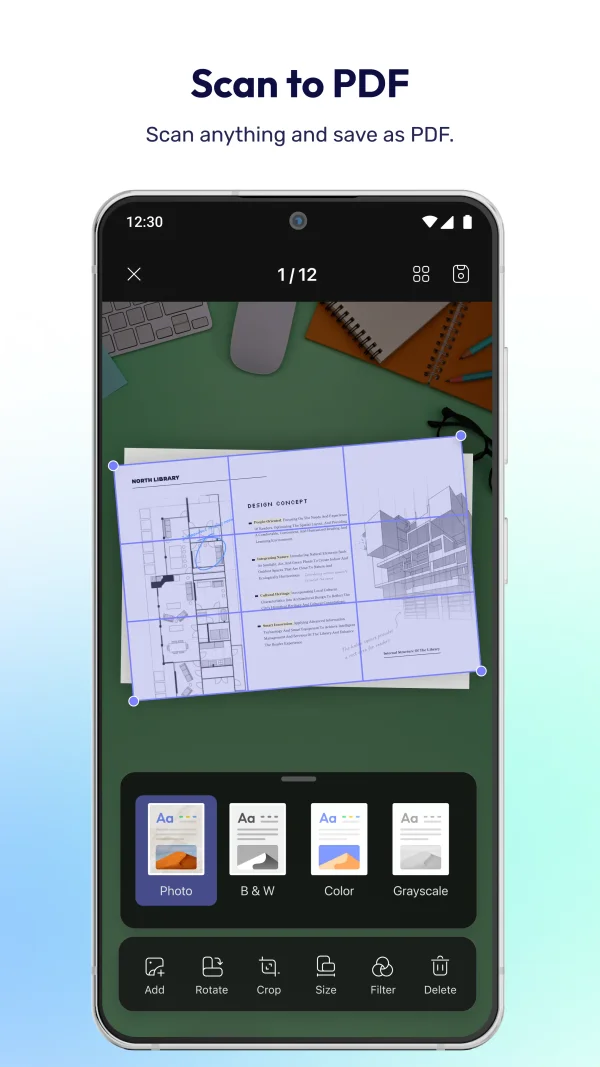
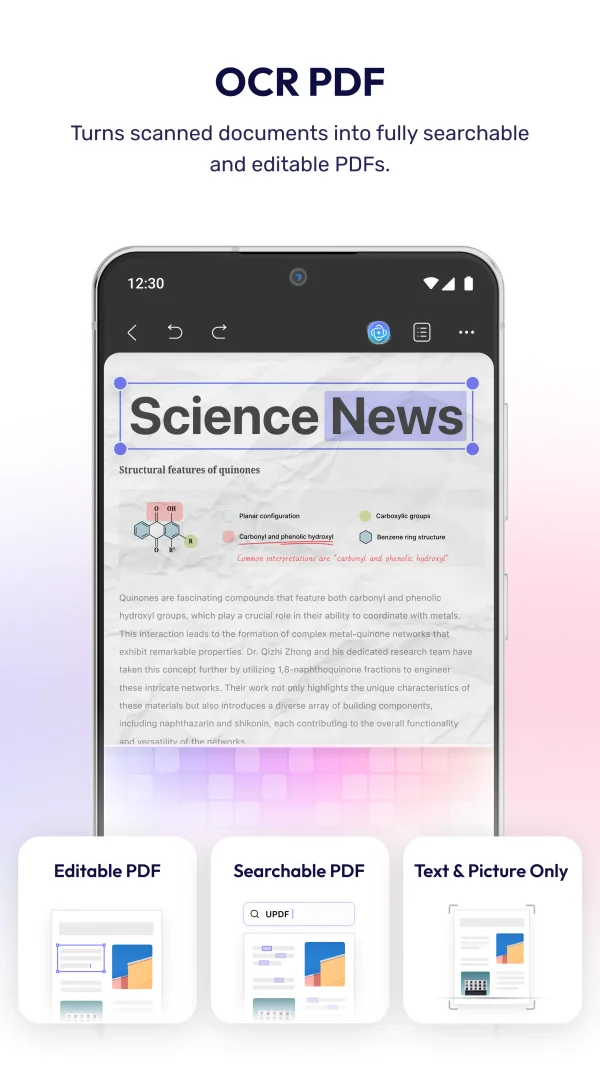
- OCR Recognition: Accurately recognizes text, allowing you to freely edit scanned documents.
- Connect Dropbox: Seamlessly edit your files in the cloud.
Developer contact
- Websiteupdf.com
- Emailsupport@superace.com
- Privacy policyupdf.com
- Address中国 广东省深圳市 宝安区西乡街道前海科兴科学园 8 栋 2301 邮政编码: 518000
Information
- Offered by
- Superace Software Technology Co., Ltd.
- Category
- Productivity
- Version
- 2.2.11
- Updated
- Feb 6, 2026
- Released
- May 31, 2022
- Requires
- Android 8.0 or later
- Age rating
- Everyone
- Price
- Free
- In-app purchases
- $3.99 - $139.99 per item
- Package name
- com.superace.updf
Similar apps
-
 Mindbook: Markdown Cloud Notes
Productivity
-
 Fill, Sign and Edit Documents
Business
-
 UpNote - notes, diary, journal
Productivity
-
 touchnotes: Notes & PDF
Productivity
-
 PDF Scanner Plus - Doc Scanner
Productivity
-
 Flexcil Notes & PDF Reader
Productivity
-
 MindMeister - Mind Mapping
Productivity
-
 PDF Editor – Edit Everything!
Tools
-
 Nested Folder Notes - Folino
Productivity
-
 Freedom: App & Website Blocker
Productivity
-
 AiPPT- AI Presentation Maker
Productivity
-
 4.Do: Task & To Do List
Productivity