Figma: view. comment. mirror.
Figma Inc.- EveryoneAge rating
- Art & DesignCategory
- Nov 10, 2026Updated
- FreePrice
Links to the official Google Play listing of com.figma.mirror. Last checked on Nov 20, 2026.

Screenshots


About this app
View your Figma, FigJam, Prototype, Slides and Make files. Collaborate on the go
Create, prototype, and collaborate on the go. View, share, mirror, and build in just a few taps with Figma’s official mobile app.
REVIEW YOUR FILES
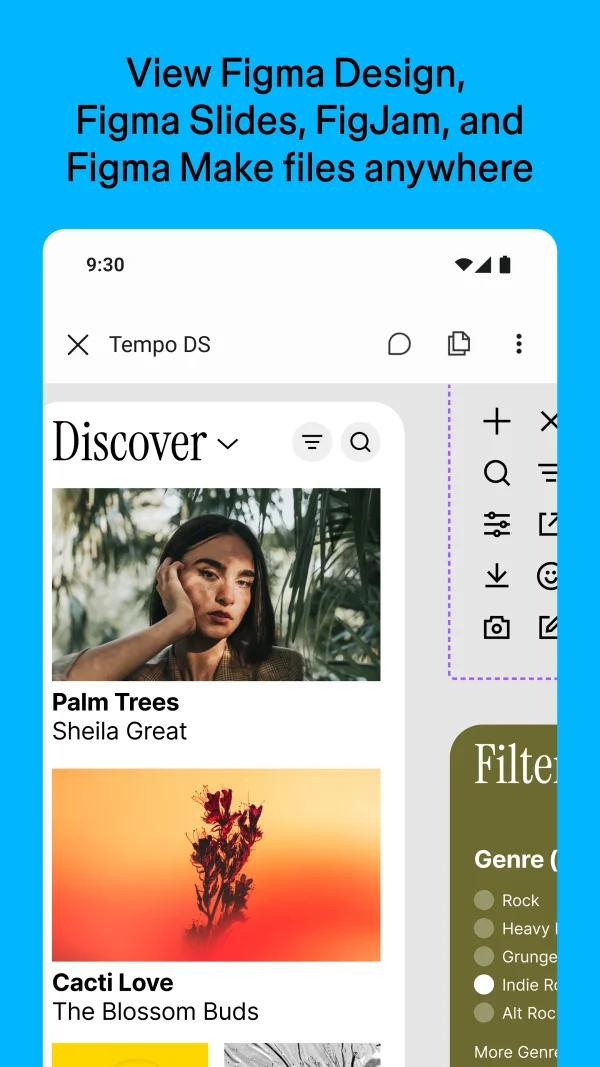
Access Figma Design, Make, Slides, and FigJam files.
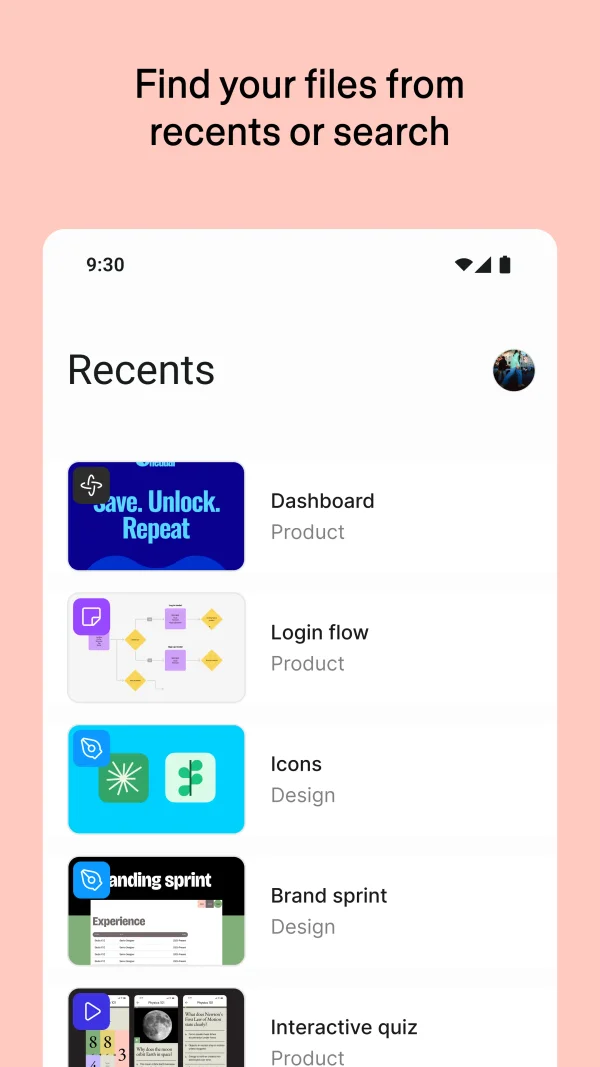
Search for files by name or browse your recent files.
Move between pages and flows with ease.
COMMENT AND REPLY
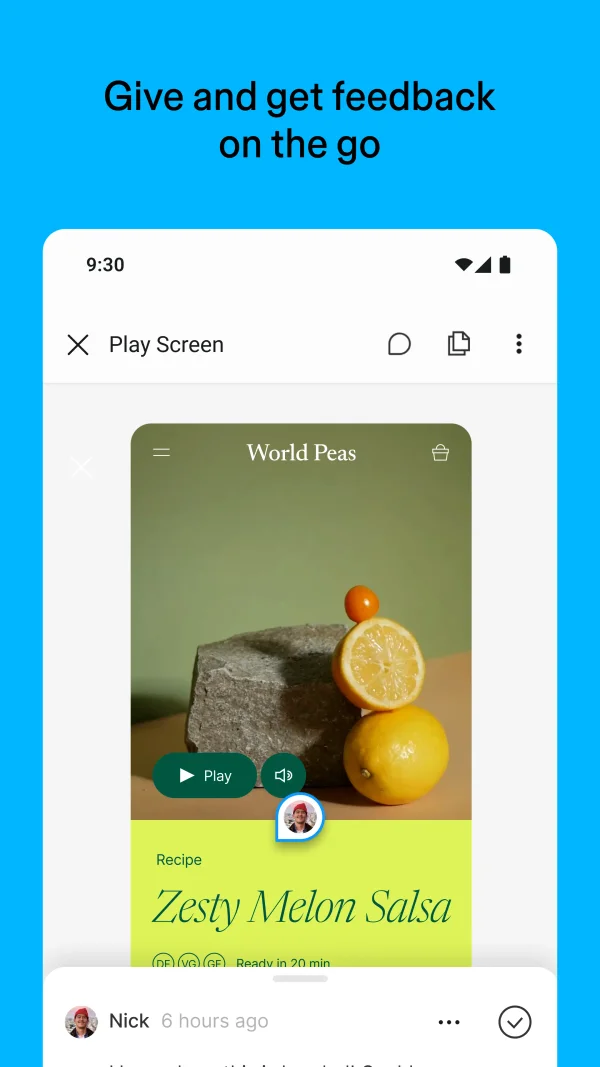
Add comments and mention teammates across Figma Design, Slides, and FigJam files.
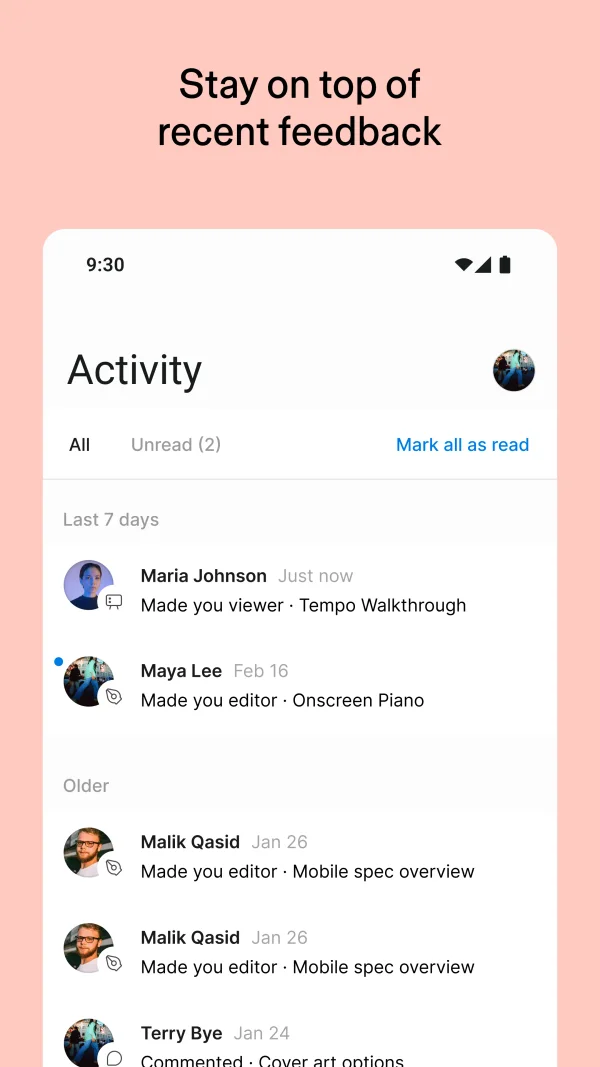
Get notified for new comments and replies.
Resolve and reply to comments on the go.
See every comment thread in one place.
SHARE FILES WITH YOUR TEAM
Invite collaborators and share links to your files.
PLAY DESIGN PROTOTYPES
Play and replay prototypes in full screen.
Adjust prototype scaling.
Toggle hotspot hints.
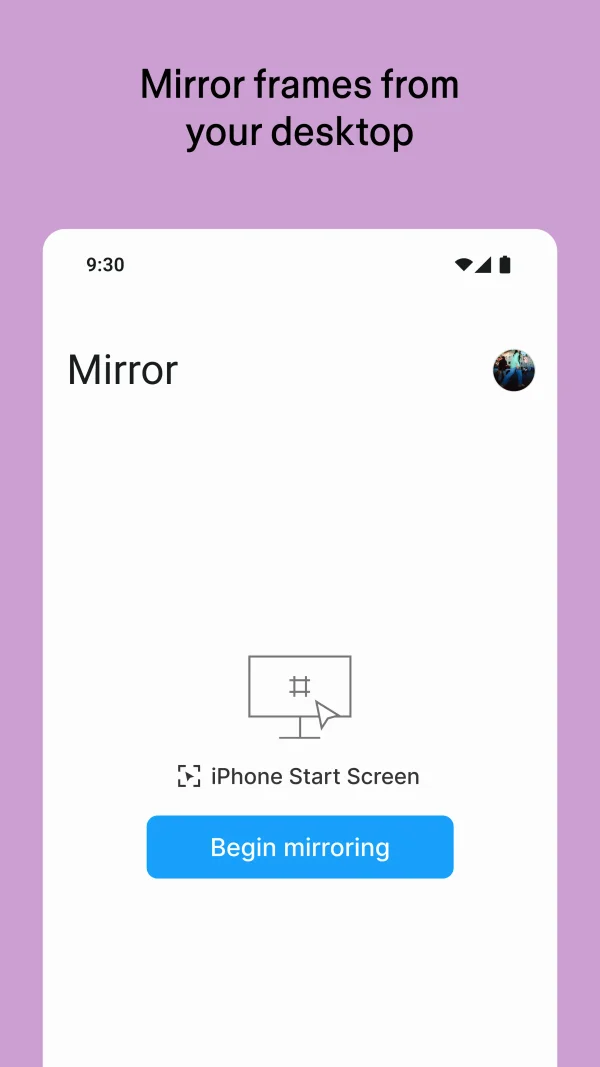
MIRROR DESIGNS IN REAL-TIME
Sync selected frames from desktop to your mobile device.
Watch live desktop edits reflected on your device.
Preview designs scaled to a device screen.
PROTOTYPE AND REVIEW WITH MAKE
Test mobile prototypes and validate on-device interactions
Share Makes with collaborators for review and approval
EXPLORE SLIDES EFFORTLESSLY
View and comment on decks in both landscape and portrait mode.
MANAGE PERMISSIONS ON THE FLY
Update file permissions to control who can view or edit your work.
BROWSE AND SWITCH WORKSPACES AND ACCOUNTS
Navigate between teams, plans, projects, and accounts.
Data safety
What Figma Inc. declares on Google Play about the data this app collects and shares.
- This app may share these data types with third partiesLocation, Personal info and 4 others
- This app may collect these data typesLocation, Personal info and 4 others
- Data is encrypted in transit
- You can request that data be deleted
What’s new
Version 26.43.0 · Nov 10, 2026
Bug fixes & performance improvements
Developer contact
- Websitefigma.com
- Emailsupport@figma.com
- Privacy policyfigma.com
- Address760 Market St Fl 10 San Francisco, CA 94102 United States
Information
- Offered by
- Figma Inc.
- Category
- Art & Design
- Version
- 26.43.0
- Updated
- Nov 10, 2026
- Released
- May 8, 2017
- Requires
- Android 8.0 or later
- Age rating
- Everyone
- Price
- Free
- Package name
- com.figma.mirror
Similar apps
-
 Adobe Firefly: AI Generator
Art & Design
-
 GoArt - AI Art Image Generator
Art & Design
-
 Thingiverse MakerWorld | 3Drop
Tools
-
 Logo Maker - AI Art Design
Art & Design
-
 Photoshop with AI Assistant
Photography
-
 Leonardo.Ai - Image Generator
Art & Design
-
 AI Logo Maker, AI Design: Hexa
Art & Design
-
 Fotor - AI Agent Photo Editor
Photography
-
 Wix - Website Builder
Productivity
-
 Posters Design! Picture layout
Art & Design
-
 Remodel AI - Home Renovation
Art & Design
-
 PosterMyWall: Design & Promote
Art & Design