Figma: view. comment. mirror.
Figma Inc.- Rating 3+Batasan usia
- Seni & DesainKategori
- 10/11/2026Diperbarui
- GratisHarga
Tertaut ke halaman resmi com.figma.mirror di Google Play. Terakhir diperiksa pada 27/11/2026.

Tangkapan layar

Tentang aplikasi ini
Terjemahan otomatis oleh Google. Bahasa asli: Inggris (Amerika Serikat).
Lihat file Figma, FigJam, Prototype, Slides, dan Make Anda. Berkolaborasi di mana saja.
Buat, prototipe, dan berkolaborasi di mana saja. Lihat, bagikan, cerminkan, dan bangun hanya dengan beberapa ketukan menggunakan aplikasi seluler resmi Figma.
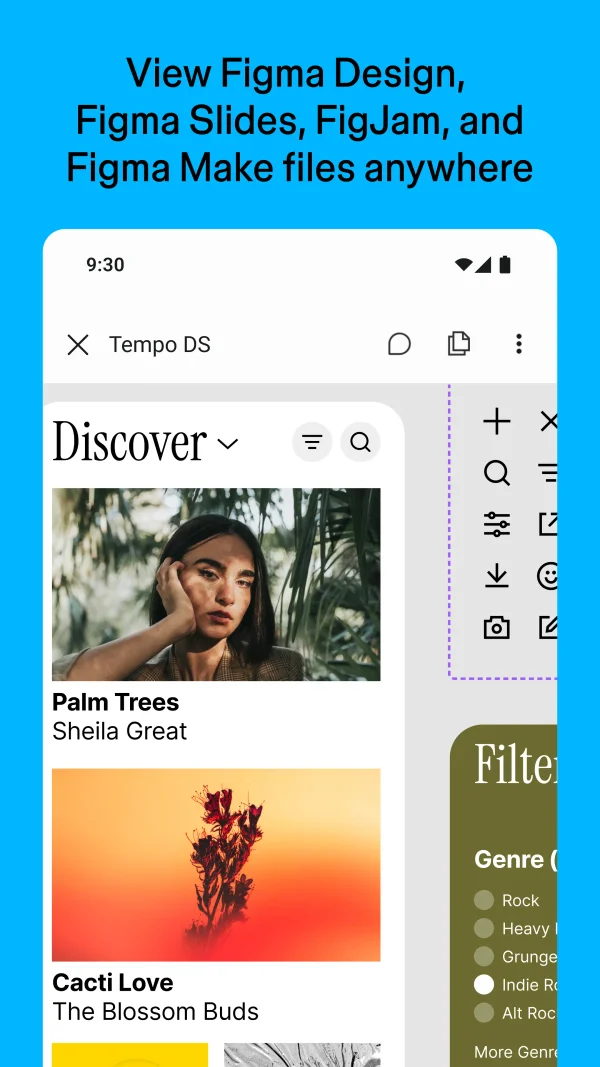
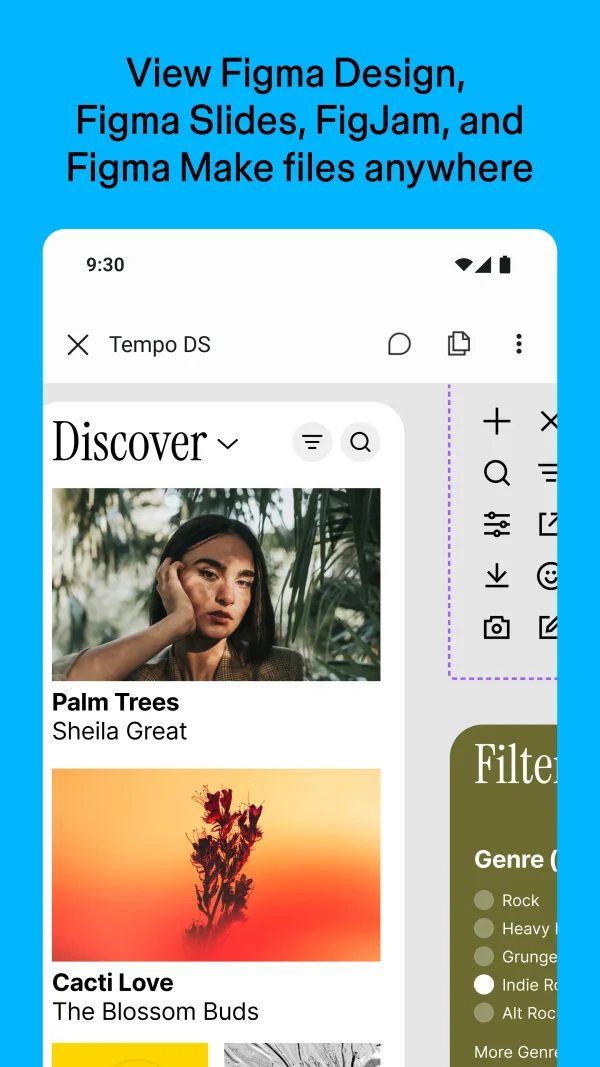
TINJAU FILE ANDA
Akses file Figma Design, Make, Slides, dan FigJam.
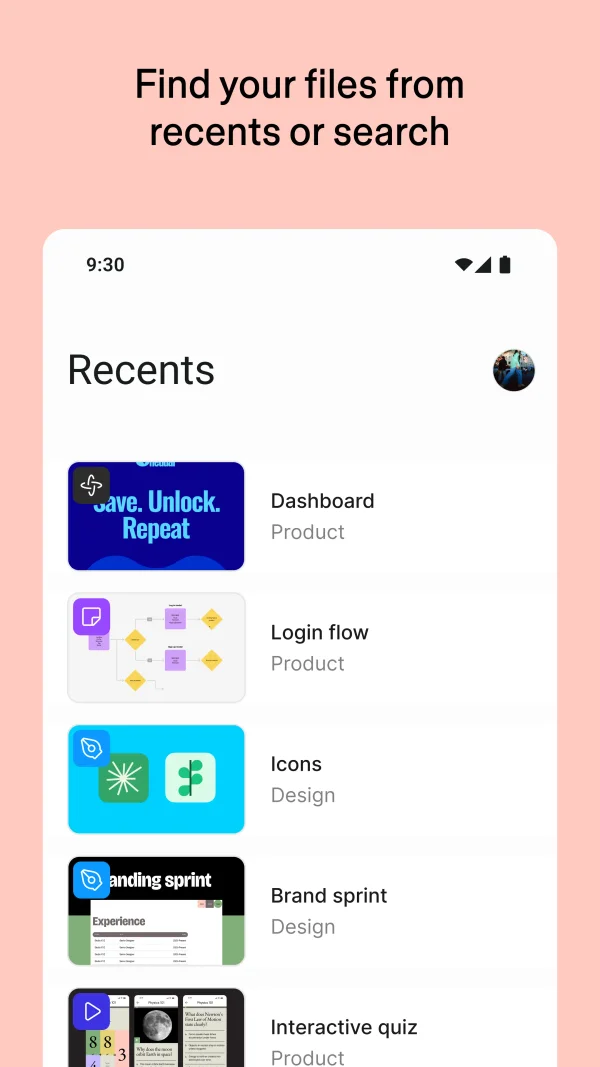
Cari file berdasarkan nama atau telusuri file terbaru Anda.
Berpindah antar halaman dan alur dengan mudah.
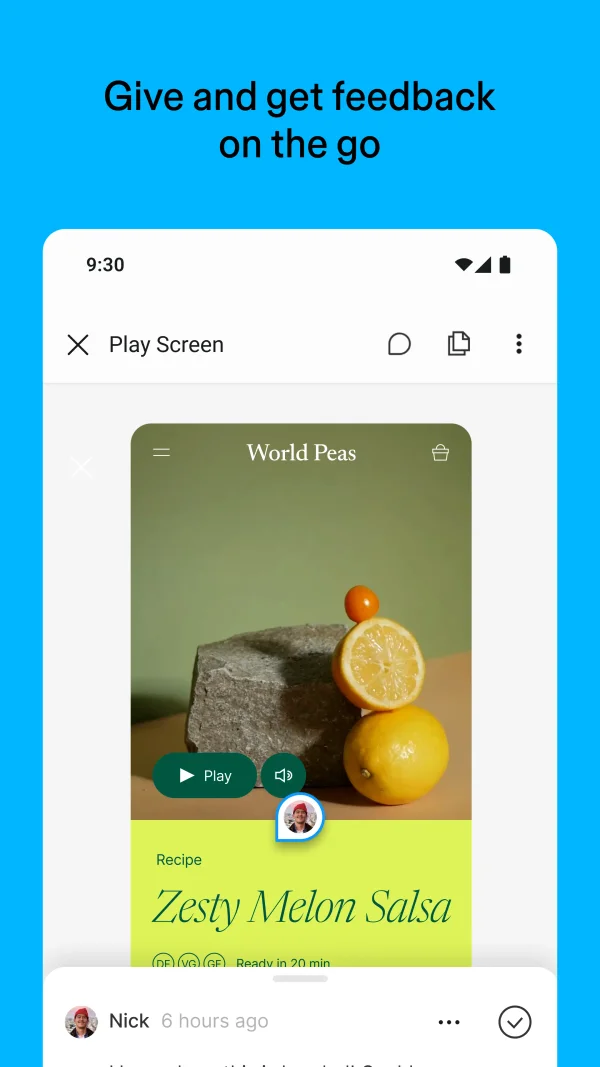
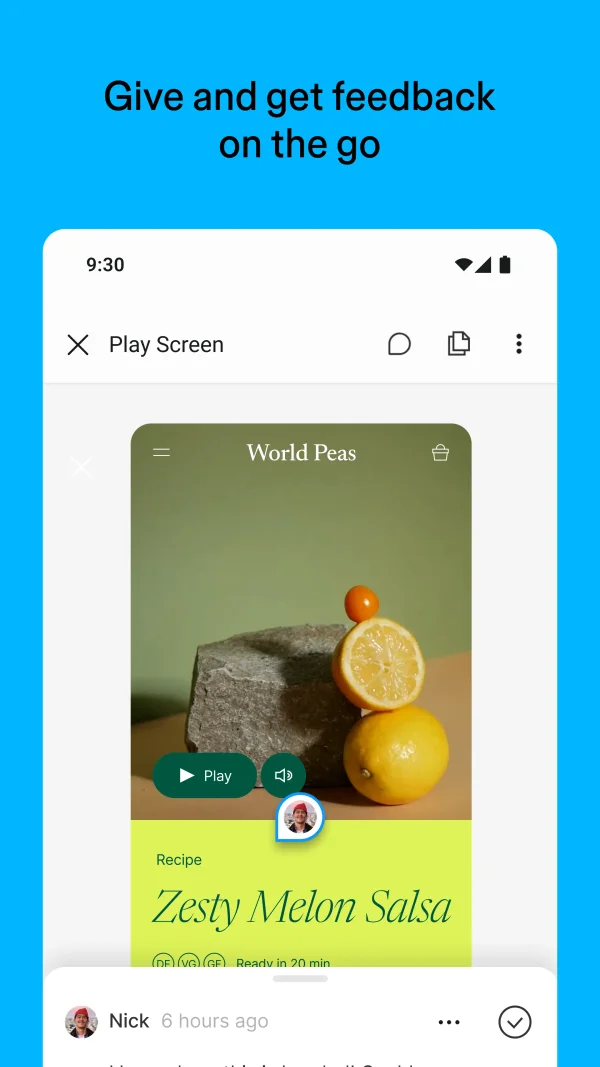
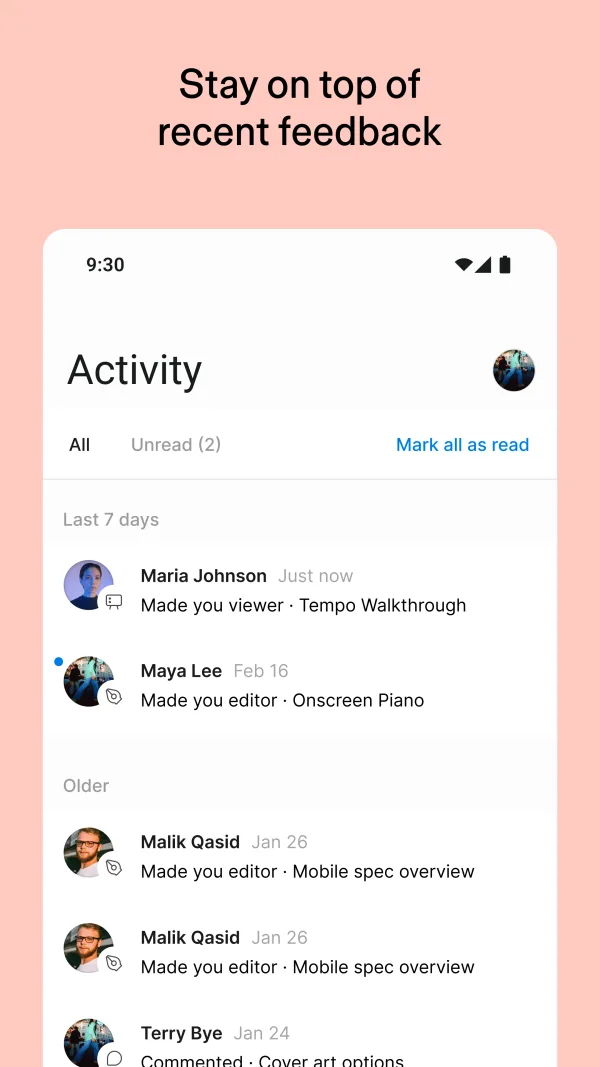
KOMENTARI DAN BALAS
Tambahkan komentar dan sebutkan rekan tim di seluruh file Figma Design, Slides, dan FigJam.
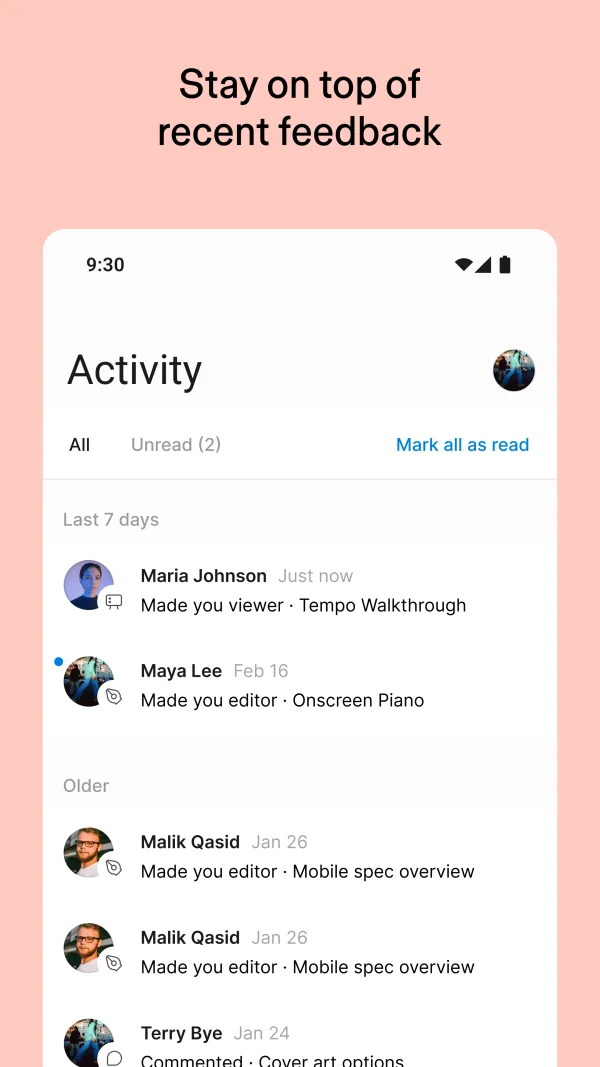
Dapatkan notifikasi untuk komentar dan balasan baru.
Selesaikan dan balas komentar di mana saja.
Lihat semua utas komentar di satu tempat.
BAGIKAN FILE DENGAN TIM ANDA
Undang kolaborator dan bagikan tautan ke file Anda.
MAINKAN PROTOTIPE DESAIN
Mainkan dan putar ulang prototipe dalam layar penuh.
Sesuaikan skala prototipe.
Aktifkan/nonaktifkan petunjuk hotspot.
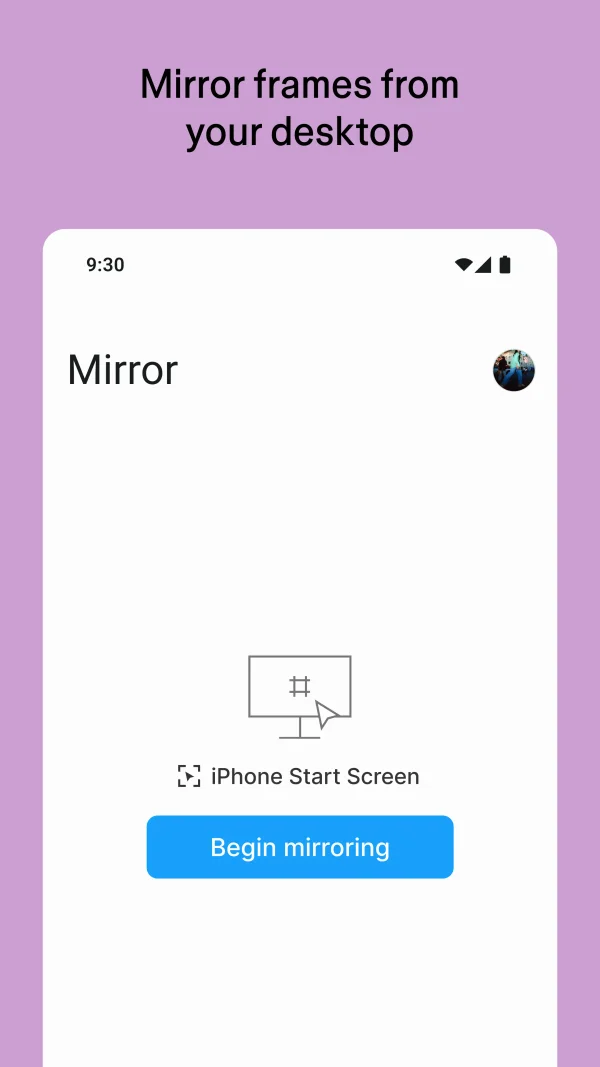
CERMINKAN DESAIN SECARA REAL-TIME
Sinkronkan frame yang dipilih dari desktop ke perangkat seluler Anda.
Saksikan perubahan desktop langsung yang tercermin di perangkat Anda.
Pratinjau desain yang diskalakan ke layar perangkat.
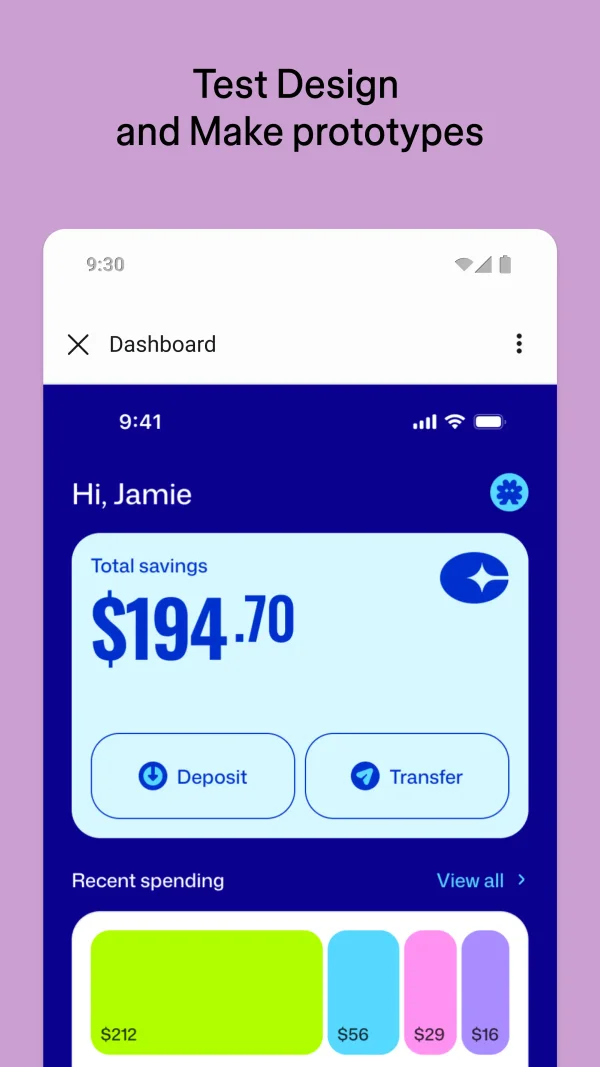
PROTOTIPE DAN TINJAU DENGAN MAKE
Uji prototipe seluler dan validasi interaksi di perangkat
Bagikan Make dengan kolaborator untuk ditinjau dan disetujui
JELAJAHI SLIDE DENGAN MUDAH
Lihat dan beri komentar pada presentasi dalam mode lanskap dan potret.
KELOLA IZIN SECARA LANGSUNG
Perbarui izin file untuk mengontrol siapa yang dapat melihat atau mengedit pekerjaan Anda.
JELAJAHI DAN GANTI RUANG KERJA DAN AKUN
Navigasi antar tim, rencana, proyek, dan akun.
Tampilkan teks asli
Create, prototype, and collaborate on the go. View, share, mirror, and build in just a few taps with Figma’s official mobile app.
REVIEW YOUR FILES
Access Figma Design, Make, Slides, and FigJam files.
Search for files by name or browse your recent files.
Move between pages and flows with ease.
COMMENT AND REPLY
Add comments and mention teammates across Figma Design, Slides, and FigJam files.
Get notified for new comments and replies.
Resolve and reply to comments on the go.
See every comment thread in one place.
SHARE FILES WITH YOUR TEAM
Invite collaborators and share links to your files.
PLAY DESIGN PROTOTYPES
Play and replay prototypes in full screen.
Adjust prototype scaling.
Toggle hotspot hints.
MIRROR DESIGNS IN REAL-TIME
Sync selected frames from desktop to your mobile device.
Watch live desktop edits reflected on your device.
Preview designs scaled to a device screen.
PROTOTYPE AND REVIEW WITH MAKE
Test mobile prototypes and validate on-device interactions
Share Makes with collaborators for review and approval
EXPLORE SLIDES EFFORTLESSLY
View and comment on decks in both landscape and portrait mode.
MANAGE PERMISSIONS ON THE FLY
Update file permissions to control who can view or edit your work.
BROWSE AND SWITCH WORKSPACES AND ACCOUNTS
Navigate between teams, plans, projects, and accounts.
Keamanan data
Yang dinyatakan Figma Inc. di Google Play tentang data yang dikumpulkan dan dibagikan aplikasi ini.
- Aplikasi ini dapat membagikan jenis data ini kepada pihak ketigaLokasi, Info pribadi, dan 4 lainnya
- Aplikasi ini dapat mengumpulkan jenis data berikutLokasi, Info pribadi, dan 4 lainnya
- Data dienkripsi saat dalam pengiriman
- Anda dapat meminta agar data dihapus
Yang baru
Versi 26.43.0 · 10/11/2026
Bug fixes & performance improvements
Kontak pengembang
- Situs webfigma.com
- Emailsupport@figma.com
- Kebijakan Privasifigma.com
- Alamat760 Market St Fl 10 San Francisco, CA 94102 United States
Informasi
- Ditawarkan oleh
- Figma Inc.
- Kategori
- Seni & Desain
- Versi
- 26.43.0
- Diperbarui
- 10/11/2026
- Dirilis
- 8/5/2017
- Memerlukan
- Android 8.0 atau yang lebih baru
- Batasan usia
- Rating 3+
- Harga
- Gratis
- Nama paket
- com.figma.mirror
Aplikasi serupa
-
 Adobe Firefly: AI Generator
Seni & Desain
-
 GoArt - AI Art Image Generator
Seni & Desain
-
 Thingiverse MakerWorld | 3Drop
Alat
-
 Logo Maker - Desain Seni AI
Seni & Desain
-
 Photoshop with AI Assistant
Fotografi
-
 Leonardo.Ai - Image Generator
Seni & Desain
-
 Hexa AI: Pembuat Logo & Desain
Seni & Desain
-
 Fotor - Editor Foto AI
Fotografi
-
 Wix - Website Builder
Produktivitas
-
 Posters: templat foto video
Seni & Desain
-
 Remodel AI - Home Renovation
Seni & Desain
-
 PosterMyWall: Design & Promote
Seni & Desain