Floating Apps (multitasking)
LWi s.r.o.Contains ads · In-app purchases
- EveryoneAge rating
- ProductivityCategory
- Oct 7, 2026Updated
- FreePrice
Links to the official Google Play listing of com.lwi.android.flapps. Last checked on Nov 20, 2026.
Screenshots
About this app
Experience real multitasking on your Android!
Experience real multitasking on your Android!
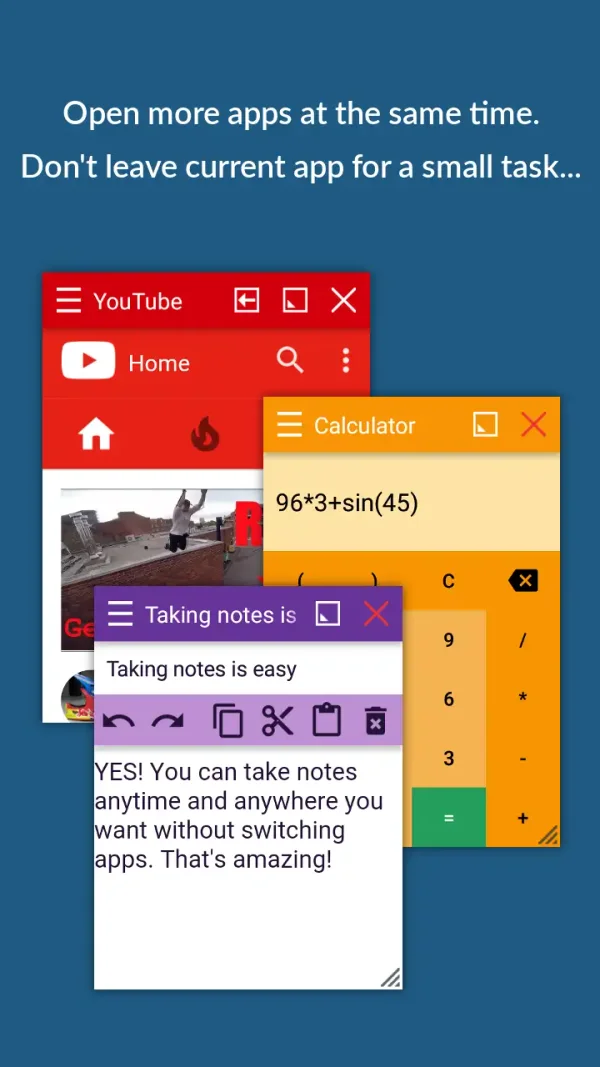
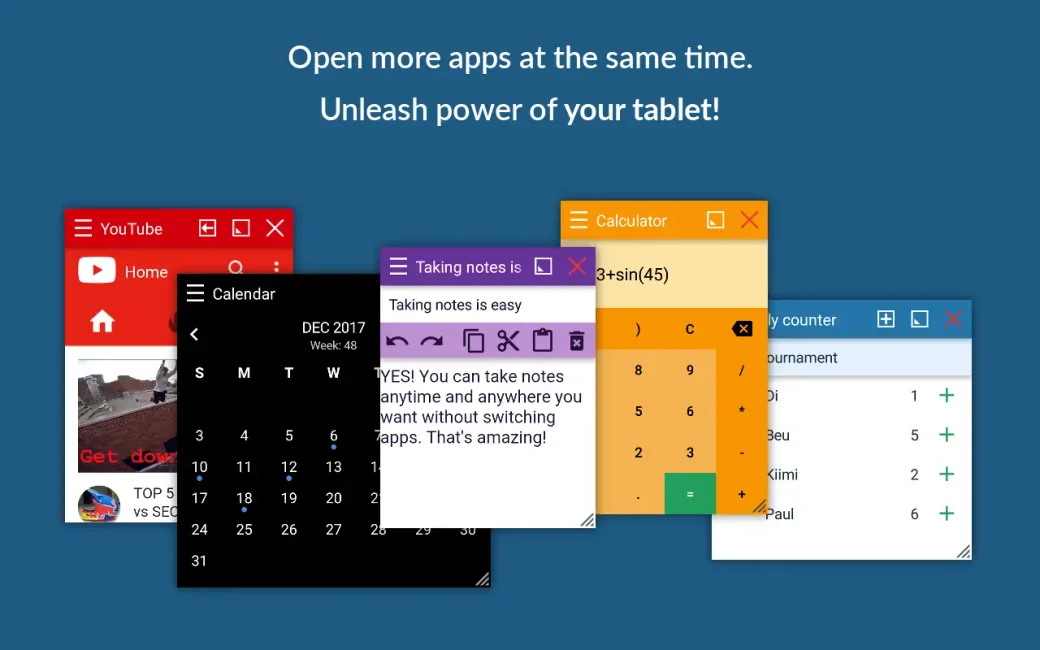
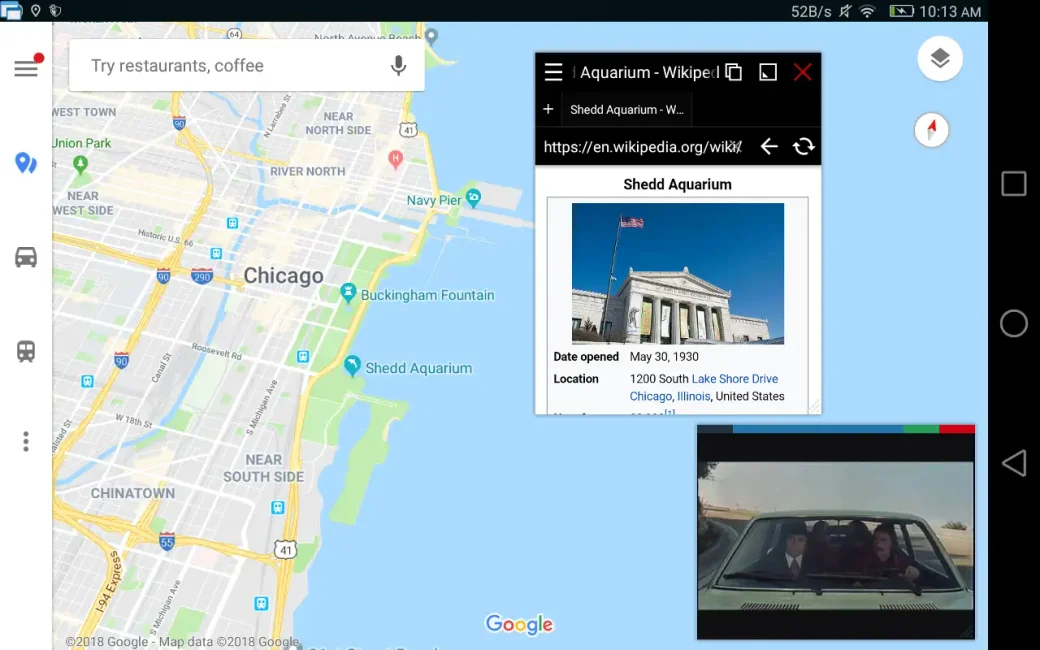
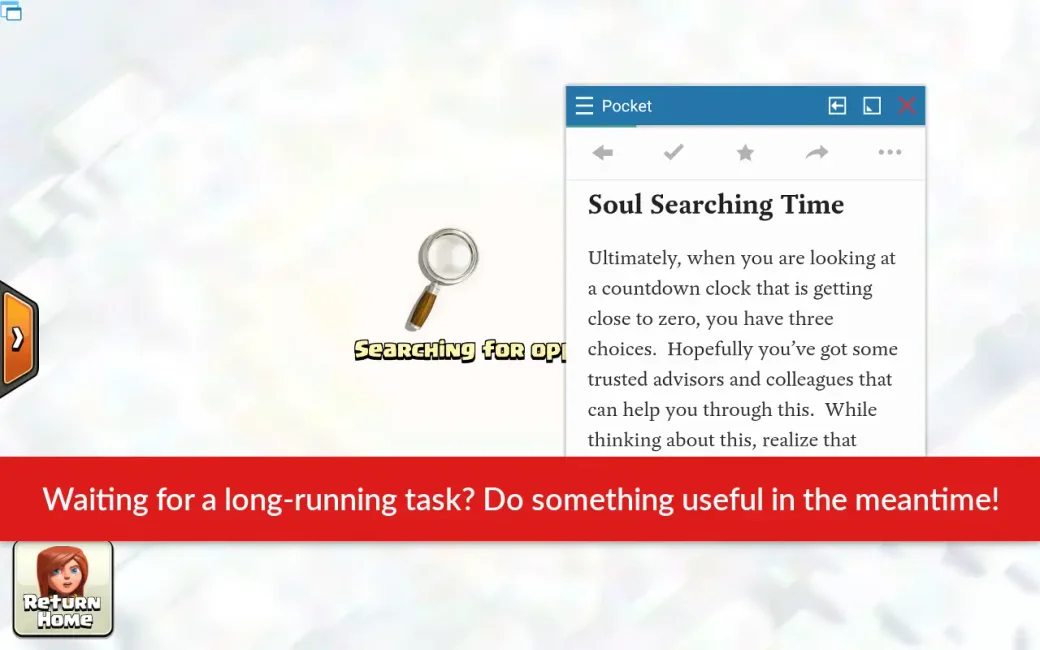
Open more apps at the same time in floating windows and enjoy real multitasking! Don't leave current app for a small task... Floating Apps is the largest and the most advanced collection of floating mini apps available on Google Play!
- take notes or use calculator anywhere & anytime
- view email attachments without leaving email app
- view multiple PDF files at the same time
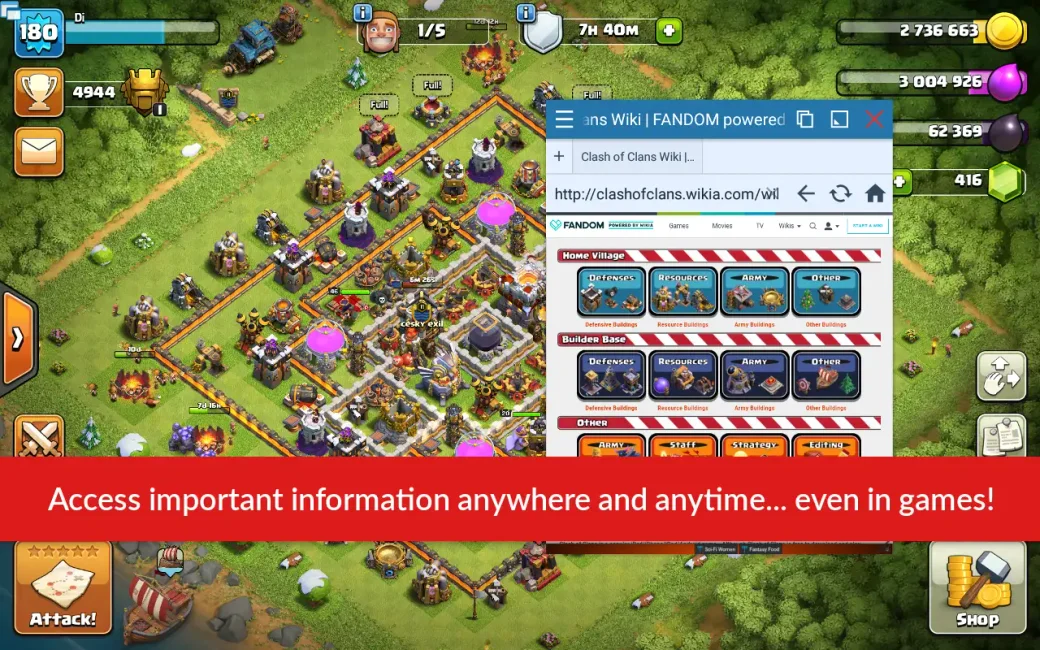
- open links in floating browser and view them later
- translate vocabularies without leaving current app
- and do much much much more...
Supported languages: EN, IN, CS, DA, DE, ES, FR, IT, LT, PL, PT-BR, PT-PT, RO, SK, SV, VI, TR, RU, UK, KO, JA, HI, TH, ZH-TW, TH-CN, FA, AR, HU
If you have any problem with the app, contact us via fa@lwi.cz for help!
---
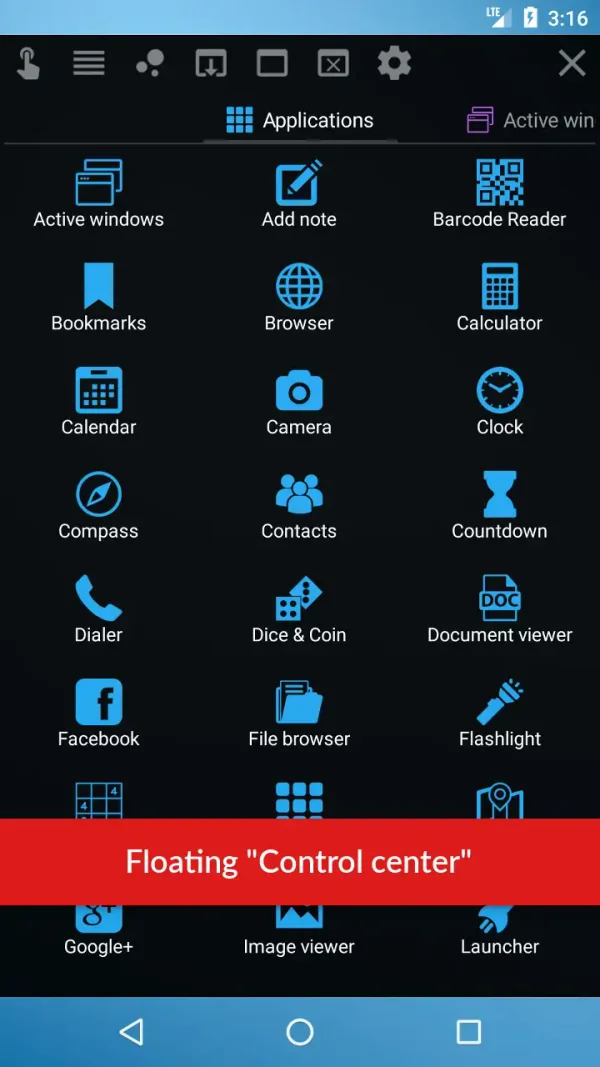
Floating Apps comes with more than 41 floating apps including:
- Browser
- Notes
- Document Viewer (PDF, DOC, DOCX, ODT and more)
- Calendar
- Facebook
- Twitter
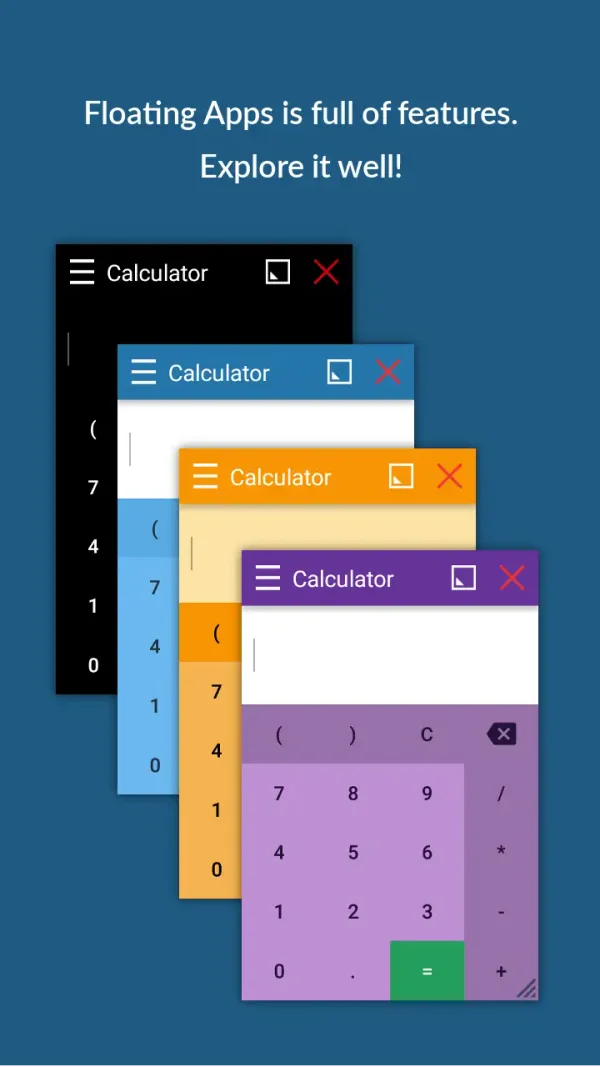
- Calculator
- Contacts
- File Manager
- Music Player
- Video Player
- Image Viewer
- Audio Recorder
- Translator
- Paint
- Google Maps
- Wifi Manager
- Games
- and 21 more apps (see https://www.floatingapps.net for full list of 41 floating apps)...
- also, you can create your own floating apps from home screen widgets and URLs!
---
Our Commitment
Floating Apps is the best of its kind because of our commitment and never-ending work. We love to do it for you!
- We're always doing our best to help our users, so you're not left alone.
- We're developing Floating Apps for more than 5 years and it keeps getting better and better.
- We're listening to your requests and designing apps and features for you.
The Most Advanced Features
- Stop switching from one app to another and experience real multitasking with floating mini apps that make your life easier!
- Do not find the right floating app for you? Turn homescreen widgets and URLs into your very own floating apps.
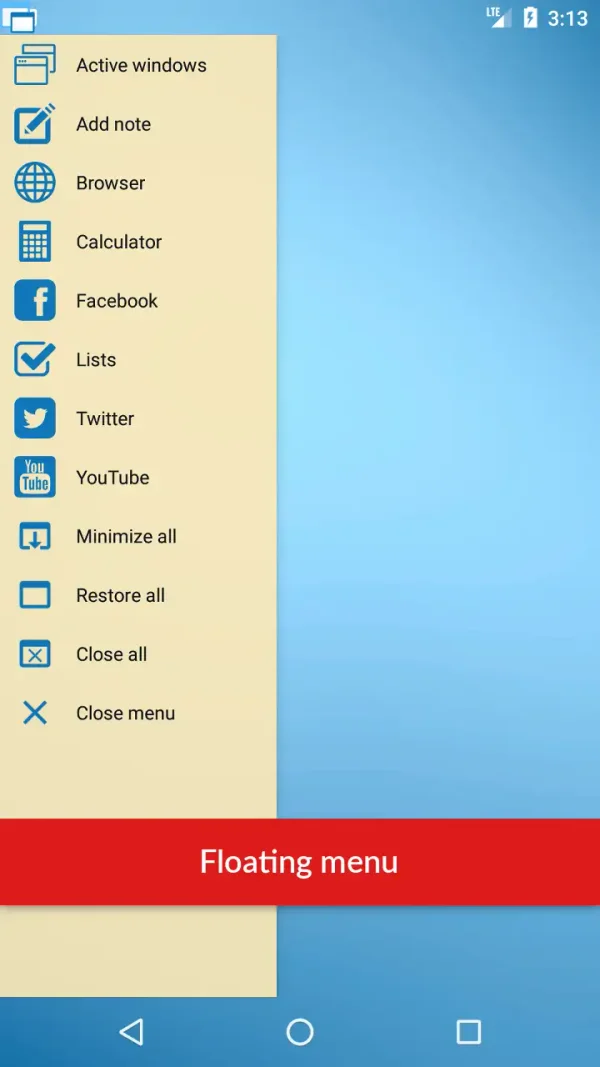
- Access floating apps anywhere and anytime without leaving what you are just doing with Floating Menu and Quick Launch.
- Extremely powerful floating menu allows you to access not only floating apps, but also normal and recent apps and shortcuts!
- Access floating apps with one tap via movable & resizable quick launch icon that stays always on top of other apps.
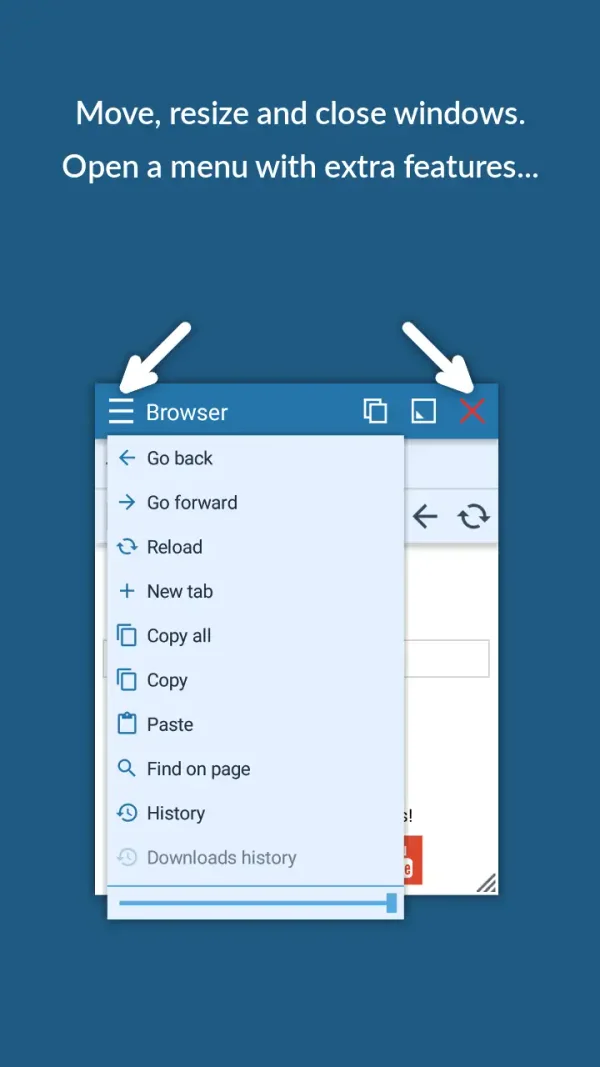
- Move windows by simply dragging their title, resize them by dragging their bottom bar. Arrange windows your way!
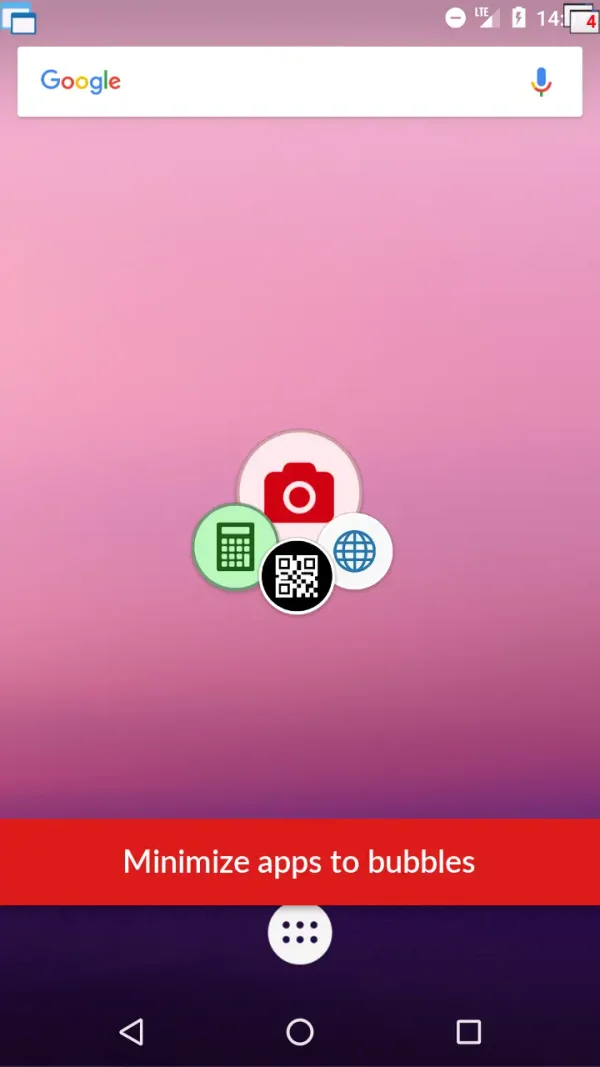
- Maximize the floating app to utilize the whole screen. Minimize it if you don't need it now and restore it later.
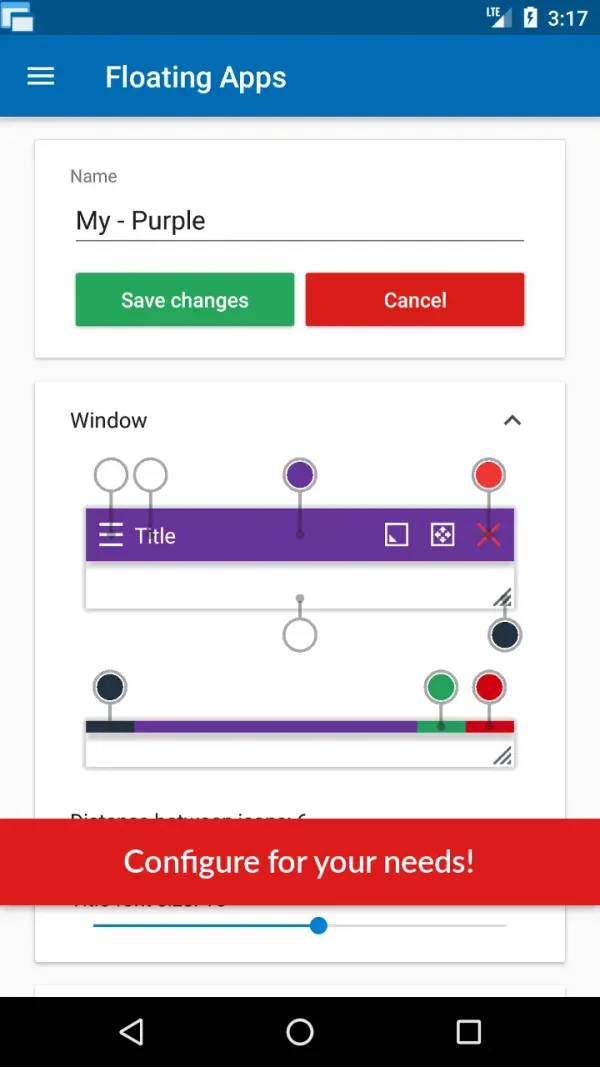
- Easily access advanced features & functions, control the window, its borders and transparency with context menu!
- Open links, videos or images using floating apps the same way as you do with normal apps. Use shortcuts, notifications and more.
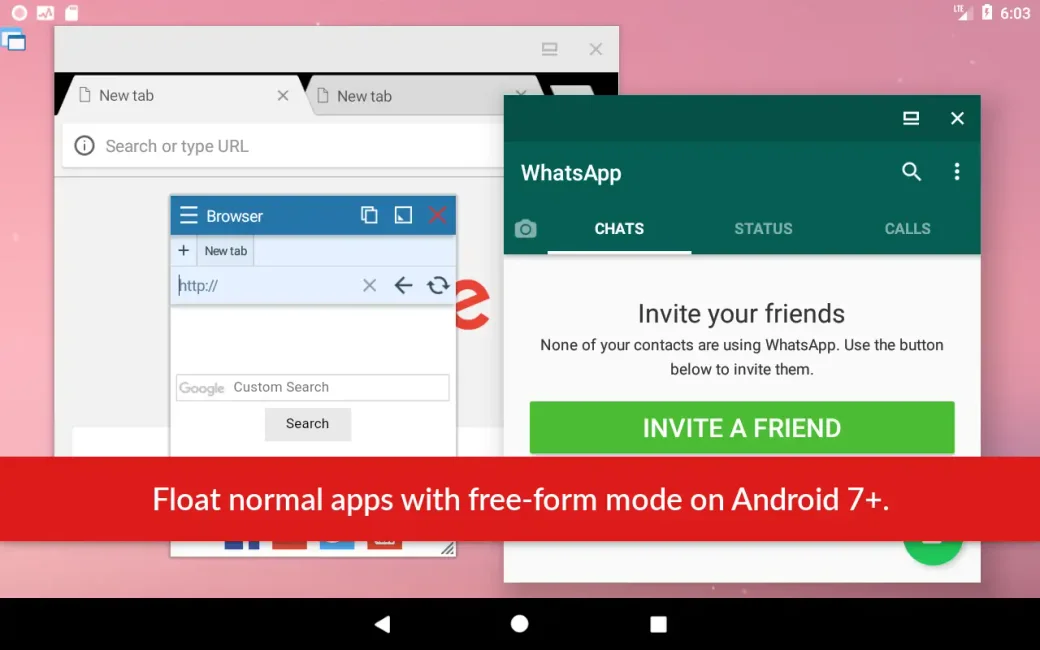
- It's just like multiviews / multi windows on Samsung or split screen mode but for all Androids!
Links
Web: https://www.floatingapps.net
Facebook: https://www.facebook.com/FloatingApps
Twitter: https://twitter.com/FloatingAppsNet
Google+: https://plus.google.com/+FloatingappsNet
Feedback: https://floatingapps.uservoice.com
Testers Community: https://plus.google.com/communities/111601071691478533219
Permissions
Please see complete list at http://www.floatingapps.net/permissions.
Data safety
What LWi s.r.o. declares on Google Play about the data this app collects and shares.
- This app may share these data types with third partiesPersonal info, App info and performance, and Device or other IDs
- This app may collect these data typesApp activity and Device or other IDs
- Data is encrypted in transit
- Data can’t be deleted
What’s new
Version 4.29.0 · Oct 7, 2026
4.29.0
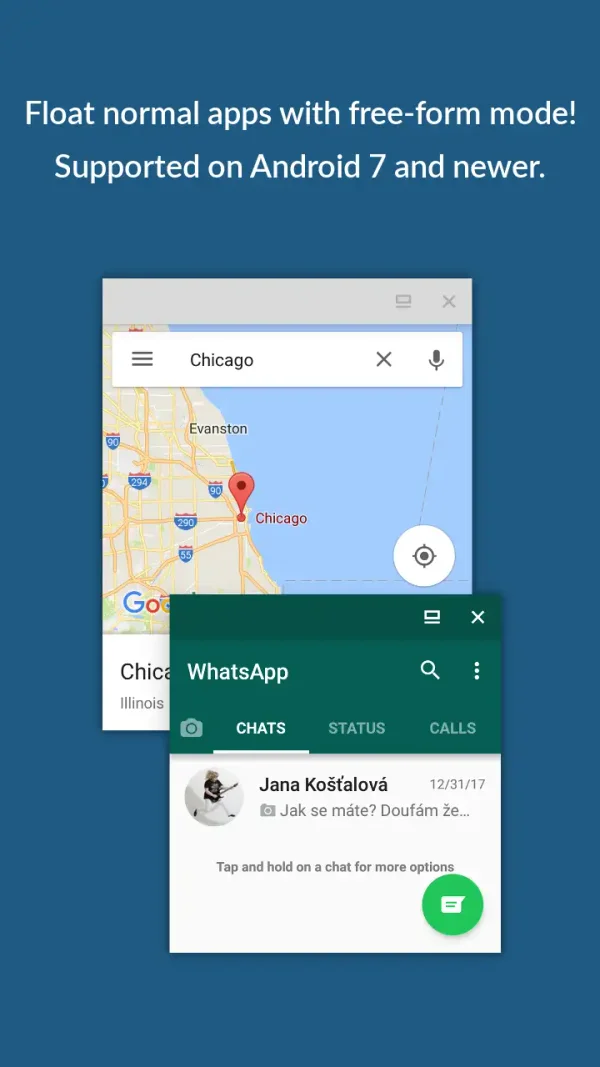
FREE-FORM MODE: Normal apps open in a window more reliably on modern Android.
Better speed and stability, and many fixes.
4.28.0
Two small things that make the day easier.
BROWSER: Choose your search engine right on the welcome page.
PAINT: A bigger palette. Every colour family has a light, a full and a dark tone.
Plus many important fixes, more speed and better stability.
Developer contact
- Websitefloatingapps.net
- Emailfa@lwi.cz
- Privacy policyfloatingapps.net
- AddressMlýnská 326/13 602 00 Brno Czechia
Information
- Offered by
- LWi s.r.o.
- Category
- Productivity
- Version
- 4.29.0
- Updated
- Oct 7, 2026
- Released
- May 3, 2013
- Requires
- Android 6.0 or later
- Age rating
- Everyone
- Price
- Free
- In-app purchases
- $1.00 - $25.00 per item
- Package name
- com.lwi.android.flapps
Similar apps
-
 Private Screenshots
Tools
-
 POCO Launcher 2.0 - Customize,
Personalization
-
 Auto Clicker - Automatic tap
Tools
-
 Glip Screen Recorder
Tools
-
 ZArchiver
Tools
-
 TrebEdit - Mobile HTML Editor
Tools
-
 ADV Screen Recorder
Tools
-
 Screen Recorder: Facecam Audio
Video Players & Editors
-
 Windows App
Business
-
 Automatic Scroll
Tools
-
 Multiple Accounts - Assist
Tools
-
 BlackNote: Dark Notes, Notepad
Productivity