Galaxy Buds+ Manager
Samsung Electronics Co., Ltd.- EveryoneAge rating
- ToolsCategory
- Mar 30, 2026Updated
- FreePrice
Links to the official Google Play listing of com.samsung.accessory.popcornmgr. Last checked on Nov 21, 2026.

Screenshots


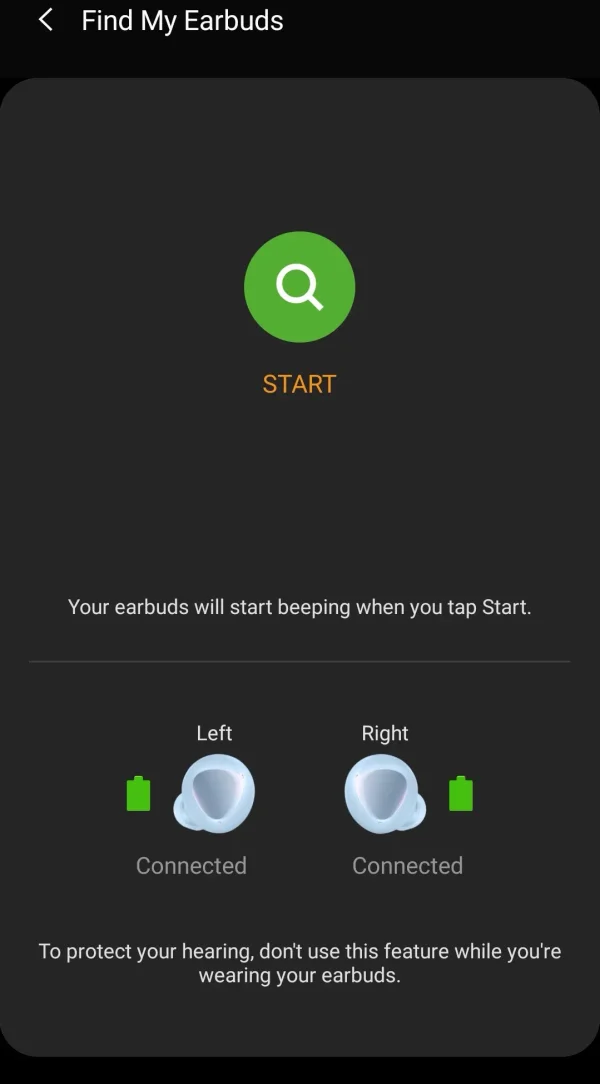
About this app
This app allows you to use features when connected to a Galaxy Buds+ device.
The Galaxy Buds+ Manager allows you to use features such as device settings and status view when connected to a Galaxy Buds+ device.
This application does not work alone because this is a component of the Galaxy Wearable application.
The Galaxy Wearable application has to be installed first for the Galaxy Buds+ Manager application to operate normally.
※ Please allow the permissions of the Galaxy Buds+ Manager in Android Settings to use all the features in Android 6.0 or later.
Settings > Applications > Galaxy Buds+ Manager > Permissions
※ Access permission information
The following permissions are required for the app service. The basic features of the service can be used, even if optional permissions aren't granted.
[Required Permissions]
- Nearby devices : Purpose for confirming to search Buds Devices
[Optional Permissions]
- Phone : Purpose for confirming Contacts information for voice notification function
- Contacts : Purpose for confirming Contacts information for voice notification function
- SMS: Purpose for confirming SMS contents for voice notification
- Calendar : Purpose for checking Calendar information for using voice notification function
- Call logs : Purpose for confirming Call logs information for voice notification function
- Notifications : Purpose for confirming voice notification function
- Files and Media: (Android 12) Used to update earbuds software and save log files
- Storage: (Android 11 or lower) Used to update earbuds software and save log files
If your system software version is lower than Android 6.0, please update the software to configure App permissions.
Previously allowed permissions can be reset on Apps menu in device settings after software update.
Data safety
What Samsung Electronics Co., Ltd. declares on Google Play about the data this app collects and shares.
- No data shared with third partiesLearn more about how developers declare sharing
- No data collectedLearn more about how developers declare collection
What’s new
Mar 30, 2026
Improved system stability and reliability
Developer contact
- Websitesamsung.com
- Emailnoreply.sec@samsung.com
- Privacy policyterms.samsungconsent.com
- Address대한민국 16677 경기도 수원시 영통구 삼성로 129 (매탄동)
Information
- Offered by
- Samsung Electronics Co., Ltd.
- Category
- Tools
- Updated
- Mar 30, 2026
- Released
- Feb 5, 2020
- Age rating
- Everyone
- Price
- Free
- Package name
- com.samsung.accessory.popcornmgr