Galaxy Buds+ Manager
Samsung Electronics Co., Ltd.- Rating 3+Batasan usia
- Alat Kategori
- 30/3/2026Diperbarui
- GratisHarga
Tertaut ke halaman resmi com.samsung.accessory.popcornmgr di Google Play. Terakhir diperiksa pada 21/11/2026.

Tangkapan layar

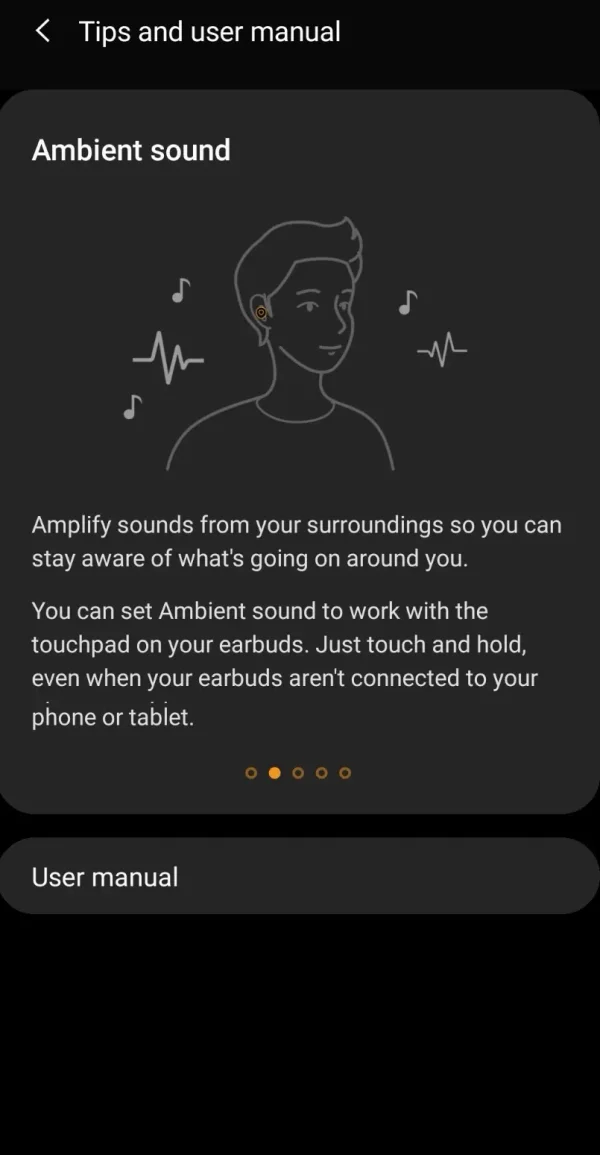

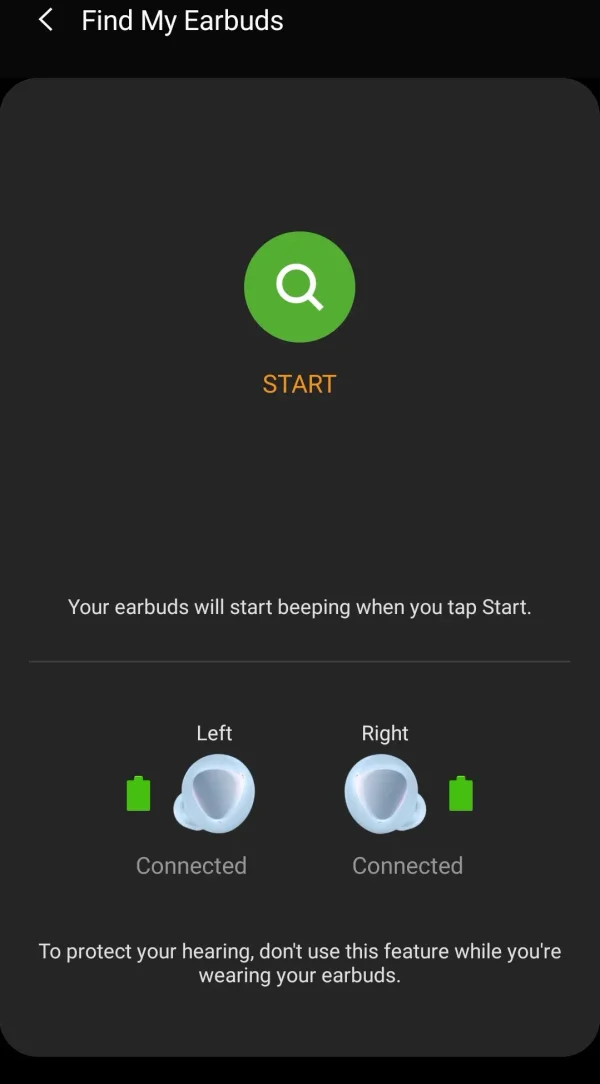
Tentang aplikasi ini
Terjemahan otomatis oleh Google. Bahasa asli: Inggris (Amerika Serikat).
Aplikasi ini memungkinkan Anda untuk menggunakan fitur saat terhubung ke perangkat Galaxy Buds +.
Galaxy Buds+ Manager memungkinkan Anda menggunakan fitur-fitur seperti pengaturan perangkat dan tampilan status saat terhubung ke perangkat Galaxy Buds+.
Aplikasi ini tidak berfungsi sendiri karena merupakan komponen dari aplikasi Galaxy Wearable.
Aplikasi Galaxy Wearable harus diinstal terlebih dahulu agar aplikasi Galaxy Buds+ Manager dapat beroperasi secara normal.
※ Harap izinkan izin Galaxy Buds+ Manager di Pengaturan Android untuk menggunakan semua fitur di Android 6.0 atau yang lebih baru.
Pengaturan > Aplikasi > Galaxy Buds+ Manager > Izin
※ Informasi izin akses
Izin berikut diperlukan untuk layanan aplikasi. Fitur dasar layanan dapat digunakan, meskipun izin opsional tidak diberikan.
[Izin yang Diperlukan]
- Perangkat terdekat: Bertujuan untuk mengkonfirmasi pencarian Perangkat Buds
[Izin Opsional]
- Telepon: Bertujuan untuk mengkonfirmasi informasi Kontak untuk fungsi notifikasi suara
- Kontak: Bertujuan untuk mengkonfirmasi informasi Kontak untuk fungsi notifikasi suara
- SMS: Bertujuan untuk mengkonfirmasi isi SMS untuk notifikasi suara
- Kalender: Bertujuan untuk memeriksa informasi Kalender untuk menggunakan fungsi notifikasi suara
- Log panggilan: Bertujuan untuk mengkonfirmasi informasi Log panggilan untuk fungsi notifikasi suara
- Notifikasi: Bertujuan untuk mengkonfirmasi fungsi notifikasi suara
- File dan Media: (Android 12) Digunakan untuk memperbarui perangkat lunak earbud dan menyimpan file log
- Penyimpanan: (Android 11 atau lebih rendah) Digunakan untuk memperbarui perangkat lunak earbud dan menyimpan file log
Jika versi perangkat lunak sistem Anda lebih rendah dari Android 6.0, harap perbarui perangkat lunak untuk mengkonfigurasi izin Aplikasi.
Izin yang sebelumnya diizinkan dapat diatur ulang pada menu Aplikasi di pengaturan perangkat setelah pembaruan perangkat lunak.
Tampilkan teks asli
The Galaxy Buds+ Manager allows you to use features such as device settings and status view when connected to a Galaxy Buds+ device.
This application does not work alone because this is a component of the Galaxy Wearable application.
The Galaxy Wearable application has to be installed first for the Galaxy Buds+ Manager application to operate normally.
※ Please allow the permissions of the Galaxy Buds+ Manager in Android Settings to use all the features in Android 6.0 or later.
Settings > Applications > Galaxy Buds+ Manager > Permissions
※ Access permission information
The following permissions are required for the app service. The basic features of the service can be used, even if optional permissions aren't granted.
[Required Permissions]
- Nearby devices : Purpose for confirming to search Buds Devices
[Optional Permissions]
- Phone : Purpose for confirming Contacts information for voice notification function
- Contacts : Purpose for confirming Contacts information for voice notification function
- SMS: Purpose for confirming SMS contents for voice notification
- Calendar : Purpose for checking Calendar information for using voice notification function
- Call logs : Purpose for confirming Call logs information for voice notification function
- Notifications : Purpose for confirming voice notification function
- Files and Media: (Android 12) Used to update earbuds software and save log files
- Storage: (Android 11 or lower) Used to update earbuds software and save log files
If your system software version is lower than Android 6.0, please update the software to configure App permissions.
Previously allowed permissions can be reset on Apps menu in device settings after software update.
Keamanan data
Yang dinyatakan Samsung Electronics Co., Ltd. di Google Play tentang data yang dikumpulkan dan dibagikan aplikasi ini.
- Tidak ada data yang dibagikan kepada pihak ketigaPelajari lebih lanjut cara developer menyatakan pembagian data
- Tidak ada data yang dikumpulkanPelajari lebih lanjut cara developer menyatakan pengumpulan data
Yang baru
30/3/2026
Improved system stability and reliability
Kontak pengembang
- Situs websamsung.com
- Emailnoreply.sec@samsung.com
- Kebijakan Privasiterms.samsungconsent.com
- Alamat대한민국 16677 경기도 수원시 영통구 삼성로 129 (매탄동)
Informasi
- Ditawarkan oleh
- Samsung Electronics Co., Ltd.
- Kategori
- Alat
- Diperbarui
- 30/3/2026
- Dirilis
- 5/2/2020
- Batasan usia
- Rating 3+
- Harga
- Gratis
- Nama paket
- com.samsung.accessory.popcornmgr