German Dictionary Offline
Livio- EveryoneAge rating
- Books & ReferenceCategory
- Nov 21, 2026Updated
- FreePrice
Links to the official Google Play listing of livio.pack.lang.de_DE. Last checked on Nov 24, 2026.

Screenshots


About this app
The monolingual offline german dictionary is very easy to use
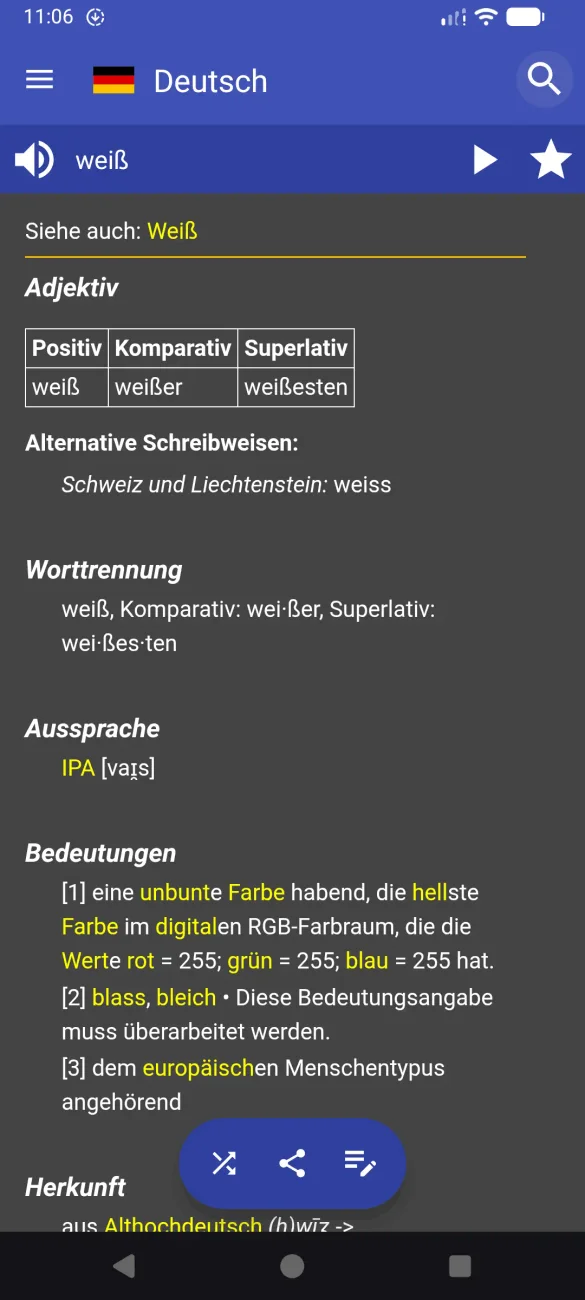
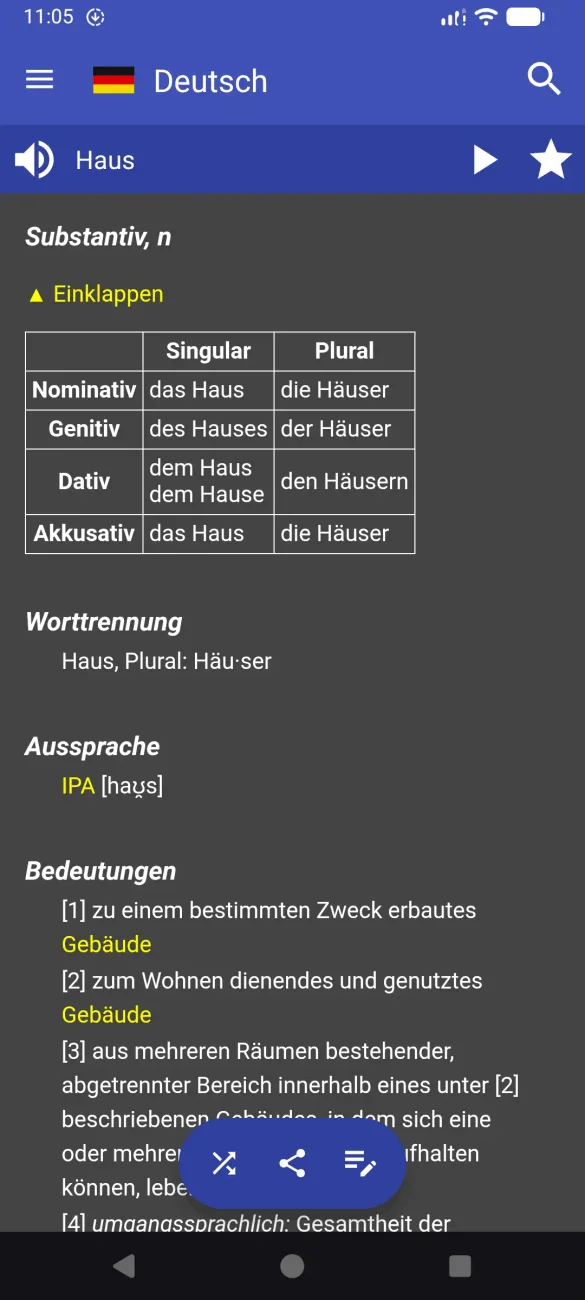
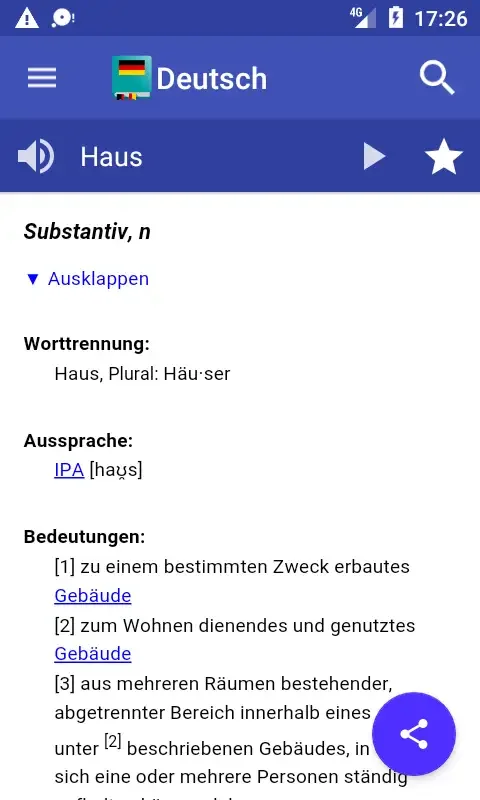
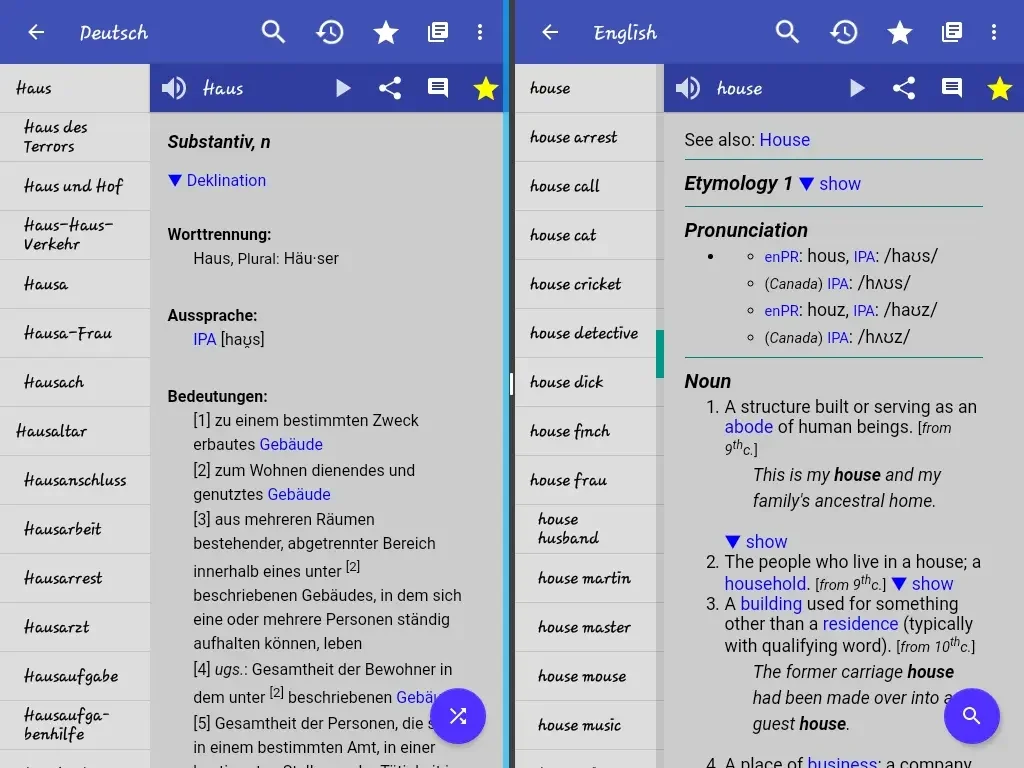
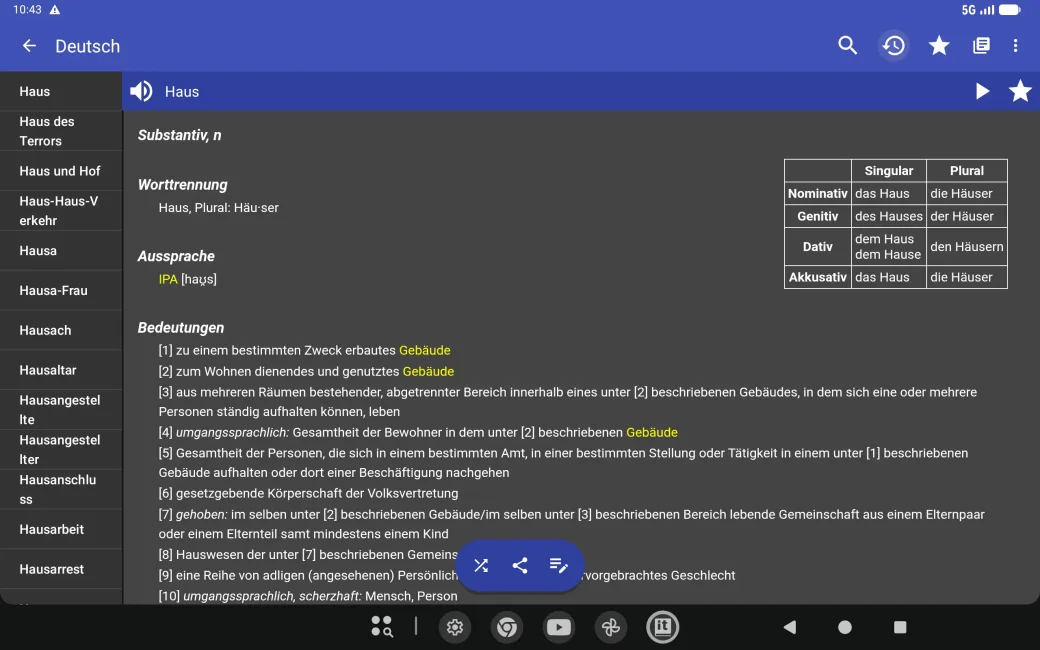
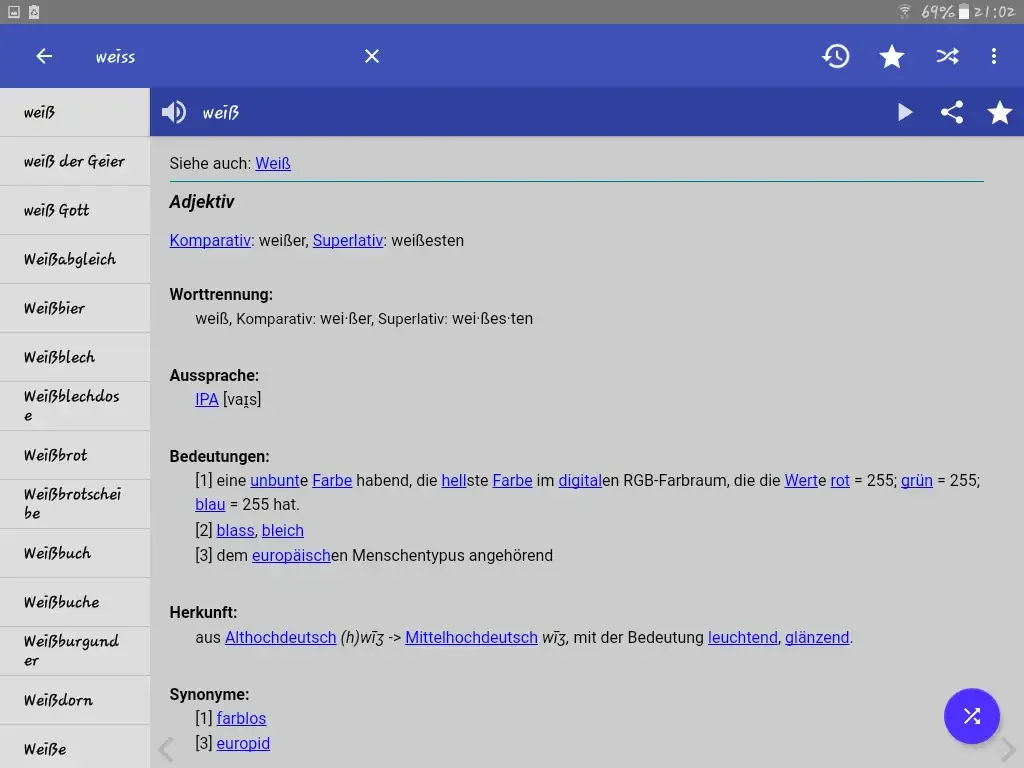
The free offline German dictionary application explains the meaning of German words! Definitions are based on German Wiktionary. This is a monolingual German dictionary: words must be entered in German language.
Features
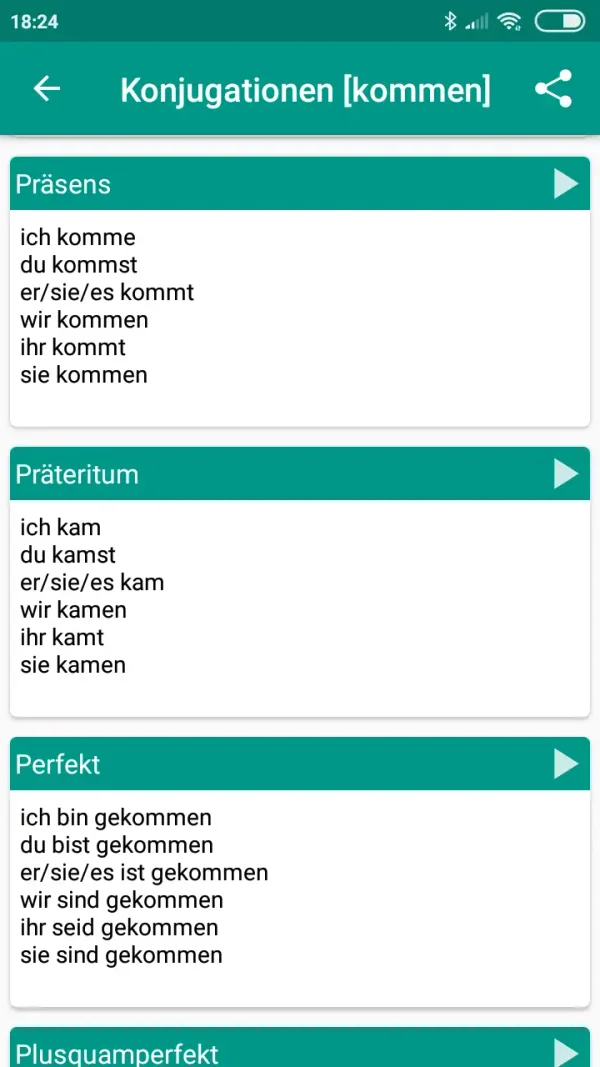
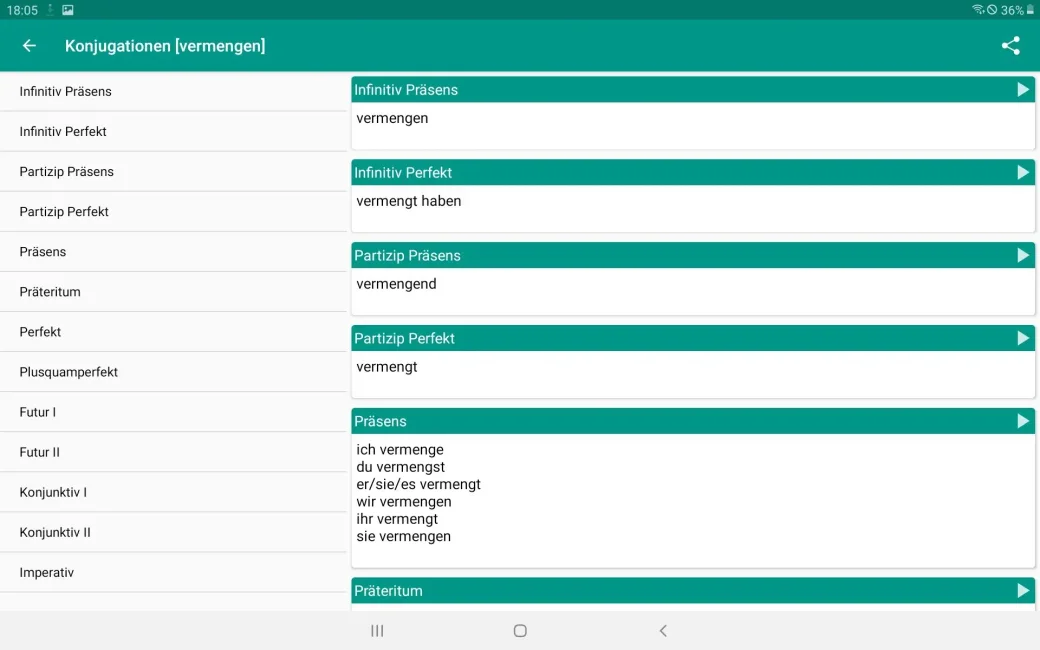
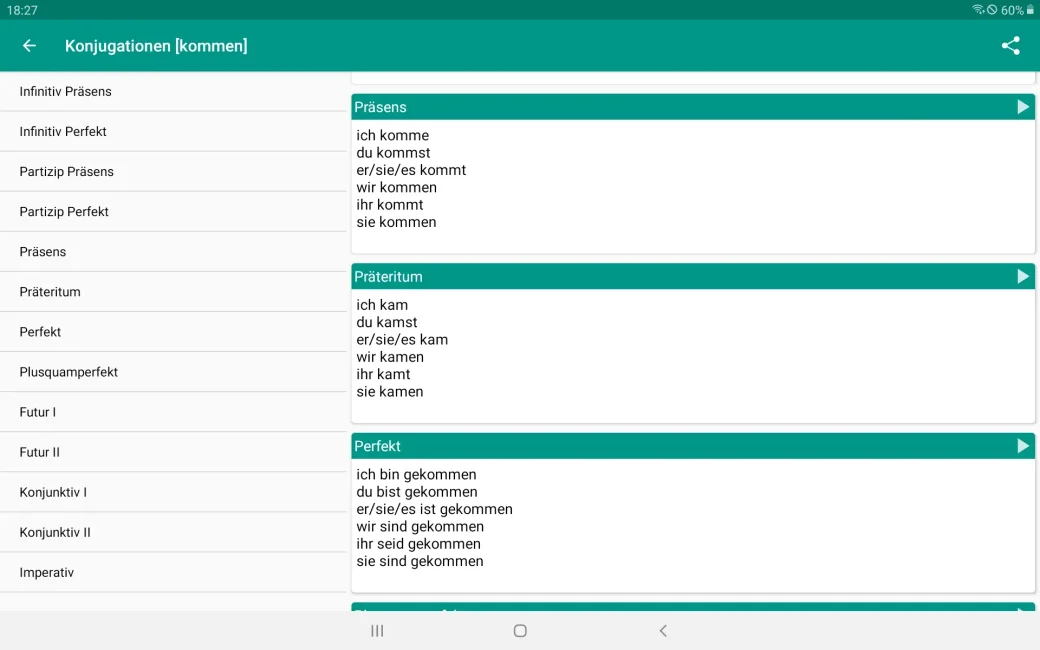
♦ More than 199000 words and large number of inflected forms
♦ Fast as it works offline, internet is used only when a word is not found in the offline dictionary
♦ You can leaf through words using your finger (swipe right and left)
♦ Easy and functional user interface, optimized also for tablets
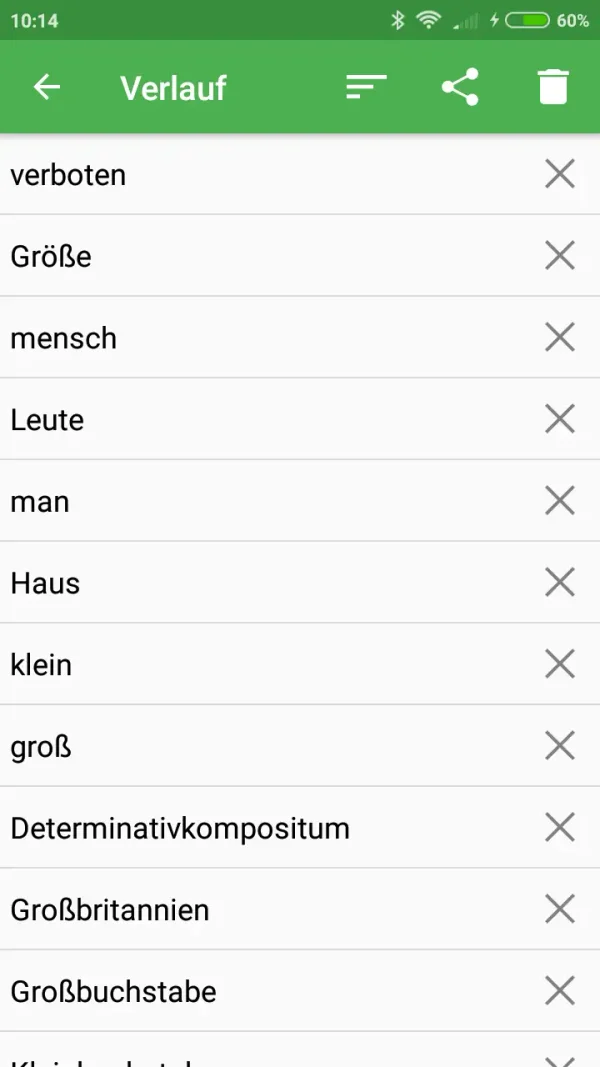
♦ Bookmarks and search history with option to backup your bookmarks
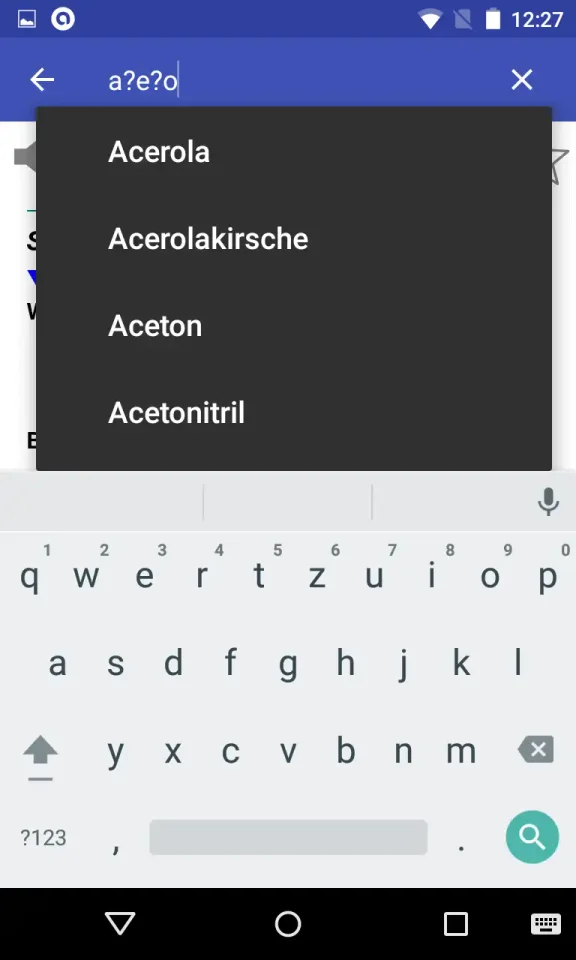
♦ Crossword help: the symbol ? can be used in place of single unknown letter. The symbol * can be used in place of any group of letters.
♦ Random search button (shuffle), useful to learn new words
♦ Share word definition using other apps, like gmail or whatsapp
♦ Compatible with Moon+ Reader and FBReader
Your settings
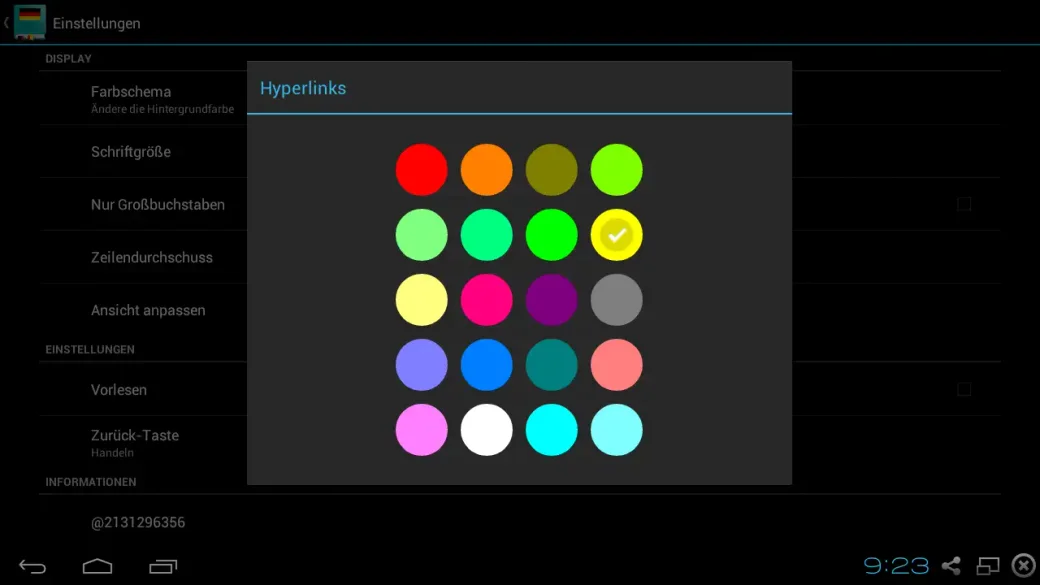
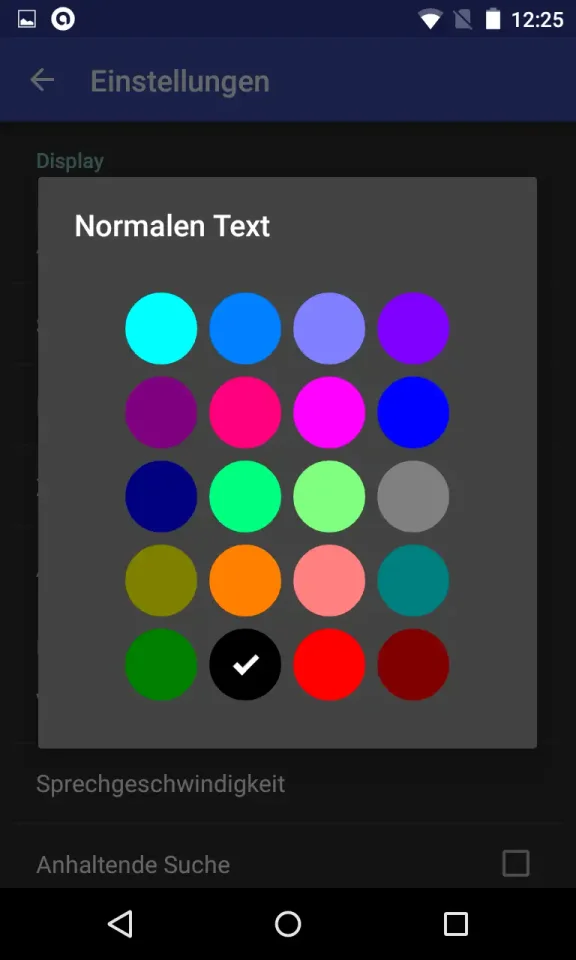
♦ Black and white themes with user defined text colors (press menu-->select Settings-->click on Theme)
♦ Persistent Search option to get automatic keyboard at startup
♦ Text to speech options
♦ Number of items in history
♦ Customisable font size and line spacing
Questions:
♦ Question & Answers: http://goo.gl/UnU7V
♦ No voice output? Please follow instructions here: http://goo.gl/axXwR.
♦ Information about permissions used by the application can be found here: http://goo.gl/AsqT4C
Word pronunciation works only if voice data have been installed in your phone (Text-to-speech engine).
In case Moon+ Reader does not list my dictionary: open pop-up "Customize dictionary" and select "Open dictionary directly when Long-Tap on a word"
Information for application developers:
✔ This application provides Dictionary API for 3rd party developers, please read further details: http://thesaurus.altervista.org/dictionary-android
Permissions
This application requires the following permissions:
♢ INTERNET - to retrieve the definition of unknown words
♢ WRITE_EXTERNAL_STORAGE (aka Photos/Media/Files) - to backup configuration and bookmarks
Data safety
What Livio declares on Google Play about the data this app collects and shares.
- No data shared with third partiesLearn more about how developers declare sharing
- No data collectedLearn more about how developers declare collection
- Data is encrypted in transit
- Data can’t be deleted
What’s new
Version 11.0-1vm81 · Nov 21, 2026
Version 11
♦ Dictionary updated with new definitions
Developer contact
- Websitethesaurus.altervista.org
- Emailandroid-dictionary-livio@googlegroups.com
- Privacy policythesaurus.altervista.org
- AddressItaly
Information
- Offered by
- Google Commerce Ltd
- Category
- Books & Reference
- Version
- 11.0-1vm81
- Updated
- Nov 21, 2026
- Released
- May 17, 2014
- Requires
- Android 7.0 or later
- Age rating
- Everyone
- Price
- Free
- Package name
- livio.pack.lang.de_DE
Similar apps
-
 German Dictionary Pro Offline
Books & Reference
-
 Learn German for Beginners
Education
-
 goFLUENT - Language Training
Education
-
 Daily Chinese: Grow Vocabulary
Education
-
 SpanishDictionary.com Learning
Books & Reference
-
 NKENNE: Learn African Language
Education
-
 Dictionary - WordWeb
Books & Reference
-
 German Dictionary Pro
Books & Reference
-
 OkyDoky - Language Courses
Education
-
 Aomi Japanese: Speaking
Education
-
 Ella Verbs: Learn Spanish
Education
-
 Learn Korean. Speak Korean
Education