German Dictionary Offline
Livio- 3 歳以上対象年齢
- 書籍&参考書カテゴリ
- 2026/11/21更新日
- 無料価格
livio.pack.lang.de_DEのGoogle Play公式ページにリンクしています。最終確認:2026/11/24。

スクリーンショット


このアプリについて
Googleによるドイツ語 (ドイツ)からの自動翻訳です。
オフラインドイツ語辞書は、英語の単語の意味を説明しています。
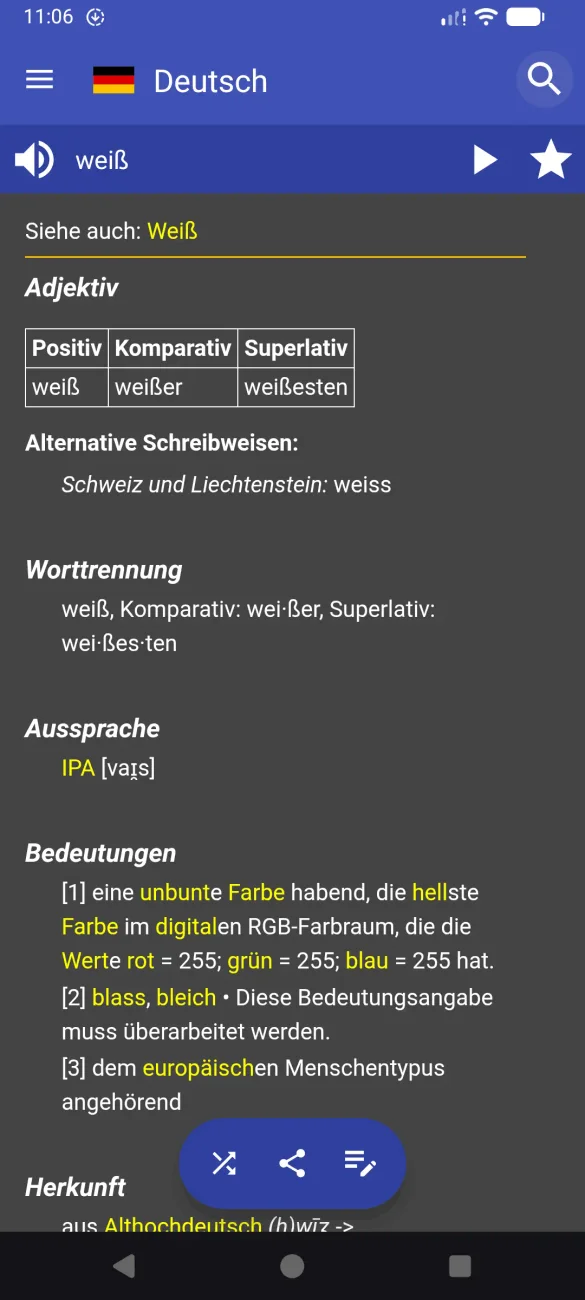
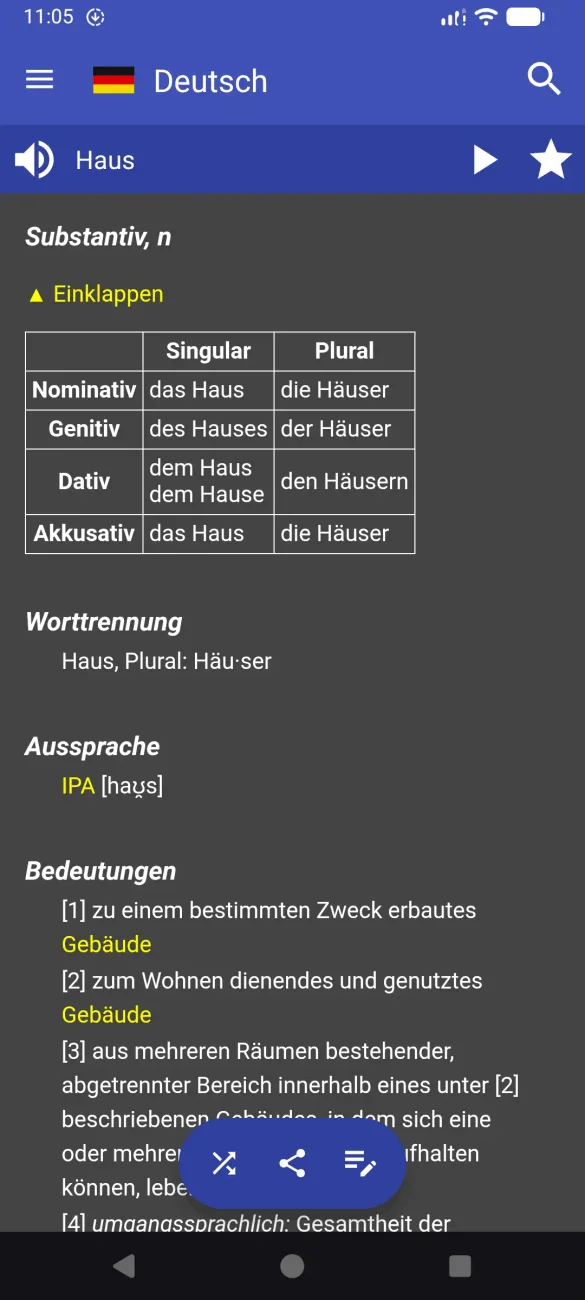
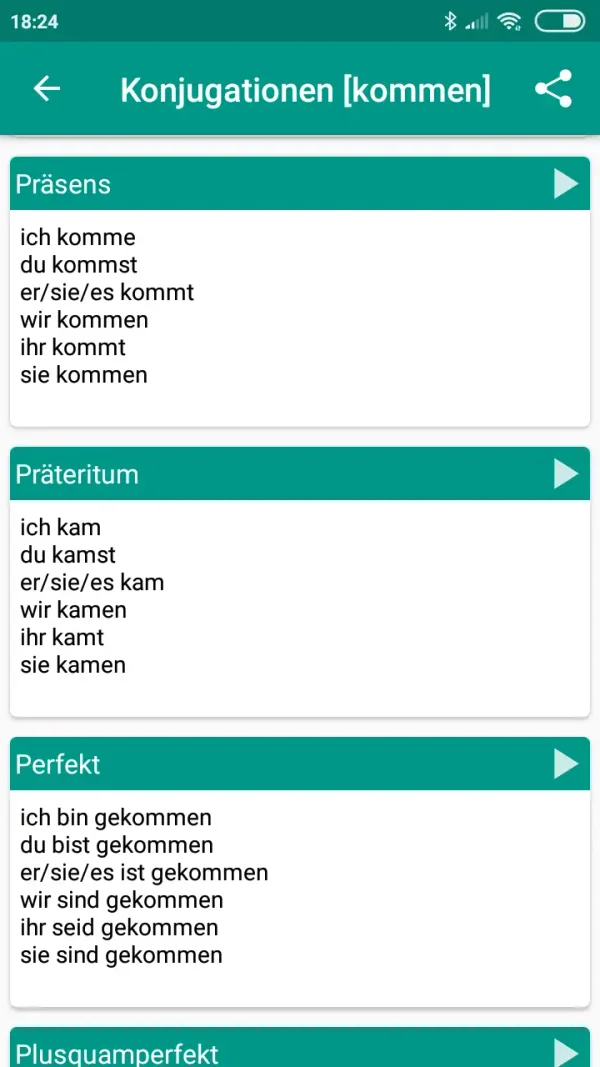
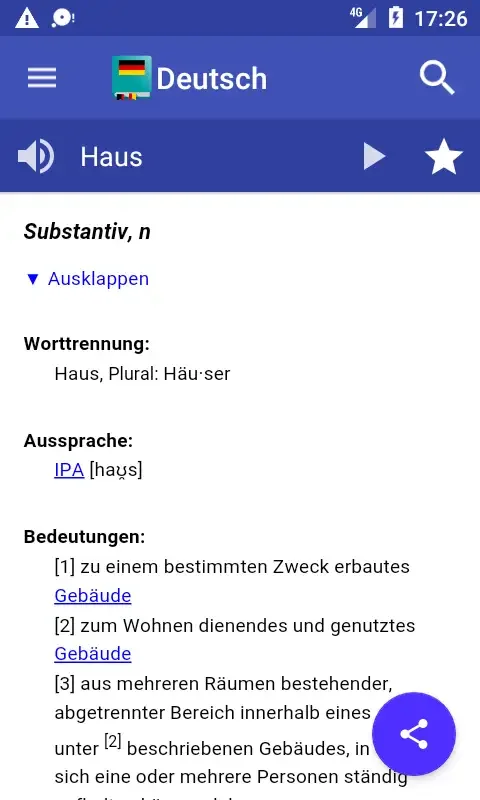
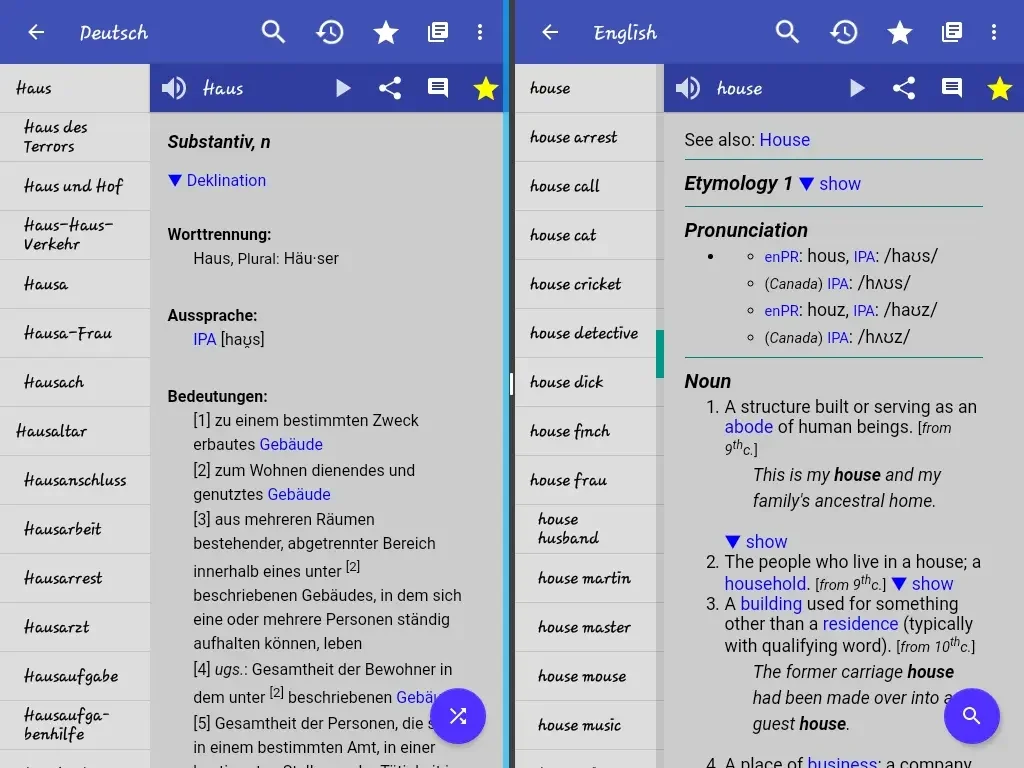
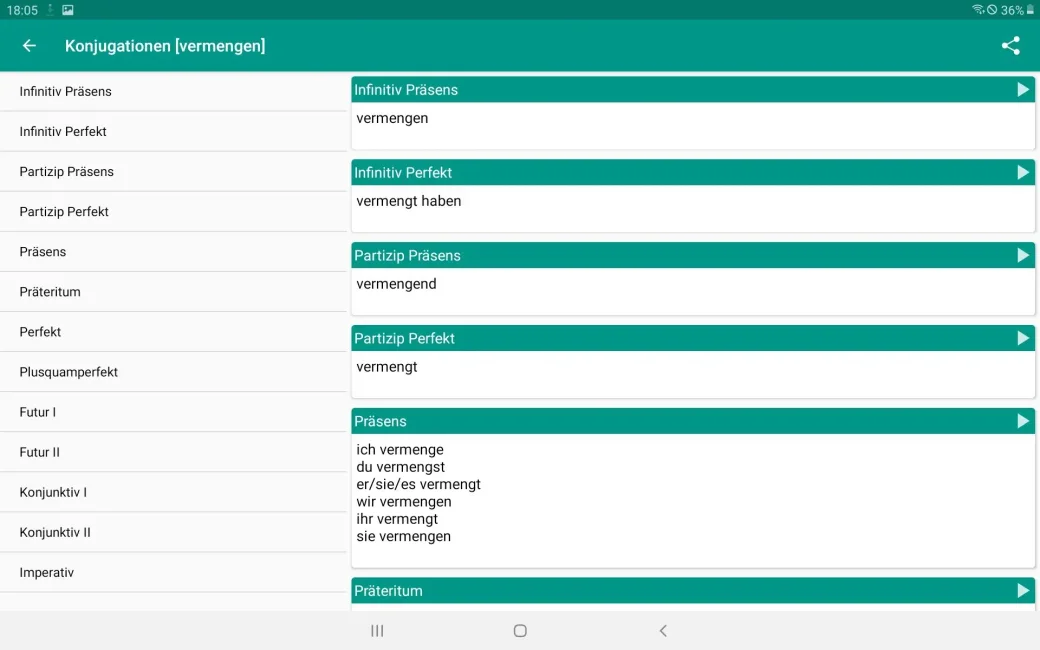
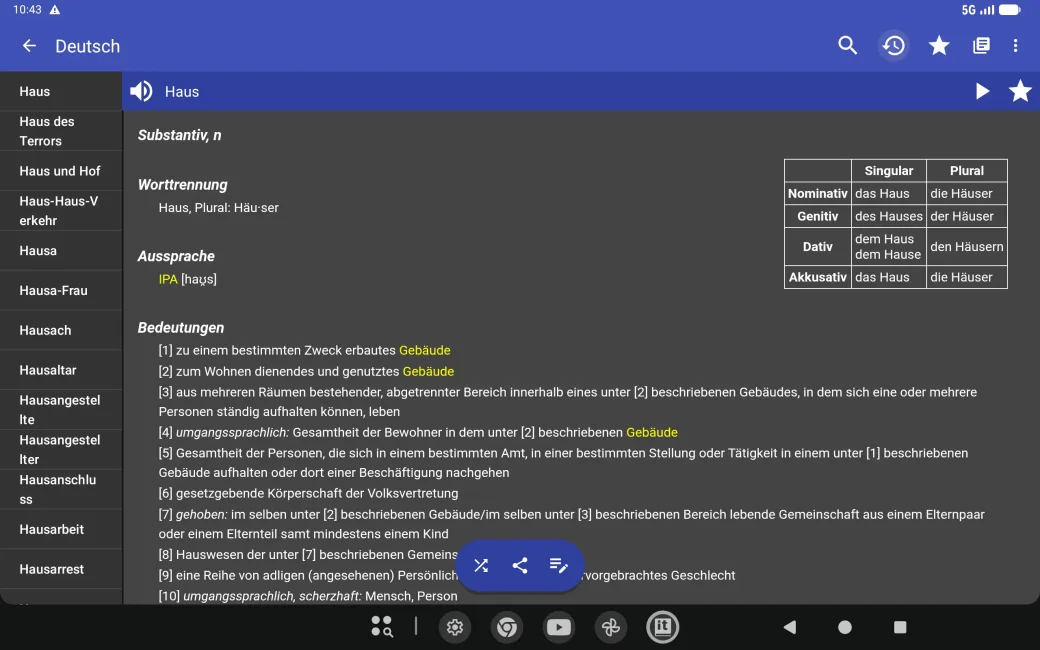
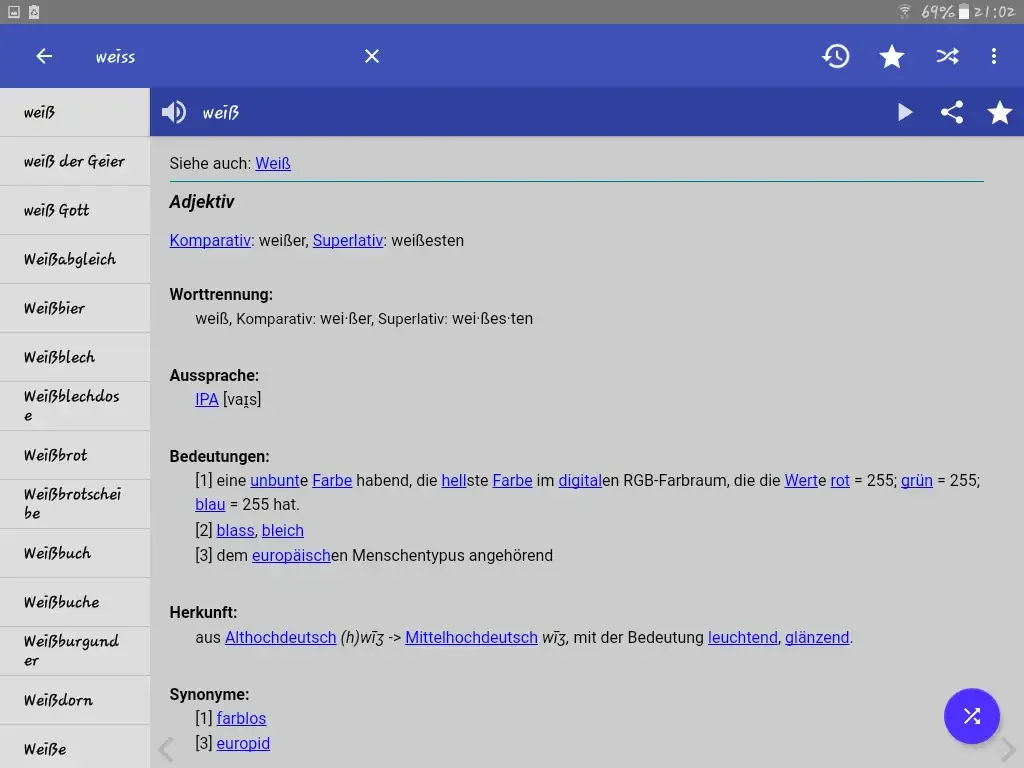
オフラインドイツ語辞書は、ドイツ語の単語の意味を解説します。定義はドイツ語版Wiktionaryに基づいています。追加ダウンロード不要でオフラインでも動作します!
機能
♦ 199,000語以上の単語と定義
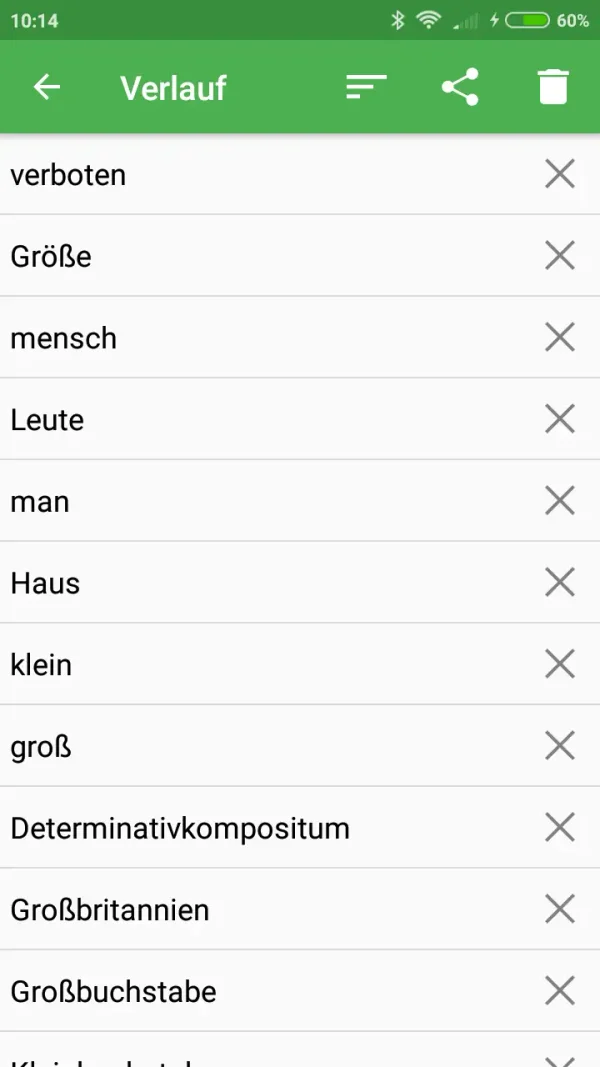
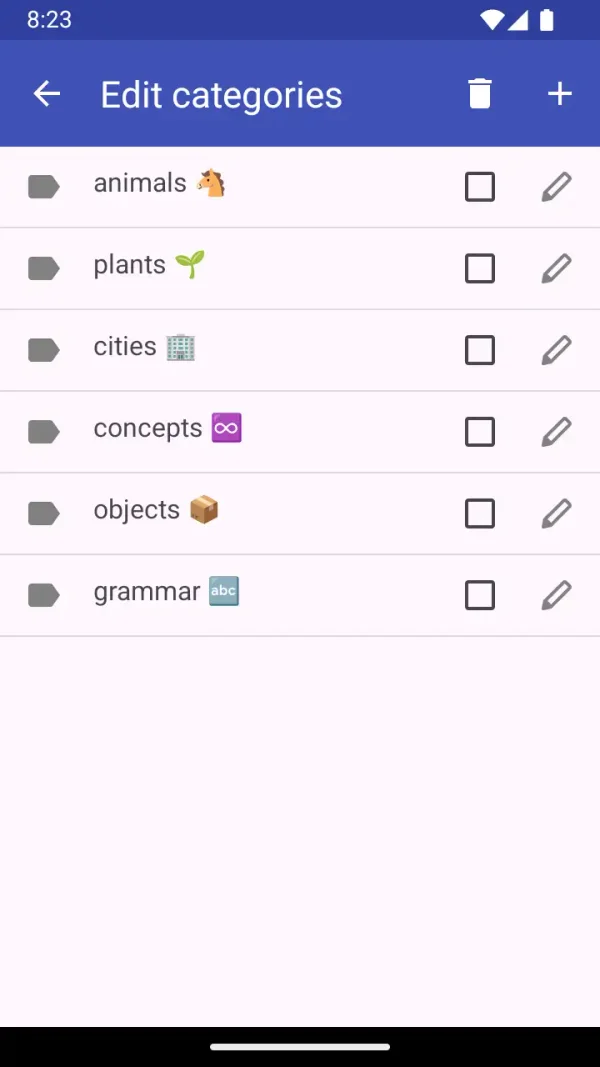
♦ お気に入りリスト、メモ、検索履歴。ブックマークとメモは、自分で定義したカテゴリで整理できます。必要に応じてカテゴリを作成・編集できます。
♦ 検索シャッフルボタン
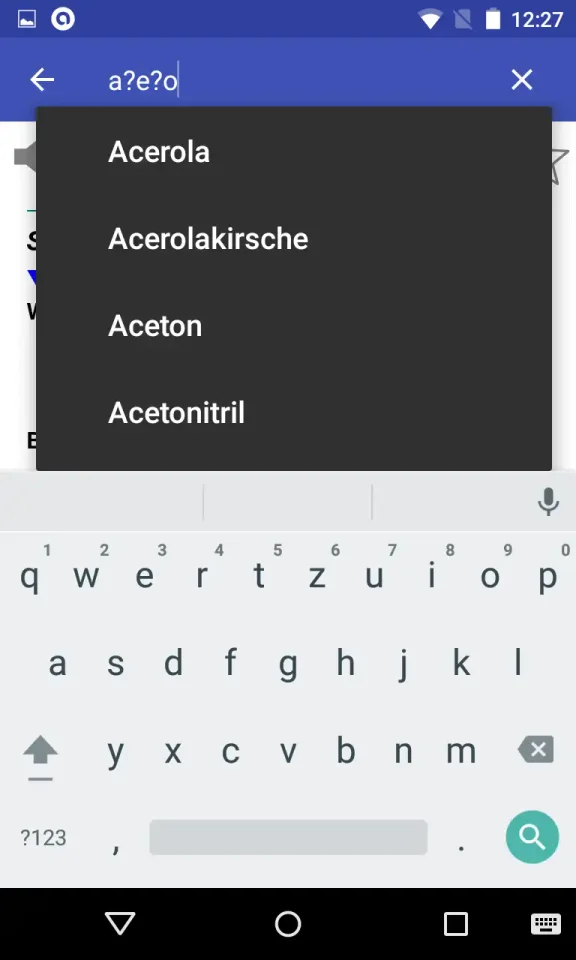
♦ ワイルドカード文字?と*を使用したあいまい検索
♦ Moon+ ReaderおよびFBReaderに対応
♦ タブレットとスマートフォンに最適化
♦ 設定とお気に入りリストのバックアップ:https://goo.gl/d1LCVc
♦ 音声出力
お使いのスマートフォンに音声データ(テキスト読み上げエンジン)がインストールされている場合、単語の発音を聞くことができます。
このアプリケーションには以下の権限が必要です。
♢ インターネット - 不明な単語の定義を検索
♢ 外部ストレージへの書き込み - 設定とお気に入りリストのバックアップ
原文を表示
The free offline German dictionary application explains the meaning of German words! Definitions are based on German Wiktionary. This is a monolingual German dictionary: words must be entered in German language.
Features
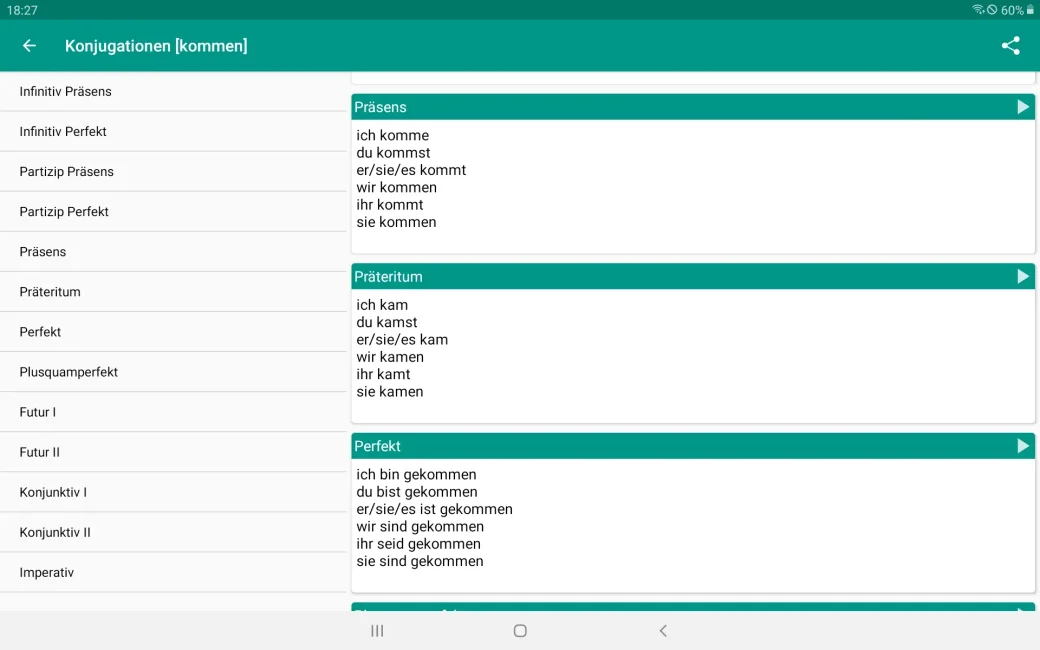
♦ More than 199000 words and large number of inflected forms
♦ Fast as it works offline, internet is used only when a word is not found in the offline dictionary
♦ You can leaf through words using your finger (swipe right and left)
♦ Easy and functional user interface, optimized also for tablets
♦ Bookmarks and search history with option to backup your bookmarks
♦ Crossword help: the symbol ? can be used in place of single unknown letter. The symbol * can be used in place of any group of letters.
♦ Random search button (shuffle), useful to learn new words
♦ Share word definition using other apps, like gmail or whatsapp
♦ Compatible with Moon+ Reader and FBReader
Your settings
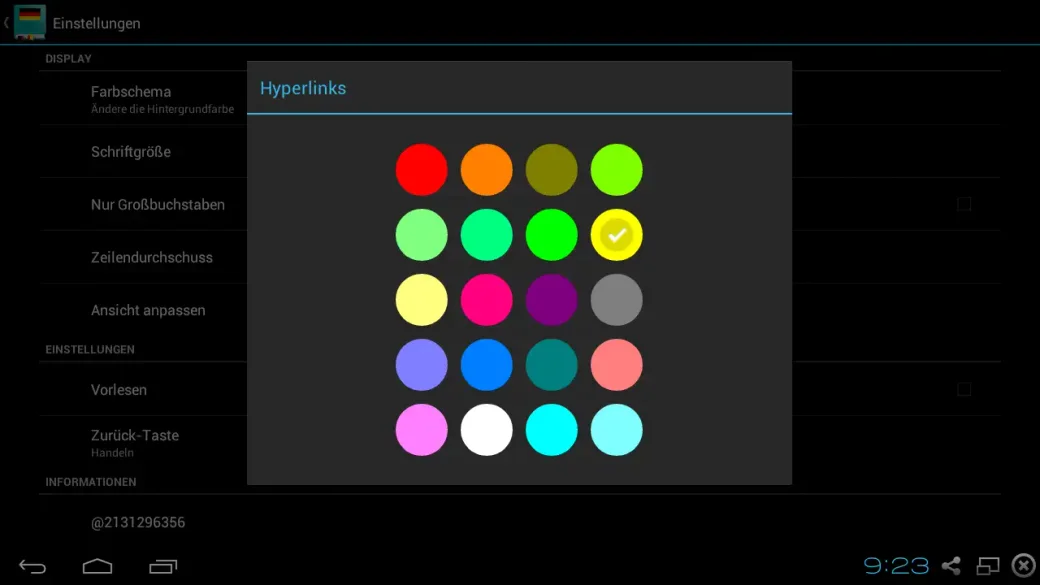
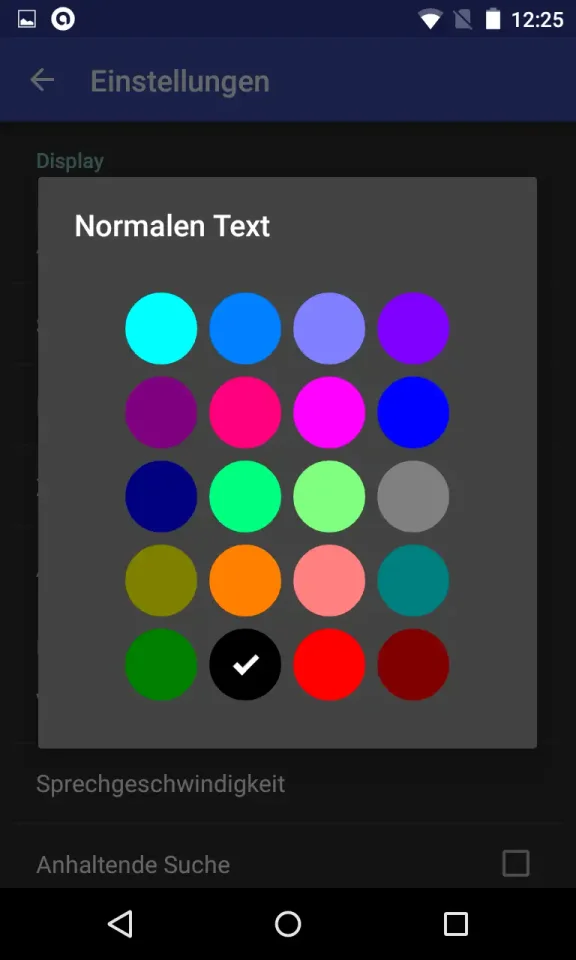
♦ Black and white themes with user defined text colors (press menu-->select Settings-->click on Theme)
♦ Persistent Search option to get automatic keyboard at startup
♦ Text to speech options
♦ Number of items in history
♦ Customisable font size and line spacing
Questions:
♦ Question & Answers: http://goo.gl/UnU7V
♦ No voice output? Please follow instructions here: http://goo.gl/axXwR.
♦ Information about permissions used by the application can be found here: http://goo.gl/AsqT4C
Word pronunciation works only if voice data have been installed in your phone (Text-to-speech engine).
In case Moon+ Reader does not list my dictionary: open pop-up "Customize dictionary" and select "Open dictionary directly when Long-Tap on a word"
Information for application developers:
✔ This application provides Dictionary API for 3rd party developers, please read further details: http://thesaurus.altervista.org/dictionary-android
Permissions
This application requires the following permissions:
♢ INTERNET - to retrieve the definition of unknown words
♢ WRITE_EXTERNAL_STORAGE (aka Photos/Media/Files) - to backup configuration and bookmarks
データ セーフティ
このアプリが収集・共有するデータについて、LivioがGoogle Playで申告している内容です。
- 第三者と共有されるデータはありません詳しくは、デベロッパーが共有を申告する方法についての説明をご覧ください
- データは収集されません詳しくは、デベロッパーが収集を申告する方法についての説明をご覧ください
- データは送信中に暗号化されます
- データを削除できません
新機能
バージョン 11.0-1vm81 · 2026/11/21
Version 11
♦ Dictionary updated with new definitions
開発元の連絡先
- ウェブサイトthesaurus.altervista.org
- メールandroid-dictionary-livio@googlegroups.com
- プライバシーポリシーthesaurus.altervista.org
- 住所Italy
情報
- 提供元
- Google Commerce Ltd
- カテゴリ
- 書籍&参考書
- バージョン
- 11.0-1vm81
- 更新日
- 2026/11/21
- リリース
- 2014/5/17
- 必要条件
- Android 7.0以降
- 対象年齢
- 3 歳以上
- 価格
- 無料
- パッケージ名
- livio.pack.lang.de_DE
類似のアプリ
-
 German Dictionary Pro Offline
書籍&参考書
-
 Learn German for Beginners
教育
-
 goFLUENT:語学研修
教育
-
 Daily Chinese: Grow Vocabulary
教育
-
 SpanishDictionary.com Learning
書籍&参考書
-
 NKENNE: Learn African Language
教育
-
 Dictionary - WordWeb
書籍&参考書
-
 German Dictionary Pro
書籍&参考書
-
 OkyDoky で言語を学ぼう
教育
-
 Aomi Japanese: Speaking
教育
-
 Ella Verbs: Learn Spanish
教育
-
 Mondly: 韓国語を学ぶ。韓国語を話す
教育