GoodSync
Siber Systems Inc- EveryoneAge rating
- ProductivityCategory
- Nov 6, 2026Updated
- FreePrice
Links to the official Google Play listing of com.siber.gsserver. Last checked on Nov 24, 2026.

Screenshots




About this app
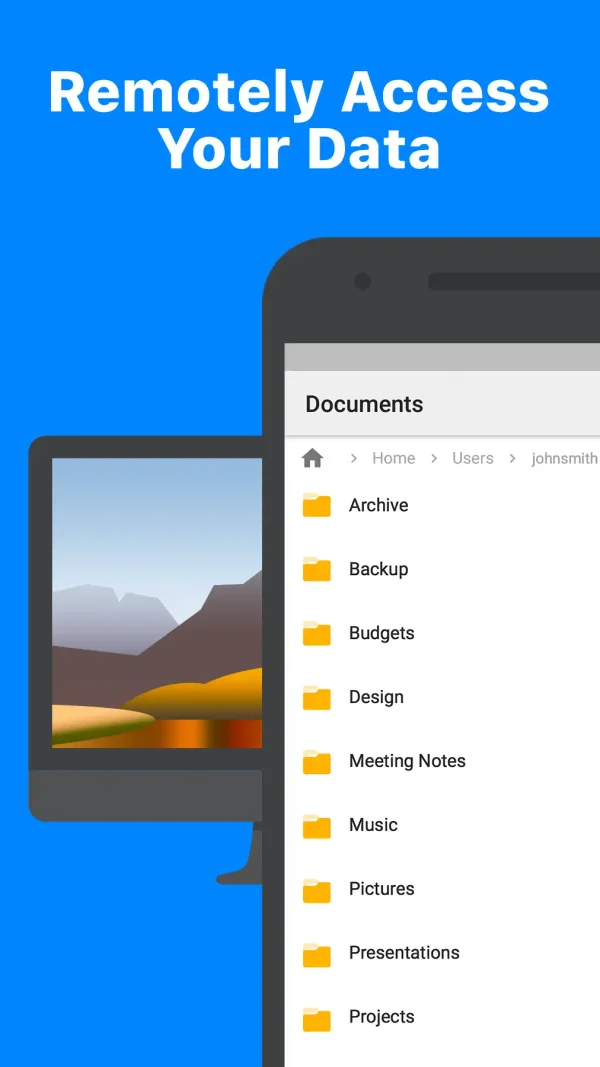
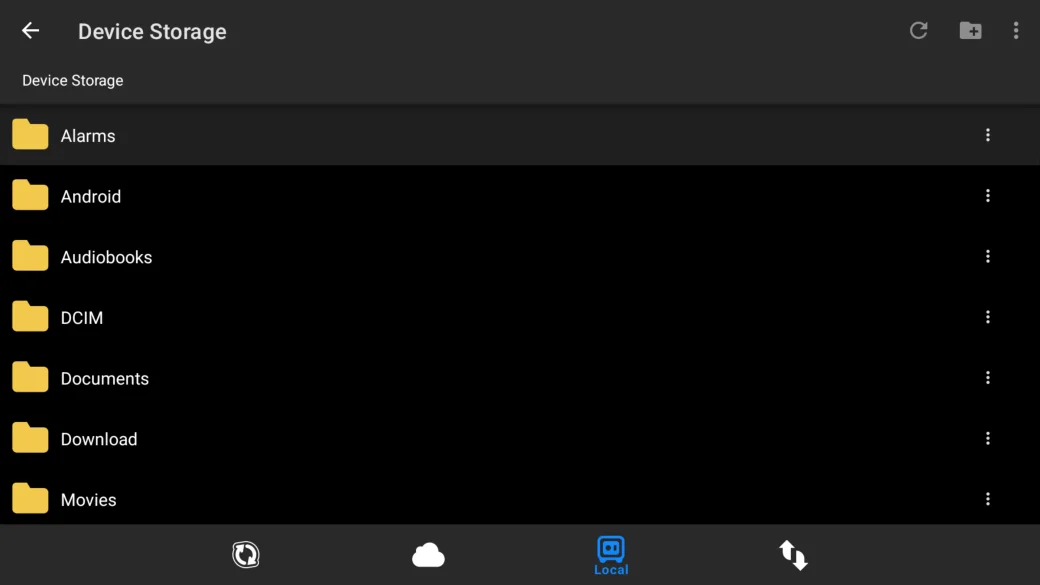
Explore, Download files from your desktop computers running GoodSync Connect
Explore, View, Download files from your desktop computers running GoodSync Connect.
Upload files and entire folders from desktop to your device.
Using included Server, you can also make files on your phone
accessible to GoodSync and GoodSync Explorer on desktop.
File transfer works via WiFi or cellular network, automatically selecting the fastest path.
Features:
* Browsing of online storages such as Google Driver, One Drive, Amazon CD to be added.
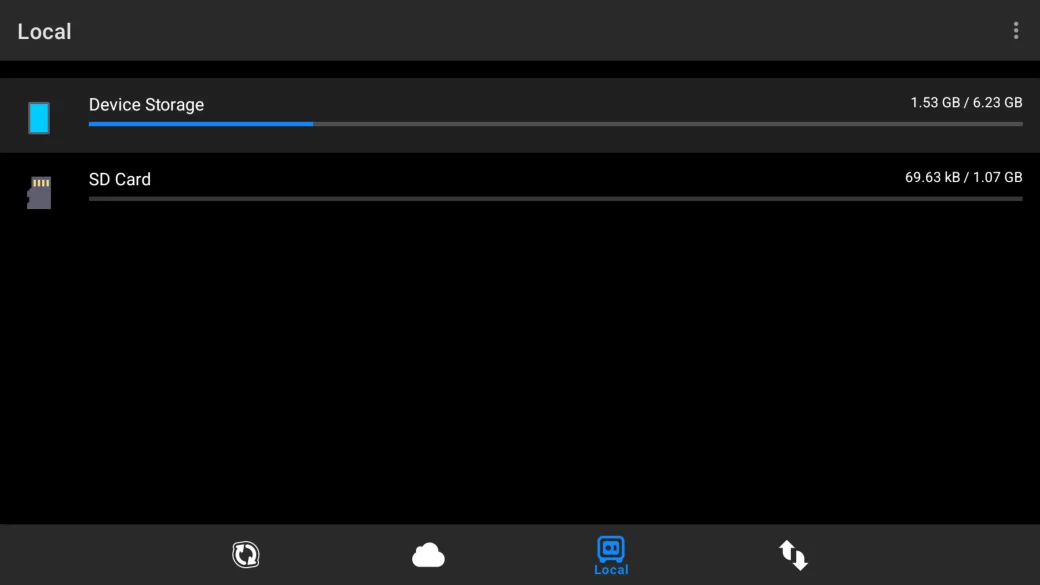
* Server accesses files on internal and external SD cards.
* Server does not lock screen, can work in background.
* Can be configured to start on device power on.
* Can be configured to work over Wi-Fi only.
* Supports On File Change Auto Sync performed by desktop client.
Data safety
What Siber Systems Inc declares on Google Play about the data this app collects and shares.
- No data shared with third partiesLearn more about how developers declare sharing
- This app may collect these data typesPersonal info, Photos and videos and 5 others
- Data is encrypted in transit
- You can request that data be deleted
What’s new
Version 12.11.9.1 · Nov 6, 2026
Improved stability and performance.
Developer contact
- Websitegoodsync.com
- Emailandroid-goodsync@siber.com
- Privacy policygoodsync.com
- Address3701 Pender Dr Ste 400 Fairfax, VA 22030 United States
Information
- Offered by
- Siber Systems Inc
- Category
- Productivity
- Version
- 12.11.9.1
- Updated
- Nov 6, 2026
- Released
- Apr 26, 2012
- Requires
- Android 7.0 or later
- Age rating
- Everyone
- Price
- Free
- Package name
- com.siber.gsserver
Similar apps
-
 Bundled Notes - List, Organize
Productivity
-
 Splid – Split group bills
Finance
-
 Notesnook Secure Private Notes
Productivity
-
 Basecamp - Project Management
Productivity
-
 CalendarTask
Tools
-
 ShiftFlow - Track Team Hours
Business
-
 TAP Kiln Control Mobile
Tools
-
 Robokiller - Spam Call Blocker
Communication
-
 Skit Premium - apps manager
Tools
-
 Mindbook: Markdown Cloud Notes
Productivity
-
 UpNote - notes, diary, journal
Productivity
-
 AppDash: App Manager & Backup
Tools