AppDash: App Manager & Backup
flar2In-app purchases
- TeenAge rating
- ToolsCategory
- Nov 13, 2026Updated
- FreePrice
Links to the official Google Play listing of flar2.appdashboard. Last checked on Nov 19, 2026.
Screenshots



About this app
Advanced app manager with backups, insights, permissions and more
AppDash is an advanced app manager for Android. Organize, inspect, back up, and track your Android apps from one place.
AppDash combines app details, permissions, usage, history, backups, widgets, Play Store search, watchlist tracking, and richer app info in one polished, powerful interface.
Organize your apps
• Tag apps with custom groups and colors
• Search, sort, and filter installed apps
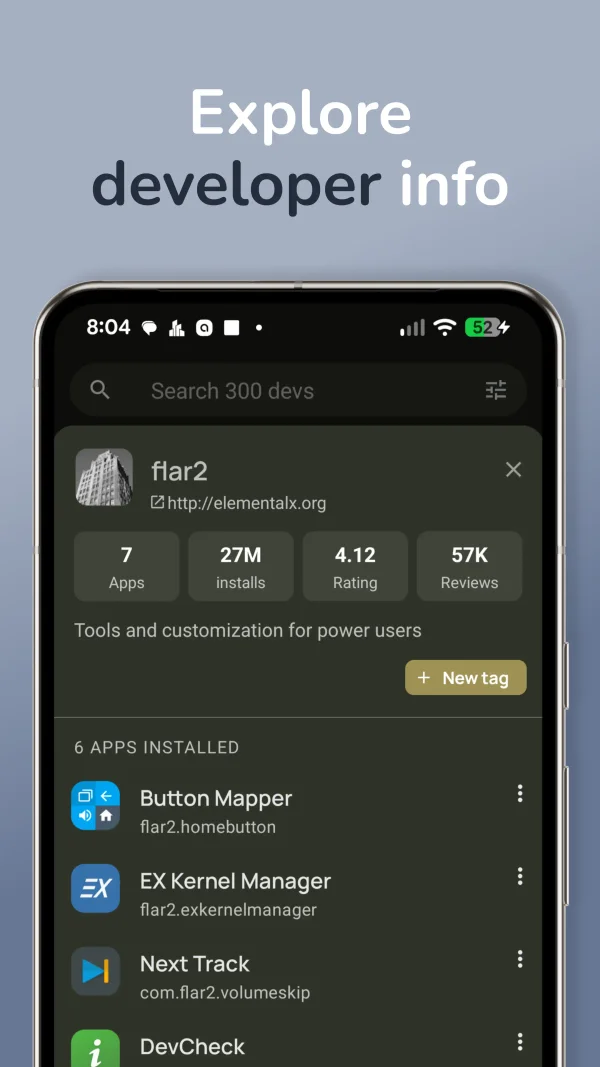
• See all your apps by developer, with rich developer details
• Add notes and ratings to any app
• Create and share app lists
See what matters most
• Explore dashboard with useful app insights
• Find new and recently updated apps
• Identify unused apps and large apps
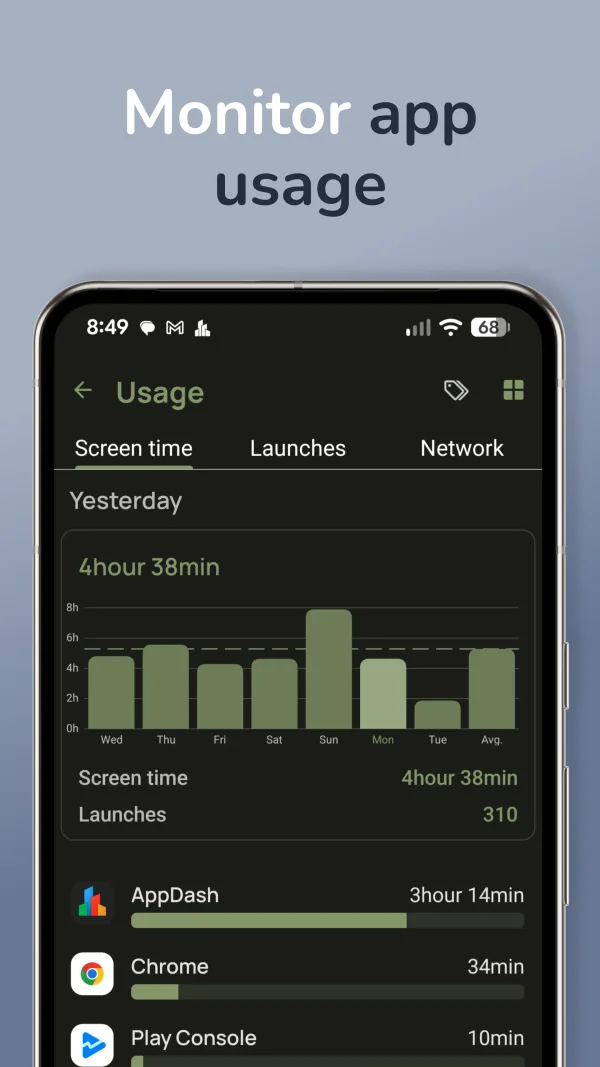
• Monitor app usage, screen time, and launches
• Track install, update, uninstall, reinstall, and version history
• Browse permissions with high-risk, medium-risk, and special access summaries
Go deeper than Android’s default app info screen
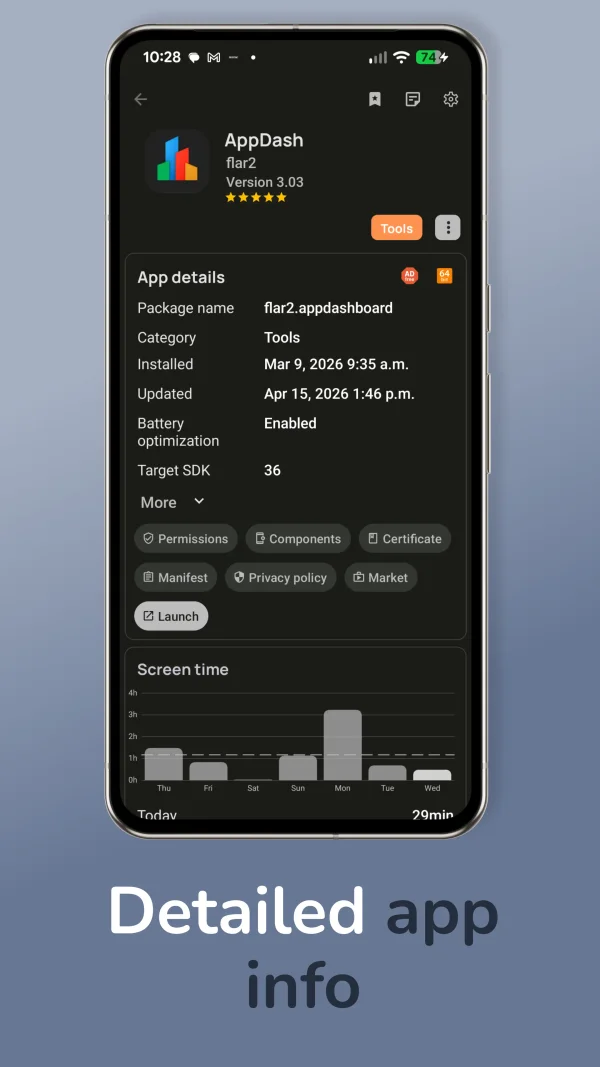
• View detailed app info, metadata, and installer details
• Inspect manifest data and app components
• Browse permissions, certificates, and technical details
• Launch, back up, uninstall, share, extract, and more from one place
Back up and restore
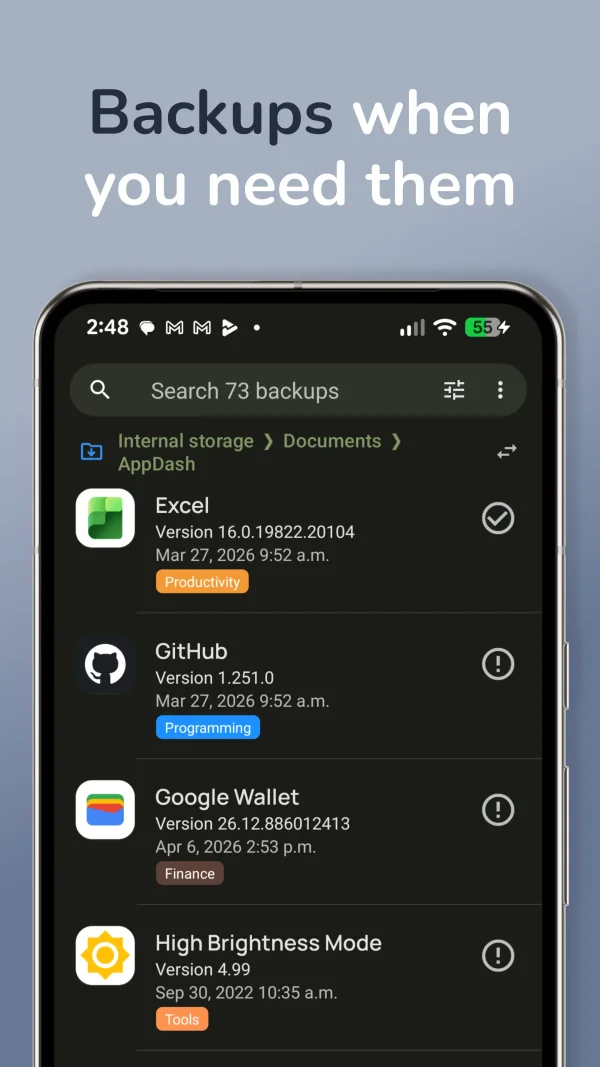
• Back up apps to internal storage, Google Drive, or SMB shares
• Keep versioned backups and restore when needed
• Schedule backups or back up automatically when apps update
• Root users can back up app data, external data, and OBB files
• Non-root users can back up APK files
APK tools
• Analyze, extract, share, or install APK, APKS, XAPK, and APKM files
• Open APK files directly from file explorers with “Open with AppDash”
• Inspect APK contents before installing
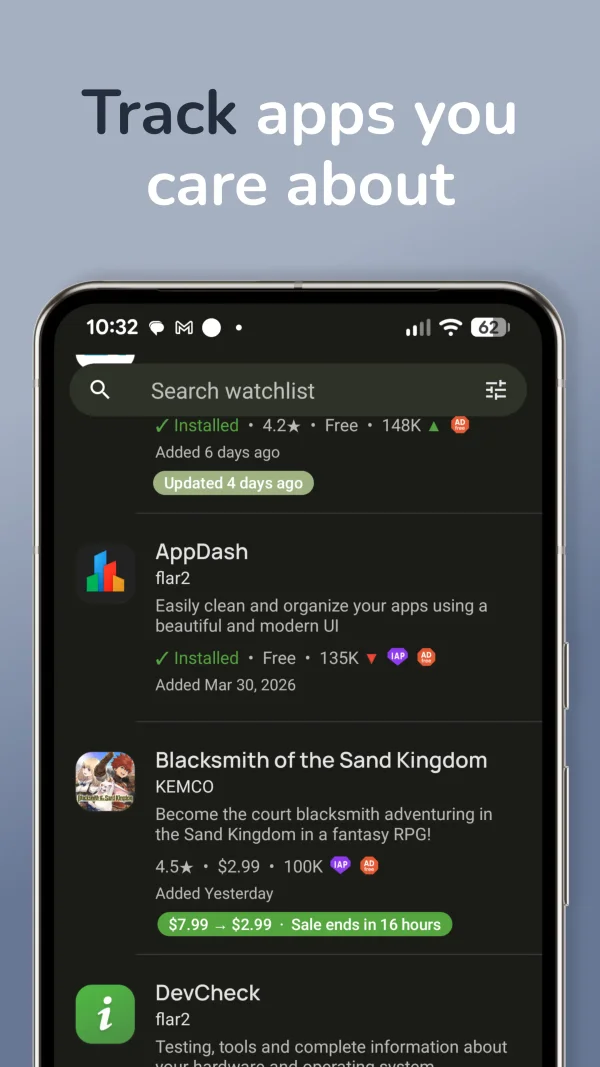
Track apps you care about
• Search the Play Store with filters
• Add apps to your watchlist
• Follow price drops, sales, updates, and apps becoming free
• See richer app info such as ratings, changelogs, and developer details
Home screen widgets
• Recent activity widgets
• Screen time widgets
• Updates available widgets
• Tag widgets and more
Advanced features
AppDash is useful on standard Android devices and goes even further with root or Shizuku for advanced app management features.
Privacy
AppDash is 100% ad-free and respects your privacy. Optional features securely transmit package names solely to provide rich metadata.
Includes a 7-day full-access preview. After that, a plan is required to continue using AppDash. Subscriptions auto-renew unless cancelled in Google Play settings. A lifetime purchase option is also available.
Data safety
What flar2 declares on Google Play about the data this app collects and shares.
- No data shared with third partiesLearn more about how developers declare sharing
- This app may collect these data typesPersonal info and Financial info
- Data is encrypted in transit
What’s new
Version 3.18 · Nov 13, 2026
3.18:
-Reduced memory & storage use
-bug fixes
3.17:
-bug fixes
3.16:
-track permission changes
-archive apps
-WebDAV self-signed certs
Other recent changes:
-OneDrive, Dropbox, SFTP, S3 & WebDAV support for backups
-Privacy details
-Task Manager (Shizuku)
-App Insights
-Watchlist & full store search
Developer contact
- Websiteappdash.app
- Emailinfo@appdash.app
- Privacy policyappdash.app
- Address9093 West Ridge Line Blenheim, ON N0P 1A0 Canada
Information
- Offered by
- flar2
- Category
- Tools
- Version
- 3.18
- Updated
- Nov 13, 2026
- Released
- Oct 19, 2026
- Requires
- Android 8.1 or later
- Age rating
- Teen
- Price
- Free
- In-app purchases
- $1.99 - $29.99 per item
- Package name
- flar2.appdashboard
Similar apps
-
 MacroDroid - Device Automation
Tools
-
 POCO Launcher 2.0 - Customize,
Personalization
-
 SafeInCloud 1
Productivity
-
 CodeGym: learn Java
Education
-
 TAP Kiln Control Mobile
Tools
-
 Elgato Stream Deck Mobile
Productivity
-
 Quikshort: Shortcut Creator
Tools
-
 Swift Backup
Tools
-
 ASTRO File Manager & Cleaner
Tools
-
 UltData: Photo & Data Recovery
Tools
-
 UserLAnd - Linux on Android
Tools
-
 Taskbar
Tools