Google Classroom
Google LLC- EveryoneAge rating
- EducationCategory
- Nov 13, 2026Updated
- FreePrice
Links to the official Google Play listing of com.google.android.apps.classroom. Last checked on Nov 23, 2026.
Screenshots
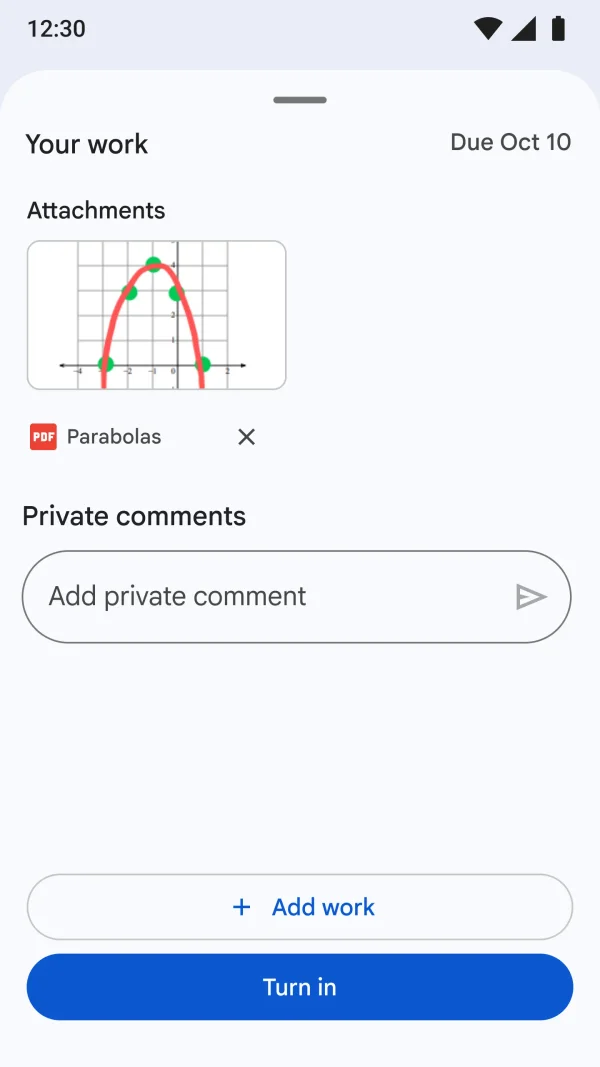
About this app
Connect with your classes and do assignments on the go.
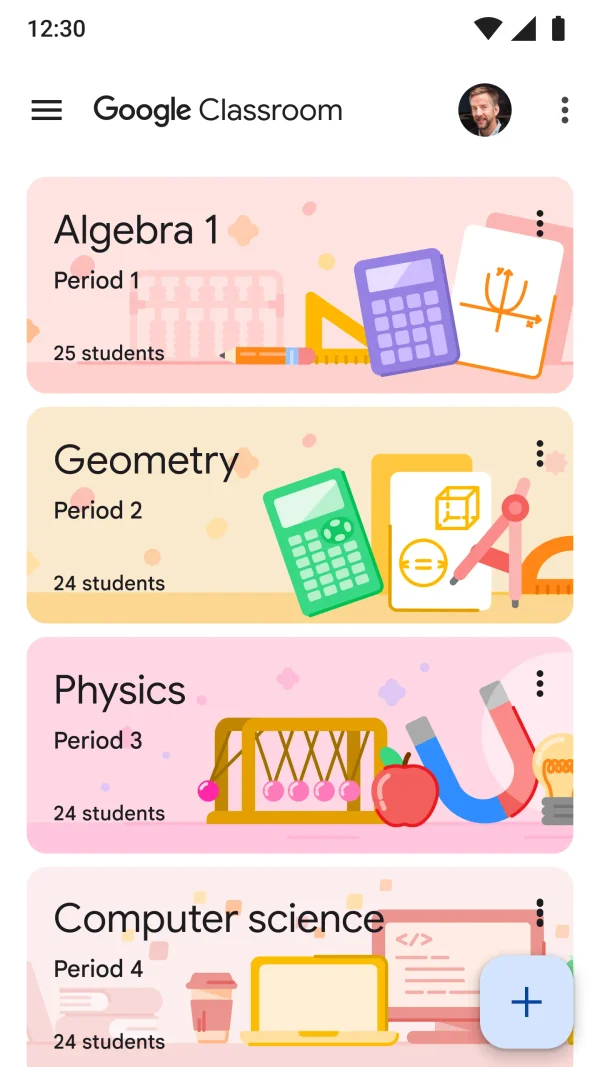
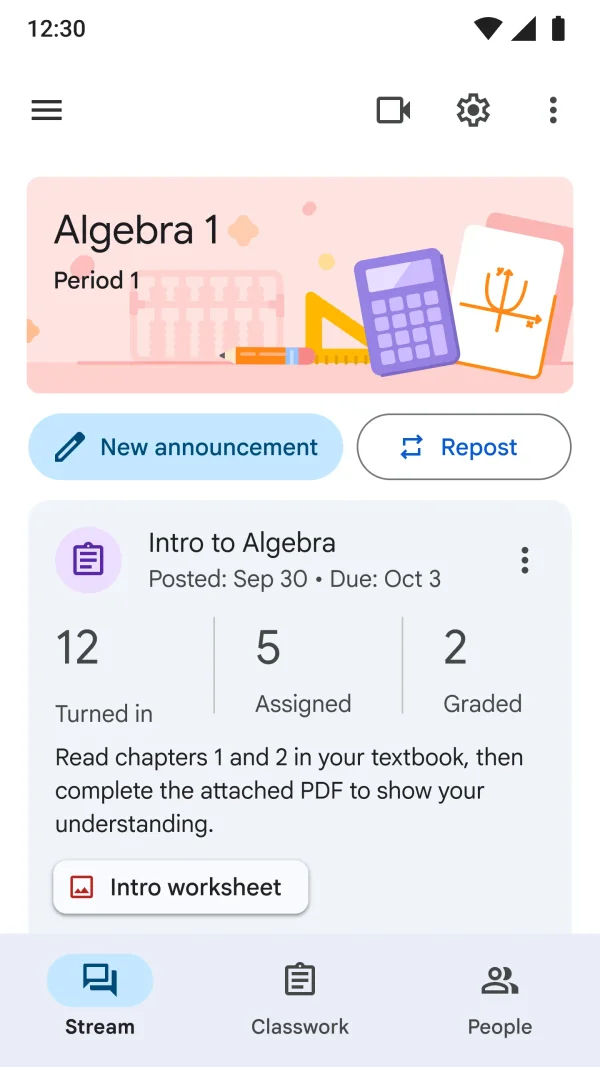
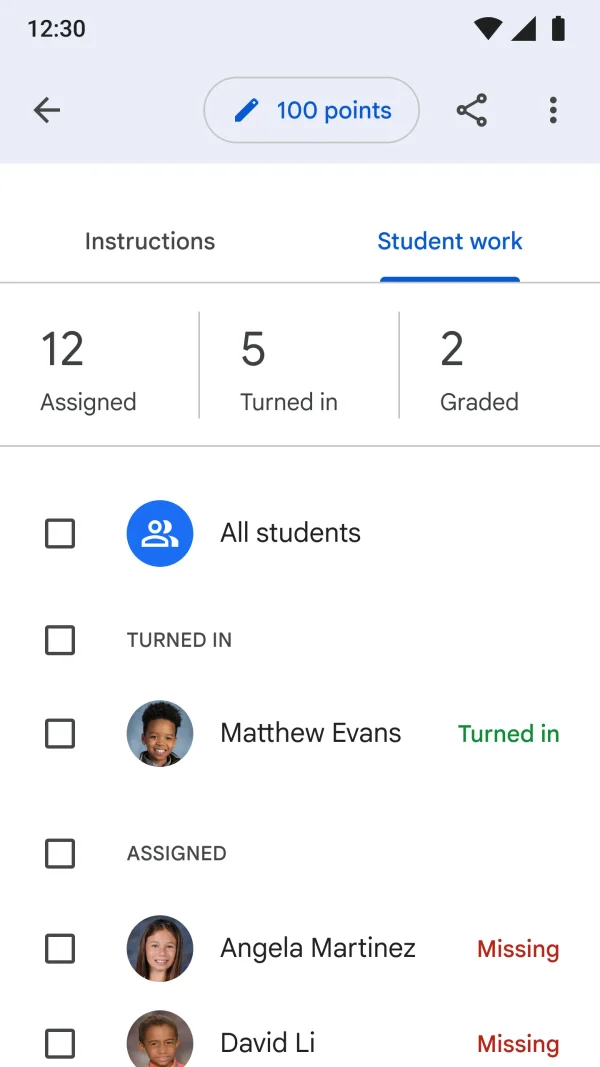
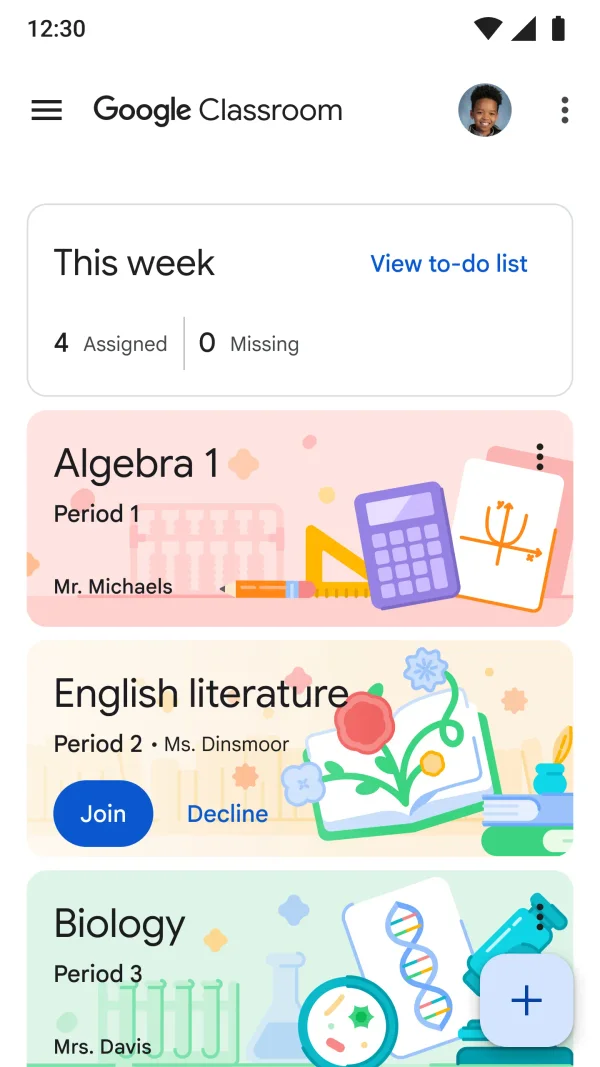
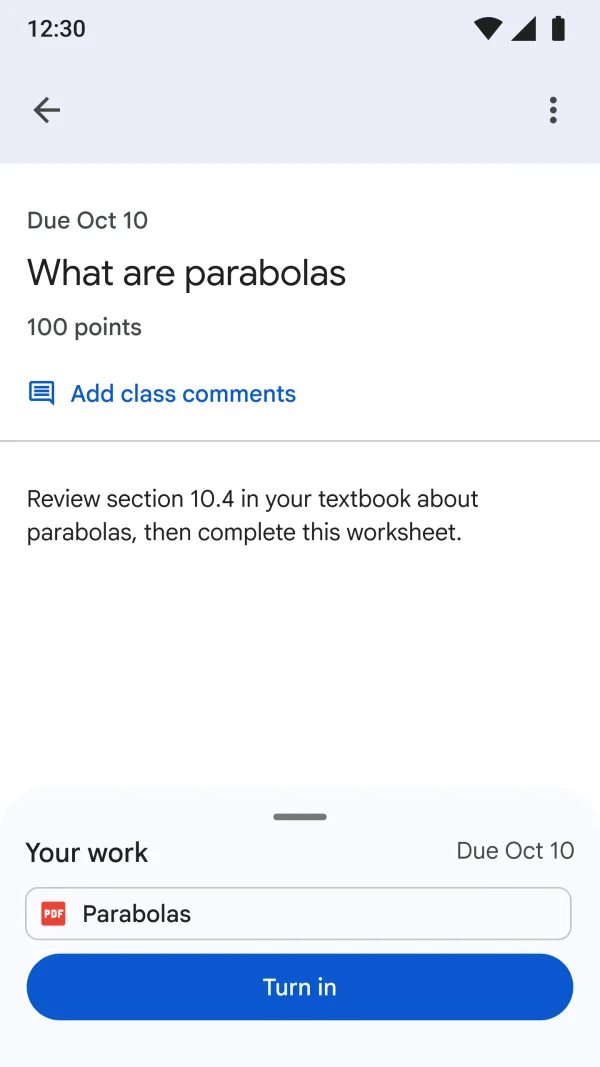
Classroom makes it easy for learners and instructors to connect – inside and outside schools. Classroom saves time and paper, making it easy to create classes, distribute assignments, communicate and stay organised.
There are many benefits to using Classroom:
• Easy to set up – teachers can add students directly or share a code with their class to join. It takes just minutes to set up.
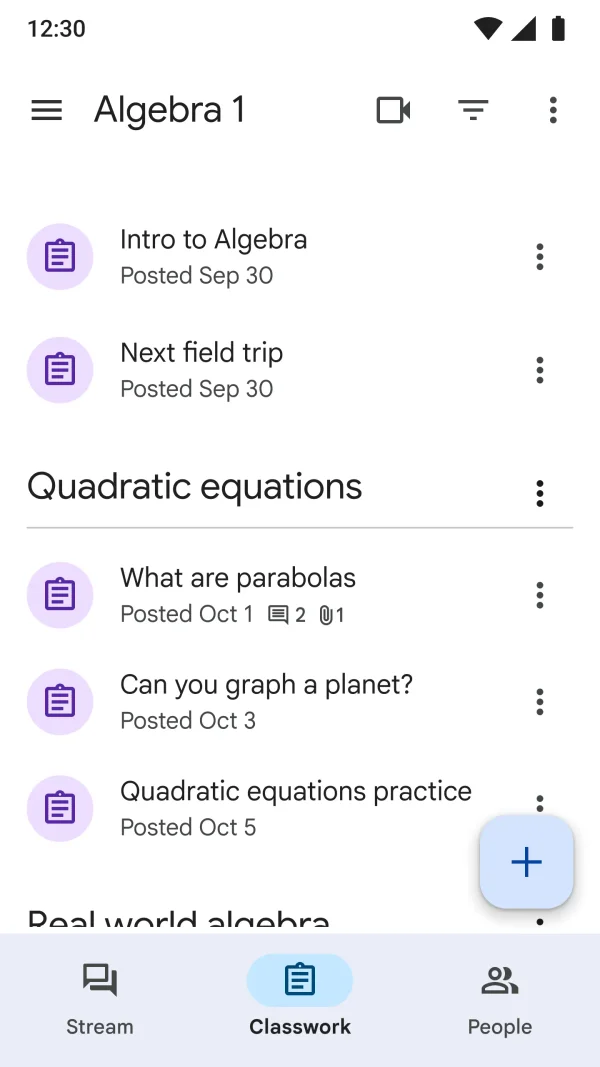
• Saves time – the simple, paperless assignment workflow allows teachers to create, review and mark assignments quickly, all in one place.
• Improves organisation – students can see all of their assignments on an assignments page, while all class materials (e.g. documents, photos and videos) are automatically filed into folders in Google Drive.
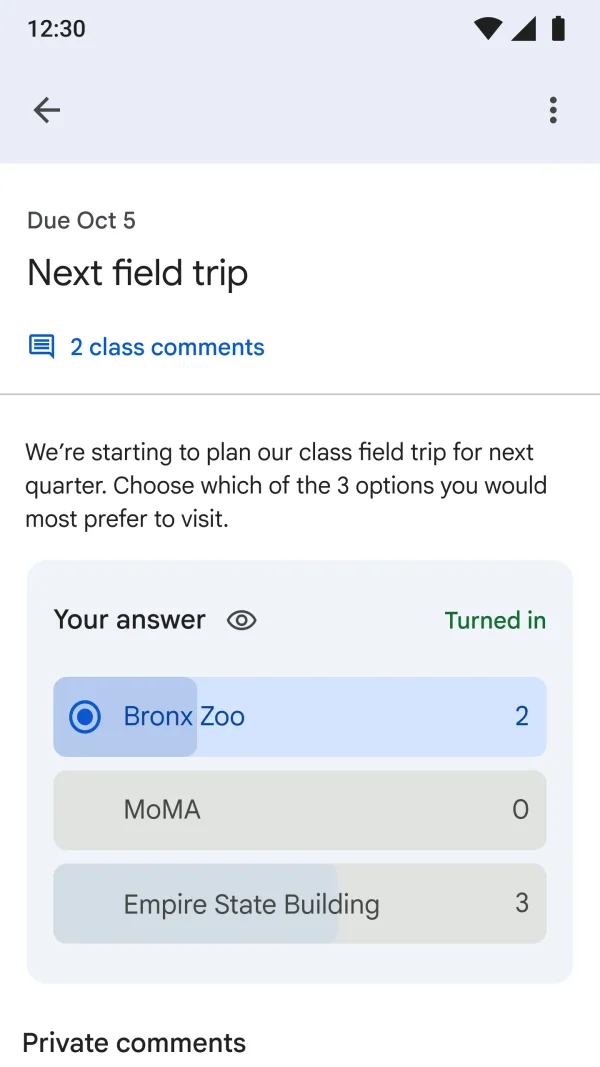
• Enhances communication – Classroom allows teachers to send announcements and start class discussions instantly. Students can share resources with each other or provide answers to questions on the stream.
• Secure – like the rest of Google Workspace for Education services, Classroom contains no ads and never uses your content or student data for advertising purposes.
Permissions notice:
Camera: Needed to allow the user to take photos or videos and post them to Classroom.
Storage: Needed to allow the user to attach photos, videos and local files to Classroom. It's also needed to enable offline support.
Accounts: Needed to allow the user to choose which account to use in Classroom.
Data safety
What Google LLC declares on Google Play about the data this app collects and shares.
- No data shared with third partiesLearn more about how developers declare sharing
- This app may collect these data typesLocation, Personal info and 9 others
- Data is encrypted in transit
- You can request that data be deleted
- Committed to follow the Play Families Policy
- Independent security review
What’s new
Version 3.71.1019370290 · Nov 13, 2026
* Bug fixes and performance improvements
Developer contact
- Websiteclassroom.google.com
- Emailapps-help@google.com
- Privacy policygoogle.com
- Address1600 Amphitheatre Pkwy Mountain View, CA 94043 United States
Information
- Offered by
- Google LLC
- Category
- Education
- Version
- 3.71.1019370290
- Updated
- Nov 13, 2026
- Released
- Jan 14, 2015
- Requires
- Android 8.1 or later
- Age rating
- Everyone
- Price
- Free
- Package name
- com.google.android.apps.classroom
Similar apps
-
 ClassDojo
Education
-
 YouTube Kids
Entertainment
-
 Messenger Kids – The Messaging
Communication
-
 Khan Academy Kids
Education
-
 IXL - Maths and English
Education
-
 Kahoot! Play & Create Quizzes
Education
-
 Google Kids' Space
Tools
-
 iDraw
Art & Design
-
 Super Simple - Kids Songs
Education
-
 Learn to Read - Duolingo ABC
Education
-
 ScratchJr
Education
-
 Kids Messenger
Communication