GPS Speedometer : Odometer HUD
KTW AppsContains ads · In-app purchases
- EveryoneAge rating
- Maps & NavigationCategory
- Oct 31, 2026Updated
- FreePrice
Links to the official Google Play listing of com.ktwapps.speedometer. Last checked on Nov 27, 2026.
Screenshots

About this app
GPS speedometer & odometer with offline speed tracking, trip meter and HUD.
GPS Speedometer uses your phone’s GPS to measure speed, distance, and trip duration in real time. See how fast you are going in mph, km/h, knots, or m/s. This speedometer app works offline for speed and distance measurement while driving, cycling, running, or boating.
🚗 Real-Time GPS Speedometer
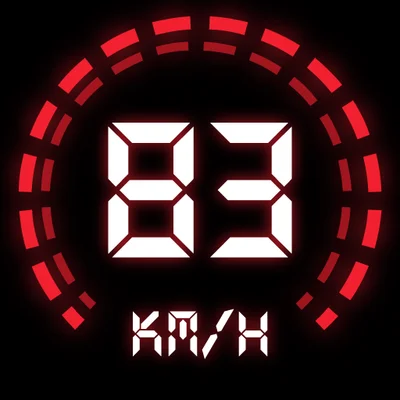
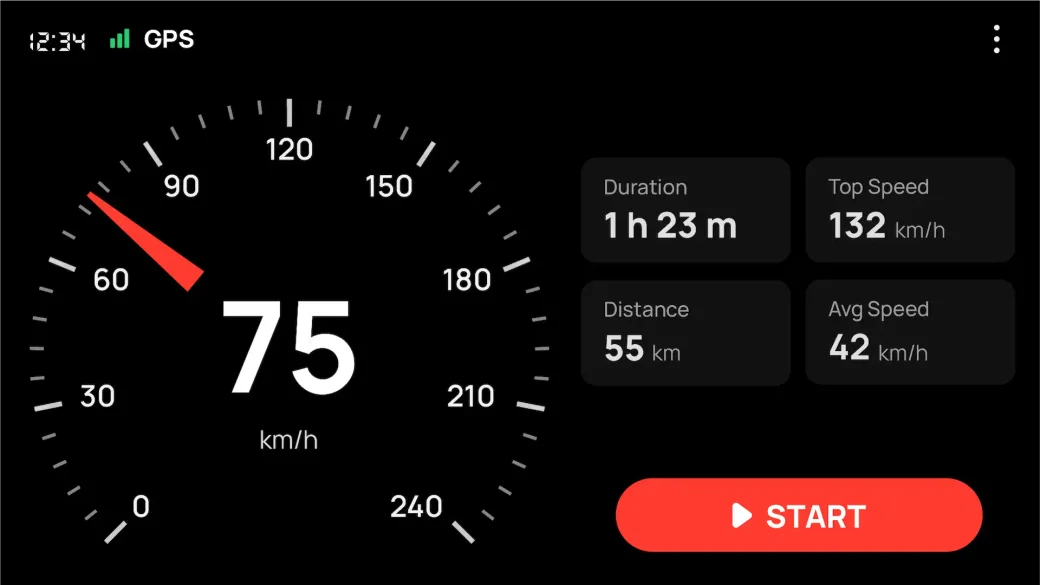
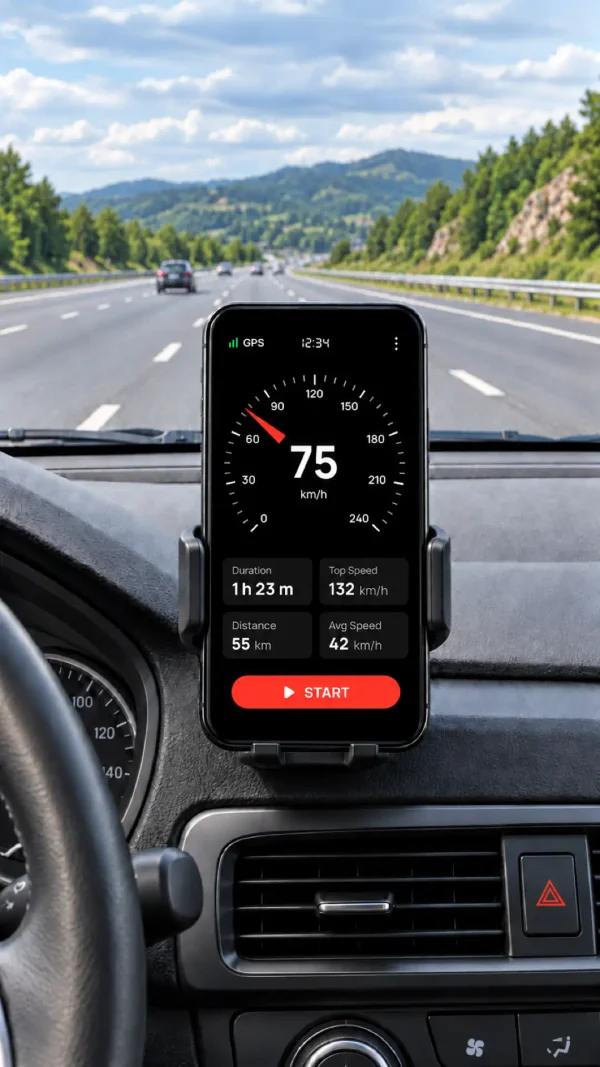
Monitor your current speed, average speed, and top speed with GPS-based tracking.
Supports km/h, mph, knots, and m/s for car drivers, motorcycle riders, cyclists, and boaters.
Use your phone as a digital speed meter to check your speed during a journey.
📏 Odometer & Trip Meter
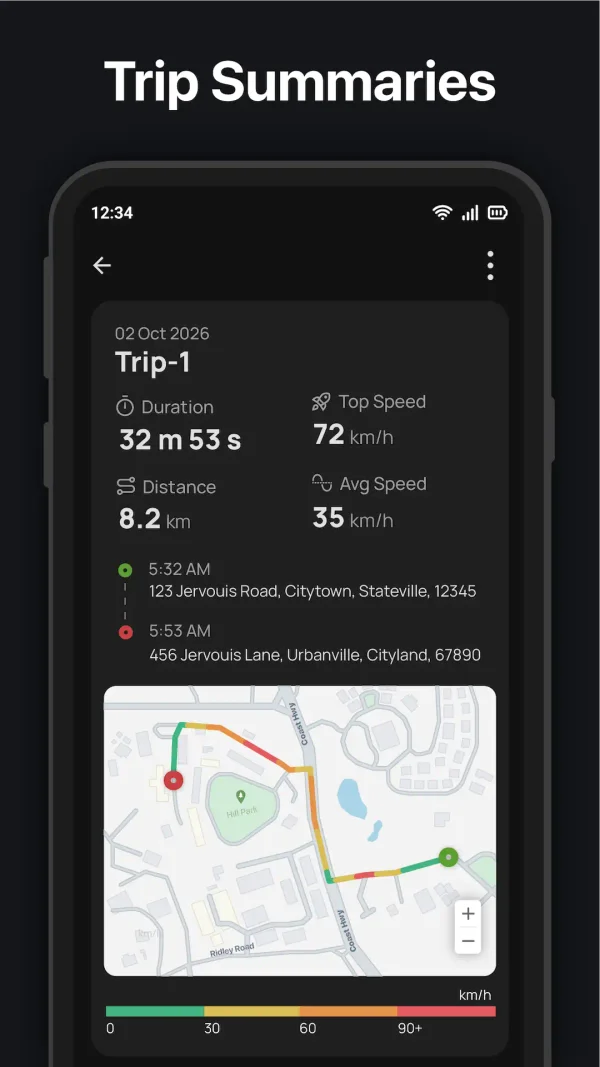
Track distance, trip duration, and average speed with the GPS odometer.
Use the trip meter for car journeys, bike rides, or runs, from daily exercise to long road adventures.
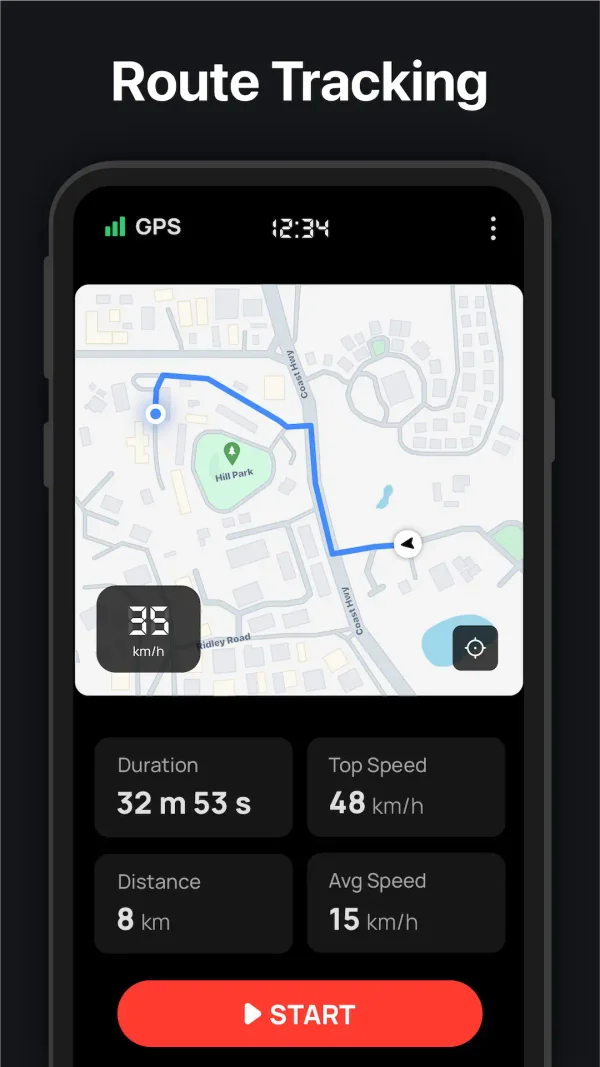
Record your mileage, track your route, and review saved journeys in your trip history.
Reset your trip meter anytime to start a new measurement.
🧭 HUD Speedometer (Head-Up Display)
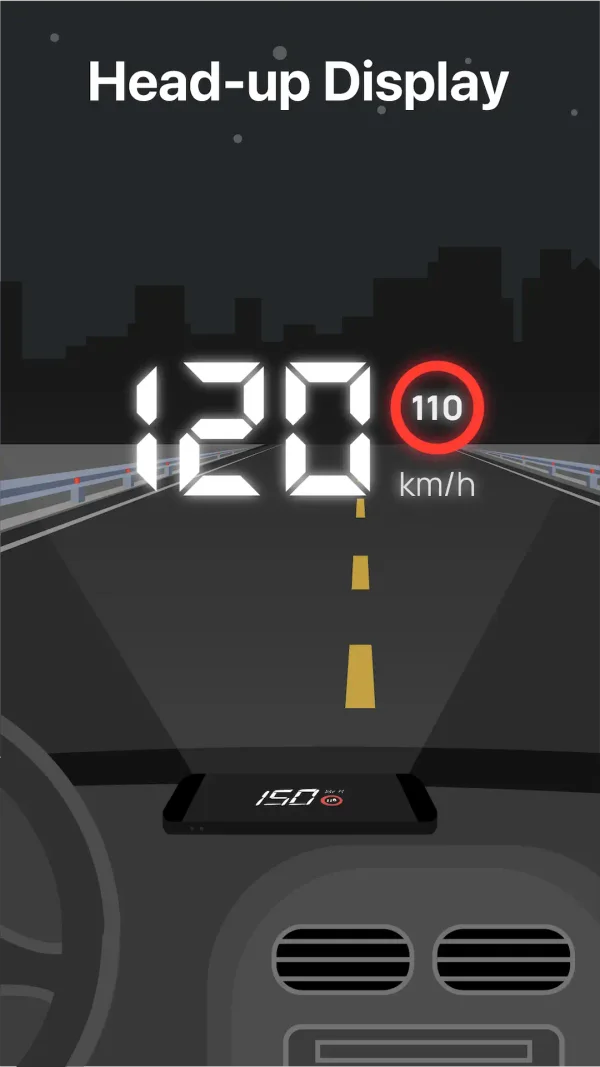
Turn your phone into a car HUD with a mirrored speed display for windshield reflection when conditions allow.
HUD mode offers a clean, easy-to-read layout with customizable fonts and colors.
🔑 Key Features
• GPS Speed Tracker — view your current, average, and maximum speed in a digital display.
• Odometer & Trip Meter — record distance and duration for your journeys.
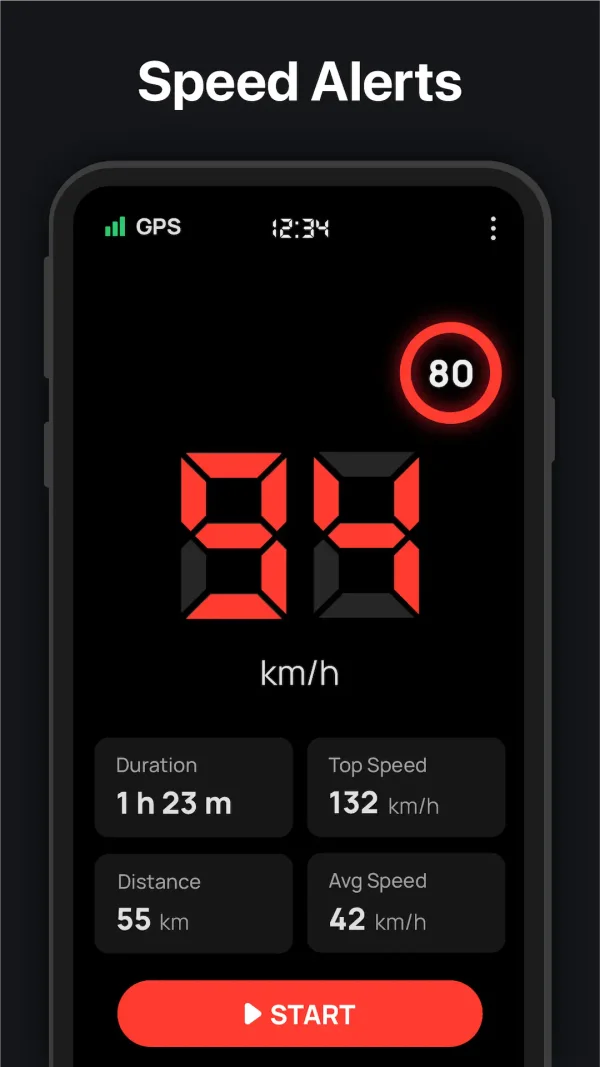
• Custom Speed Alerts — set your own speed threshold and receive visual and audible warnings when you exceed it.
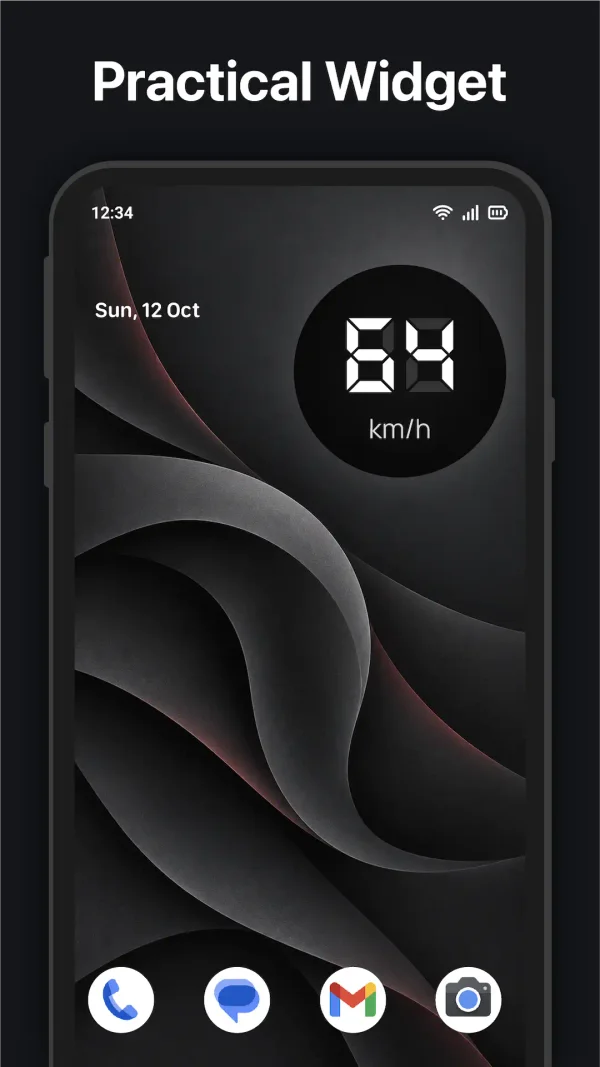
• Floating Speedometer — keep your current speed visible in a small overlay while using navigation apps such as Google Maps and Waze.
• Offline GPS Speedometer — measure speed and distance without an internet connection. Map features may require internet access.
• Customizable Units & Themes — switch between km/h, mph, knots, and m/s, choose light or dark mode, and personalize fonts and colors.
• Travel History & Export — save trips, review recorded routes and trip statistics, and export trip logs.
⚠️ Important
GPS Speedometer relies on your device’s GPS reception. Enable location services and grant location permission before use.
Buildings, tunnels, and weak GPS signals can affect accuracy or delay speed updates.
⚙️ Why Choose This App
This app combines a GPS speedometer, odometer, trip meter, route tracking, and travel history in one place. Check your speed at a glance, keep it visible over maps with floating mode, or review your trip details after a journey.
📈 Ideal For
• Car drivers monitoring speed and trip distance
• Cyclists and motorcycle riders tracking routes and average speed
• Runners checking speed and distance
• Travelers keeping trip logs and mileage history
• Boaters monitoring speed in knots
Ready for your next journey? Download GPS Speedometer and Odometer to check your speed, record trip distance, and keep your travel history. Start tracking your next trip today.
Data safety
What KTW Apps declares on Google Play about the data this app collects and shares.
- This app may share these data types with third partiesFinancial info, App info and performance, and Device or other IDs
- No data collectedLearn more about how developers declare collection
- Data isn’t encrypted
- Data can’t be deleted
What’s new
Version 18.5 · Oct 31, 2026
What’s new in version 18.5
• Minor bug fixed
If you have any questions, issues, or suggestions, feel free to email us at support@ktwapps.com
Developer contact
- Websitektwapps.com
- Emailsupport@ktwapps.com
- Privacy policyktwapps.com
- Address835 Jalan Bukit Kristal 23 Taman Bukit Kristal 70200 Seremban Malaysia
Information
- Offered by
- KTW Apps
- Category
- Maps & Navigation
- Version
- 18.5
- Updated
- Oct 31, 2026
- Released
- Jan 3, 2019
- Requires
- Android 7.0 or later
- Age rating
- Everyone
- Price
- Free
- In-app purchases
- $4.49 per item
- Package name
- com.ktwapps.speedometer
Similar apps
-
 Speedometer: GPS Speedometer
Maps & Navigation
-
 Radarbot: Radar Detector, GPS
Maps & Navigation
-
 Sygic: GPS Navigation & Maps
Maps & Navigation
-
 Offline Map Navigation
Maps & Navigation
-
 Digital Compass
Tools
-
 Compass Steel
Tools
-
 Compass Steel 3D
Tools
-
 My Location - Track GPS & Maps
Maps & Navigation
-
 Detecht - Motorcycle App & GPS
Maps & Navigation
-
 Ruler
Tools
-
 AR Measure Tape: SmartRuler
Tools
-
 Karta GPS Sat Nav Offline Maps
Maps & Navigation