HMKWatch Digital 264
HMKWatch- EveryoneAge rating
- PersonalizationCategory
- Oct 11, 2026Updated
- $1.49Price
Links to the official Google Play listing of com.watchfacestudio.hmk_digi_264. Last checked on Nov 24, 2026.

Screenshots
About this app
Convenient and clear digital watch face
*This digital watch face supports wear OS devices.
* Please install additional apps by referring to 'About this app'.
=======================================================
[How to install]
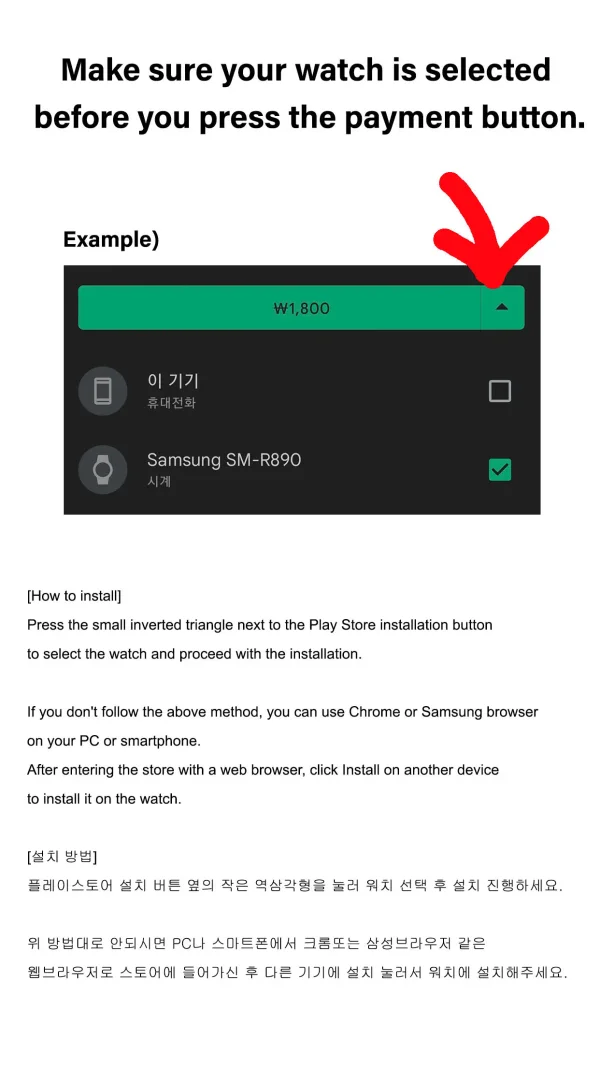
Make sure your watch is selected first before you press the payment button.
Press the small black triangle next to the Payment button to select the watch.
If you don't follow the above method, you can use Chrome or Samsung browser on your PC or smartphone.
After entering the store with a web browser, click Install on another device to install it on the watch.
After the release of Watch 5, a new UI was applied to Watch 4.
The newly installed watchface can be found in the following ways.
1. Press and hold the watch screen to enter the 'Frequently Used Watch Face List'.
2. Turn it to the rightmost and press 'Add watchface'.
3. Then, enter the 'Installed Watchface List'.
4. Find and select the watch face you purchased.
=======================================================
[Additional installation app]
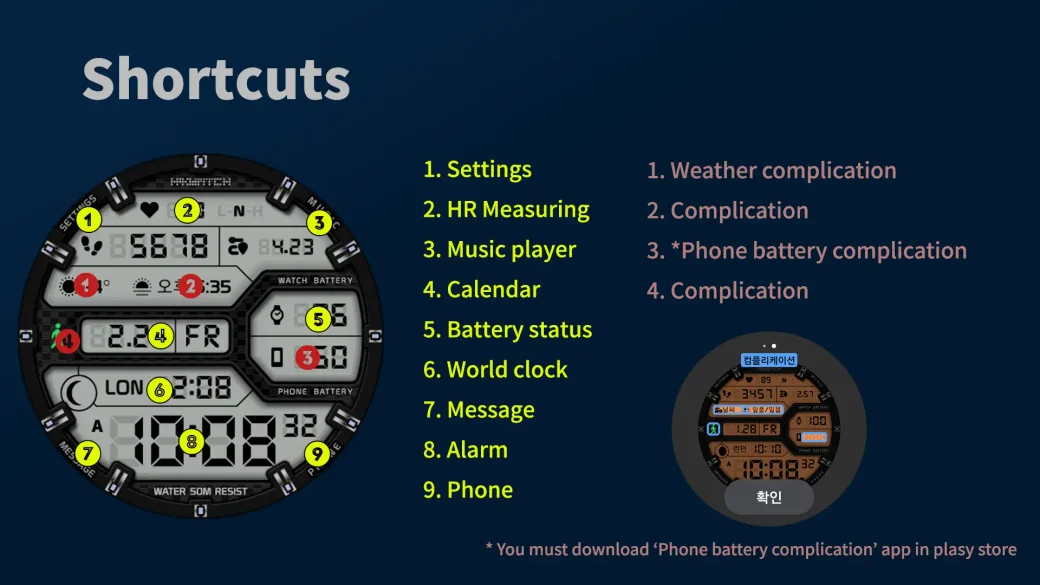
1. Smart phone battery app (Free app)
Please install the additional app of the link below on the watch and smartphone, and set up the complication.
If the link does not open, please search for the 'Phone Battery Complication' app and install it.
https://play.google.com/store/apps/details?id=com.weartools.phonebattcomp
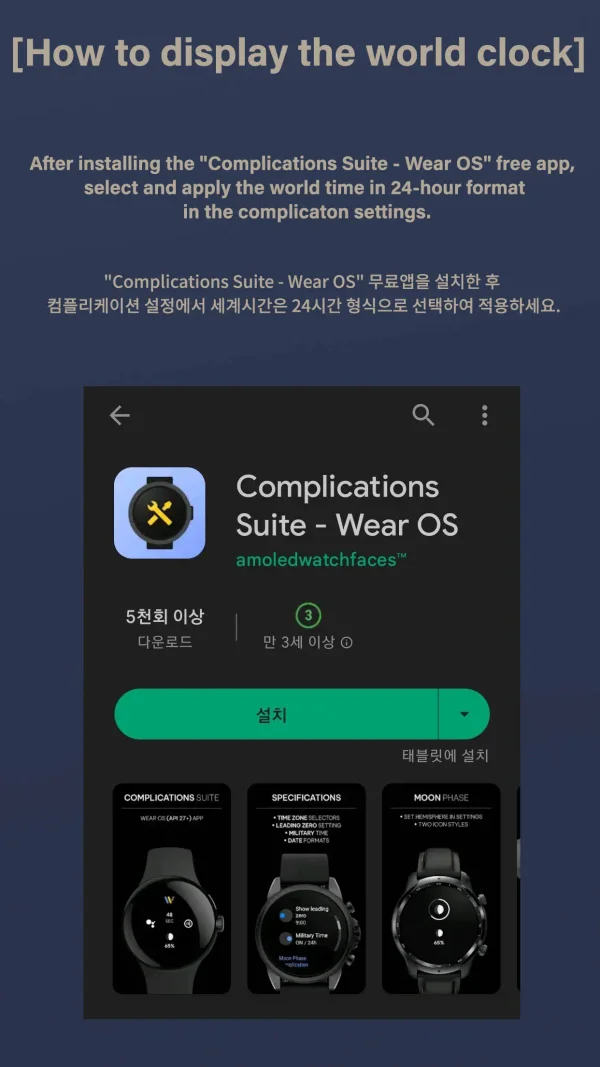
2. Complications Suite - Wear OS (Free app)
https://play.google.com/store/apps/details?id=com.weartools.weekdayutccomp
3. Heart Rate Complication (Paid app)
https://play.google.com/store/apps/details?id=com.weartools.heartratecomp
4. Health Services Complications (Paid app)
https://play.google.com/store/apps/details?id=com.weartools.hscomplications
All credits goes to original app creator:
amoledwatchfaces - https://play.google.com/store/apps/dev?id=5591589606735981545
=======================================================
Get new news from my Instagram.
https://www.instagram.com/hmkwatch
https://hmkwatch.tistory.com/
Please send me an email if you have any errors or suggestions.
hmkwatch@gmail.com
Data safety
What HMKWatch declares on Google Play about the data this app collects and shares.
- No data shared with third partiesLearn more about how developers declare sharing
- No data collectedLearn more about how developers declare collection
Developer contact
- Websiteinstagram.com
- Emailhmkwatch@gmail.com
- Privacy policyblog.naver.com
- Address중앙로6길 17 104동 804호 구로구, 서울특별시 08223 South Korea
Information
- Offered by
- HMKWatch
- Category
- Personalization
- Updated
- Oct 11, 2026
- Released
- Jan 13, 2022
- Age rating
- Everyone
- Price
- $1.49
- Package name
- com.watchfacestudio.hmk_digi_264
Similar apps
-
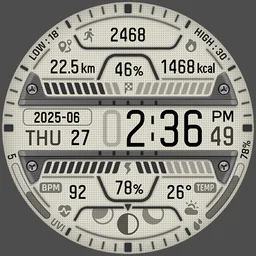 BRN160 Mono Digital Watch Face
Personalization
-
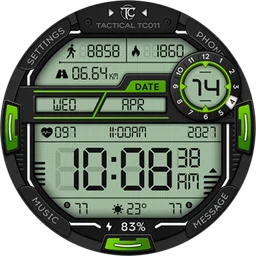 DIGI Tactical TC11 Watch Face
Personalization
-
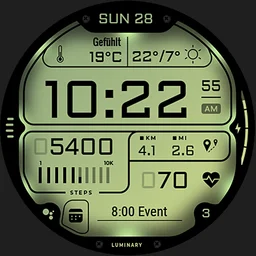 S4U Luminary - LCD watch face
Personalization
-
 SH050 Watch Face, WearOS watch
Personalization
-
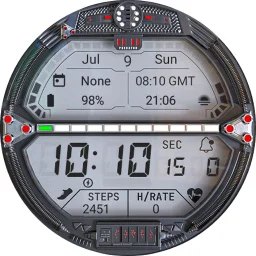 Predator's Watch | Illuminator
Personalization
-
 [Remastered] GYD003 Digital
Personalization
-
 HMK WA264
Personalization
-
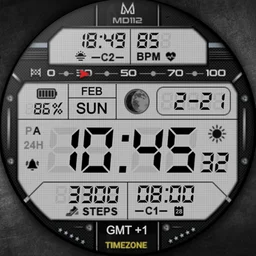 MD112 Digital watch face
Personalization
-
 Shockable V2
Personalization
-
 HMKWatch Analog 364
Personalization
-
 YSR033 Tactical LCD
Personalization
-
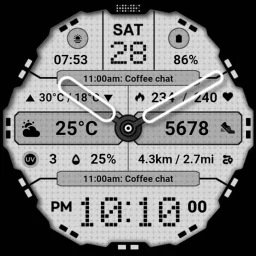 HMK WA128
Personalization