Ice Box - Apps freezer
Ruoxin He- EveryoneAge rating
- ToolsCategory
- Oct 23, 2026Updated
- FreePrice
Links to the official Google Play listing of com.catchingnow.icebox. Last checked on Nov 20, 2026.

Screenshots

About this app
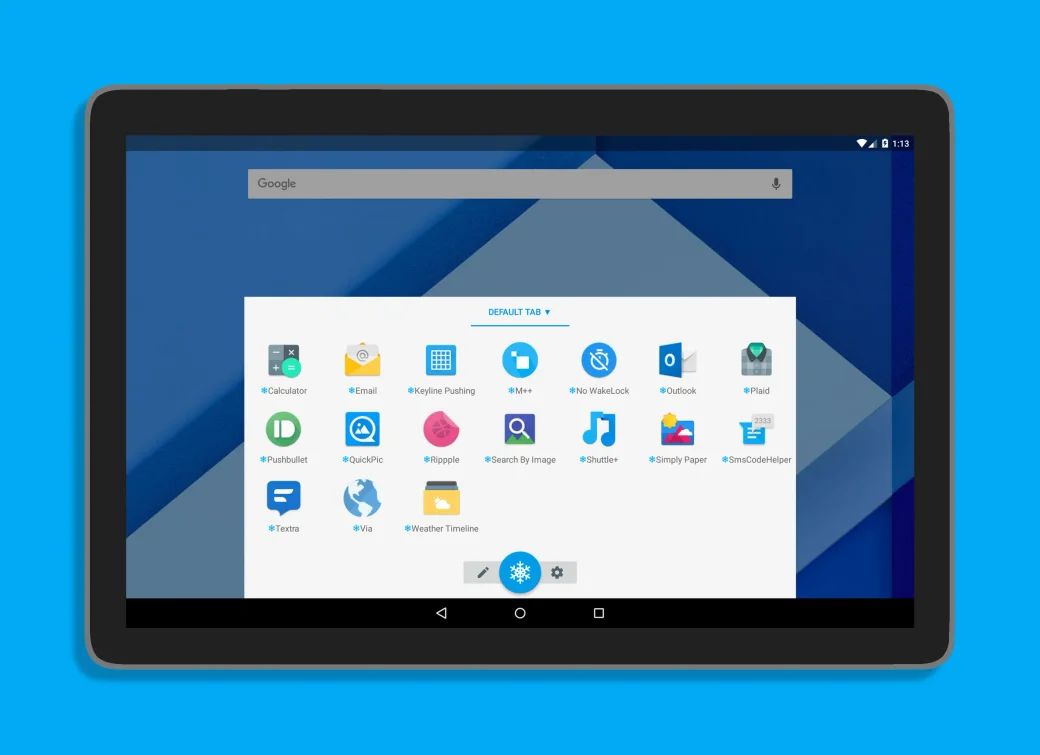
Freeze and hide apps rarely used. Please read instructions before installation!
Ice Box - Freeze and hide apps rarely used.
If your device is already rooted, you can install and use it directly.
If there is no root, you need to go through a very complicating operations to enable Ice Box.
Please read the full description before making decision.
Non Root Setup: http://iceboxdoc.catchingnow.com/Device%20Owner%20(Non%20Root)%20Setup
After setting up with the help of computer Ice Box will grant the "Device Owner" permission to freeze/defrost apps.
Please do not grant "Device Administrator" permission manually on phone and it will not work.
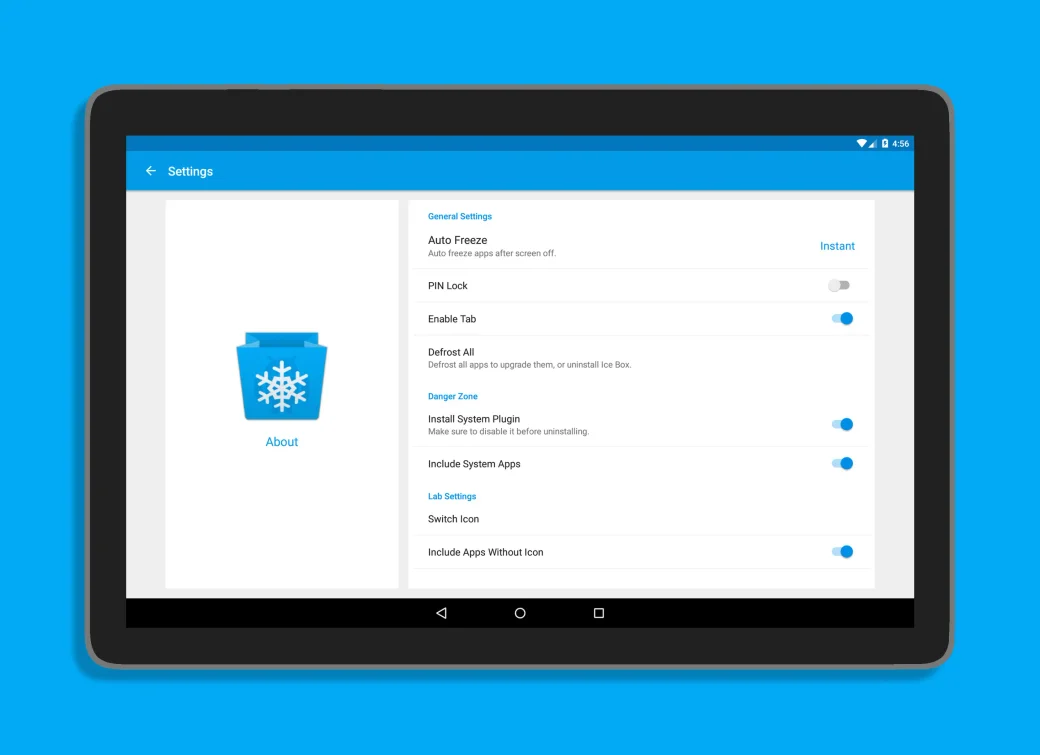
You can uninstall IceBox in its settings anytime if you do not want to use it anymore.
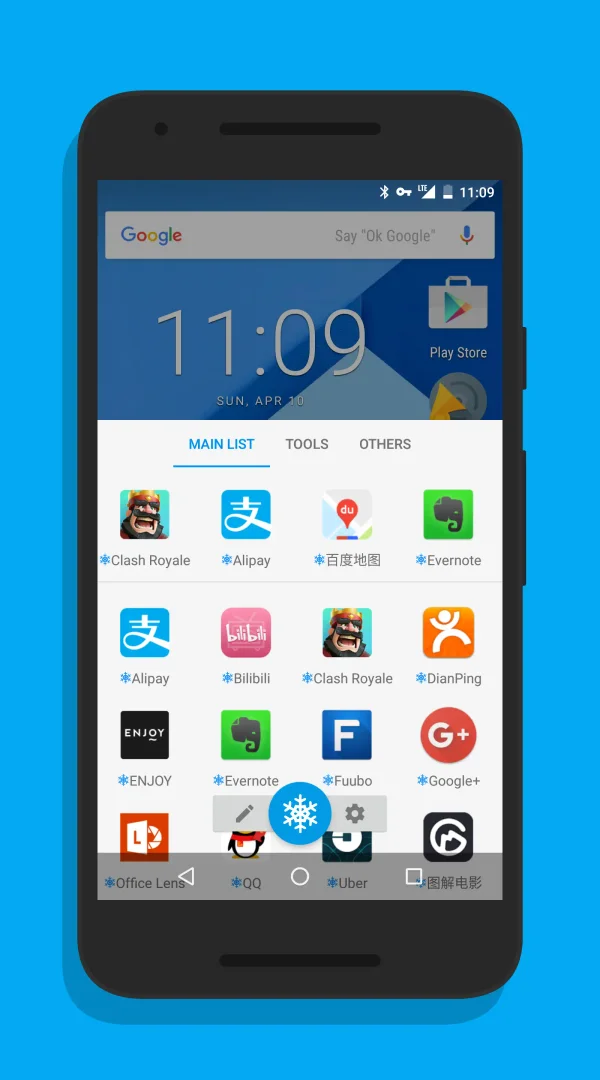
Ice Box is a box to freeze and store the apps you rarely used.
Apps in box will be HIDDEN from launcher and won't be able to steal your battery or cellular data in background. You can easily launch them from Ice Box, just like launch from a home screen folder. They'll be frozen automatically after screen lock or back to launcher and can't do anything in background.
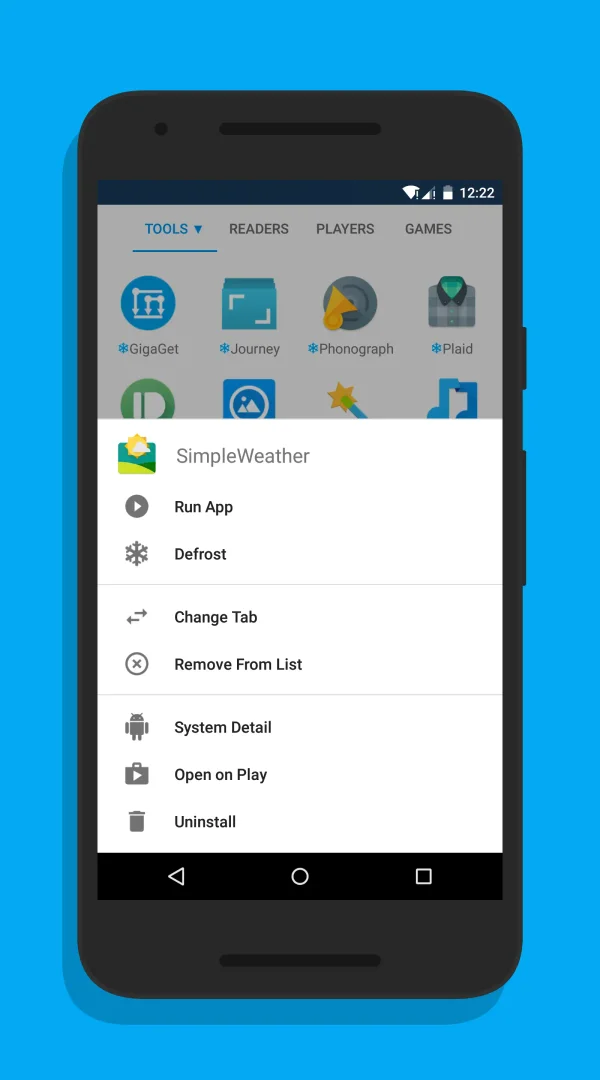
Long press single icon, or drag to select multiple icons to:
- Run App.
- Freeze/Defrost app.
- View App's detail.
- Open on Google Play.
- Uninstall.
Support launcher shortcut:
- Freeze All Apps
- Freeze All + Lock Screen
- Defrost and Run Specific App
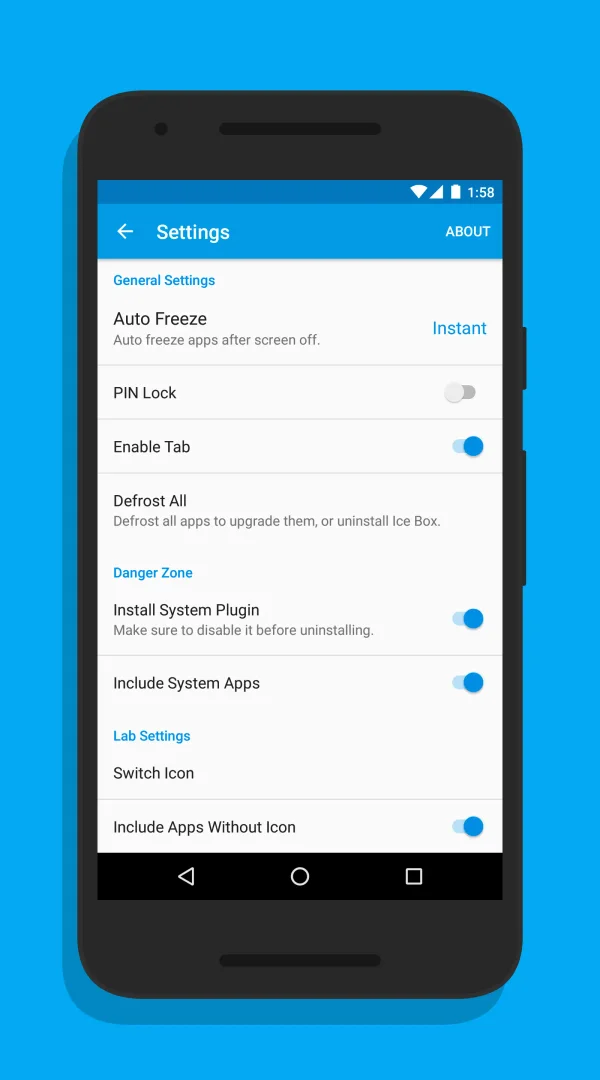
More Feature:
- Fingerprint lock.
- Notification shortcut.
- Android quick shortcut.
- Double click shortcut to freeze.
Data safety
What Ruoxin He declares on Google Play about the data this app collects and shares.
- No data shared with third partiesLearn more about how developers declare sharing
- No data collectedLearn more about how developers declare collection
- Data is encrypted in transit
- Data can’t be deleted
What’s new
Oct 23, 2026
3.30.14
- Support for Android 17 and improved Wireless debugging compatibility
Developer contact
- Websitecatchingnow.com
- Emailicebox@catchingnow.com
- Privacy policyprivacypolicy.catchingnow.com
- Address天府新区 华阳大道南段846号 双流县, 成都市, 四川省 China 610000
Information
- Offered by
- Ruoxin He
- Category
- Tools
- Updated
- Oct 23, 2026
- Released
- Aug 16, 2017
- Age rating
- Everyone
- Price
- Free
- In-app purchases
- $1.99 - $4.99 per item
- Package name
- com.catchingnow.icebox
Similar apps
-
 Applock - lock apps - pin lock
Tools
-
 Bundled Notes - List, Organize
Productivity
-
 Modes And Routines
Productivity
-
 RS File Manager: File Explorer
Productivity
-
 App Locker - Lock App
Personalization
-
 App Lock - AppLock VIP
Tools
-
 TTLock
Tools
-
 Doggy Time: Puppy Potty Log
Lifestyle
-
 App Lock: Fingerprint, Pattern
Productivity
-
 Autenticator App
Productivity
-
 Deleted Photo & Video Recovery
Tools
-
 LockMyPix Secret Photo Vault
Photography