iScanner - PDF Scanner App
BP Mobile LLCIn-app purchases
- EveryoneAge rating
- ProductivityCategory
- Nov 20, 2026Updated
- FreePrice
Links to the official Google Play listing of com.bpmobile.iscanner.free. Last checked on Nov 21, 2026.

Screenshots







About this app
Turn your phone into a portable document scanner with OCR text recognition!
Meet iScanner, the top-rated PDF scanner trusted by over 145 million users.
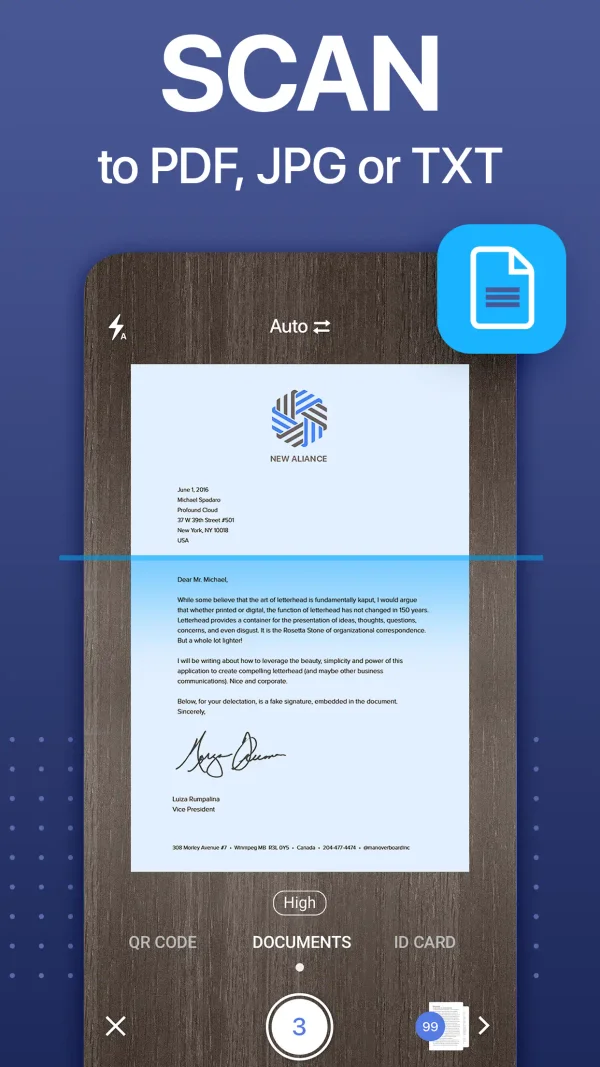
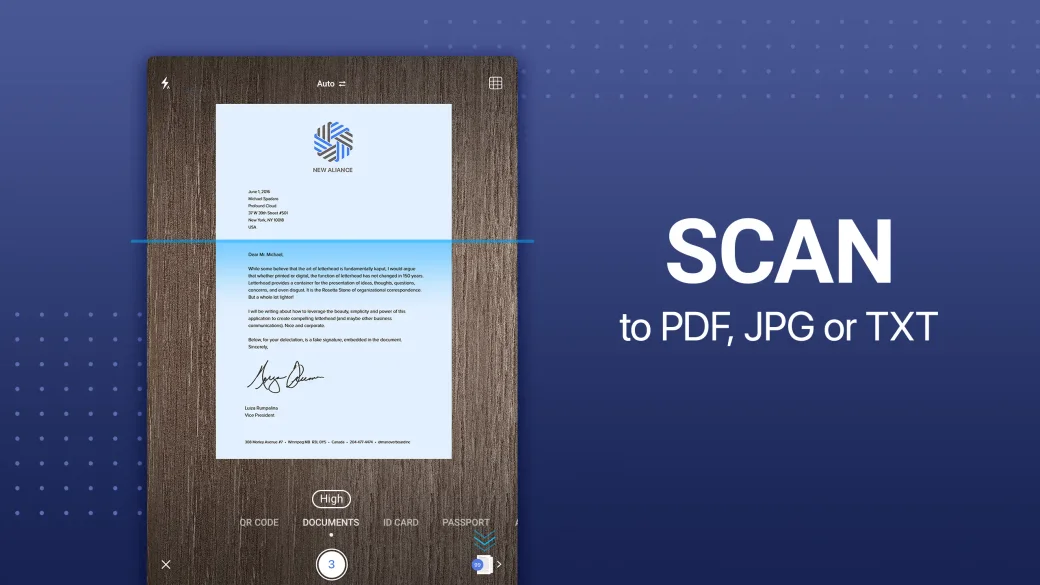
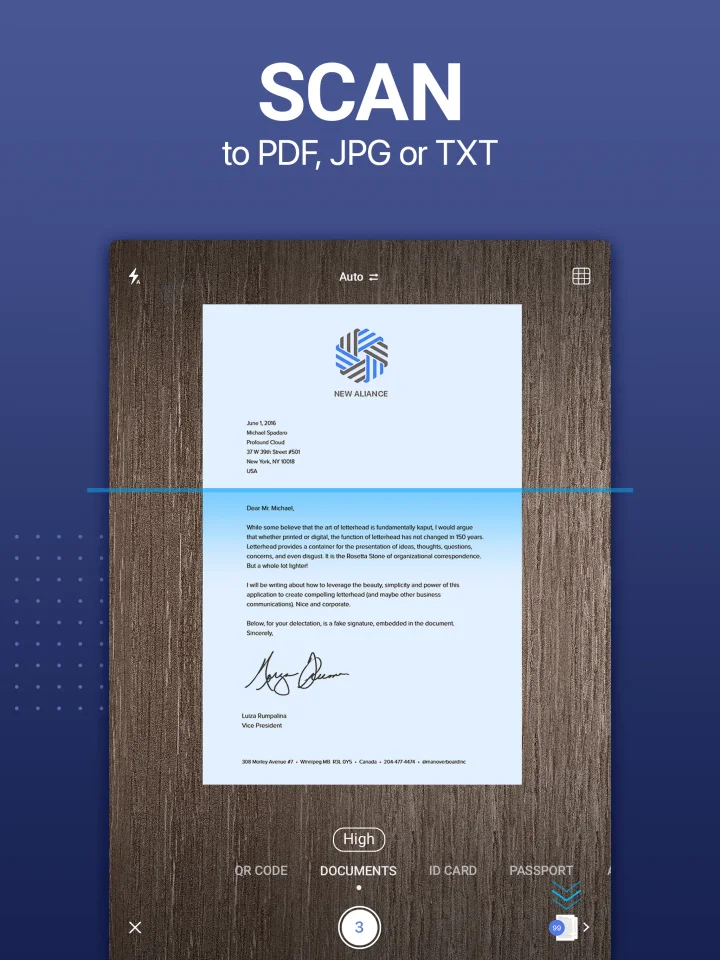
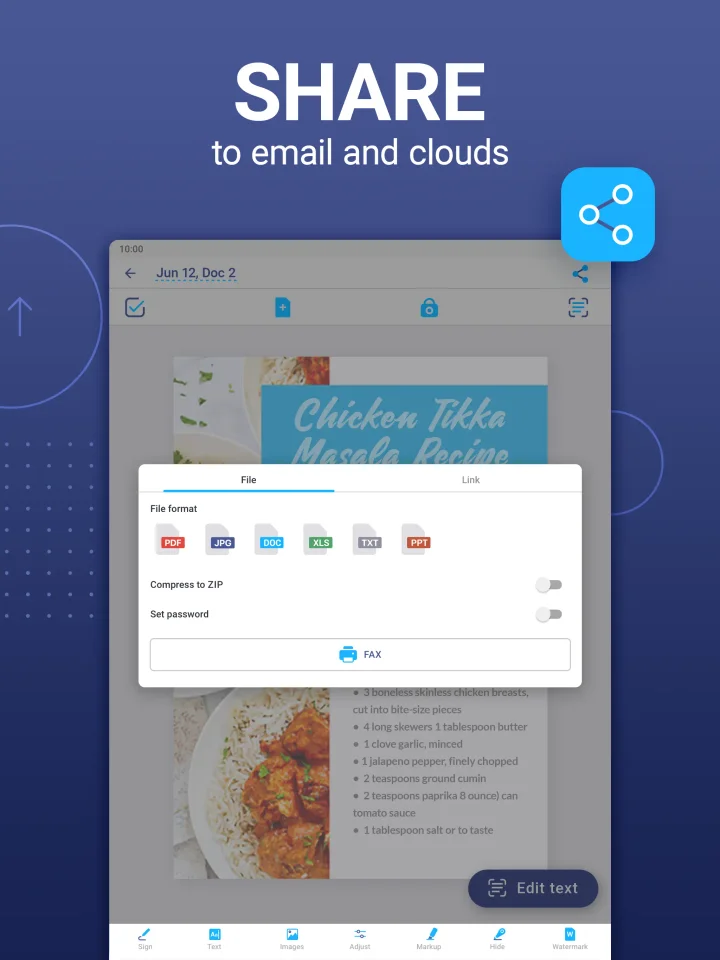
With our powerful document scanner, built on 10+ years of experience, you can scan anything from receipts and ID cards to contracts, assignments, or photos. Simply scan your document, have its edges automatically adjusted and any distortion removed with AI, then export it as a PDF, JPG, DOC, XLS, PPT, or TXT. Whether you’re a remote worker, business professional, student, teacher, or anyone on the go, our scanner app is built for you.
Join millions of users who rely on iScanner as their complete AI-powered digital office.
WHY CHOOSE OUR SCANNER APP?
➔ Fast and intuitive: Scan anything in seconds with a few simple steps.
➔ AI-powered quality: Get professional-quality scans with auto-straighten, deblur, and shadow removal.
➔ An all-in-one document hub: Edit, merge documents, sign files, and even solve math problems.
➔ Full privacy and seamless access: Protect documents with a PIN and sync them across all your devices.
DOCUMENT SCANNER
● Turn contracts, receipts, notes, tax forms, and more into polished digital files effortlessly.
● Save your files in any format: PDF, JPG, DOC, XLS, PPT, or TXT.
● Get sharp, clear scans automatically with no manual adjustments.
CLOUD STORAGE & FILE MANAGEMENT
● Instantly sync your scanned files across devices.
● Access your documents through any web browser or platform.
● Organize files effortlessly with our scanner app's intuitive file manager, featuring folders, drag-and-drop functionality, and PIN protection for confidential documents.
POWERFUL TOOLS WITH AI
● Automatically detect, refine, and restore document edges with this AI-enhanced scanner.
● Use OCR technology in 20+ languages to recognize text from your files.
● Remove blur, enhance clarity, and erase unwanted objects directly in the PDF scanner.
● Use AI tools to summarize, edit, and refine text for professional results.
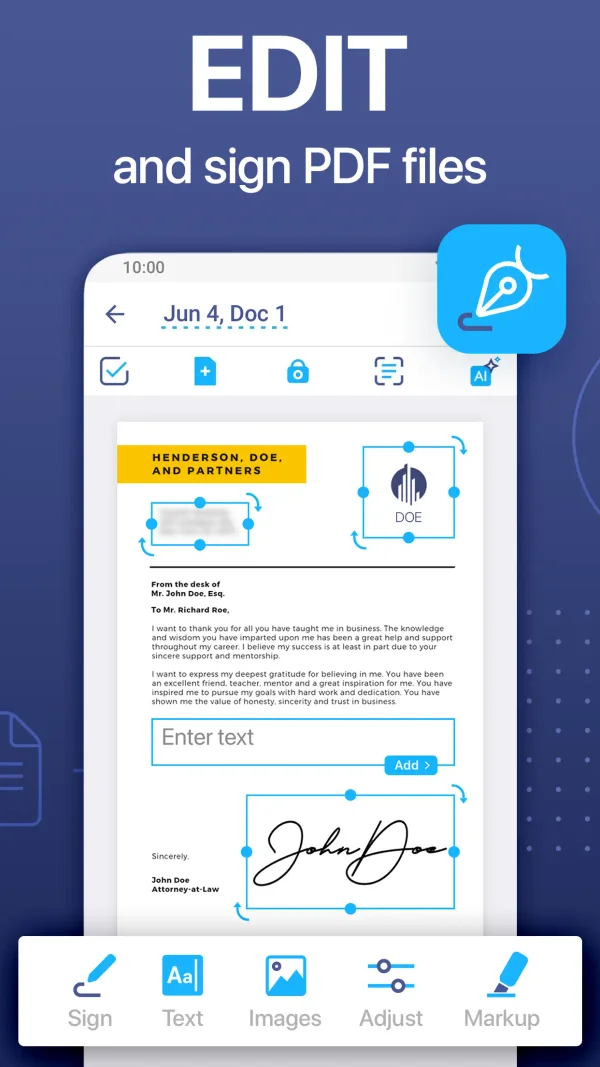
FULL PDF EDITOR
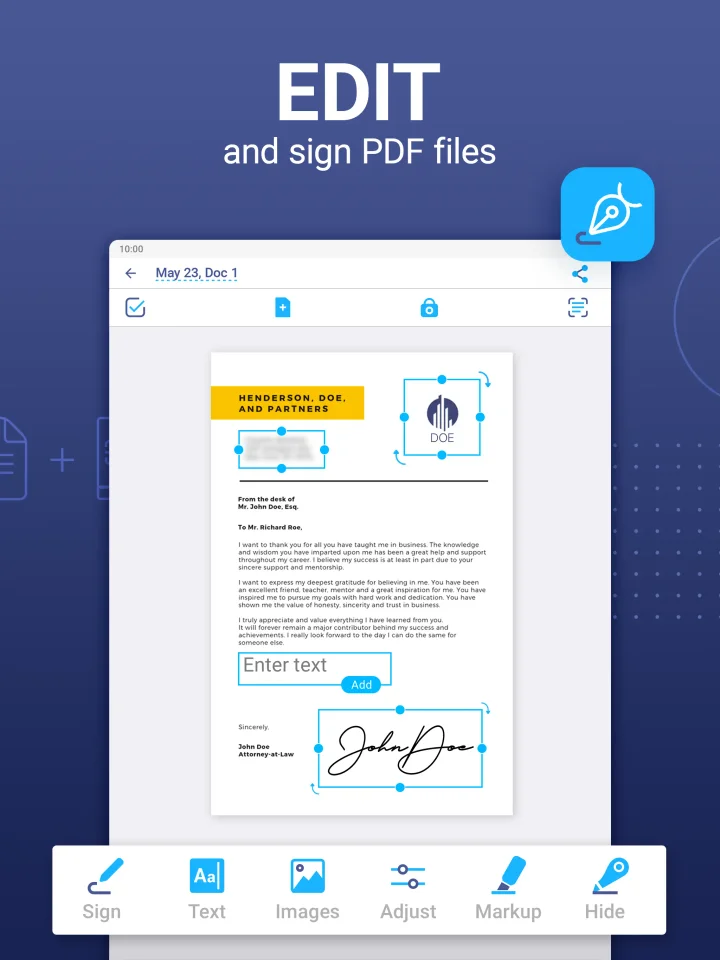
● Sign documents manually or insert an image of your signature.
● Add text to forms or autofill PDFs with custom templates.
● Protect your files with watermarks or blur sensitive information.
● Merge multiple documents into one or split PDFs into separate pages.
VARIOUS SCANNER MODES
iScanner includes specialized modes for different needs:
● Document Scanner: Scan multiple-page PDFs for contracts, notes, or reports.
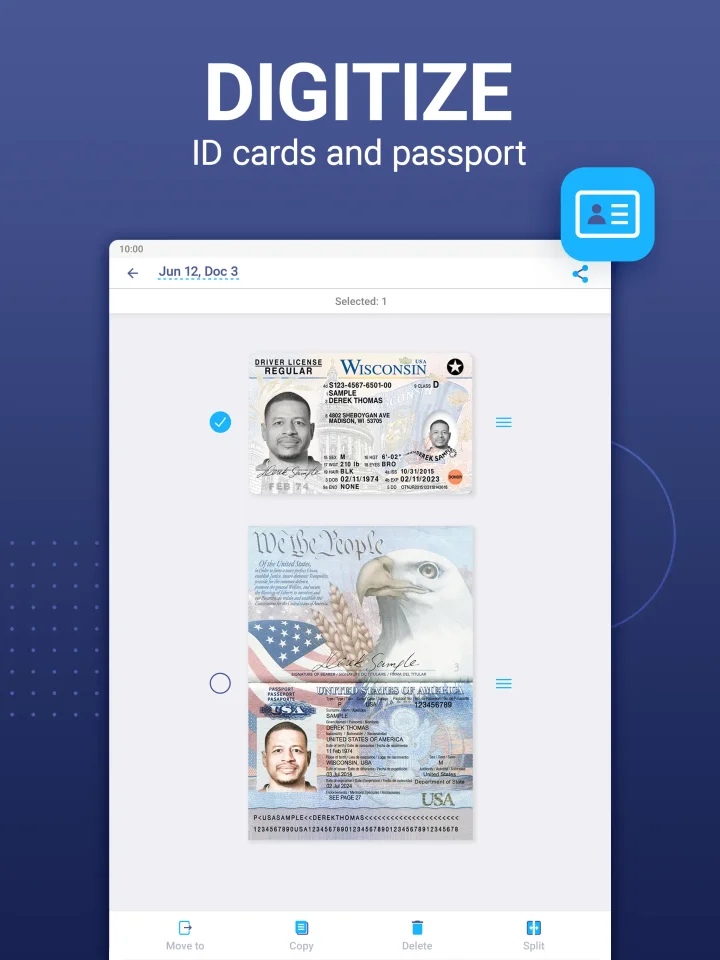
● ID-Card & Passport Scanner: Create clear scans of personal identification documents.
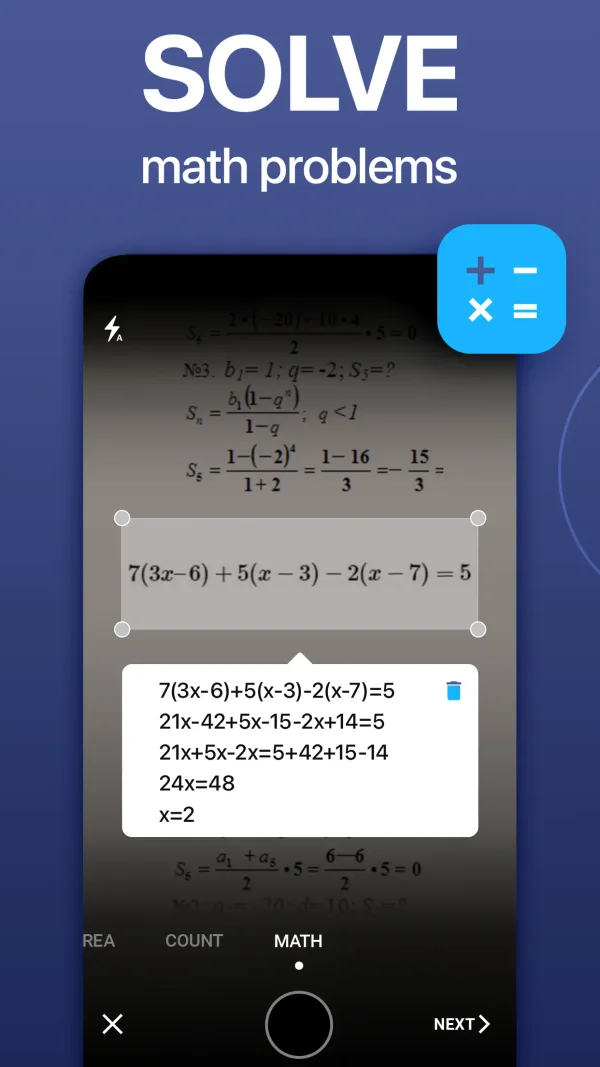
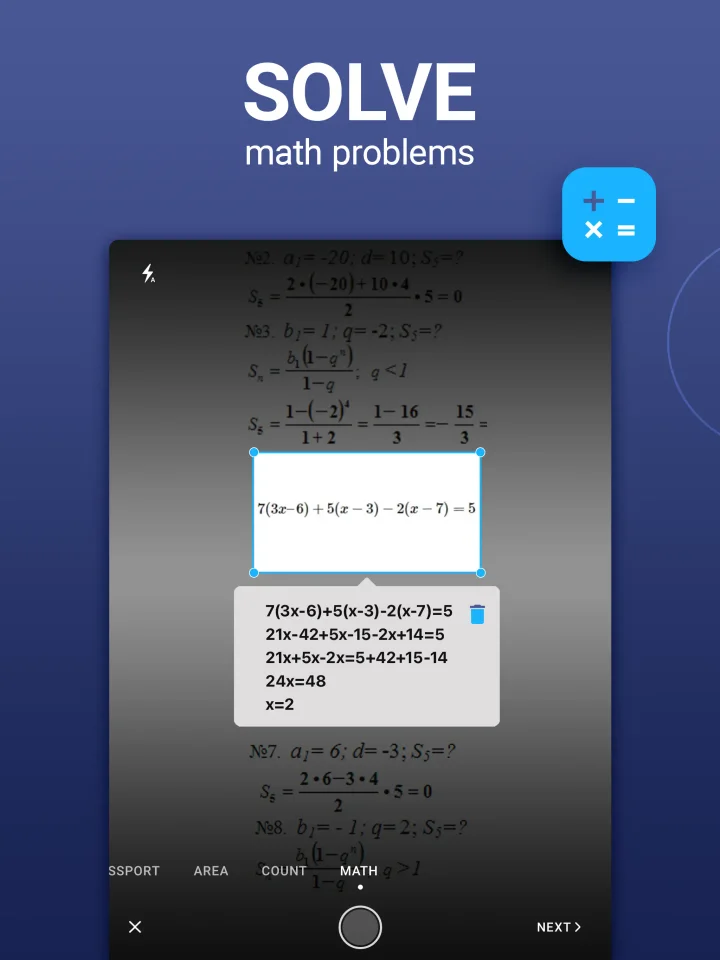
● Math Scanner: Solve equations and complex math problems effortlessly.
● QR Code Scanner: Scan and save QR codes with ease.
● Area Measurement: Calculate object lengths and areas.
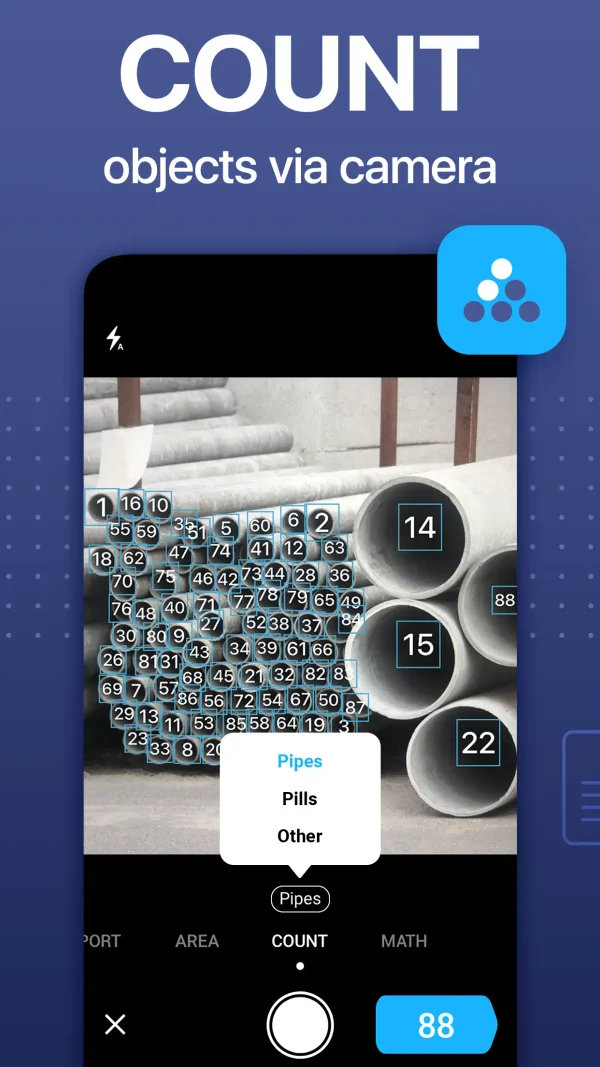
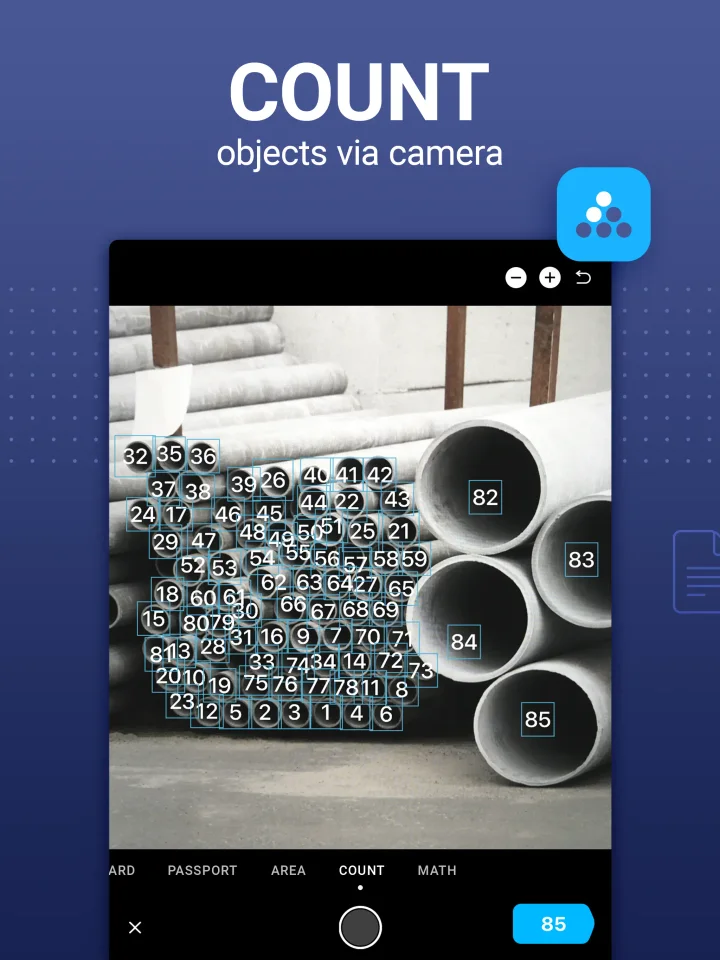
● Object Counter: Count similar items automatically with the scanner.
PRIVACY & PROTECTION
Keep your documents private—they stay stored on your device with no third-party access. Secure your PDF scanner with a PIN, Face ID, or Touch ID, password-protect your PDFs, and set expiration dates on shared links. Need extra security? Set up a decoy password with a fake login, so no one but you can access the scanner app.
SUSTAINABILITY IN ACTION
Since 2015, our PDF scanner has helped millions reduce paper waste and build greener habits. Track your environmental impact, replace printouts with digital files, and join a community saving hundreds of trees every day. Go paperless with our scanner app and earn eco certificates along the way.
Scan smarter—download iScanner now and join millions who have made it their go-to scanner app!
Visit our website to learn more:
Privacy Policy: https://iscanner.com/mobileapp/privacy/en/
Terms of Service: https://iscanner.com/mobileapp/terms/en/
We value your feedback! Let us know how we can improve our PDF scanner at iScanner Support: https://iscannerapp.com/scanner/support/
Data safety
What BP Mobile LLC declares on Google Play about the data this app collects and shares.
- This app may share these data types with third partiesLocation, Financial info and 3 others
- This app may collect these data typesLocation, Personal info and 4 others
- Data is encrypted in transit
- You can request that data be deleted
What’s new
Version 6.12.1 · Nov 20, 2026
In this version, you'll find:
– Minor bug fixes and design improvements
Enjoying the app? Leave us a review—it helps us improve.
Developer contact
- Websitebpmobile.com
- Emailsupport@bpmobile.com
- Privacy policyiscanner.com
- Address66 W Flagler St Ste 900 # 10023 Miami, FL 33130-1807 United States
Information
- Offered by
- BP Mobile LLC
- Category
- Productivity
- Version
- 6.12.1
- Updated
- Nov 20, 2026
- Released
- Dec 14, 2016
- Requires
- Android 12 or later
- Age rating
- Everyone
- Price
- Free
- In-app purchases
- $0.99 - $39.99 per item
- Package name
- com.bpmobile.iscanner.free
Similar apps
-
 Unit Converter
Tools
-
 PDF Scanner Plus - Doc Scanner
Productivity
-
 PDF Scanner App: Document Scan
Tools
-
 Keeper Password Manager
Productivity
-
 QR Scanner: Barcode Scanner
Productivity
-
 Clear Scan - PDF Scanner App
Business
-
 Digital Compass
Tools
-
 AR Measure Tape: SmartRuler
Tools
-
 Mobile Scanner App - Scan PDF
Productivity
-
 Google Lens
Tools
-
 ACE Scanner - PDF Scanner App
Productivity
-
 Ruler
Tools