MacroDroid - Device Automation
ArloSoftContains ads · In-app purchases
- EveryoneAge rating
- ToolsCategory
- Oct 28, 2026Updated
- FreePrice
Links to the official Google Play listing of com.arlosoft.macrodroid. Last checked on Nov 20, 2026.
Screenshots

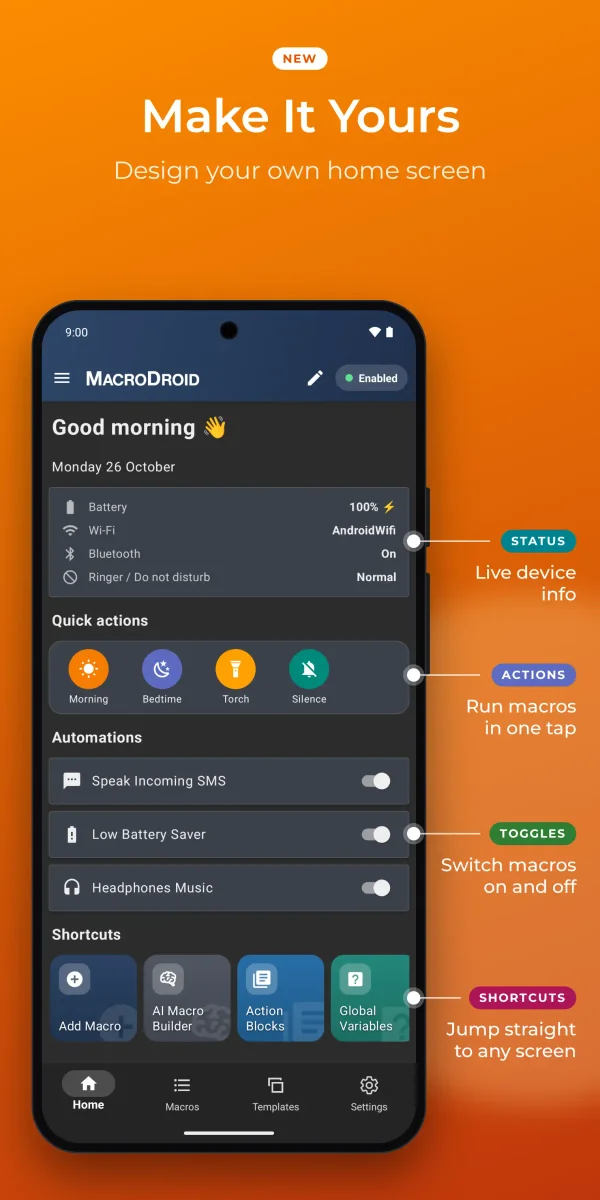
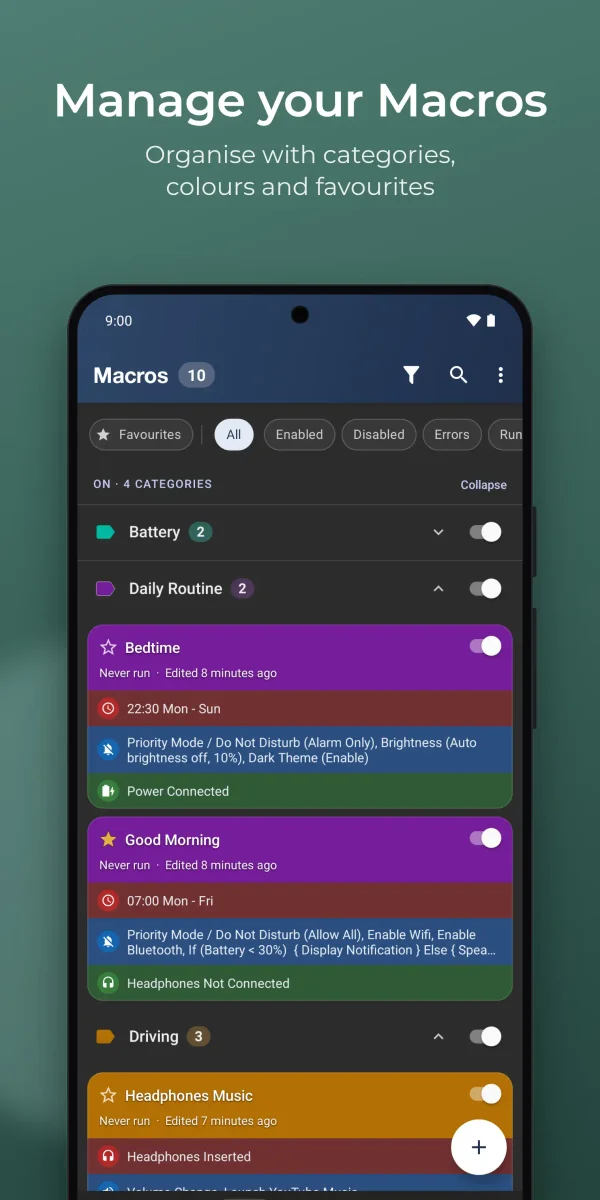
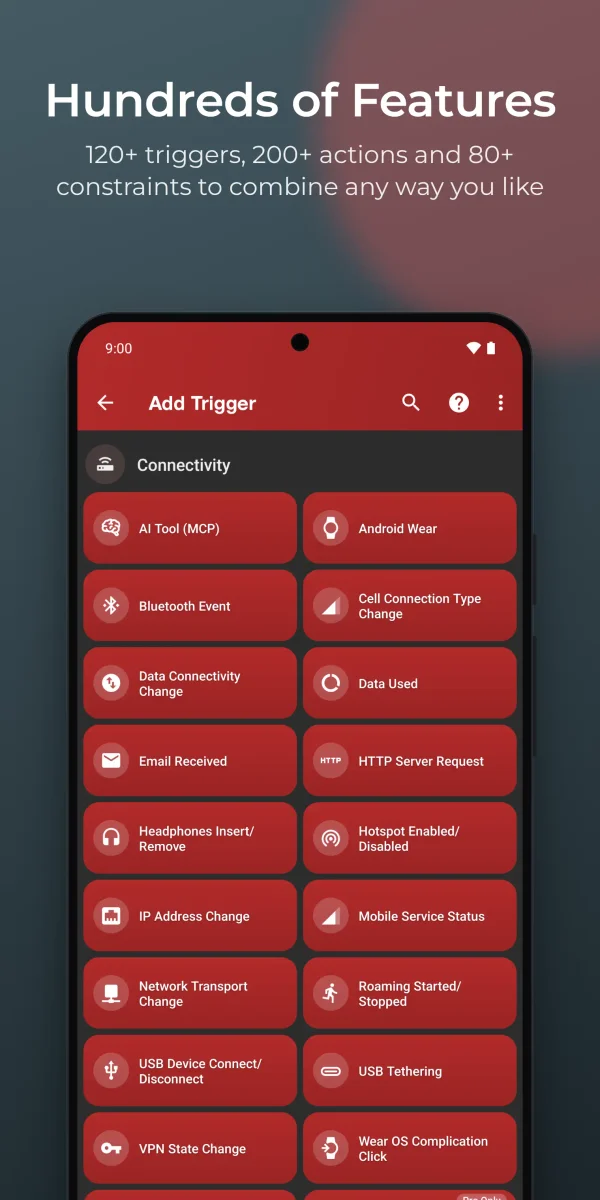

About this app
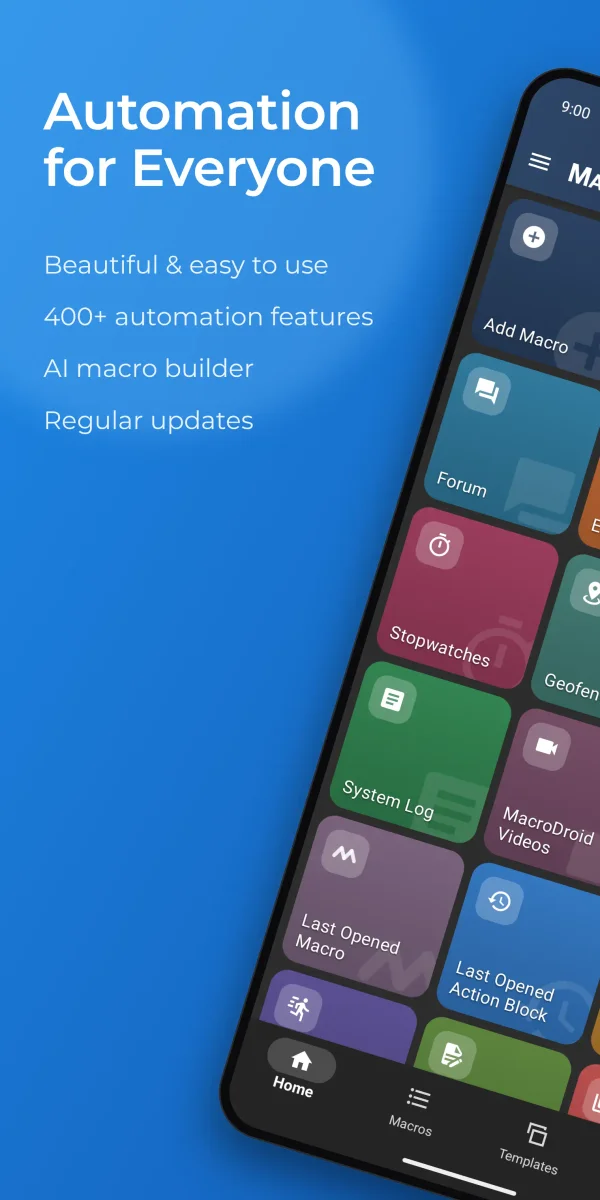
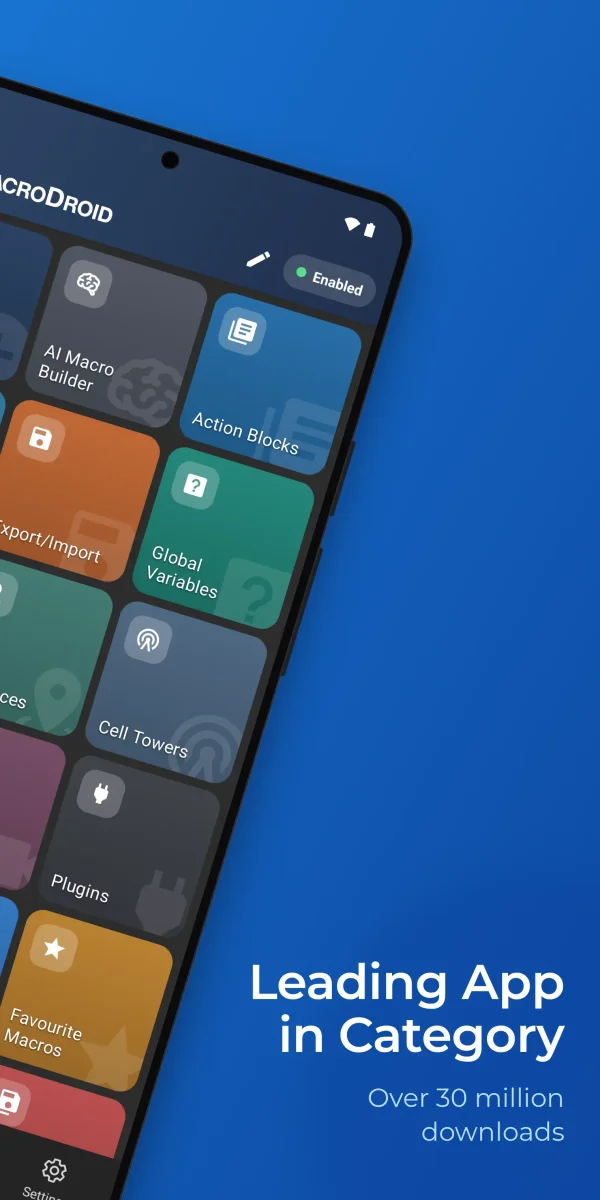
Number one automation app for Android - Over 30 million Downloads.
Turn your Android device into a smart assistant that works for you. MacroDroid is the easiest way to automate almost anything on your phone or tablet — no coding required, just a few taps.
What can you automate?
✦ Auto-reject calls when you're in a meeting (synced with your calendar)
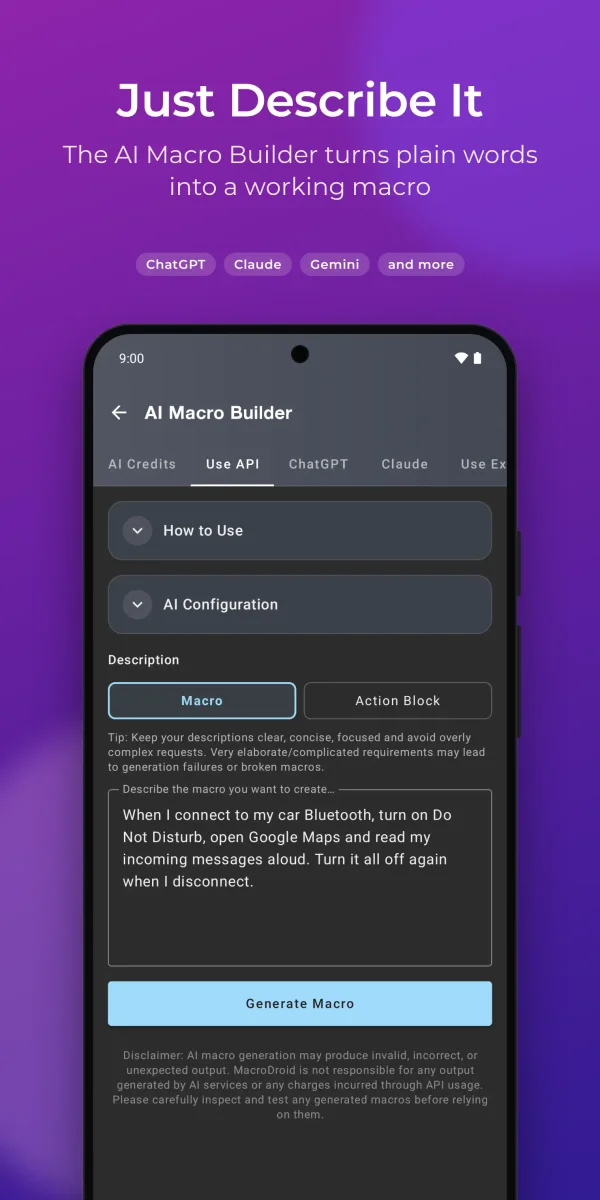
✦ Read incoming messages aloud while driving and reply hands-free
✦ Switch on Bluetooth and start your music the moment you enter the car
✦ Turn on Wi-Fi automatically when you arrive home
✦ Save battery by dimming the screen and disabling radios at night
✦ Create custom sound and notification profiles for work, sleep, or the gym
✦ Get reminded about tasks with timers, stopwatches and location alerts
✦ Keep your storage tidy by automating file copy, move and delete tasks
These are just a handful of ideas — the possibilities are virtually endless.
How it works — 3 simple steps
1. Pick a Trigger
Choose what kicks off your macro. MacroDroid offers over 120 triggers, including location (GPS, cell towers, geofences), device status (battery, app launches, data usage), sensors (shake, light, proximity, fold angle), and connectivity (Bluetooth, Wi-Fi, notifications, webhooks). You can also launch macros manually with a home screen shortcut or the customisable MacroDroid sidebar.
2. Choose your Actions
Decide what happens next. Pick from over 200 actions: connect to devices, adjust volume, speak text aloud, send messages, control media, take screenshots, dim the screen, run Tasker plugins, and much more. Chain multiple actions together to build powerful workflows.
3. Add Constraints (optional)
Fine-tune when your macros run. With over 80 constraints, you can limit a macro to certain days, times, locations, or device states — for example, only connecting to office Wi-Fi during working hours.
Designed for everyone
New to automation? Get started in seconds with the built-in Template store — browse hundreds of ready-made macros shared by the community, install one with a single tap, and tweak it to fit your needs. The in-app help and active user forum mean you're never stuck for long.
Power user? Dive deeper with user-defined variables, dictionaries and arrays, intents, scripting, IF / THEN / ELSE logic, AND/OR conditions, loops and Tasker/Locale plugin support.
Free vs Pro
The free version is ad-supported and lets you create up to 5 macros. Upgrade to Pro with a small one-time payment to remove all ads and unlock unlimited macros — no subscriptions, ever.
Wear OS Companion
MacroDroid includes a Wear OS companion app for triggering and interacting with your macros from your wrist, including watch face complications. The phone app is required.
Accessibility Services
Some features (such as automating UI interactions) use Android's accessibility services. This is entirely optional and at your discretion. MacroDroid never collects or logs any user data through accessibility services.
Support & Community
Join thousands of users in our active community forum at http://www.macrodroidforum.com — the best place for usage questions, feature requests and macro-sharing inspiration. To report a bug, use the in-app "Report a bug" option in the Troubleshooting section.
---
Stop doing the same things over and over. Let MacroDroid do them for you.
Data safety
What ArloSoft declares on Google Play about the data this app collects and shares.
- This app may share these data types with third partiesApp info and performance and Device or other IDs
- This app may collect these data typesLocation, Personal info and 2 others
- Data is encrypted in transit
- You can request that data be deleted
What’s new
Oct 28, 2026
Added Chat GPT and Claude tabs to the AI Macro Builder.
Added Get Notifications action.
Added Trigger Enabled constraint.
Added Microphone Recording trigger.
Added File Opened with MacroDroid trigger.
Added new Stopwatch scene component.
Added Recently edited shortcut bar home screen component.
Added AMOLED black option for dark mode (Settings > Dark Mode), using pure black backgrounds to save battery on AMOLED screens.
+ much more
Developer contact
- Websitemacrodroid.com
- Emailsupport@macrodroid.com
- Privacy policymacrodroid.com
- Address96A MARSHALL ROAD GILLINGHAM ME8 0AN United Kingdom
Information
- Offered by
- ArloSoft
- Category
- Tools
- Updated
- Oct 28, 2026
- Released
- May 18, 2012
- Age rating
- Everyone
- Price
- Free
- In-app purchases
- $1.49 - $10.00 per item
- Package name
- com.arlosoft.macrodroid
Similar apps
-
 Auto Clicker - Automatic tap
Tools
-
 Multiple Accounts - Assist
Tools
-
 Shizuku
Tools
-
 Glip Screen Recorder
Tools
-
 OPPO Clone Phone
Productivity
-
 Starlink
Tools
-
 Fing - Network Tools
Tools
-
 Virtual Master - Android Clone
Tools
-
 Microsoft Launcher
Personalization
-
 Xiaomi Home
Lifestyle
-
 Learn Ethical Hacking: HackerX
Education
-
 Lemur Browser: Web Extensions
Tools