Virtual Master - Android Clone
Eden Technology HongKong LimitedContains ads · In-app purchases
- EveryoneAge rating
- ToolsCategory
- Nov 21, 2026Updated
- FreePrice
Links to the official Google Play listing of com.clone.android.dual.space. Last checked on Nov 23, 2026.

Screenshots
About this app
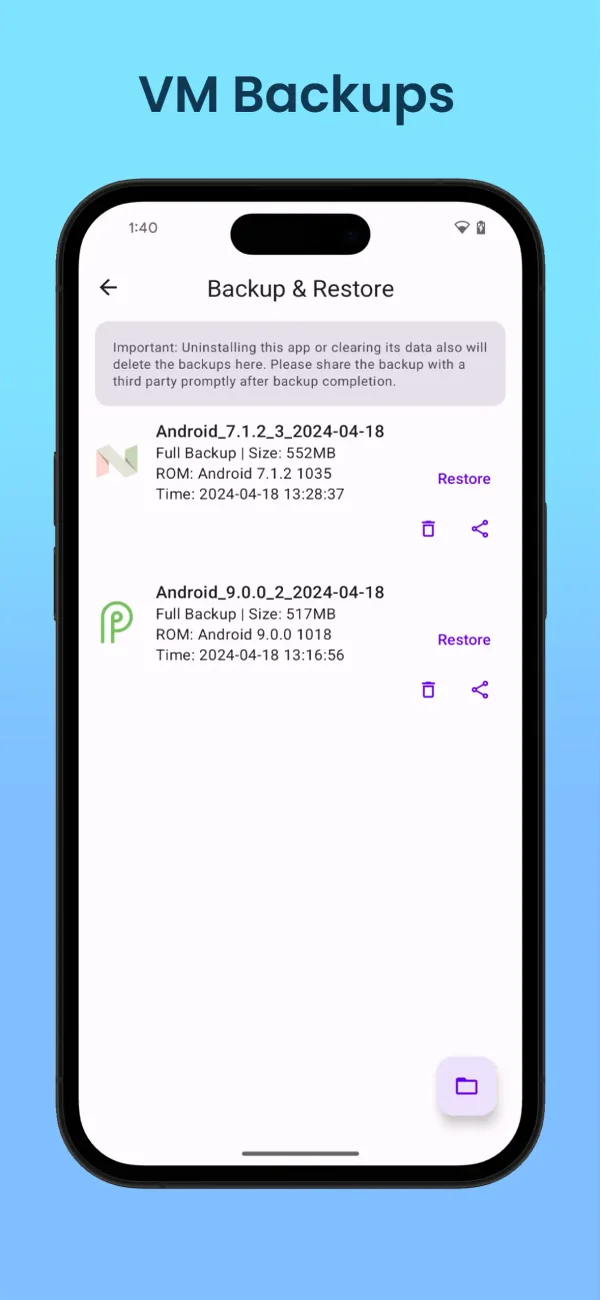
Run Virtual Android OS in an App
Virtual Master runs another Android System on your device, based on our Android on Android Virtualization Technology.
With Virtual Master, you can have another Android System running on your device, isolated from the Android System of your device.
The new Android System is equivalent to a Parallel Space, or a Virtual Phone, similar to a Cloud Phone, but runs locally.
In the new Android System, you can install its own Apps, arrange its own Launcher, set its own Wallpaper, and customize it as your needs.
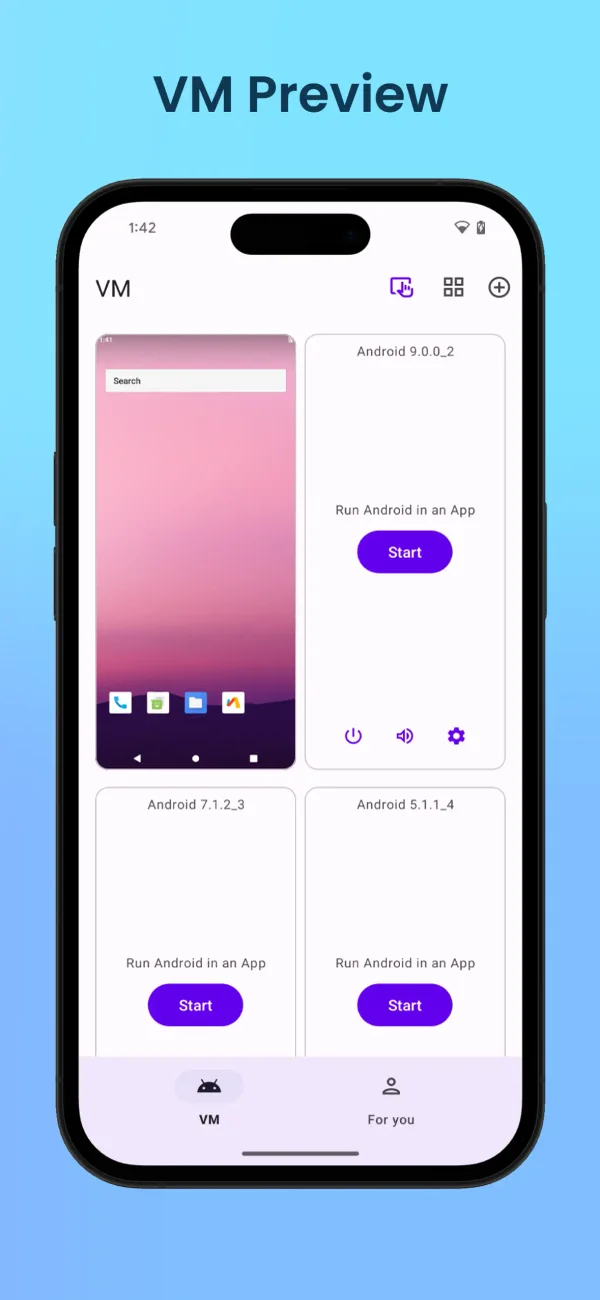
You can run multiple Android Systems in Virtual Master, One for Work, One for Game, One for Privacy, and enjoy more fun on one device.
It's an Android Virtual Machine, just like your another phone!
1. Play with multiple Social or Game Accounts at the same time
Games and Apps are cloned after being imported into Virtual Master.
We support almost all Social Apps and Games, you can sign in to multiple accounts at the same time on one device and switch between them freely.
2. Run multiple Apps or Games at the same time
We support background running, that means the Apps and Games can keep running when in background.
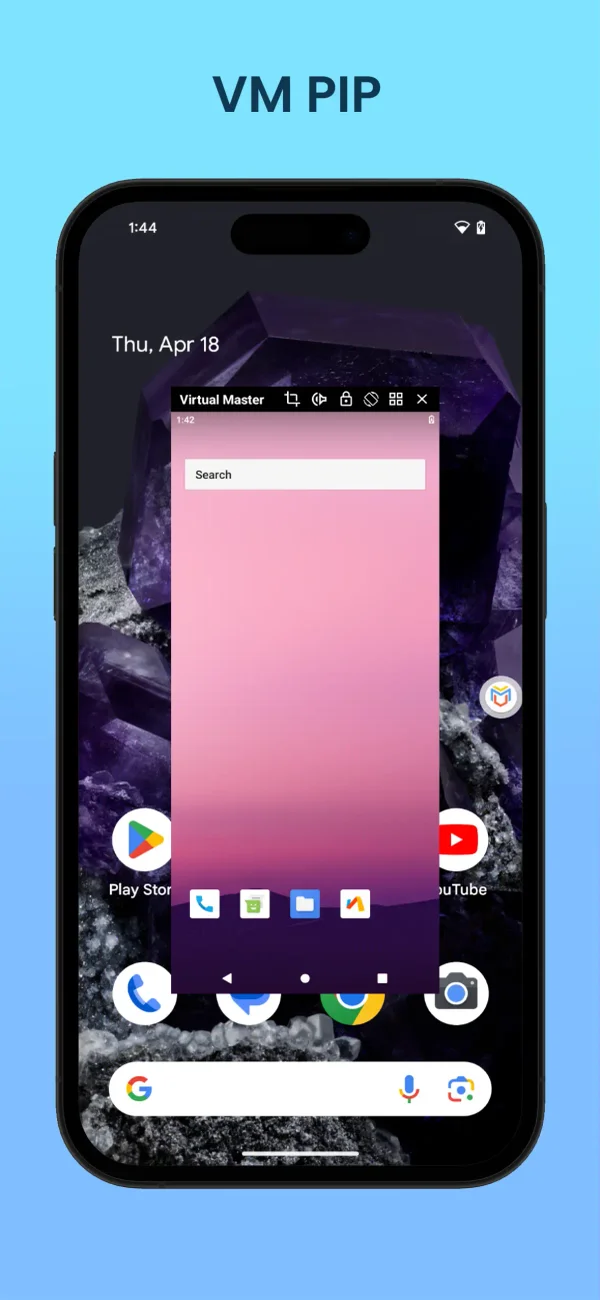
So, for example, you can run a game in Virtual Master, but watch a video on your device at the same time.
Just like bringing the emulators such as Bluestacks and Nox to your device.
3. Support Vulkan
We support Vulkan in the Virtual Android System, so you can run many high-end games smoothly in Virtual Master.
4. Protect your Privacy
When Apps and Games run in the Virtual Android System, they can not get any information about your device, like contacts, sms, device id, etc.
So, you can run any Apps or Games in it without worrying about leaking your privacy. It can be used as your Privacy Sandbox.
FAQ from the developer:
1. How much disk space does Virtual Master need?
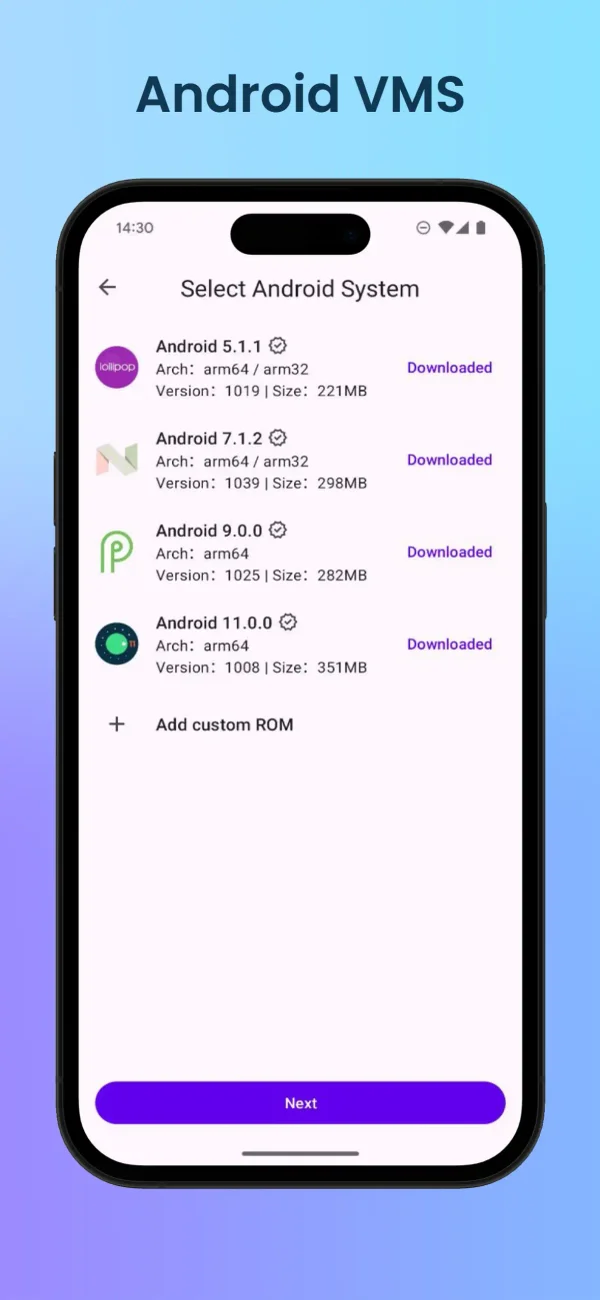
Virtual Master runs a whole android 7.1.2 system. It needs to download about 300MB system image and requires about 1.6GB disk space to run. It will use more disk space if apps are installed or upgraded in the VM.
2. How long does it take for the Virtual Master to boot?
For the first time you run it, it will take 1 ~ 2 minutes, because we need some time to install the android image on device. After that, it will take only 4 ~ 10 seconds. The exact time depends on the performance of your device and the load at that time.
3. Can Virtual Master be installed in multi-user?
Virtual Master MUST BE installed in the device owner or administrator now.
4. What to do if Virtual Master can't boot?
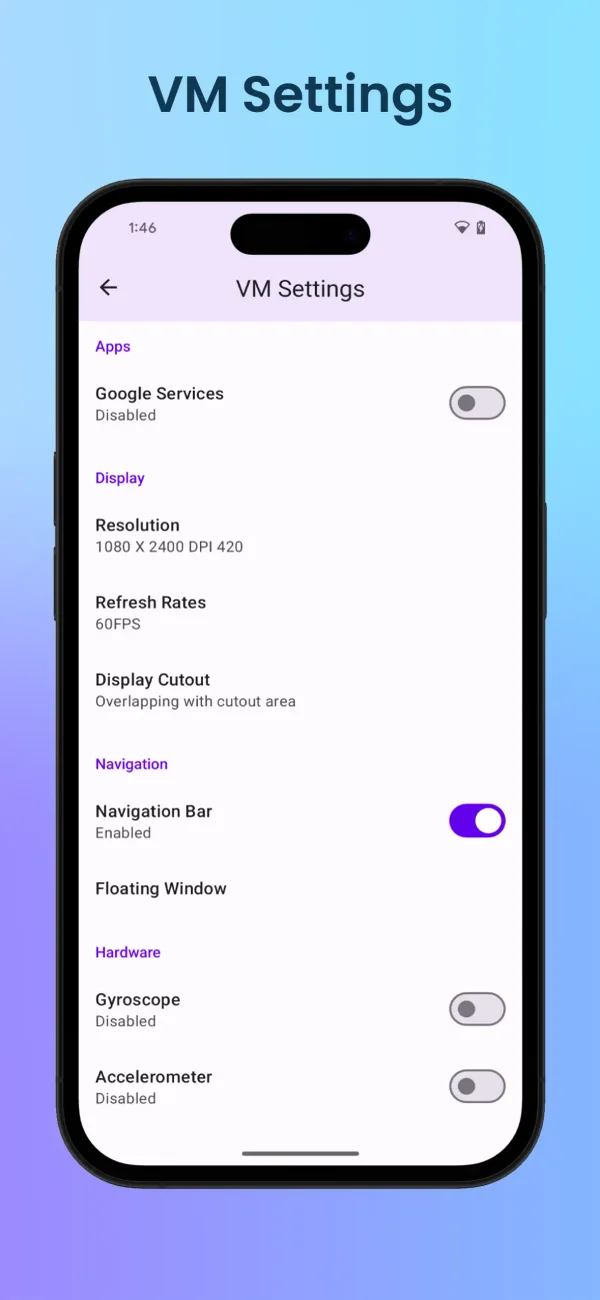
In most cases, some system file is damaged. Please ensure you have enough disk space, kill the app and reboot. If rebooting doesn't work, you can try the 'Repair VM' in VM Settings. Finally, you can try uninstalling and reinstalling.
Data safety
What Eden Technology HongKong Limited declares on Google Play about the data this app collects and shares.
- This app may share these data types with third partiesApp activity and Device or other IDs
- No data collectedLearn more about how developers declare collection
- Data is encrypted in transit
- You can request that data be deleted
What’s new
Version 3.2.91 · Nov 21, 2026
1.Fixed known issues
Developer contact
- Websitevirtualmaster.app
- Emailedentechservice@outlook.com
- Privacy policyvirtualmaster.app
- AddressRm 2304 23/F HO KING COML CTR 2-16 FA YUEN ST 旺角 九龍 Hong Kong
Information
- Offered by
- Eden Technology HongKong Limited
- Category
- Tools
- Version
- 3.2.91
- Updated
- Nov 21, 2026
- Released
- Jan 24, 2023
- Requires
- Android 5.1 or later
- Age rating
- Everyone
- Price
- Free
- In-app purchases
- $2.99 - $40.99 per item
- Package name
- com.clone.android.dual.space
Similar apps
-
 POCO Launcher 2.0 - Customize,
Personalization
-
 MediaFire
Productivity
-
 ScreenStream
Tools
-
 Tooly Toolbox All Tools In One
Tools
-
 Building Tools
Tools
-
 Lemur Browser: Web Extensions
Tools
-
 Taskbar
Tools
-
 RAR
Tools
-
 ExitLag: Fix Ping Mobile & Lag
Tools
-
 Learn Ethical Hacking
Education
-
 Max2D: AI Game Maker & Engine
Education
-
 MacroDroid - Device Automation
Tools