MirrorLink
FastSoftContains ads · In-app purchases
- EveryoneAge rating
- Libraries & DemoCategory
- Oct 22, 2026Updated
- FreePrice
Links to the official Google Play listing of com.connectionwireless.mirrorlinkc. Last checked on Nov 27, 2026.
Screenshots

About this app
Connect your phone to your car screen easily — Mirror Link & Android Auto
🚗 MirrorLink Car app – Connect Your Phone to Your Car Screen & TV
Looking for a mirror link between your phone and the big screen? Mirror Link Car app is the easiest mirrorlink app for car and TV: connect your Android phone wirelessly, start screen mirroring in seconds and enjoy videos, photos, music and navigation on a bigger display. One auto mirror app for your car, your smart TV and every wireless display — a modern car play experience for Android. 📱✨
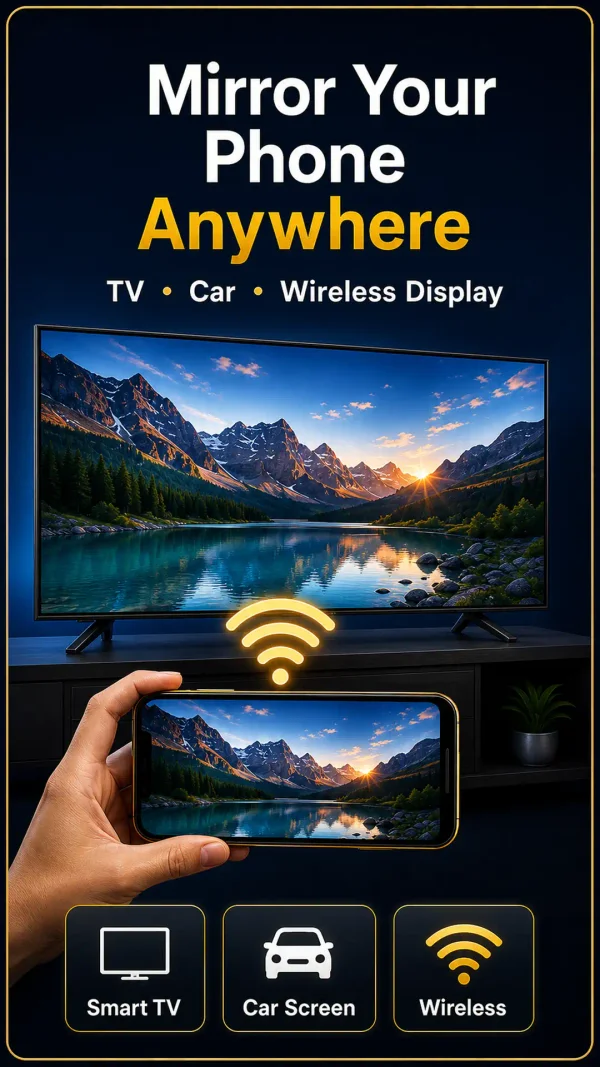
📲 Mirror Your Phone Anywhere
This car mirroring app opens the fastest screen mirroring path on your device. Follow the guided steps, pick your screen and mirror your phone — TV, car display or Miracast receiver. With mirrorlink cast technology, the connection is fully wireless: no cables, no dongles, just Wi-Fi.
🚘 Connect to Car Screen
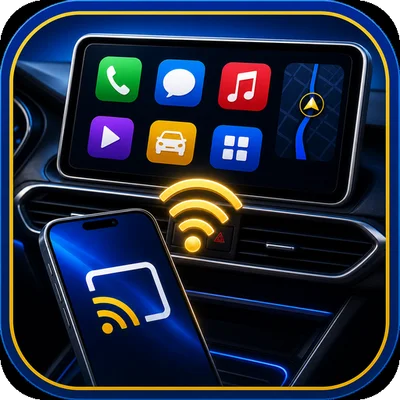
The car mirror link app for android built for drivers. Pick your make from 45+ car brands and get tailored setup guidance for your dashboard. Built-in car screens connect through Android Auto — and this mirrorlink app for car opens it in one tap, or brings you straight to the official download. Car link android connectivity with zero guesswork.
🔗 CarPlay Style, Made for Android
Dreaming of a carplay screen experience? This car play app for android brings the same big-screen comfort: media and navigation mirrored to a compatible display, plus one-tap Android Auto for built-in dashboards. The carplay app for android alternative — fully wireless.
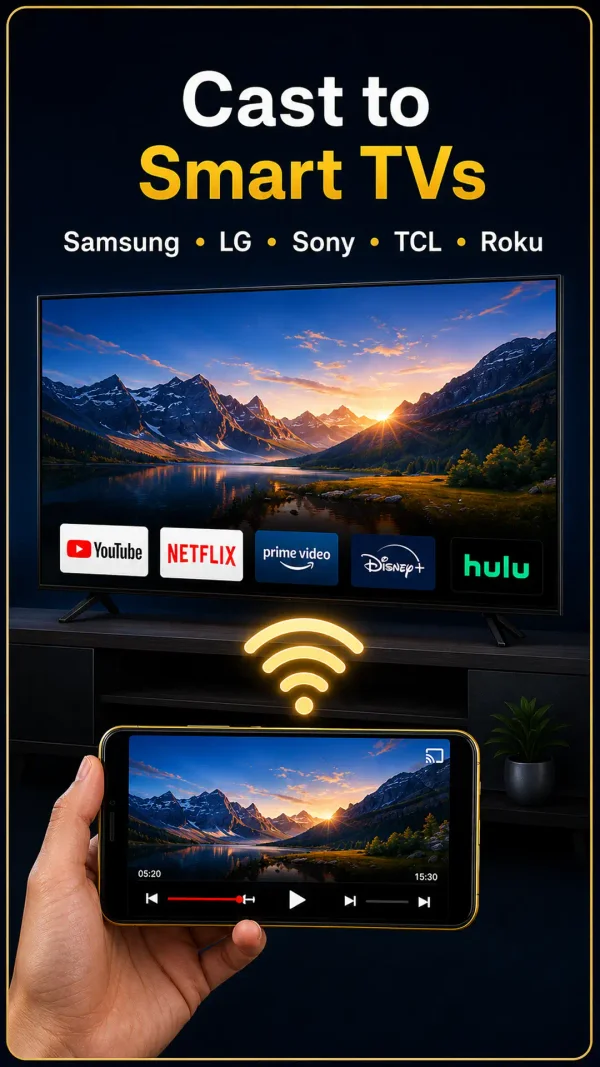
📺 Cast to Smart TVs
Works with all major TV brands — Samsung, LG, Sony, TCL, Hisense, Philips and more — through Chromecast, Android TV, Google TV and Miracast. The auto mirror app detects nearby receivers so you can cast to the living room as easily as to your car.
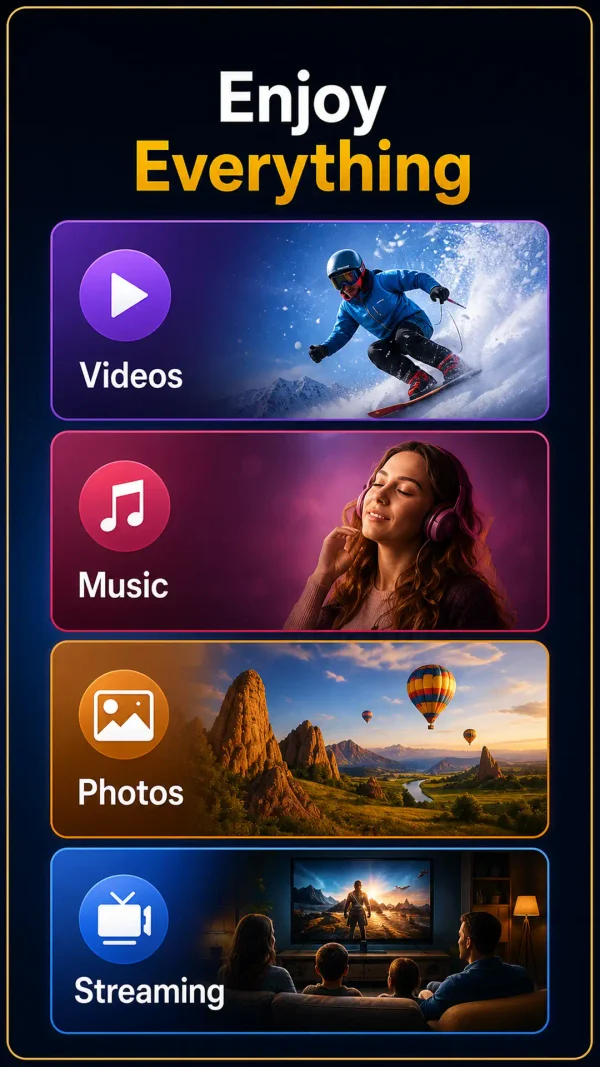
🎬 Stream Videos, Photos & Music in HD
The car player android side of the app is a full media caster: stream local videos in HD, browse photos on the big screen, and play music and audiobooks through TV speakers — with play, pause, skip and background casting.
🗺️ Your Favorite Apps, Bigger
Use screen mirroring to bring apps like Google Maps, Waze, Spotify or YouTube to a compatible display — larger, clearer, easier to follow.
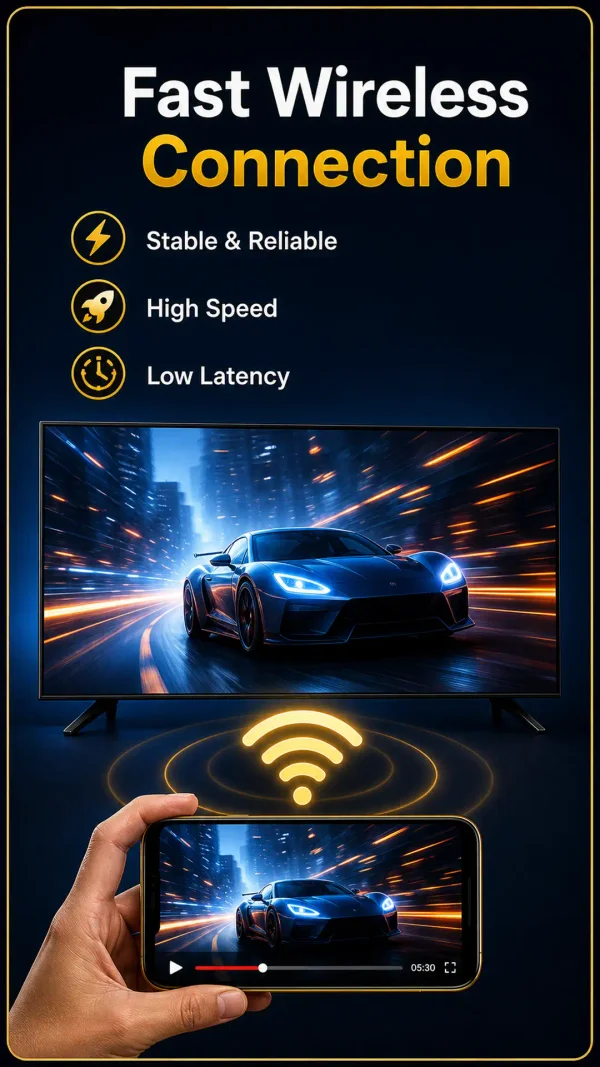
⚡ Fast Wireless Connection
Stable and reliable mirror link connectivity with high speed and low latency — smooth HD screen cast over Wi-Fi.
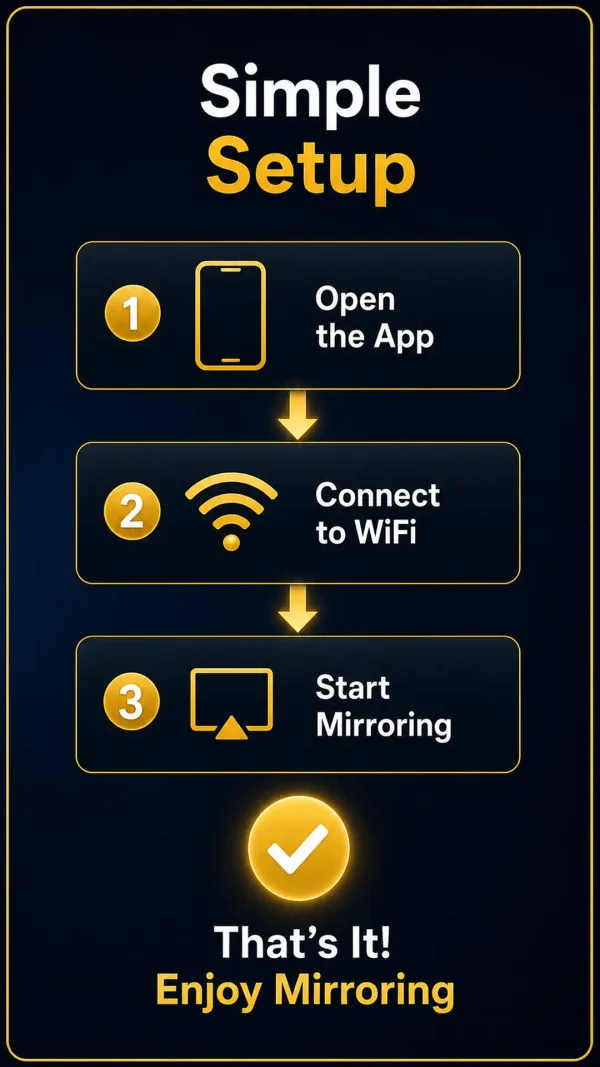
⚙️ Simple Setup — 3 Steps
Open the app and connect phone + display to the same Wi-Fi
Tap Start Casting and choose your screen
That's it — enjoy mirroring!
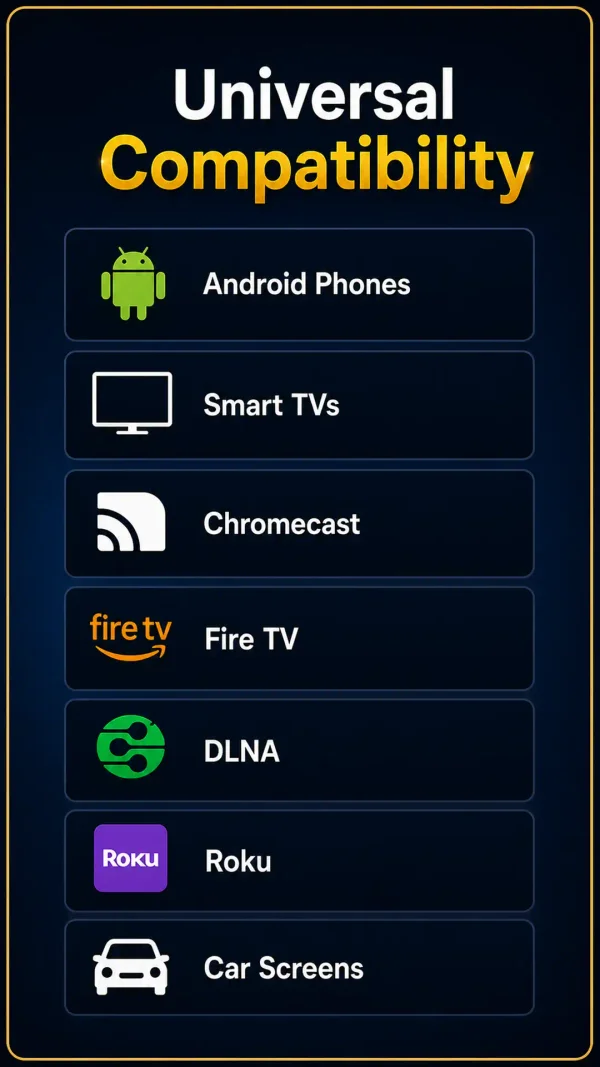
🌍 Universal Compatibility
✔ Android phones & tablets (Android 7.0+)
✔ Smart TVs with built-in cast
✔ Chromecast, Android TV, Google TV
✔ Miracast displays & adapters
✔ Car screens via the official Android Auto app
🚀 Why Choose Mirror Link Car app?
✔ Car play style connection for Android drivers
✔ Reliable mirror link cast with low latency
✔ Smooth car mirroring app experience
✔ Convenient car player android media features
✔ One-tap Android Auto access
✔ Flexible car mirror link app for android support
📥 Get Started Today
MirrorLink Car app now — your mirrorlink app for car, auto mirror app, screen mirroring tool and car play companion in one. Connect your phone, cast your content and keep every drive connected. 🚘📲
MirrorLink®, Android Auto™, Apple CarPlay®, Chromecast™, Miracast®, Google Maps™, Waze™, Spotify® and YouTube™ belong to their respective owners; this app is an independent casting and setup helper, not affiliated with or endorsed by these companies.
Data safety
What FastSoft declares on Google Play about the data this app collects and shares.
- This app may share these data types with third partiesLocation, App activity and 2 others
- This app may collect these data typesLocation, App activity and 2 others
- Data is encrypted in transit
- Data can’t be deleted
Developer contact
- Websitefastsoftdev.blogspot.com
- Emailalbertdidix@outlook.fr
- Privacy policyfastsoftapps.blogspot.com
- Address2435 Rue Jean-Talon E Montréal, QC H2E 1W1 Canada
Information
- Offered by
- FastSoft
- Category
- Libraries & Demo
- Version
- 3.1.0
- Updated
- Oct 22, 2026
- Released
- Oct 11, 2020
- Requires
- Android 7.0 or later
- Age rating
- Everyone
- Price
- Free
- In-app purchases
- $16.99 per item
- Package name
- com.connectionwireless.mirrorlinkc