MirrorLink
FastSoft広告を含む · アプリ内課金
- 3 歳以上対象年齢
- ライブラリ&デモカテゴリ
- 2026/10/22更新日
- 無料価格
com.connectionwireless.mirrorlinkcのGoogle Play公式ページにリンクしています。最終確認:2026/11/27。
スクリーンショット

このアプリについて
Googleによる英語 (アメリカ合衆国)からの自動翻訳です。
スマートフォンを車の画面に簡単に接続 — Mirror LinkとAndroid Auto
🚗 MirrorLink Carアプリ – スマートフォンを車のスクリーンやテレビに接続
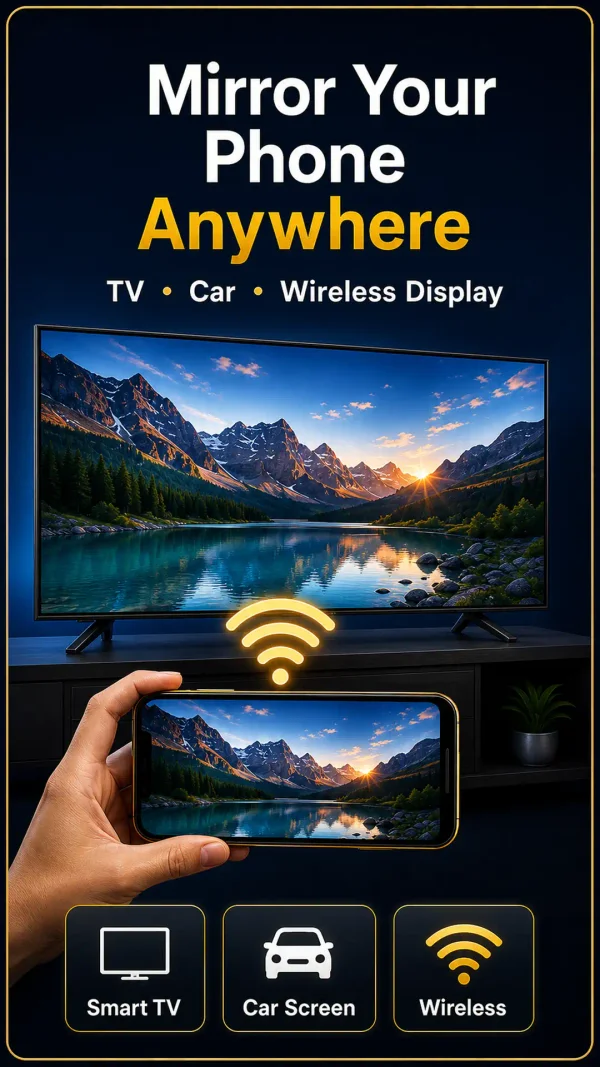
スマートフォンと大画面をミラーリングしたいですか?MirrorLink Carアプリは、車とテレビ向けの最も簡単なミラーリングアプリです。Androidスマートフォンをワイヤレスで接続し、数秒で画面ミラーリングを開始。動画、写真、音楽、ナビゲーションを大画面で楽しめます。車、スマートテレビ、あらゆるワイヤレスディスプレイに対応するこのオートミラーアプリは、Android向けの最新のカープレイ体験を提供します。📱✨
📲 どこでもスマートフォンをミラーリング
この車載ミラーリングアプリは、デバイス上で最速の画面ミラーリングを実現します。ガイドに従って画面を選択し、スマートフォンをミラーリングしましょう。テレビ、車載ディスプレイ、またはMiracastレシーバーを選択できます。MirrorLink Castテクノロジーにより、接続は完全ワイヤレス。ケーブルもドングルも不要。必要なのはWi-Fiだけです。
🚘 車のスクリーンに接続
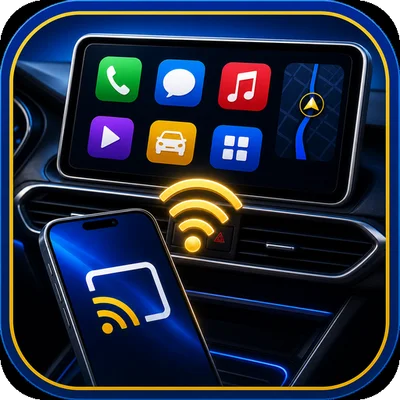
ドライバーのために開発されたAndroid用車載ミラーリングアプリ。45以上の車種からお使いのメーカーを選択し、ダッシュボードに合わせた設定ガイドを受け取りましょう。車載スクリーンはAndroid Autoで接続できます。この車載ミラーリンクアプリを使えば、ワンタップで画面を開くか、公式ダウンロードページに直接アクセスできます。Androidカーリンク接続は、迷うことなく簡単に行えます。
🔗 CarPlayスタイル、Android向け
CarPlayのような大画面体験を夢見ていますか?このAndroid向けCarPlayアプリは、メディアやナビゲーションを対応ディスプレイにミラーリングし、ワンタップでAndroid Autoを使って車載ダッシュボードを操作できるなど、大画面ならではの快適さを提供します。Android向けCarPlayアプリの代替となる、完全ワイヤレスのアプリです。
📺 スマートテレビへのキャスト
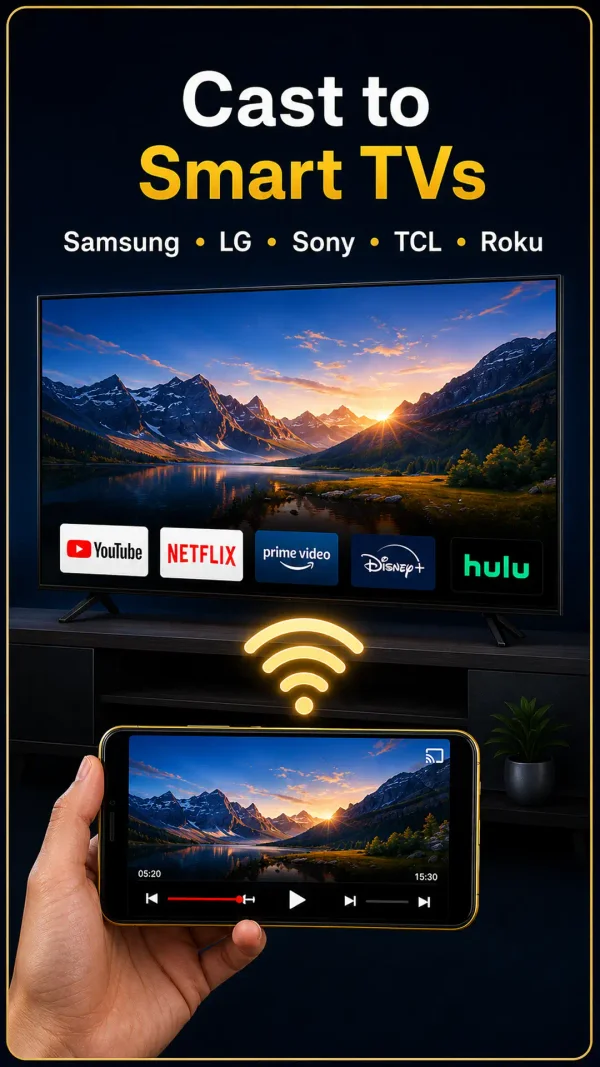
Chromecast、Android TV、Google TV、Miracastに対応し、Samsung、LG、Sony、TCL、Hisense、Philipsなど、主要なテレビブランドすべてで動作します。このミラーアプリは近くの受信機を検出し、車内だけでなくリビングルームにも簡単にキャストできます。
🎬 HD画質で動画、写真、音楽をストリーミング再生
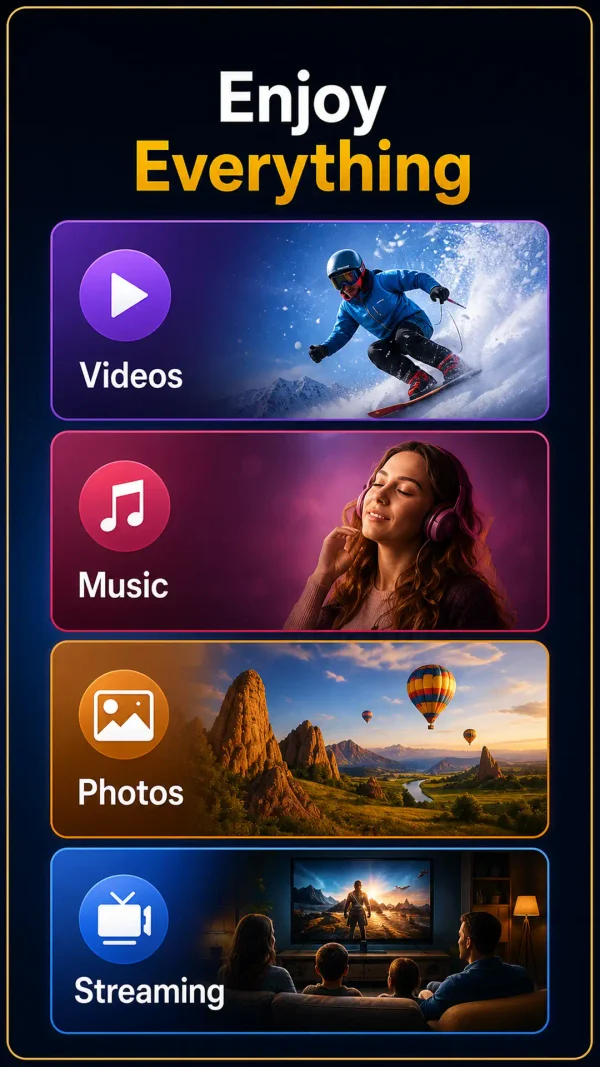
このアプリのAndroid版カープレーヤーは、フル機能のメディアキャスターです。ローカル動画をHD画質でストリーミング再生したり、大画面で写真を閲覧したり、テレビのスピーカーから音楽やオーディオブックを再生したりできます。再生、一時停止、スキップ、バックグラウンド再生にも対応しています。
🗺️ お気に入りのアプリを大画面で
Googleマップ、Waze、Spotify、YouTubeなどのアプリを、画面ミラーリング機能を使って対応ディスプレイに表示できます。より大きく、より鮮明に、より見やすくなります。
⚡ 高速ワイヤレス接続
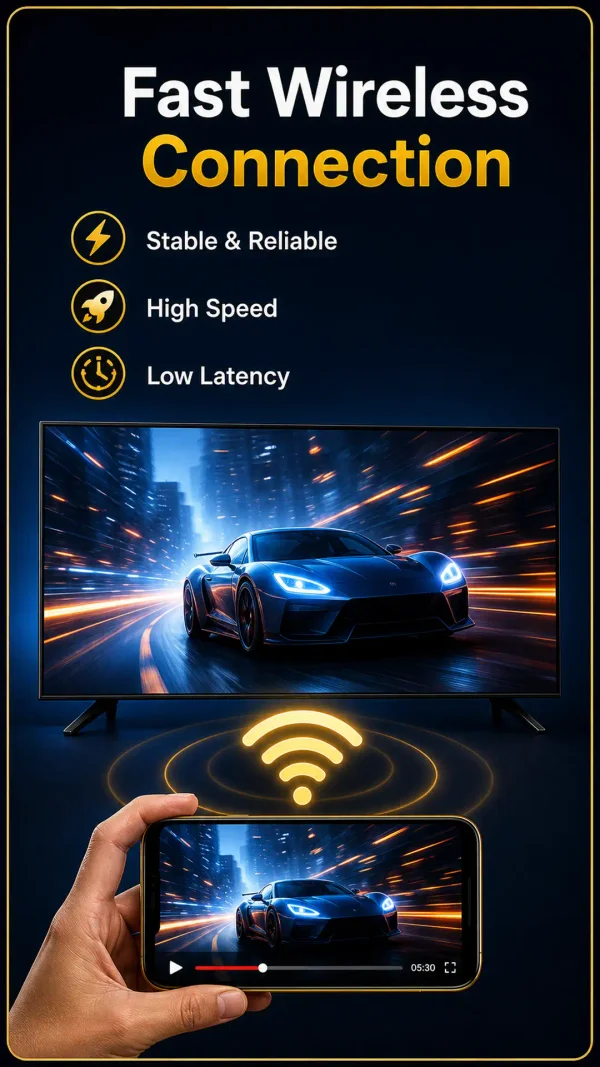
高速かつ低遅延の安定したミラーリンク接続で、Wi-Fi経由でスムーズなHD画面キャストを実現します。
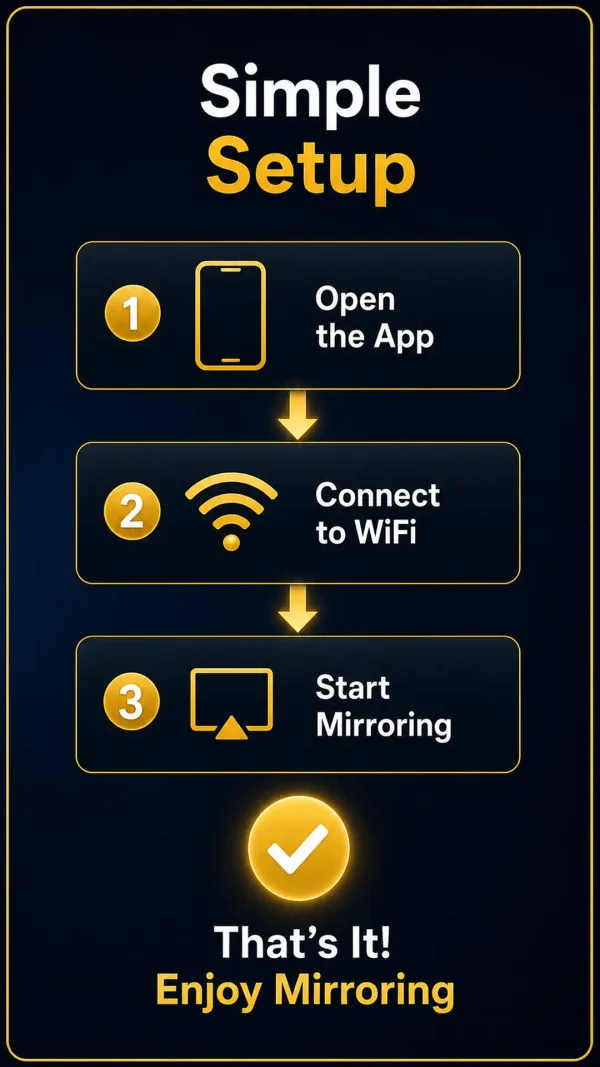
⚙️ 簡単セットアップ - 3ステップ
アプリを開き、スマートフォンとディスプレイを同じWi-Fiネットワークに接続します。
「キャスト開始」をタップし、画面を選択します。
これで完了です。ミラーリングをお楽しみください!
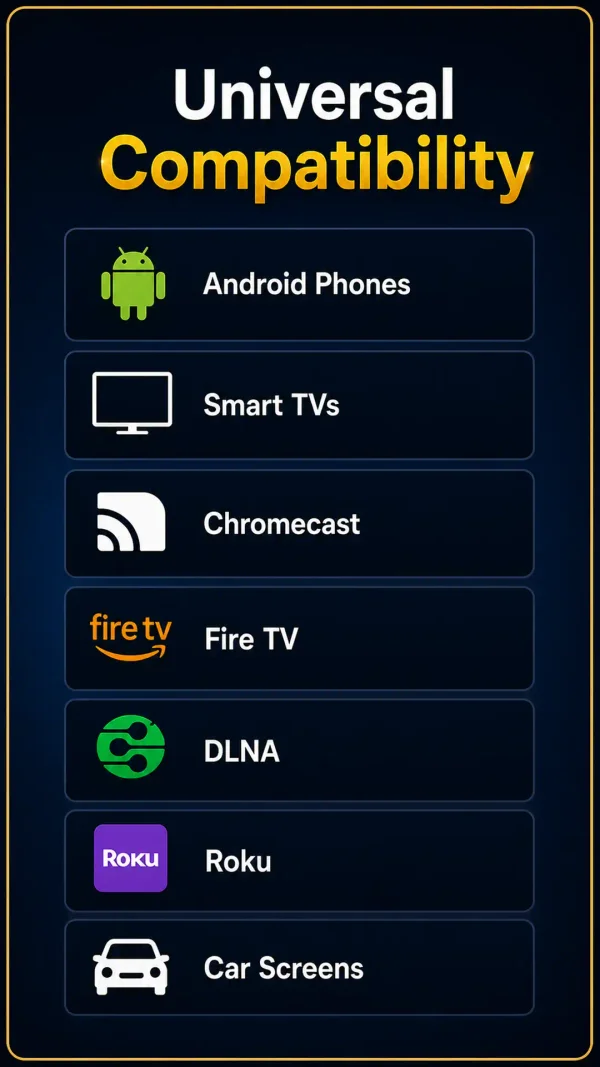
🌍 幅広い互換性
✔ Androidスマートフォン&タブレット(Android 7.0以降)
✔ キャスト機能内蔵スマートテレビ
✔ Chromecast、Android TV、Google TV
✔ Miracast対応ディスプレイ&アダプター
✔ 公式Android Autoアプリ経由で車載スクリーンに接続
🚀 MirrorLink Carアプリを選ぶ理由
✔ AndroidドライバーのためのCarPlayスタイルの接続
✔ 低遅延で信頼性の高いMirrorLinkキャスト
✔ スムーズな車載ミラーリングアプリ体験
✔ 便利なAndroidメディアプレーヤー機能
✔ ワンタップでAndroid Autoにアクセス
✔ Android対応の柔軟なMirrorLinkアプリ
📥 今すぐ始めましょう
MirrorLink Carアプリは、車載用MirrorLinkアプリ、自動ミラーリングアプリ、スクリーンミラーリングツール、そしてCarPlayコンパニオンが一つになったアプリです。スマートフォンを接続し、コンテンツをキャストして、ドライブを常に快適なものにしましょう。🚘📲
MirrorLink®、Android Auto™、Apple CarPlay®、Chromecast™、Miracast®、Google Maps™、Waze™、Spotify®、YouTube™は、それぞれの所有者に帰属します。このアプリは独立したキャスティングおよびセットアップ支援ツールであり、これらの企業とは一切関係がなく、またこれらの企業から承認も受けていません。
原文を表示
🚗 MirrorLink Car app – Connect Your Phone to Your Car Screen & TV
Looking for a mirror link between your phone and the big screen? Mirror Link Car app is the easiest mirrorlink app for car and TV: connect your Android phone wirelessly, start screen mirroring in seconds and enjoy videos, photos, music and navigation on a bigger display. One auto mirror app for your car, your smart TV and every wireless display — a modern car play experience for Android. 📱✨
📲 Mirror Your Phone Anywhere
This car mirroring app opens the fastest screen mirroring path on your device. Follow the guided steps, pick your screen and mirror your phone — TV, car display or Miracast receiver. With mirrorlink cast technology, the connection is fully wireless: no cables, no dongles, just Wi-Fi.
🚘 Connect to Car Screen
The car mirror link app for android built for drivers. Pick your make from 45+ car brands and get tailored setup guidance for your dashboard. Built-in car screens connect through Android Auto — and this mirrorlink app for car opens it in one tap, or brings you straight to the official download. Car link android connectivity with zero guesswork.
🔗 CarPlay Style, Made for Android
Dreaming of a carplay screen experience? This car play app for android brings the same big-screen comfort: media and navigation mirrored to a compatible display, plus one-tap Android Auto for built-in dashboards. The carplay app for android alternative — fully wireless.
📺 Cast to Smart TVs
Works with all major TV brands — Samsung, LG, Sony, TCL, Hisense, Philips and more — through Chromecast, Android TV, Google TV and Miracast. The auto mirror app detects nearby receivers so you can cast to the living room as easily as to your car.
🎬 Stream Videos, Photos & Music in HD
The car player android side of the app is a full media caster: stream local videos in HD, browse photos on the big screen, and play music and audiobooks through TV speakers — with play, pause, skip and background casting.
🗺️ Your Favorite Apps, Bigger
Use screen mirroring to bring apps like Google Maps, Waze, Spotify or YouTube to a compatible display — larger, clearer, easier to follow.
⚡ Fast Wireless Connection
Stable and reliable mirror link connectivity with high speed and low latency — smooth HD screen cast over Wi-Fi.
⚙️ Simple Setup — 3 Steps
Open the app and connect phone + display to the same Wi-Fi
Tap Start Casting and choose your screen
That's it — enjoy mirroring!
🌍 Universal Compatibility
✔ Android phones & tablets (Android 7.0+)
✔ Smart TVs with built-in cast
✔ Chromecast, Android TV, Google TV
✔ Miracast displays & adapters
✔ Car screens via the official Android Auto app
🚀 Why Choose Mirror Link Car app?
✔ Car play style connection for Android drivers
✔ Reliable mirror link cast with low latency
✔ Smooth car mirroring app experience
✔ Convenient car player android media features
✔ One-tap Android Auto access
✔ Flexible car mirror link app for android support
📥 Get Started Today
MirrorLink Car app now — your mirrorlink app for car, auto mirror app, screen mirroring tool and car play companion in one. Connect your phone, cast your content and keep every drive connected. 🚘📲
MirrorLink®, Android Auto™, Apple CarPlay®, Chromecast™, Miracast®, Google Maps™, Waze™, Spotify® and YouTube™ belong to their respective owners; this app is an independent casting and setup helper, not affiliated with or endorsed by these companies.
データ セーフティ
このアプリが収集・共有するデータについて、FastSoftがGoogle Playで申告している内容です。
- このアプリはサードパーティと以下の種類のデータを共有することがあります位置情報、アプリのアクティビティ、他 2 件
- このアプリは以下の種類のデータを収集することがあります位置情報、アプリのアクティビティ、他 2 件
- データは送信中に暗号化されます
- データを削除できません
開発元の連絡先
- ウェブサイトfastsoftdev.blogspot.com
- メールalbertdidix@outlook.fr
- プライバシーポリシーfastsoftapps.blogspot.com
- 住所2435 Rue Jean-Talon E Montréal, QC H2E 1W1 Canada
情報
- 提供元
- FastSoft
- カテゴリ
- ライブラリ&デモ
- バージョン
- 3.1.0
- 更新日
- 2026/10/22
- リリース
- 2020/10/11
- 必要条件
- Android 7.0以降
- 対象年齢
- 3 歳以上
- 価格
- 無料
- アプリ内課金
- ¥2,890/アイテム
- パッケージ名
- com.connectionwireless.mirrorlinkc