MobiOffice: Word, Sheets, PDF
MobiSystemsContains ads · In-app purchases
- EveryoneAge rating
- ProductivityCategory
- Nov 26, 2026Updated
- FreePrice
Links to the official Google Play listing of com.mobisystems.office. Last checked on Nov 26, 2026.

Screenshots
About this app
Mobile office documents — Word docs, Excel sheets, PowerPoint slides, PDF editor
MobiOffice is the smart choice for office productivity.
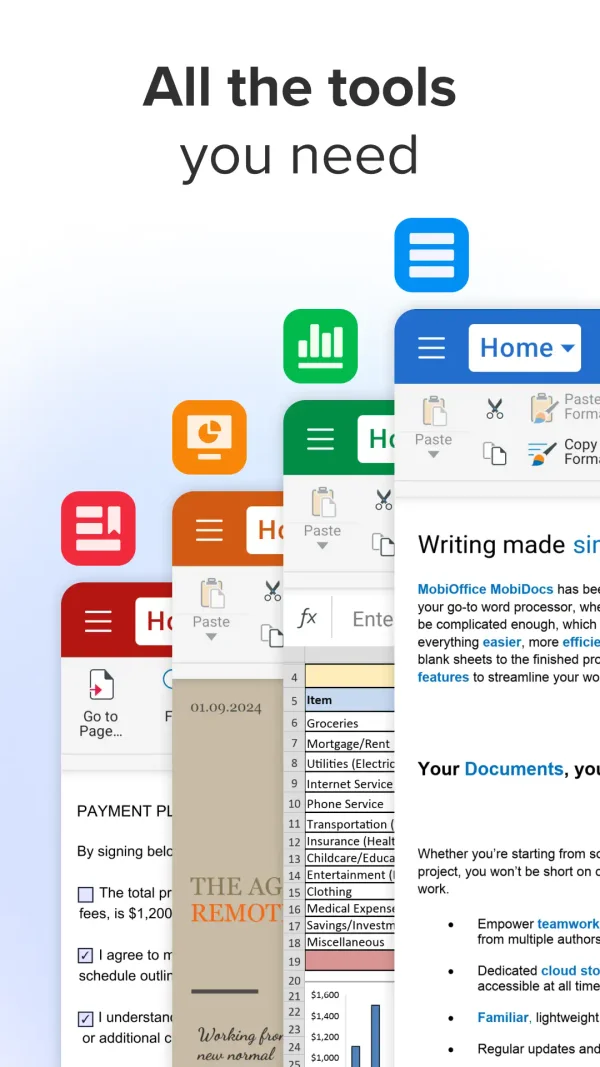
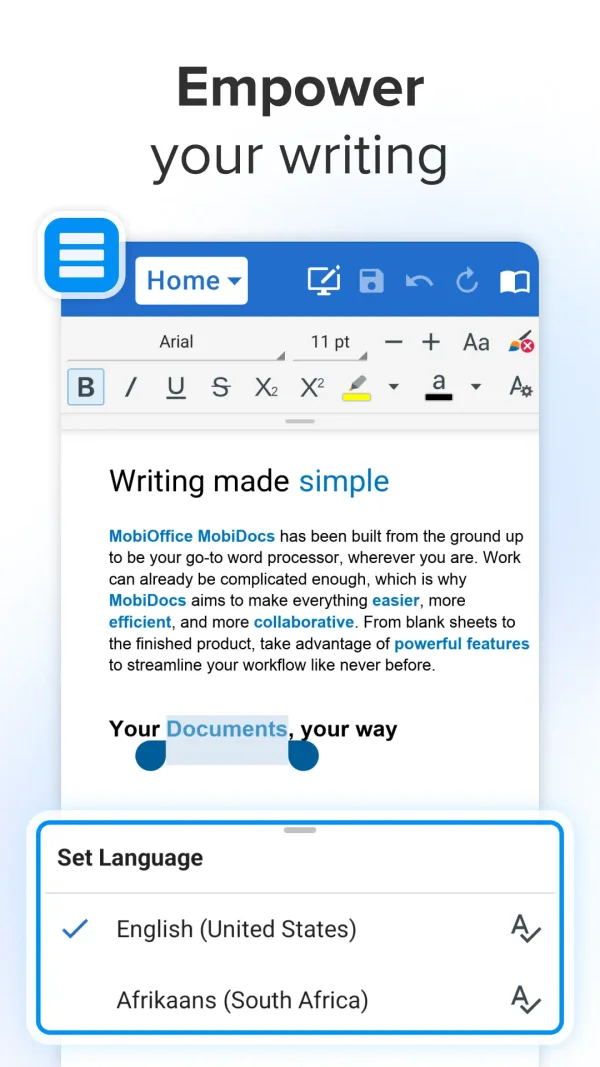
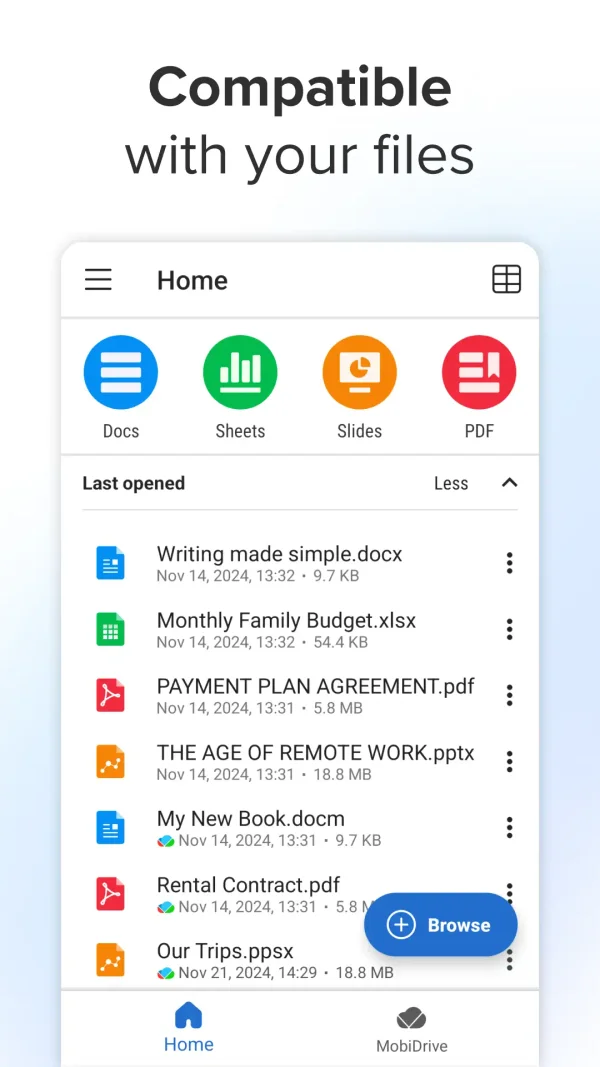
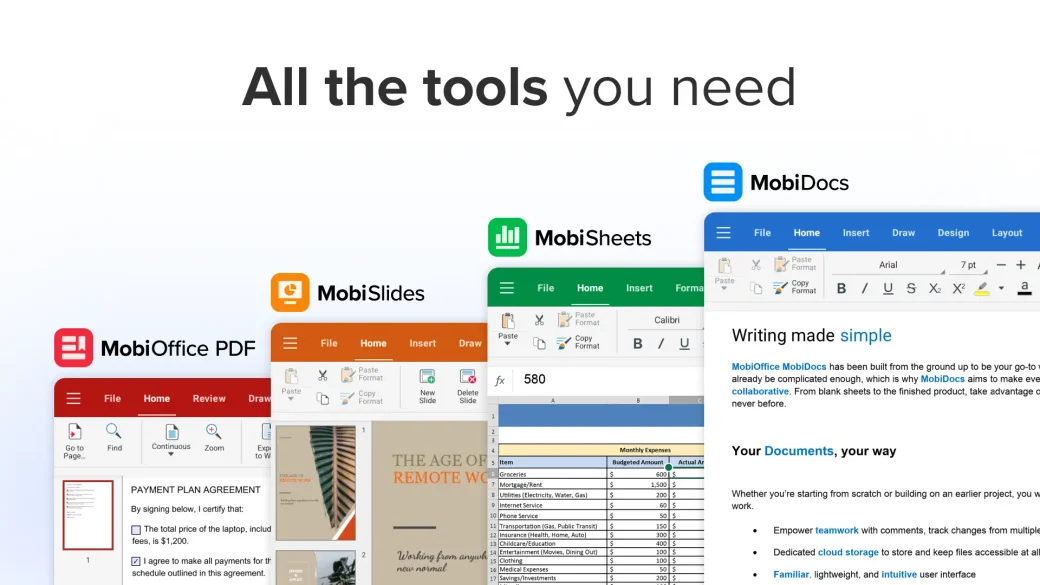
With this powerful office pack, you can create, edit, comment, format, convert, and protect documents, spreadsheets and presentations - as well as the ability to view and sign PDF files. Compatible with Microsoft Office (Word, Excel, PowerPoint), Google Docs, Google Sheets, Google Slides, OpenOffice, LibreOffice, WPS Office, Polaris Office, Adobe PDF, and more.
Everything you need to get your work done
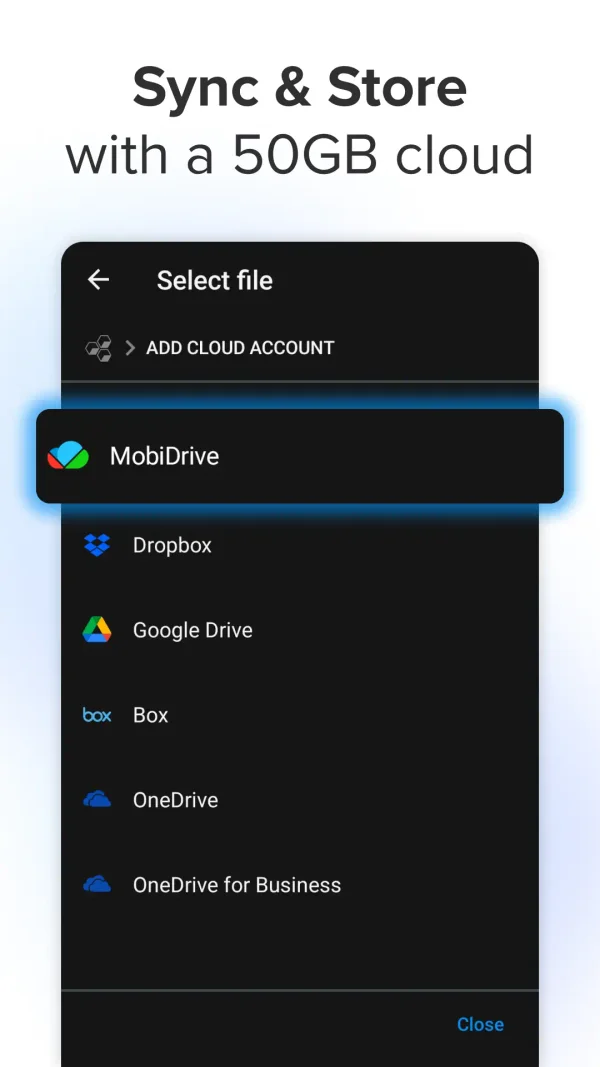
Work on-the-go and take your productivity to the next level with our mobile office app. Easily link your Google Drive, OneDrive for Business, Box, or Dropbox accounts to access your projects from any device, anywhere, anytime. Collaborate seamlessly with your team and stay efficient, even when you're away from your desk.
Features include:
• Powerful applications packed with helpful tools to handle any task with any file format – Microsoft Office365 docs, Google docs, OpenOffice, and more.
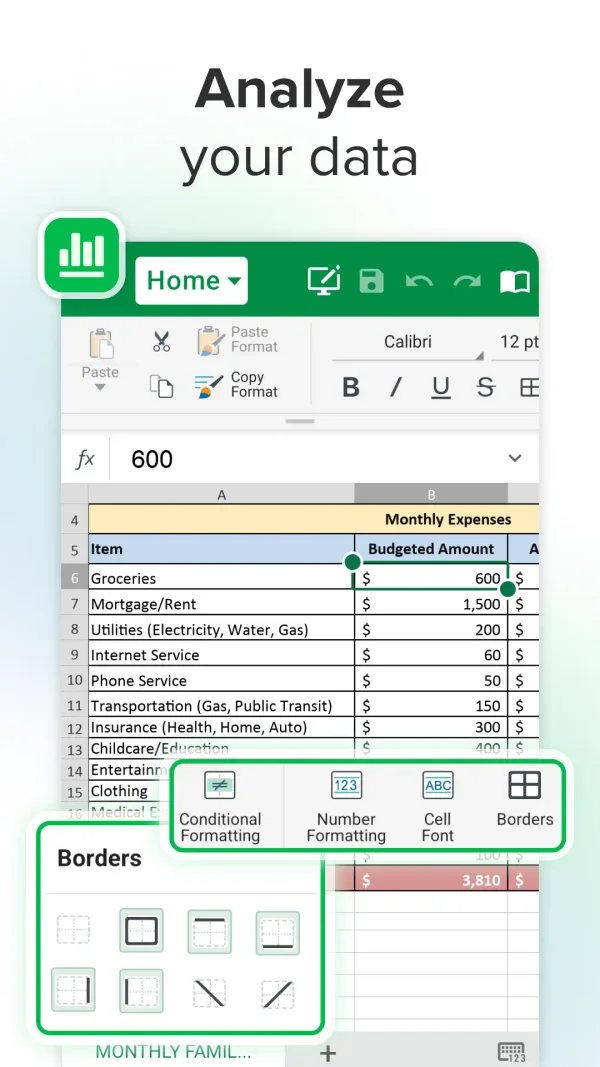
• All the advanced features you need – format painter, track changes, conditional formatting, formulas, presentation mode, and much more.
• Export Documents, Sheets, and presentations Slides to PDF with our PDF converter.
• Advanced security options.
• Save all your files on your Google Drive account, OneDrive for Business, Box, or Dropbox accounts.
Advanced PDF management
• PDF docs reader.
• PDF files editor.
• PDF documents filler.
• Work with fillable forms.
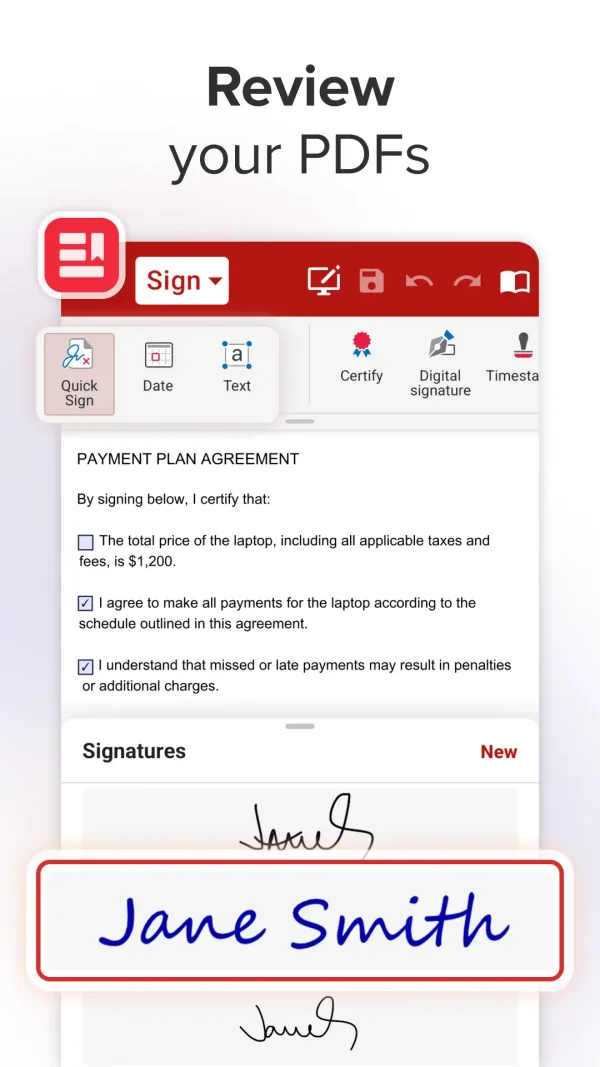
• Digitally sign PDF documents.
• Enhanced security and permissions management.
• PDF converter to Word, Excel or ePub.
Mobile office - Designed for work on the go
• Integrated cloud storage for easy access to files – get 5GB free on our MobiDrive cloud or link your existing Google Drive, OneDrive for Business, Box, or Dropbox accounts.
• Cross-platform capabilities linking your Windows PC with all your Android and iOS mobile devices with our office mobile pack.
• Compatibility with popular file formats – Microsoft docs, Google docs, OpenOffice, Apple's iWork, and hundreds more.
• Practical and a user-friendly interface optimized for the latest Android version.
• PDF editor that you can use to create and fill PDF files, or as a PDF converter to office documents.
Create and edit files and documents with ease
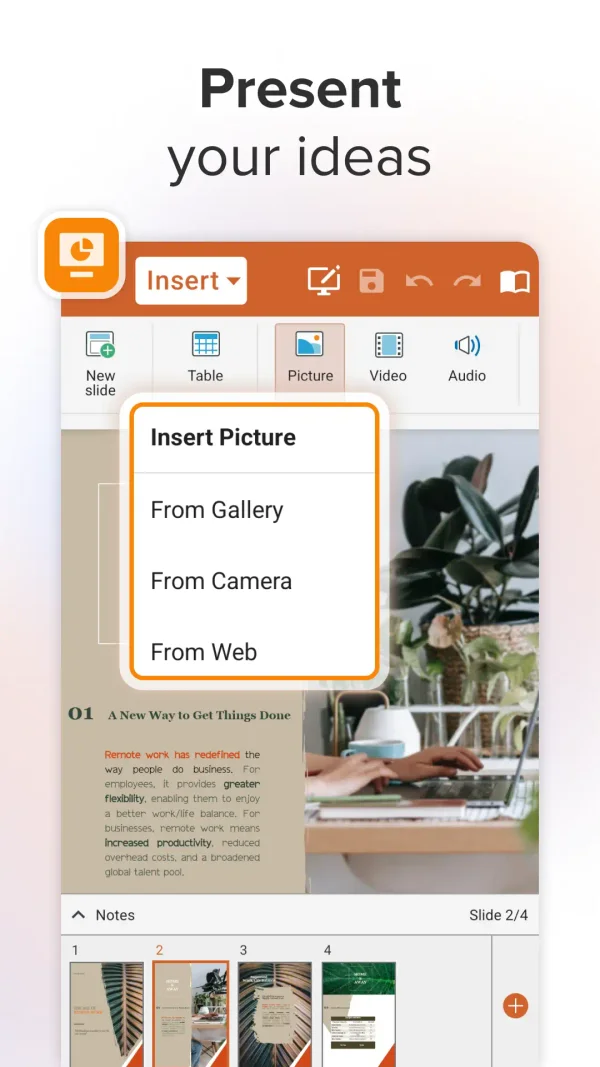
Take your office with you wherever you go and stay productive on-the-go with our mobile document editor. Our app enables you to edit Word documents, Excel spreadsheets, and PowerPoint slides, and easily convert them to PDF files. No matter what type of document you need to work on, you can access it from anywhere and make changes whenever you need to.
Give it a go and see for yourself
Experience the complete set of features and tools available in MobiOffice with our free 7-day trial, giving you access to our advanced document editor, as well as all other premium features and tools. Our flexible pricing plans, which include monthly and annual options, allow you to choose the package that perfectly meets your needs. Whether you need a powerful documents editor, a spreadsheet app for budgeting, or a comprehensive suite of productivity tools, MobiOffice has got you covered.
Mobile documents editor for Word docs, Excel Sheets & PowerPoint slides and PDF files at your fingertips.
Link your mobile office to your Google Drive account or OneDrive for Business, Box, or Dropbox accounts to save all your files, compatible with many file formats including Google Docs, OpenOffice, Microsoft Office 365, and many more.
Premium benefits include:
• 5GB storage on MobiDrive
• Unlimited usage of the PDF converter
• Unlock 20+ advanced features
• Use Premium on 2 mobile devices & 1 Windows PC.
• No ads
• Priority support
Data safety
What MobiSystems declares on Google Play about the data this app collects and shares.
- This app may share these data types with third partiesFinancial info
- This app may collect these data typesPersonal info, Financial info and 6 others
- Data is encrypted in transit
- You can request that data be deleted
What’s new
Version 16.7.61461 · Nov 26, 2026
Thank you for using MobiOffice!
During this month, our primary focus has been on enhancing the speed and reliability of our application. Our aim has been to make it more refined, user-friendly, and seamless in its performance.
Enjoying MobiOffice? Remember to leave us a review.
Developer contact
- Websitemobisystems.com
- Emailmobioffice-android@mobisystems.com
- Privacy policymobisystems.com
- Address4501 Mission Bay Dr Ste 3A San Diego, CA 92109 United States
Information
- Offered by
- MobiSystems
- Category
- Productivity
- Version
- 16.7.61461
- Updated
- Nov 26, 2026
- Released
- Dec 22, 2011
- Requires
- Android 9 or later
- Age rating
- Everyone
- Price
- Free
- In-app purchases
- $1.49 - $149.99 per item
- Package name
- com.mobisystems.office
Similar apps
-
 WPS Office Lite
Productivity
-
 Notepad, Notes, Easy Notebook
Productivity
-
 Notepad - simple notes
Productivity
-
 Google Docs
Productivity
-
 Acrobat Reader: PDF Converter
Productivity
-
 Microsoft Word: Edit Documents
Productivity
-
 DOCX Editor: PDF, DOC, XLSX
Productivity
-
 Microsoft Excel: Spreadsheets
Productivity
-
 WPS Office-PDF, Word, Sheet
Productivity
-
 PDF, Word, Excel, All Offices
Tools
-
 Polaris Office: Edit&View, PDF
Productivity
-
 Notes : Color Folders & To-dos
Productivity