Microsoft Excel: Spreadsheets
Microsoft CorporationIn-app purchases
- EveryoneAge rating
- ProductivityCategory
- Nov 16, 2026Updated
- FreePrice
Links to the official Google Play listing of com.microsoft.office.excel. Last checked on Nov 18, 2026.
Screenshots
About this app
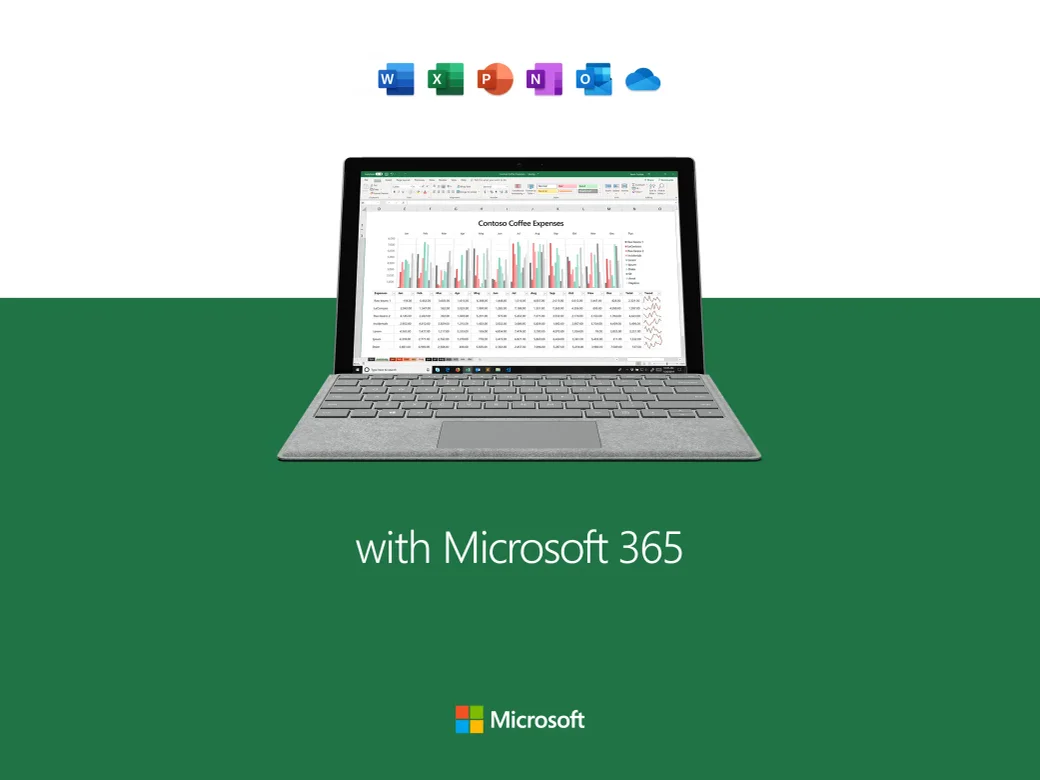
Create powerful spreadsheets. Easily edit documents and collaborate on the go.
Spreadsheets & Calculations
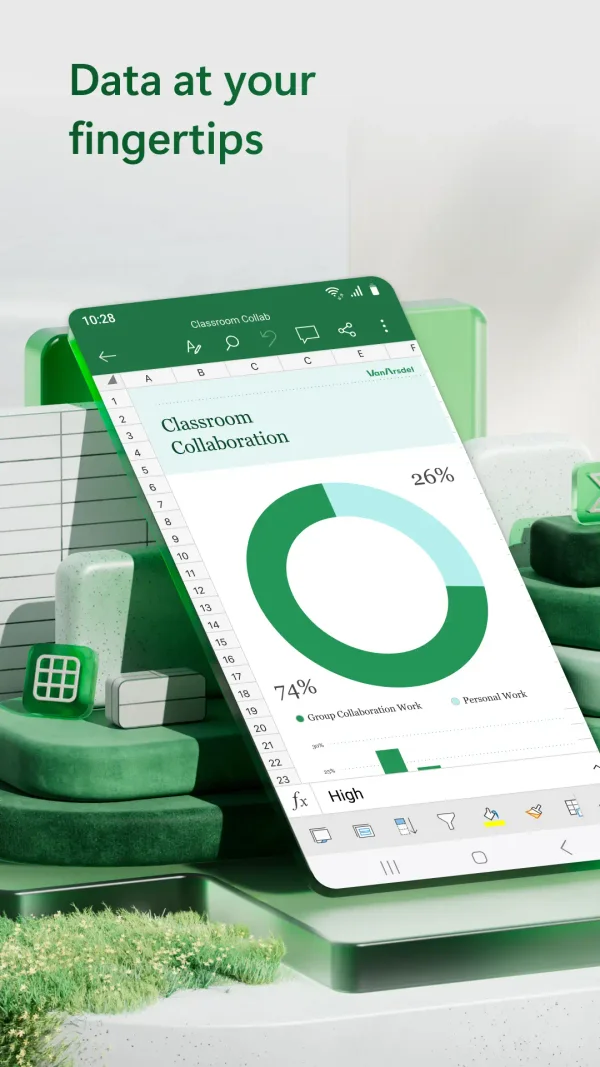
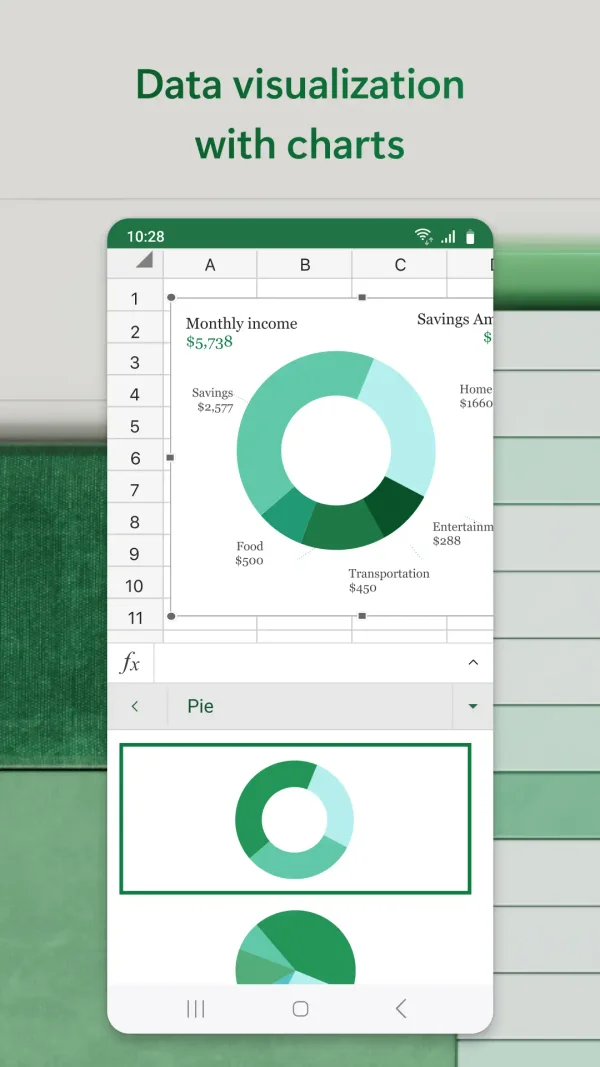
• Create charts, budgets, project plans, accounting & financial analysis with Excel's modern templates.
• Use an accounting calculator, data analysis tools and familiar formulae to perform calculations.
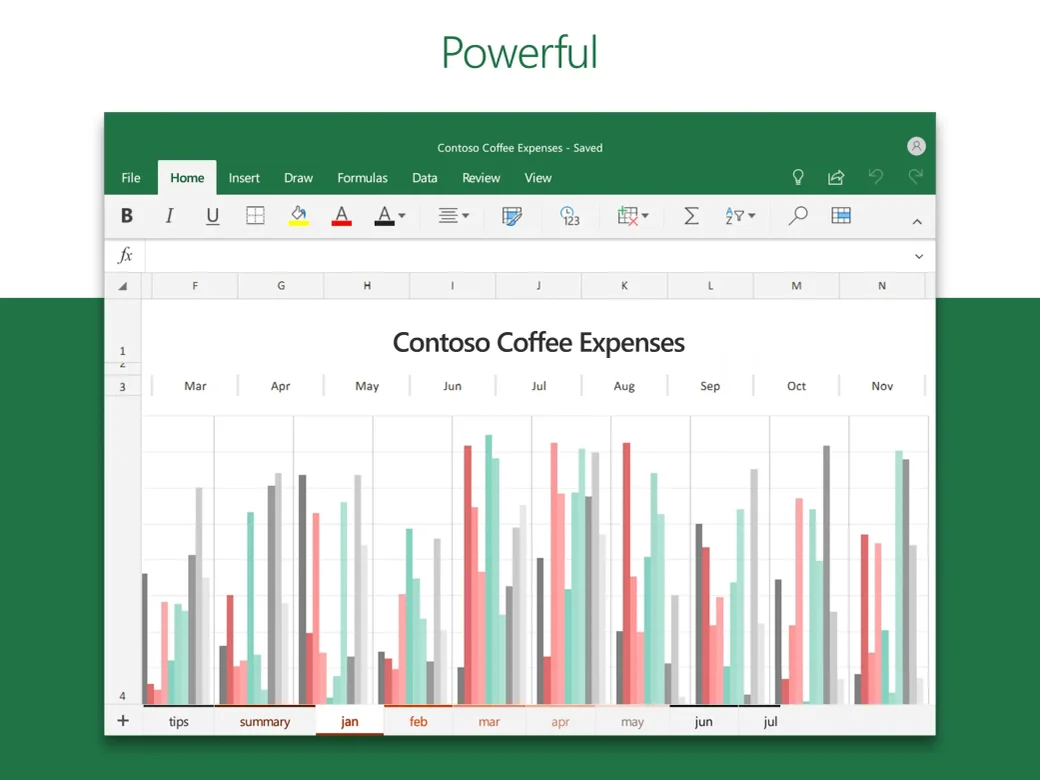
• Work with clear, easy-to-read sheets and charts enhanced by rich formatting.
Accounting, Budget and Expense Tracking
• Budget templates and planning tools: Use ready-made spreadsheets to plan spending across categories and time frames.
• Budget Tracker: Track expenses and save money.
• Accounting Tools: Use Excel as a tax calculator for estimates, personal finances and more.
Data Analysis
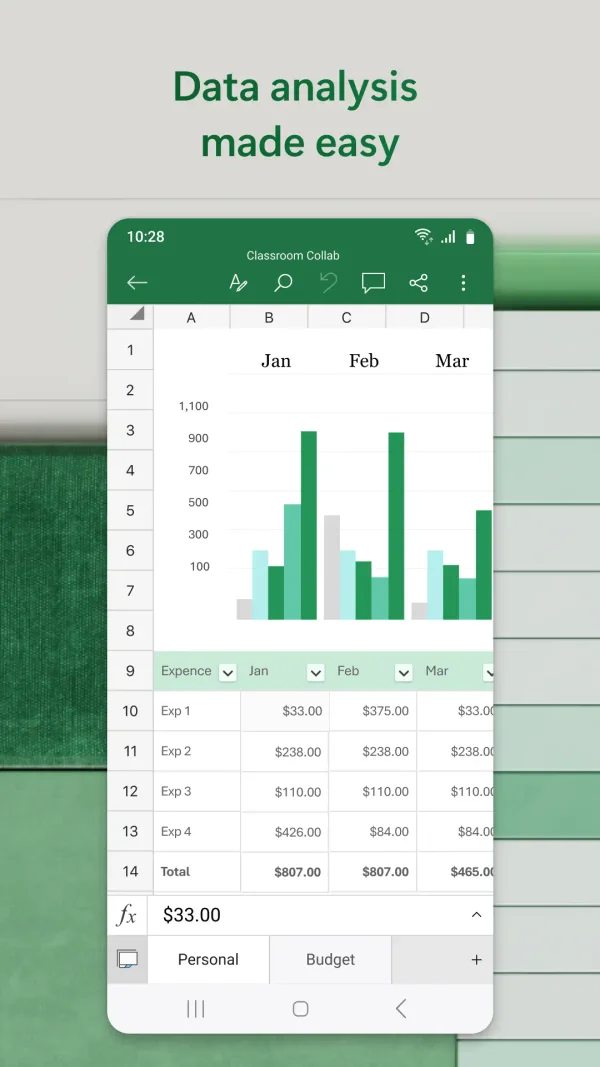
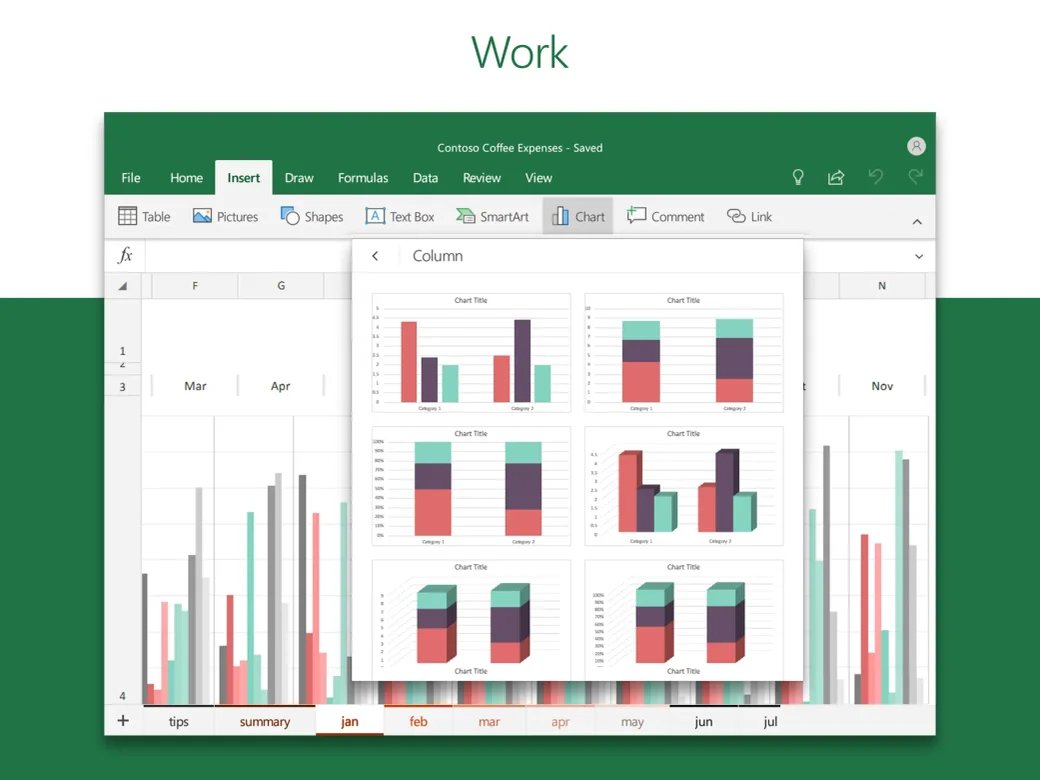
• Chart maker: Annotate, edit and insert charts that bring data to life.
• Expense tracker: Track expenses with a personal budget template.
• Pivot charts and spreadsheet visualisation tools offer easily digestible formats.
Review and Edit
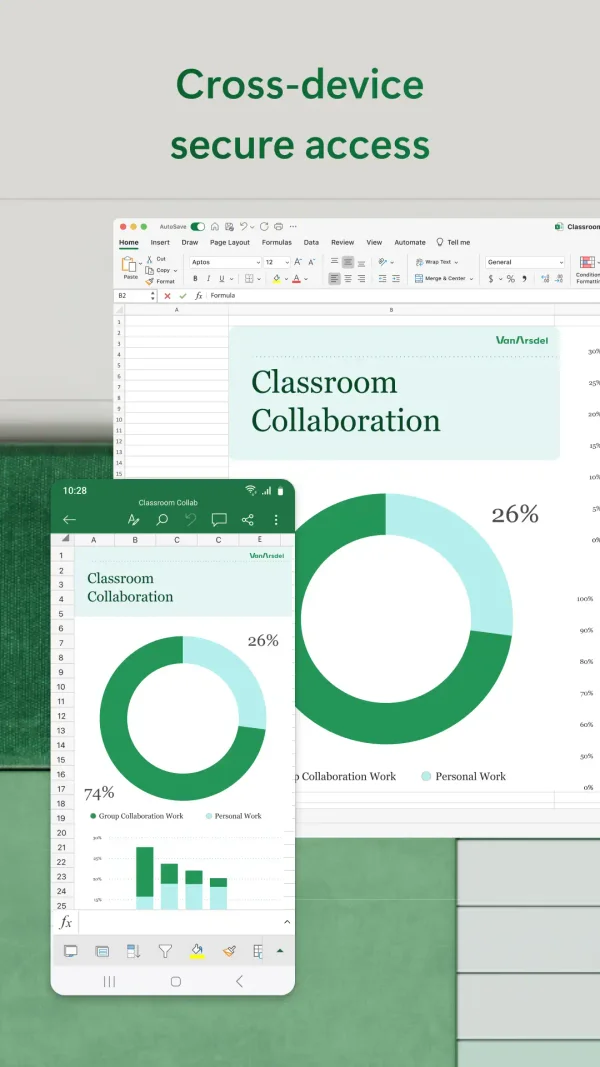
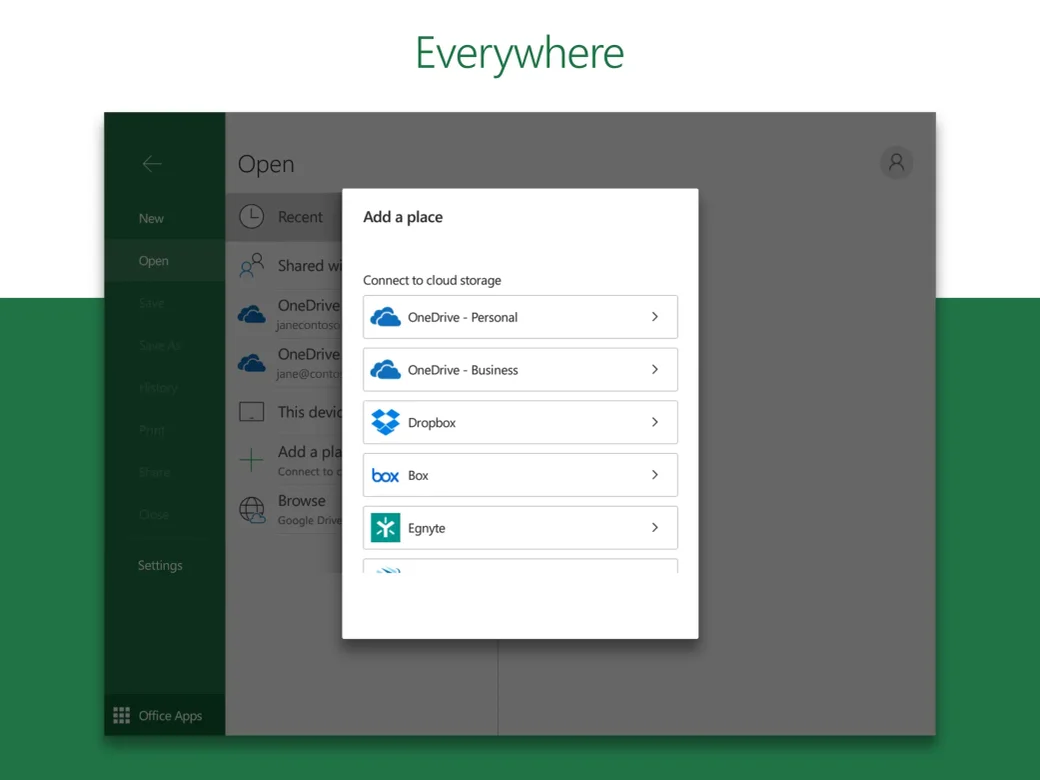
• File editor: Edit documents, charts and data from anywhere.
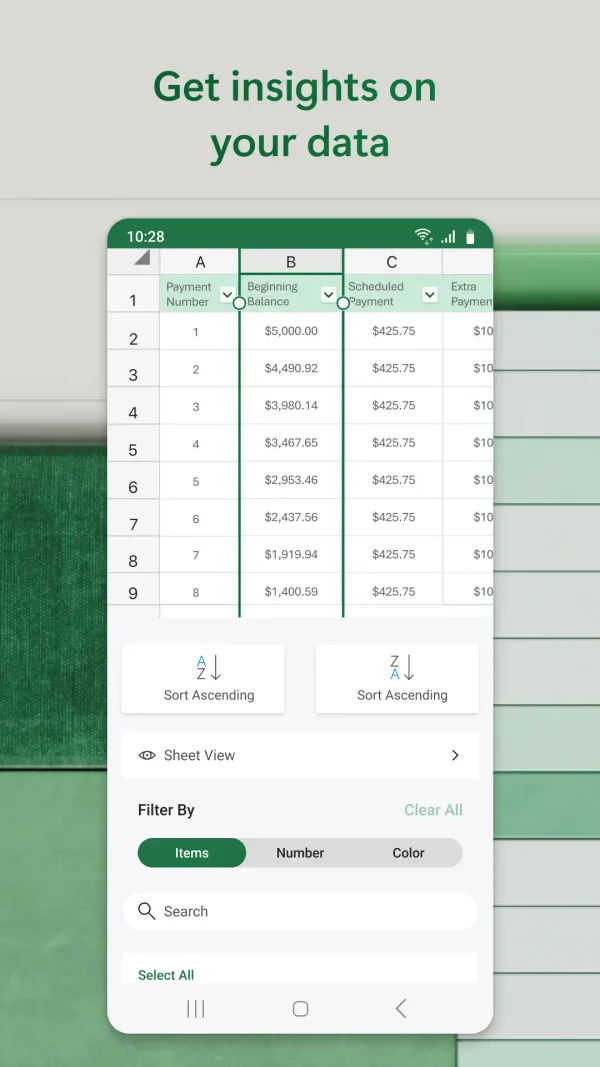
• Data analysis features like sort and filter columns.
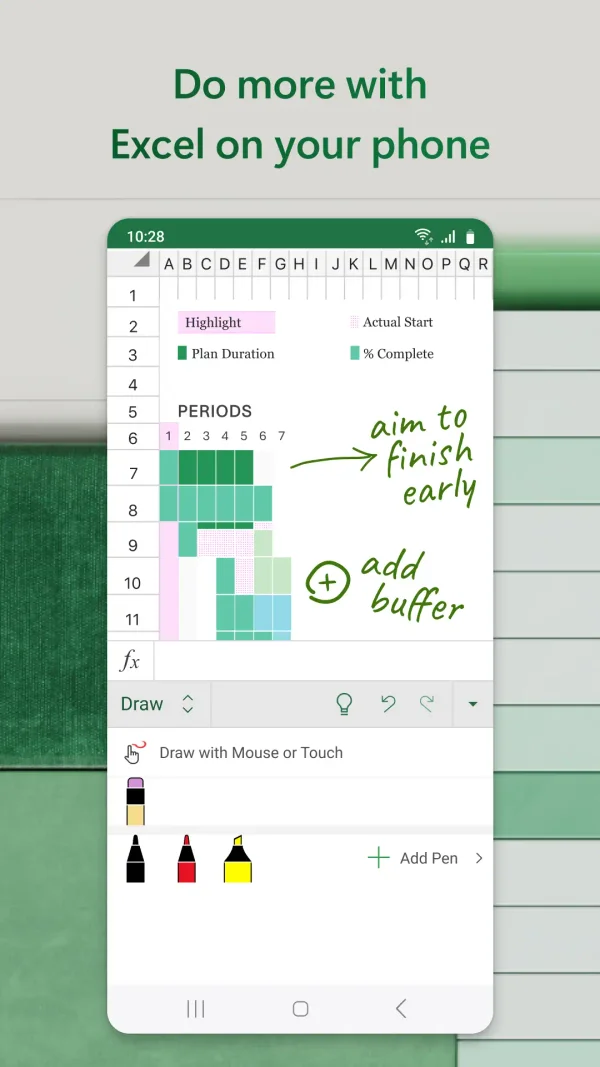
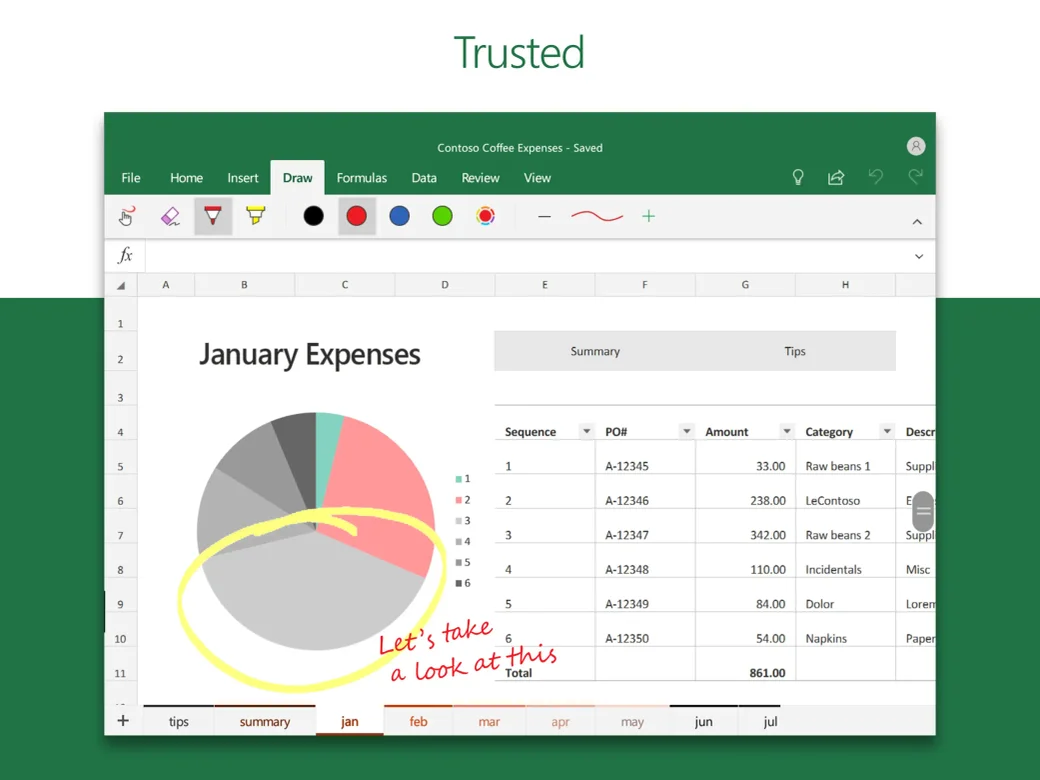
• Annotate charts, highlight parts of worksheets and write equations with the draw tab on devices with touch capabilities.
Collaborate and Work Anywhere
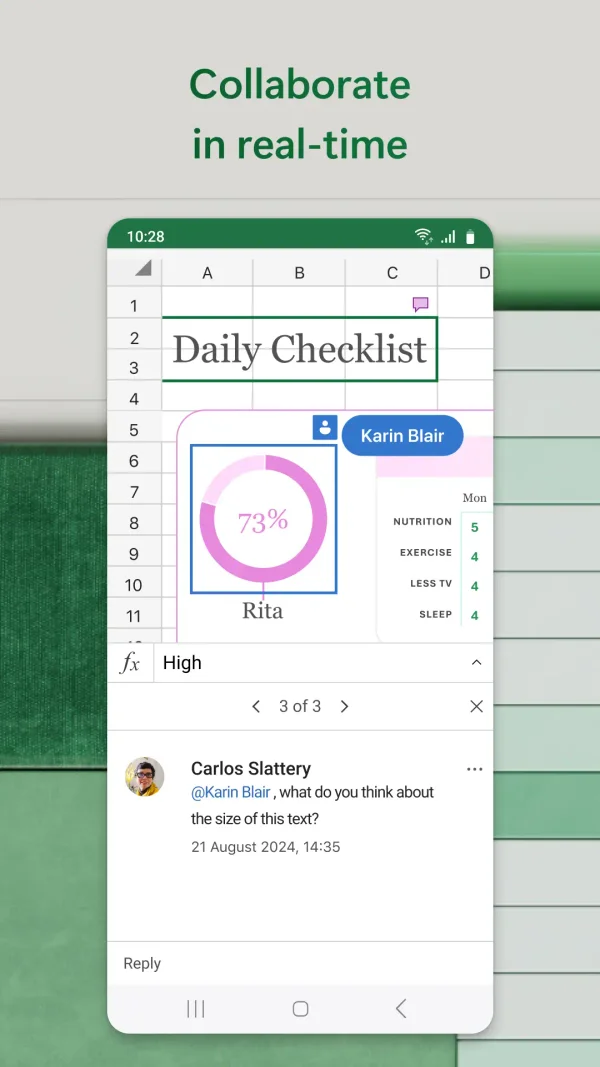
• Share files and Excel sheets with just a few taps to invite others to edit, view or add comments.
• Edit and copy your worksheet in the body of an email or attach a link to your workbook.
AI Assistance with Copilot*
• Summarise data and highlight trends quickly.
• Generate charts and tables from raw data with simple prompts.
• Get intelligent recommendations for budgeting and forecasting.
REQUIREMENTS:
1 GB RAM or above
To create or edit documents, sign in with a free Microsoft account on devices with a screen size smaller than 10.1 inches.
*Unlock the full Microsoft 365 experience with a qualifying Microsoft 365 subscription for your phone, tablet, PC and Mac.
Microsoft 365 subscriptions purchased from the app will be charged to your Play Store account and will automatically renew within 24 hours prior to the end of the current subscription period, unless auto-renewal is disabled beforehand. You can manage your subscriptions in your Play Store account settings. A subscription cannot be cancelled during the active subscription period.
This app is provided by either Microsoft or a third-party app publisher and is subject to a separate privacy statement and terms and conditions. Data provided through the use of this store and this app may be accessible to Microsoft or the third-party app publisher, where applicable, and transferred to, stored and processed in the United States or any other country where Microsoft or the app publisher and their affiliates or service providers maintain facilities.
Please refer to Microsoft's EULA for Terms of Service for Microsoft 365 on Android. By installing the app, you agree to these terms and conditions: http://aka.ms/eula
Data safety
What Microsoft Corporation declares on Google Play about the data this app collects and shares.
- This app may share these data types with third partiesLocation and Device or other IDs
- This app may collect these data typesLocation, Personal info and 6 others
- Data isn’t encrypted
- You can request that data be deleted
What’s new
Nov 16, 2026
Thank you for using Excel.
We regularly release updates to the app, which include great new features, as well as improvements for speed and reliability.
Did you know that with a Microsoft 365 subscription, you can unlock the full power of Office across all of your devices? Find special offers in the app.
Developer contact
- Websiteproducts.office.com
- Emailofficeand@microsoft.com
- Privacy policygo.microsoft.com
- Address1 Microsoft Way Redmond, WA 98052 United States
Information
- Offered by
- Microsoft Corporation
- Category
- Productivity
- Updated
- Nov 16, 2026
- Released
- Jan 6, 2015
- Age rating
- Everyone
- Price
- Free
- In-app purchases
- $1.00 - $199.99 per item
- Package name
- com.microsoft.office.excel
Similar apps
-
 Acrobat Reader: PDF Converter
Productivity
-
 Google Sheets
Productivity
-
 Microsoft Outlook
Productivity
-
 Microsoft PowerPoint
Productivity
-
 Google Drive
Productivity
-
 Microsoft OneDrive
Productivity
-
 Google Docs
Productivity
-
 PDF Reader - PDF Editor
Productivity
-
 Windows App
Business
-
 Microsoft Copilot
Productivity
-
 LinkedIn: Job Search & Network
Business
-
 DOCX Editor: PDF, DOC, XLSX
Productivity