Moon Tracker Modern Digital 33
Inspire Watch FaceContains ads
- EveryoneAge rating
- PersonalizationCategory
- Aug 28, 2024Updated
- $1.49Price
Links to the official Google Play listing of com.inspirewatchface.inspire33. Last checked on Nov 26, 2026.
Screenshots
About this app
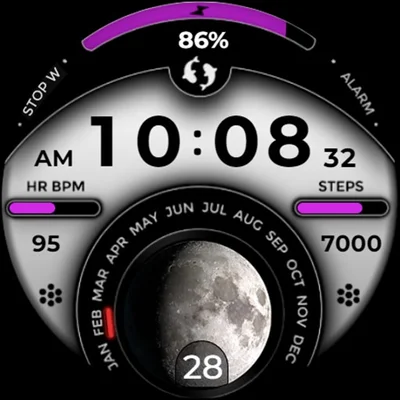
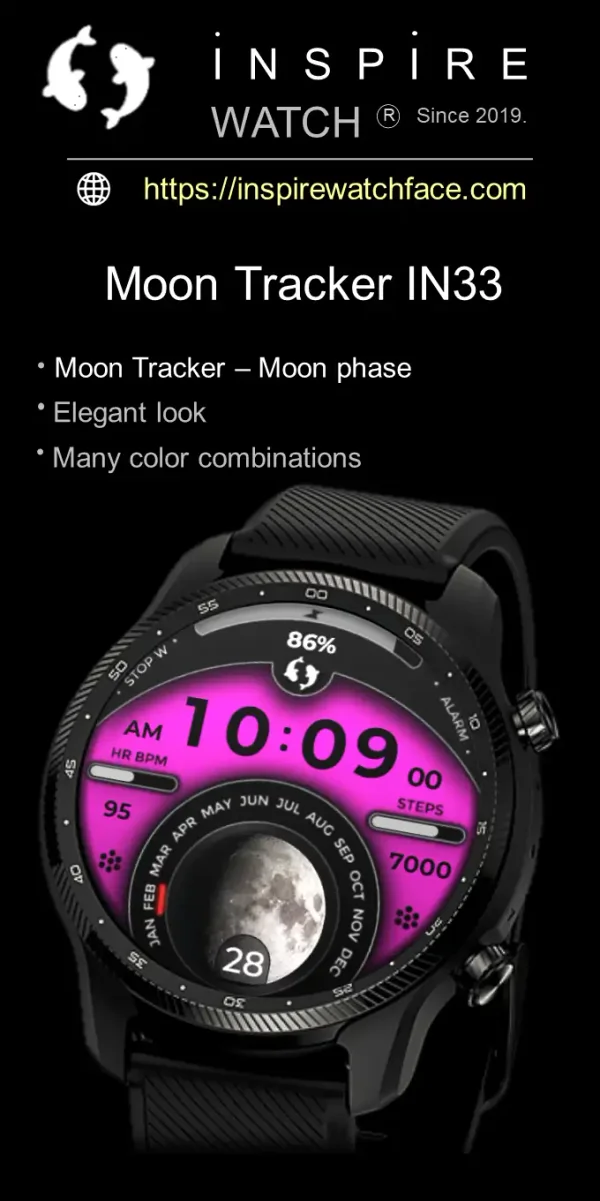
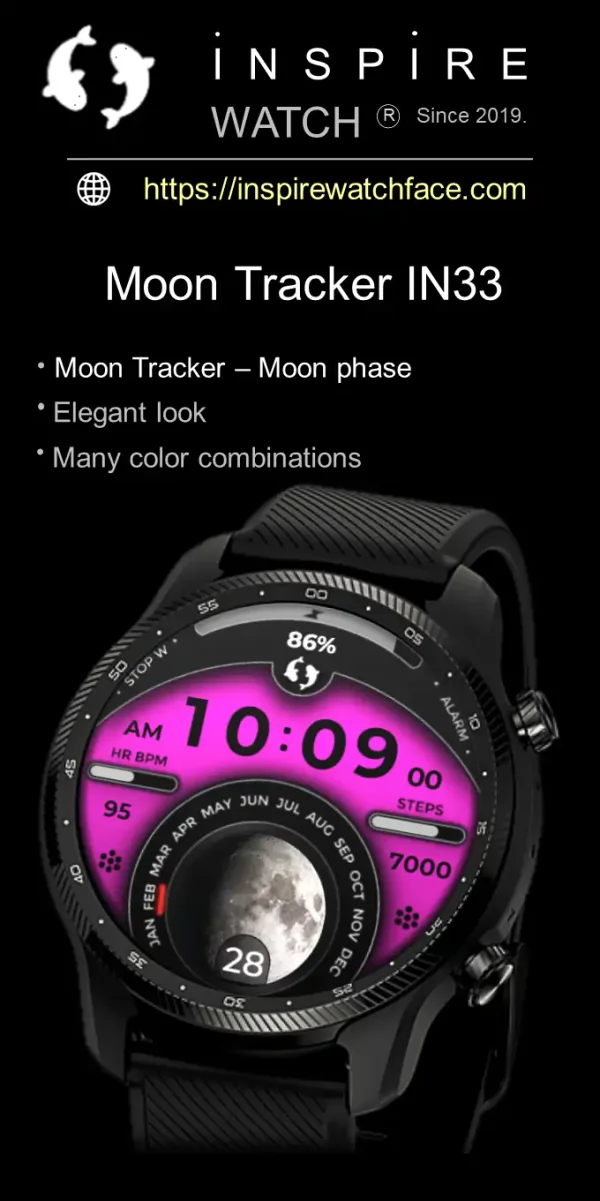
Modern Moon Tracker - Digital Watch Face & Luxury & Fresh Digital Watch Face
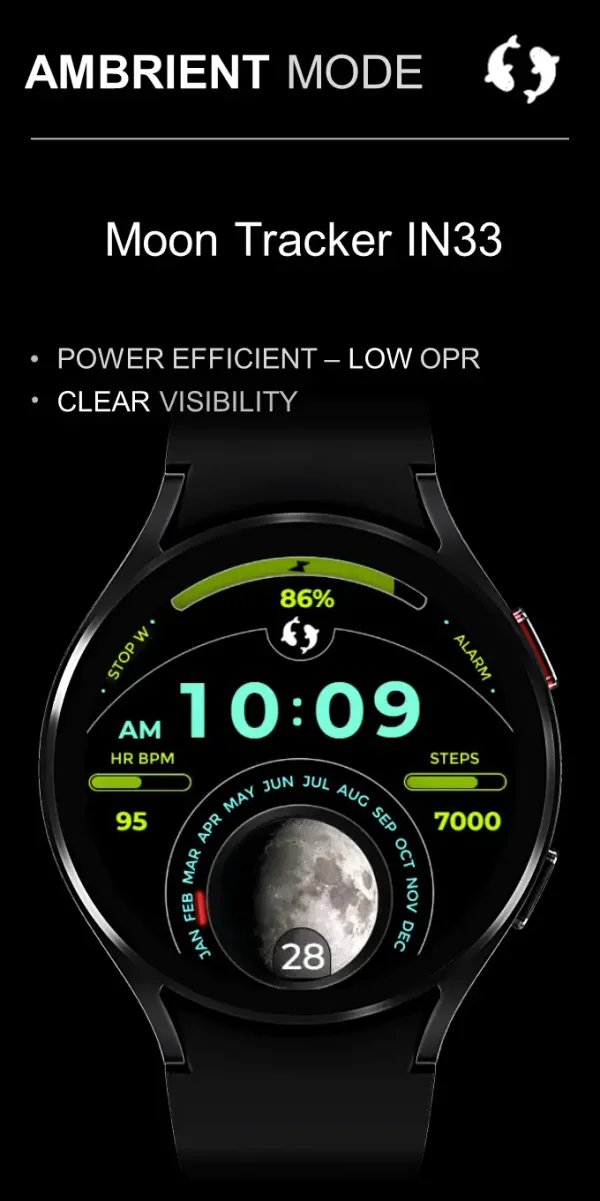
Moon Tracker Modern Digital watch Face is basically for all watch face lowers who like Modern and Fresh Digital watch-face. BIG Moon Tracker shows you position of month during Lunar cycle.
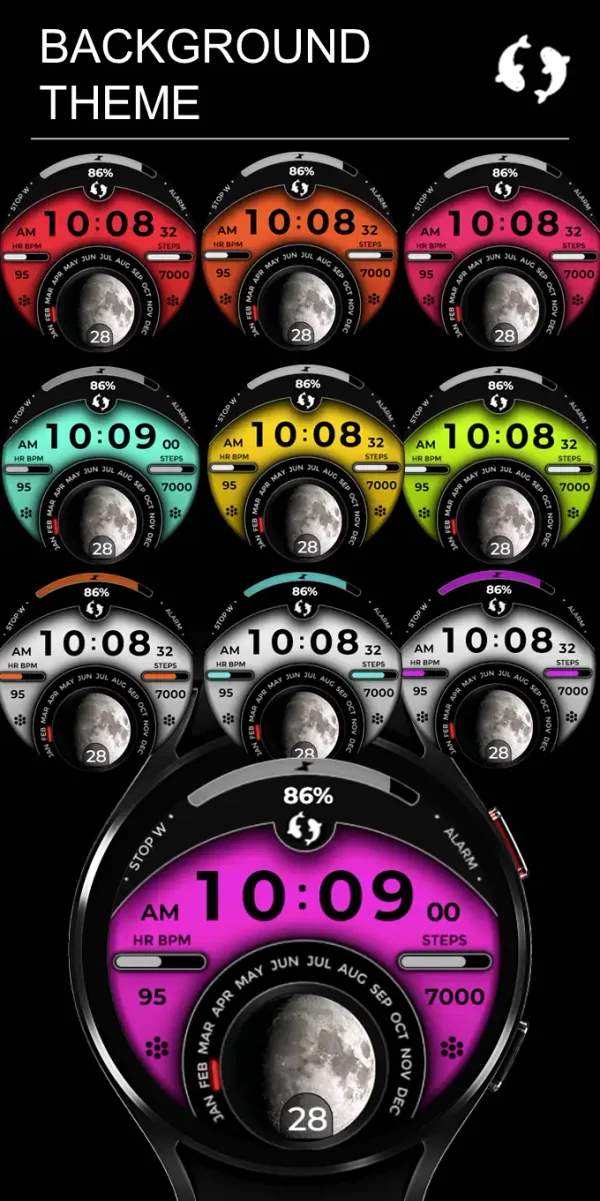
This watch-face contains all info you need for daily use as Digital Time, Date info, Battery percentage, heart rate measure and steps count. Beautiful color combination of background display & Progress lines color combinations as well.
⌚︎ Phone App Features
This phone application is a tool to facilitate installation the watch-face on your Wear OS Smartwatch.
Only this mobile application contains adds!
⌚︎ Watch-Face App Features
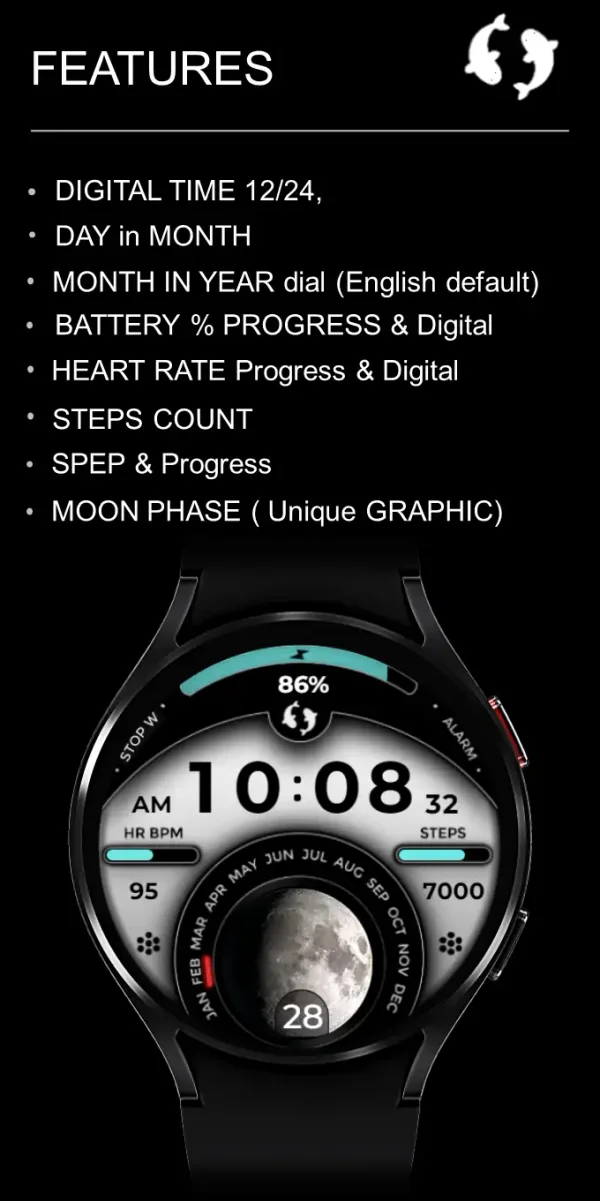
- Digital Time 12/24 h.
- Day in Month
- Month in Year dial - default language is set to english!
- Battery percentage Digital and progress bar
- Steps Percentage Digital and Progress
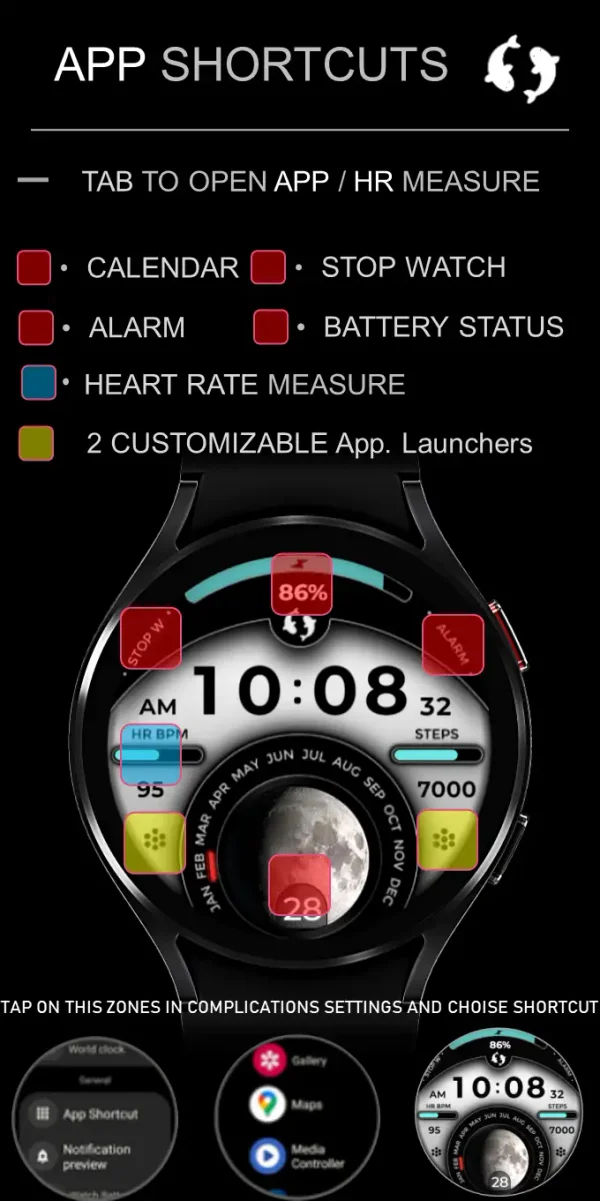
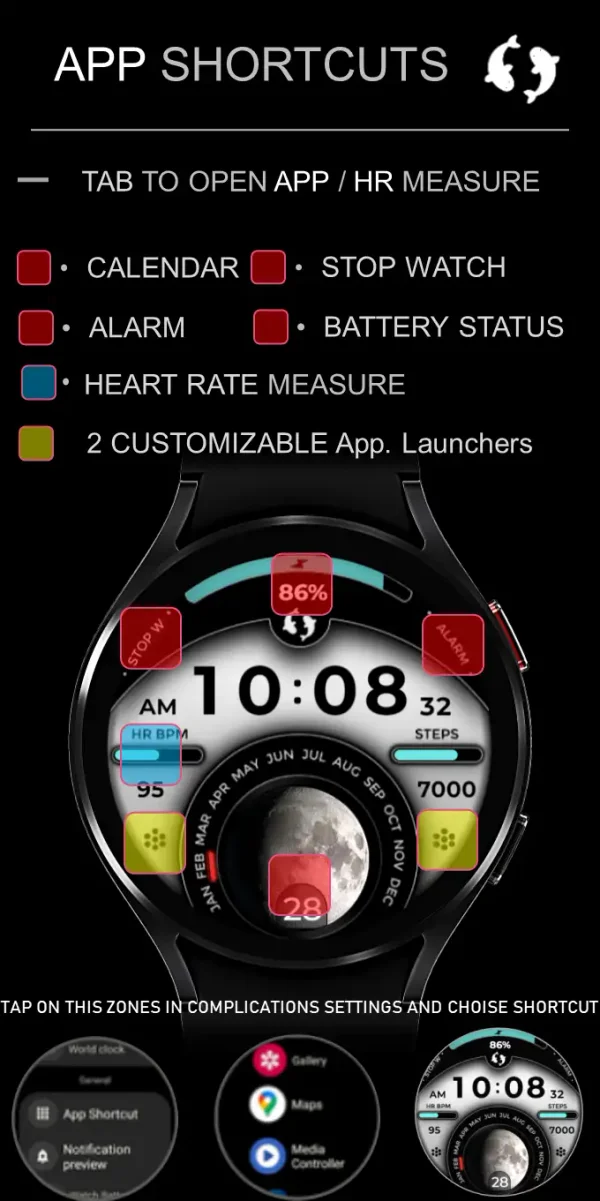
- Heart rate measure - by tabbing on heart rate you launch measuring of current HR
- Heart rate progress bar
- Steps count
- Steps percentage progress bar
- Moon Phase - Big moon tracker
1 Customizable fields - you can choose feature from wear os option list.
Direct Application Launchers
- Calendar
- Alarm
- Stop Watch
- Battery Status
2 Customizable - you can choose feature fromt he wear os option list
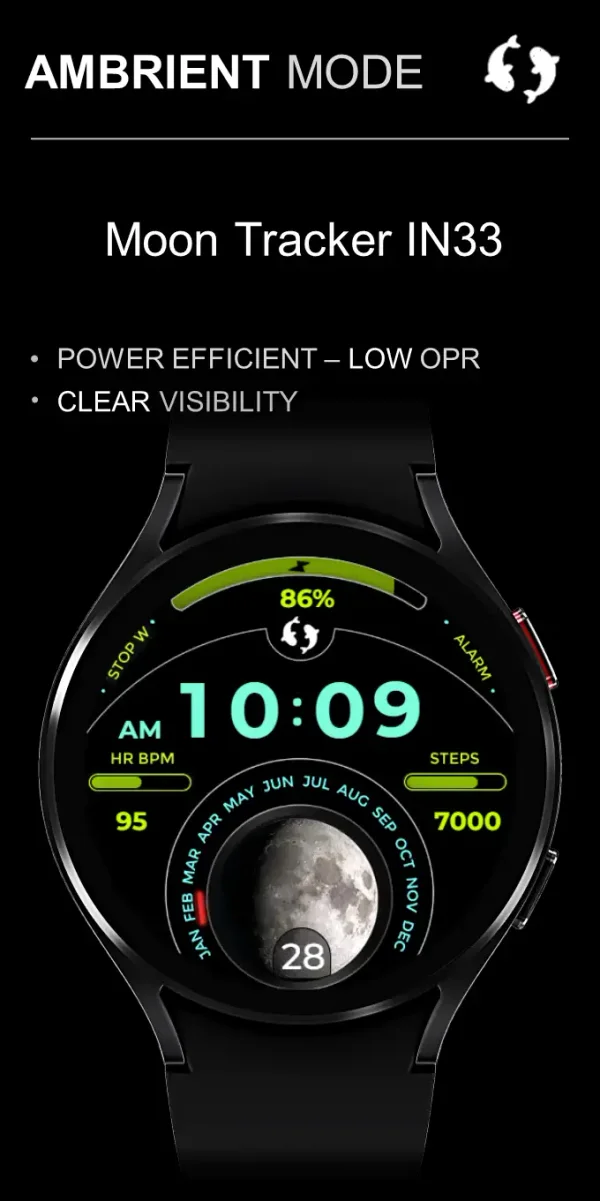
- Always ON Display supported - LOW OPR and unique look
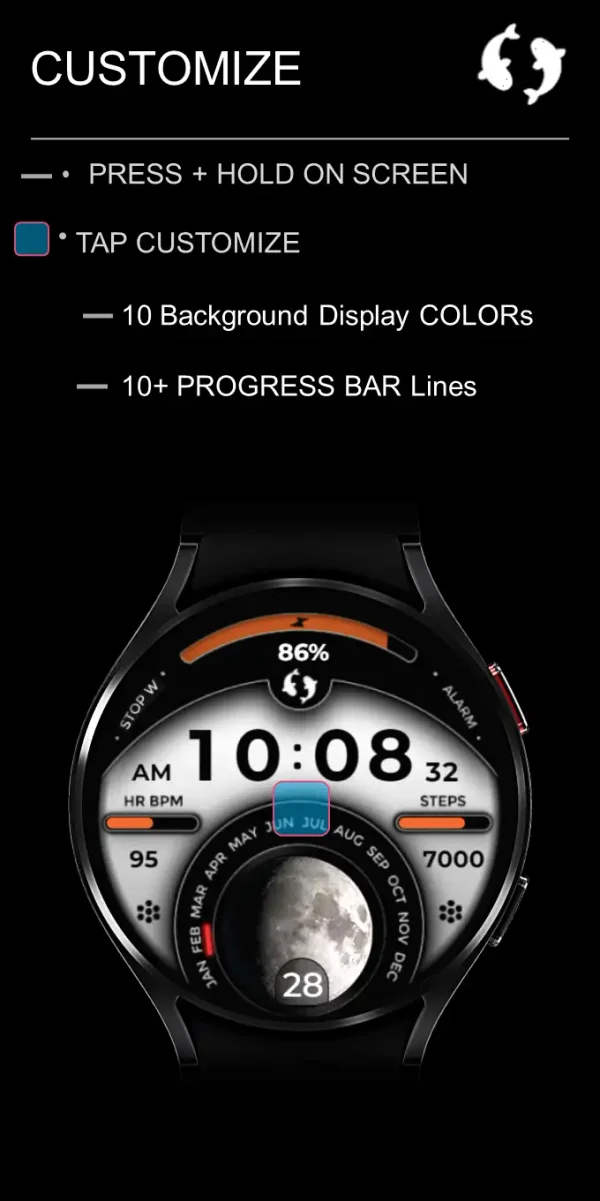
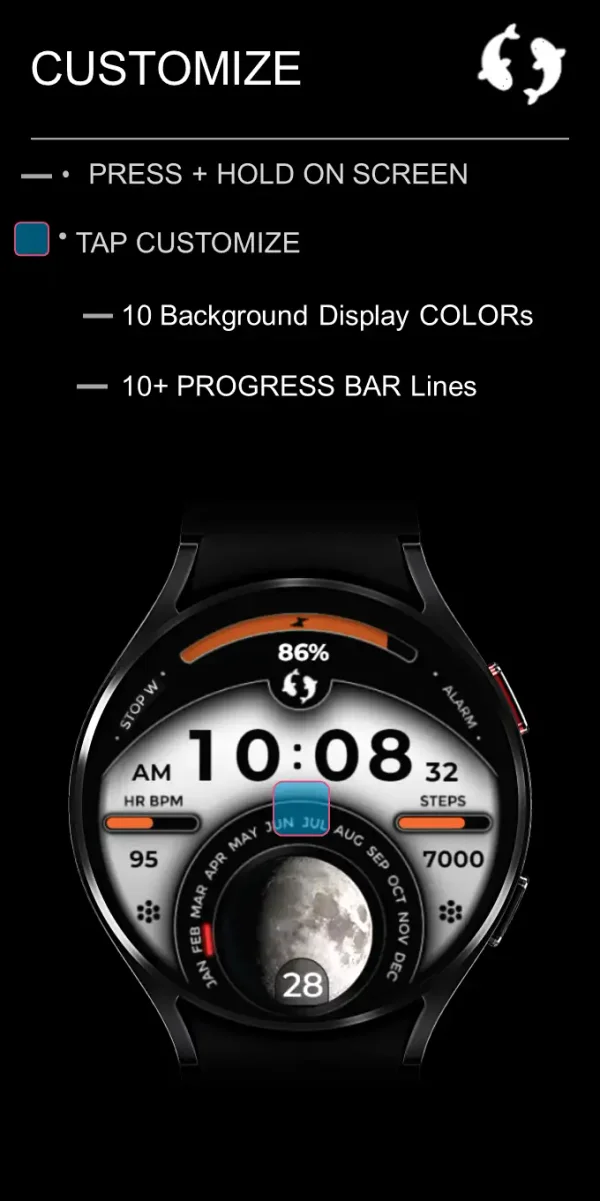
Customization:
1 - Touch and hold display
2 - Tap on customize option
- 10 Display colors
- 10+ All progress bars color options
*some features may not be available on some watches.
Heart rate:
Heart rate is automatically measured every 10 minutes by tabbing on HR area you will get measure your current HR
Please make sure that the screen is turned on and that the watch is worn correctly on the wrist.
==========================
I am Developer since 2019 with with over 400 watchface experience. My Faces can be found on Galaxy Store, Playstore, and Huawei Health store!
Achievements:
Huawei Store:
Best of Huawei Themes Award 2021- 1st. Place Best Hybrid Watchface Style (Top 10 Seller)
Award Ceremony video link:
https://www.youtube.com/watch?v=4ZY5kq7vBL4
Galaxy Store: ( TOP 50 seller)
SOCIAL MEDIA LINKS:
Web PAGE: https://inspirewatchface.com
TELEGRAM:
https://t.me/WearOswatchfaces
FACEBOOK:
https://www.facebook.com/Digital.Unity.Watch/
INSTAGRAM:
https://www.instagram.com/digital.unity.watch/
===========================
Installation Notes:
In case you face issue with installing this watchface follow notes below or Installation guide made by Samsung:
Installation Guide link:
99) Install Wear OS™ Powered by Samsung Watch Faces - YouTube https://www.youtube.com/watch?v=vMM4Q2-rqoM&t=2s
1 - Ensure that the watch is properly connected to the phone
After a few minutes the watch face was transferred on watch : check the watch faces installed by the Wearable app on the phone.
or
2 - If you are having synchronization issues between your phone and Play Store, install the app directly from watch: search "Analog Neon" from Play Store on watch and hit on install button.
3 - The last option is to install the watch face from web browser on your PC.
Please consider that any issues on this side are NOT developer dependent. The developer has no control over the Play Store from this side.
Million times Thank you !
Data safety
What Inspire Watch Face declares on Google Play about the data this app collects and shares.
- No data shared with third partiesLearn more about how developers declare sharing
- This app may collect these data typesPersonal info
- Data isn’t encrypted
- You can request that data be deleted
Developer contact
- Websiteinspirewatchface.com
- Emailinspirewatch@gmail.com
- Privacy policyinspirewatchface.com
- AddressGaštanová 5 960 01 Zvolen Slovakia
Information
- Offered by
- Inspire Watch Face
- Category
- Personalization
- Updated
- Aug 28, 2024
- Released
- Feb 16, 2023
- Age rating
- Everyone
- Price
- $1.49
- Package name
- com.inspirewatchface.inspire33
Similar apps
-
 AWD Weather 3D Gif
Weather
-
 Digilog 2
Personalization
-
 Overlapp Turntable ZKin Watch
Personalization
-
 SG-148
Personalization
-
 SG-138
Personalization
-
 SY18 Watch Face for Wear OS
Personalization
-
 HANSWATCH Hifrov
Personalization
-
 Digital - Moon Phases - ReS27
Personalization
-
 Circle Dashboard Watch Face
Personalization
-
 Key WF92 Hybrid Classic Watch
Personalization
-
 Argos Digital Watch Face
Personalization
-
 ZKin Watch Face Obsidian Moon
Personalization