Mooon Digital Watch Face
Mooon - Vision Time- EveryoneAge rating
- PersonalizationCategory
- Jul 27, 2024Updated
- $0.99Price
Links to the official Google Play listing of com.watchfacestudio.MooonDigital. Last checked on Nov 16, 2026.
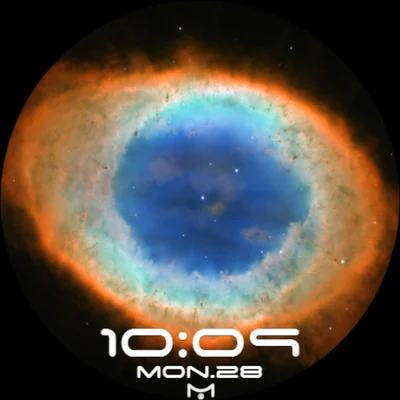
Screenshots
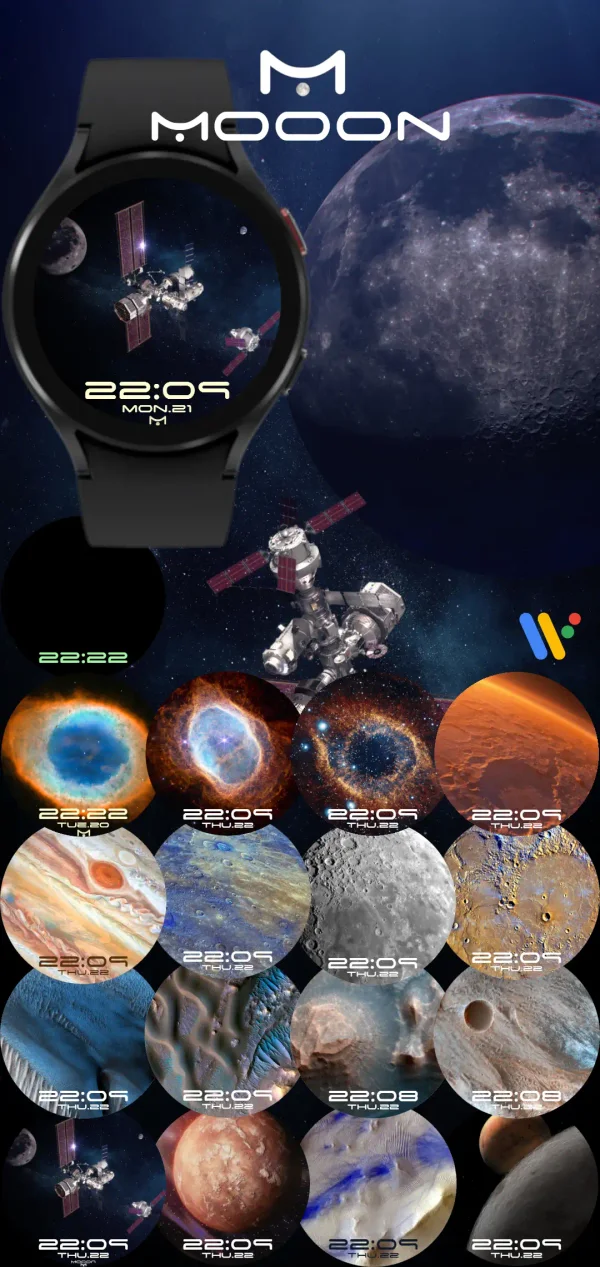
About this app
Mooon Cosmos Digital Watch Face is an editable watch face for Wear OS.
Mooon Cosmos Digital Watch Face for Wear OS.
Existing Features:
- Digital clock.
- Date stamp displaying the day of the week and date
- The watch face includes the Always-On feature with green backlight when activated in the watch settings.
- About 9, 11, 12 and 1 hours, click to open any application (as shown in the picture).
- Time available 12/24h.
--- Note: If Google Play says "Incompatible Device", open the link in the web search engine on your computer or mobile phone and install the watch face from there. ---
Personalization:
- Wallpaper changes - photos can be made by touching the screen.
- The logo can be changed or made invisible by pressing on it.
-After a long press on the dial and entering the option, you can choose the colors (1z30) of the date and clock.
There is a digital clock widget available in the phone app.
Privacy policy:
Mooon Cosmos Watch Face - our application does not collect, use or share any personal data. If you have additional questions, please contact me at the following e-mail address: visiontimewatch@gmail.com
Photos downloaded and modified for our needs from NASA/ESA.
(Note: If Google Play says "Incompatible Device", open the link in the web search engine on your computer or mobile phone and install the watch face from there.)
Have fun ;)
Data safety
What Mooon - Vision Time declares on Google Play about the data this app collects and shares.
- No data shared with third partiesLearn more about how developers declare sharing
- No data collectedLearn more about how developers declare collection
Developer contact
- Websitemooon.pl
- Emailvisiontimewatch@gmail.com
- Privacy policysites.google.com
- AddressKrzemieniecka 28/75 94-017 Łódź Poland
Information
- Offered by
- Mooon - Vision Time
- Category
- Personalization
- Updated
- Jul 27, 2024
- Released
- Aug 20, 2022
- Age rating
- Everyone
- Price
- $0.99
- Package name
- com.watchfacestudio.MooonDigital