MX Player
Amazon Mobile LLCContains ads · In-app purchases
- EveryoneAge rating
- Video Players & EditorsCategory
- Nov 23, 2026Updated
- FreePrice
Links to the official Google Play listing of com.mxtech.videoplayer.ad. Last checked on Nov 23, 2026.

Screenshots
About this app
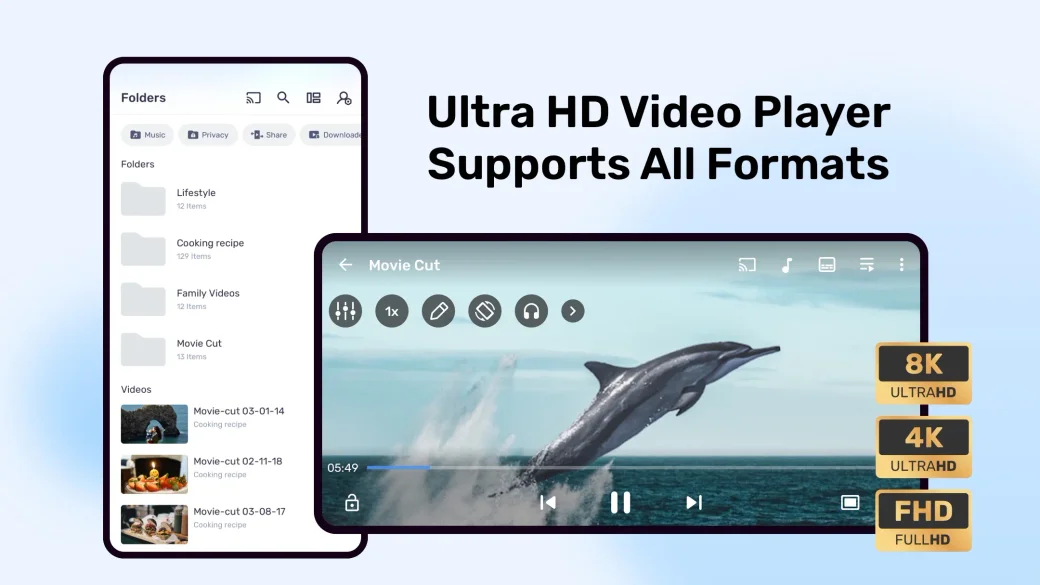
Powerful video player with advanced hardware acceleration and subtitle supports
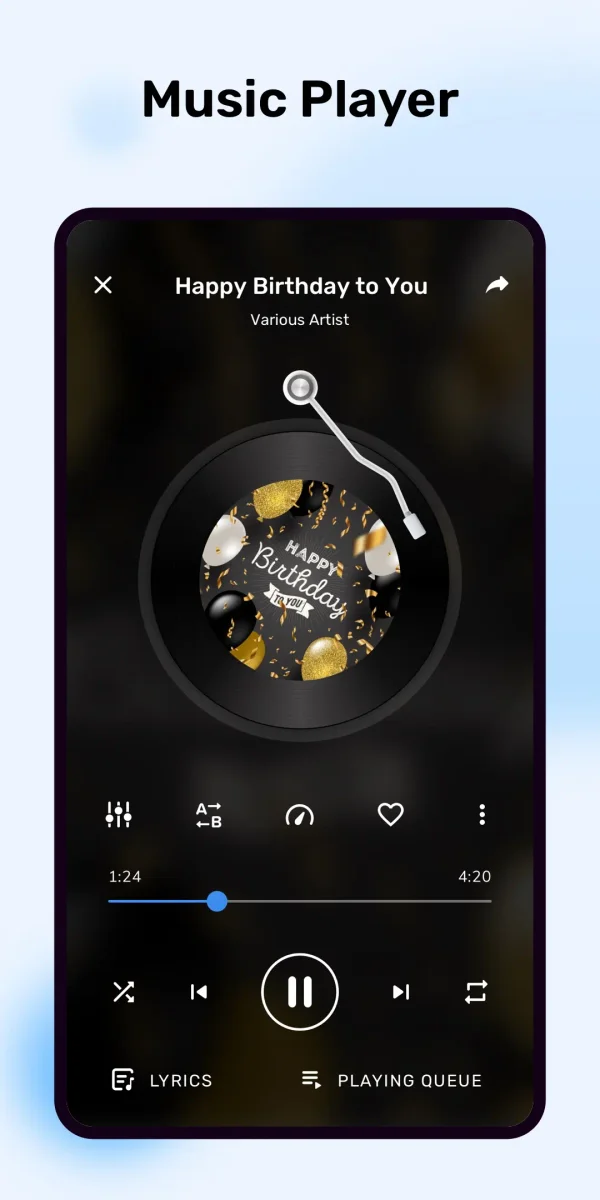
Powerful video and music player with advanced hardware acceleration and subtitle support
Key Features:
a) HARDWARE ACCELERATION — Hardware acceleration can be applied to more videos with the help of new HW+ decoder.
b) MULTI-CORE DECODING — MX Player is the first Android video player which supports multi-core decoding. Test results proved that multi-core device's performance is up to 70% better than single-core devices.
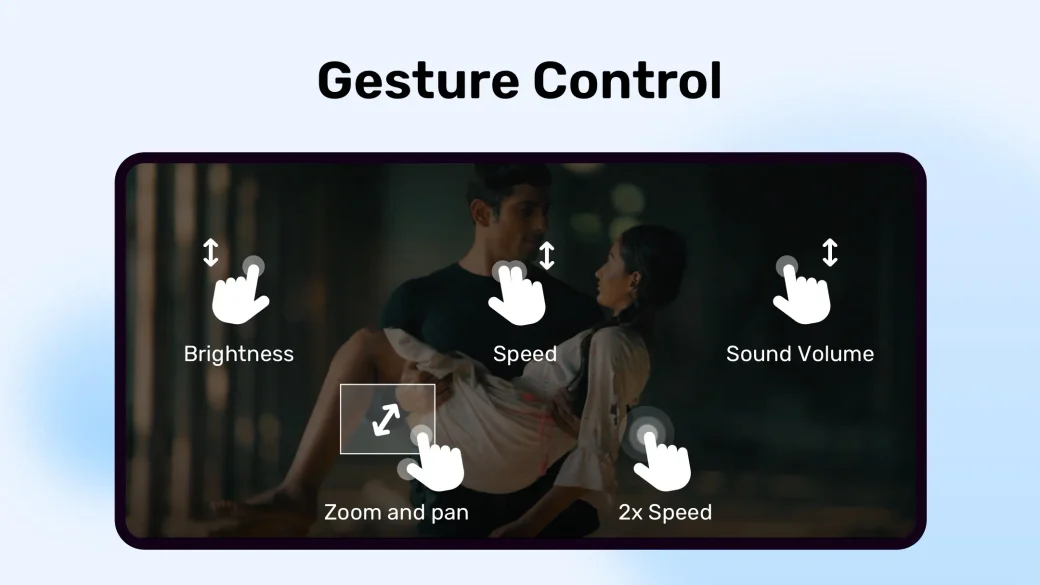
c) PINCH TO ZOOM, ZOOM AND PAN — Easily zoom in and out by pinching and swiping across the screen. Zoom and Pan are also available by option.
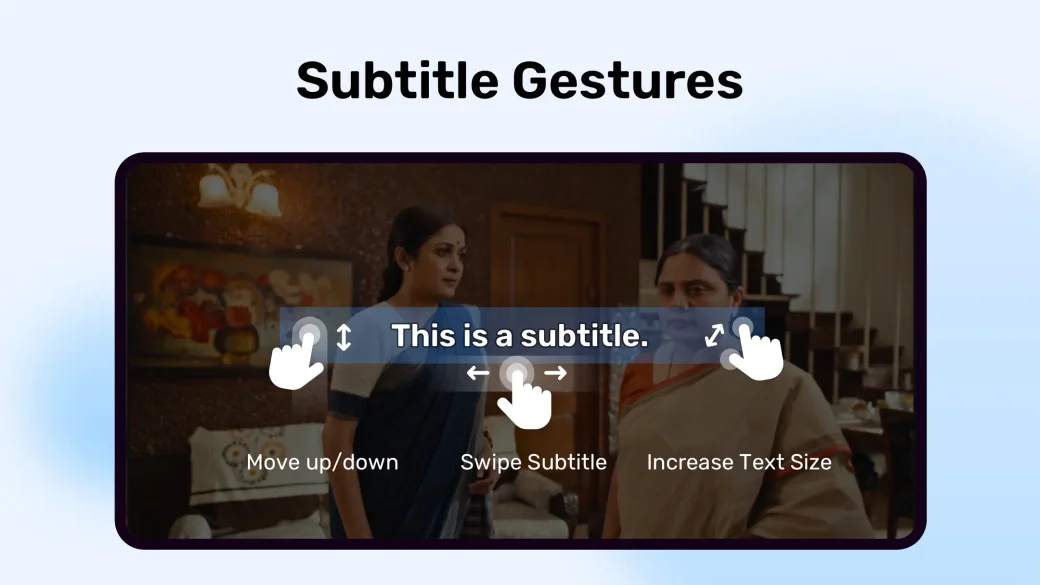
d) SUBTITLE GESTURES — Scroll forward/backward to move to next/previous text, Up/down to move text up and down, Zoom in/out to change text size.
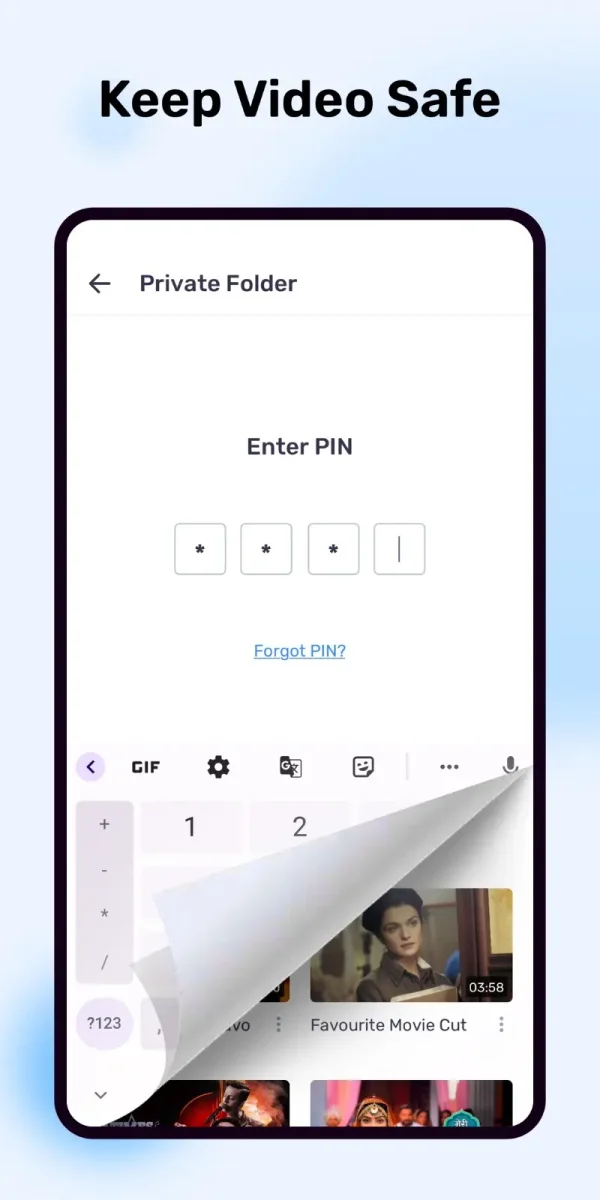
e) Privacy Folder — Hide your secret videos in your private folder and protect your privacy.
f) KIDS LOCK — Keep your kids entertained without having to worry that they can make calls or touch other apps.
Supported Subtitle Formats:
- DVD, DVB, SSA/ASS subtitle tracks
- SubStation Alpha (.ssa/.ass) with full styling
- SAMI (.smi) with Ruby tag support
- SubRip (.srt)
- MicroDVD (.sub)
- VobSub (.sub/.idx)
- SubViewer2.0 (.sub)
- MPL2 (.mpl)
- TMPlayer (.txt)
- Teletext
- PJS (.pjs)
- WebVTT (.vtt)
Required Permissions:
Storage | All Files Access — To identify, organize, and play media files and subtitles stored on your device.
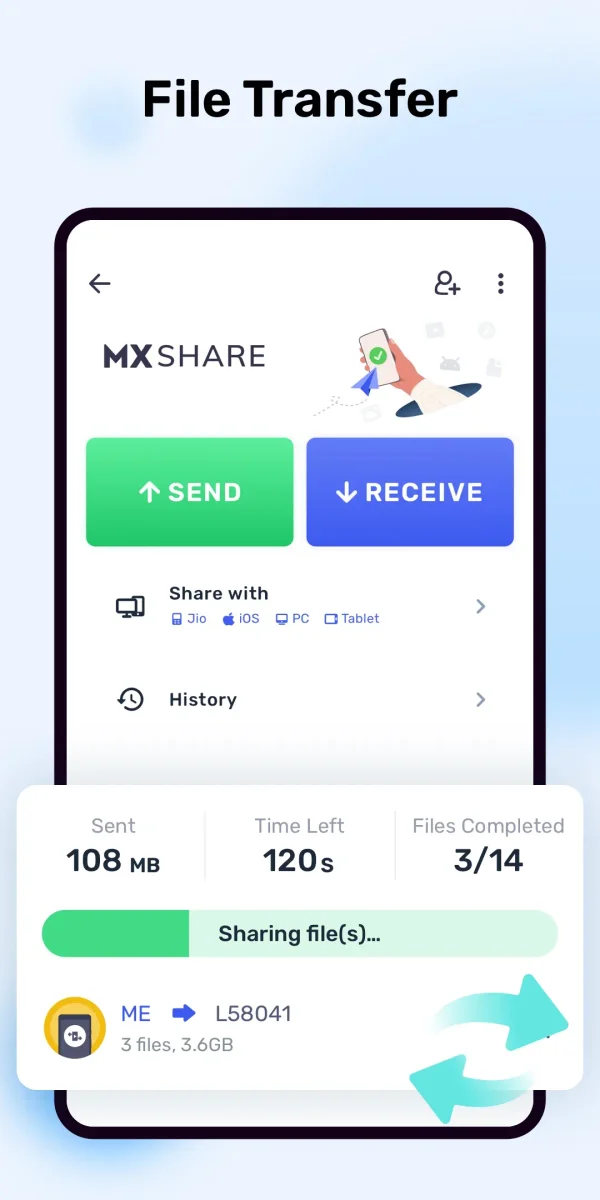
The following permissions are required for File Transfer feature only. However, users can deny access and use rest of the app functionality:
- Camera — To scan QR codes and establish Wi-Fi Direct/Hotspot connections for file transfer.
- Location & Nearby Devices — To discover nearby devices via Wi-Fi and Bluetooth for file transfer.
- Modify System Settings — To enable Wi-Fi/Bluetooth and establish a P2P connection for file transfer.
Optional permissions:
- Notifications — To display playback controls and file transfer status.
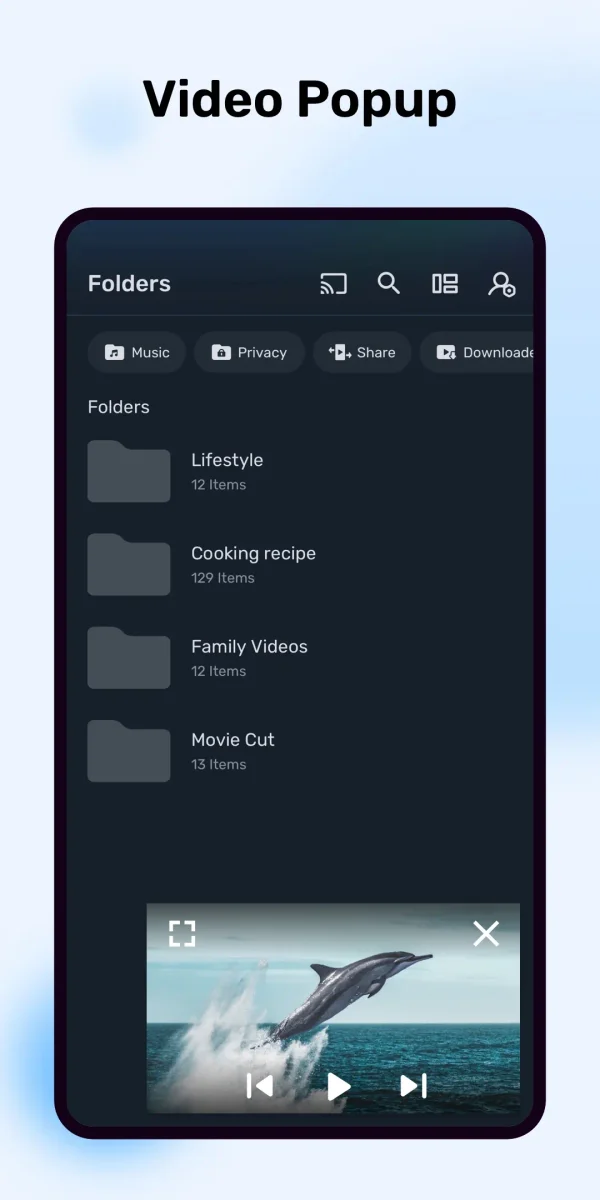
- Display over other apps — To enable Picture-in-Picture (PIP) playback with custom controls.
- Phone — To autofill your mobile number during sign-up/login (India only).
Data safety
What Amazon Mobile LLC declares on Google Play about the data this app collects and shares.
- No data shared with third partiesLearn more about how developers declare sharing
- This app may collect these data typesLocation, Personal info and 4 others
- Data is encrypted in transit
- You can request that data be deleted
What’s new
Version 3.5.3 · Nov 23, 2026
Experience a smoother, faster, and more reliable application with our latest update. We've squashed bugs and optimized performance to ensure you have the best possible experience.
Developer contact
- Websiteapps.mxplayer.in
- Emailsupport@mxplayer.in
- Privacy policymx.j2inter.com
- Address410 Terry Ave N Seattle, WA 98109-5210 United States
Information
- Offered by
- Amazon Mobile LLC
- Category
- Video Players & Editors
- Version
- 3.5.3
- Updated
- Nov 23, 2026
- Released
- Jul 18, 2011
- Requires
- Android 7.0 or later
- Age rating
- Everyone
- Price
- Free
- In-app purchases
- $0.49 - $239.99 per item
- Package name
- com.mxtech.videoplayer.ad
Similar apps
-
 Video Player All Format HD
Video Players & Editors
-
 VLC for Android
Video Players & Editors
-
 YouTube
Video Players & Editors
-
 Video Player All Format
Video Players & Editors
-
 Visha-Video Player All Formats
Video Players & Editors
-
 YouTube Music
Music & Audio
-
 Spotify: Music and Podcasts
Music & Audio
-
 Google Photos
Photography
-
 WhatsApp
Communication
-
 Prime Video
Entertainment
-
 Facebook
Social
-
 Snapchat
Communication