Myanmar Keyboard: Unicode
DictionaryAndTranslatorContains ads · In-app purchases
- EveryoneAge rating
- ProductivityCategory
- Aug 26, 2026Updated
- FreePrice
Links to the official Google Play listing of com.myanmar.keyboard.typing.keypad.english. Last checked on Nov 20, 2026.
Screenshots

About this app
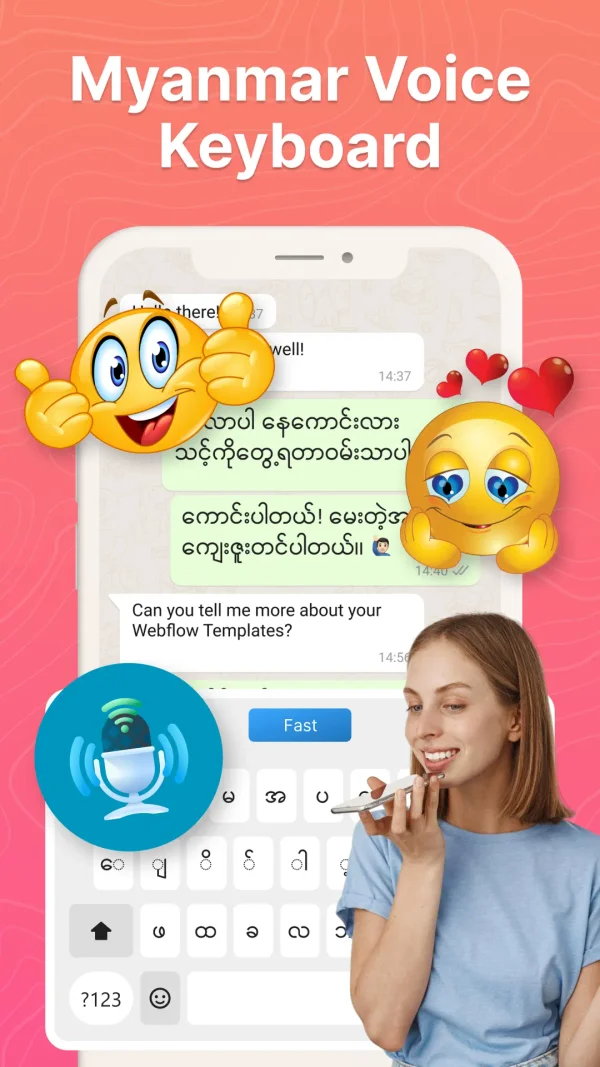
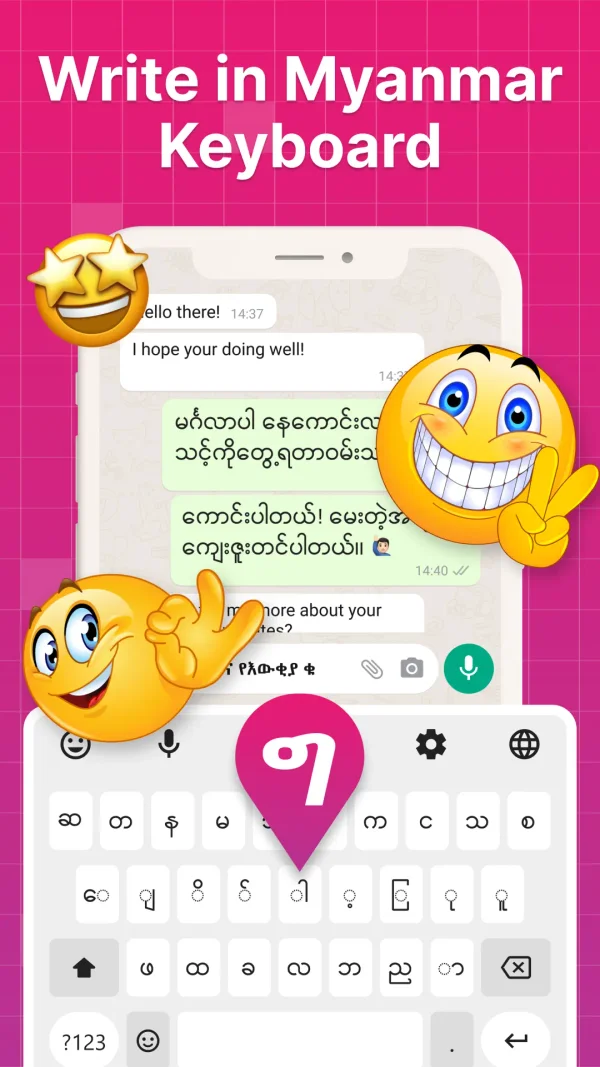
Type in Myanmar Language with the Myanmar Language Keyboard: Font Style!
Myanmar Keyboard: Unicode - Type Smoothly In Myanmar And English!
Myanmar Keyboard: Unicode gives you a simple way to write messages, notes, emails, comments, and other text using Myanmar script. Switch between Myanmar and English, use voice input, explore themes, and get word suggestions for quicker everyday typing.Myanmar Language Keyboard supports Unicode and available Zawgyi input options for users who prefer different writing layouts. Myanmar Font Style also lets you personalize the appearance of your typing experience with available fonts, colors, and themes.
Myanmar Typing Features:
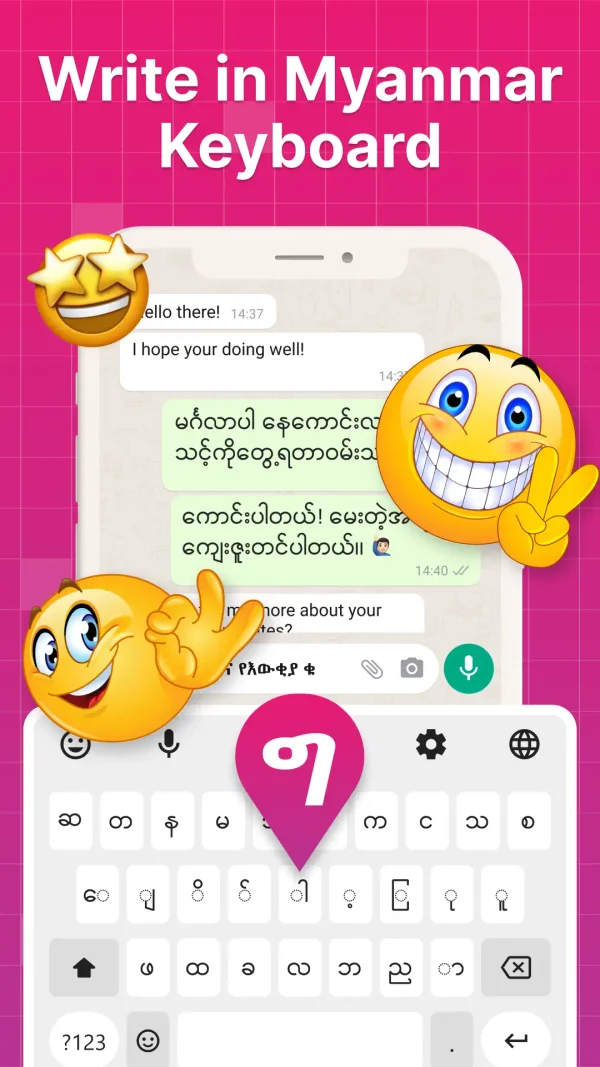
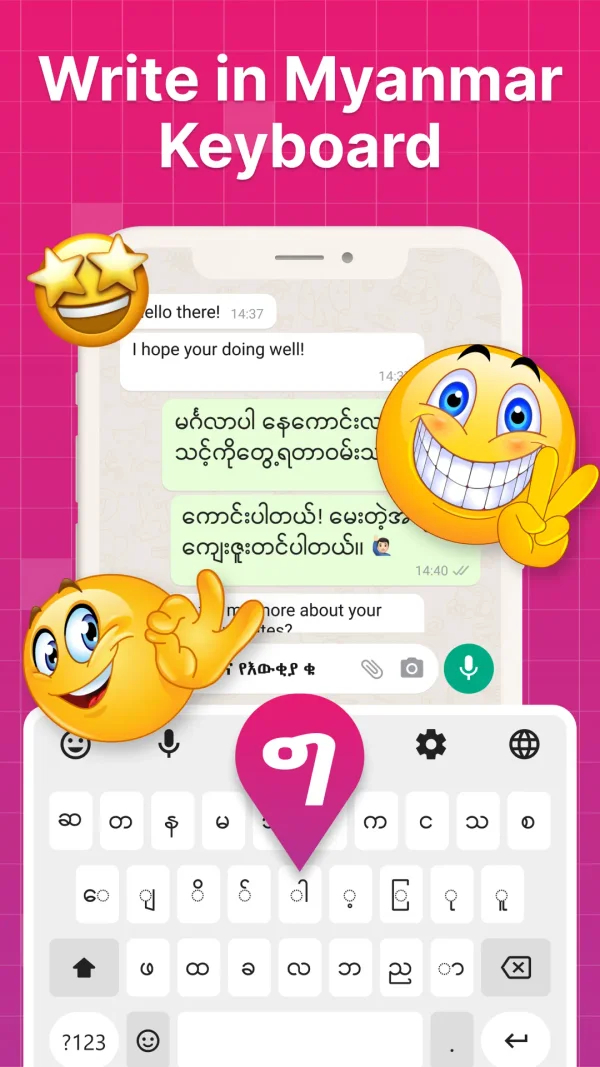
⌨️Myanmar Typing Keyboard - Write letters, words, and complete sentences with an easy layout;
🌐Myanmar Keyboard: Unicode - Use supported Unicode input for modern Myanmar text;
🔤Myanmar Language Keyboard - Switch between Myanmar and English while typing;
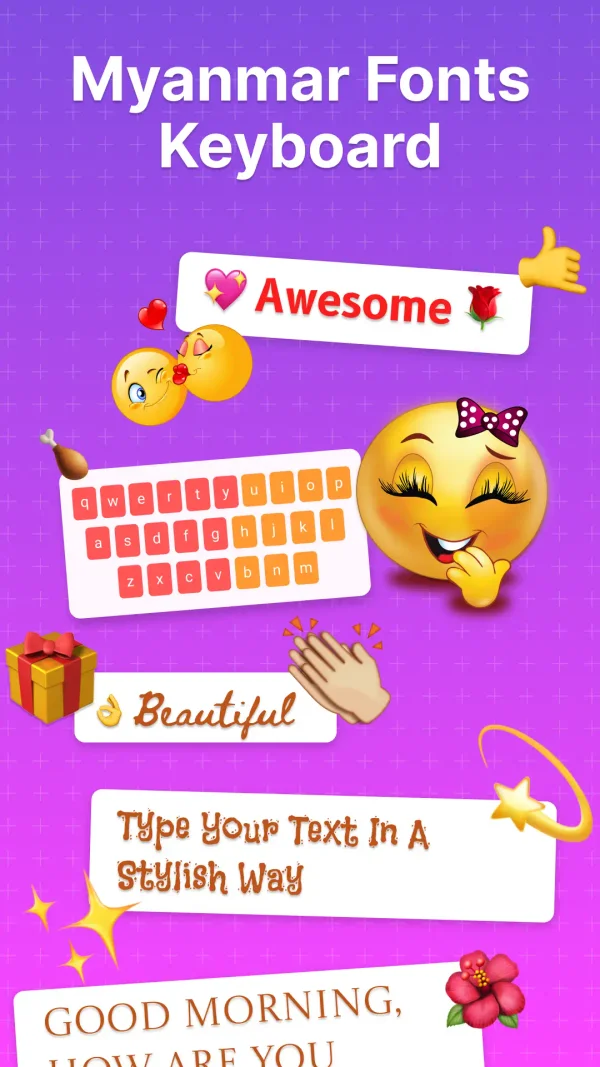
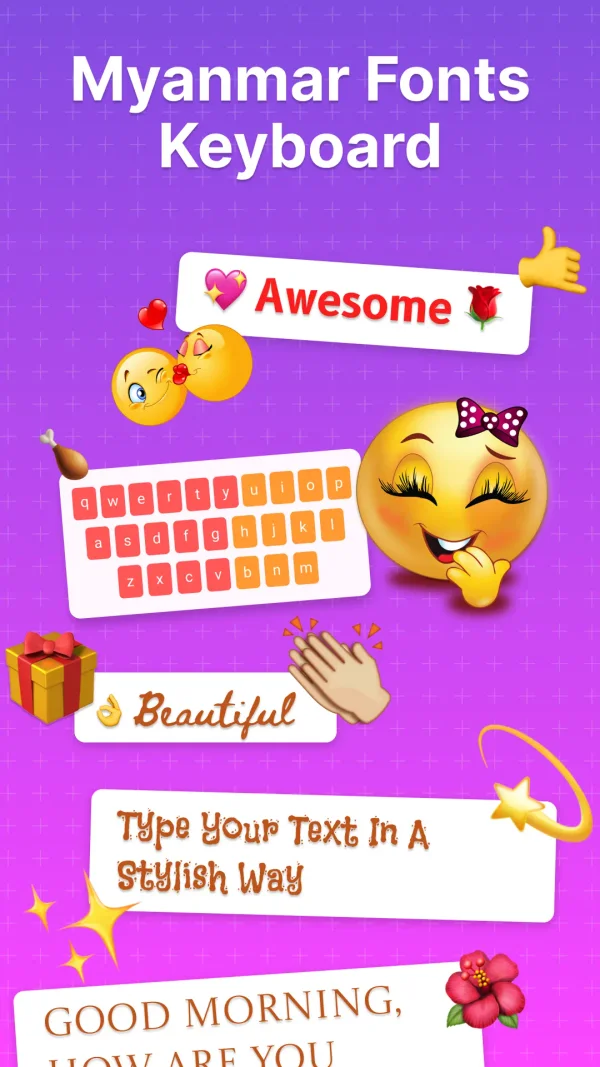
🎨Myanmar Font Style - Explore different visual styles, themes, and available fonts;
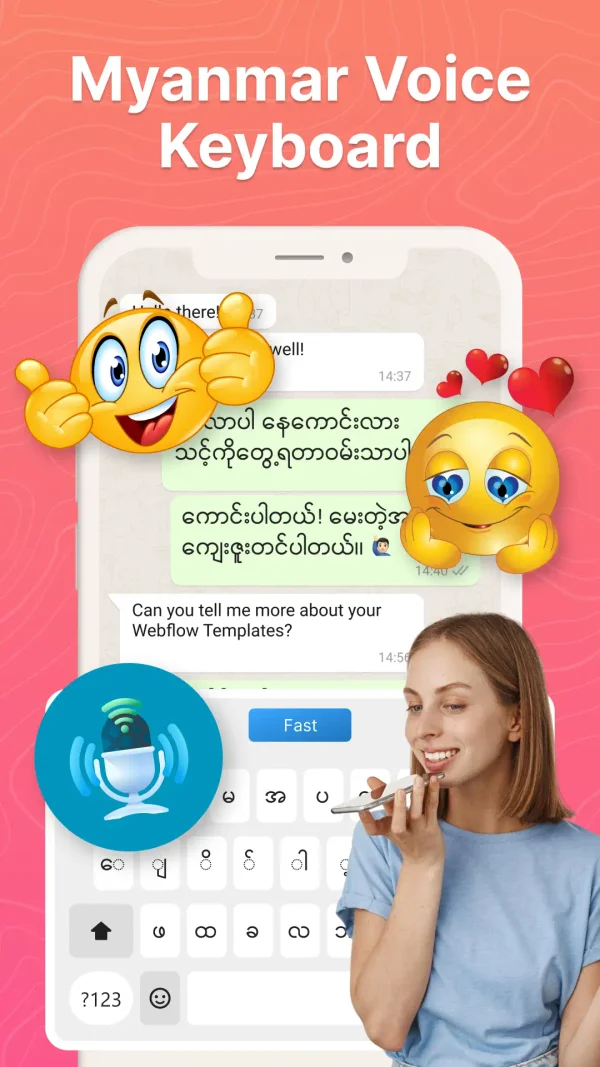
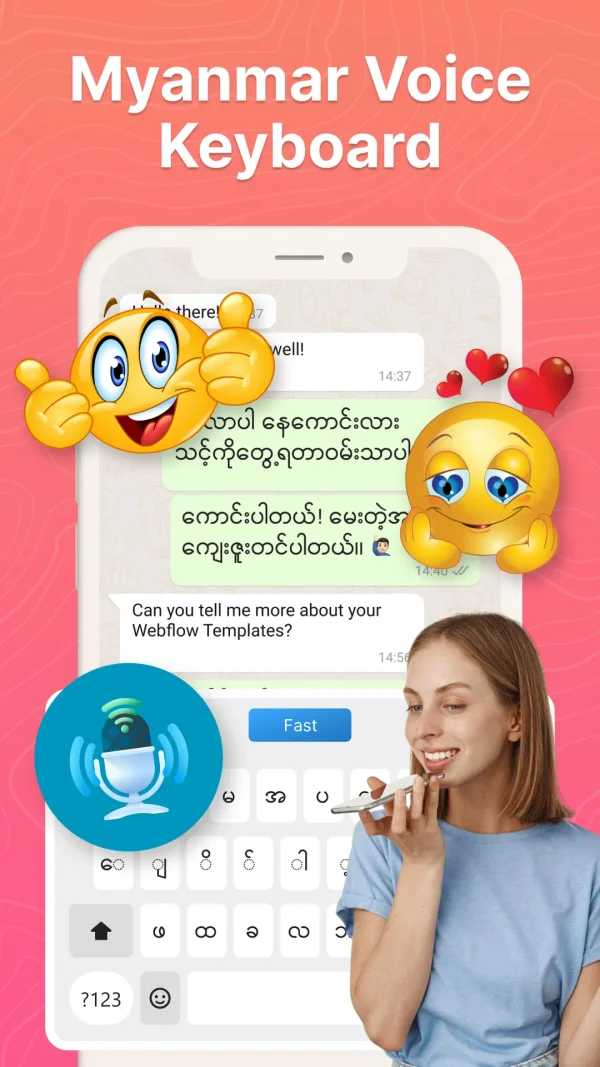
🎤Voice Typing - Speak supported text when you prefer voice input;
💡Smart Suggestions - Get word predictions while writing;
😊Emoji And Stickers - Add expressive elements to conversations;
🔊Typing Feedback - Choose available key sounds and vibration settings;
Write in your language with a keyboard made for comfortable everyday typing!
Myanmar Typing Keyboard is useful for conversations, personal notes, social posts, emails, and other supported apps.Myanmar Keyboard: Unicode provides a practical option for users who want Unicode-based writing. Available compatibility options can also support different Myanmar text preferences depending on your device and selected layout.
How To Use:
📲Install and open the keyboard app;
⚙️Enable it from your device input settings;
⌨️Choose Myanmar Language Keyboard as an available input method;
🌐Switch between Myanmar and English whenever needed;
🎤Use voice input for supported speech-to-text typing;
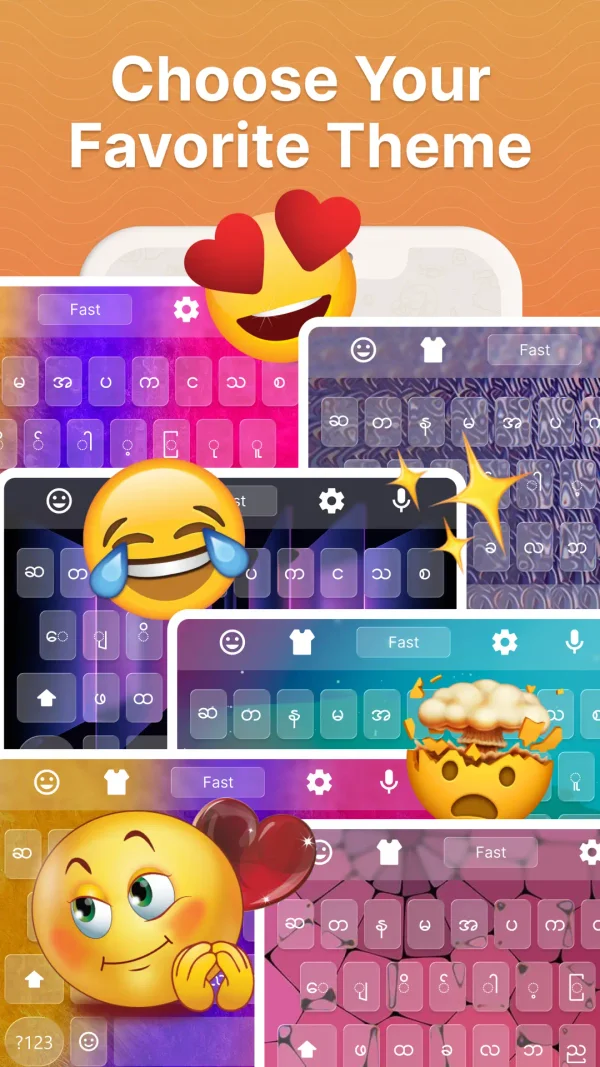
🎨Choose a Myanmar Font Style or theme you like;
💡Turn available suggestions and typing feedback on or off;
📝Start writing inside supported apps;
🌐Unicode And Language Support:
Myanmar Keyboard: Unicode makes it easier to enter modern Myanmar text using a familiar mobile layout. Available Zawgyi support gives users another option when working with compatible text and devices.
⌨️Fast Everyday Writing:
Myanmar Typing Keyboard includes predictive suggestions that can help reduce repetitive typing. Use the layout for short conversations or longer text without repeatedly changing your device language settings.
🔤Myanmar And English Together:
Myanmar Language Keyboard makes bilingual conversations easier by letting you move between both languages from the same input experience.
🎨Themes And Visual Personalization:
Myanmar Font Style lets you change the look of your typing space with available colors, fonts, backgrounds, and themes. Choose a simple appearance or something more expressive depending on your preference.
🎤Voice, Emoji, And Typing Feedback:
Use supported voice input when speaking is more convenient than typing manually. Emojis and stickers add personality to conversations, while sound and vibration options let you control how each key press feels.
📴Useful For Everyday Typing:
Core zawgyi text-entry functions can be used without relying on a constant internet connection, while features that require online processing may need network access. The app keeps its main controls straightforward so you can focus on writing.
Make Myanmar Typing Simple And Personal!
Myanmar Typing Keyboard combines bilingual input, Unicode support, word suggestions, voice typing, themes, emojis, and customizable typing feedback in one convenient experience.Data safety
What DictionaryAndTranslator declares on Google Play about the data this app collects and shares.
- No data shared with third partiesLearn more about how developers declare sharing
- No data collectedLearn more about how developers declare collection
- Data is encrypted in transit
- Data can’t be deleted
What’s new
Version 1.0.2 · Aug 26, 2026
- Crashes problem Solved
Developer contact
- Websitedictionarytranslator.app
- Emailsupport.myanmarkeyboard@dictionarytranslator.app
- Privacy policydictionarytranslator.app
- Address16 Kampinsky RISHON LEZION, 7546350 Israel
Information
- Offered by
- DictionaryAndTranslator
- Category
- Productivity
- Version
- 1.0.2
- Updated
- Aug 26, 2026
- Released
- Sep 25, 2025
- Requires
- Android 7.0 or later
- Age rating
- Everyone
- Price
- Free
- In-app purchases
- $0.99 - $99.99 per item
- Package name
- com.myanmar.keyboard.typing.keypad.english
Similar apps
-
 Frozen Keyboard - Myanmar
Personalization
-
 Naver SmartBoard - Keyboard
Tools
-
 Chinese Keyboard - Pinyin
Tools
-
 AI Grammar Checker App
Productivity
-
 Glow Butterfly Launcher Theme
Personalization
-
 Easy Tamil Voice Keyboard App
Productivity
-
 PlayKeyboard - Fonts, Emoji
Tools
-
 Typewise Offline Keyboard
Productivity
-
 Keyboard - Emoji, Emoticons
Productivity
-
 Typewise Custom Keyboard
Personalization
-
 Messages, Messenger SMS & CHAT
Communication
-
 Todaii: Easy Chinese
Education