myPhonak
Sonova AG- EveryoneAge rating
- MedicalCategory
- Nov 4, 2026Updated
- FreePrice
Links to the official Google Play listing of com.sonova.phonak.dsapp. Last checked on Nov 19, 2026.

Screenshots
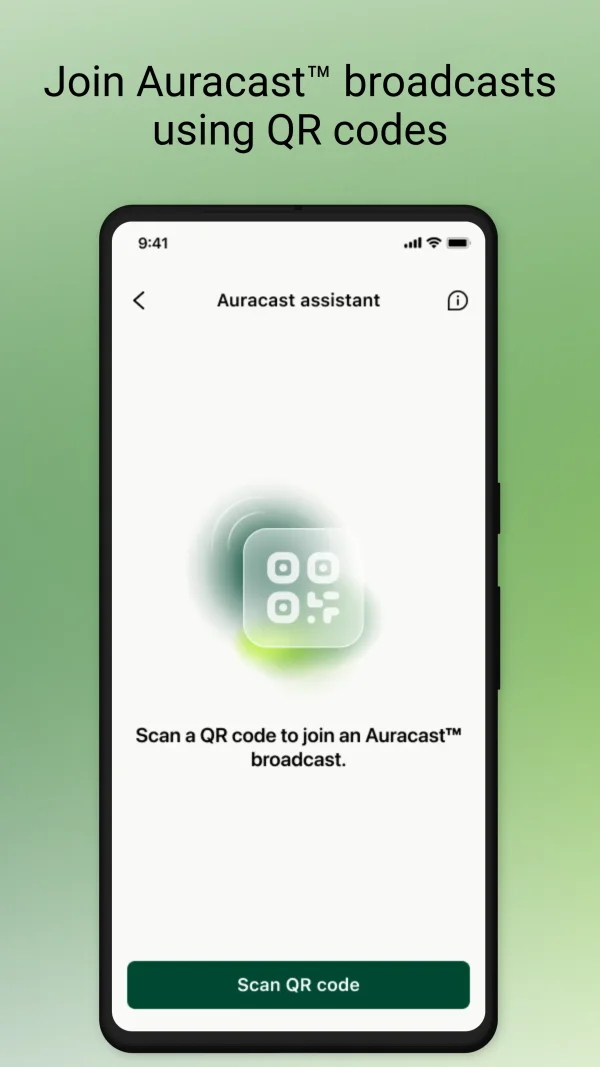
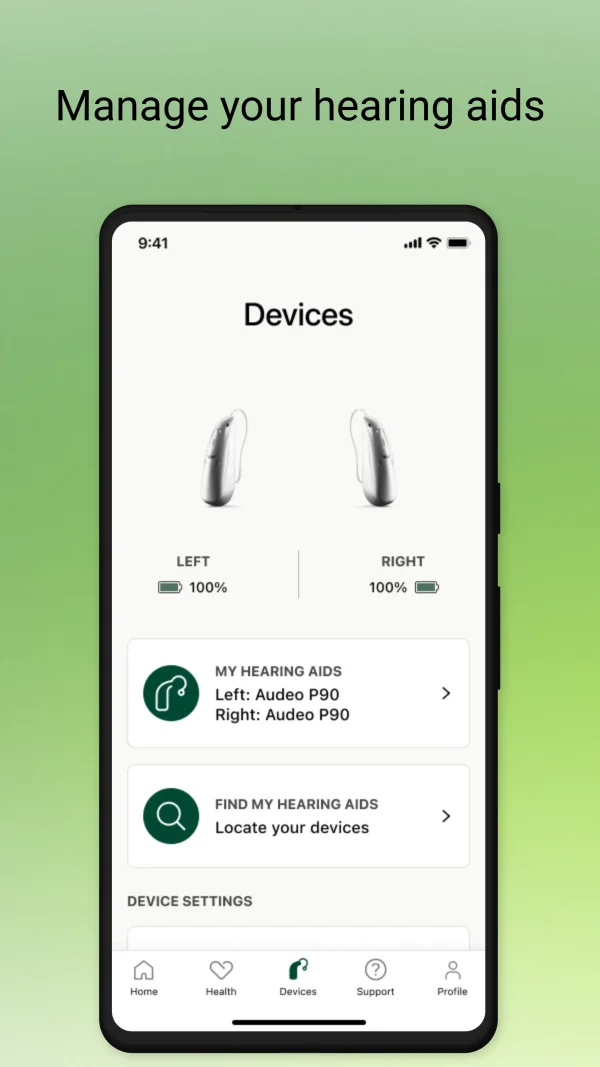
About this app
Personalized hearing experience and health data tracking
The new myPhonak comes with improved functionality and a new design to make your hearing experience as seamless and as tailored to your needs as possible. myPhonak provides you access to enhanced hearing controls and personalization options for your Phonak hearing aid(s) in addition to tracking your health data*.
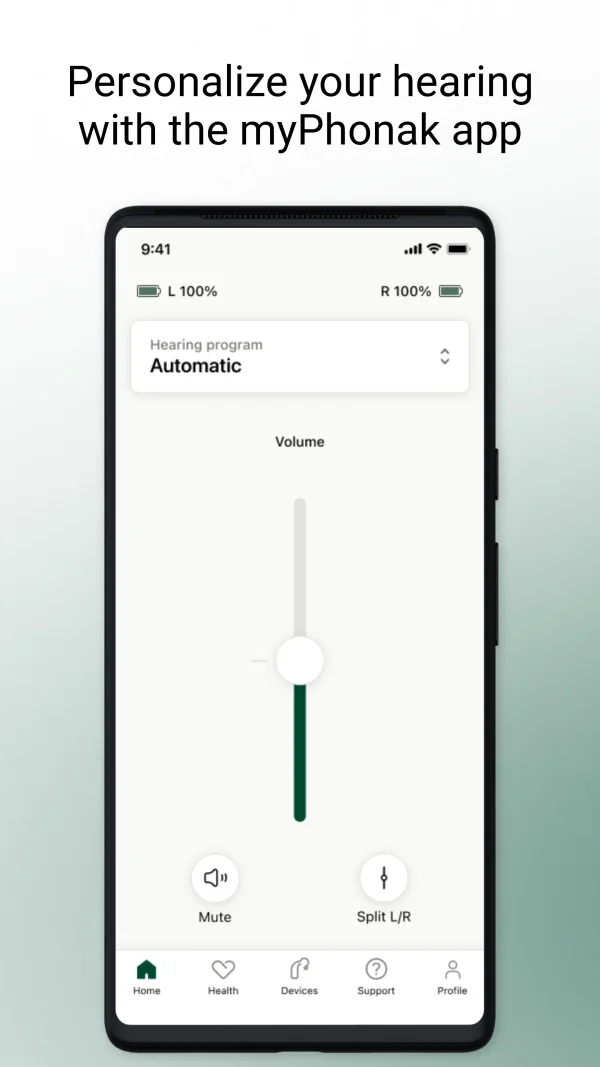
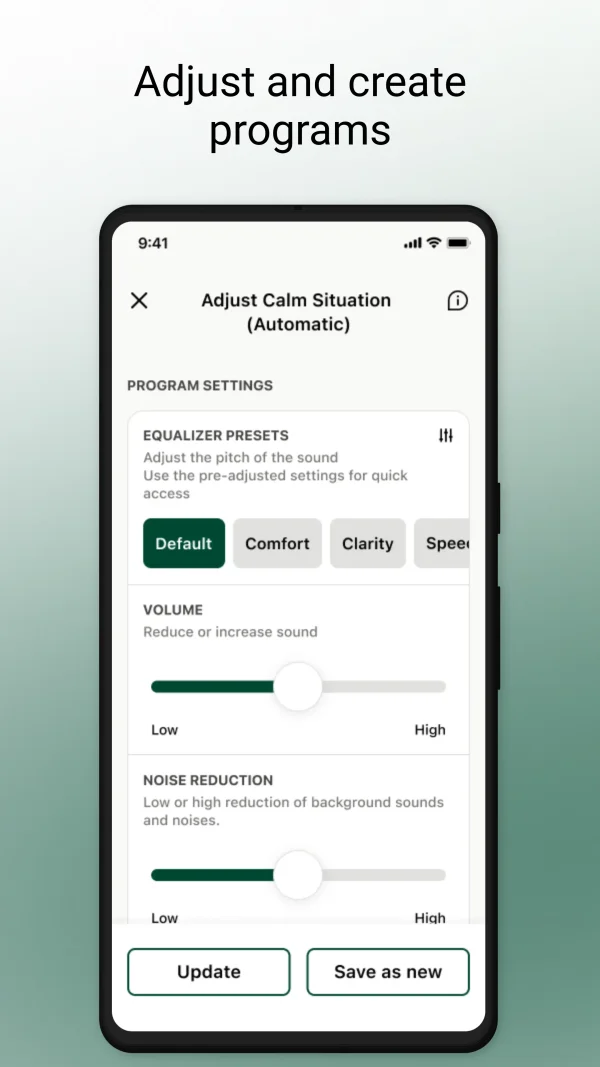
The Remote Control enables you to easily make changes to your hearing aid(s) to suit your personal preferences for various listening situations. You can easily adjust the volume and various hearing aid features (e.g., noise reduction and microphone directionality) or select pre-defined programs according to the different listening situation you are in. Additionally, you can make quick adjustments to the pitch of the sound in the equalizer by using the presets (default, comfort, clarity, softer, etc.) or more personalized adjustments using the sliders (bass, middle, treble).
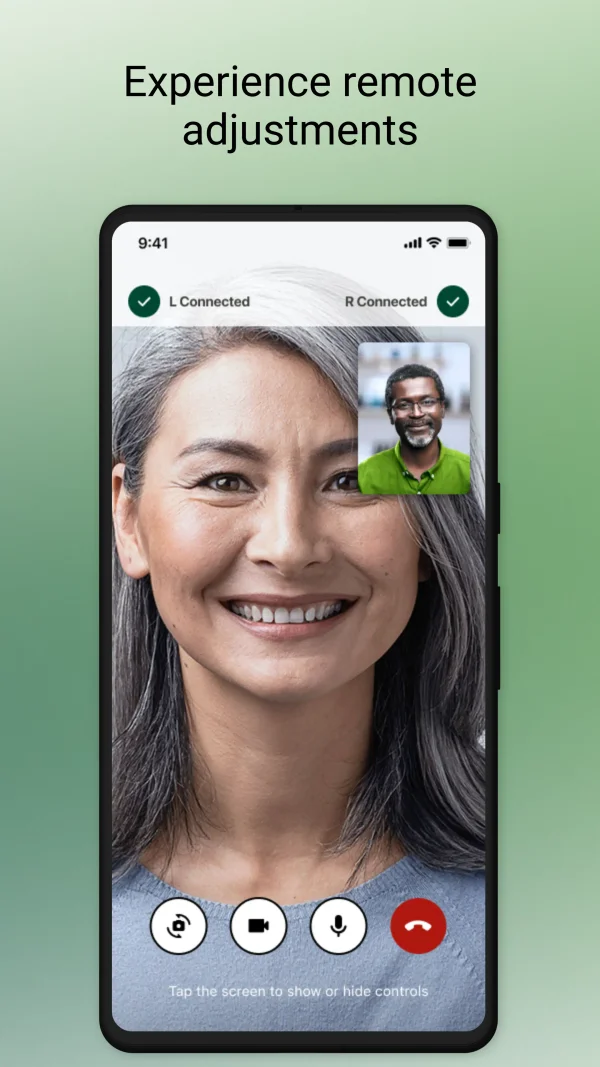
The Remote Support allows you to meet with your hearing care professional through a live video call and have your hearing aids adjusted remotely. (by appointment)
Numerous functions are available within the Health section such as Steps* and Wearing time*, including Optional goal setting*, Activity levels*, Heart rate tracking**, Distance walked and ran***.
* Available on Paradise Rechargeable, Audéo Fit, Lumity and Infinio devices
** Available on Audéo Fit only
***Available on Audéo Fit , Lumity and Infinio devices
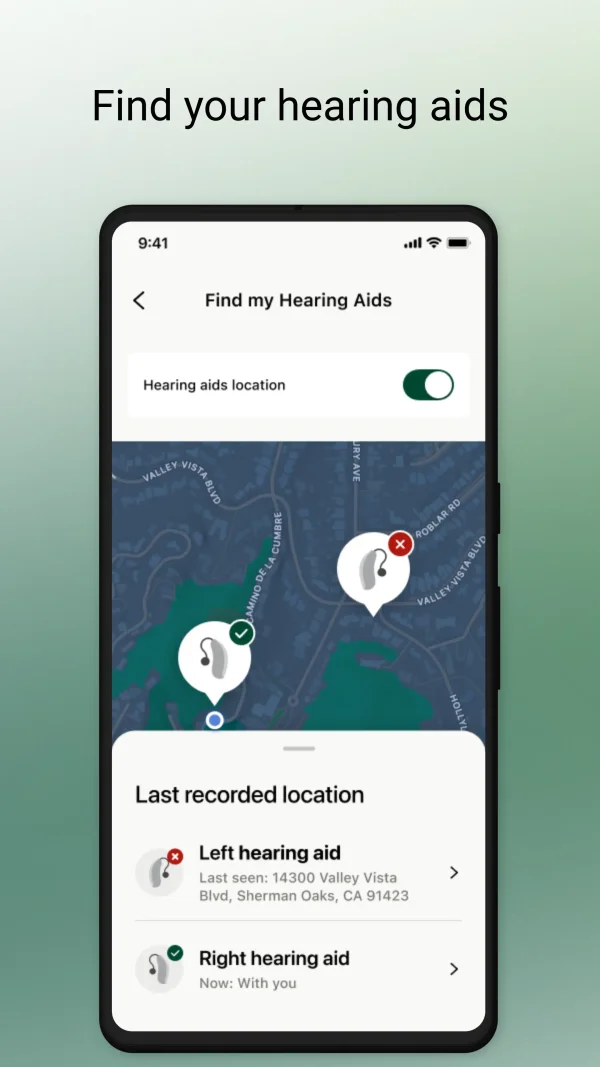
Finally, myPhonak allows for configuration of Tap Control, setting up cleaning reminders and provides additional information, such as battery level and status of connected hearing aids and accessories.
Hearing aid compatibility:
myPhonak is compatible with Phonak hearing aids with Bluetooth® connectivity.
myPhonak can be used with:
• Phonak Audéo™ E (EON) Sphere
• Phonak Audéo™ E (EON)
• Phonak CROS E (EON)
• Phonak Naída™ L-M
• Phonak Virto™ I (Infinio)
• Phonak Audéo™ I (Infinio)
• Phonak CROS™ I (Infinio)
• Phonak Sky™ L (Lumity)
• Phonak Naída™ L (Lumity)
• Phonak Terra™+
• Phonak CROS™ L (Lumity)
• Phonak Audéo Fit™ (Lumity)
• Phonak Slim™ L (Lumity)
• Phonak Audéo™ L (Lumity)
• Phonak Audéo Life™ (Lumity)
• Phonak CROS™ P (Paradise)
• Phonak Audéo Fit™ (Paradise)
• Phonak Audéo Life™ (Paradise)
• Phonak Virto™ P-312 (Paradise)
• Phonak Naída™ P (Paradise)
• Phonak Audéo™ P (Paradise)
• Phonak Audéo™ M (Marvel)
• Phonak Bolero™ M (Marvel)
• Phonak Virto™ M-312 (Marvel)
• Phonak Naída™ M-SP (Marvel)
• Phonak Naída™ Link M (Marvel)
Device compatibility:
Google Mobile Services (GMS) certified Android devices supporting Bluetooth 4.2 and Android OS 10.0 or newer. Phones with Bluetooth low energy (BT-LE) capability required.
If you want to check if your smartphone is compatible, please visit our compatibility checker: https://www.phonak.com/en-int/support/compatibility
Please find the Instruction for Use on https://www.phonak.com/en-int/hearing-devices/apps/myphonak.
Android™ is a trademark of Google, Inc.
The Bluetooth® word mark and logos are registered trademarks owned by Bluetooth SIG, Inc. and any use of such marks by Sonova AG is under license.
Always seek the advice of a doctor in addition to using this app and before making any medical decisions.
The app is only available in countries where the compatible hearing instruments have received official approval for distribution.
myPhonak supports integration with Apple Health when connected to a compatible hearing aid such as Phonak Audéo Fit.
Data safety
What Sonova AG declares on Google Play about the data this app collects and shares.
- No data shared with third partiesLearn more about how developers declare sharing
- This app may collect these data typesHealth and fitness, App activity and 2 others
- Data is encrypted in transit
- You can request that data be deleted
What’s new
Version 7.5.3 · Nov 4, 2026
New and improved functions:
• Bug fixes and improvements
Thank you for using myPhonak!
Developer contact
- Websitephonak.com
- Emailapps@sonova.com
- Privacy policyphonak.com
- AddressLaubisrütistrasse 28 8712 Stäfa Switzerland
Information
- Offered by
- Sonova AG
- Category
- Medical
- Version
- 7.5.3
- Updated
- Nov 4, 2026
- Released
- Apr 16, 2018
- Requires
- Android 10 or later
- Age rating
- Everyone
- Price
- Free
- Package name
- com.sonova.phonak.dsapp
Similar apps
-
 Navimow
Tools
-
 Marshall Bluetooth
Music & Audio
-
 Hubspace
House & Home
-
 Rogervoice Phone Subtitles
Communication
-
 Dzees Home
Tools
-
 ConnectLife
Lifestyle
-
 Sing Karaoke by Stingray
Entertainment
-
 ReSound Smart 3D
Medical
-
 Voice Recorder & Audio Editor
Music & Audio
-
 Lorex Classic
Tools
-
 AmpMe - Speaker Booster
Music & Audio
-
 Sound Amplifier
Communication