Nintendo Switch Parental Cont…
Nintendo Co., Ltd.- EveryoneAge rating
- LifestyleCategory
- Nov 16, 2026Updated
- FreePrice
Links to the official Google Play listing of com.nintendo.znma. Last checked on Nov 26, 2026.
Screenshots


About this app
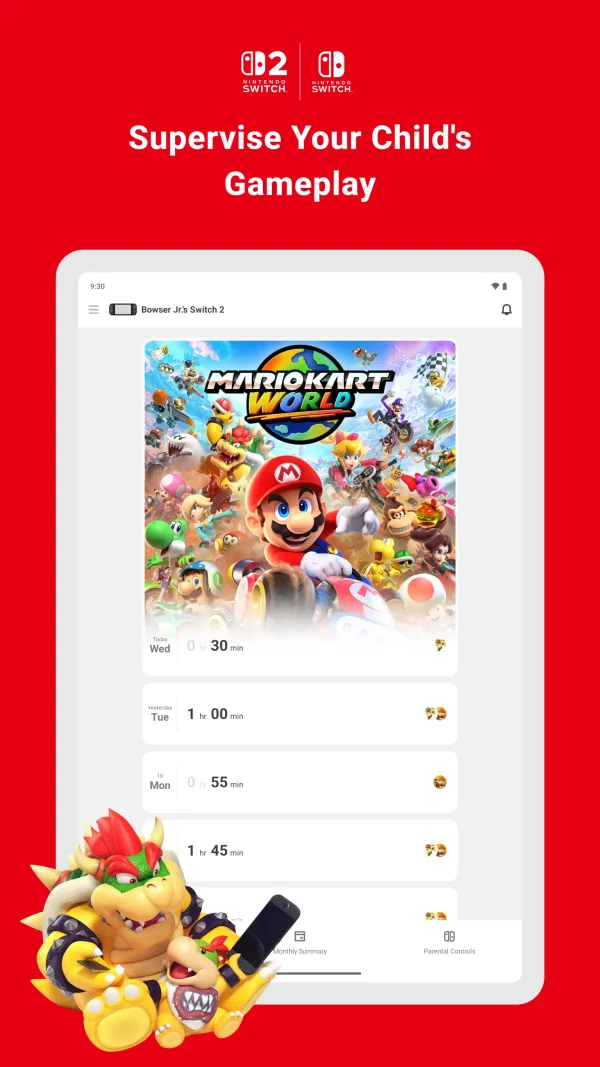
Supervise Children's Gameplay
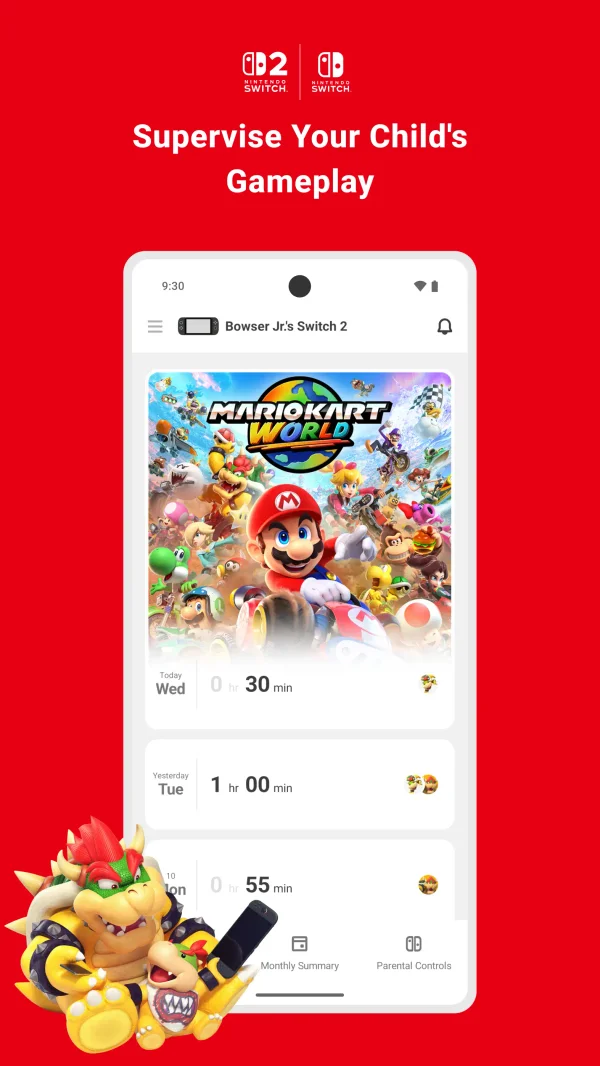
Nintendo Switch Parental Controls™ is a free app that allows you to easily monitor your child's use of the Nintendo Switch 2 or Nintendo Switch console. Up to two parents or guardians can check their child's play activity, as well as set Parental Controls features like a play time limit.
(Please note: A Nintendo Switch 2 or Nintendo Switch console is required to use this app.)
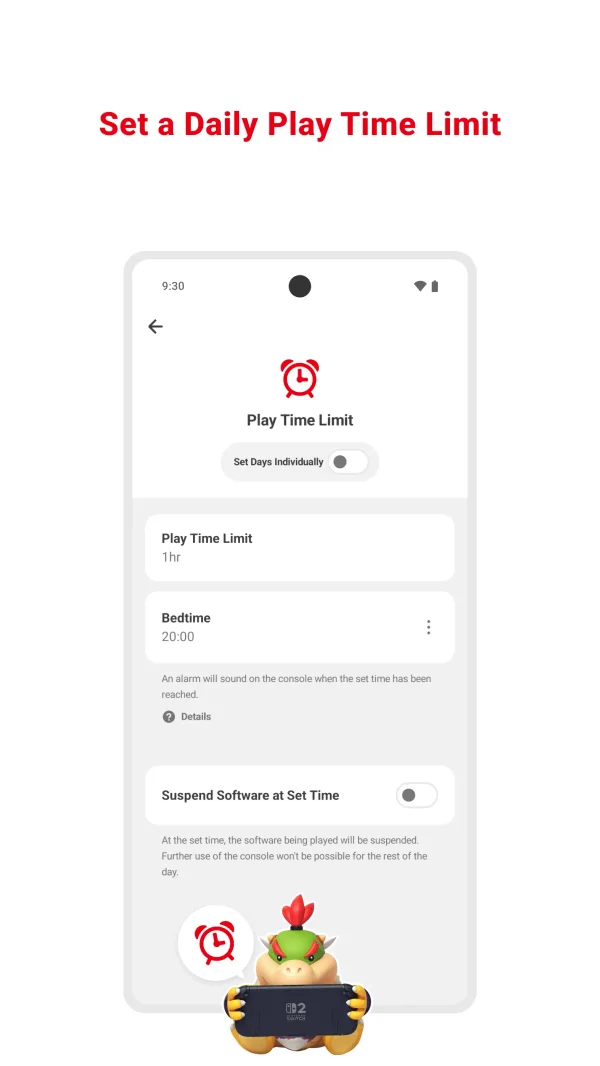
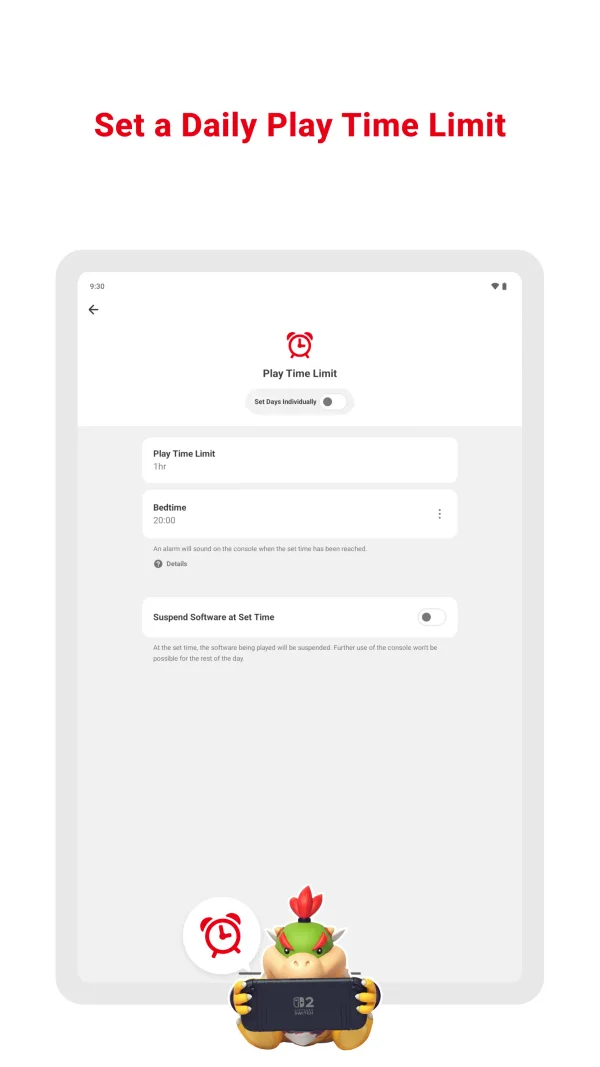
◆ Set a daily play time limit
You can set how long you'd like your child to be able to play for each day. It's possible to choose different settings for each day of the week, and you can also set it so that the game on the console is suspended as soon as the play time limit is reached.
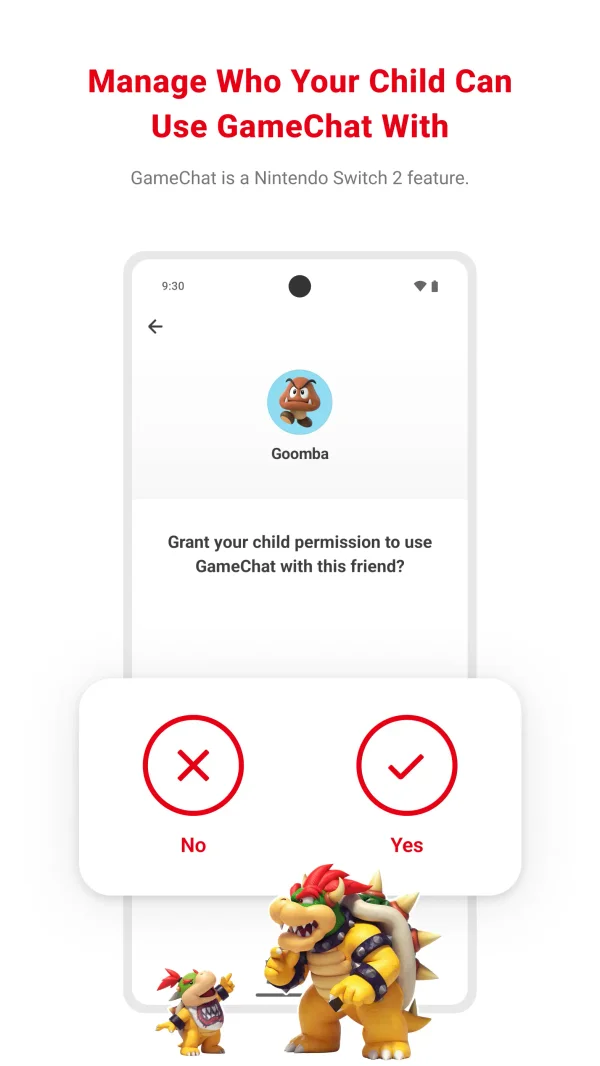
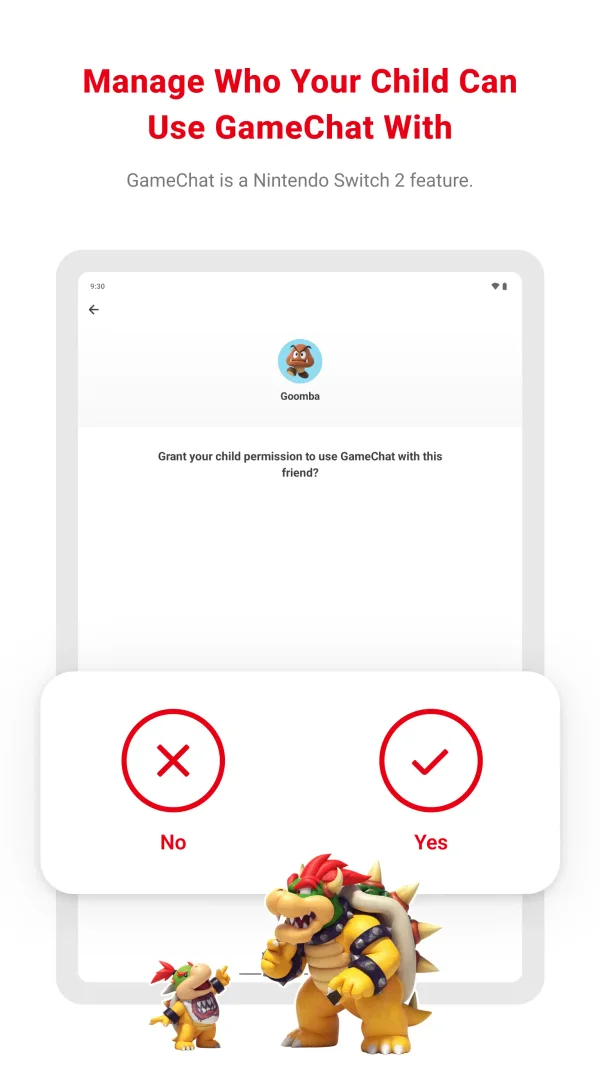
◆ Manage your child's GameChat settings
If you choose to allow your child to use GameChat, you can manage which friends they can chat with and decide whether they can use video chat.
Note: The GameChat feature can only be used on Nintendo Switch 2 consoles.
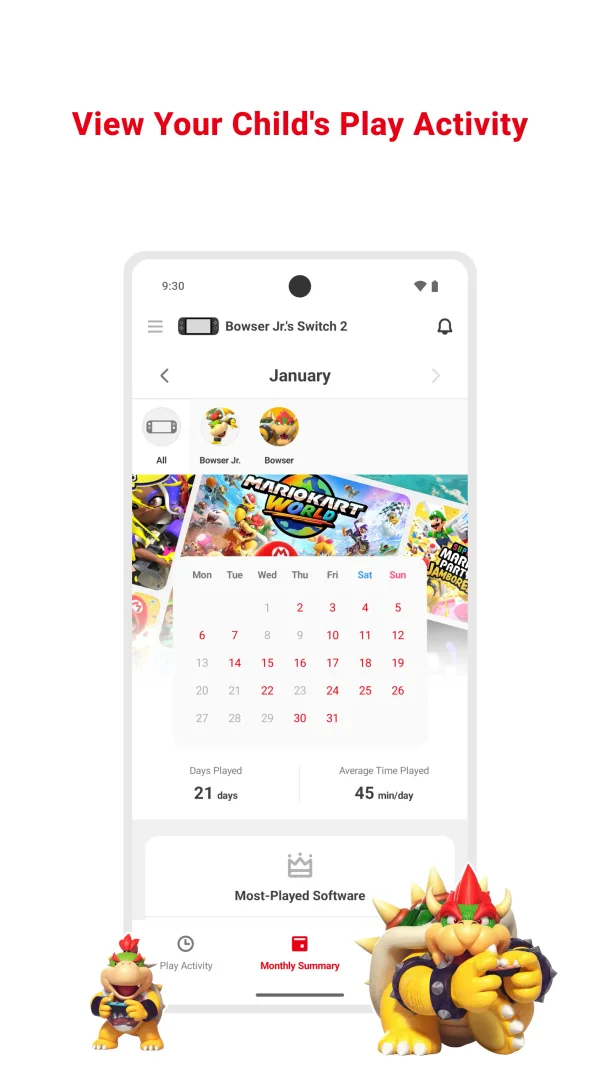
◆ View your child's play activity
You can easily check which games your child plays and for how long. You'll also receive a monthly overview of their gameplay activity.
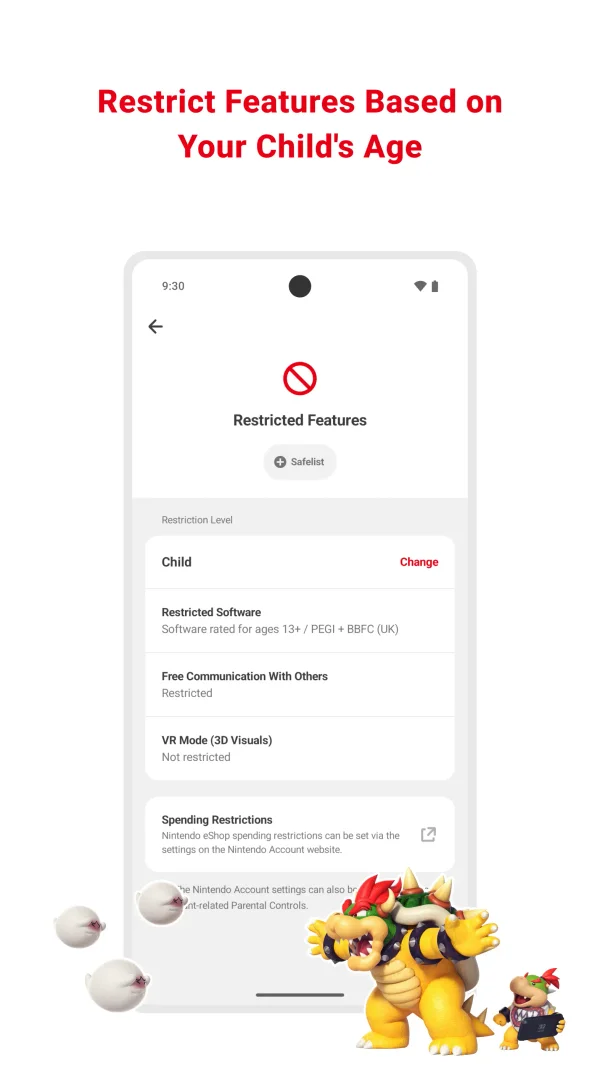
◆ Set restrictions based on your child's age
You can choose to restrict the games your child can play and the features they can use based on their age.
Attention:
● In order to use the Nintendo Switch Parental Controls app, a parent or guardian (aged 18 or above) needs to have a Nintendo Account.
● You can set purchasing restrictions, including restrictions on purchasing products and services in Nintendo eShop, in the Nintendo Account settings.
● In order to make use of all of the features and settings available in the Nintendo Switch Parental Controls app, all linked Nintendo Switch 2 and Nintendo Switch consoles need to be using the latest system version.
● Please see support.nintendo.com for details about the GameChat feature.
Nintendo Account Agreement: https://accounts.nintendo.com/term_chooser/eula
Data safety
What Nintendo Co., Ltd. declares on Google Play about the data this app collects and shares.
- No data shared with third partiesLearn more about how developers declare sharing
- This app may collect these data typesPersonal info, App activity and 2 others
- Data is encrypted in transit
- You can request that data be deleted
What’s new
Version 2.7.0 · Nov 16, 2026
Small improvements have been made.
Developer contact
- Websitenintendo.com
- Emailsmartdevice-app@support.nintendo.com
- Privacy policyaccounts.nintendo.com
- Address11-1, KAMITOBAHOKODATECHO, MINAMI-KU KYOTO, 京都府 601-8116 Japan
Information
- Offered by
- Nintendo Co., Ltd.
- Category
- Lifestyle
- Version
- 2.7.0
- Updated
- Nov 16, 2026
- Released
- Mar 2, 2017
- Requires
- Android 8.0 or later
- Age rating
- Everyone
- Price
- Free
- Package name
- com.nintendo.znma
Similar apps
-
 PokeRaid - for Pokémon GO Raid
Social
-
 dataDex - Pokédex for Pokémon
Tools
-
 Novel Effect: Read Aloud Books
Education
-
 Nintendo Today!
Lifestyle
-
 Pokémon HOME
Tools
-
 The Arcade · Game Hub Launcher
Personalization
-
 Smart Connect
Productivity
-
 Poke Genie -Remote Raid IV PvP
Tools
-
 Super Robot Bros: Play & Code
Education
-
 Child Reward: Chores & Rewards
Parenting
-
 MasterDex - Complete Pokedex
Entertainment
-
 Bikii Cloud Gaming: PC Games
Entertainment