Smart Connect
Motorola Mobility LLC.- EveryoneAge rating
- ProductivityCategory
- Oct 29, 2026Updated
- FreePrice
Links to the official Google Play listing of com.motorola.mobiledesktop. Last checked on Nov 20, 2026.
Screenshots
About this app
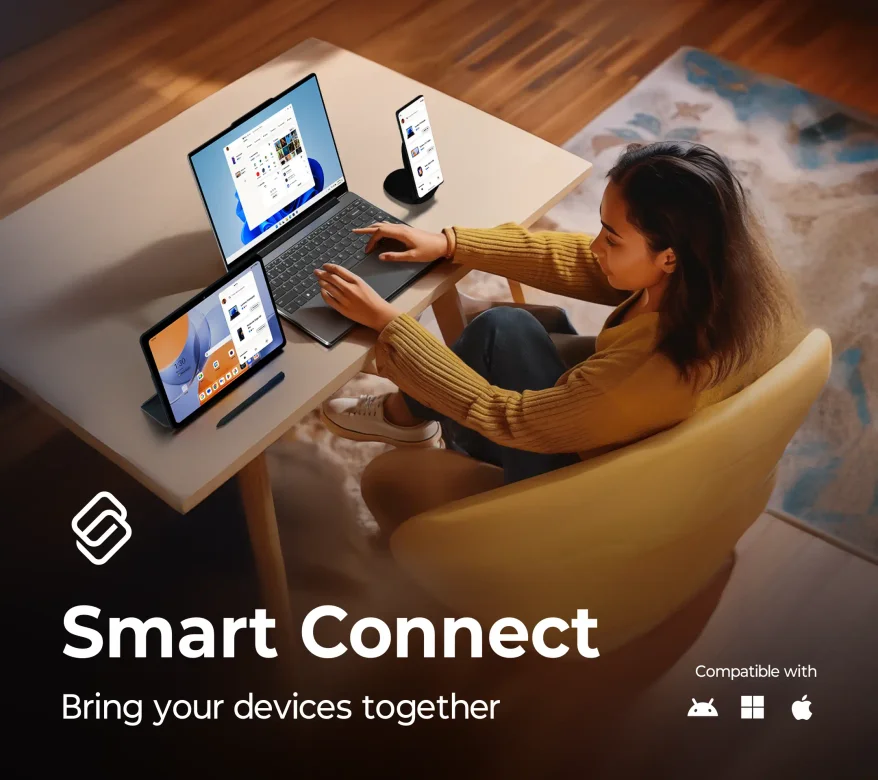
Bring your devices together
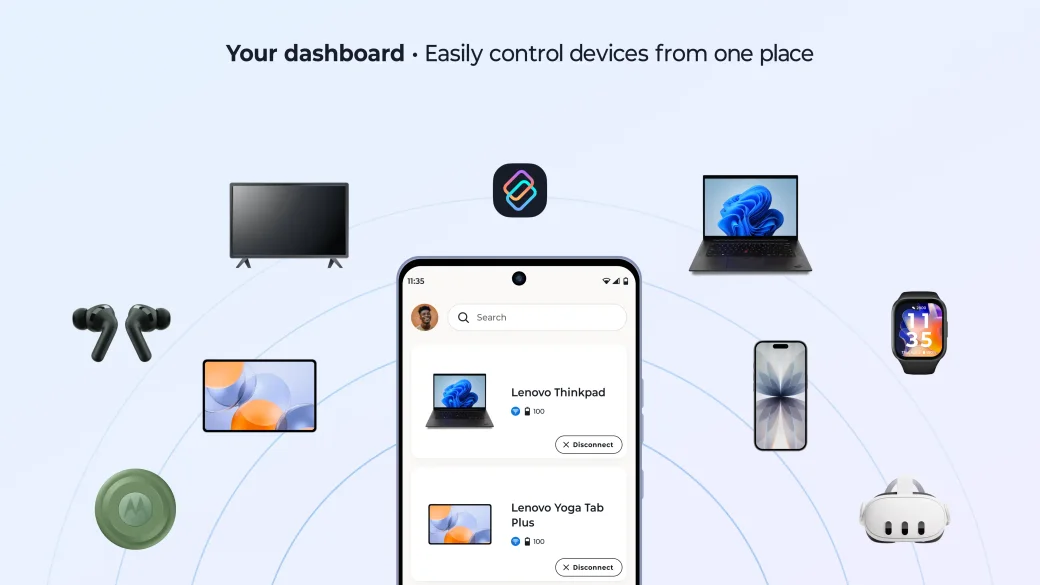
Smart Connect unifies your digital life across phone, tablet and PC. Move between screens without missing a beat. Control, share and stream content anywhere in your ecosystem.
Key features:
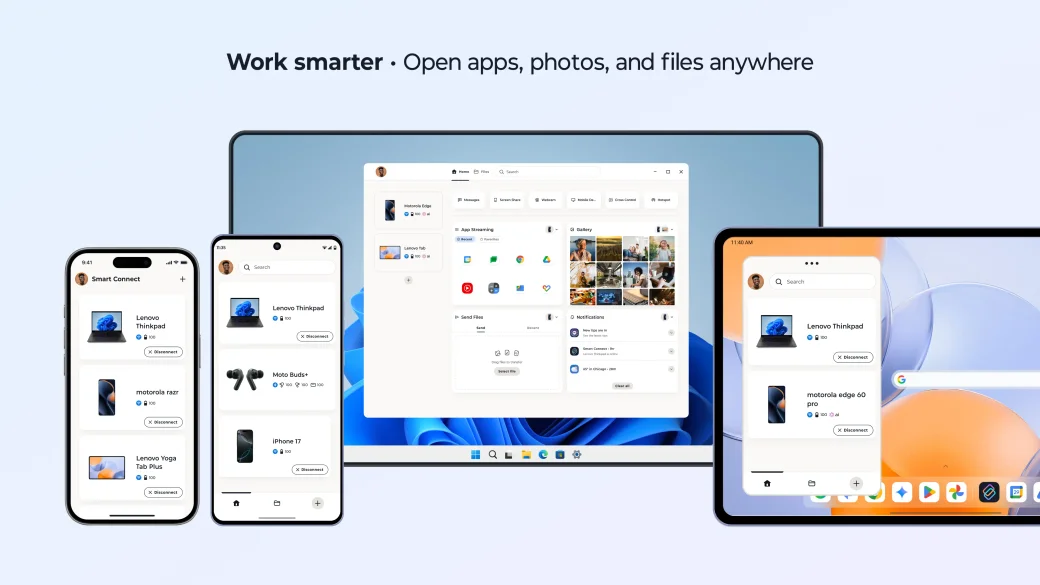
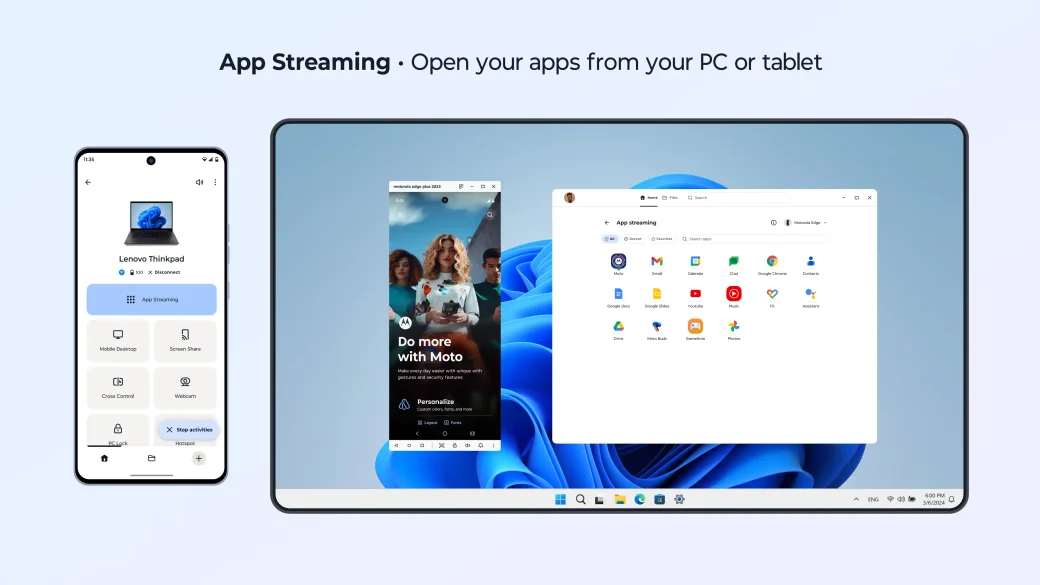
• Stream your favourite apps and media from your phone or tablet to your PC or smart display.
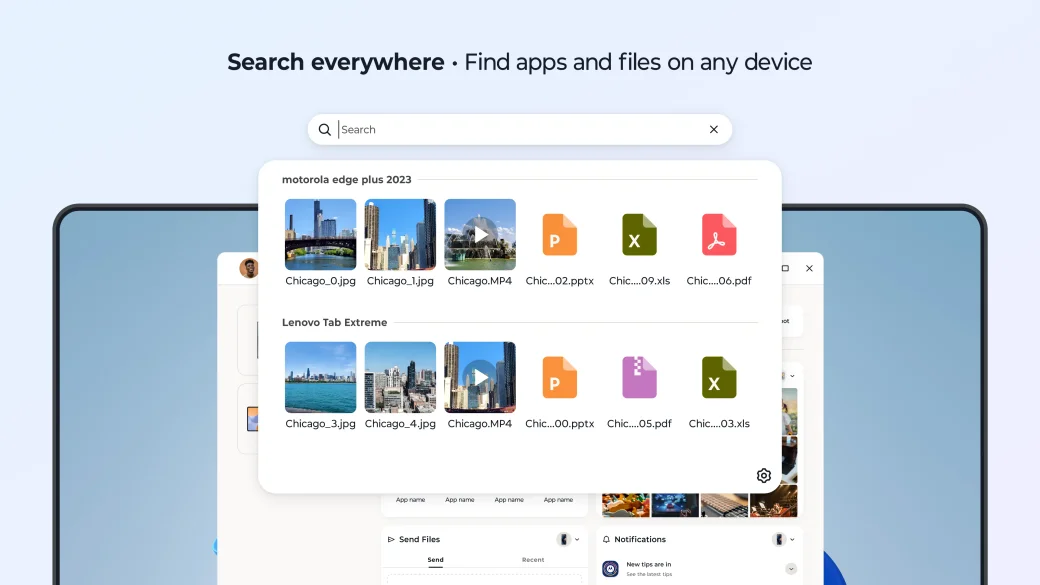
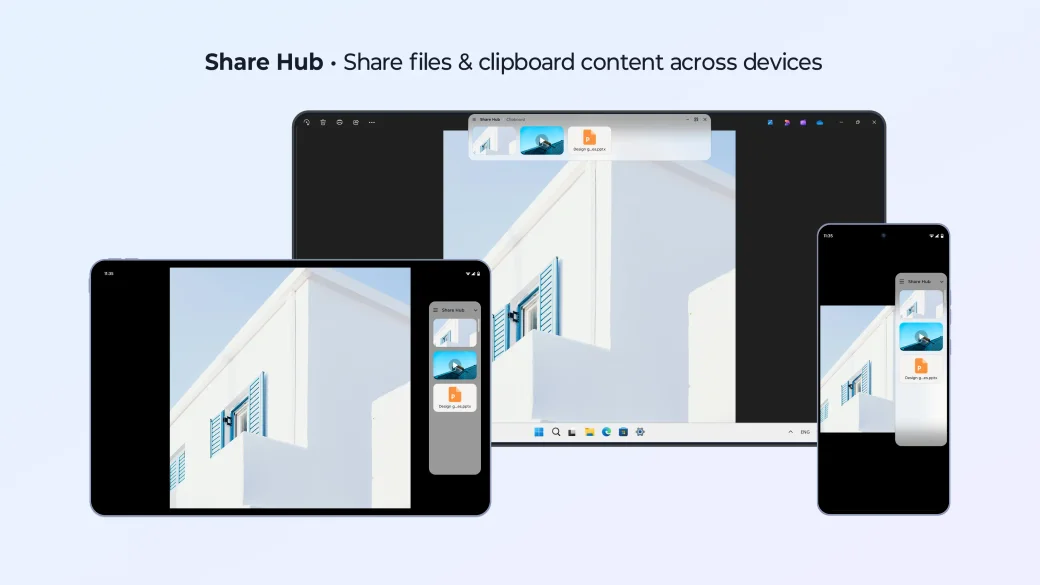
• Find and share files, photos and content across all of your devices with cross-device Search and Share hub.
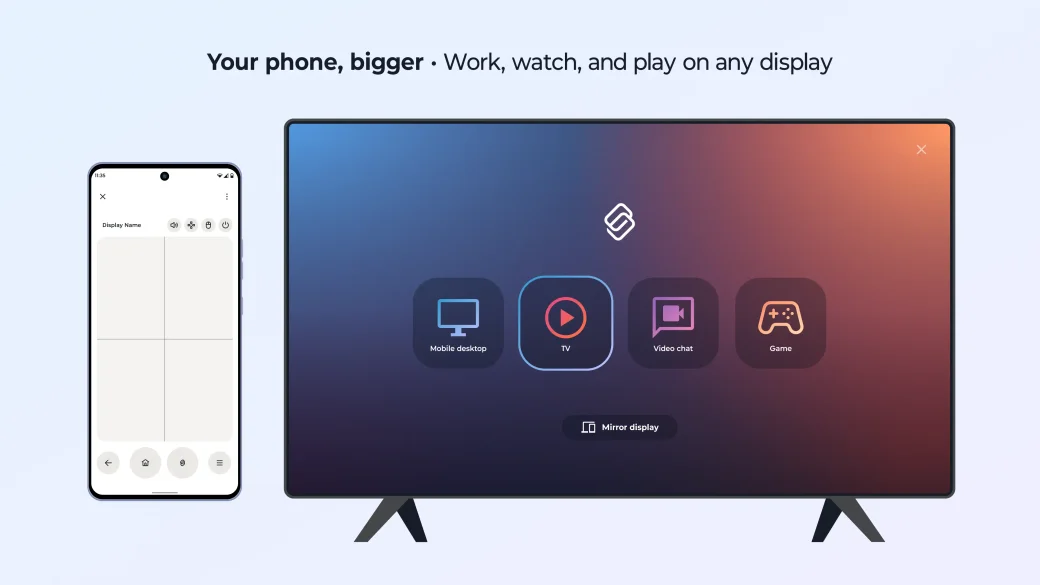
• Turn your phone into a full desktop-style workspace for multitasking on the go with Mobile desktop.
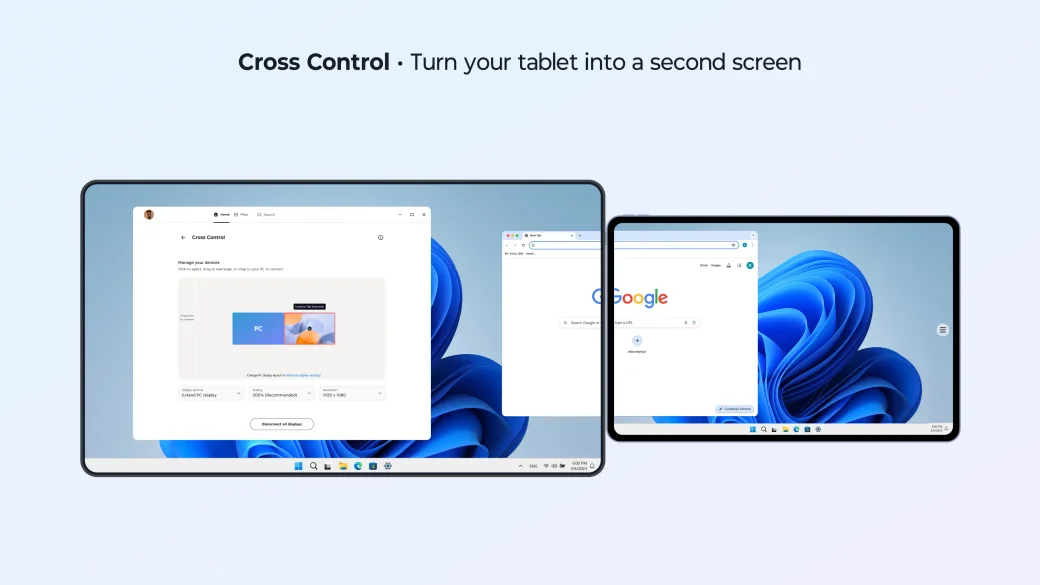
• Use Cross Control to extend or mirror your PC screen on your tablet.
• Check and reply to your phone's Messages from the PC dashboard.
• Use your phone or tablet's high-resolution camera with webcam for clear, professional video calls.
• Copy text or screenshots on one device and paste them on another with Clipboard.
Smart Connect requires elevated permissions to install and use this app.
A Windows 10 or 11 PC with Bluetooth and a compatible phone or tablet are required.
Feature compatibility may vary by device. Click the link to see if your phone or tablet is compatible: https://help.motorola.com/hc/apps/smartconnect/?t=compatible
Data safety
What Motorola Mobility LLC. declares on Google Play about the data this app collects and shares.
- No data shared with third partiesLearn more about how developers declare sharing
- No data collectedLearn more about how developers declare collection
- Data is encrypted in transit
- You can request that data be deleted
What’s new
Version 09.0.4.005.0 · Oct 29, 2026
• Stability improvements and bug fixes.
Developer contact
- Websitemotorola.com
- Emailplaystor@motorola.com
- Privacy policymotorola.com
- Address222 Merchandise Mart Plz Ste 1800 Chicago, IL 60654 United States
Information
- Offered by
- Motorola Mobility LLC.
- Category
- Productivity
- Version
- 09.0.4.005.0
- Updated
- Oct 29, 2026
- Released
- Sep 21, 2021
- Age rating
- Everyone
- Price
- Free
- Package name
- com.motorola.mobiledesktop
Similar apps
-
 Switch Access
Tools
-
 Remote Mouse
Tools
-
 Microsoft Launcher
Personalization
-
 HiOS Launcher - Fast
Personalization
-
 Nothing X
Tools
-
 XOS Launcher -Cool Stylish
Personalization
-
 Google Fi Wireless
Tools
-
 Blynk IoT
Tools
-
 SmartThings
Lifestyle
-
 Yubii Home
House & Home
-
 INKBIRD
Tools
-
 AnyDesk Remote Desktop
Business