Nomad Sculpt
HexanomadIn-app purchases
- EveryoneAge rating
- Art & DesignCategory
- Oct 23, 2026Updated
- FreePrice
Links to the official Google Play listing of com.stephaneginier.nomad. Last checked on Nov 19, 2026.
Screenshots
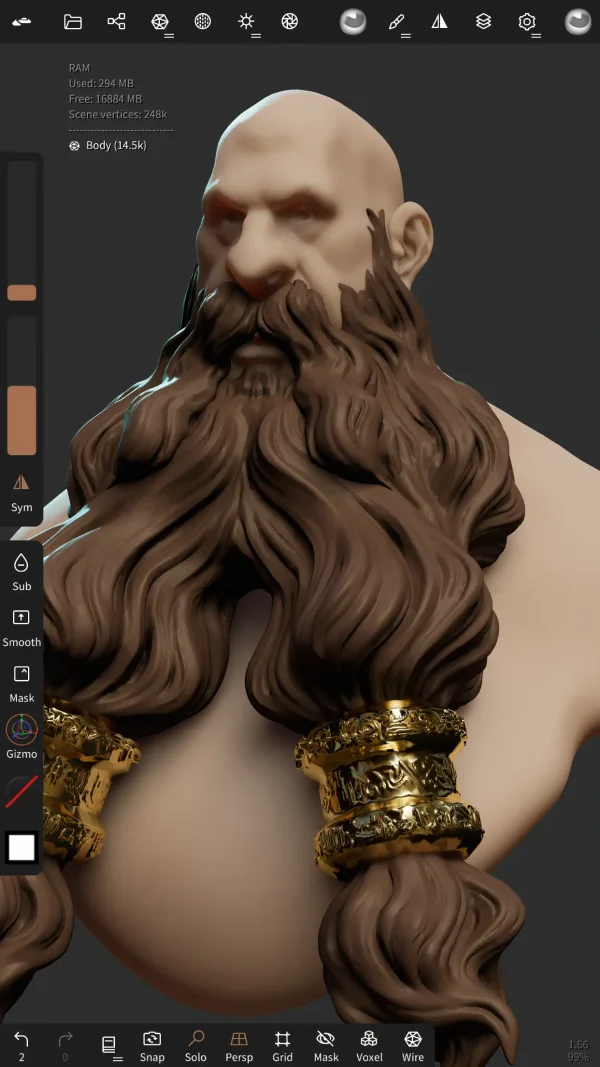

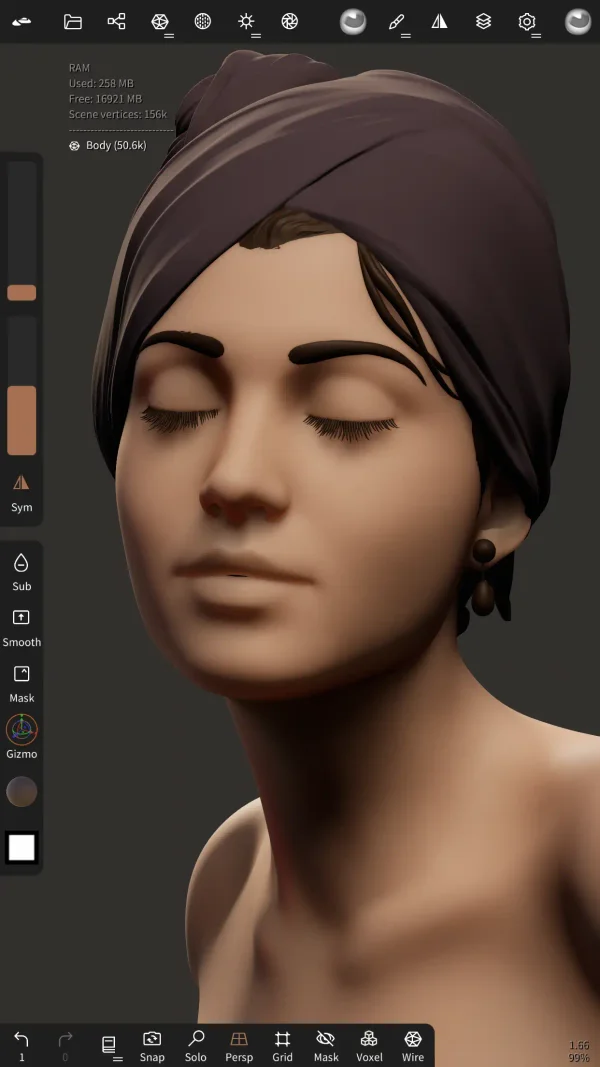

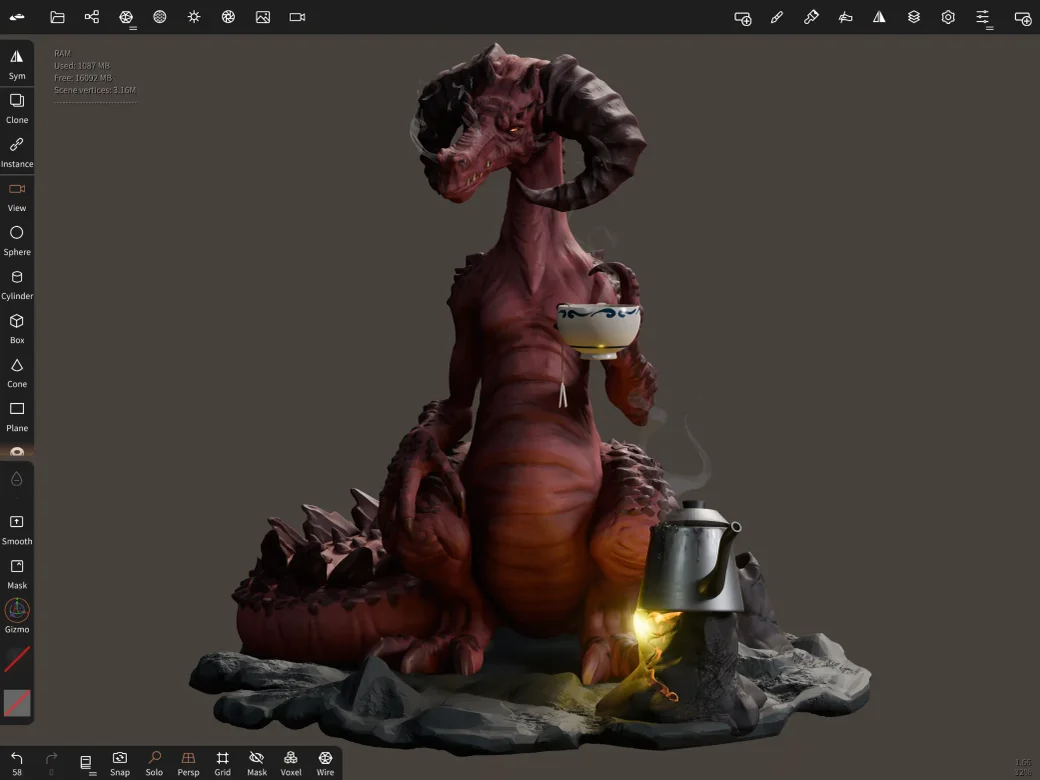
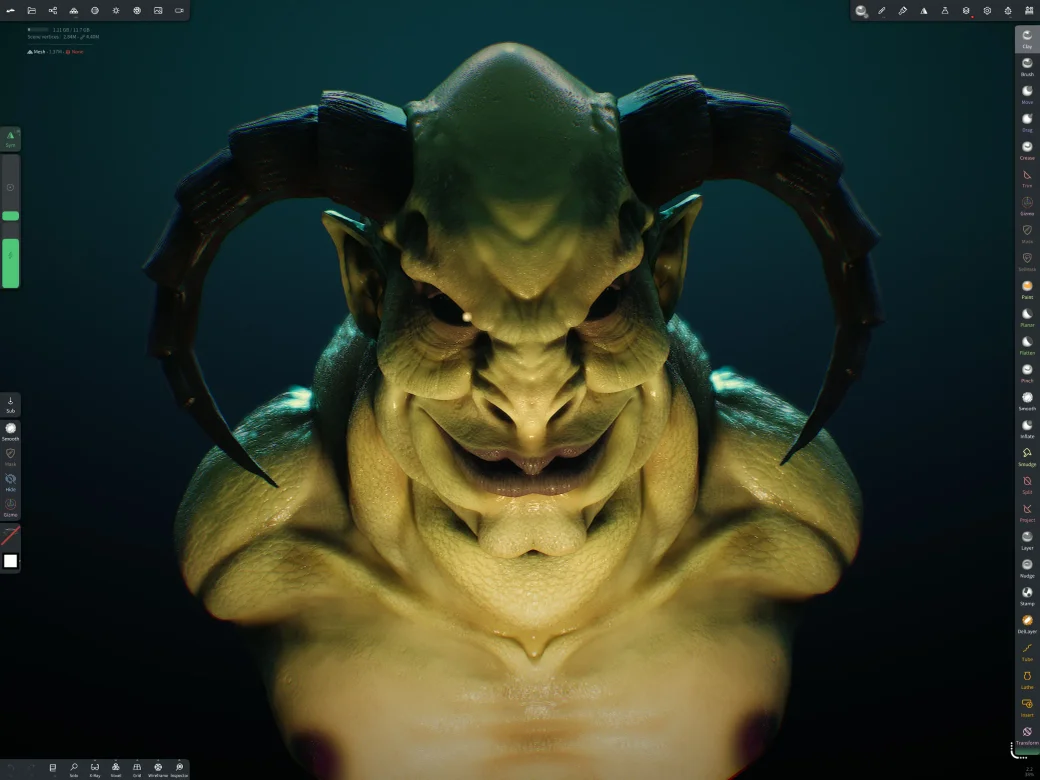



About this app
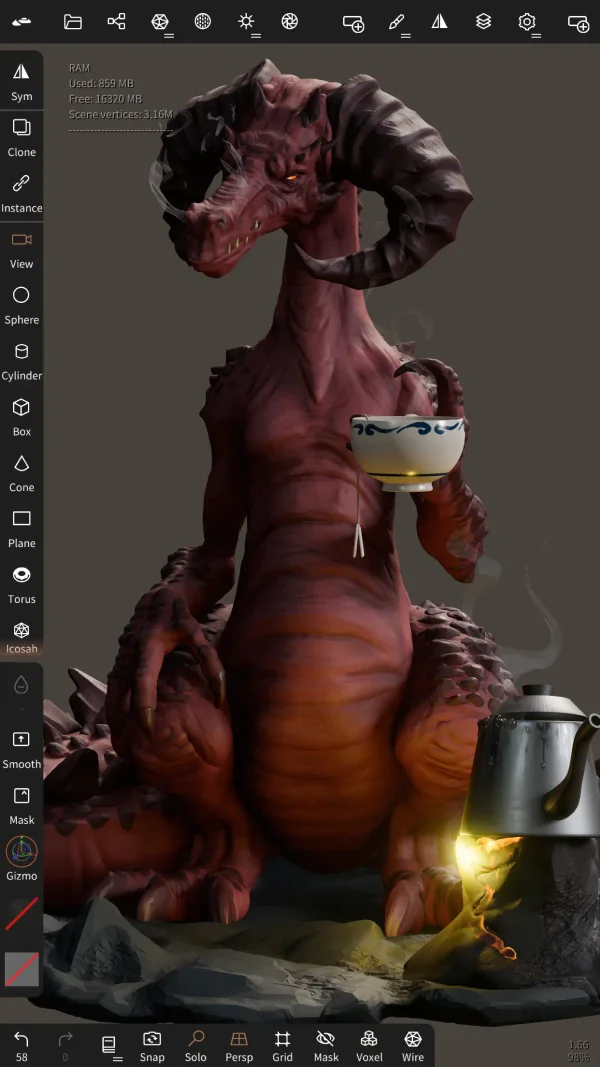
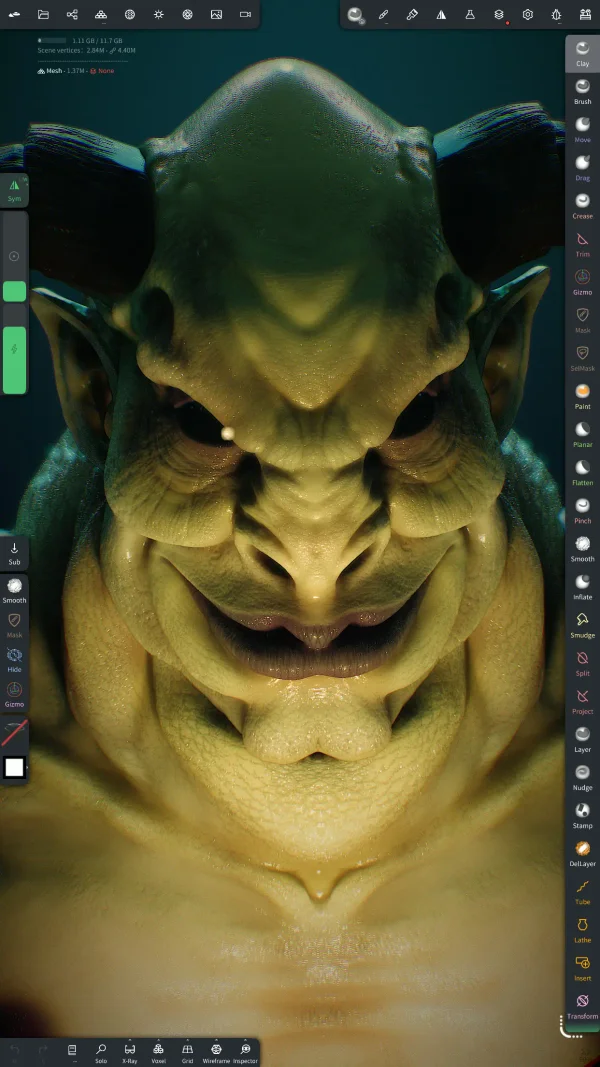
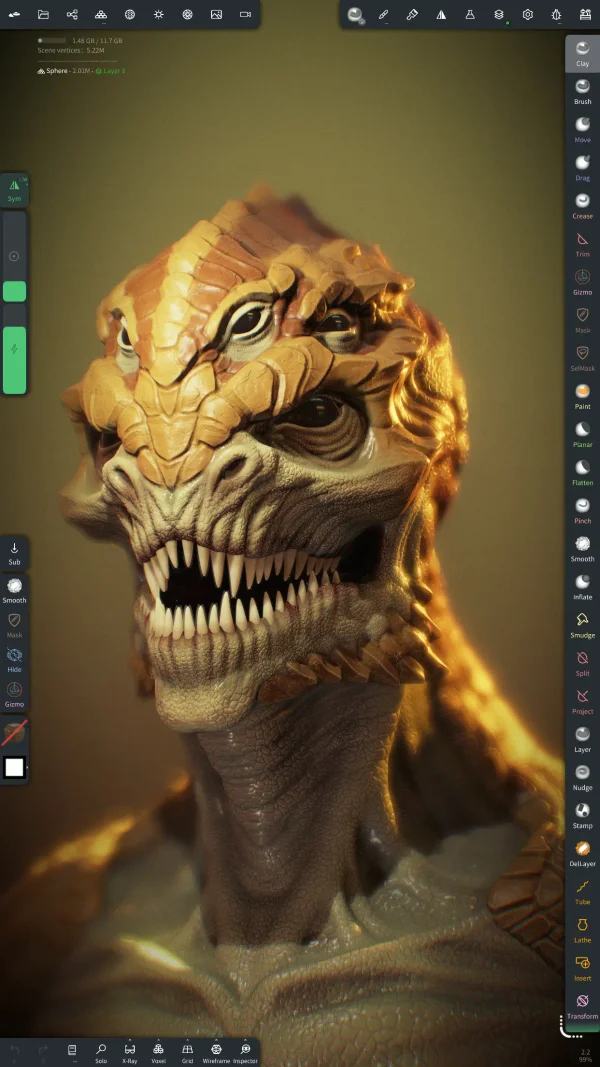
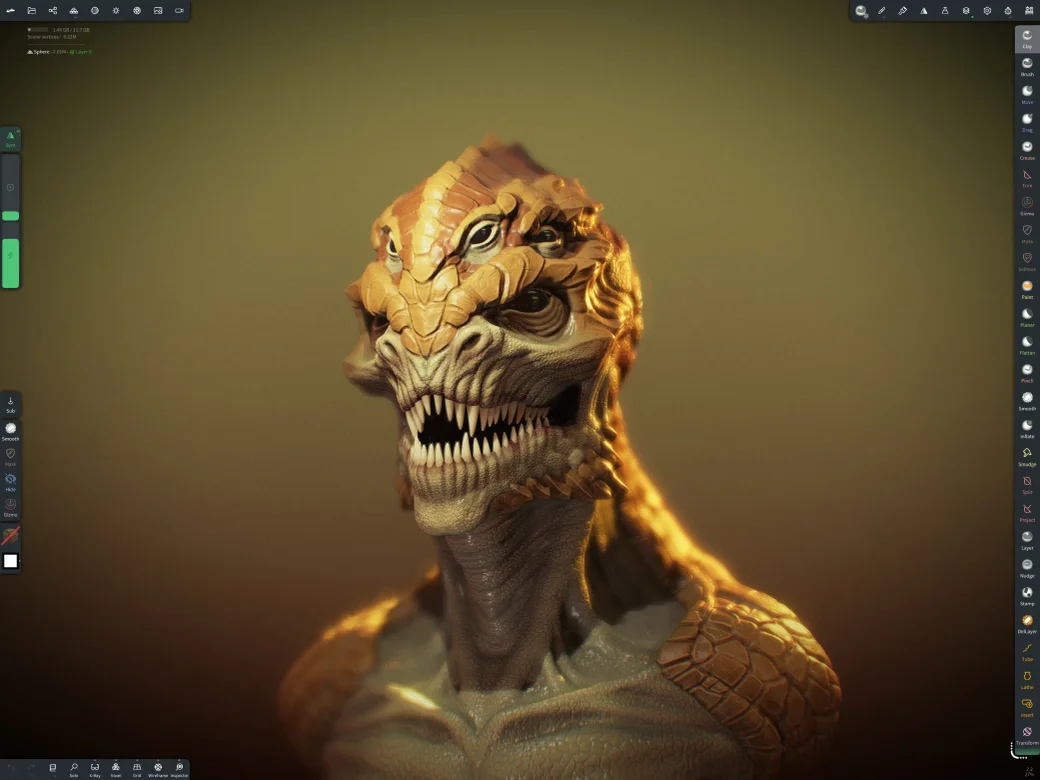
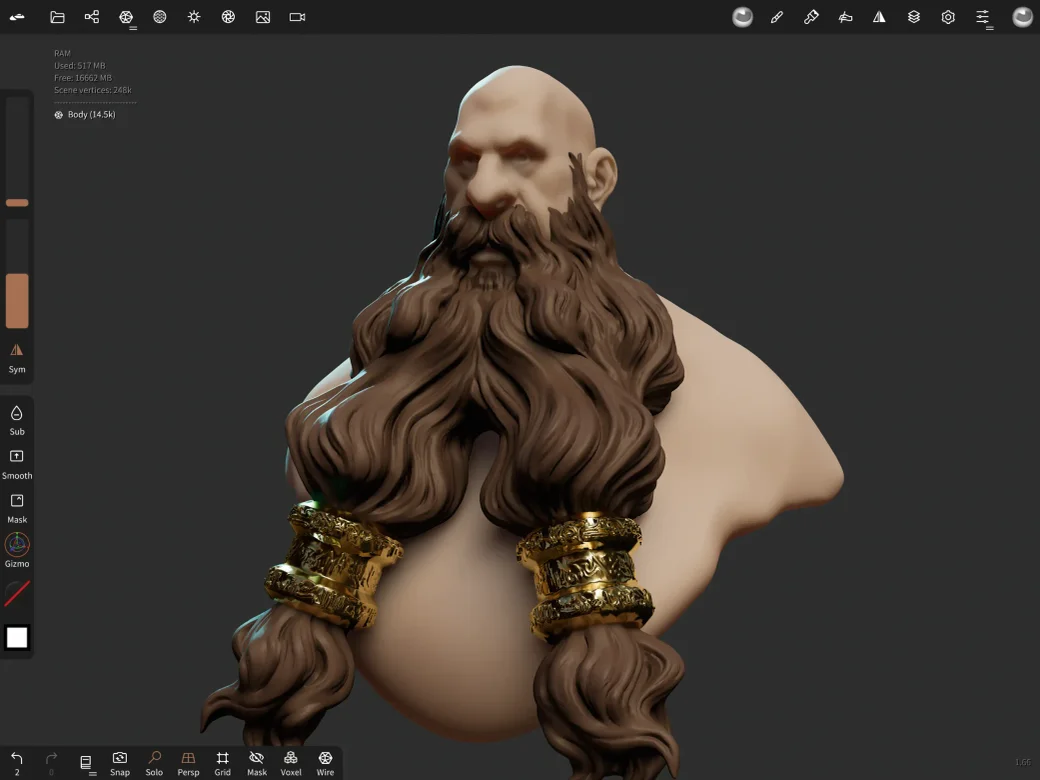
Sculpt, paint and create in 3D
• Sculpting tools
Clay, flatten, smooth, mask and many other brushes will let you shape your creation.
You can also use the trim boolean cutting tool with lasso, rectangle and other shapes, for hardsurface purposes.
• Stroke customization
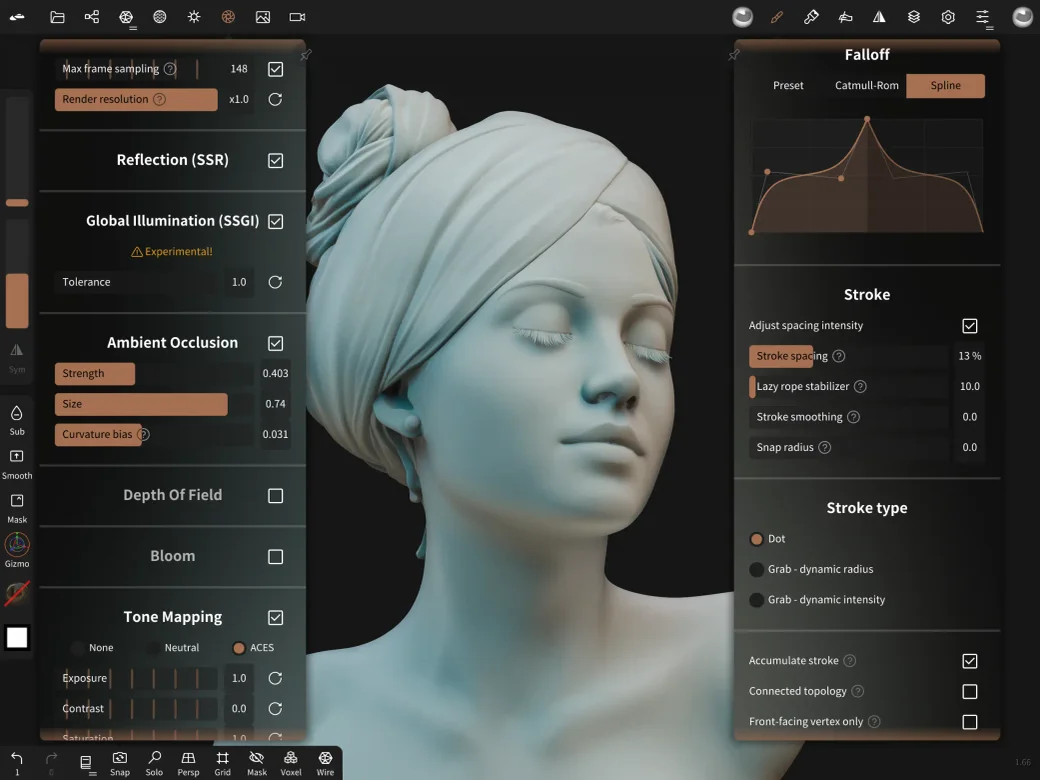
Falloff, alphas, tilings, pencil pressure and other stroke parameters can be customized.
You can save and load your tools preset as well.
• Painting tools
Vertex painting with color, roughness and metalness.
You can easily manage all your material presets as well.
• Layers
Record your sculpting and painting operations in separate layers for easier iteration during the creation process.
Both the sculpting and painting changes are recorded.
• Multiresolution sculpting
Go back and forth between multiple resolution of your mesh for a flexible workflow.
• Voxel remeshing
Remesh quickly your mesh to get a uniform level of detail.
It can be used to quickly sketch a rough shape at the beginning of the creation process.
• Dynamic topology
Refine locally your mesh under your brush to get an automatic level of detail.
You can even keep your layers, as they will be automatically updated!
• Decimate
Reduce the number of polygons by keeping as many details as possible.
• Face Group
Segment your mesh into subgroups with the face group tool.
• Automatic UV unwrap
The automatic UV unwrapper can use face groups to control the unwrapping process.
• Baking
You can transfer vertex data such as color, roughness, metalness and small scaled detail in to textures.
You can also do the opposite, transfering textures data into vertex data or layers.
• Primitive shape
Cylinder, torus, tube, lathe and other primitives can be used to quickly start new shapes from scratch.
• PBR rendering
Beautiful PBR rendering by default, with lighting and shadows.
You can always switch to matcap for a more standard shading for sculpting purposes.
• Post processing
Screen Space Reflection, Depth of Field, Ambient Occlusion, Tone mapping, etc
• Export and Import
Supported formats include glTF, OBJ, STL or PLY files.
• Interface
Easy-to-use interface, designed for mobile experience.
Customization is possible as well!
Data safety
What Hexanomad declares on Google Play about the data this app collects and shares.
- No data shared with third partiesLearn more about how developers declare sharing
- No data collectedLearn more about how developers declare collection
What’s new
Version 2.13 · Oct 23, 2026
• Poly Haven 3D models in the Files presets
• Band: Extend and Flip, Mask: Preview while you edit the shape
• Extract: Interior Relax or Smooth
• Randomize: the same amount at each copy
• DynTopo removes tiny tangled pieces
• Export: Join copies merges each object with its repeater copies
• And more
Developer contact
- Websitenomadsculpt.com
- Emailsupport@nomadsculpt.com
- Privacy policynomadsculpt.com
- Address122 RUE AMELOT 75011 PARIS France
Information
- Offered by
- Hexanomad
- Category
- Art & Design
- Version
- 2.13
- Updated
- Oct 23, 2026
- Released
- Aug 3, 2020
- Requires
- Android 8.0 or later
- Age rating
- Everyone
- Price
- Free
- In-app purchases
- $19.99 per item
- Package name
- com.stephaneginier.nomad
Similar apps
-
 Figma: view. comment. mirror.
Art & Design
-
 Prisma3D - Animation, Modeling
Tools
-
 3D Modeling App: Sculpt & Draw
Art & Design
-
 FlipaClip: Create 2D Animation
Art & Design
-
 HomeByMe
Lifestyle
-
 Sketchbook
Art & Design
-
 Drawing Desk: Learn to Draw
Art & Design
-
 Dollify
Entertainment
-
 Sketch Pro: Draw & Create Art
Art & Design
-
 Moblo - 3D Furniture Design
Art & Design
-
 PaperColor
Art & Design
-
 Pixel Studio: pixel art editor
Art & Design