Notepad - Notes and Tasks
Splend AppsContains ads · In-app purchases
- EveryoneAge rating
- ProductivityCategory
- Oct 19, 2026Updated
- FreePrice
Links to the official Google Play listing of com.splendapps.adler. Last checked on Nov 19, 2026.

Screenshots
About this app
The developer has not provided this text in your language.
Notepad - Notes, tasks, inspirations. Always at your fingertips.
Notepad - Notes
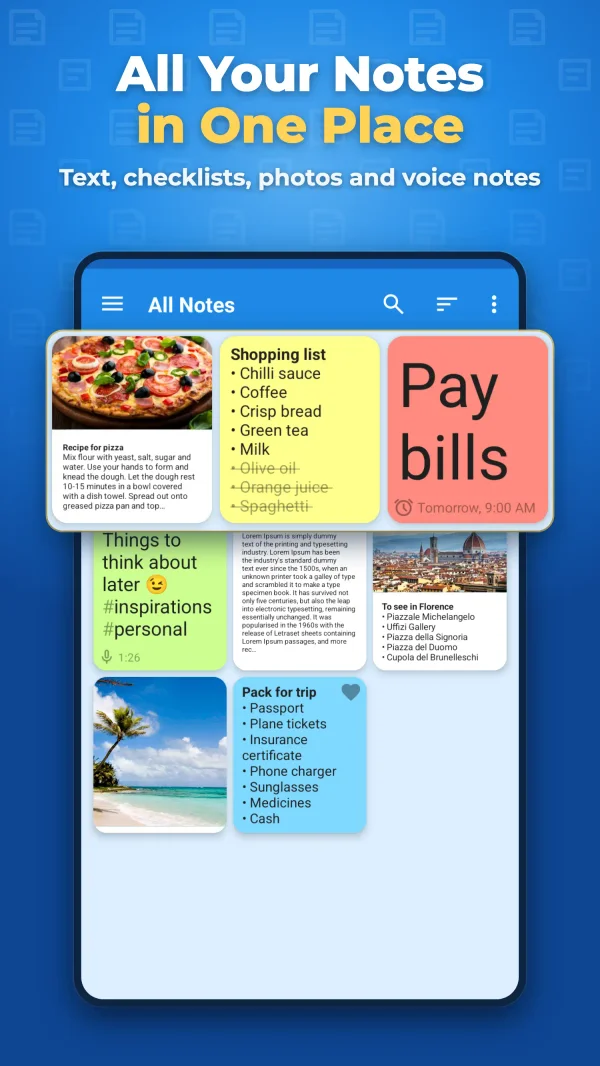
Adler Notes is free, full-featured and easy to use notepad app for Android.
You can use it as a digital notebook or diary.
Our app is also perfect for recording lectures, business meetings and interviews.
It saves your inspirations, holiday plans, shopping lists or anything you want to organize or remember!
Colors and tags help you to organize and classify everything.
You can work everywhere, stay productive and get reminders at the right time.
More features and details
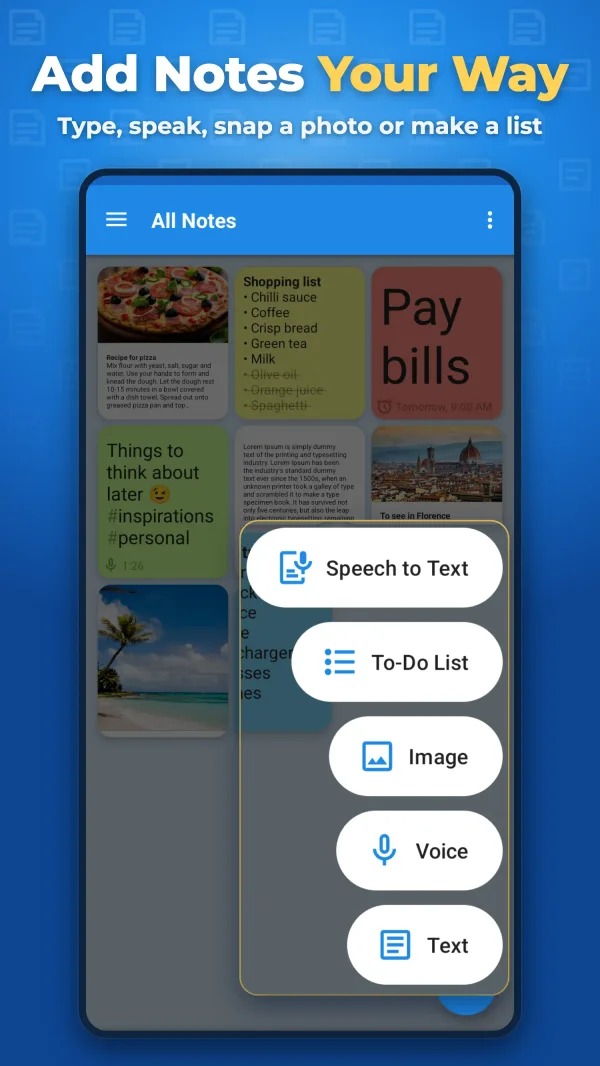
• Basic note has a text field where you can write notes of any length
• Notes can have many additional elements:
- Bold title field
- Colors such as on sticky notes, 8 colors to choose from (one of them can be set as default)
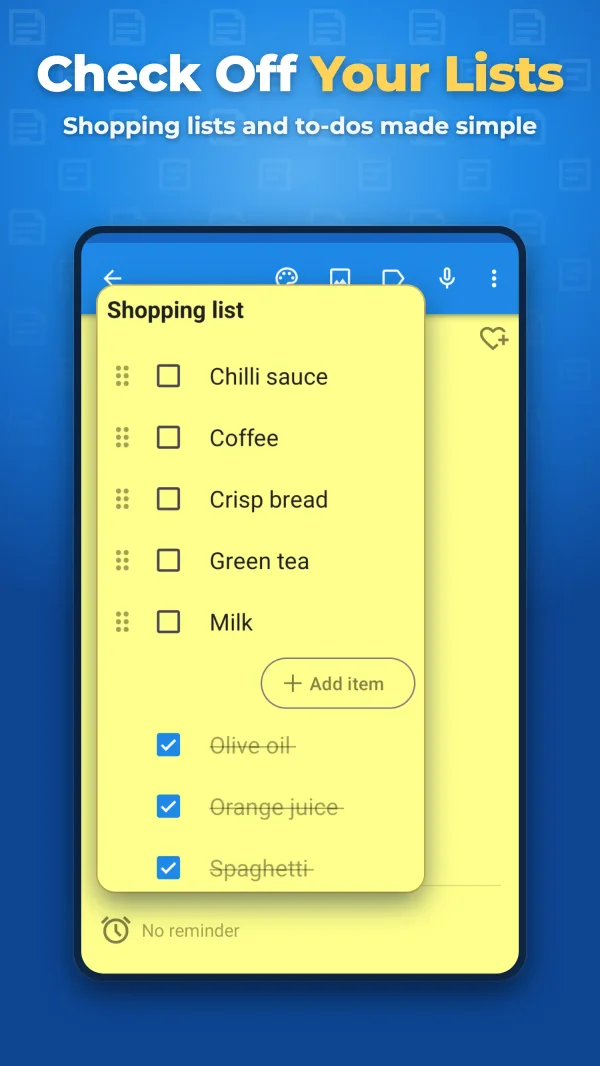
- Task lists, to-do lists, shopping lists and checklists - checkboxes let you control what is to be done
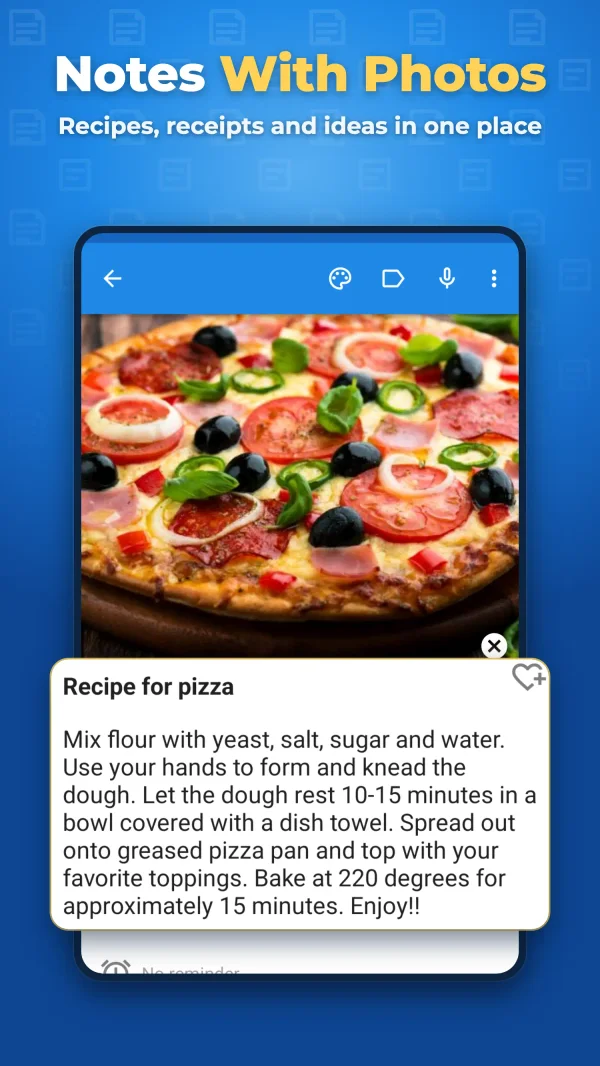
- You can take a photo and attach it to your note
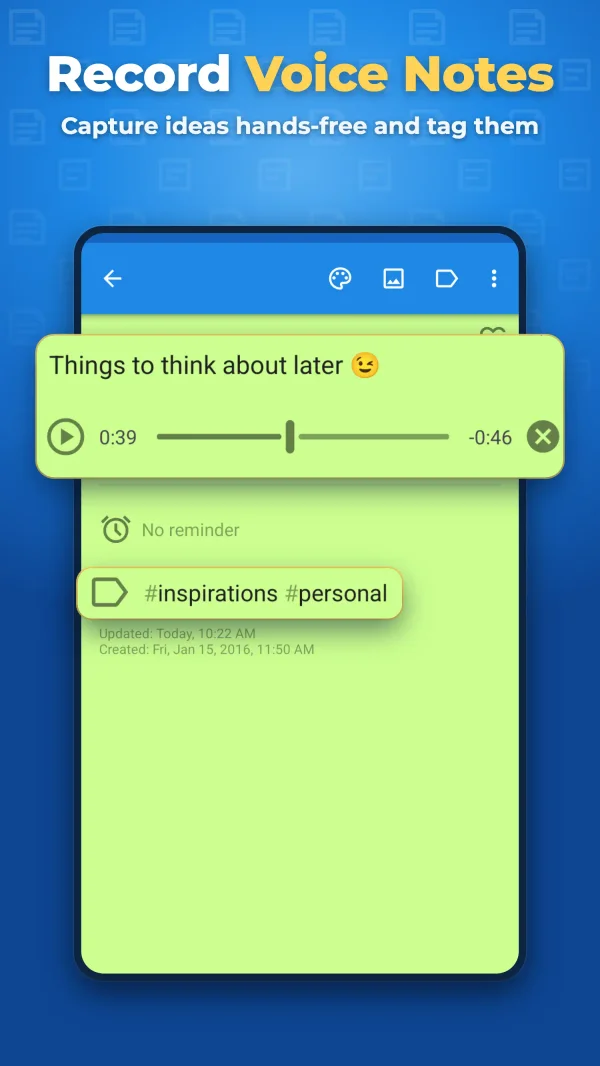
- Voice memos - high quality and low size M4A audio recordings
- Speech to text - use voice recognizer to dictate a note
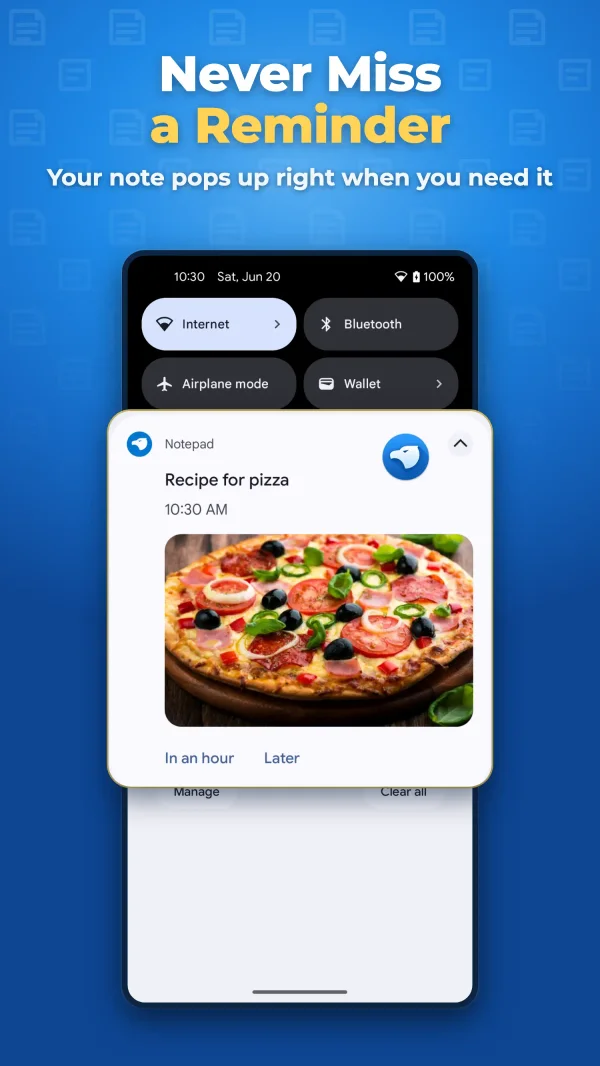
• Reminders (one-time or recurring) notify you on time with blinking LED notification
• Status bar - component (in the notifications area) helps you add a new note quickly
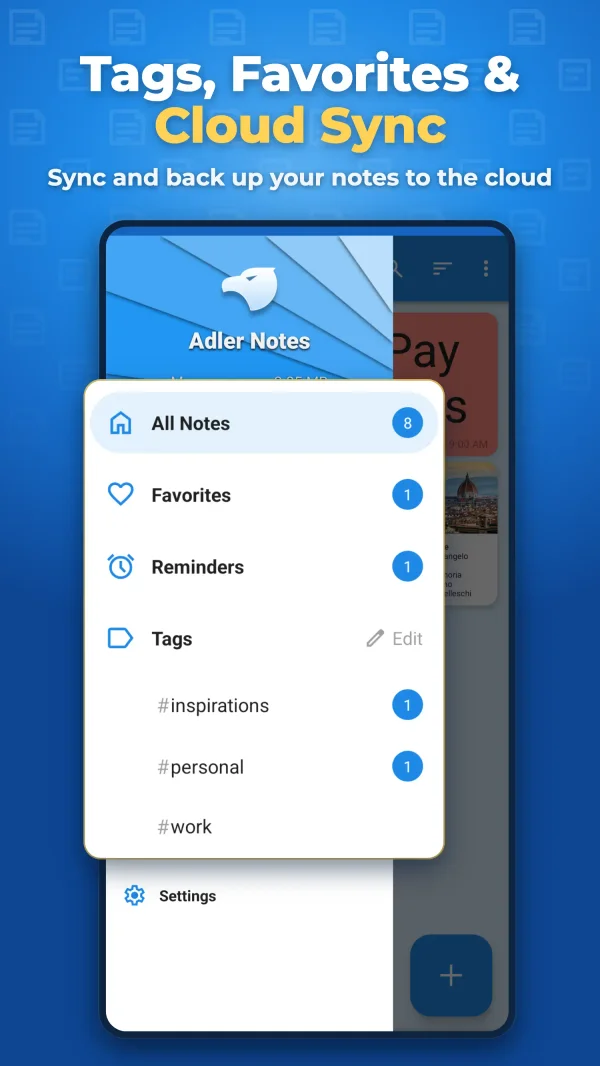
• Tags support for better organize your notes
• The most important notes can be added to Favorites
• Efficient search helps you to get the information you need very quickly
• Backup and restore features
• Synchronization with Google Drive™ and Dropbox™ (auto sync works when needed and by default works on Wi-Fi only)
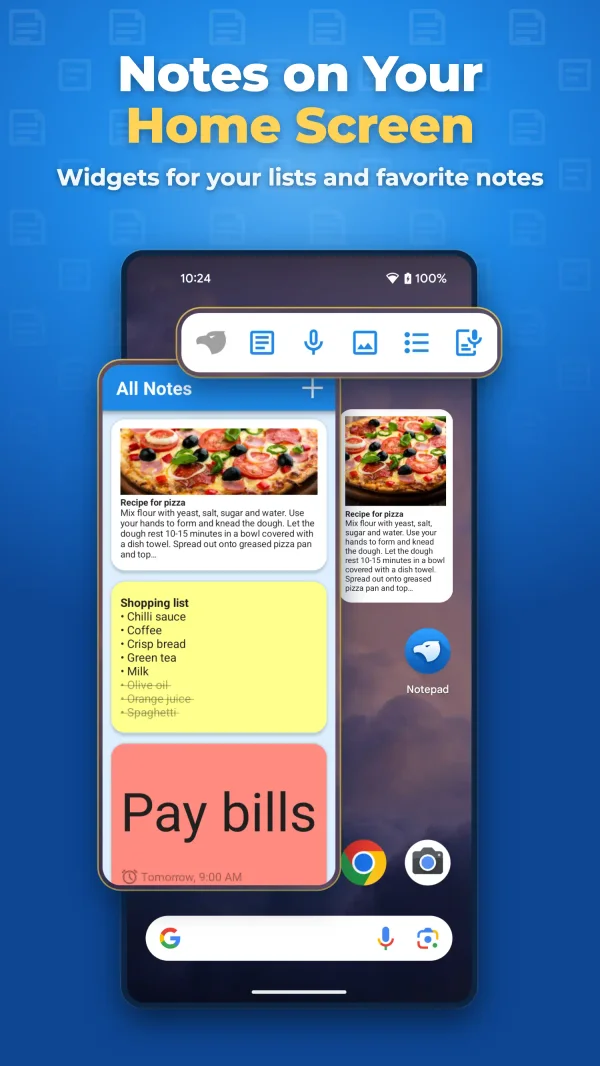
• Very useful widgets - put your notes on your home screen:
- Add Quick Note - provides quick access to the app
- Single Note - sticky note memo, resizable widget displays one note
- Your Notes - resizable widget displays all your notes or notes from selected list
• Helpful actions on multiple notes at the same time (long-click selection support)
• Sorting notes by modification date, creation date, reminder date and by name with favorites on top or not
• Share ideas with friends and family via SMS, e-mail, Facebook, Twitter or any other app
About Us
• Visit SplendApps.com: http://splendapps.com/
• Our Privacy Policy: http://splendapps.com/privacy-policy
• Contact Us: http://splendapps.com/contact-us
• Refund Policy: https://splendapps.com/refunds
Follow Us
• Facebook: https://www.facebook.com/SplendApps/
• Instagram: https://www.instagram.com/splendapps/
• Twitter: https://twitter.com/SplendApps
Data safety
What Splend Apps declares on Google Play about the data this app collects and shares.
- No data shared with third partiesLearn more about how developers declare sharing
- No data collectedLearn more about how developers declare collection
- Data is encrypted in transit
- Data can’t be deleted
What’s new
Version 3.0.11 · Oct 19, 2026
Usability improvements and minor bug fixes.
Developer contact
- Websitesplendapps.com
- Emailsupport@splendapps.com
- Privacy policysplendapps.com
- Address20-11 Al. Śliwowa 54-106 Wrocław Poland
Information
- Offered by
- Splend Apps
- Category
- Productivity
- Version
- 3.0.11
- Updated
- Oct 19, 2026
- Released
- Jan 18, 2016
- Requires
- Android 8.0 or later
- Age rating
- Everyone
- Price
- Free
- In-app purchases
- $2.99 per item
- Package name
- com.splendapps.adler
Similar apps
-
 Jnotes: Note-Taking, AI, PDF
Productivity
-
 Notepad Notes
Productivity
-
 Notepad - simple notes
Productivity
-
 Color Notes, Notebook, Notepad
Productivity
-
 Notepad, Notes, Easy Notebook
Productivity
-
 MultiNotes - Reminder Notes
Tools
-
 Nested Folder Notes - Folino
Productivity
-
 Squid: Take Notes, Markup PDFs
Productivity
-
 Notewise - AI Notes, PDF, Docs
Productivity
-
 Notes : Color Folders & To-dos
Productivity
-
 Google Keep - Notes and lists
Productivity
-
 Kilonotes-Notes & Mark up PDF
Productivity