Notewise - AI Notes, PDF, Docs
NotewiseIn-app purchases
- EveryoneAge rating
- ProductivityCategory
- Nov 25, 2026Updated
- FreePrice
Links to the official Google Play listing of com.yygg.note.app. Last checked on Nov 25, 2026.

Screenshots
About this app
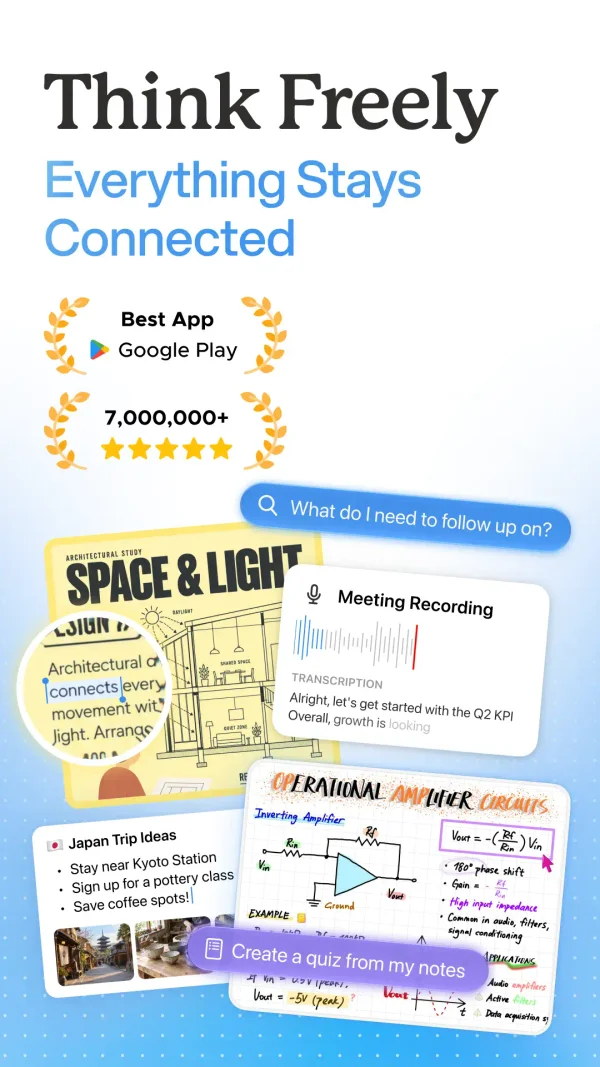
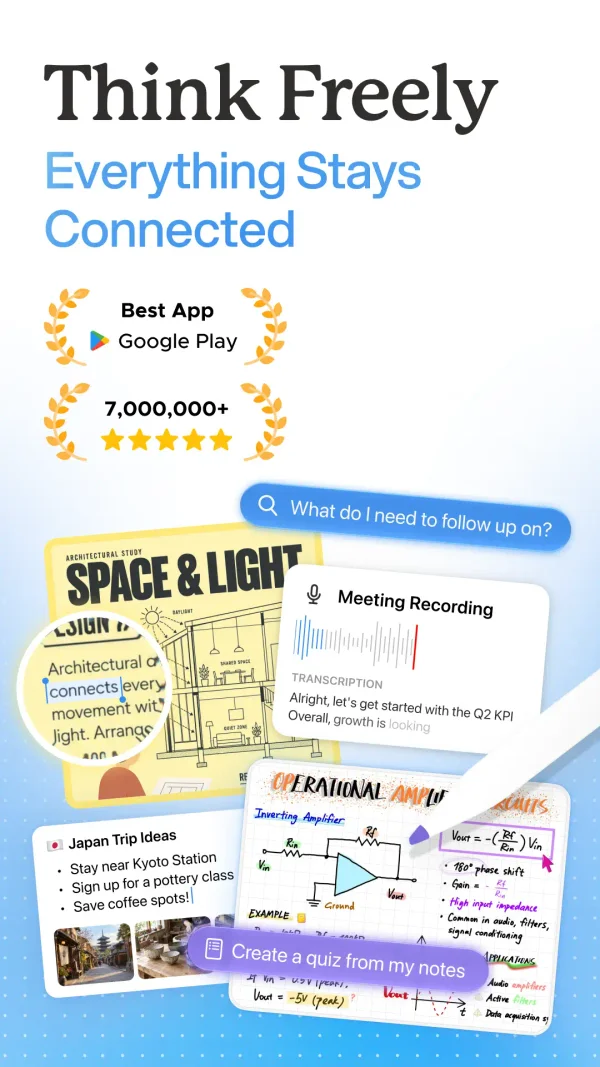
Your work has context. Your AI should too. Notes, meetings, PDFs and more.
Google Play Best App winner. 8M+ downloads. Trusted by millions worldwide.
Your meetings, lectures, ideas, and research don’t arrive in one format. Notewise brings together what you write, record, draw, read, and save — so you can capture it once, find it again, ask about it, and build on it.
Notewise is an AI note-taking app for Android phones and tablets with handwritten notes, audio recording and transcription, meeting notes, PDF annotation, documents, web sources, AI search, and chat.
■ CAPTURE EVERYTHING IN ONE NOTE
• Write, type, or handwrite notes
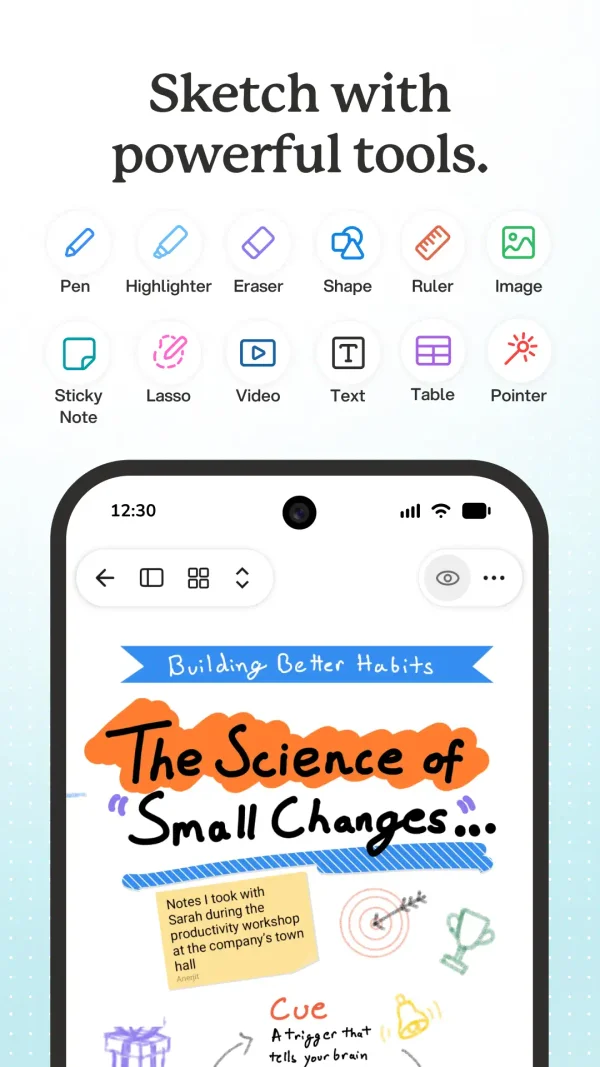
• Sketch ideas and diagrams on a freeform canvas
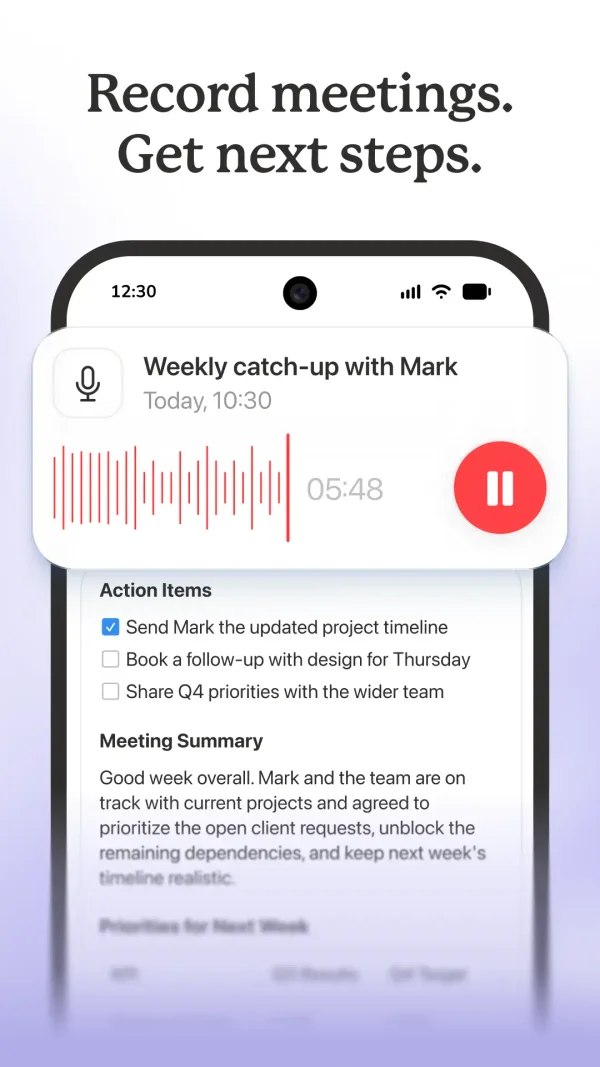
• Record meetings, lectures, conversations, and voice notes
• Import 25+ file formats, including PDFs, documents, slides, and images
• Add website links and web research
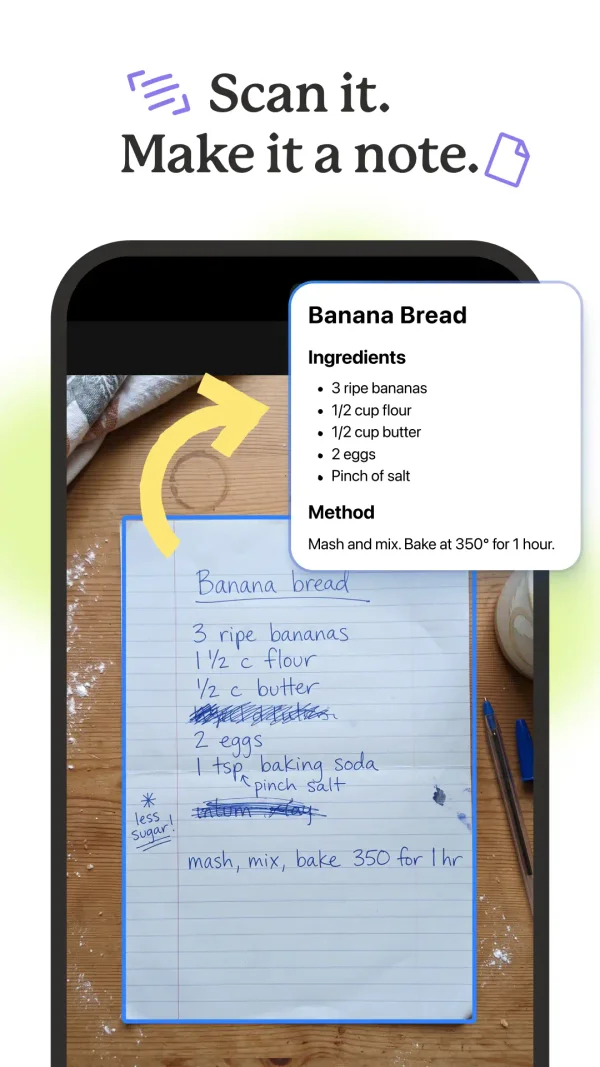
• Scan paper notes and whiteboards
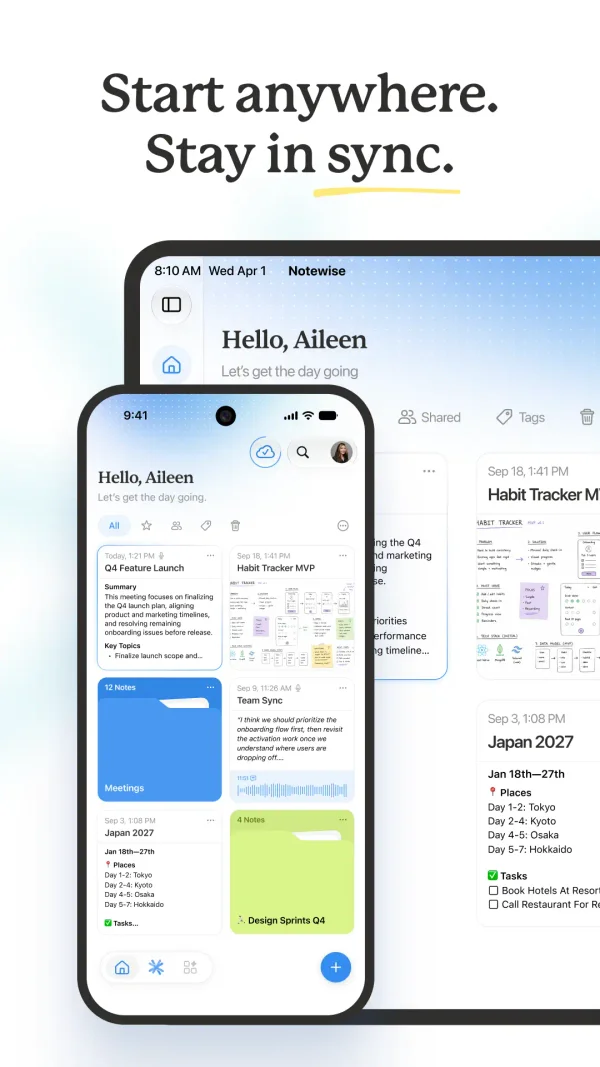
Start anywhere. Keep notes, recordings, files, and ideas together as your thinking grows.
■ SEARCH & ASK ACROSS YOUR NOTES
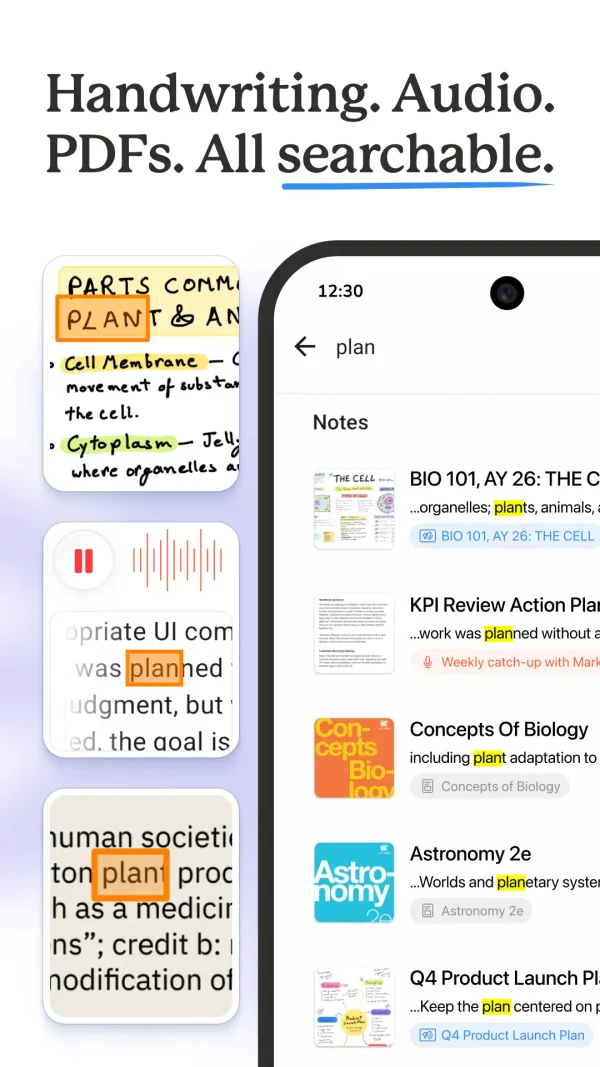
Search handwriting, text, audio transcripts, PDFs, documents, images, and web sources. Convert handwriting to text and find what matters without remembering where you saved it.
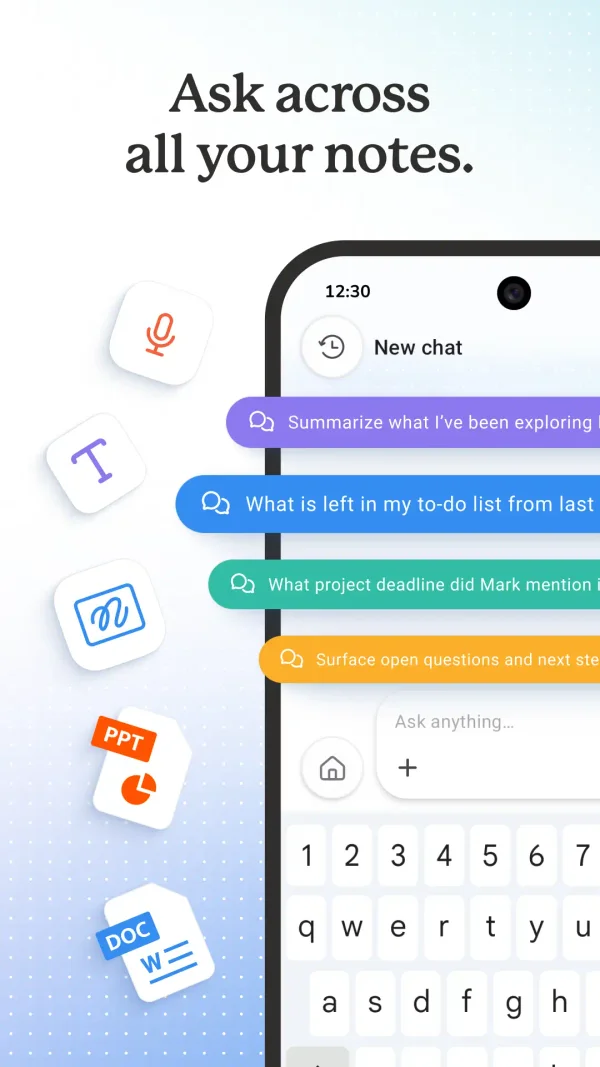
Ask Notewise AI about the note you’re in or across all your notes. Search the web for more context. Answers can cite the notes, recordings, files, and sources they came from.
Search less. Pick up where you left off and keep thinking.
■ RECORD, TRANSCRIBE & ASK IN REAL TIME
Stay present in meetings, lectures, interviews, and conversations instead of trying to write down every word.
• Automatic transcription in 20+ languages
• Turn recordings into meeting notes, key points, decisions, and next steps
• Ask questions while a meeting or lecture is still happening
• Ask across past recordings later
• Keep audio, transcripts, PDFs, and documents together
Meeting notes become more than transcripts. Lecture notes stay useful long after class ends.
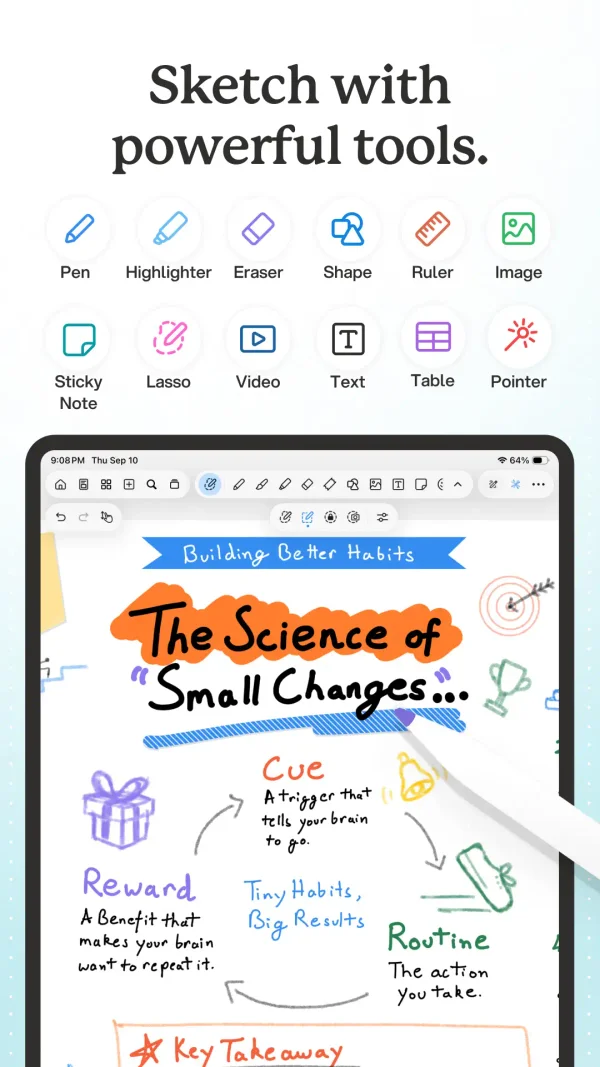
■ WRITE, DRAW & ANNOTATE FREELY
Handwrite a page. Draw a diagram. Work through a problem. Annotate a PDF.
Choose from 30+ brushes and tools, including pencil, oil paint, watercolor, highlighter, lasso, tape, shapes, tables, rulers, sticky notes, and more. Start from 20+ templates, from Cornell notes to meeting notes.
■ TURN NOTES INTO FLASHCARDS, QUIZZES & PODCASTS
Good notes don’t all look the same. Turn study notes, meeting notes, lecture notes, or research into AI notes, summaries, flashcards, quizzes, podcasts, and more.
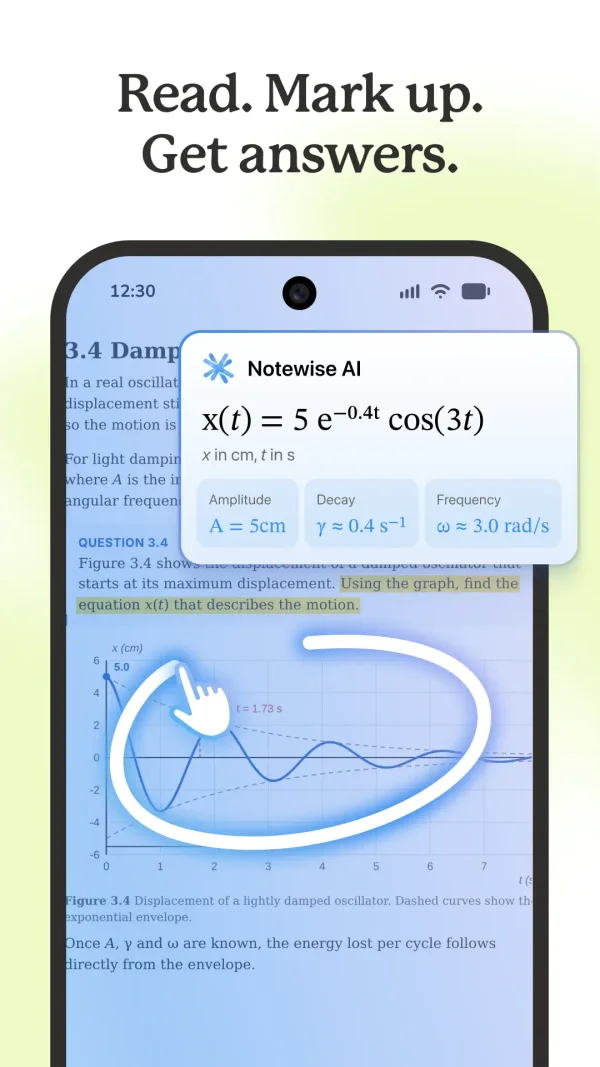
Summarize a recording. Ask questions about a PDF. Search handwriting. Review with flashcards. Test yourself with quizzes. Listen as a podcast. Find connections across notes.
Sometimes you want AI. Sometimes you just want a blank page. Notewise gives you both.
■ FOR WORK, STUDY & RESEARCH
Use Notewise for meeting notes, lecture recording, class notes, digital note taking, voice notes, transcription, PDF annotation, research papers, websites, brainstorming, and search across everything you save.
Whether you’re building a company, preparing for an exam, researching your next idea, or trying to remember what matters, Notewise gives your thinking one place to grow.
■ SWITCHING FROM ANOTHER NOTE APP?
Looking for a Goodnotes, Notability, or Evernote alternative on Android — or an AI meeting notes app like Otter or Granola? Notewise brings handwriting, PDFs, meeting transcription, research, and AI notes into one place.
■ PRIVACY FIRST
Notewise is built by a small, independent team. We don’t sell your data or show ads. Your notes are encrypted, secure, and under your control.
■ TRY NOTEWISE FREE
Start with 10 free canvas notes and import your own slides and documents. Explore Notewise with a 7-day free trial, while core features remain free.
Good notes aren’t just captured. They’re easy to find, come back to, and build on.
Write. Record. Draw. Remember.
Data safety
What Notewise declares on Google Play about the data this app collects and shares.
- This app may share these data types with third partiesPersonal info, App activity and 2 others
- This app may collect these data typesPersonal info
- Data is encrypted in transit
- You can request that data be deleted
What’s new
Version 4.2.5 · Nov 25, 2026
Meet Notewise 4.2! Better notes, neater writing, clearer meetings.
What's new:
• Multi-source Notes: Combine canvas, text, and audio in one note. Now on Free and Unlimited!
• Speaker Identification: See who said what, with synced timestamps.
• Better Handwriting: Insert space, straighten handwriting, and draw new shapes.
• Richer Text Documents: Add tables, checklists, and more.
• Magic Select: Ask follow-up questions and continue in Chat.
• Plus: Faster navigation and AI credit top-ups.
Developer contact
- Websitenotewise.dev
- Emailsupport@notewise.dev
- Privacy policynotewise.dev
- Address1 One-North Crescent #07-02 Razer SEA HQ Singapore 138538
Information
- Offered by
- Notewise
- Category
- Productivity
- Version
- 4.2.5
- Updated
- Nov 25, 2026
- Released
- May 21, 2022
- Requires
- Android 8.0 or later
- Age rating
- Everyone
- Price
- Free
- In-app purchases
- $0.99 - $129.99 per item
- Package name
- com.yygg.note.app
Similar apps
-
 Notepad, Notes, Easy Notebook
Productivity
-
 Notepad - simple notes
Productivity
-
 Notepad Notes
Productivity
-
 Goodnotes: AI Notes, docs, PDF
Productivity
-
 Jnotes: Note-Taking, AI, PDF
Productivity
-
 Notes : Color Folders & To-dos
Productivity
-
 Journal: Notes, Planner, PDFs
Productivity
-
 Noteshelf - Notes, Annotations
Productivity
-
 StarNote: Note Taking & PDF
Productivity
-
 Kilonotes-Notes & Mark up PDF
Productivity
-
 Flexcil Notes & PDF Reader
Productivity
-
 Google Docs
Productivity