Flexcil Notes & PDF Reader
Flexcil Inc.In-app purchases
- EveryoneAge rating
- ProductivityCategory
- Nov 16, 2026Updated
- FreePrice
Links to the official Google Play listing of com.flexcil.flexcilnote. Last checked on Nov 19, 2026.

Screenshots
About this app
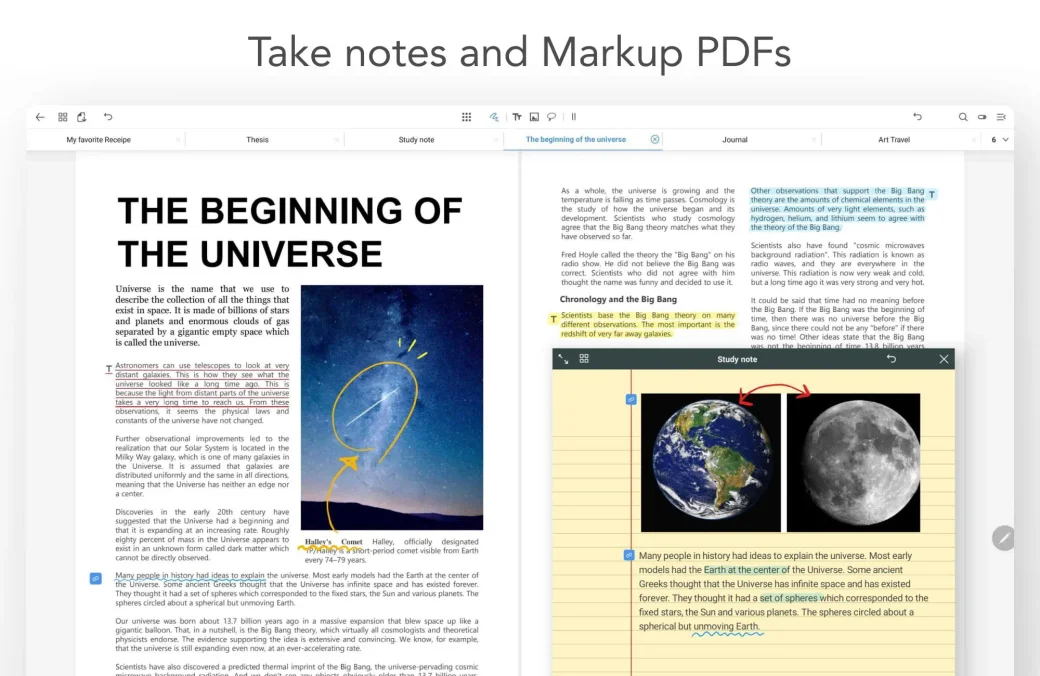
Easy Note-taking! Markup PDF, make your own notebook, memo & digital planner!
The world’s ultimate note-taking & PDF reader for Android
Experience the best note-taking app loved by 9.2 million users!
Whether you’re taking notes, reading PDF documents, editing notebooks, managing memo or creating your own digital planner - use Flexcil!
Boost your document productivity and take good notes with Flexcil!
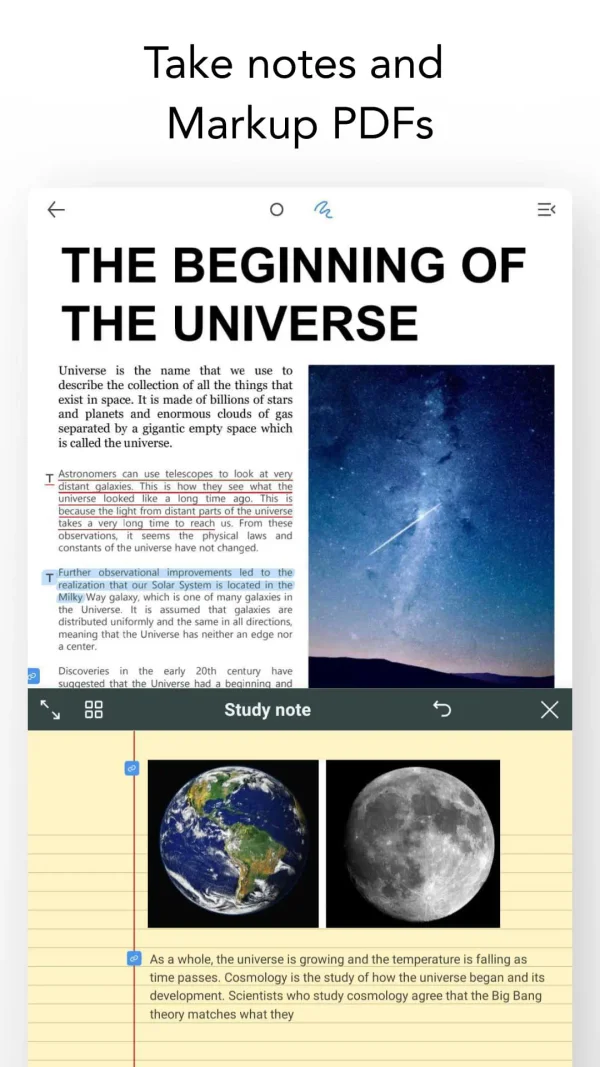
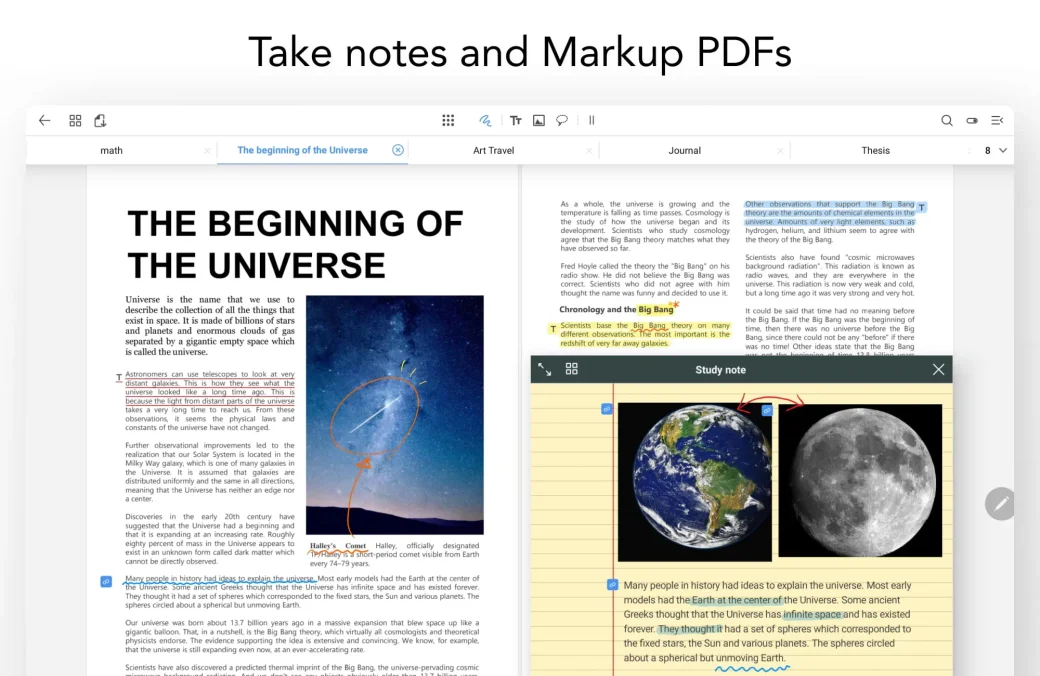
Highlight easily and capture images or text in the documents or scribble notes with pen gestures.
With gestures, summarizing documents into a notebook becomes more efficient.
☆ Selected by Apple and Samsung
● Flexcil is on the iPad displayed in Apple’s offline store as a demo app
● Featured more than 20 times as a ‘Featured App’ by Apple Appstore in 156 countries!
● Selected to join Samsung Electronics' startup acceleration program ‘C-Lab Outside’
● Google Play Top Revenue app in South Korea
NOTE-TAKING & PDF READER IN ONE
● Edit, annotate and organize PDF documents & Notebook
● Beautiful handwriting with vector-based pen engine
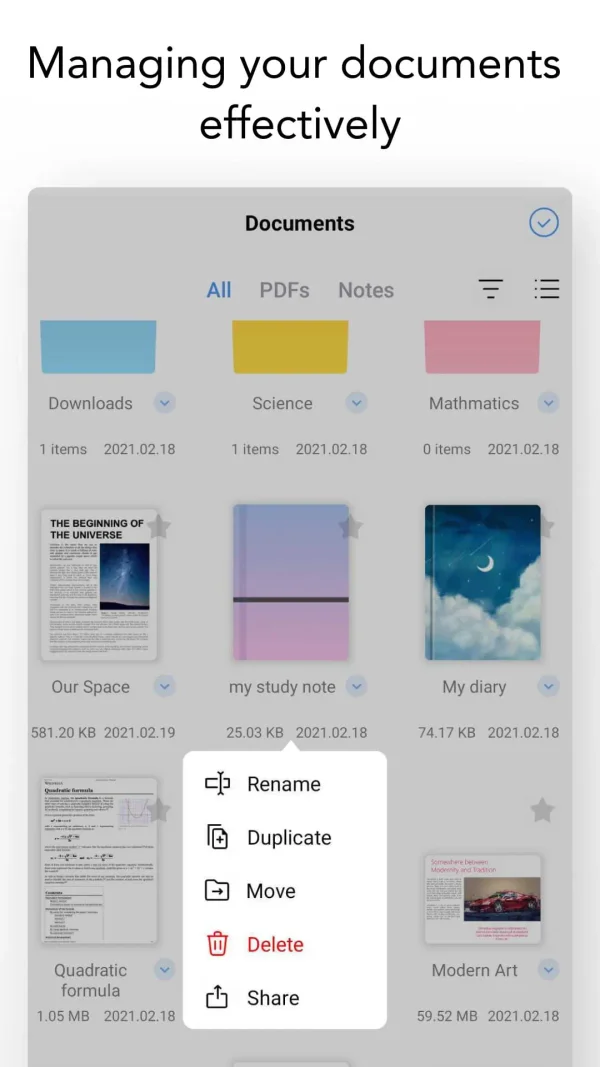
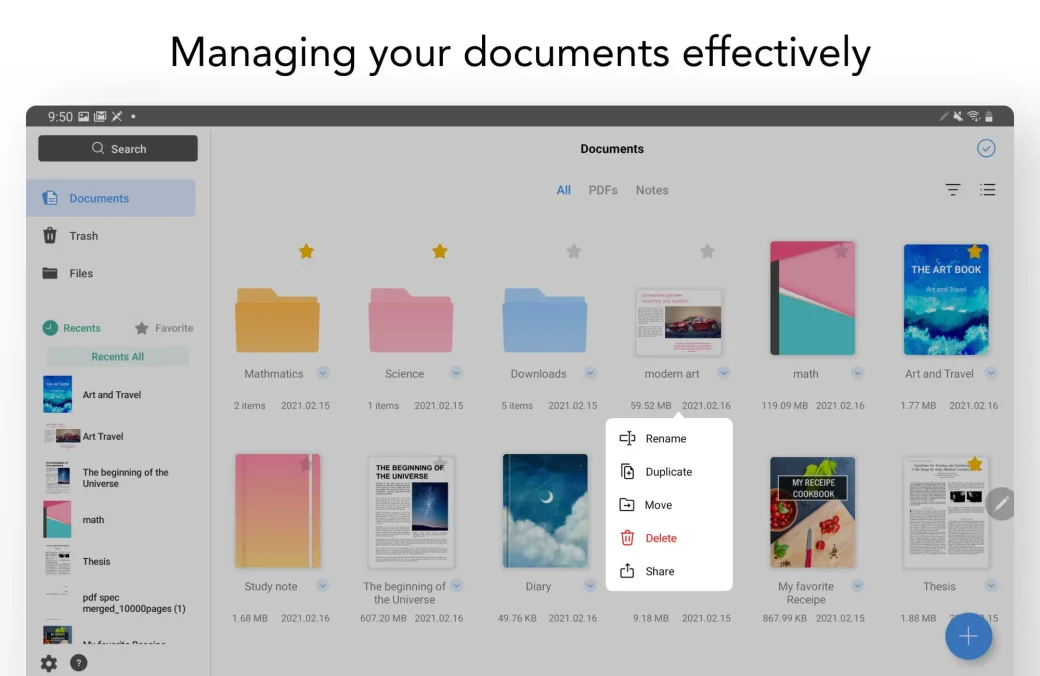
● Organize and manage your documents AND notes
● Summarize your ideas on notebook
● Endless pen colors, sizes, and fonts that can help you take good notes
● Instantly open any PDF documents for reading and studying
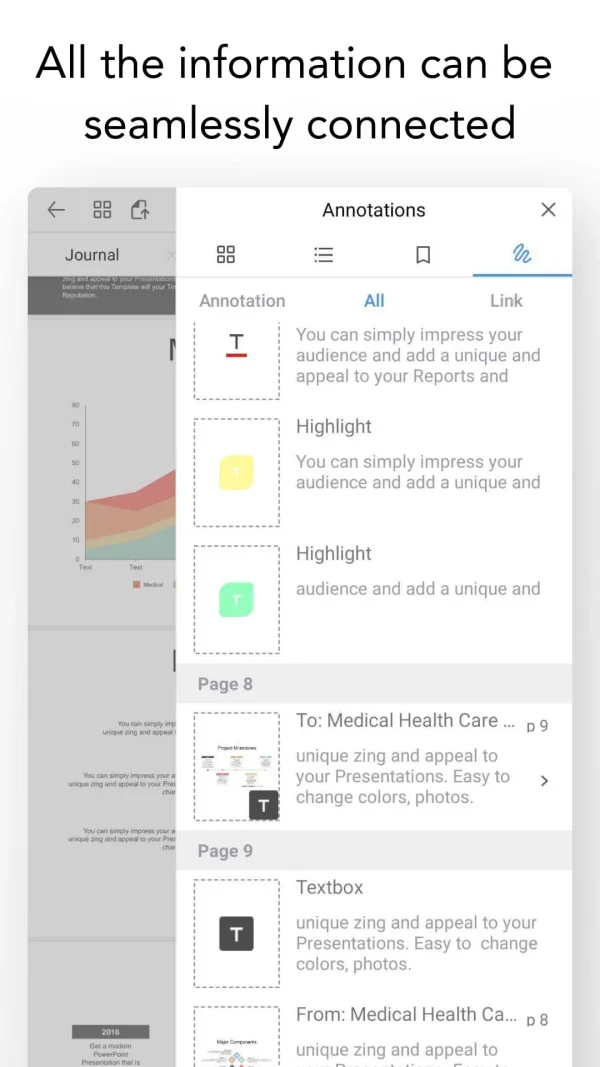
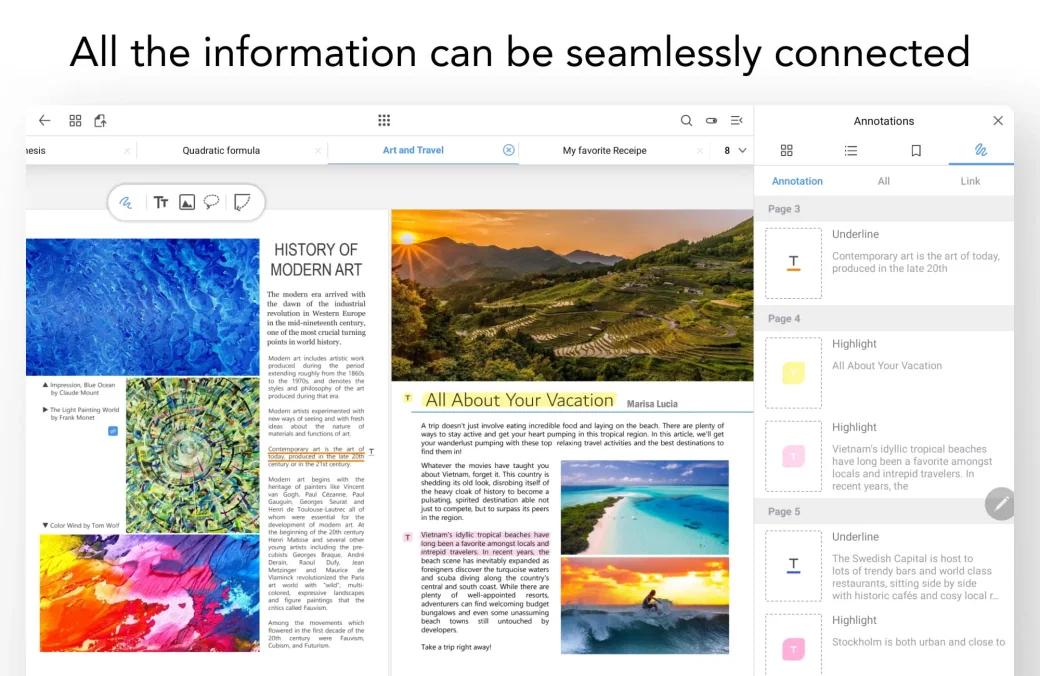
ORGANIZE EVERYTHING SEAMLESSLY WITH HYPERLIKNKS
● Capture everything on the documents to your notes
● Save your time - Link between the original source and captured text or image is automatically created
● Pinpoint every data on the documents from your study notes
EASY AND INTUITIVE NOTE-TAKING WITH GESTURE FUNCTIONS
● Provide pleasant experience when reading PDF or taking notes with Pen Gesture mode - FLEXCIL EXCLUSIVE
● Easily highlight and underline text on the documents with GESTURES - You ONLY need 2 STEPS!
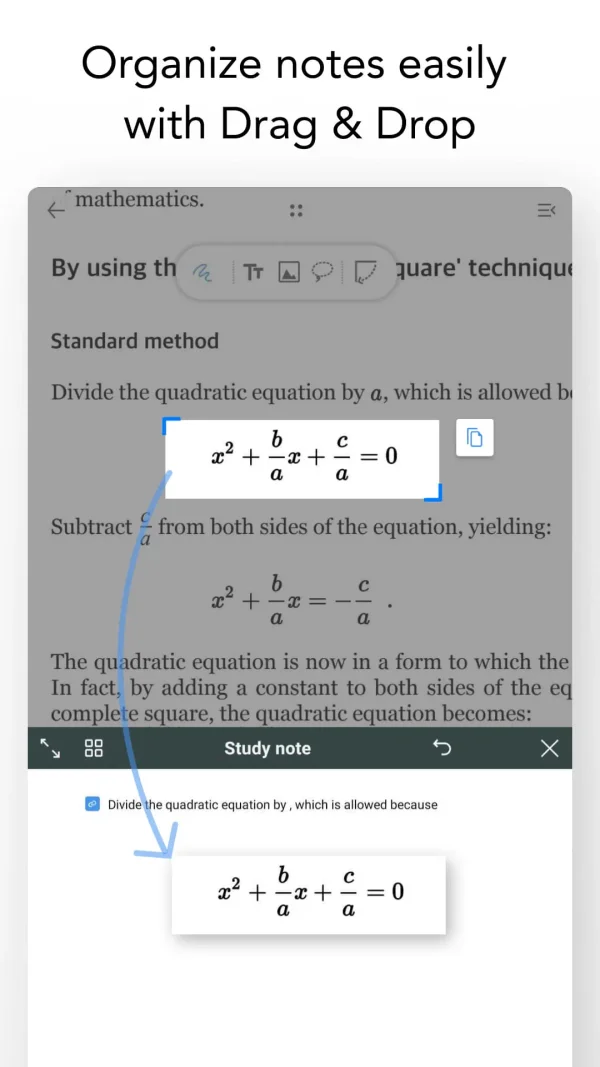
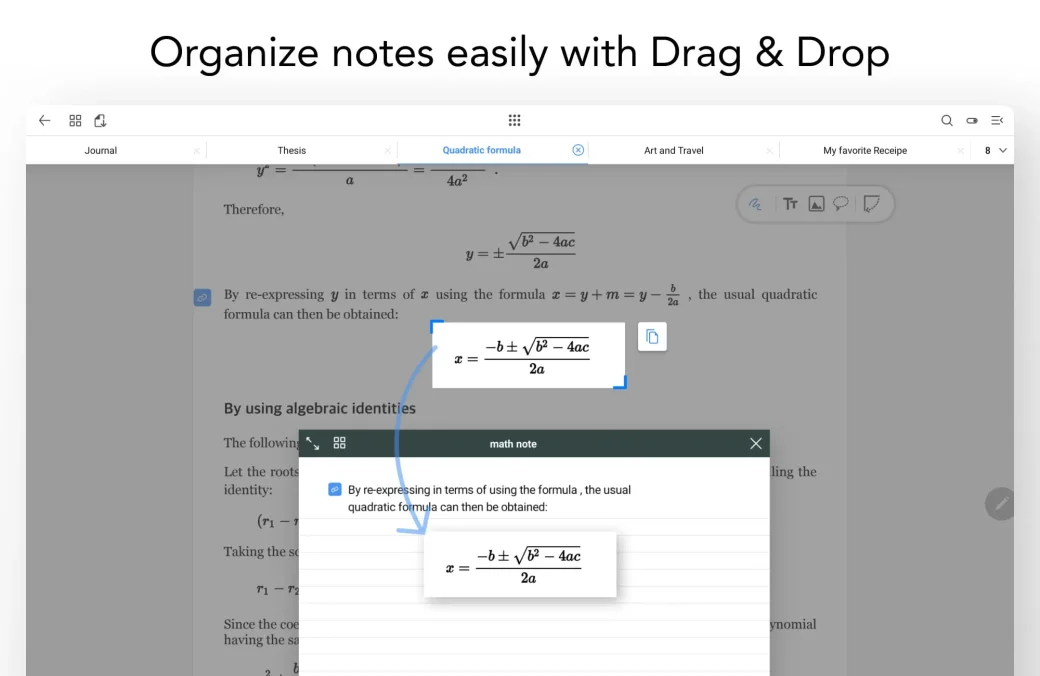
● Drag and paste text to the PDF documents or notebook flawlessly.
● Add text and annotate with ease
● Capture images and documents to the notes smoothly
● Annotate PDF documents can't be more simple
● Improved the tiring, old fashioned way of note-taking which results in wrist or palm pain
MULTITASK
● View PDF and take notes at the same time during class!
● Simply drag & drop text or image from other apps to PDF or notes
● Edit to PDFs at once
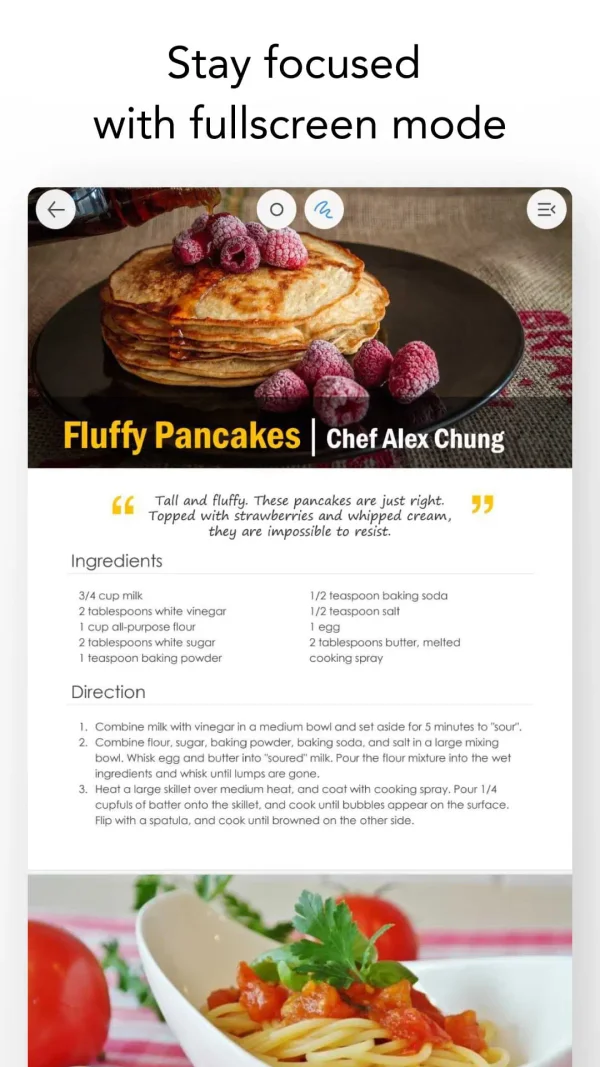
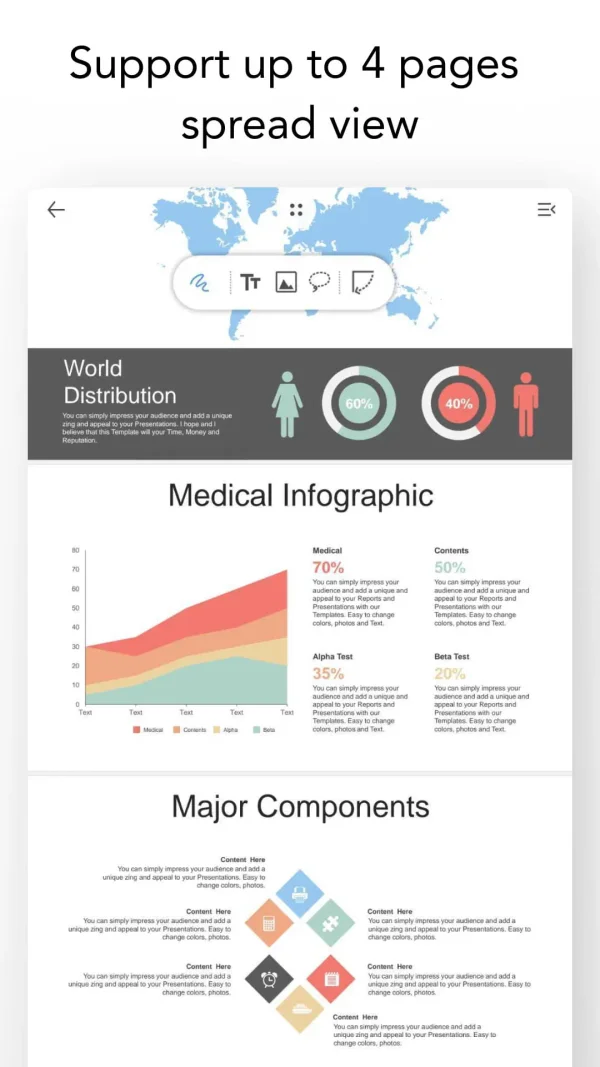
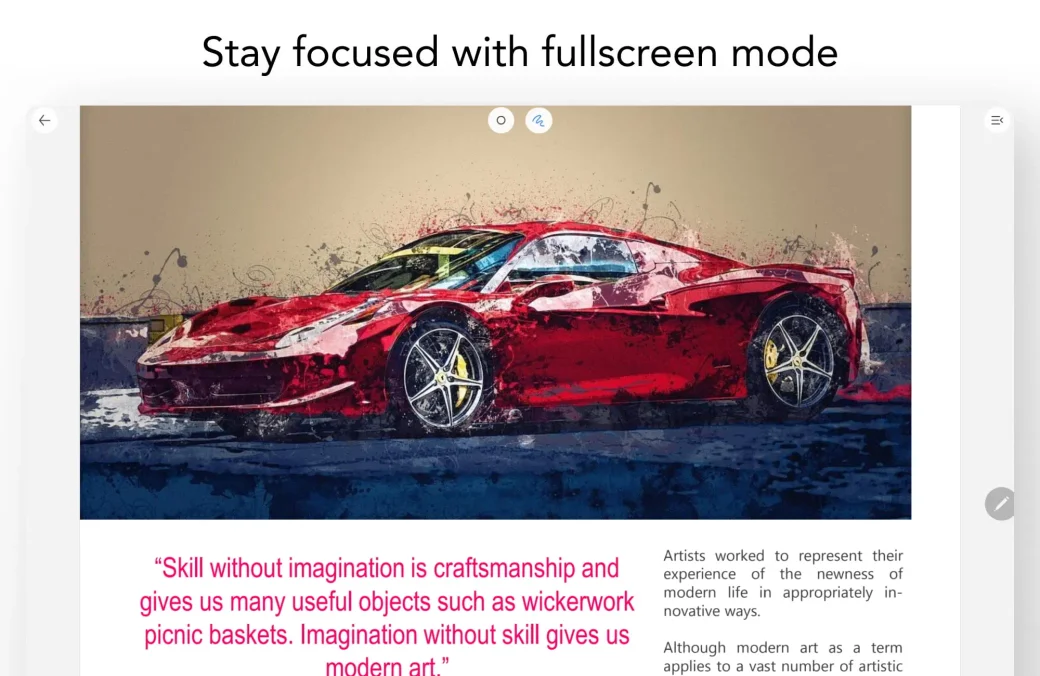
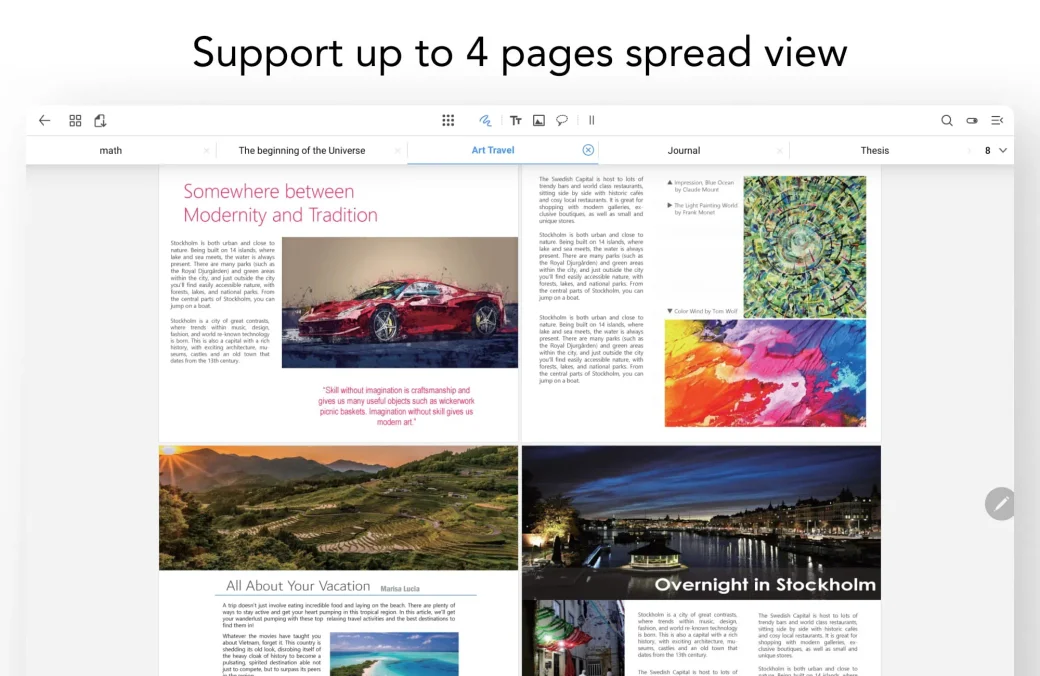
● Advanced view options that boost your productivity when reading documents or taking notes : full screen view, vertical scroll, view 4 pages, and so much more
DIGITAL PLANNER & TAKE GOOD NOTES
● Hundreds of colors and pen stroke sizes that enrich your note-taking process
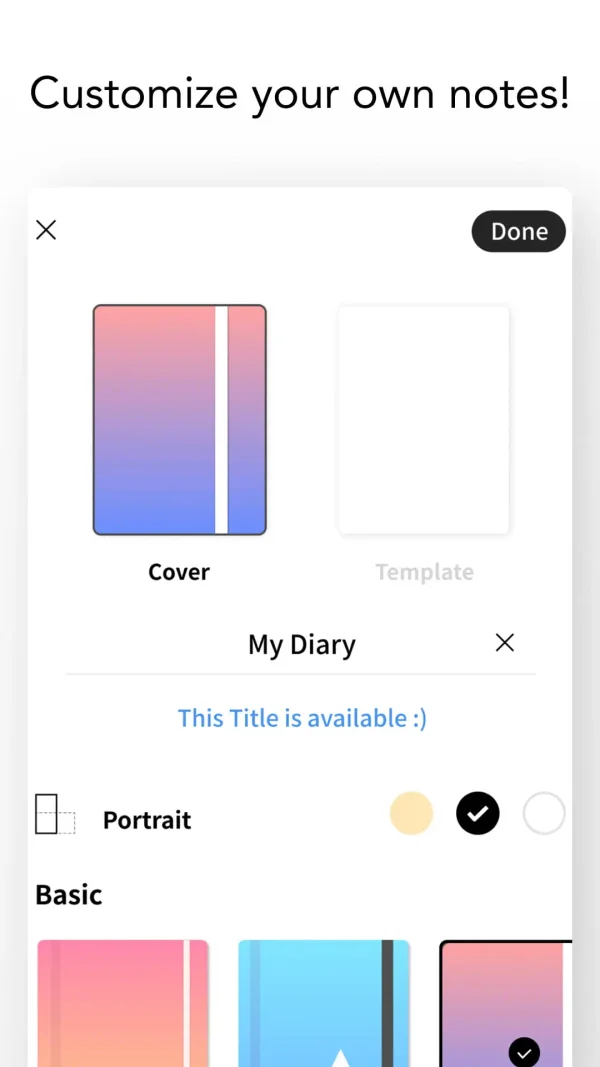
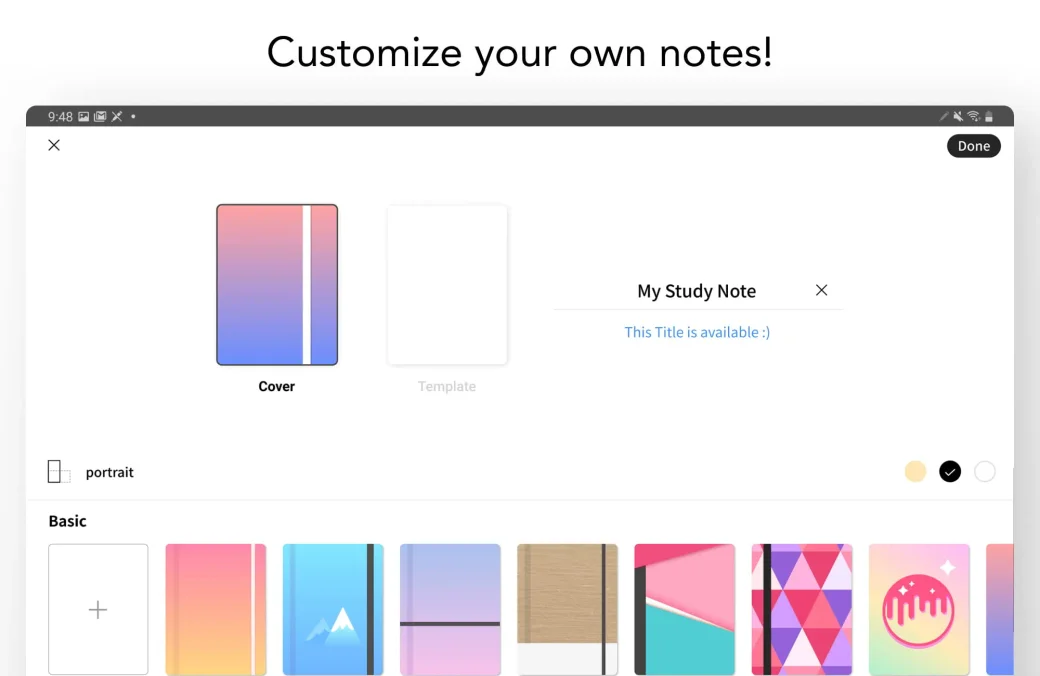
● Aesthetic note covers & templates
● Endless creativity ー perfect for artist, writer, student, teacher, researcher, or anyone that wants to make note-taking more fun
● Proven to boost productivity & pleasant note-taking experience
RECORD & PLAYBACK AUDIO
● Record everything you hear whenever you take class notes or writing meeting notes
● Replay audio recording and review what you wrote during the class or in the meeting
● Tab on your note and hear what was said at the moment
COMPATIBLE WITH:
● Zoom
● Notion
● Google Classroom
● Google Drive
● Dropbox
● Box
● NAS
● Digital Textbook
● ebooks
● PDF
● and more!
SAMSUNG S-Pen
● Simulate real-life note-taking by using S-Pen - easy to use for all ages
● Guarantees ZERO touch malfunctions when taking notes
● Support S-Pen button & Air Actions - Enhance convenience of PDF reading and note-taking experience even further
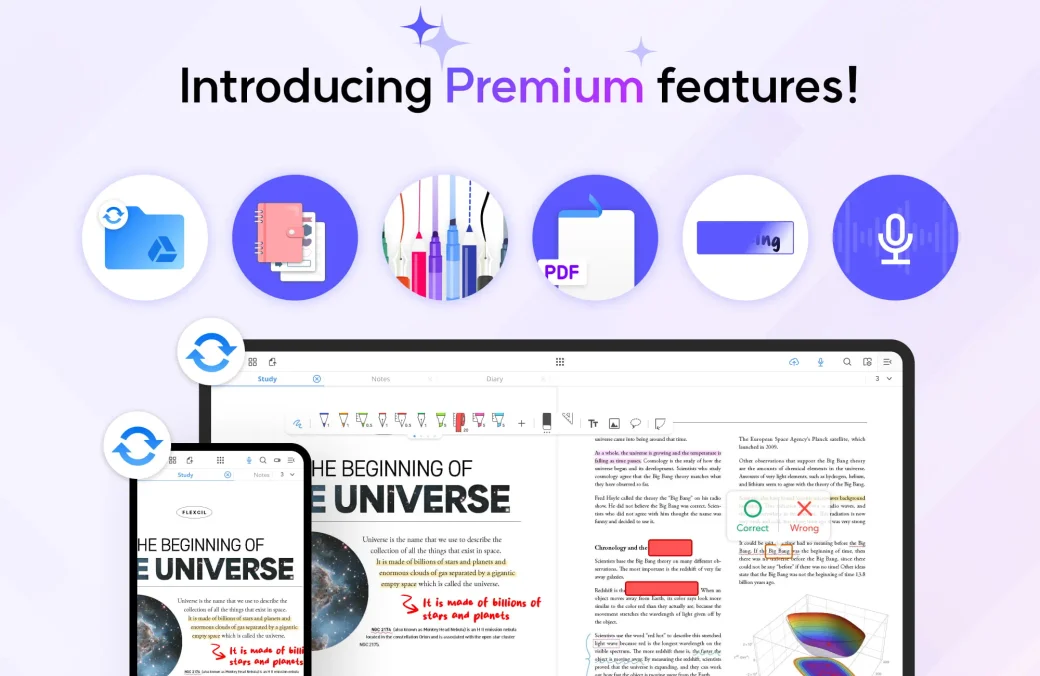
Plus, enjoy these NEW FEATURES!
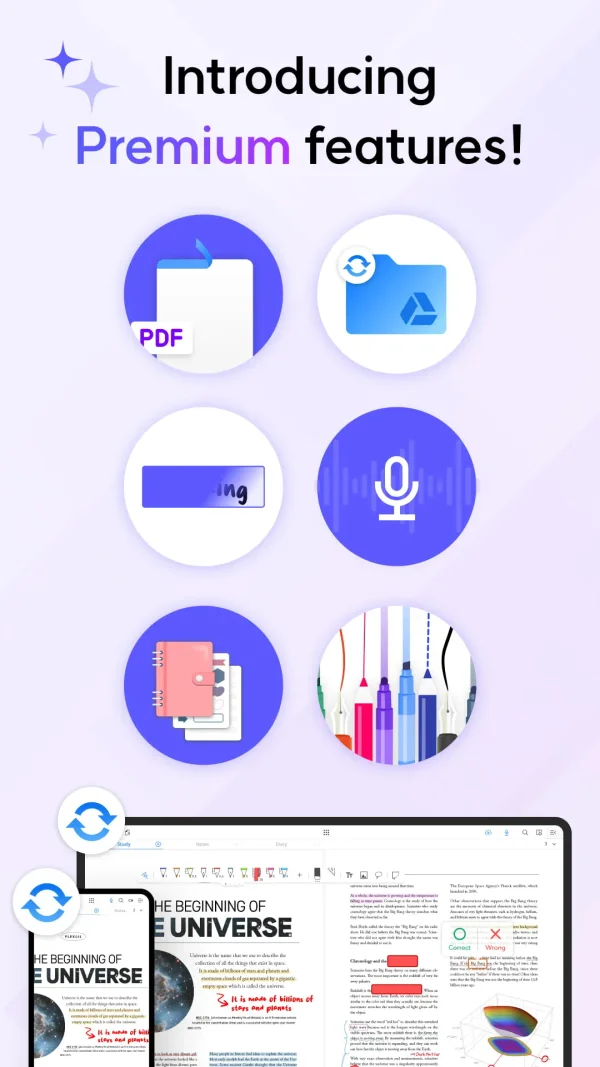
● Cloud sync: Access your notes from anywhere, and seamlessly sync across devices.
● Masking pen: Enhance your annotations with precision using the masking pen.
Take your note-taking to the next level with Flexcil.
Download the most comprehensive, easy-to-use, and innovative study tool on the Google Play Store today!
Data safety
What Flexcil Inc. declares on Google Play about the data this app collects and shares.
- This app may share these data types with third partiesApp activity, App info and performance, and Device or other IDs
- This app may collect these data typesAudio, App activity and 2 others
- Data is encrypted in transit
- Data can’t be deleted
What’s new
Version 1.5.1.5 · Nov 16, 2026
New: Checklists!
Check off tasks and watch the graphics respond.
Try checklists with our 2027 planner and templates.
[New] Lenovo pen eraser and Huawei M-Pen double-tap settings
[Improved] AI voice input and sync stability
[Fixed] Document, bookmark, PDF, recording, and image cropping issues
Developer contact
- Websiteassets.adxcorp.kr
- Emailsupport@flexcil.com
- Privacy policyflexcil.com
- Address대한민국 13493 경기도 성남시 분당구 대왕판교로644번길 49, 3층 (삼평동, 한컴타워)
Information
- Offered by
- Flexcil Inc.
- Category
- Productivity
- Version
- 1.5.1.5
- Updated
- Nov 16, 2026
- Released
- Apr 22, 2021
- Requires
- Android 8.0 or later
- Age rating
- Everyone
- Price
- Free
- In-app purchases
- $2.49 - $31.99 per item
- Package name
- com.flexcil.flexcilnote
Similar apps
-
 Notepad, Notebook, Notes app
Productivity
-
 Jnotes: Note-Taking, AI, PDF
Productivity
-
 Notes
Productivity
-
 Notepad - Notes and Tasks
Productivity
-
 touchnotes: Notes & PDF
Productivity
-
 Notepad Notes
Productivity
-
 Lite Writer: Writing/Note/Memo
Productivity
-
 UpNote - notes, diary, journal
Productivity
-
 StarNote: Note Taking & PDF
Productivity
-
 Huion Note : Easy note-taking
Productivity
-
 Notes : Color Folders & To-dos
Productivity
-
 Noteshelf 3: AI Notes & PDF
Productivity