Notification light for Samsung
JawomoIn-app purchases
- EveryoneAge rating
- ToolsCategory
- Nov 21, 2026Updated
- FreePrice
Links to the official Google Play listing of com.jamworks.alwaysondisplay. Last checked on Nov 22, 2026.

Screenshots

About this app
aodNotify - Notification light / LED for Samsung Galaxy S23, S22, A52, Note20...
You need a notification light / LED for your Samsung Galaxy S23 / S22 / Note 20 / S21 / S10 / Note 10 or A52 device?
With aodNotify you can easily add a notification light / LED directly to Samsung's Always On Display! Never miss notifications again!
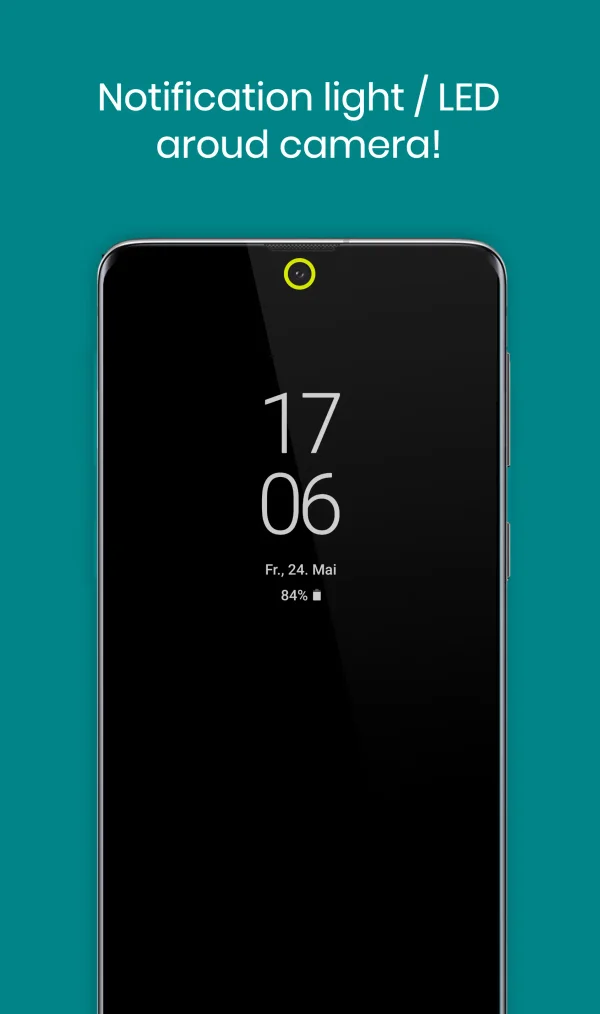
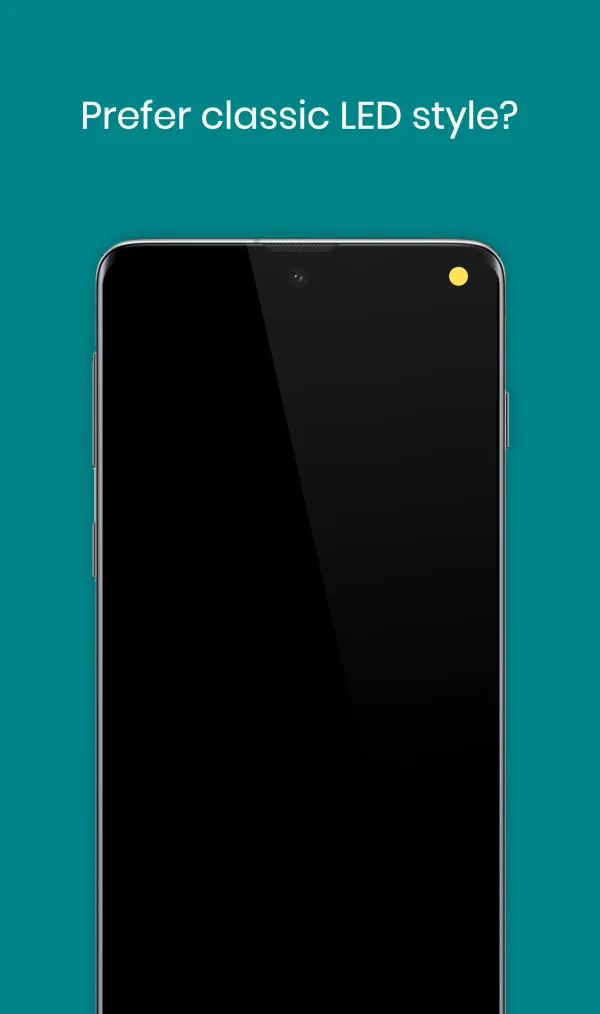
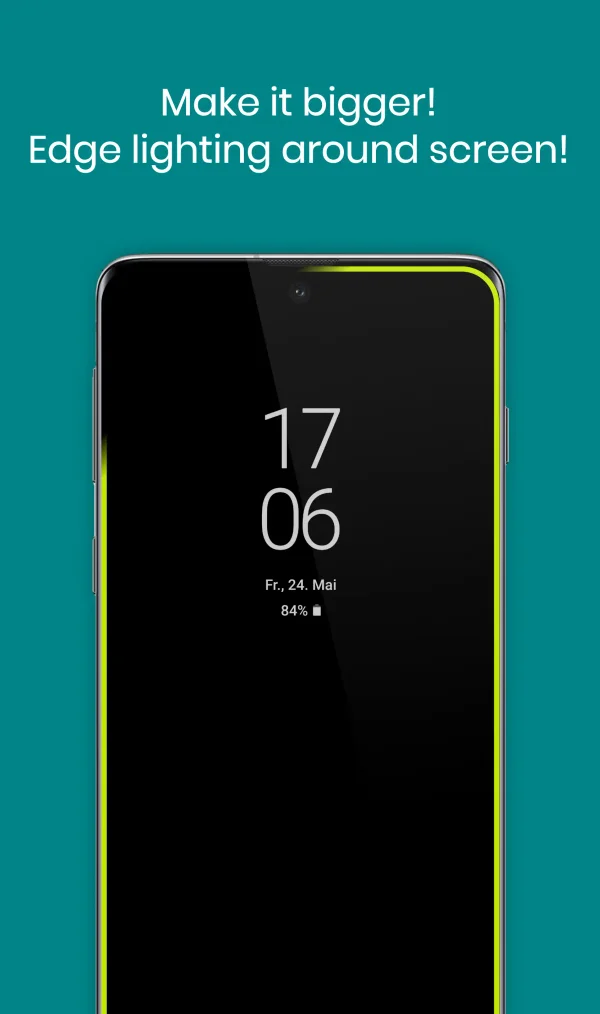
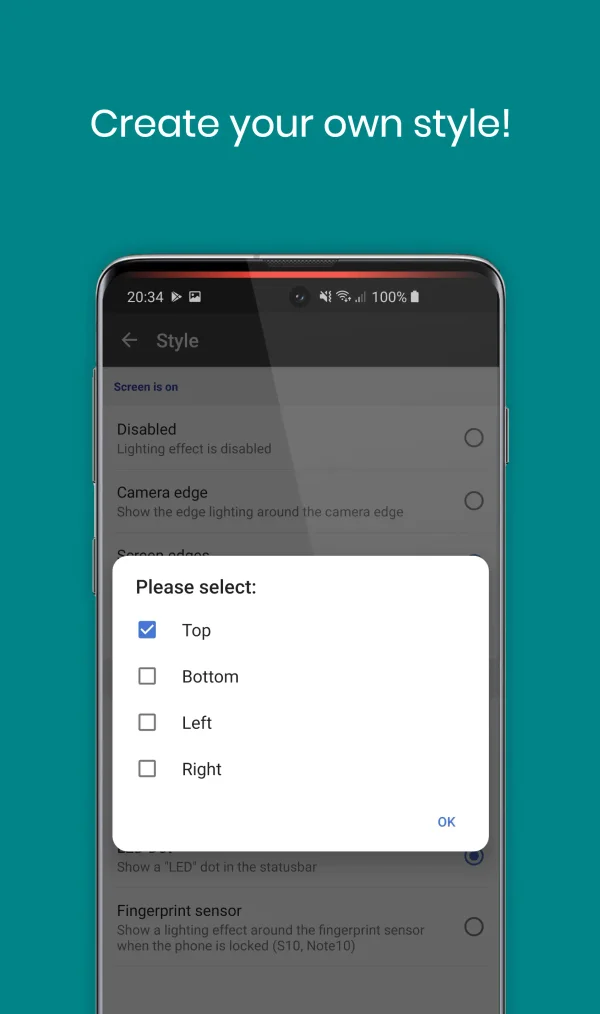
You can select different notification light styles and show the notification light around the camera cutout, screen edges or even simulate an LED notification dot in the statusbar of your Galaxy S23 / S22 / Note 20 / S21 / S10 / Note 10 or A52 series device!
Select from dozens of smooth animated light effects like led blink, neon, echo and many more!
As the notification light is integrated in Samsung's Always On Display it has minimal battery consumption and doesn't drain your battery like other apps which keep your phone awake!
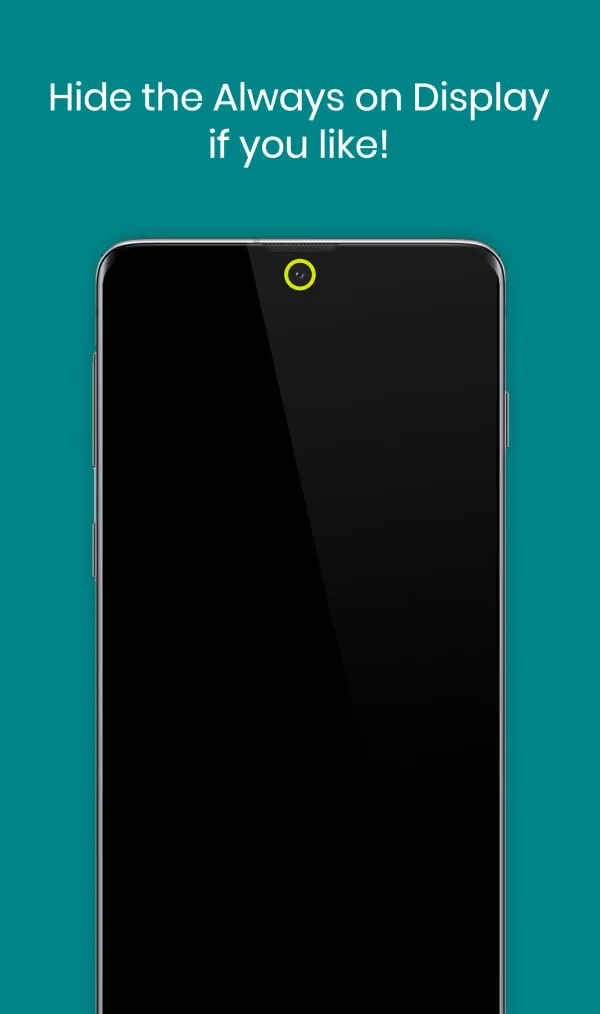
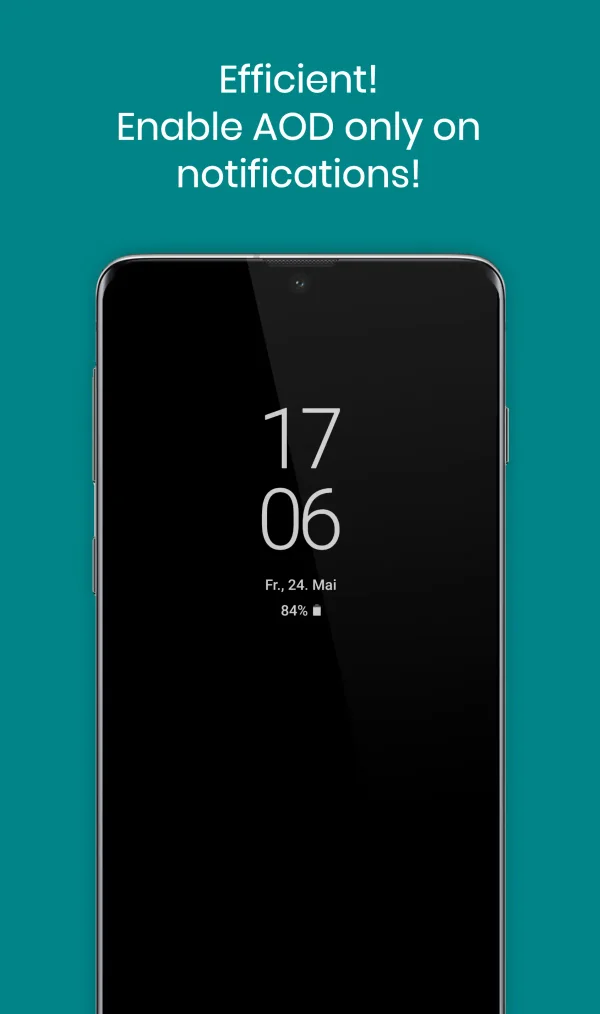
If you don't need the Always On Display, the app can also activate the Always On Display (AOD) only on notifications or show the notification light / LED even without the Always On Display!
With the notification preview feature you can see the notification sender at a glance without waking your Galaxy phone!
MAIN FEATURES
• Notification light / LED for Samsung Galaxy S23, S22, Note 20, S21, S10, Note 20, A52 and others!
• Low energy notification preview
• Activate Always On Display (AOD) only on notifications
• Charging / Low battery light / LED
MORE FEATURES
• Light effects like led blink, or echo!
• Get notified without notification sound!
• Notification light styles (around camera, screen, LED dot)
• Custom app / contact colors
• ECO animations to save battery
• Interval mode (on/off) to save battery
• Night times to save battery
• Minimal battery consumption
BATTERY USAGE PER HOUR ~
• NOTIFICATION LIGHT - 3.0%
• NOTIFICATION LIGHT in INTERVAL MODE - 1.5%
• NOTIFICATION LIGHT in ECO ANIMATION - 1.5%
• NOTIFICATION LIGHT in ECO ANIMATION & INTERVAL MODE - 1.0%
• NOTIFICATION PREVIEW - 0.5%
• ALWAYS ON DISPLAY - 0.5%
Without the notification light / LED the app consumes almost 0% battery!
SAMSUNG DEVICES
• Galaxy S23 / S22 / S21+ / S21 Ultra
• S21 / S20+ / S20 Ultra
• Galaxy S8 / S9 / S10 / S10+
• Note 8 / Note 9 / Note 10 / Note 20
• A52 / A72 / A51 / A71
• A6 / A7 / A8 / A9
• A30 / A50 / A70 / A80
• C5 / C7 / C8 / C9
• M30
NOTES
• The app is not compatible with Samsungs new android 14 update. Working on a solution
• This app uses accessibility services to help people working in loud enviroments as well as hard of hearing or deaf people to get a visual notification feedback.
• Samsung may block this app with future updates!
• Please check if the app is compatible before updating phone software or always on display!
• Altough we never experienced any screen burn in issues on our test devices, we recommend to not keep the notification light / LED active for a long time! Use at you own responsibility!
"Samsung Galaxy" is a protected trademark of "SAMSUNG ELECTRONICS"
Disclosure:
The app uses the AccessibilityService API to display a floating popup to enable multitasking.
No data is collected or shared using the AccessibilityService API!
Data safety
What Jawomo declares on Google Play about the data this app collects and shares.
- No data shared with third partiesLearn more about how developers declare sharing
- No data collectedLearn more about how developers declare collection
What’s new
Version 7.01 · Nov 21, 2026
All-new modern design and automatic camera detection. The notification light now finds the camera cutout of your Samsung on its own
• Added auto camera cutout detection
• Added support for foldables
• All-new modern card layout design
• Translations updated
• Fixes & optimizations
Developer contact
- Emailjamworks.mobile@gmx.net
- Privacy policyjawomo.app
- AddressBergstraße 8/2 70825 Korntal-Münchingen Germany
Information
- Offered by
- Jawomo
- Category
- Tools
- Version
- 7.01
- Updated
- Nov 21, 2026
- Released
- May 24, 2019
- Requires
- Android 8.0 or later
- Age rating
- Everyone
- Price
- Free
- In-app purchases
- $2.49 - $6.99 per item
- Package name
- com.jamworks.alwaysondisplay
Similar apps
-
 Loom – Screen and Cam Recorder
Business
-
 Modes And Routines
Productivity
-
 Square Home Launcher - Tile UI
Personalization
-
 iLink
Tools
-
 LAVA+
Music & Audio
-
 dynamicSpot - Floating Island
Tools
-
 Nuki Smart Lock
House & Home
-
 heyUp: Custom Lock Screen
Personalization
-
 pCloud: Cloud Storage
Productivity
-
 INKBIRD
Tools
-
 Backdrops - Wallpapers
Personalization
-
 Fitdays+
Health & Fitness