PDF Reader App: Read All PDF
Trusted PDF ToolsContains ads · In-app purchases
- EveryoneAge rating
- ToolsCategory
- Nov 13, 2026Updated
- FreePrice
Links to the official Google Play listing of pdfreader.pdfviewer.officetool.pdfscanner. Last checked on Nov 25, 2026.
Screenshots
About this app
AI PDF Reader & PDF Converter to Read, Summarize and convert PDF files
📄 Meet the Ultimate AI-Powered PDF Reader App – Smart, Fast & Feature-Rich! 🚀
Experience a new era of PDF management! Instantly summarize long documents, chat with your PDFs using AI, convert images or text to PDF, and even listen to them with built-in Text-to-Speech. Everything you need in one powerful PDF Reader and Converter App!
AI PDF Reader & Converter – Read, summarize, interact, convert, and listen to your PDFs like never before!
🔍 What Makes This PDF Reader App Stand Out?
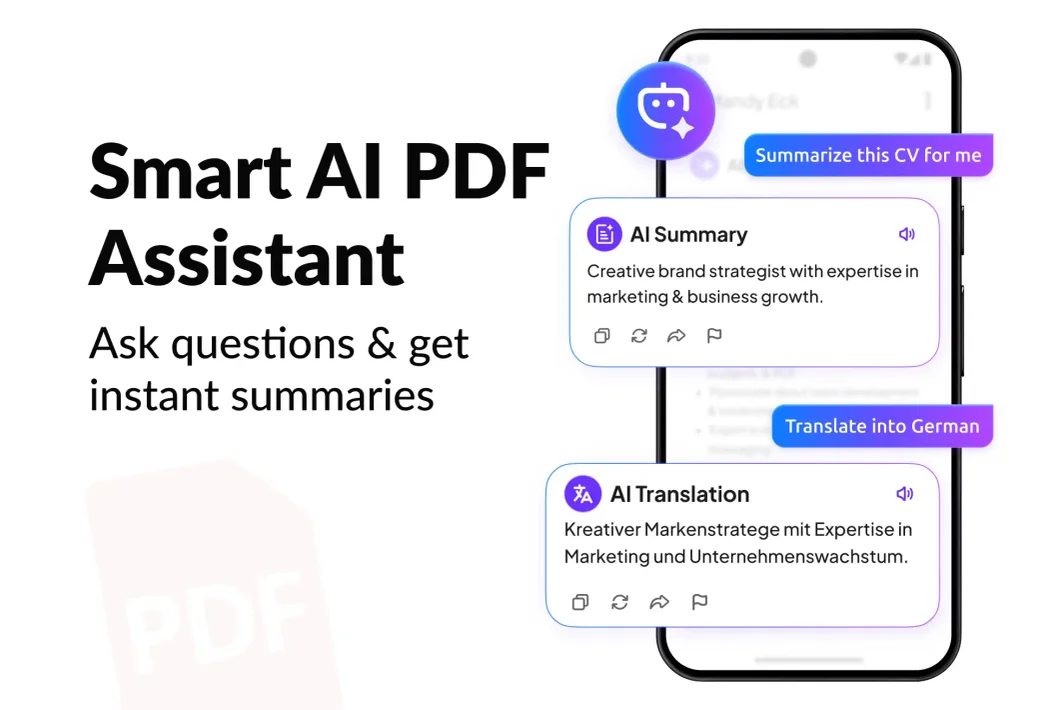
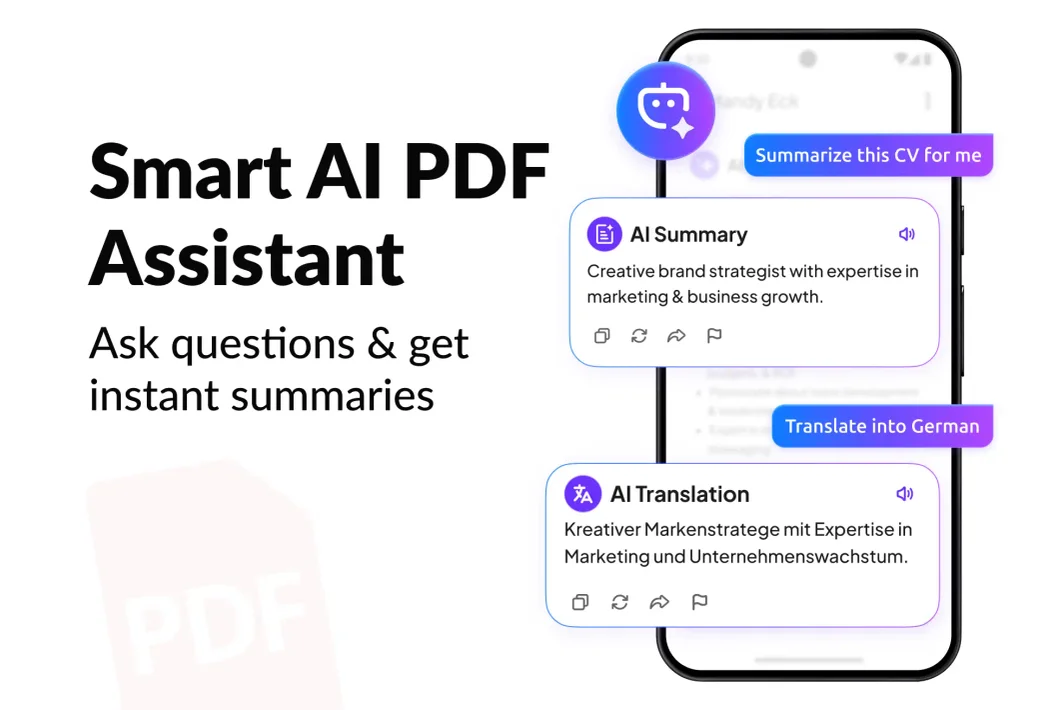
✅ AI PDF Summary
Don’t waste time reading page after page — get smart, concise summaries of lengthy PDFs instantly!
💬 Chat with PDF (AI-Powered)
Have questions about your document? Ask and interact with your PDF like chatting with a human assistant!
📖 Offline PDF Book Reader
No internet? No problem. Access and read your PDF files anytime, anywhere.
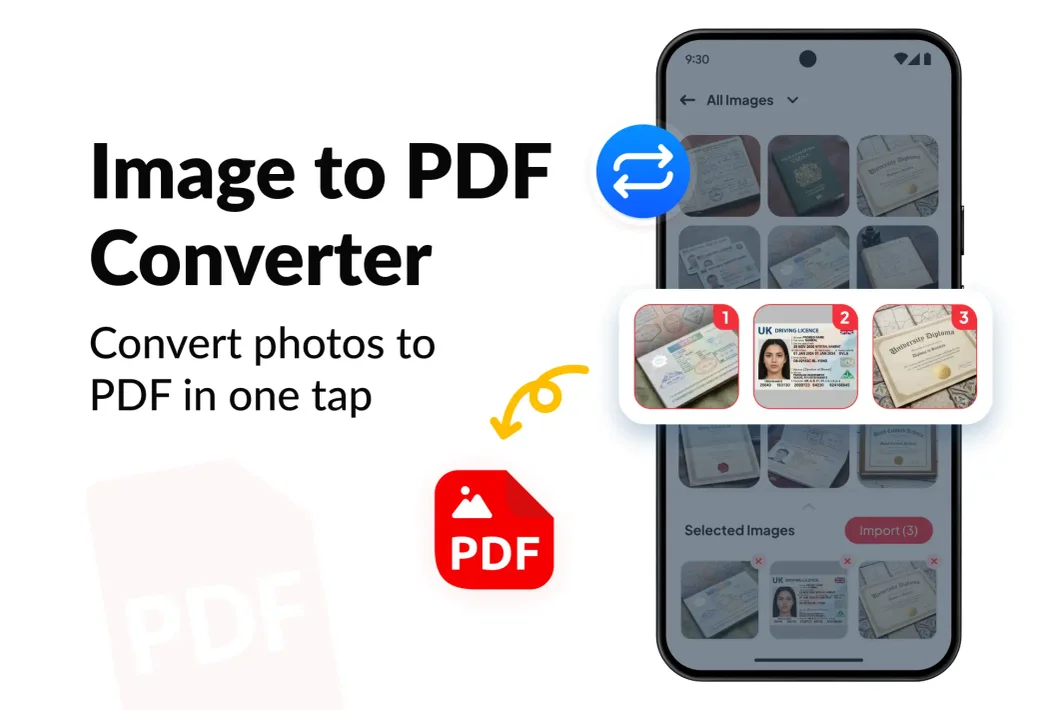
🖼️ Convert to PDF
Easily turn your photos into PDFs with the Image to PDF converter, or use the Text to PDF converter for seamless file creation.
🔒 Advanced PDF Tools
Bookmark, rename, lock/unlock, and manage your PDF files with a tap. Privacy and productivity, all in one place.
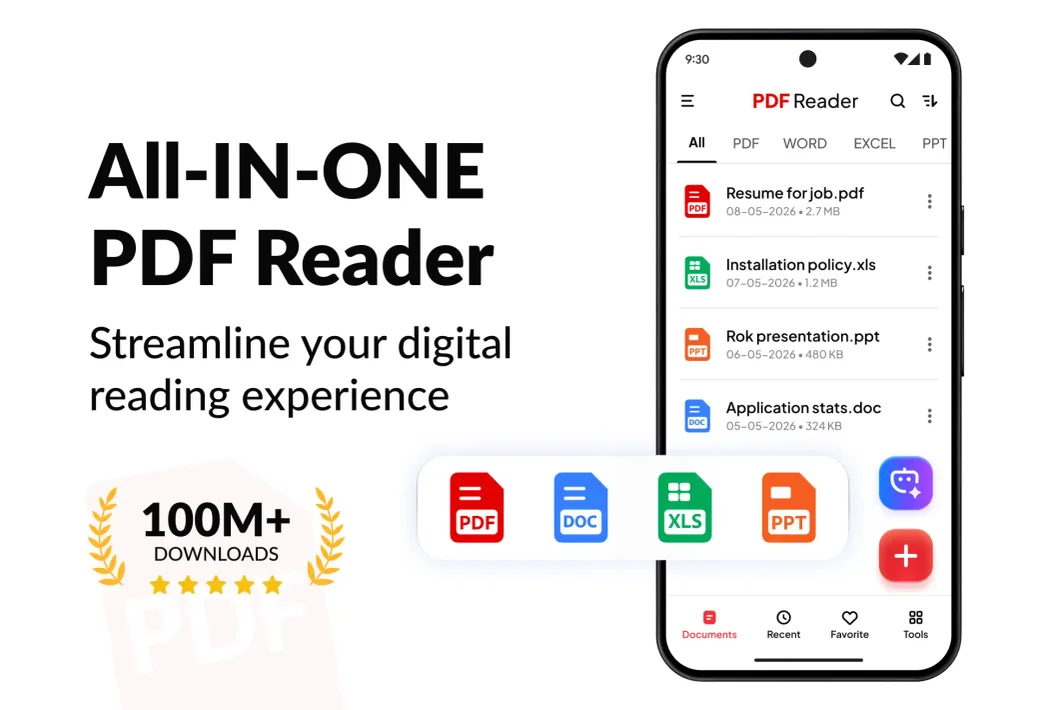
📁 All Document Viewer
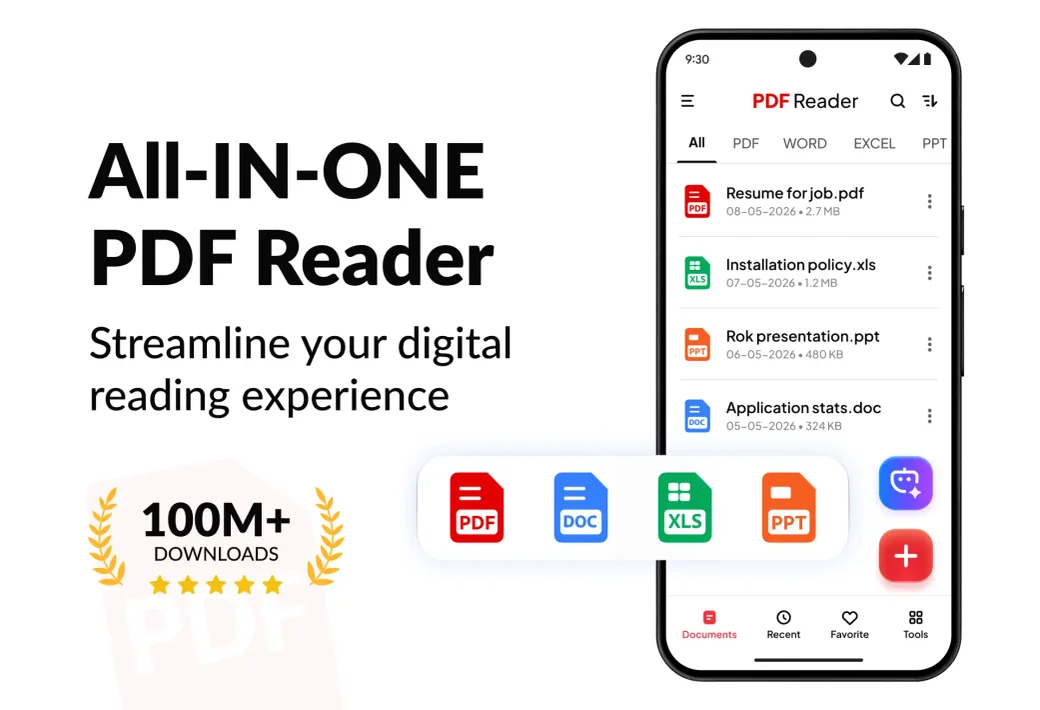
Open not just PDFs — this app also reads Word documents, Excel sheets, PowerPoint files, and plain text. The perfect all-in-one document reader.
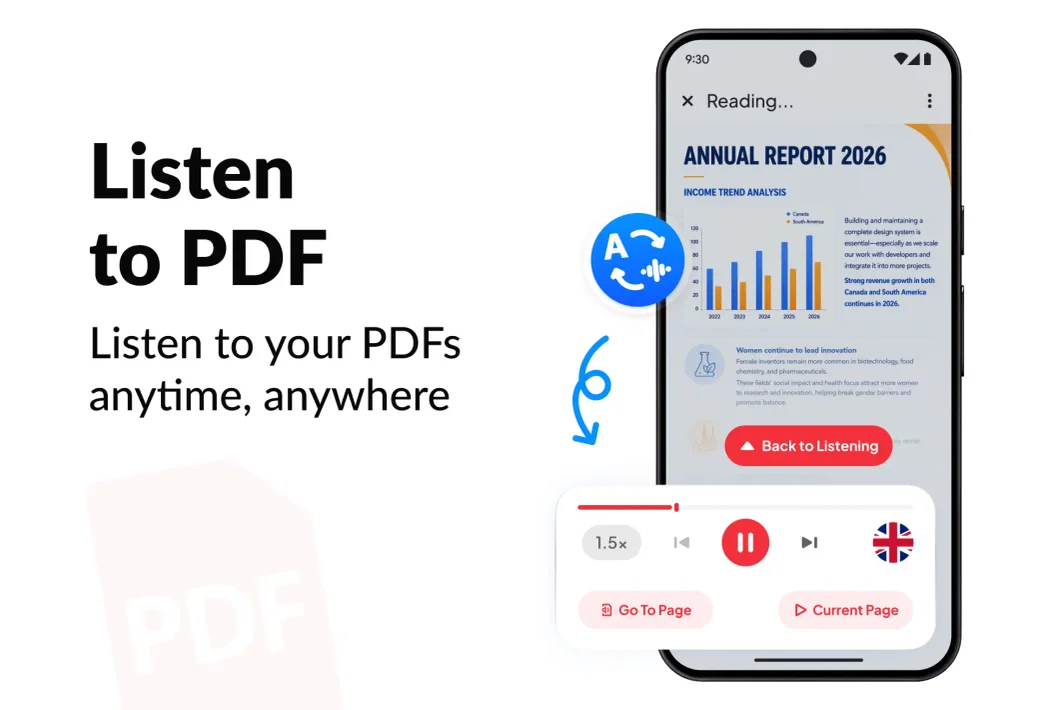
🗣️ Text-to-Speech (TTS)
Let the app read PDFs aloud to you. Great for multitasking, visually impaired users, or listening on the go!
📚 PDF eBook Reader
Enjoy smooth navigation and immersive reading with your favorite eBooks in PDF format.
📌 Core Navigation & User Experience Features:
✔ Fast, smooth page-by-page navigation
✔ Multiple bookmarks for multi-document reading
✔ Quick access to recently opened files
✔ Add shortcuts for your most-used documents
✔ Sort files by name, date, or size
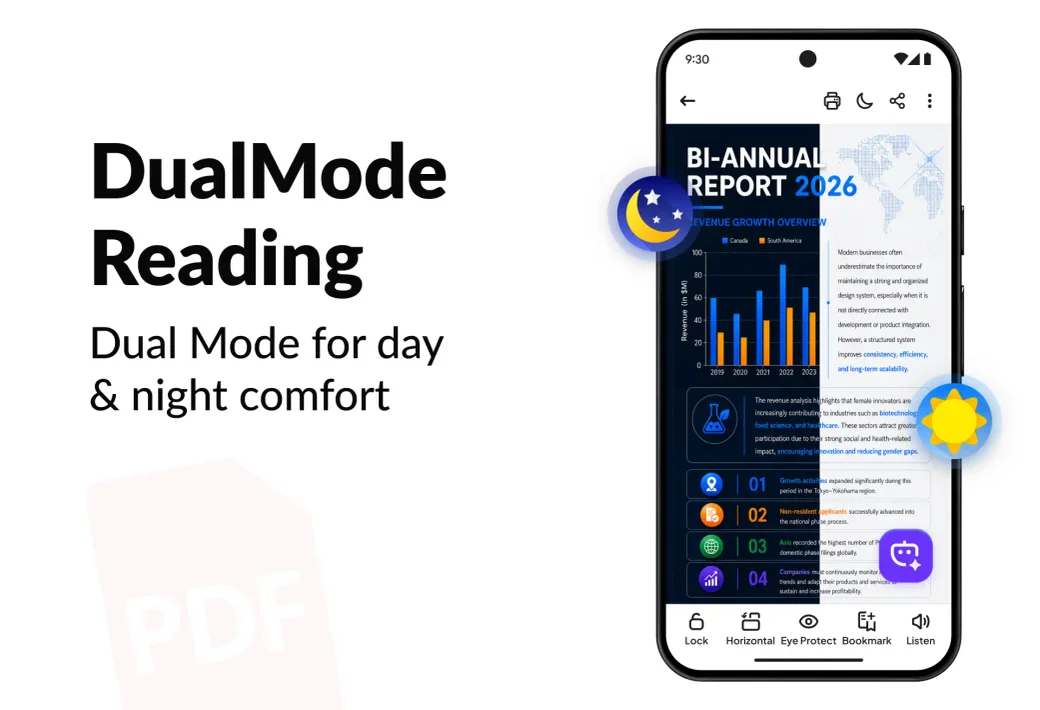
✔ Dark mode and light mode options
✔ Go-to-page navigation for large documents
✔ Eye protection mode for comfortable reading
✔ Favorite files for easy access
✔ Multi-language support for global users
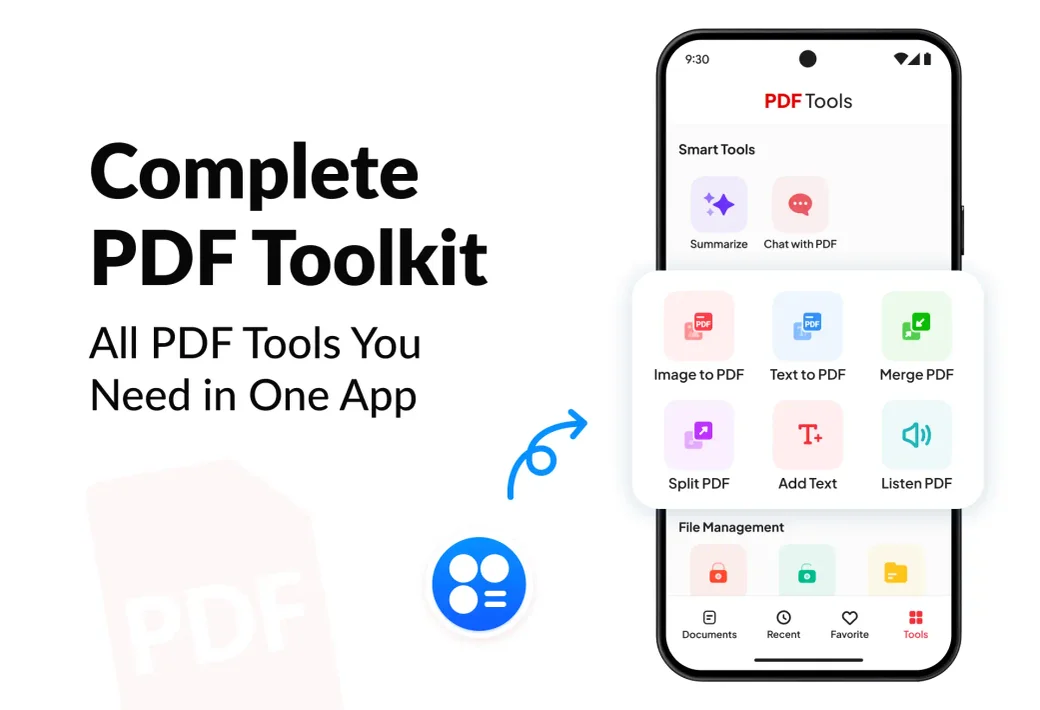
🛠️ All-in-One PDF Converter & Utility Toolkit:
🖼️ Image to PDF Converter
Convert JPG, PNG, or JPEG files into clean, professional PDFs in seconds.
📄 Text to PDF Converter
Turn plain text documents into PDF files with just one tap.
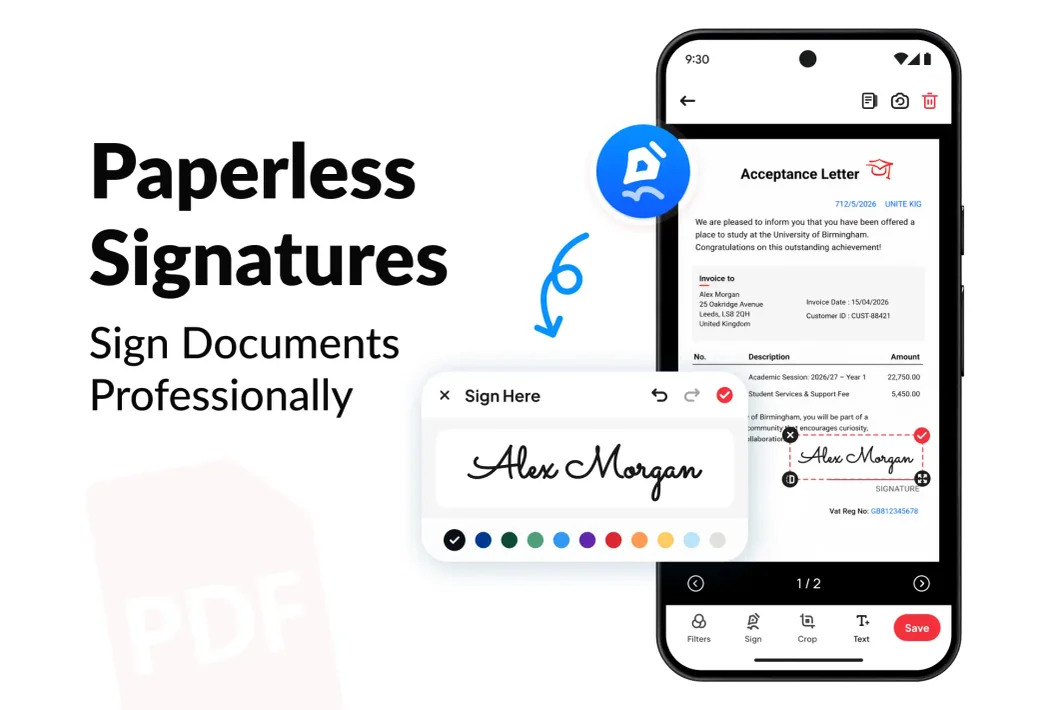
✍️ Add E-signatures
Digitally sign any document right from your phone — secure, fast, and legally recognized.
🔀 Merge & Split PDFs
Need to combine files or separate pages? Do it all with the built-in Merge/Split tool.
📝 PDF Readability
Manage PDFs with brightness and contrast tools to improve readability. Ideal for scanned documents and low-quality files.
🔄 Rotate, Crop & Rearrange Pages
Customize your document layout with easy-to-use page management tools.
🎉 Download the All-in-One PDF Reader & Converter now!
Manage all your documents in one place — read, convert, sign, summarize, or listen to your PDFs with the most powerful PDF Book Reader App for Android. Perfect for students, professionals, and everyday users!
Data safety
What Trusted PDF Tools declares on Google Play about the data this app collects and shares.
- No data shared with third partiesLearn more about how developers declare sharing
- No data collectedLearn more about how developers declare collection
- Data is encrypted in transit
- You can request that data be deleted
What’s new
Version 1.34.2 · Nov 13, 2026
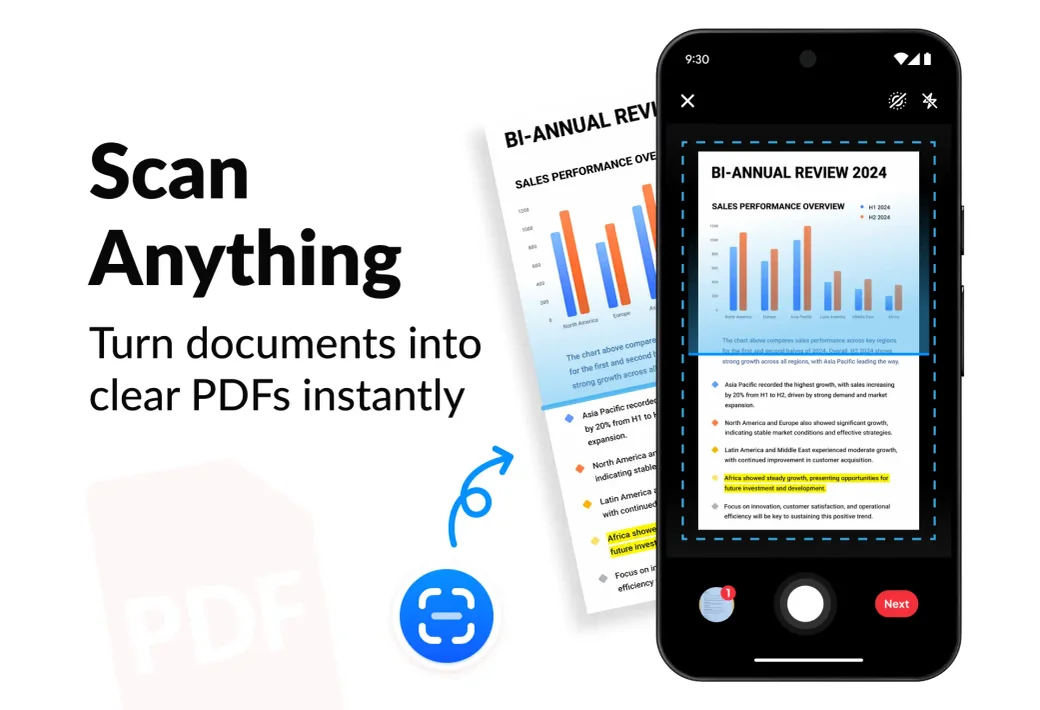
🚀 New: PDF Scanner + AI Summarize!
📷 Scan any document or photo into a PDF instantly
🧠 Get instant AI summaries of your PDFs
⚡️ Faster file browsing & improved PDF editing
🎨 Refreshed preview & editing screens
✨ Bug fixes and performance improvements
Developer contact
- Websitedigitalzone.today
- Emaildigizonetechnology@gmail.com
- Privacy policypdfreader.digitalzone.today
- AddressAl Khatem Tower,WeWork Hub71, Abu Dhabi Global Market Square أبو ظبي United Arab Emirates
Information
- Offered by
- Trusted PDF Tools
- Category
- Tools
- Version
- 1.34.2
- Updated
- Nov 13, 2026
- Released
- Feb 1, 2021
- Requires
- Android 8.0 or later
- Age rating
- Everyone
- Price
- Free
- In-app purchases
- $3.99 - $39.99 per item
- Package name
- pdfreader.pdfviewer.officetool.pdfscanner
Similar apps
-
 Acrobat Reader: PDF Converter
Productivity
-
 DOCX Editor: PDF, DOC, XLSX
Productivity
-
 Google Drive
Productivity
-
 File Manager
Tools
-
 QR Scanner: Barcode Scanner
Productivity
-
 PDF Scanner Plus - Doc Scanner
Productivity
-
 Google Docs
Productivity
-
 MobiDrive Cloud Storage & Sync
Productivity
-
 PDF, Word, Excel, All Offices
Tools
-
 PDF Reader - PDF Editor
Productivity
-
 Photo to PDF Maker & Converter
Productivity
-
 Microsoft OneDrive
Productivity