Microsoft OneDrive
Microsoft CorporationIn-app purchases
- EveryoneAge rating
- ProductivityCategory
- Nov 20, 2026Updated
- FreePrice
Links to the official Google Play listing of com.microsoft.skydrive. Last checked on Nov 20, 2026.

Screenshots


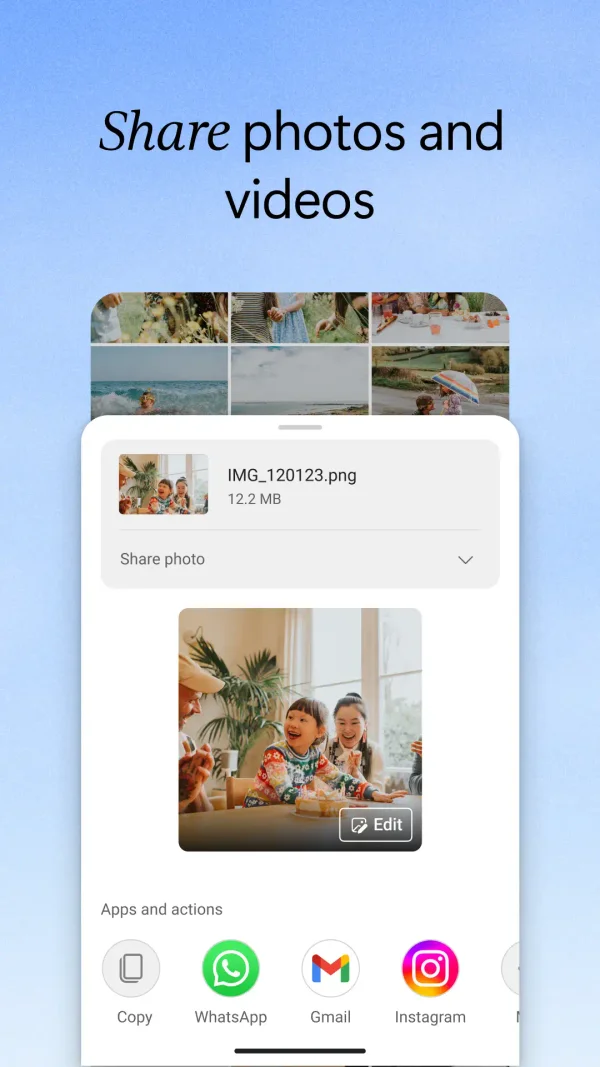
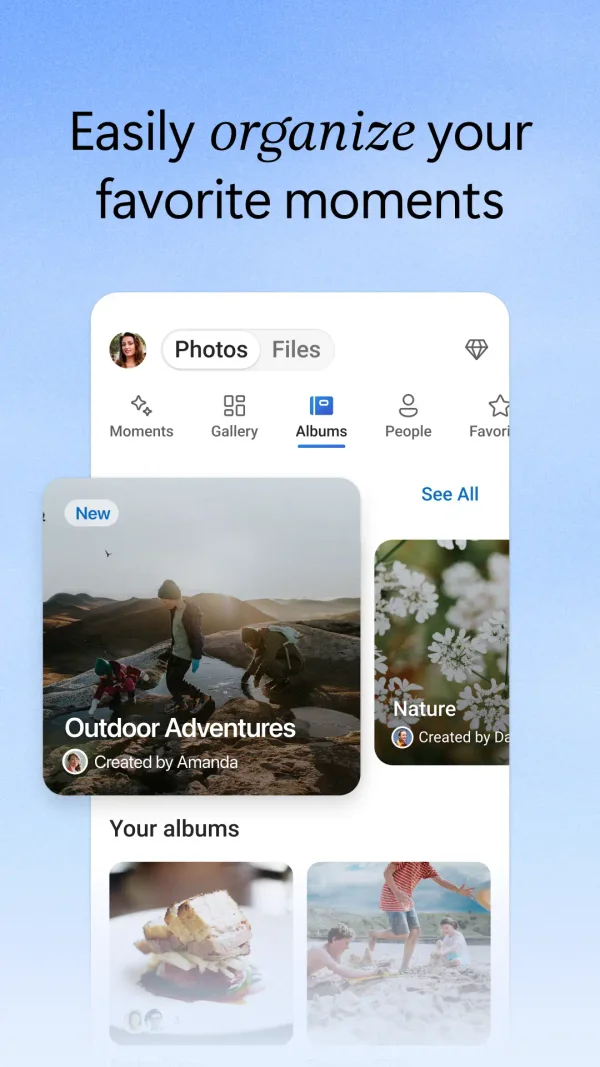
About this app
Keep photos and files backed up, protected, and in sync everywhere.
Start with 5 GB of free storage, or upgrade to Microsoft 365 Personal or Family for 1 TB per user. Access your files anywhere—even offline.
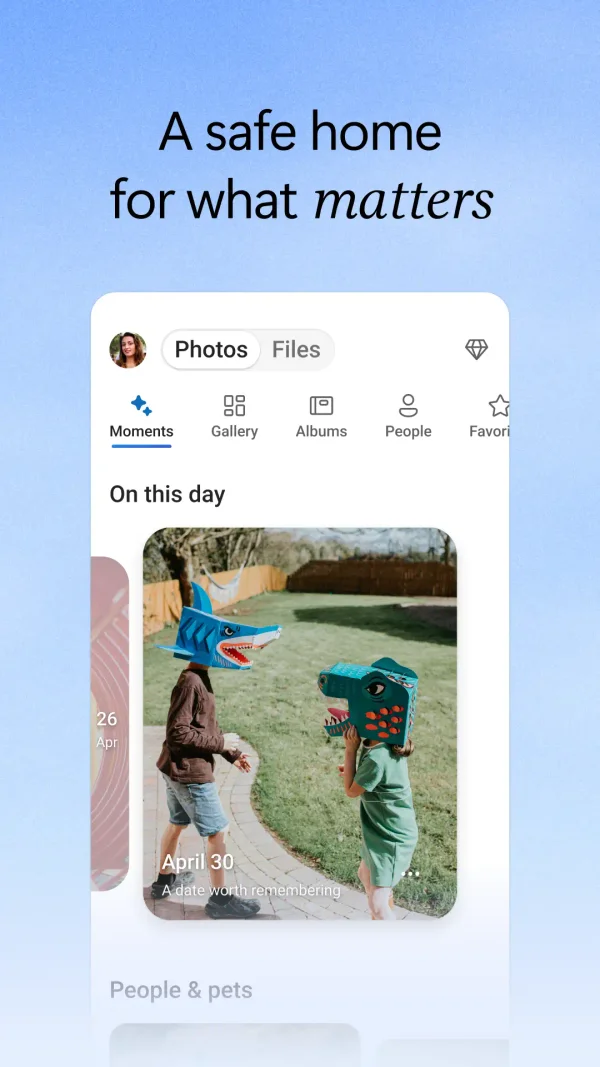
Back Up Photos & Videos
• Turn on Camera Upload for automatic photo and video backup
• Secure photo locker with automatic tagging
• View and share photos across devices
• Keep photos and videos safe with encrypted storage
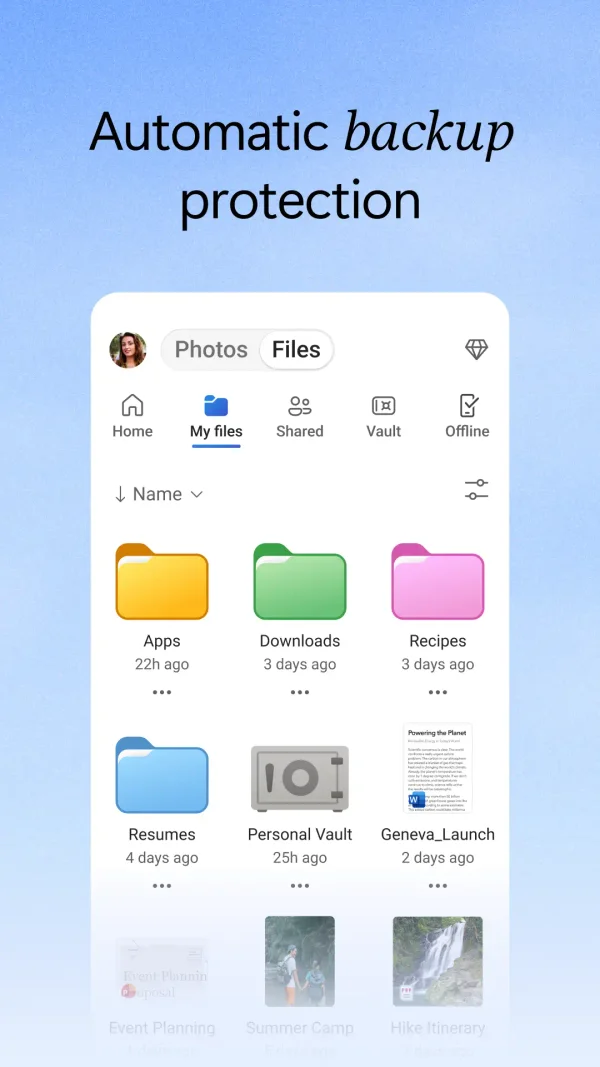
File sharing and access
• Secure photo storage for all your photos, videos & albums
• Share files, photos, videos & albums with friends & family
• Access selected files offline
• Share photos & upload videos easily
• Get notifications when a shared document is edited
• Secure folder settings offer password-protected or expiring sharing links*
• Access selected OneDrive files on the app without being online
Security
• Files encrypted at rest and in transit
• Personal Vault adds identity‑verified protection
• Version history restores previous file versions
• Ransomware detection and recovery*
Collaboration with Microsoft
• Share files across platforms & share photos in the photo locker
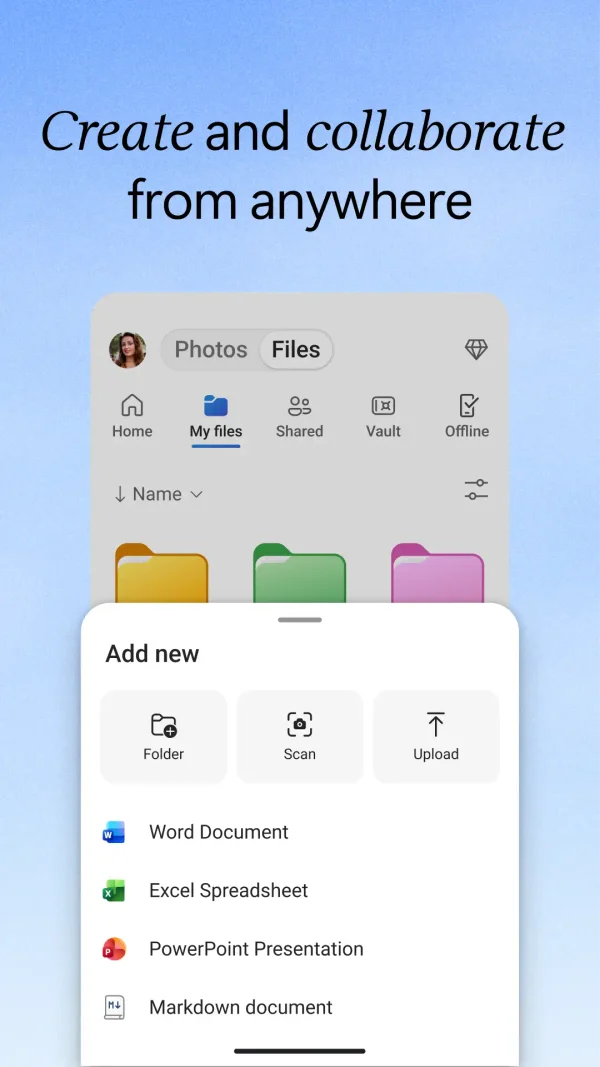
• Use Microsoft Office apps to edit & collaborate in real time on Word, Excel, PowerPoint & OneNote files stored in OneDrive
• Back up, view & save Office documents
Document scanning
• Scan, sign, markup & send docs right from the OneDrive mobile app
• Keep documents safe in a secure folder
Search
• Search photos by what’s in them (i.e. beach, snow, etc.)
• Search docs by name or content
AI Assistance with Copilot*
• Summarize documents and extract key details quickly.
• Organize files and suggest the best way to structure your folders.
• Get intelligent recommendations for sharing and collaboration.
*Unlock the full Microsoft 365 experience with a qualifying Microsoft 365 subscription for your phone, tablet, PC and Mac.
The OneDrive app for Android offers 5 GB of free cloud storage to sync photos and files across your devices, share photos and docs, and keep your digital life backed up in the cloud.
Microsoft 365 Personal & Family Subscription
• Starts at $6.99/month in the U.S.; pricing varies by region
• 1 TB per person for up to 6 people (Family plan)
• Premium sharing links, ransomware detection, and File Restore (up to 30 days)
• Share up to 10x more content daily
• Access premium versions of Office apps and OneDrive features
Subscriptions purchased in‑app are billed to your Google Play account and renew automatically unless disabled in settings. Subscriptions can't be canceled or refunded during the active period.
Work or school sign‑in requires a qualifying OneDrive, SharePoint Online, or Microsoft 365 Business subscription.
Privacy policy: http://go.microsoft.com/fwlink/p/?LinkId=253457
Consumer health privacy policy: https://go.microsoft.com/fwlink/?linkid=2259814
Data safety
What Microsoft Corporation declares on Google Play about the data this app collects and shares.
- No data shared with third partiesLearn more about how developers declare sharing
- This app may collect these data typesLocation, Personal info and 6 others
- Data is encrypted in transit
- You can request that data be deleted
What’s new
Nov 20, 2026
New:
• Your Memories tab now organises photos by theme – trips, seasons, people, and more
• Scan up to 50 pages in a single session
Improvements & Fixes:
• Photos from the same place now show the best shot as the cover
• Fixed an issue where camera backup could upload files from the wrong folder
• Fixed memory notifications being shown repeatedly for the same photos
• General performance and bug fixes.
Developer contact
- Websiteaka.ms
- Emailodrvhelp@microsoft.com
- Privacy policygo.microsoft.com
- Address1 Microsoft Way Redmond, WA 98052 United States
Information
- Offered by
- Microsoft Corporation
- Category
- Productivity
- Updated
- Nov 20, 2026
- Released
- Aug 28, 2012
- Age rating
- Everyone
- Price
- Free
- In-app purchases
- $0.99 - $129.99 per item
- Package name
- com.microsoft.skydrive
Similar apps
-
 Microsoft Outlook
Productivity
-
 Samsung Notes
Productivity
-
 Google Drive
Productivity
-
 Email - Fast & Secure Mail
Productivity
-
 Personal Safety
Tools
-
 Dropbox: Secure Cloud Storage
Productivity
-
 Google Photos
Photography
-
 Microsoft Launcher
Personalization
-
 Gmail
Communication
-
 Microsoft Copilot
Productivity
-
 Google Meet
Communication
-
 Microsoft Word: Edit Documents
Productivity