PDF Reader - PDF Scanner
Gamma PlayContains ads · In-app purchases
- EveryoneAge rating
- ProductivityCategory
- Nov 17, 2026Updated
- FreePrice
Links to the official Google Play listing of com.gamma.pdfreader. Last checked on Nov 19, 2026.
Screenshots
About this app
The Ultimate PDF Viewer, PDF Scanner, PDF Editor, and PDF Manager App
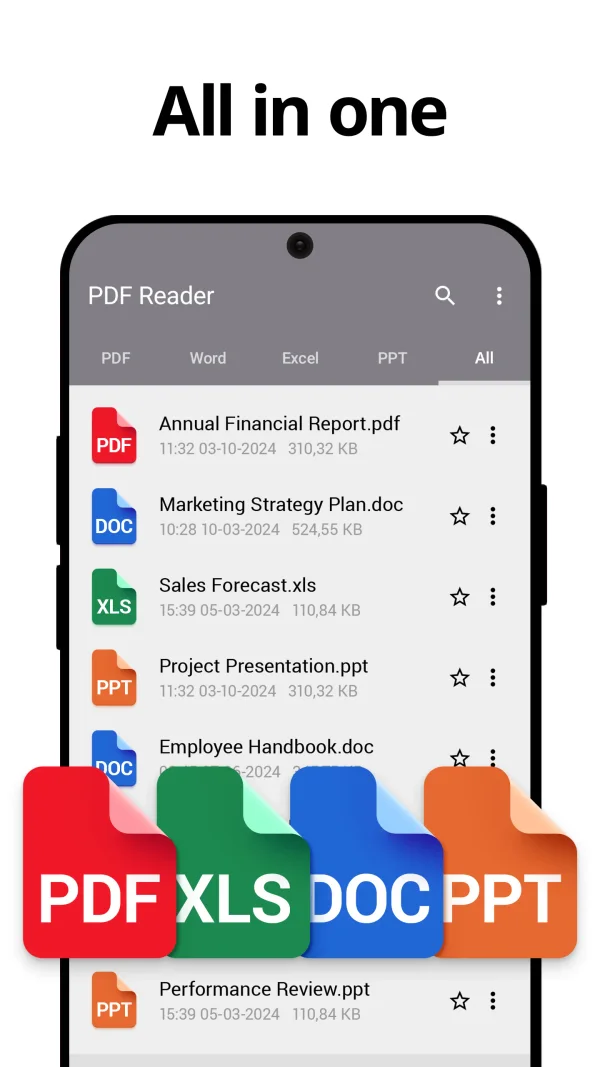
If you’re looking for a powerful, user-friendly PDF Reader, this app has everything you need. With its all-in-one functionality, you can view, scan, add text, sign, and organize your PDF files with ease. Designed to make managing documents simple and efficient, this app also supports Word, Excel, and PPT files for enhanced usability.
Comprehensive Features to Manage Your PDFs
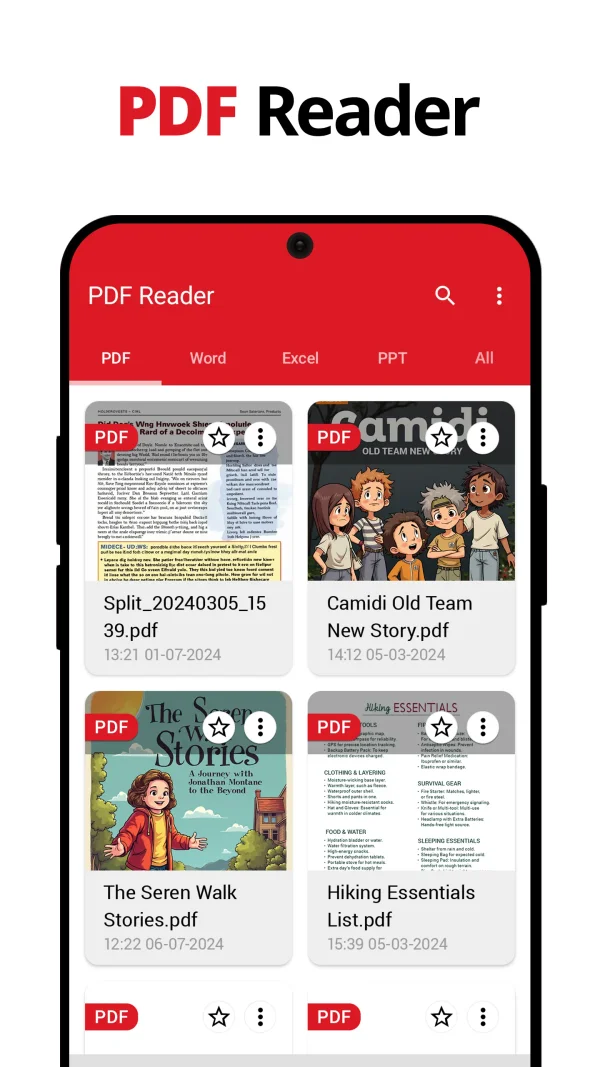
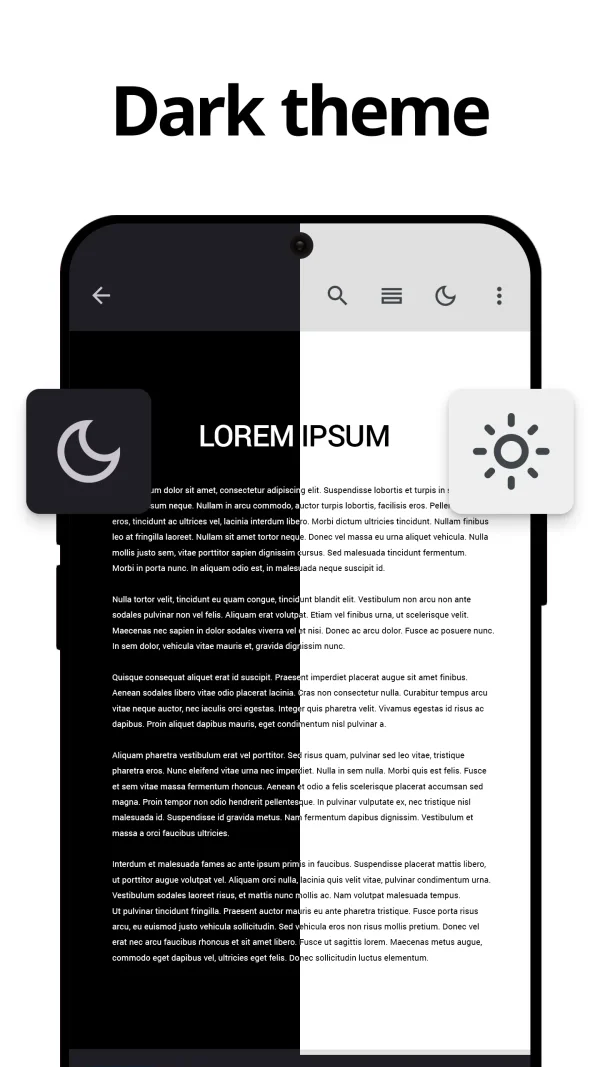
- PDF Reader: Open and read any PDF file effortlessly. Navigate smoothly through pages, zoom in on text, and enjoy an intuitive reading experience. For nighttime reading, use the built-in night mode to reduce eye strain.
- PDF Viewer: Quickly load and view your documents with precision. A light PDF viewer app for every PDF file. Use bookmarks to jump back to important sections or pages instantly.
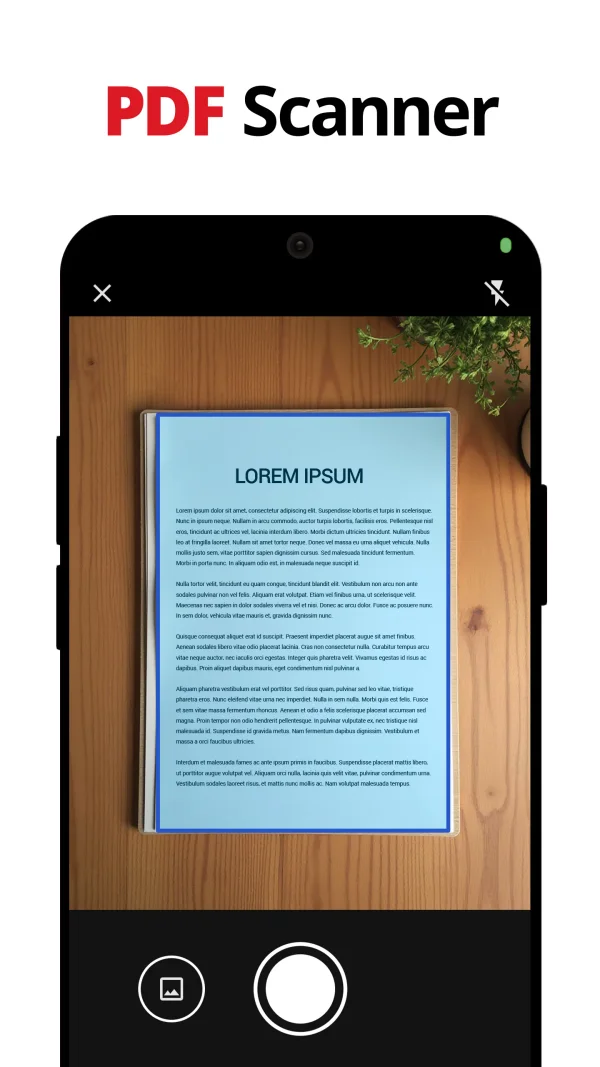
- PDF Scanner: Scan documents, receipts, or notes using your device's camera and convert them into high-quality PDFs. This feature is ideal for creating professional PDFs on the go.
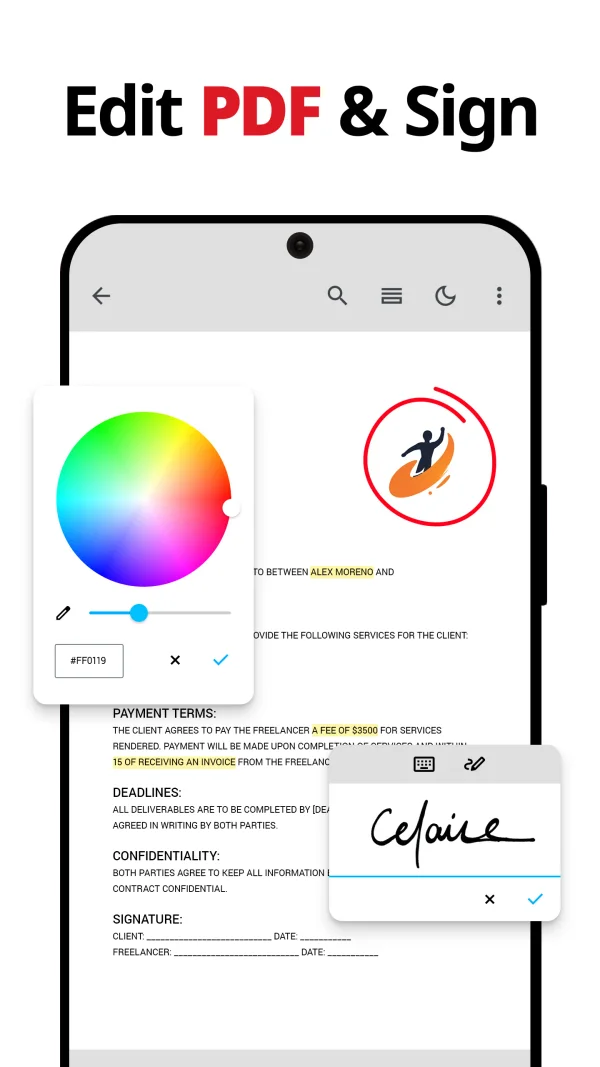
- PDF Editor: Add text, notes, and annotations to any PDF document. Customize your files with ease, whether you’re highlighting important sections or adding comments. Edit existing text in the PDF too.
- Sign PDF: Add your signature directly to PDF documents or use e-signature functionality to sign forms and contracts effortlessly. E-sign in seconds.
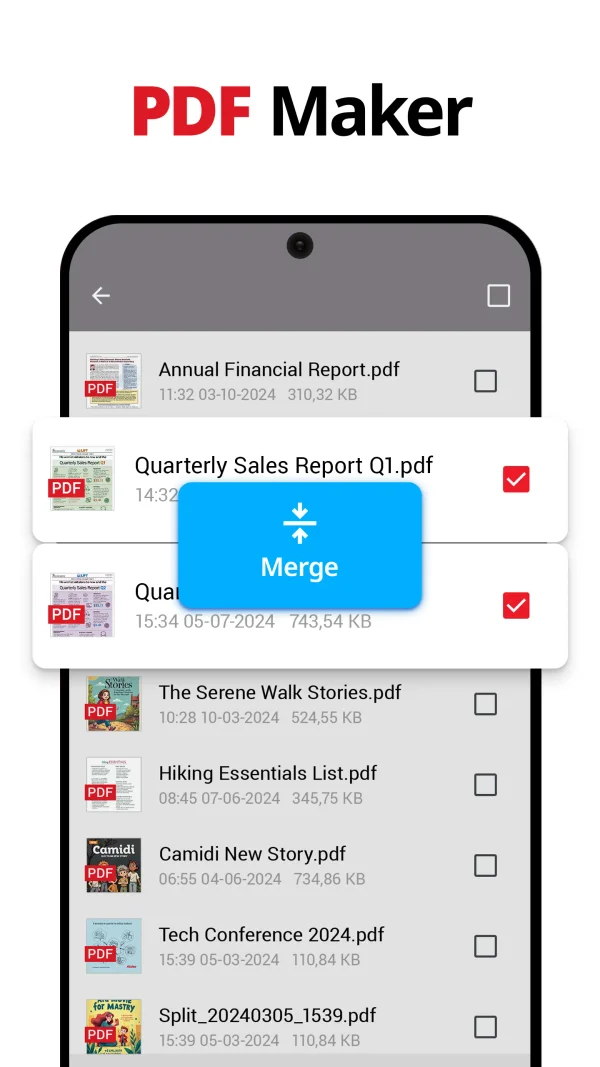
- PDF Maker: Create PDF files from images or scanned documents. Perfect for turning physical paperwork into a digital format.
Advanced Management and Editing Tools
1. Image to PDF Converter: Quickly convert images or scanned files into professional-quality PDFs for sharing or archiving.
2. Merge and Split PDFs: Combine multiple PDF files into one or split larger PDFs into smaller, more manageable documents. Compress PDF files to reduce size.
3. Secure Your PDFs: Protect sensitive files by setting passwords. Easily unlock password-protected PDFs when needed.
4. Annotate PDFs: Highlight, underline, or strike through text. Add notes, draw on the document, or use freehand tools for customization.
5. Form Filling: Fill out PDF forms directly on your device, making it perfect for applications, contracts, and other paperwork.
6. Page Management: Add new pages, delete unwanted ones, or reorder pages to organize your PDF documents as needed.
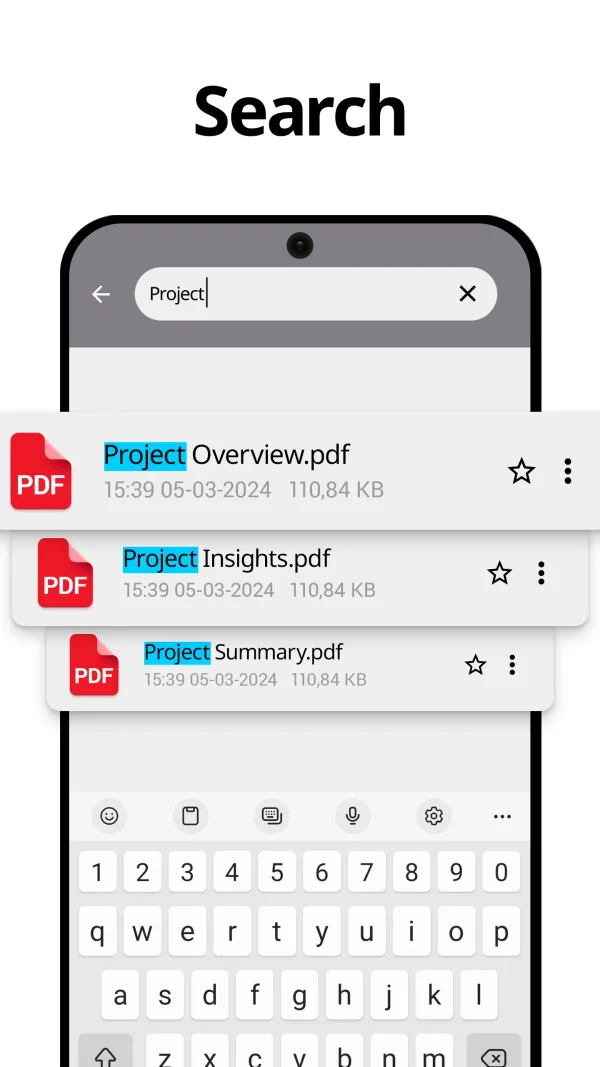
7. Search Functionality: Locate specific PDF, Word, Excel, or PPT files quickly with the built-in search tool.
8. Bookmark and Organize: Bookmark important documents or pages for quick access. The app automatically detects supported files on your device, helping you organize everything effortlessly.
9. File Cleanup: Identify and delete old or unnecessary PDFs to free up storage space.
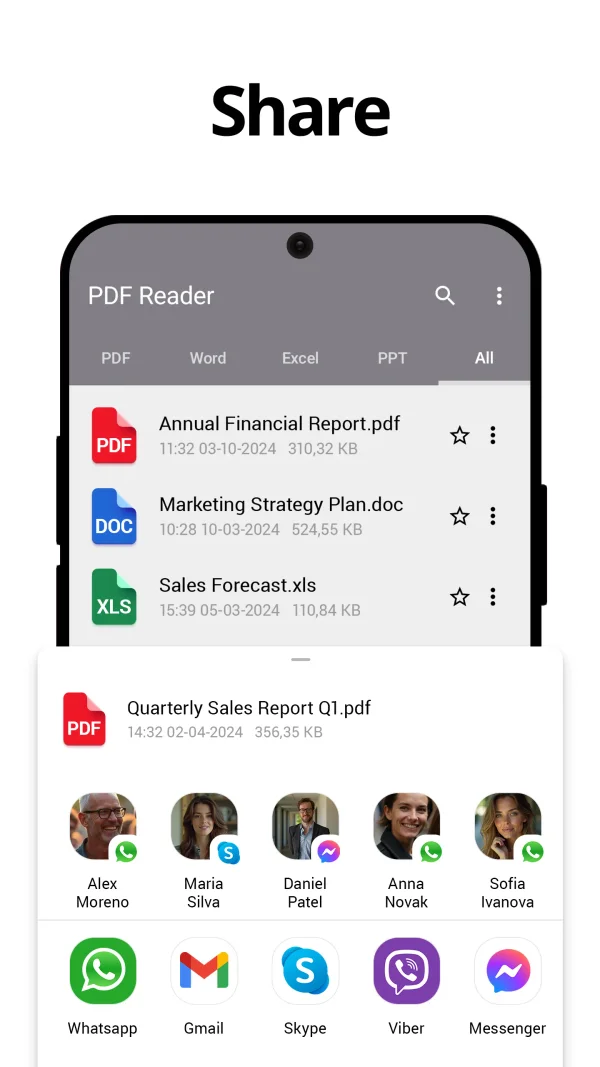
10. Share PDFs: Share documents via email, messaging apps, or cloud services directly from the app.
Why Choose This App for Your PDF Needs?
This app combines the essential features of a PDF Reader, Viewer, Scanner, Editor, and Maker in one intuitive package. It’s built to handle everything from everyday document viewing to professional-grade PDF management. With its ability to scan documents using your camera, convert images to PDFs, and add notes or text, this app ensures you can handle any task efficiently.
Perfect for Every User
- Professionals: Scan and sign contracts, manage invoices, and organize reports with ease.
- Students: Annotate textbooks, take notes, highlight study material, and bookmark important sections.
- Everyday Users: Scan receipts, create digital versions of documents, and organize personal files.
Top Benefits
- User-Friendly Interface: Navigate effortlessly through features with a clean and intuitive design.
- Fast and Reliable Performance: Open large files, process tasks quickly, and handle multiple functions without lag.
- All-in-One Functionality: Manage your PDFs with tools for viewing, scanning, adding text, annotating, signing, and organizing.
Download the PDF Reader today andtake control of your PDFs now!
Data safety
What Gamma Play declares on Google Play about the data this app collects and shares.
- No data shared with third partiesLearn more about how developers declare sharing
- This app may collect these data typesApp activity, App info and performance, and Device or other IDs
- Data is encrypted in transit
What’s new
Version 1.1.83 · Nov 17, 2026
We regularly update PDF Reader to keep it fast, reliable and easy to use. This version brings improvements and fixes for a smoother experience. Thank you for using the app!
Developer contact
- Websitegammaplay.com
- Emailgammaplay.com@gmail.com
- Privacy policygammaplay.com
- AddressRm 1203 12/F China Hong Kong City Twr 3 33 Canton Rd 尖沙咀 九龍 Hong Kong
Information
- Offered by
- Gamma Play
- Category
- Productivity
- Version
- 1.1.83
- Updated
- Nov 17, 2026
- Released
- Apr 14, 2025
- Requires
- Android 7.1 or later
- Age rating
- Everyone
- Price
- Free
- In-app purchases
- $19.99 per item
- Package name
- com.gamma.pdfreader
Similar apps
-
 PDF Reader - PDF Editor
Productivity
-
 Image to PDF - PDF Maker
Productivity
-
 PDF, Word, Excel, All Offices
Tools
-
 Document Reader - PDF Editor
Productivity
-
 PDF Scanner App: Document Scan
Tools
-
 Microsoft Word: Edit Documents
Productivity
-
 MYCPE ONE
Education
-
 Fill, Sign and Edit Documents
Business
-
 WPS Office-PDF, Word, Sheet
Productivity
-
 Clear Scan - PDF Scanner App
Business
-
 WPS Office Lite
Productivity
-
 DOCX Editor: PDF, DOC, XLSX
Productivity